Why marketing teams need colour on tap
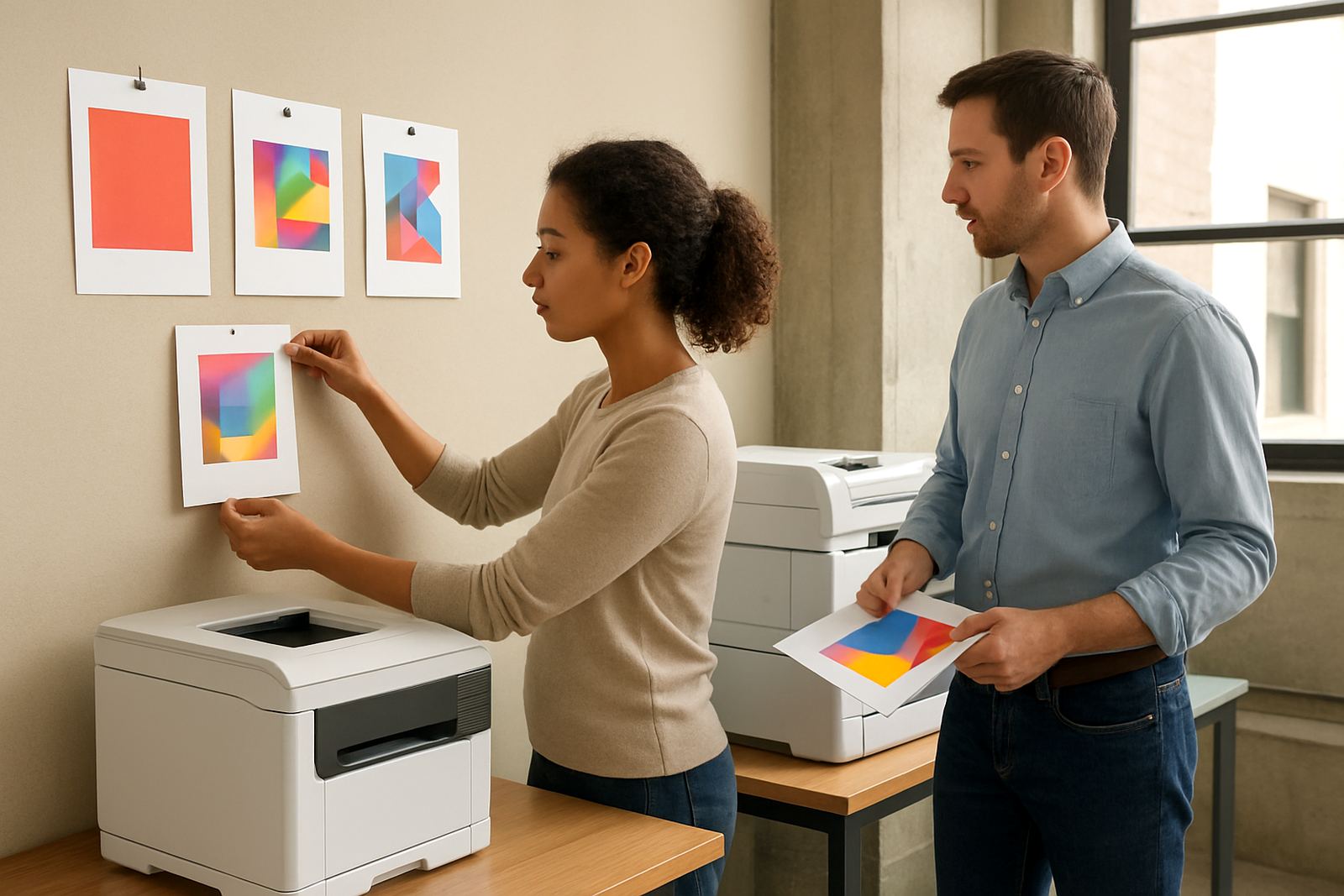
For a marketing department, the printer is not just for finished artwork. It handles campaign drafts, event notices, internal posters, point of sale mock-ups and the last-minute sign-off copy that arrives on a Thursday afternoon. When colour output is slow or patchy, the whole team feels it, from the brand manager to the junior designer trying to print proofs before a client meeting.
MyColour works with teams that need dependable inhouse colour printing without turning it into a full production room. If you are based in Claremont, Bellville, Woodstock or Somerset West, the daily need is usually the same: clean proofs, predictable ink use and support when the printer starts feeding badly or dropping a shade. For coastal offices in Cape Town, humidity and paper storage also matter more than many teams expect.
Typical equipment mix for campaign work
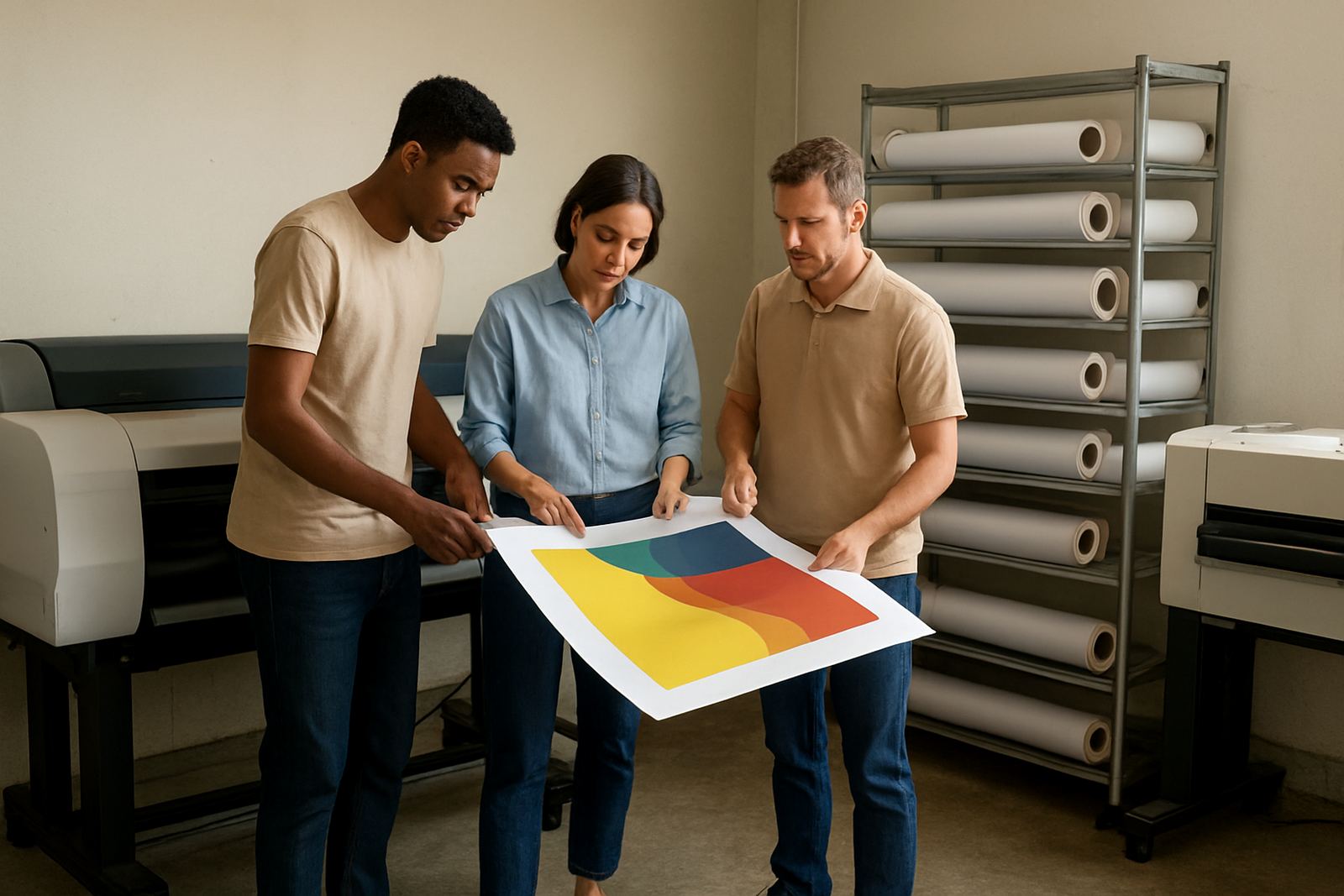
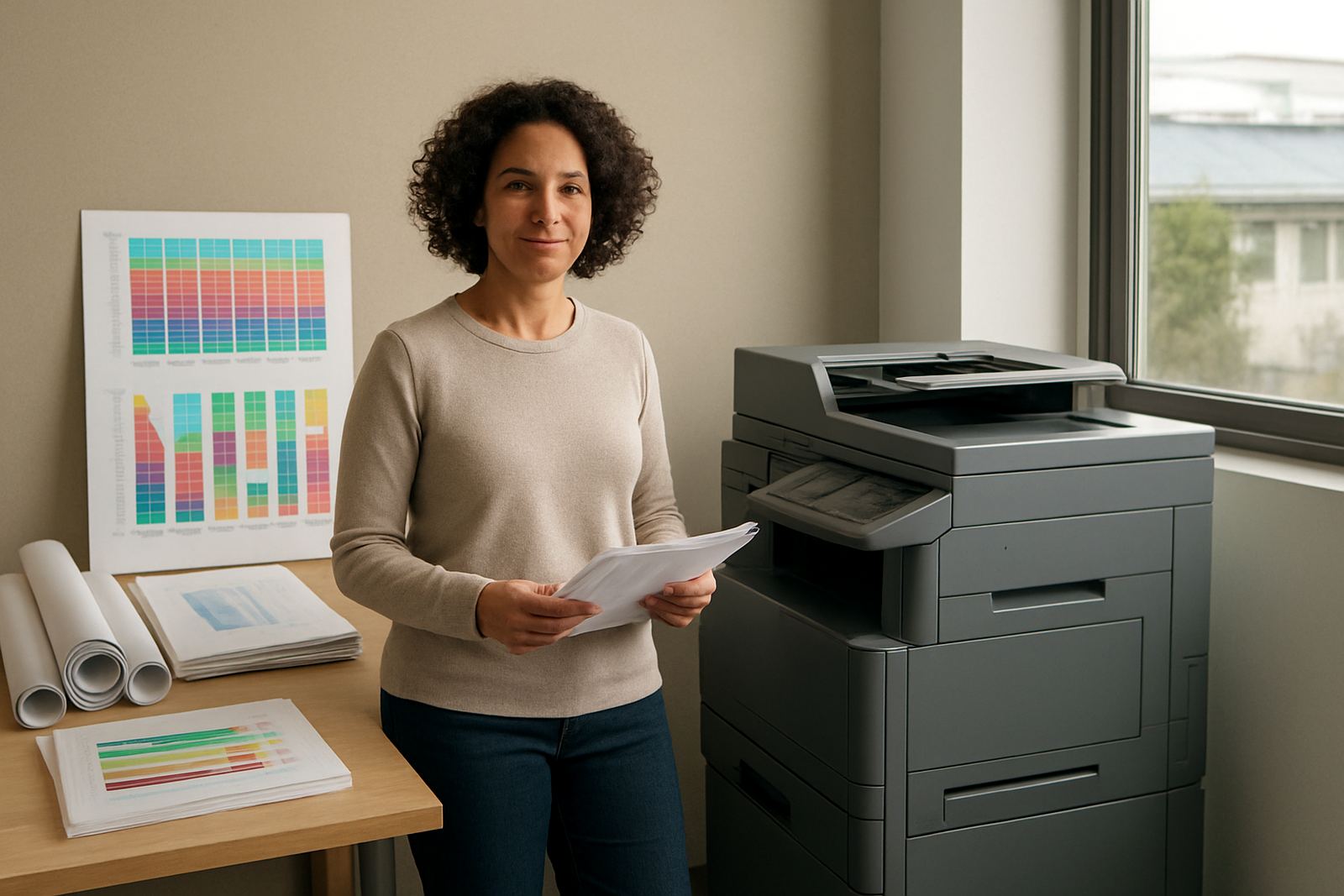
A marketing department usually starts with a desktop colour inkjet printer for smaller proofs, briefing packs and day-to-day office printing. That is often enough for A4 notices, branded letters, mock-ups and presentation pages. Once the team begins producing posters, large event boards or retail artwork, a wide-format machine makes sense for better control over size and colour placement.
- Desktop colour inkjet printer for drafts, handouts and A4 proofs
- Large-format colour machine for posters, signage layouts and presentation boards
- Matching ink sets for the machine in use, so colour stays consistent
- Basic media stock such as coated paper, matte paper and proofing sheets
- Extra replacement cartridges or ink tanks for busy campaign periods
For many offices, the best setup is not the biggest machine. It is the one matched to the real print load. A small team in Montague Gardens might only need a reliable office colour unit and proper consumable planning, while a busy studio handling retail launches may need a wide-format solution and regular print quality checks.
Planning colour output around campaign calendars
Marketing work comes in waves. One month you may be printing mostly draft packs and sign-off copies, then suddenly there is a product launch, a roadshow and an expo all in the same week. That is where ink planning and media matching save money. If you know which campaigns use matte posters, which need heavier stock and which can stay on standard paper, you avoid overbuying and reduce waste.
We advise teams to keep a simple print plan tied to campaign dates. Check what sizes will be needed, who signs off proofs, and how many rounds of revision are normal. It also helps to decide early whether a job is for internal review or for customer-facing display. A proof that looks fine on plain paper can fail badly on the wrong coated media.
- Keep one person responsible for consumable reordering
- Store paper flat in a dry room, not next to the kettle or window
- Match paper type to the final use, not just the cheapest stock
- Allow time for colour checks before high-stakes meetings
- Use separate settings for proofs and final presentation prints
Common mistakes that waste budget
One of the biggest mistakes is buying printer supplies only after a cartridge runs low. That leads to rush orders, higher courier costs and a real chance of using the wrong replacement at the wrong time. Another common issue is using one printer for everything, from A4 notes to wide event boards, and expecting it to hold perfect colour under pressure. It usually wont.
Teams also lose money by ignoring maintenance. Dust in the paper path, clogged heads and worn rollers can turn a simple print run into repeated reprints. In coastal areas like Cape Town and Somerset West, moisture and temperature changes can affect paper feeding too. A short preventive check is often cheaper than replacing a damaged part after a deadline has already slipped.
For marketing departments with a shared printer, user habits matter. People load mixed paper types, skip basic settings, or send the wrong size file at the last minute. A proper handover and clear print rules reduce those errors fast.
Budget ranges in Rand for practical planning
Budgets vary depending on output volume, colour consistency and whether the team needs desktop printing only or also wide-format work. As a rough guide, a basic office colour setup for proofs and notices can start from around R4 500 to R12 000 for the printer itself, depending on speed and functions. Mid-range colour devices suitable for heavier use are often in the R12 000 to R28 000 range.
Wide-format colour machines for posters, display work and larger mock-ups can move higher, often from about R25 000 to R80 000 or more, depending on the print width and workflow needs. Consumables should be budgeted separately. For a busy marketing team, a sensible monthly allowance for inks and media may sit between R1 500 and R8 000, with higher figures for launch periods or event season.
It is better to set budget by job type than by machine alone. A team handling regular community notices in Bellville will not spend the same as a design studio producing display proofs for several retail sites across the country.
Support from Ndabeni to nationwide delivery
MyColour is based in Ndabeni, Cape Town and supports marketing departments across the city and beyond. That includes printer installation, wide-format setup, remote help, preventive maintenance, print quality checks, media matching and consumable reordering. We also help with collection coordination when a machine needs attention and the team cannot spare time to manage transport.
For offices in Montague Gardens, Woodstock, Claremont and surrounding areas, local support means problems are handled quickly. For teams elsewhere in South Africa, courier supply keeps inks and consumables moving without unnecessary delay. Practical advice matters here too, especially when load-shedding, shared spaces and deadline pressure all land at once. The aim is simple: keep colour output steady, keep costs visible, and keep the marketing team printing when it counts.