Why medical admin needs dependable colour output
In a medical practice, colour is not just for looks. It helps reception teams separate consent forms from appointment sheets, mark follow-up pages, and print clearer guidance for patients who may be under stress. When a GP rooms 20 to 40 patients a day, or a specialist practice handles multiple nurses and consultants, the printer has to handle bursts of work without smudging, banding or wasting staff time.
For Cape Town practices in Ndabeni, Claremont, Bellville and Somerset West, the usual need is a compact colour printer that can live near admin staff and produce neat A4 pages fast enough for walk-in traffic. For groups, pharmacies and medical specialists, a wider colour machine may be needed for posters, waiting-room notices and larger internal charts. The right choice depends on how many pages are printed each day, who uses them, and whether the office needs reliable output during outages or after-hours catch-up.
Typical printer setups for a practice or admin team
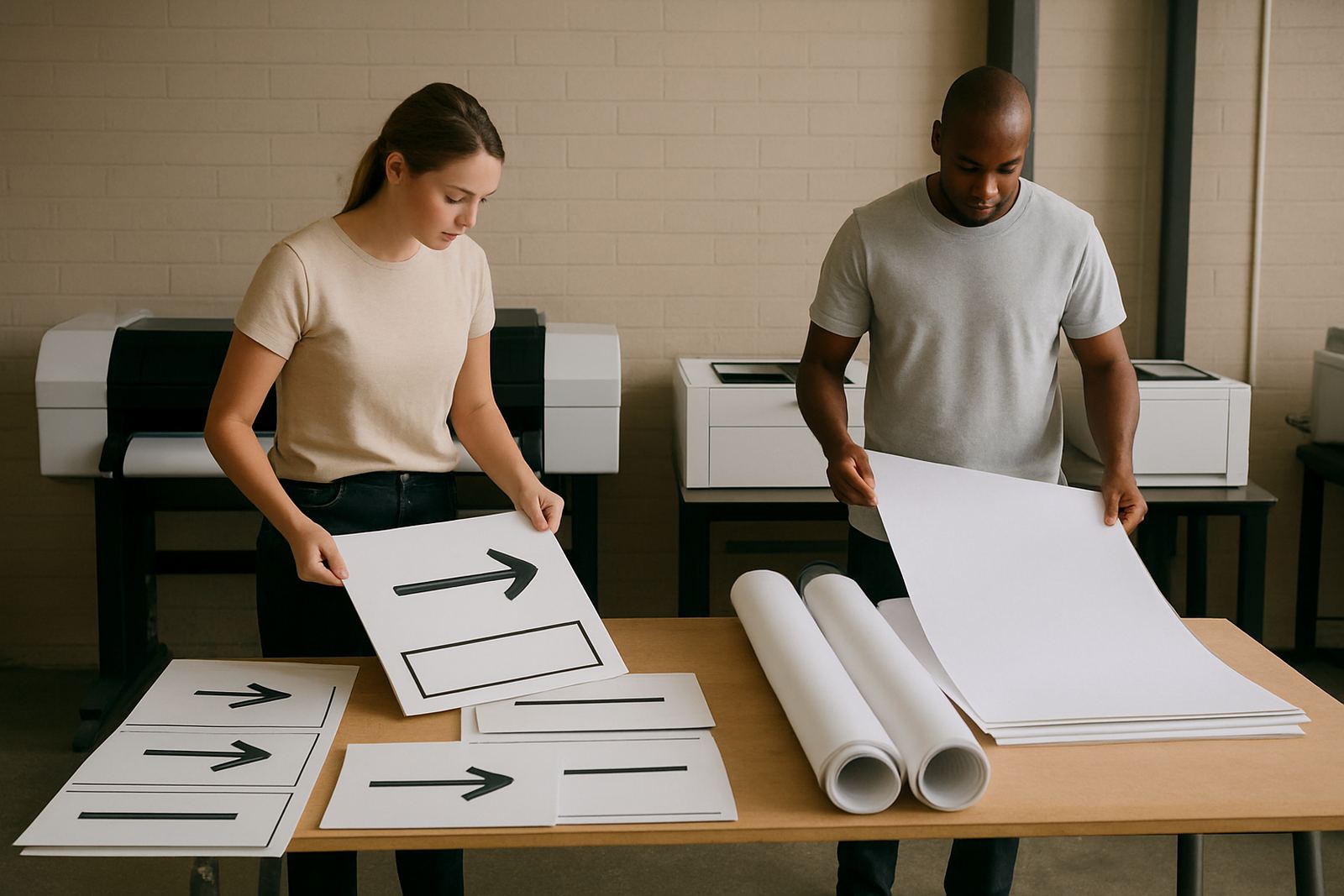
Most medical admin rooms do well with one of three setups. A small reception team may only need a desktop inkjet colour printer for letters, patient instructions and branded forms. A busier practice often needs a higher-capacity colour printer with separate inks, better paper handling and lower cost per page. Where posters, surgery notices or large patient information sheets are needed, a wide-format colour machine makes more sense.
- Desktop colour printer for A4 letters, claim packs and guidance sheets
- Higher-volume colour printer for multi-user admin and heavier monthly output
- Large-format colour machine for wall notices, A3 layouts and clear clinic signage
- Matching inks and paper sized to the print volume, not just the initial purchase price
MyColour helps practices match the machine to the real work. That can mean a simple single-unit setup in Woodstock or a two-printer arrangement in Montague Gardens, where one machine handles daily admin and the other is kept for larger colour jobs. A practical setup reduces queues at reception and keeps the team from running out of one ink at the wrong time.
Layout and planning for reception, records and patient handouts
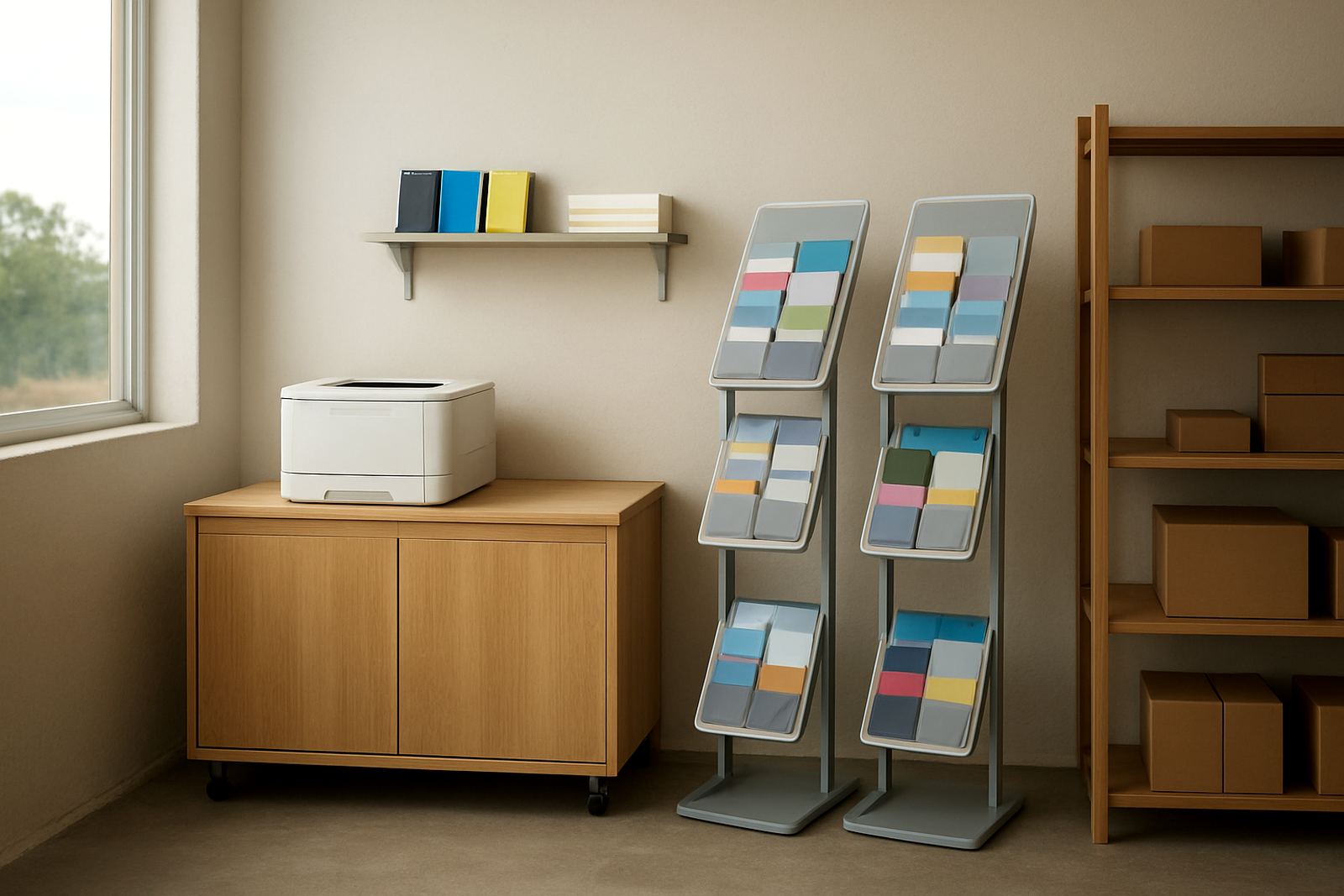
Good planning starts with where the printer sits. In medical admin, it should be close enough for quick access but away from direct patient traffic and spill risk. Airflow matters too, especially in coastal humidity where paper can curl and labels can feed poorly if stock is stored badly. If the practice prints prescription support pages, patient instructions or internal forms, keep paper sealed and lifted off the floor.
For clinics in older buildings or shared rooms, check power points, cable runs and the space for spare paper and ink. During load-shedding, many offices move the printer onto a small backup supply so urgent documents can still be printed. That is often the difference between a smooth morning and a room full of frustrated staff. In busy practices it also helps to decide who prints what, because medical admin can quickly get messy when everyone sends jobs to the same queue.
- Place the printer where staff can reach it without crossing patient flow
- Keep spare paper, labels and inks in a dry cupboard
- Use a backup power plan for short outages and switching delays
- Set print defaults for double-sided work where appropriate
Common mistakes that cause delays and extra cost
One common mistake is buying a colour printer that looks suitable on paper but cannot cope with the monthly volume. Another is choosing the cheapest ink option and then finding that colour output is weak, inconsistent or too expensive in the long run. Medical admin teams also get caught out by using the wrong media for guidance sheets, which can make text look faint or cause pages to buckle in the tray.
It is also easy to underestimate support needs. A practice may only need a few service visits a year, but those visits matter when staff are short and the front office is backed up. Preventive maintenance and print quality checks help keep fonts sharp and colour blocks even. If the machine is shared across reception, billing and records, user handover is important so everyone knows how to clear a jam without forcing the tray or damaging rollers.
- Choosing a printer too small for the real workload
- Running mixed paper stocks without media matching
- Keeping inks too long in heat or damp storage
- Skipping routine checks until the machine starts misfeeding
Budget ranges in Rand for medical admin teams
Budgets vary with volume and how much colour the practice uses. A basic desktop colour printer for light admin work may start from about R2 500 to R6 000. A stronger office colour unit for higher daily use can range from R7 000 to R18 000, depending on speed, paper handling and ink system. Small wide-format colour machines for posters and larger notices can begin around R15 000 and move higher when the office needs heavier output or more advanced media support.
Consumables should be budgeted separately. For practices that print daily, inks and paper often matter more than the machine price over time. A sensible monthly spend might be a few hundred Rand for a light user, or several thousand Rand for a busy practice with multiple users and frequent patient packs. It is worth planning for reordering before stock runs low, because a missing colour can stop a whole batch of forms. MyColour can help map a practical supply cycle, so the team does not end up scrambling at month end.
Support that fits a busy South African practice
Medical admin teams want straight answers, quick supply and a supplier that understands local office pressure. MyColour supports printer installation, wide-format setup, ink supply planning, preventive maintenance, print quality checks, media matching, user handover, remote help, collection coordination and consumable reordering. That support is useful whether the practice is in Ndabeni, Bellville or sending orders nationwide by courier.
For new setups, the aim is simple: print clearly, keep supplies moving and avoid interruptions in the middle of a patient day. Danie Vosloo and the team, including Zanele Mkhize, Oarabile Xaba, Pieter Smit, Boitumelo Shabalala and Jason Daniels, work with practices that need calm, practical colour printing rather than guesswork. If the admin team can trust the output, the rest of the day runs easier, and that matters in any medical office.