What Remote Help Covers Day to Day
Remote help is for the problems that slow a print room down but do not always need a site visit. That includes colour shifts on proofs, blank lines, ink warnings, paper feed faults, print queue errors, setup questions and advice on which media to use for the job in front of you. If your team is balancing office colour work with posters, label sheets or light production output, we help you narrow the issue and get the machine printing again.
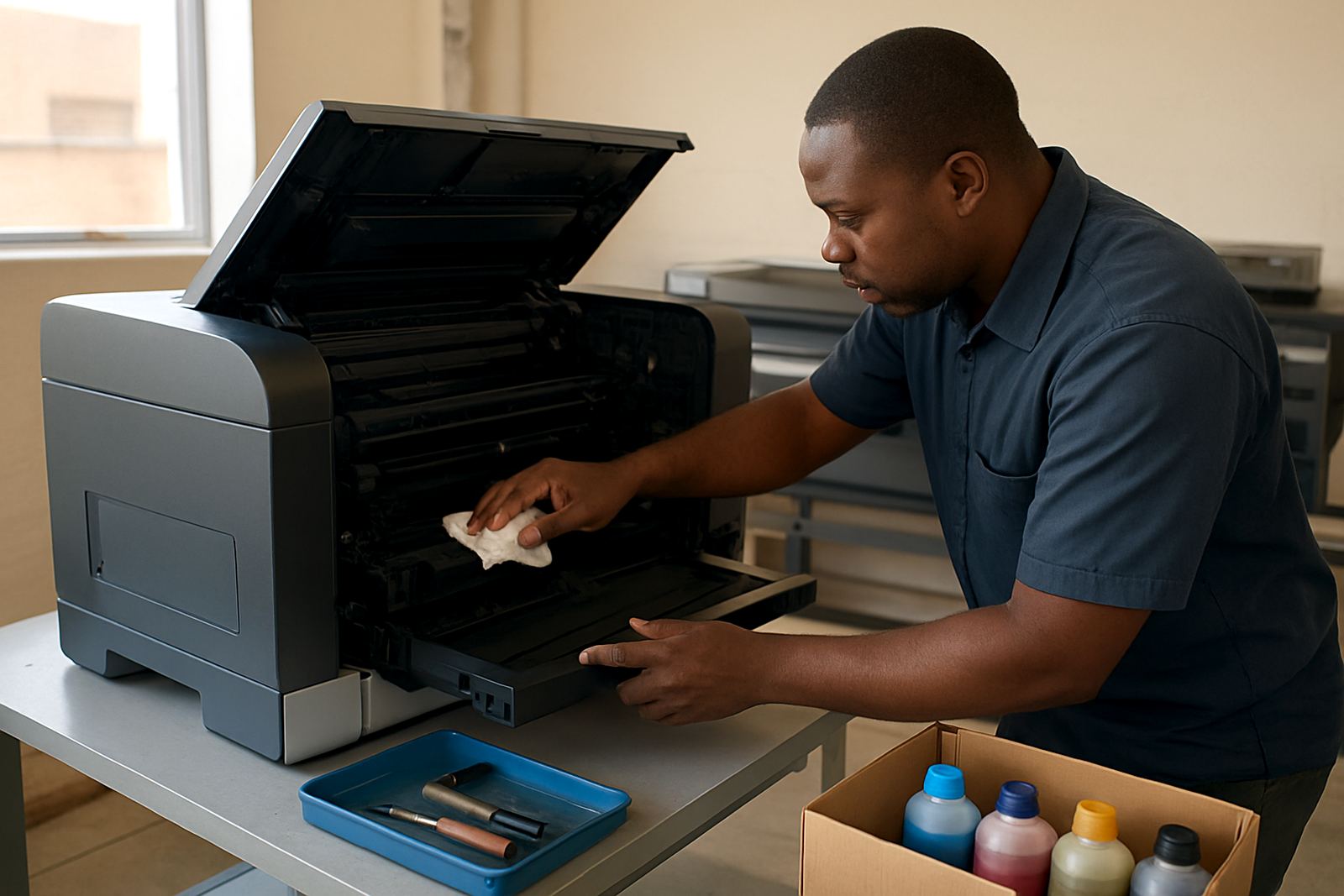
The service suits desktop inkjet colour printers and large format colour machines used in design studios, sign shops and busy offices. We also assist with matching the right consumables to the model on hand, so the printer, ink and media are working together instead of each part fighting the other.
- Phone and messages for day to day printer questions
- Quick checks for colour quality, feed issues and ink alerts
- Practical guidance on media, drivers and print settings
- Advice on when a fault needs on-site attention
How We Work Through a Remote Call
Most support starts with a short call or message through our contact form. We ask for the printer model, the symptoms, what media you are using and whether the issue started after a power cut, ink change or software update. In Cape Town offices, load-shedding and voltage dips are common enough to matter, so we also ask whether the machine was shut down properly and if any error lights are flashing.
From there we talk the user through the next steps in plain language. That may mean checking the driver, clearing the queue, confirming the paper settings, cleaning the nozzles or reseating a cartridge. If the problem looks mechanical or the printer needs parts, we will say so early rather than keeping you on a long call that goes nowhere.
- Share model details and a short fault description
- Run guided checks by phone or message
- Confirm the likely cause and the quickest fix
- Escalate to service or collection if needed
Typical Turnaround and When You Can Expect Help
Remote help is handled during normal working hours and urgent requests are dealt with as soon as the team is available. Many simple questions can be answered in one call, especially where the issue is settings, paper choice or ink selection. More involved cases may need a few back and forth messages if we are checking logs, print samples or photos of the fault.
For customers in Ndabeni, Montague Gardens, Woodstock, Claremont, Bellville and Somerset West, the first response is usually fast because the supply team and service side are close by. Nationwide courier customers can also use remote help as the first step before deciding on spares, collection or a technician visit. It saves time and often avoids unnecessary transport.
Pricing That Matches the Kind of Support Needed
Remote help is priced to stay practical for businesses that print every day. Straightforward advice, quick checks and short fault triage are usually charged at a modest service rate, while more detailed support sessions or extended troubleshooting are quoted up front. If a case turns into an installation issue, a maintenance call or a collection arrangement, we explain the next cost step before anything is booked.
That approach keeps support clear and fair. You know whether the job is a quick fix, a deeper setup problem or something that needs parts and a technician. For regular print rooms, we can also advise on a support rhythm that reduces repeat issues and helps with budgeting for ink and maintenance.
- Simple advice and fault triage charged at a service rate
- Longer support sessions quoted before work continues
- Escalations to maintenance or collection priced separately
- Consumable planning can be added to reduce repeat calls
Maintenance Intervals That Keep Calls to a Minimum
Good remote support works best when the printer is checked before it fails. For small colour offices, we usually suggest a monthly user check on nozzles, paper paths and ink levels, with a fuller review every 3 months. Busy studios and sign shops should look at weekly print quality checks, especially if the machine sits idle after hours or the room is affected by dust and coastal humidity.
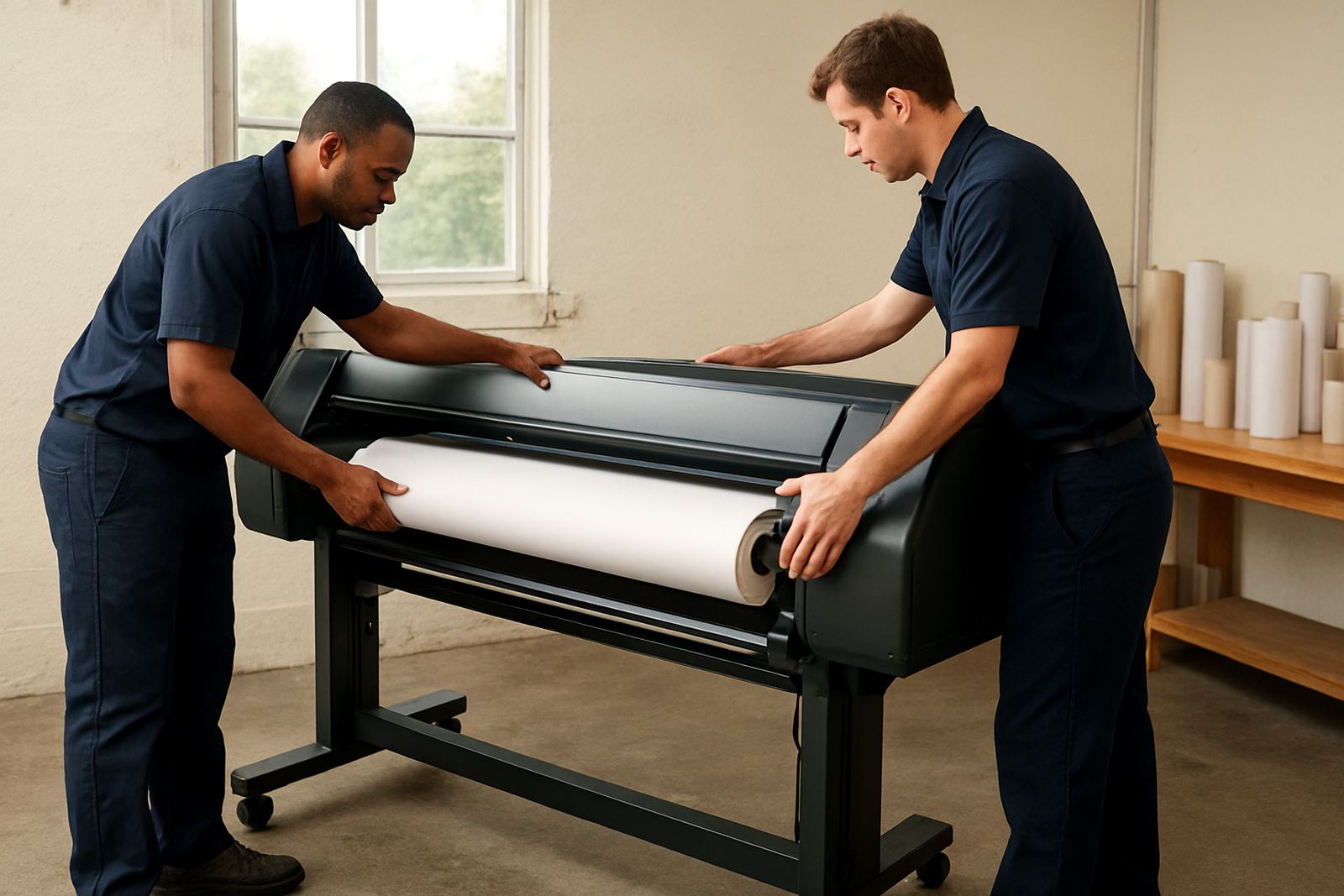
Wide-format machines need a little more discipline. Media should be stored flat and dry, heads need regular use, and the machine should be exercised often enough to stop ink settling. If a printer has been standing through a long weekend or a municipal power interruption, a quick remote check can save a wasted roll or a miss print on the first job of the day.
What Helps Us Resolve Problems Faster
When you contact us, a few small details make a big difference. The printer model, ink type, media stock, error message and a photo of the issue often point us in the right direction before the call is even finished. If the work is urgent, say so. Urgent print work needs a different response from a general office query.
We keep the tone plain and the advice usable. If the solution is a driver reset, a media setting change or a simple cleaning cycle, we tell you. If the printer needs a service bench check, we say that too. The aim is always to get your team back to colour work with the least interruption possible.
- Model number and serial if available
- Photo of the error screen or print fault
- Ink type and media type in use
- Any recent power event, install or software change
Key facts
| Support channels | Phone and message |
|---|---|
| Coverage | Cape Town and nationwide |
| Supported equipment | Desktop inkjet colour printers and large-format colour machines |
| First step | Send the swatch reading and printer model |
| Maintenance guidance | Monthly for small offices, weekly checks for busy print rooms |
| Escalation options | On-site service, collection coordination or consumable planning |