What the handover covers on site
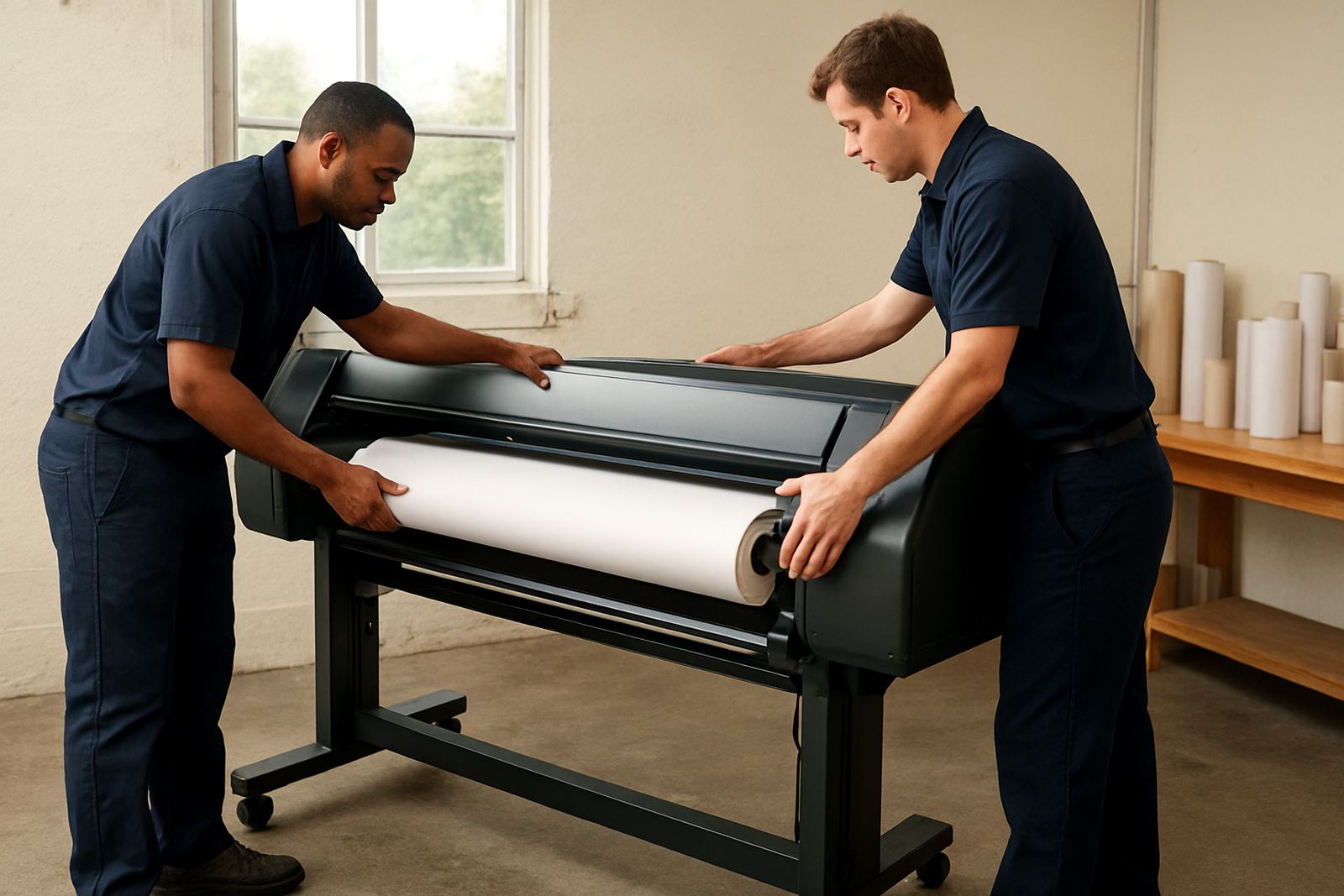
User handover is a short, hands-on session for the people who will actually run the printer. We keep it practical and focused on the machine in front of you, whether that is a desktop inkjet colour printer in an office or a wide-format unit in a studio or sign room.
The session covers basic operation, media loading, ink replacement, shutdown care and the simple checks that keep output consistent. We also point out where print settings need to match the paper or film being used, because that is where many colour issues start. A good handover saves calls later and helps your team work with less stoppage when deadlines are tight.
- Loading sheets, rolls or cut media correctly
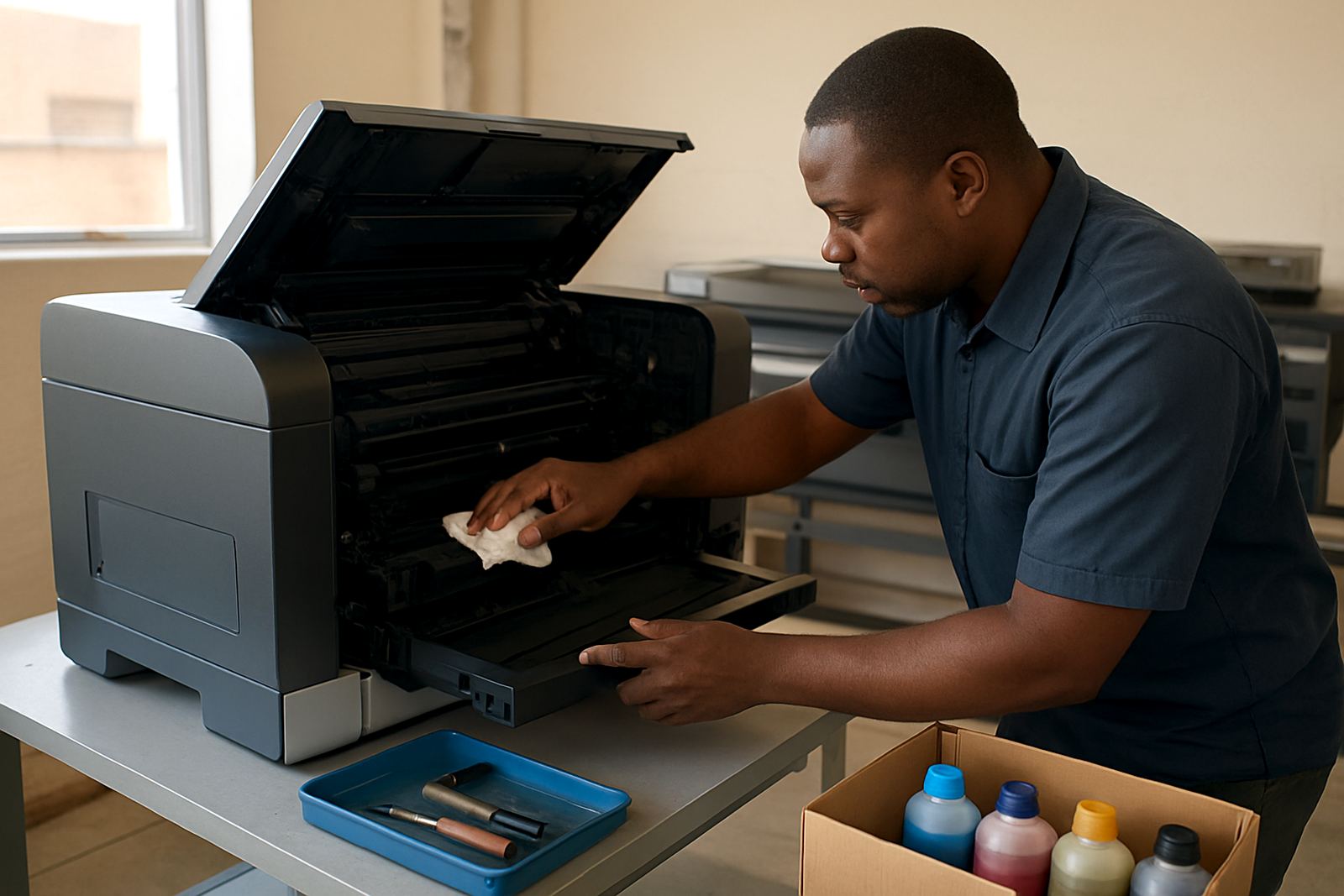
- Replacing inks and checking ink levels
- Daily cleaning and safe shutdown steps
- Reading print warnings and fault lights
- Basic colour checks before a run
How we run the training session
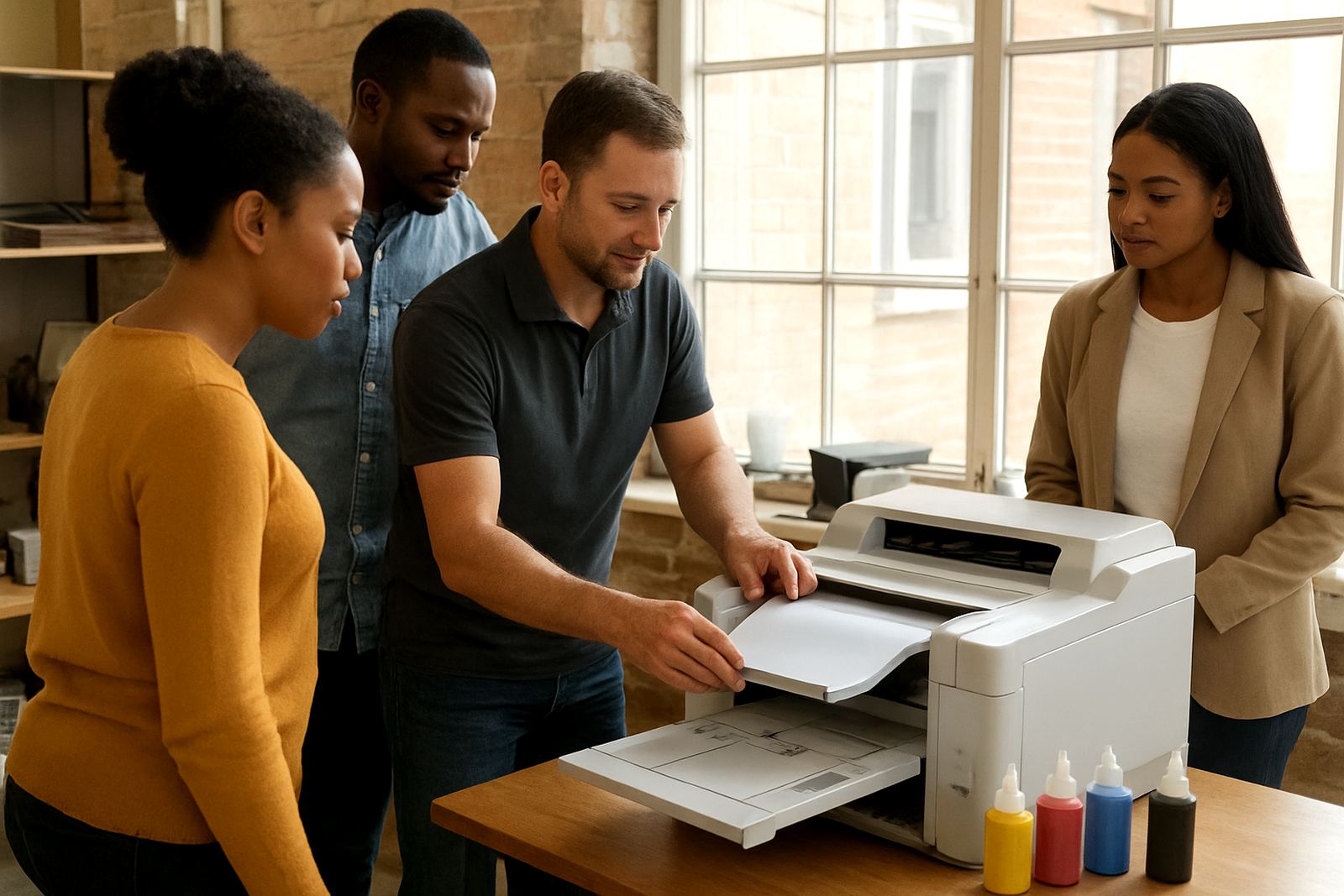
We start with a quick walk-through of the printer, the media path and the control panel. Then we move into live loading and printing so the team can see the full sequence, not just hear about it. If the site is in Ndabeni, Montague Gardens, Woodstock, Claremont, Bellville or Somerset West, we usually plan the visit around your production times so the room is not under pressure.
For couriered supply nationwide, we can pair the handover with a remote follow-up if your team needs a second look at settings or ink handling. The goal is that one or two staff members can repeat the process without guessing. If the printer is shared across shifts, we recommend a short handover with each shift lead, it helps avoid repeated errors.
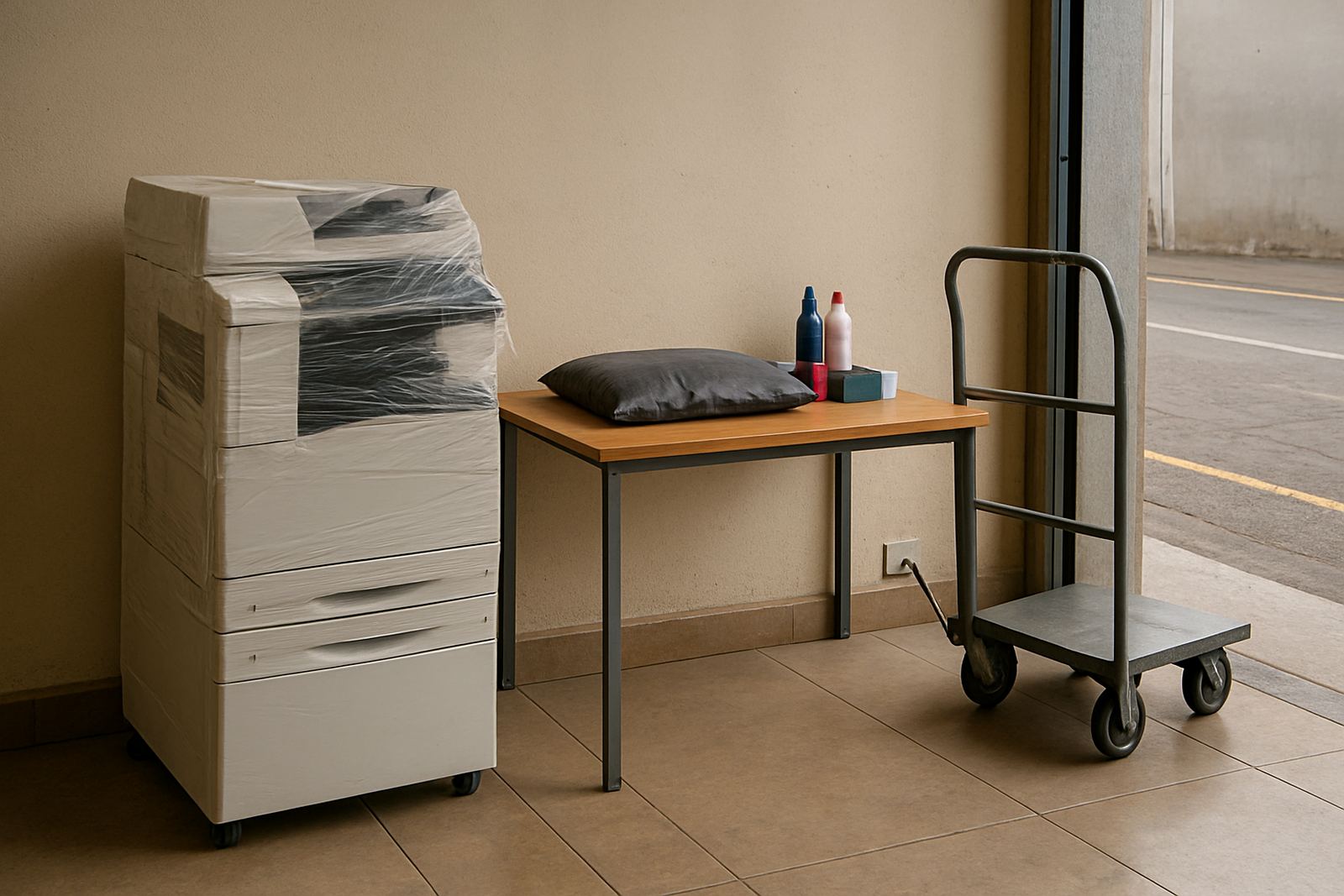
- Arrival and machine check
- Live demonstration with your media and inks
- Staff practice while we guide
- Questions, checks and sign-off
Typical time, turnaround and staffing
Most user handovers take 45 to 90 minutes for a desktop colour printer and 1 to 2 hours for a wide-format machine, depending on the number of staff and how much of the workflow needs to be shown. If a site has more than one printer, or a team that changes frequently, we may split the session so people are not overloaded. For bigger offices in Cape Town, we can often align the visit with installation or maintenance, which saves time.
Turnaround depends on stock, service bookings and whether the machine is already installed. In many cases we can schedule handover soon after setup. For remote areas or courier delivery into other provinces, we confirm the handover timing with the dispatch team and service technician so the media and ink are already on hand.
- Desktop units: 45 to 90 minutes
- Wide-format units: 1 to 2 hours
- Multi-user sites: allow extra time for questions
What the team learns to do day to day
The best results come from small habits done correctly every day. We show your staff how to check media alignment, keep lids and covers clean, and spot issues before they become repeat faults. On coastal sites around Cape Town, humidity can affect paper curl and ink drying, so we explain how to store media flat and sealed. In offices where load-shedding is part of the week, we also talk about proper shutdown and restart steps to reduce wasted ink and error states.
We do not overcomplicate the process. The idea is to give your team enough knowledge to work confidently without needing a technician for every routine task. That includes knowing when to stop and call for help, rather than pushing through and risking a bad run.
- Store media in a dry, stable room
- Keep inks upright and within the advised temperature range
- Run daily nozzle checks where required
- Clean rollers and exterior surfaces with the correct cloths
- Log issues early instead of waiting for a full stoppage
Pricing approach and service scope
We price user handover according to the machine type, the number of staff attending and whether the visit is part of a wider installation or maintenance call. That keeps the quote fair and clear. If the handover is simple and local, it is usually a straightforward once-off charge. If it needs added time for large-format media matching, multiple machines or follow-up remote help, we quote that separately so you know what is included.
We are also careful with consumables advice during the session. If a printer is using the wrong ink or media combination, we will say so and show the better option. That protects output and helps avoid waste, especially for sign shops and studios that need repeatable colour across posters, proofs and client samples.
Recommended maintenance intervals after handover
A handover works best when the team follows a simple maintenance rhythm. For most office colour printers, we suggest a quick check every day they are in use, with a fuller clean and inspection once a week. Wide-format printers usually need a more structured routine because of media dust, ink usage and longer idle periods. If the machine sits unused for long stretches, it should still be checked on a schedule so nozzles do not dry out.
We can help set that interval around your actual print volume. Some Cape Town studios print proofs daily and posters weekly, while some offices only need colour output at month-end. We match the advice to the machine, the team and the workload, not a one-size-fits-all plan.
- Daily: basic checks and safe shutdown
- Weekly: clean key surfaces and review ink levels
- Monthly: deeper inspection and print quality check
- After long idle periods: nozzle and alignment check before production
Why practical handover matters for colour work
Colour printing is only reliable when the operator knows the machine well enough to notice small changes early. A fresh roll, a new ink batch or a skipped shutdown can shift output more than people expect. That is why our handover is focused on real tasks, not theory. We want your team to know what to do with the media in hand, the ink in the machine and the job on the screen.
For businesses in Ndabeni and across South Africa, that practical knowledge reduces mistakes, shortens downtime and keeps reprints down. It also makes it easier to manage supply orders because the team knows what they use, how fast they use it and when to reorder.
Key facts
| Session type | On-site user handover for colour printers and wide-format machines |
|---|---|
| Typical duration | 45 minutes to 2 hours depending on machine and team size |
| Core topics | Media loading, ink replacement, daily care, print checks and shutdown steps |
| Coverage area | Ndabeni, Cape Town metro and courier support nationwide |
| Ideal audience | Office operators, studio staff, sign shop teams and shift leads |
| Follow-up support | Remote help available after the visit if settings need checking |