Claremont brief: faster proofs, fewer reprints
The team was based in Claremont and worked from a busy office that handled flyers, pitch packs, in-house updates and quick client proofs. Their old colour printer was fine for light office pages, but it struggled once the team started checking brand colours, photo blocks and layout work more often. Draft cycles were slowing down because each proof needed a second or third pass before approval.
The brief was simple on paper: give the marketing group a proof-focused printer setup that could handle day-to-day colour output, stay predictable through the week, and keep running when deadlines clustered. They also wanted a supplier who could explain the machine, the inks and the paper choices in plain language, not just drop equipment and leave.
- Location: Claremont, Cape Town
- User group: Internal marketing department
- Main need: Quicker proofing with steadier colour consistency
- Secondary need: Reliable consumables with easy reordering
What made the office environment tricky
Like many Cape Town offices, this one had to work around load-shedding, mixed paper stock and the odd rush job from another department. The team also needed a printer that would sit comfortably in an office setting, not take over the room or require constant intervention from staff. Humidity shifts and long idle periods were part of the mix too, especially when work came in waves then slowed for a day or two.
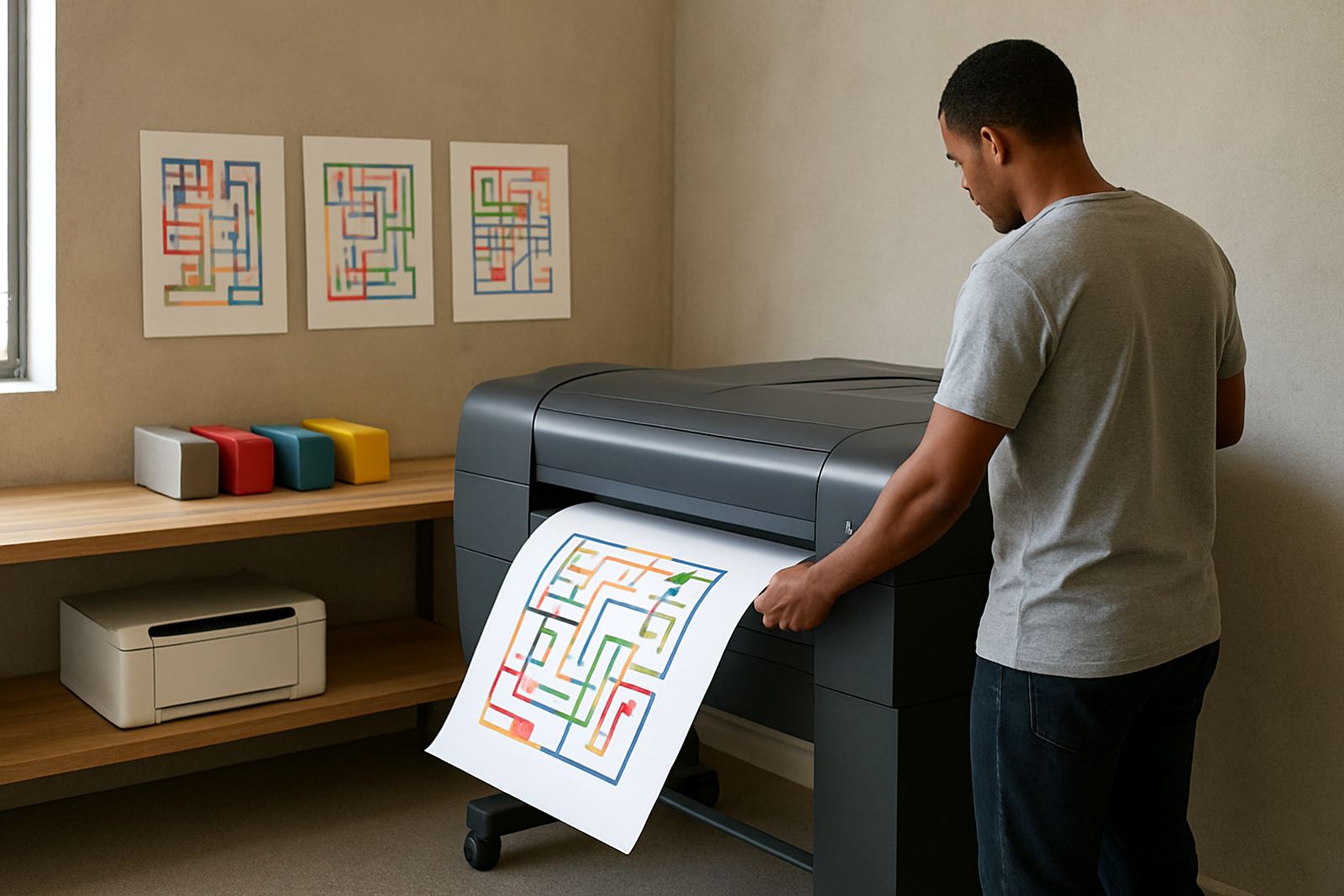
We looked at how often they printed proofs versus standard memos, how much colour coverage they used, and what size output they actually needed. Their work was mostly A4, with occasional larger pieces for internal review, so there was no need to jump straight into a heavy production machine. The better move was a dependable desktop inkjet colour printer for everyday proofing, paired with a clear consumable plan and a route to wide-format later if the workload changed.
- Power interruptions had to be managed with clean shutdown habits
- Colour checks needed to be repeatable across staff members
- Paper handling had to suit coated and uncoated stock
- The team needed simple user steps, not a long training burden
The printer setup and consumable plan we supplied
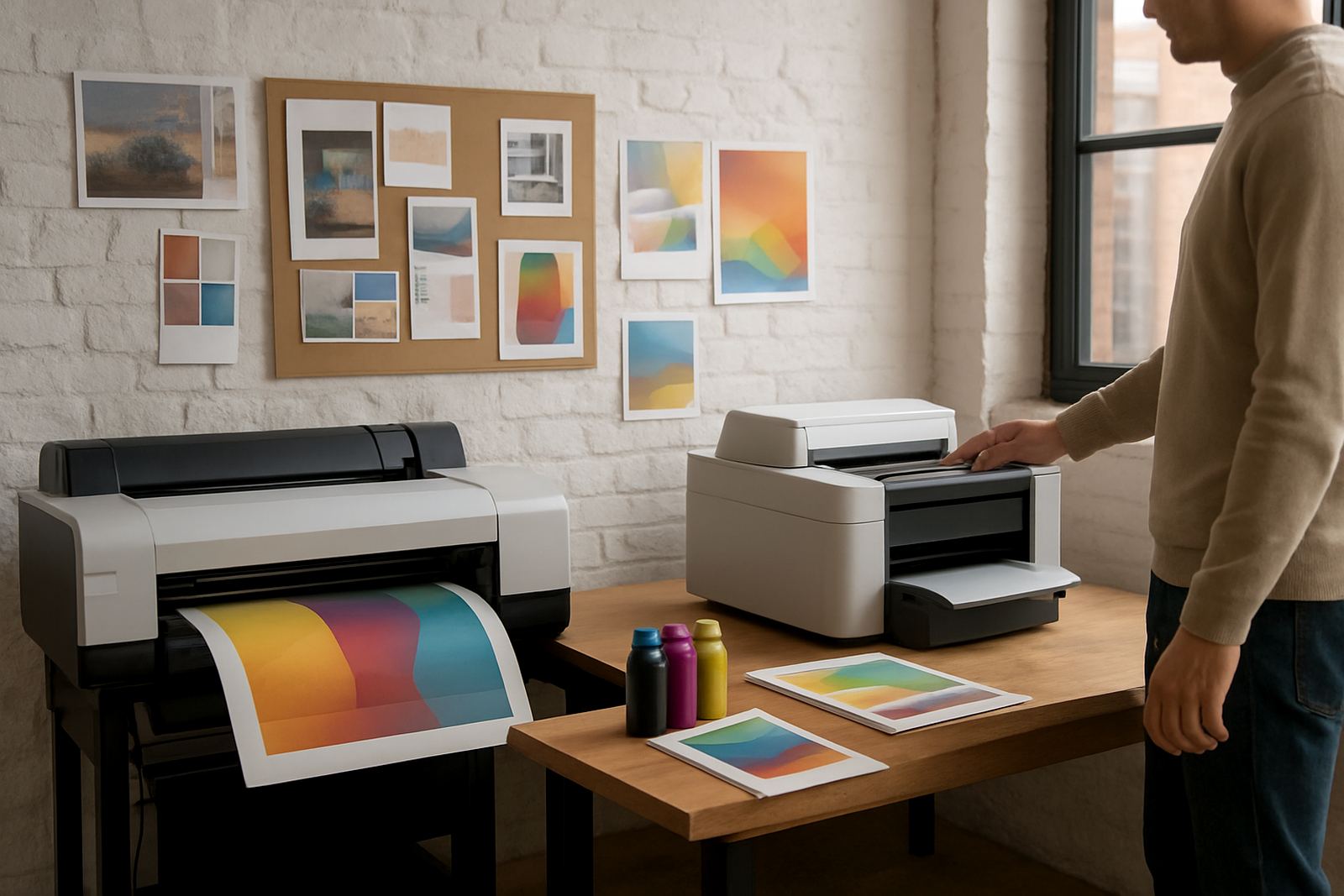
We supplied a compact colour inkjet printer setup with reliable office speed, fine text output and enough control for proof checking. The machine was set up for crisp A4 colour pages, image samples and short-run proofs, with ink selection matched to the kinds of pages the team produced most often. We also put in a straightforward consumable plan so replacement ink could be ordered before the last set ran dry, which reduced panic buying and courier delays.
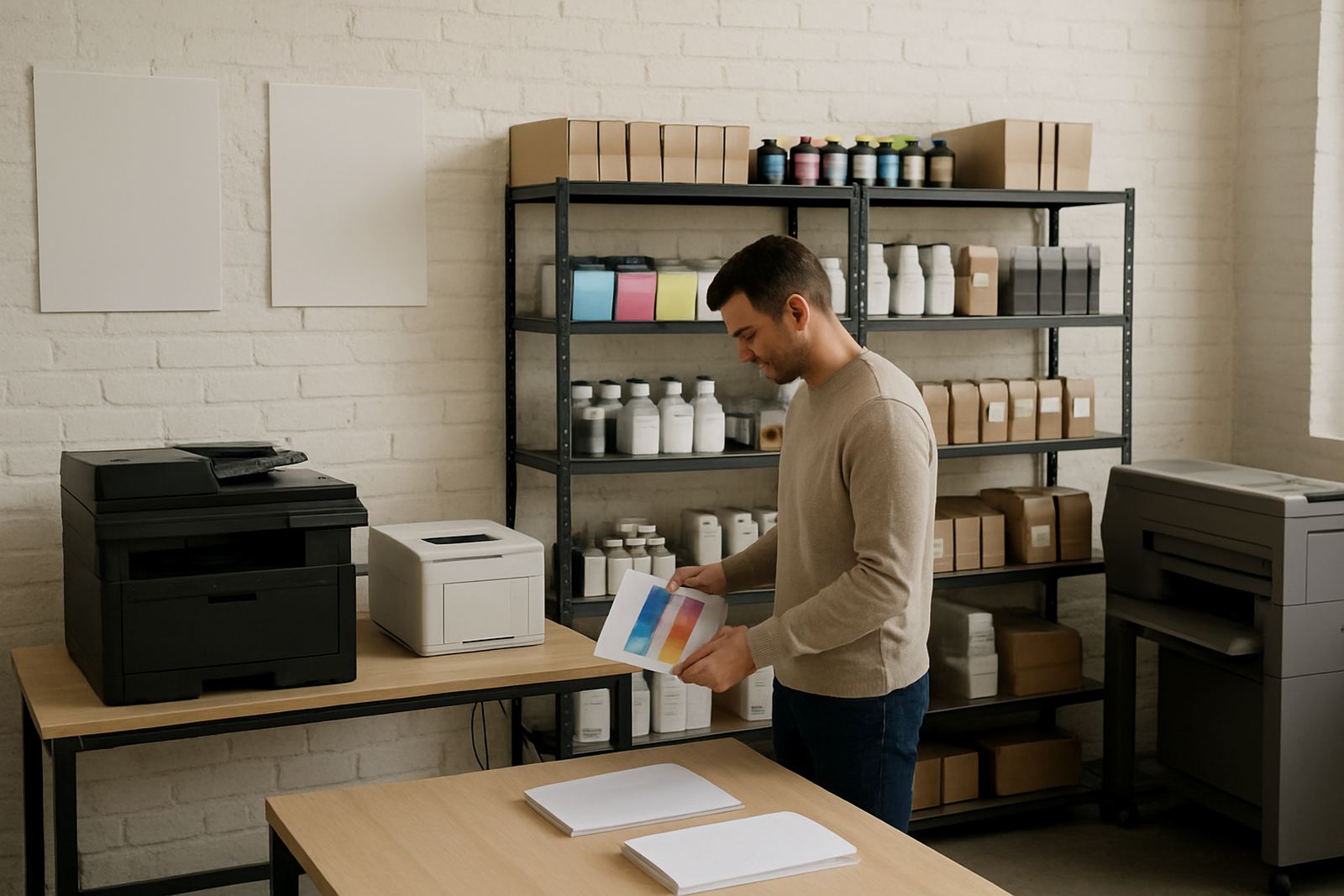
For the team, the key was not just the machine itself but the way it was introduced into the office. We handled printer installation, user handover, media matching and print quality checks on site. That meant the team could see which papers gave cleaner text, which stock showed photos more honestly, and how to avoid common handling issues like curl, smudge marks or wasted sheets. We also showed them how to shift between draft settings and proof settings without upsetting the final look.
- Desktop colour inkjet printer for A4 proofing and office colour work
- Matched inks supplied for consistent day-to-day output
- Paper guidance for coated and uncoated proof stock
- Consumable reordering plan with practical stock levels
Installation week and handover in Claremont
The work ran over two weeks. In week one we collected the print requirements, checked the available space, and confirmed the kinds of pages the team used most often. We then installed the printer, set the profiles and tested several paper types against the team’s regular jobs. In week two we completed the user handover, adjusted a few settings after live use, and put a basic maintenance routine in place so the staff could keep the machine in good shape without calling for help every day.
The handover was kept practical. We covered how to load media properly, when to use normal print mode versus a slower proof setting, and what to check if colours drifted after a change in paper or ink batch. Pieter Smit handled the technical side, while Zanele Mkhize and Boitumelo Shabalala helped with the ordering rhythm and the consumables notes. It was a calm rollout, nothing rushed, but the office got to the point where people trusted the output much quicker than before.
- Week 1: site review, printer selection and installation
- Week 2: live testing, user handover and print tuning
- Follow-up: remote help for settings questions and reorder timing
What changed after the first month
After the first month, the biggest change was that draft cycles became shorter and cleaner. People stopped printing multiple copies just to compare small colour shifts, because the proofs were staying more consistent from one run to the next. That saved paper, time and a fair bit of frustration. The marketing team could move from rough draft to sign-off with fewer back-and-forth comments, which mattered when a campaign deadline was already close.
They also had less waste from reprints. Once the team knew which settings to use for quick internal checks and which settings to use for client-facing proofs, the machine became part of the routine rather than a bottleneck. The office stayed comfortable with the setup too, since the unit fit the work space without adding noise or clutter. It was a better match for the actual workload than the larger machine they had been considering at first.
- Fewer reprints due to steadier colour checks
- Quicker approval on flyers, pitch packs and internal layouts
- Better use of paper and ink across the month
- Staff confidence improved because the output was repeatable
What we would repeat for a similar office
If we were doing the same kind of project again for another marketing team in Claremont, we would still start with the proof requirement rather than the printer size. Too many offices buy for headline speed, then discover later that what they really needed was predictable colour and sensible media handling. A smaller, well-matched setup usually works better for an internal team that prints proofs all week and only needs wide-format output once in a while.
We would also keep the consumable plan in place from day one. In practical terms, that means checking print volume, setting reorder points and keeping a little buffer for busy periods. In Cape Town, courier timing can help or hinder a rush job, so it pays to plan ahead. That advice applies even more when a team’s work is tied to client sign-off and there is no room for a late cartridge or an empty magenta unit.
- Start with actual proof volume, not just machine size
- Match paper types before the first busy week begins
- Keep reorder points clear and simple for staff
- Leave room for future wide-format needs if the workload grows
Key facts
| Client type | Internal marketing department |
|---|---|
| Town | Claremont, Cape Town |
| Timeline | 2 weeks |
| Core setup | Desktop colour inkjet proof printer with matched inks |
| Services used | Printer Installation, Media Matching, Print Quality Checks, User Handover, Consumable Reordering |
| Outcome | Shorter draft cycles and fewer proof reprints |