What the engineering office needed in Cape Gate
The client was a small to mid-sized engineering office in Cape Gate, working on drawings, markups and revision sets for municipal submissions, contractor meetings and internal sign-off. Their black and white output was fine, but once they started printing colour plans and annotated drafts the problems showed up quickly. Reds were too strong, line weights were getting muddy and the team was wasting time reprinting sets when changes came through late on a Friday.
The brief was simple enough on paper: give the office a dependable way to print colour plan reviews, keep ink costs under control and make sure the output stayed consistent from one user to the next. They also wanted something that would cope with load-shedding, fit into a busy office in a Cape Town industrial node and not become a maintenance headache every few weeks.
- Colour plan review printing for internal markups
- Annotated draft output for engineers and technicians
- Day to day office colour for diagrams and handover notes
- Practical ink and media guidance for a mixed user team
Constraints that shaped the setup
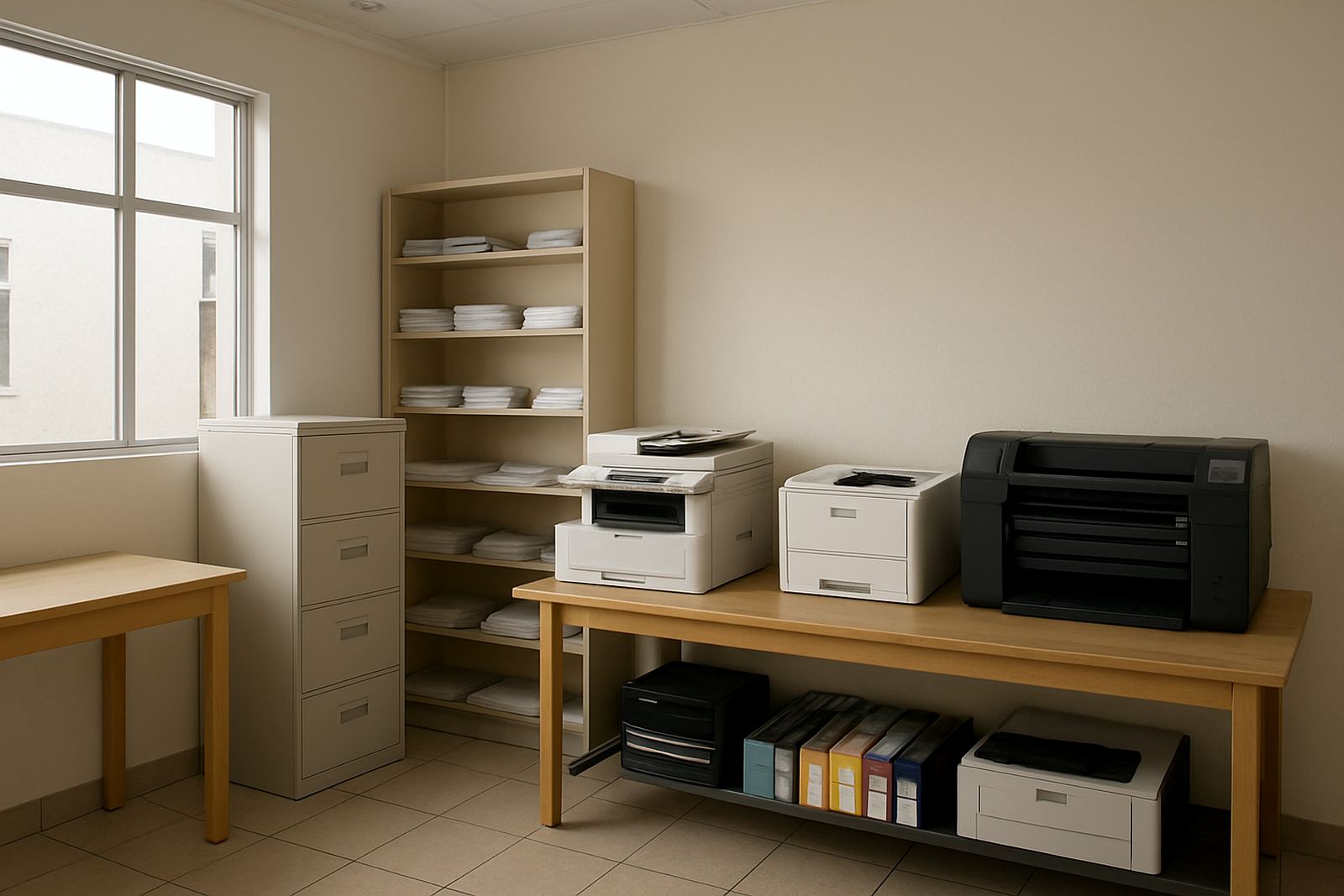
The office had to keep printing during power cuts, and they also had limited space beside the existing mono copier area. Coastal air in Cape Town adds another layer too, because humidity can affect paper handling and how long opened ink stays clean if the room is left too warm over summer. They needed a machine that could sit in a shared space and still be used by different staff without constant hand-holding.
Another constraint was the type of work itself. Engineering drawings need clean line definition and sensible colour separation, not photo style output. That meant choosing a colour printer setup that could handle plain office paper for drafts, heavier stock for review sets and coated media for selected presentation pages. The team also wanted a way to move up from ordinary office colour into wider format work without buying too early or too big.
- Power interruptions and safe restart after load-shedding
- Shared access for several staff members
- Need for sharper lines on technical documents
- Paper and ink choices suitable for Cape Town humidity
What we supplied and how we installed it
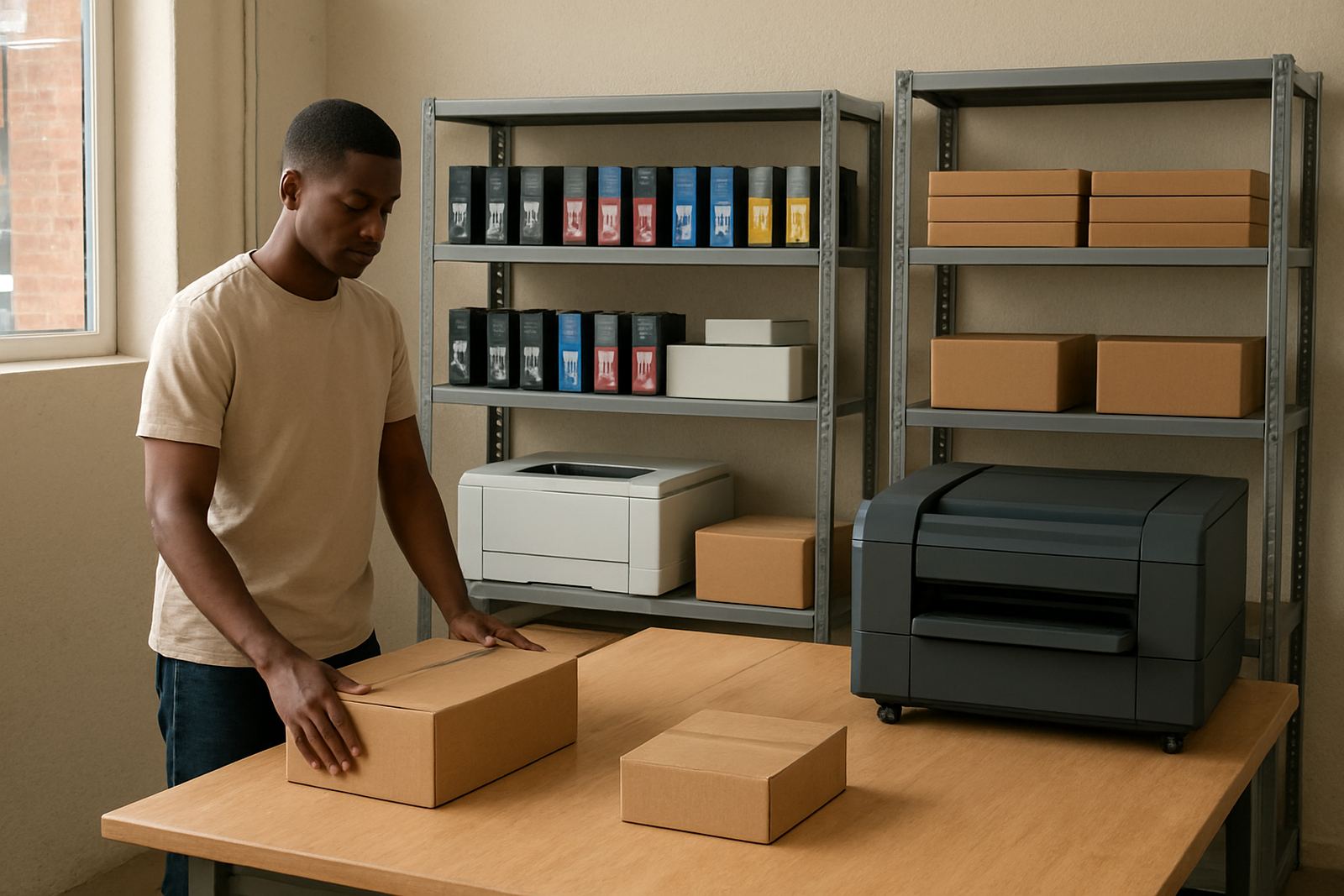
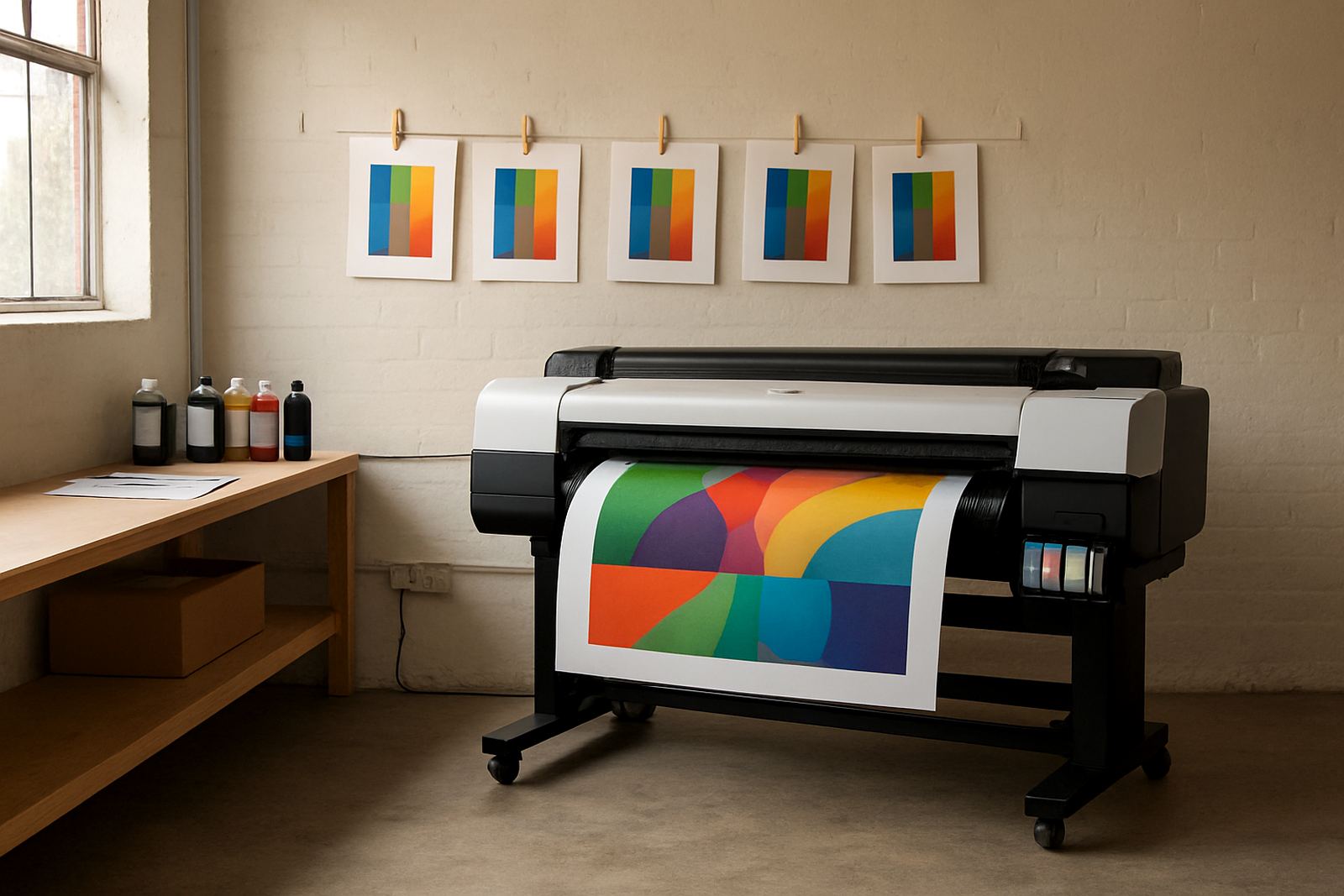
We supplied a desktop colour inkjet printer for office output and a large-format colour machine for plan review prints, plus matching inks and consumables so the team could keep both devices running from one supplier. The office needed clarity more than glamour, so we focused on print quality, predictable running costs and a setup that would be easy to explain to new users. Danie and the team handled the specification, with Oarabile guiding the wide-format side and Pieter taking care of the physical setup and test prints.
Installation included network connection, media checks, test pages and a basic user handover. We set separate print habits for office colour, annotated drafts and larger plan output, then matched paper choices to each task. For example, lighter media for working copies, a slightly heavier sheet for marked-up review prints and wider rolls for drawings that had to stay legible during meetings. The office also received a simple ink supply plan so ordering could happen before levels got too low.
- Desktop colour inkjet printer for office colour and smaller proofs
- Large-format colour machine for plan reviews and annotated drawings
- Matching colour inks and consumables for both units
- Installation, test prints and user handover
- Ink reorder planning based on monthly output
Timeline from first call to first clean output
The project took three weeks from first discussion to steady daily use. Week one was discovery, checking what the office printed, who used it and where the bottlenecks were. Week two covered supply and installation in Ndabeni, including media matching and setup for the shared office workflow. Week three was support, fine-tuning the colour output and showing the team how to switch between draft mode and final review mode without confusion.
That third week mattered. Once the engineers started marking up plans in colour, they realised they needed a more disciplined naming system for print jobs and a better habit around file version control. It sounds small but it saved reprints almost immediately. The service technician also checked the print paths and cleaned the unit after initial testing so day to day use would not be interrupted by avoidable paper feed issues.
- Week 1: needs review and print audit
- Week 2: supply, installation and media matching
- Week 3: adjustments, user handover and support
Results for the team and the drawings
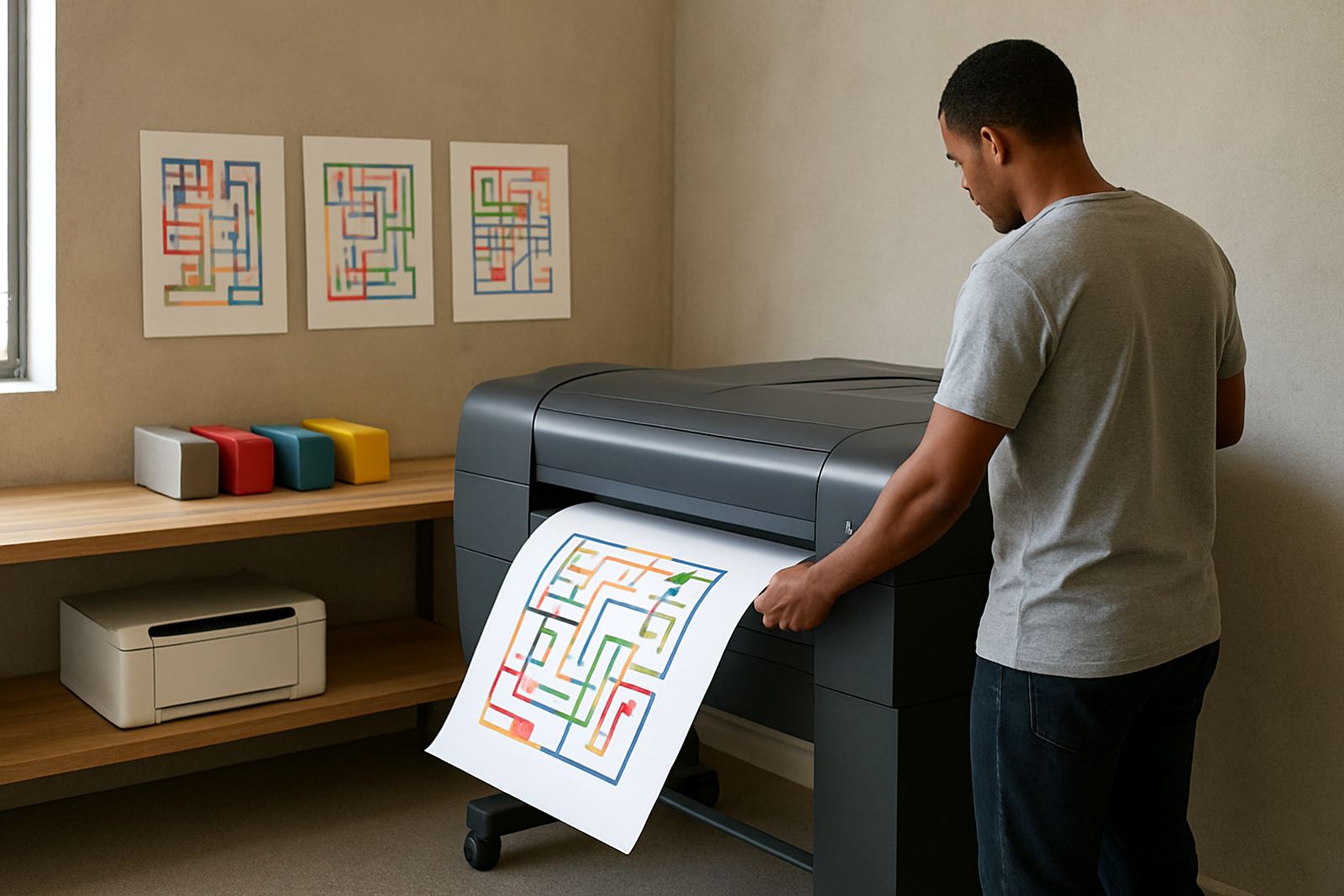
The biggest result was better clarity on coloured plan review prints. Markups were easier to read, revision notes stood out and the office stopped wasting time reprinting pages that were only partly legible. Turnaround also improved because the team could print a clean annotated draft as soon as a drawing changed, rather than waiting for a single person to sort out the colour settings each time.
Ink supply planning made a noticeable difference too. Instead of rushing to replace cartridges after a busy submission week, the office had a clearer view of monthly use and lead times. That helped with cash flow and reduced the chance of dead time during a deadline week. The wide-format setup also gave them room to take on more plan review work without jumping straight into a bigger capital purchase.
- Cleaner annotated drafts for engineering review
- Better colour separation on plans and markups
- Less waste from repeat printing
- More predictable ink ordering and stock control
What we would carry into another engineering office
For a Cape Gate or Bellville engineering office with similar work, we would keep the same approach. Start with the actual drawing volume, check who prints what and match the machine size to the real workload instead of the wish list. It is also worth planning for local conditions upfront, especially load-shedding, coastal humidity and the way shared office print habits can drift if nobody sets a standard.
We would again recommend a practical handover with clear media notes, a defined ink reorder point and a short review after the first busy month. That first review usually catches things like overuse of presentation paper or users sending final files to the wrong queue. Small fixes early on keep the print room calmer and the output more consistent, which is what matters in an engineering office. The result is not flashy, it just works.
- Begin with actual monthly print counts
- Match media to the type of drawing and review stage
- Set reorder levels before stock gets too low
- Review usage after the first month of live work
Key facts
| Client type | Engineering office |
|---|---|
| Project area | Cape Gate, Cape Town |
| Timeline | 3 weeks |
| Main output | Colour plan review printing and annotated drafts |
| Equipment supplied | Desktop colour inkjet printer and large-format colour machine |
| Support included | Installation, ink planning, media matching and user handover |