Why the school office needed one clear print path
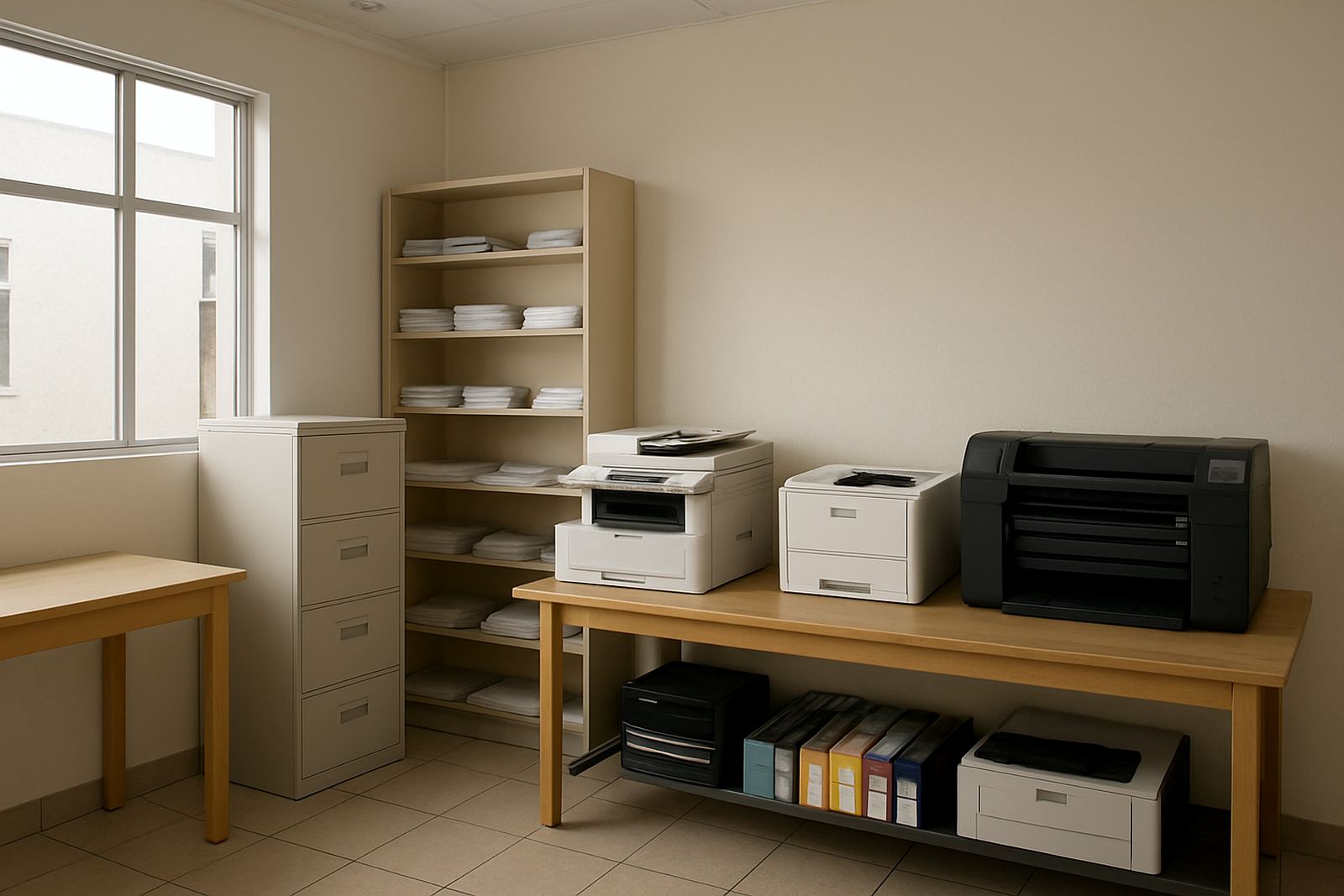
The office team in Paarl was running several small colour printers at once, which meant uneven print quality, more stoppages and too many different consumables to keep track of. One machine would work well for a week, then another would run out of ink or start banding, and staff had to keep shifting files between devices just to get notices out on time.
The school needed a single colour print path for letters, internal forms, term notices and occasional pupil-facing material. The ask was simple: keep colour available, keep running costs sensible, and make sure the staff could manage it without calling for help every second day.
- Location: Paarl school admin office
- Client type: independent school office
- Main pain points: mixed printer models, weak colour consistency, frequent ink changes
- Goal: one dependable colour setup for office work and short-run printing
Constraints on the ground in a school office
School offices do not have time for trial and error. The machine had to fit a compact admin room, handle daily black and colour pages, and be easy enough for different staff members to use without special training. Power interruptions were also part of the picture, so the team wanted a printer that recovered cleanly after load-shedding and did not need a long reset every time the lights flickered.
There was also the question of paper handling. The office prints on standard A4, but it also needs a steady result on thicker stock for notices and certificates. During wet weather in the Cape, paper can pick up moisture quickly, so media storage and handling were discussed as part of the job, not as an afterthought.
- Compact footprint for a shared admin room
- Simple user workflow for multiple office staff
- Reliable restart after power cuts
- Suitable for standard office paper and heavier media
What MyColour supplied and set up
We supplied a dependable desktop colour inkjet printer matched with the correct ink set for day-to-day school admin and short colour runs. The machine was installed, tested and aligned for clean text, solid colour blocks and consistent output on common office papers. We also checked the paper path, confirmed the settings for the school’s regular jobs, and showed the team how to change media settings when moving between plain paper and thicker stock.
For the office team, the biggest gain was having one supplier for both the printer and the consumables. That meant a single reordering line, clearer stock planning and less downtime. We set out ink usage guidance, explained when to print in draft, and made sure the staff understood which jobs should stay on the office printer and which ones would be better handled as outsourced large-format work if needed.
- Desktop colour inkjet printer supplied and installed
- Matched inks supplied with usage guidance
- Print quality checks on text, logos and solid colour areas
- User handover with simple operating notes
- Consumable reorder plan for term-time demand
Timeline from first call to handover
The project moved from first review to handover in two weeks. In week one, we discussed the office volumes, the page sizes they used, and the type of colour output they needed most often. We then matched the printer to the likely monthly workload and confirmed the consumables plan. In week two, delivery, setup and handover were completed, with test prints done on the spot so the team could see the output before the old mix of printers was removed.
The handover was deliberately practical. Staff were shown how to load paper correctly, how to switch from ordinary admin work to thicker sheets for notices, and how to keep the printer in good condition between uses. Nothing complicated, just clear steps that fit a school day.
- Week 1: needs assessment, print volume check, consumable planning
- Week 2: delivery, installation, testing and handover
- Total project duration: 2 weeks
Results after the old mix of printers was removed
Once the school office moved onto one dependable colour setup, the day-to-day noise dropped immediately. Staff no longer had to guess which printer had usable ink, and the office could produce notices and internal documents from a single point. Colour output became more consistent across the board, so the same logo and school wording looked the same from one print job to the next.
There was also less waste. With proper supply planning, the office stopped over-ordering random cartridges and reduced the number of emergency runs for replacement ink. That saved time, which matters in a school office where the phones ring, parents walk in and deadlines arrive all at once, often before tea break.
- More consistent colour from job to job
- Fewer print stoppages and less ink confusion
- Cleaner consumable control for term planning
- Less time spent troubleshooting across multiple printers
What we would repeat on the next school office project
We would repeat the same approach again: keep the setup simple, match the printer to the real workload, and spend time on the handover so office staff can manage it without pressure. A school office does not need a complicated print room, it needs a printer that behaves the same way on Monday morning and Friday afternoon.
For Paarl and surrounding areas, we would also keep the media conversation honest. If a team wants neat internal colour work, a good desktop unit will do the job. If they start asking for bigger posters, exam room signage or event boards, then it is better to step up to wide-format printing rather than forcing the office machine to do work it was never meant for.
- Keep the workflow simple and teach it once
- Match the printer to actual school volumes
- Plan ink before term pressure starts
- Move larger signage work to the right machine type
Key facts
| Project | Paarl School Admin colour print setup |
|---|---|
| Client type | School office |
| Town | Paarl |
| Timeline | 2 weeks |
| Main equipment | Desktop colour inkjet printer |
| Supply model | Printer, matched inks, setup and support |