The brief from a busy Brackenfell copy room
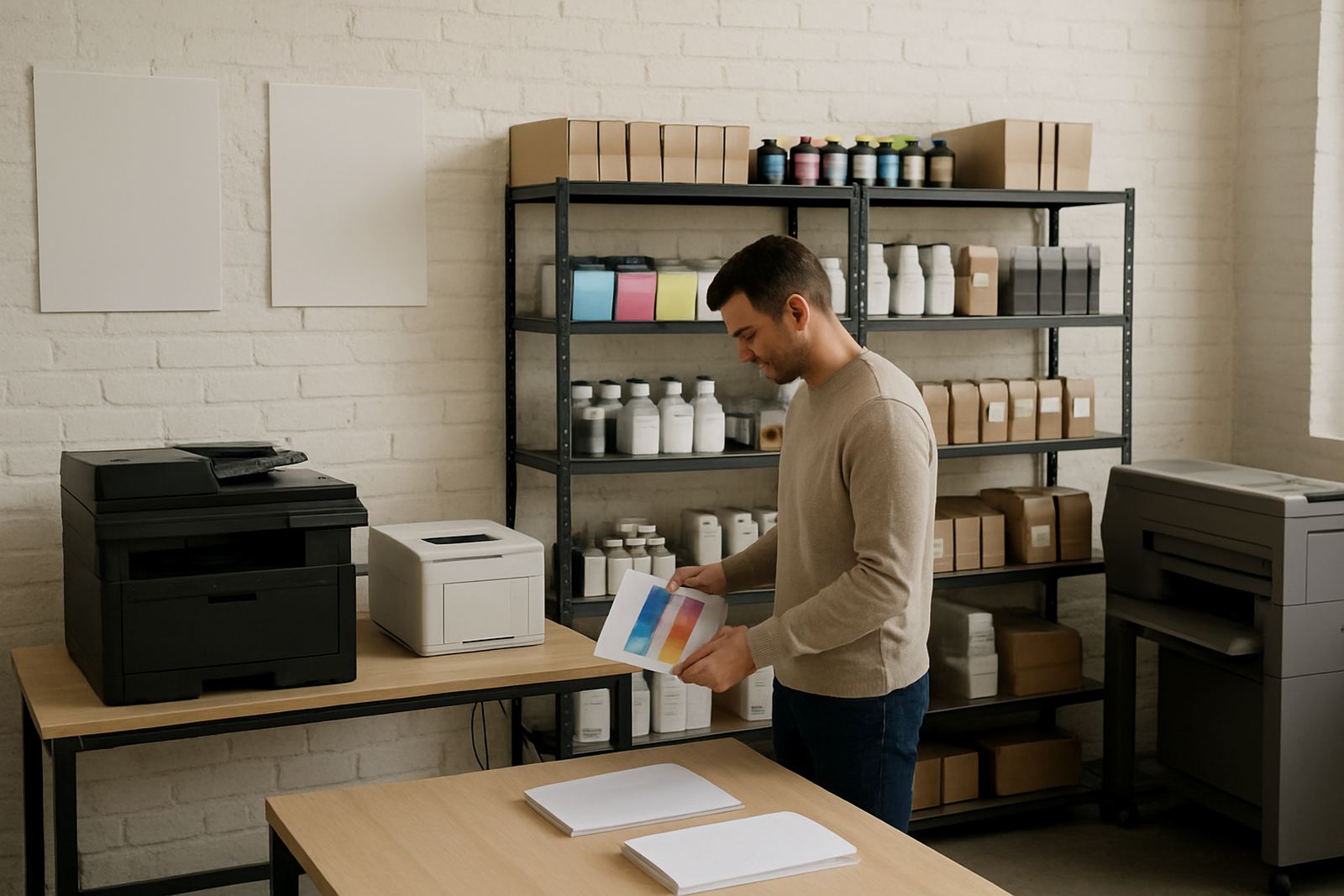
The client was a shared copy room serving a mix of admin staff, designers and production users in Brackenfell. Their old colour setup was doing too many small jobs at once, from A4 proof prints to occasional poster work, and the result was slow turnarounds, uneven colour and a lot of time spent clearing jams. They wanted one practical supply point that could cope with daily mixed colour output, not a fussy machine that needed attention every second day.
The brief was simple in theory, but specific in practice. Keep the running cost sensible, make the prints predictable and allow for both office stock and heavier media. They also asked for support that would not leave them waiting when ink ran low. In a shared room, if one user cannot print, everyone hears about it.
- Daily mixed colour output for internal proofs and office work
- Occasional larger-format prints for notices and presentation boards
- Easy staff handover with minimal training
- Courier supply for ink and media when local stock ran low
What we had to work around
The room had limited floor space and only one reliable power point close to the main work area. Load-shedding was also a real factor, so the team needed a printer that would come back up cleanly after interruptions and not lose settings every time the power flickered. The room was shared, so noise, heat and access to the machine all mattered. Nobody wanted a setup that took over the room or needed a dedicated operator.
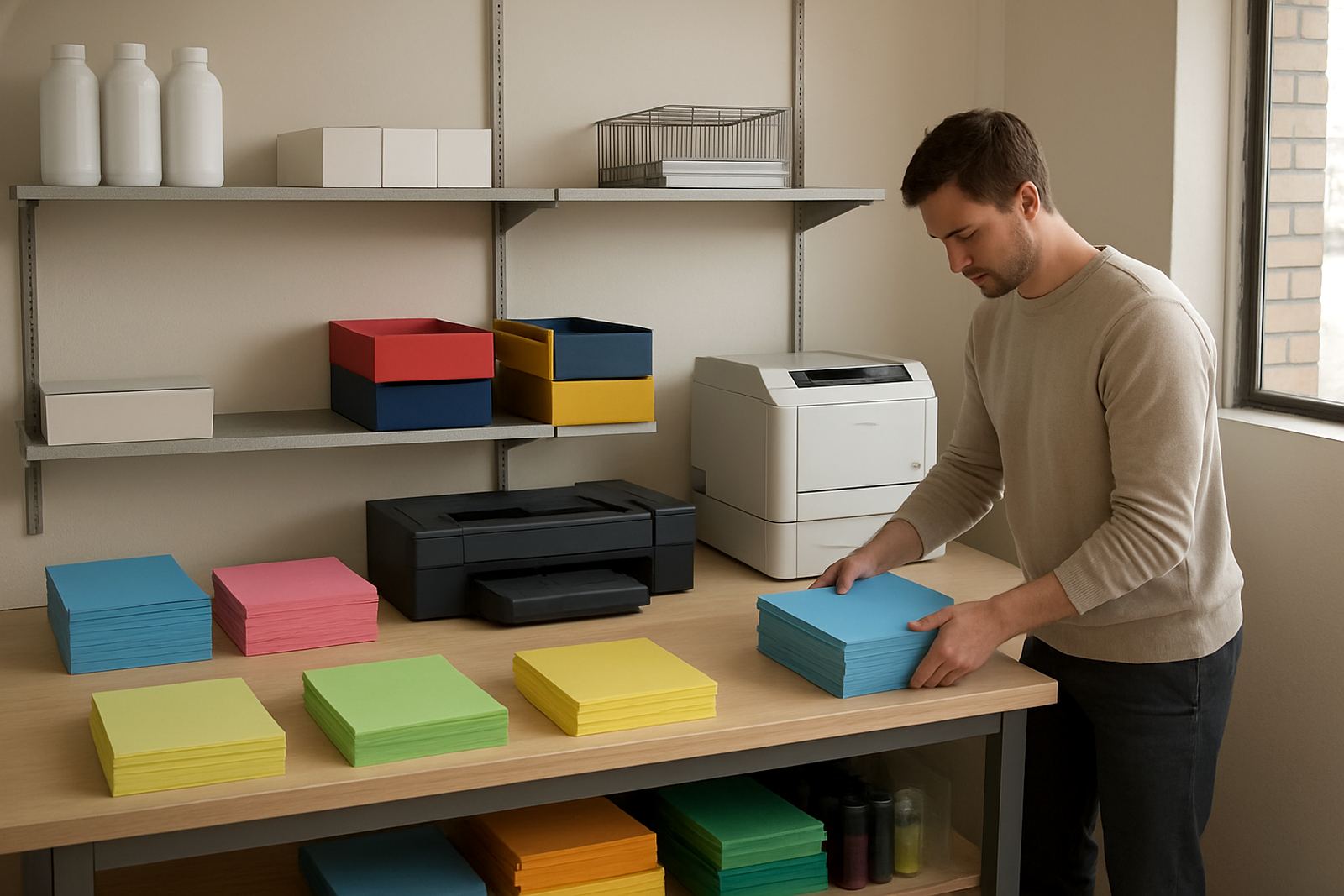
We also had to account for the types of jobs being printed. The team used standard office paper for most day-to-day items, but they also needed coated sheets and heavier media for colour checks and short-run presentation pieces. In Cape Town conditions, especially with coastal humidity drifting inland on some days, ink handling and paper storage can make a clear difference to output. Keep the paper dry, keep the inks sealed, and the prints stay steadier.
- Limited space and shared access
- Power interruptions and restart handling
- Mixed media from standard office stock to heavier sheets
- Need for predictable colour on short-run work
The printer and consumables we supplied
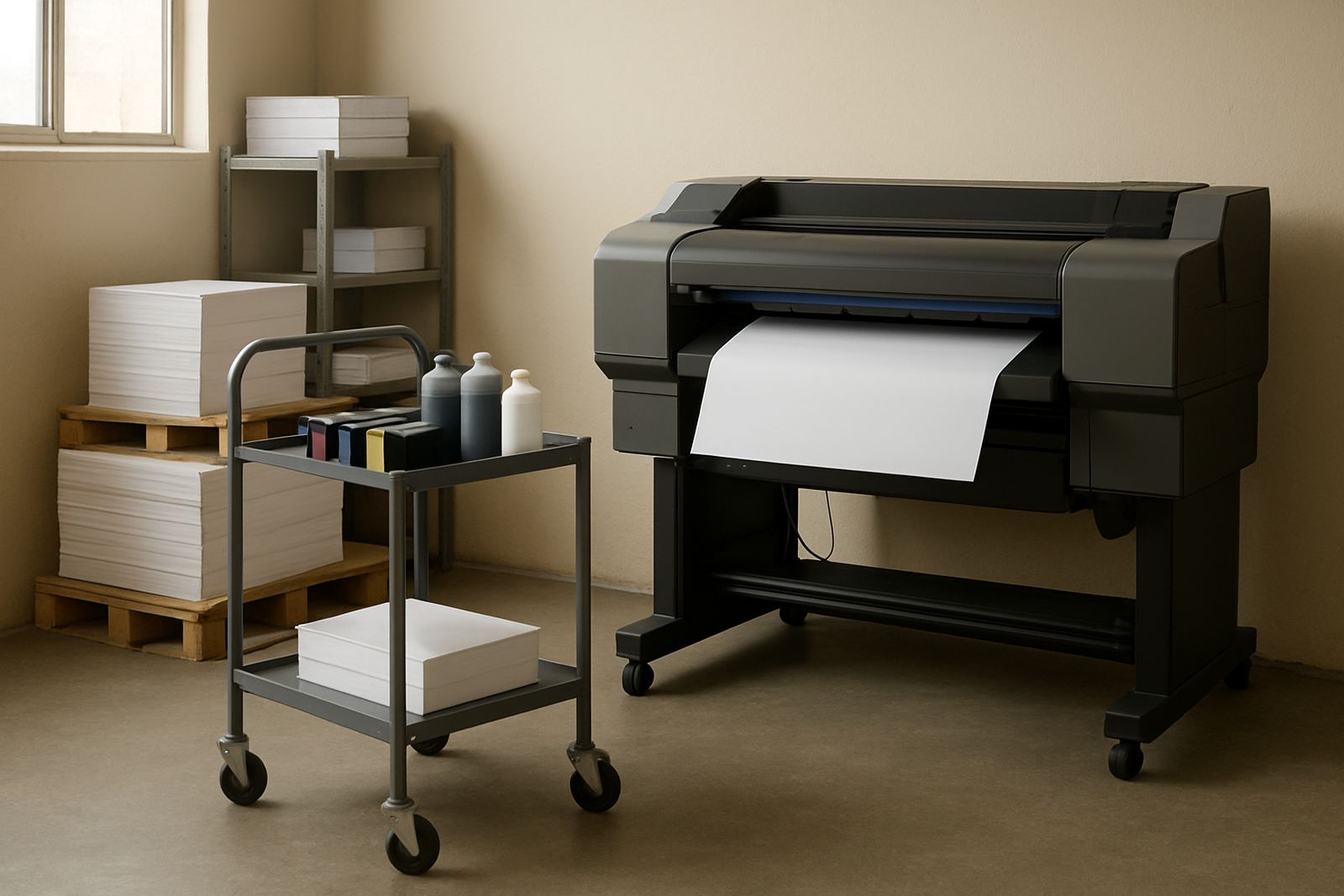
We supplied a high-volume colour inkjet printer set up for mixed office and proof work, with matching consumables and a clear replenishment plan. The machine was chosen for dependable colour output, fast first-page response and the ability to handle both everyday A4 work and larger-format jobs without constant adjustment. It was also set up with practical access for ink changes and paper loading, which makes a difference in a shared room.
The key facts were kept plain and usable. The printer supports common office sheet sizes, heavier stock for presentation use and wider media for posters and notices. We matched the inks to the expected print mix so the team would not burn through colour sets faster than needed. The result was a proper supply bench rather than a one-off drop-off. Danie Vosloo and Zanele Mkhize handled the planning, while Oarabile Xaba covered the wide-format side and Pieter Smit checked the physical setup. Jason Daniels managed dispatch and Boitumelo Shabalala kept the consumable follow-up tidy.
- High-volume colour inkjet for office and proof work
- Matching ink set with stock planning for regular reorders
- Media matching for standard paper and heavier presentation stock
- Setup support from installation through to first print checks
Installation and handover in one short run
The project was completed over two weeks from first site visit to final handover. Week one covered the room review, usage pattern assessment and media notes. We checked where the printer would sit, how often the room would be used and who would be loading paper on a daily basis. Week two covered delivery, installation, test prints and user handover. The team wanted the setup to work for everyone, not just one person, so we made the controls easy to follow and kept the routine steps short.
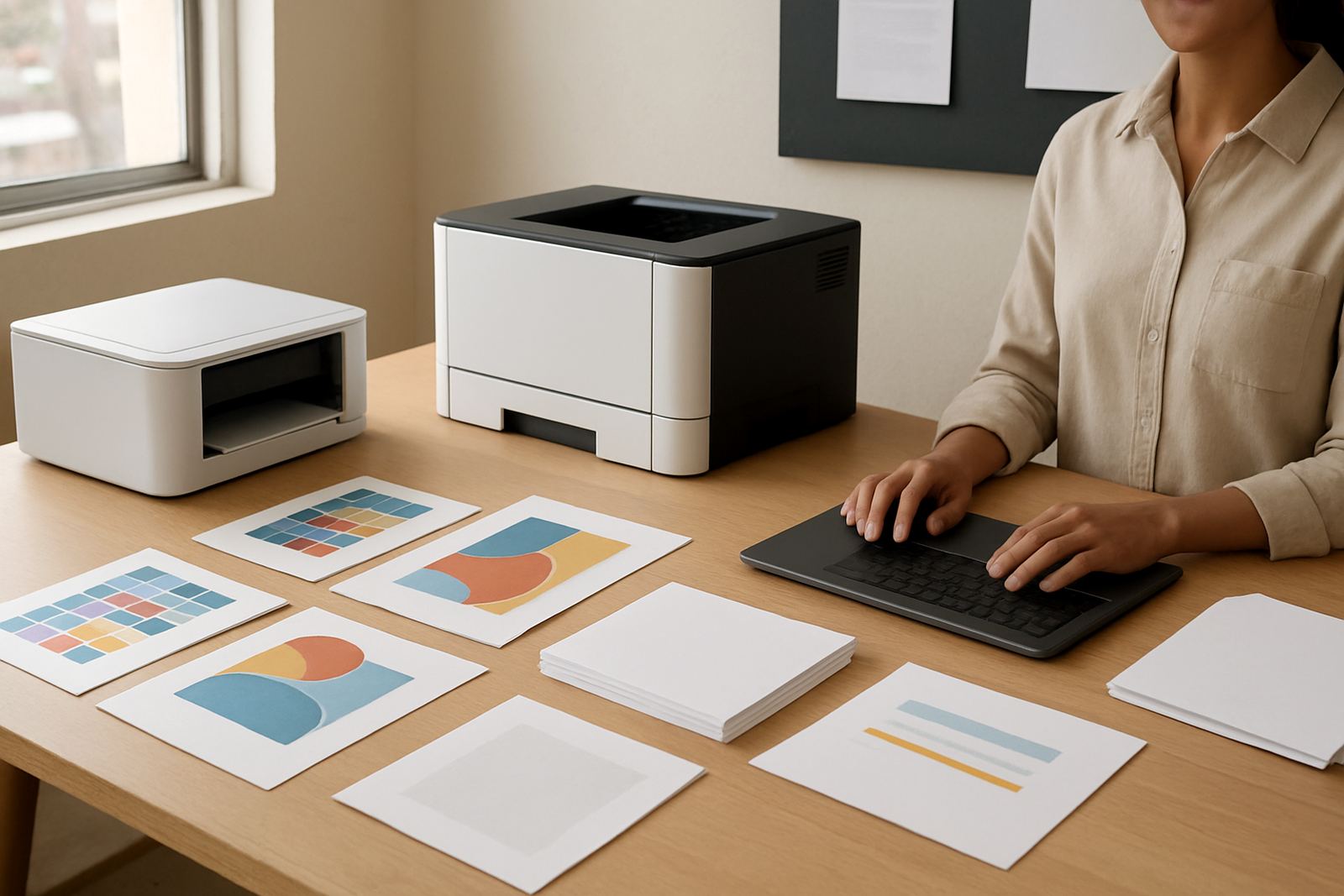
During handover, we ran through print quality checks, basic cleaning points and the best way to switch between job types. That included how to move from office colour to wider media without wasting sheets, and how to store ink and paper so the room stayed ready. We also set up remote help for follow-up questions, which saves a lot of time when someone is standing in front of the machine with a queue waiting. There was a little bit of fine tuning on alignment, but nothing major.
- Week 1: site check, usage review and media planning
- Week 2: delivery, installation and print checks
- User handover with practical steps for daily operation
- Remote help available after go-live
Results after the first print cycle
Once the machine was in use, the room moved faster. The team could print proofs in colour without sending jobs to a separate supplier, and the same printer handled everyday notices and small run output with less pause between jobs. That meant fewer delays on the floor and less time spent waiting for a colour file to come back from elsewhere. The office also had clearer control over ink usage, which helped with budgeting month to month.
We also saw cleaner colour consistency across repeated jobs. That matters in a copy room because a poster printed today should look like the one printed tomorrow, not slightly warmer or duller for no good reason. The staff settled into the new routine quickly, and the machine became the main colour point for the room. It did what it was supposed to do, which is often the best result of all.
- Faster turnaround on proofs and internal colour jobs
- Less reliance on outside printing for small urgent work
- Clearer ink planning and fewer surprise shortages
- More consistent output across repeat jobs
What we would repeat for the next site
For a shared copy room like this, we would use the same approach again. Start with the way the room is actually used, not the idea of how it might be used one day. Then match the printer size, media range and ink supply to the real workload. If the team prints mixed colour every day, there is no point in undersizing the machine and hoping for the best. That usually ends with frustrated users and extra service calls.
We would also keep the follow-up simple. A short training handover, a spare stock plan and a clear contact for consumables cover most day to day problems before they become urgent. For Brackenfell and the wider northern suburbs, the added value is local response with courier supply when needed. That gives the client a practical fallback even when the work gets busy or the power does a funny turn again.
- Assess actual daily print mix before choosing the machine
- Match inks and media to the workload from the start
- Keep one clear consumable contact for reorders
- Build in restart and recovery steps for power interruptions
Key facts
| Client type | Shared copy room for office and production users |
|---|---|
| Town | Brackenfell, Cape Town |
| Project timeline | 2 weeks from site check to handover |
| Printer class | High-volume colour inkjet |
| Media range | Standard office paper and heavier presentation stock |
| Service support | Installation, print quality checks, remote help and consumable reordering |