Why a proof printer is built for decision making
A proof-focused printer is there to show whether a layout is ready, not to produce the final wall piece. In a design studio or office, that usually means A4 and A3 sheets, fast turnaround, sharp text and predictable colour on coated or plain media. The aim is to catch a wrong shade, a missing bleed, or a font issue before money is spent on a bigger run.
For that reason, proof printers are often chosen for clean colour work on smaller pages. They suit teams that print client sign-off sheets, mock-ups, internal presentations and short colour samples through the day. If a branch in Claremont or Bellville only needs to check artwork before sending it to a production room, a proof printer keeps the workflow tight and the waste low.
- Best for A4 and A3 proofs
- Good for text, logos and layout checks
- Useful when fast reprints matter more than size
- Fits studios that need colour confidence without large media rolls
What a poster production machine is meant to carry
Poster work is a different story. Once you move into A1, A0 and roll media, the printer has to handle wider sheets, longer prints and often heavier duty output. A poster machine is expected to cope with exhibition boards, retail point-of-sale material, directional signs and event graphics. It is less about quick approval and more about producing the finished piece with enough width and consistency to go out the door.
That means different ink choices, different media handling and usually a different set of expectations. A poster printer must keep lines straight over longer runs, deal with coated papers or poster stock, and support the kind of colour density needed for display work. If you are in Montague Gardens producing weekend promos for delivery into Somerset West and the southern suburbs, the machine has to keep pace with deadlines and courier timing.
- Built for wider media and longer runs
- Used for posters, point-of-sale and exhibition graphics
- Needs stable colour across larger surfaces
- Often paired with roll feed and finishing steps
The practical split between proofs and posters
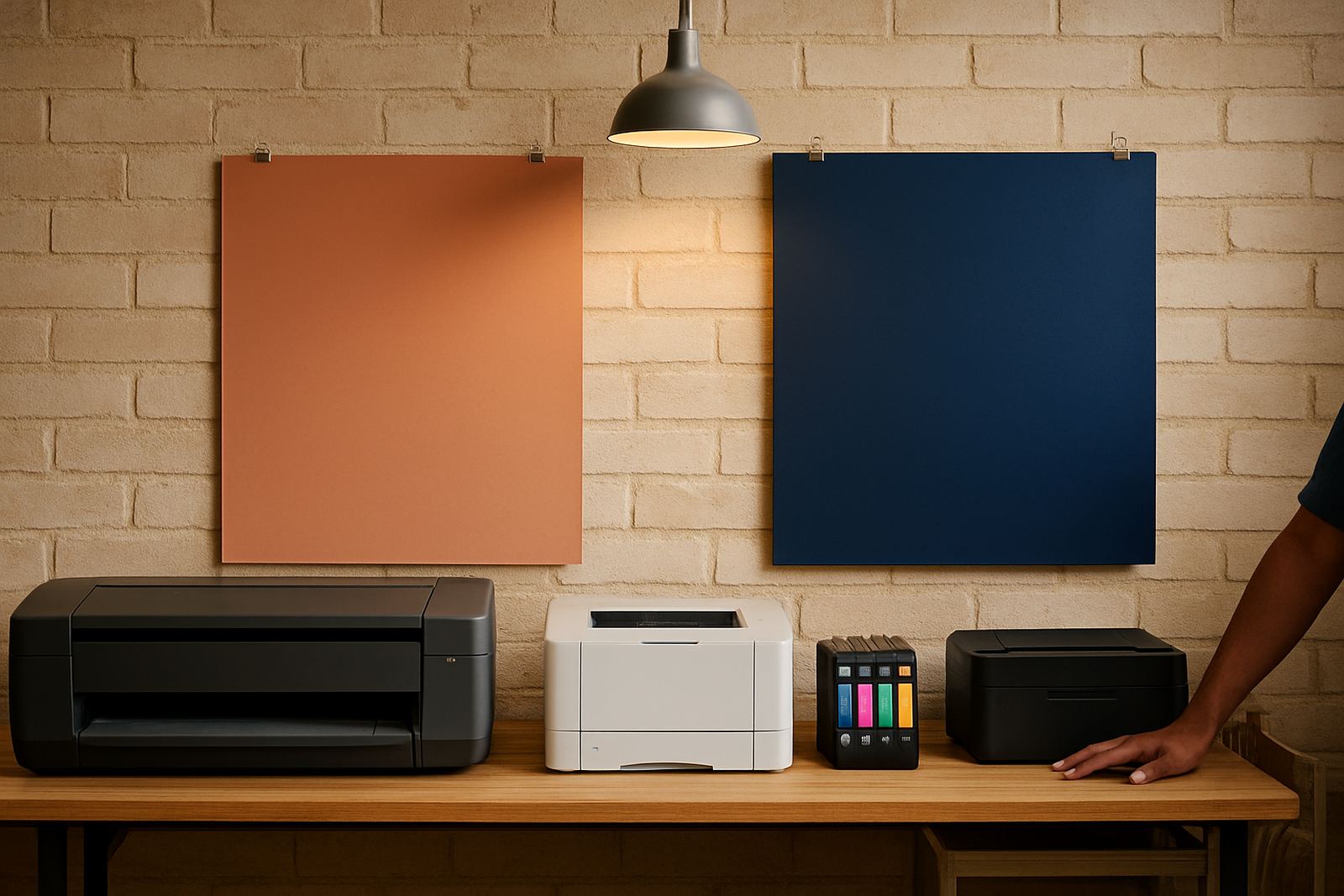
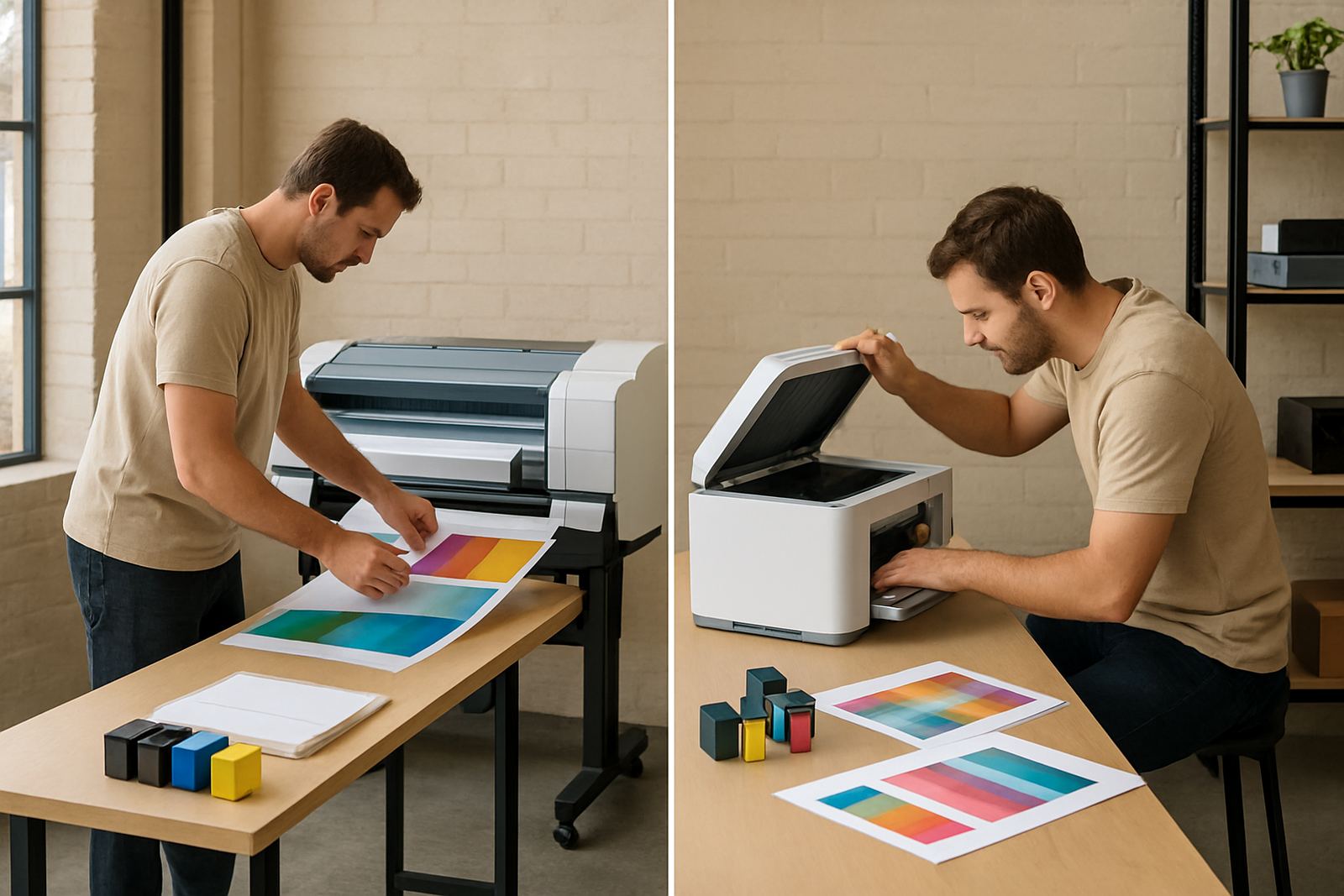
The biggest mistake is treating one printer as if it can do every job equally well. A proof printer gives accuracy and convenience for small-format checks. A poster machine gives size, throughput and media flexibility. Both can print colour, but they solve different problems in the production chain.
When the wrong machine is used, the signs are easy to spot. Proof jobs get held up because a wide-format printer is too slow or uses too much media for simple sign-off sheets. Poster work suffers when a small office printer is pushed into repeated large layouts and the team ends up taping sheets together. That is where print planning matters, because the cheapest machine can become the most expensive one if it causes rework.
- Proof jobs need speed and colour checking
- Poster jobs need width and media handling
- One machine can cover some overlap, but not everything
- Match the printer to the job volume and sheet size
Ink, paper and the local conditions that change the result
Cape Town offices and studios deal with dry indoor air in summer, coastal moisture in some areas and the odd power interruption when load-shedding bites. Those conditions affect print consistency more than many people expect. Paper can curl, inks can sit differently on some stocks, and a machine left idle for too long can need a quick check before the next run.
MyColour often advises on media matching because the paper matters just as much as the printer. A glossy poster stock will behave differently from a matte proof sheet, and a heavy coated paper may be better for presentation proofs while lighter stock is fine for internal review. If the jobs are going to a client in Woodstock today and a sign shop near Ndabeni tomorrow, you need a supply plan that keeps both types of work moving.
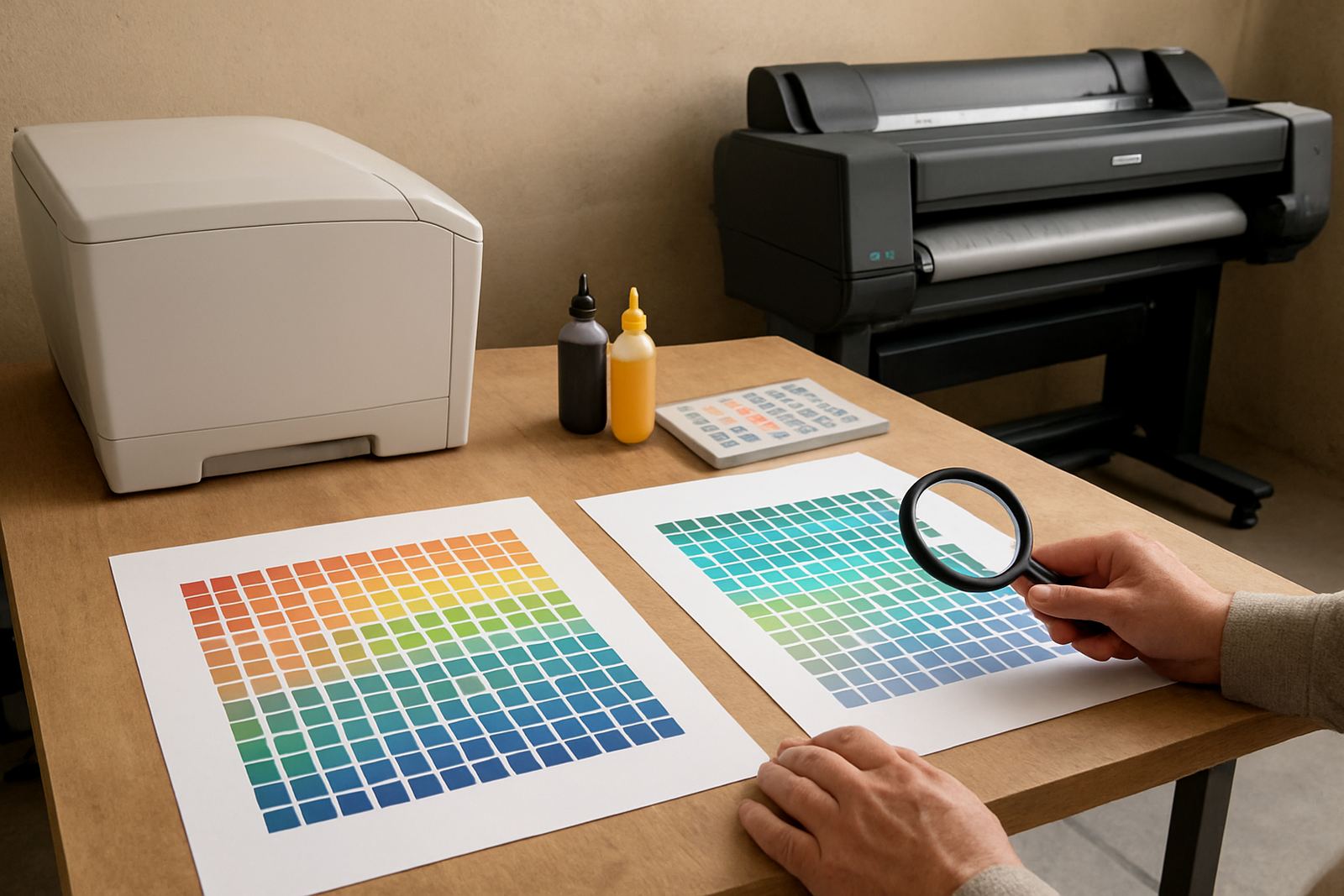
Practical choices usually come down to three things: the finish the client wants, how fast the job is needed, and whether the printer can hold colour from the first sheet to the last. That is where ink selection and preventive maintenance pay for themselves.
When it makes sense to step up to wide-format
A studio does not need to buy a larger machine just because it can print bigger. The step up makes sense when the team is repeatedly taping A3 sheets together, sending out poster mock-ups every week, or using a contractor for every wide piece. At that point the time lost on hand work and courier fees begins to show up in the numbers.
There are a few clear signs the move is due:
- You are printing more than a handful of posters a week
- Clients want larger proofs before sign-off
- Your office printer is being used beyond its normal duty cycle
- You need a direct line from artwork file to finished poster
- Reprints are costing more than a proper upgrade
In Ndabeni, it is common to see a small design team start with one colour printer for office work, then add a wide-format unit once signage, retail and marketing requests become regular. The upgrade keeps the workflow in-house and makes collections and dispatch easier for areas like Bellville, Claremont and Somerset West.
How MyColour keeps both sides of the workflow supplied
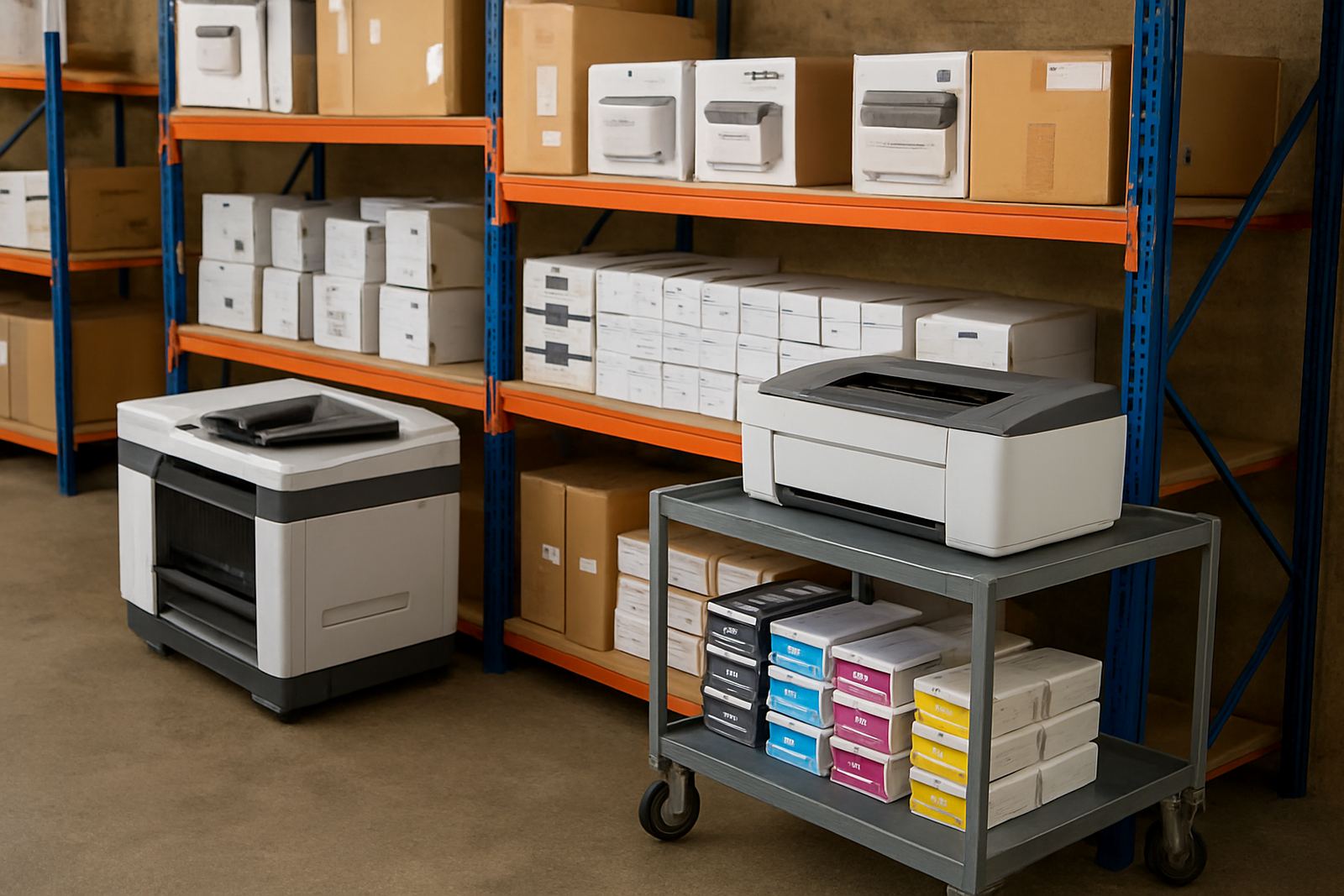
MyColour works from Ndabeni with courier supply nationwide, and the focus is practical support rather than guesswork. Danie Vosloo and the team handle printer installation, wide-format setup, ink supply planning, preventive maintenance and print quality checks so the machine matches the work being sent through it.
That support matters when a business needs more than a box drop. Zanele Mkhize can help with consumable reordering, Oarabile Xaba handles wide-format questions, Pieter Smit takes care of service issues, Boitumelo Shabalala keeps ink planning steady, and Jason Daniels manages dispatch. If a Cape Town studio needs user handover after installation, or a sign shop wants remote help before a deadline, the process stays organised.
- Printer installation and user handover
- Wide-format setup and media matching
- Preventive maintenance and print quality checks
- Remote help, collection coordination and consumable reordering
For businesses that print proofs in the morning and posters in the afternoon, that kind of supply bench helps prevent stoppages. It also means the right ink and media can be matched before the job starts, not after the first batch comes out wrong.