Built for everyday clinic colour work
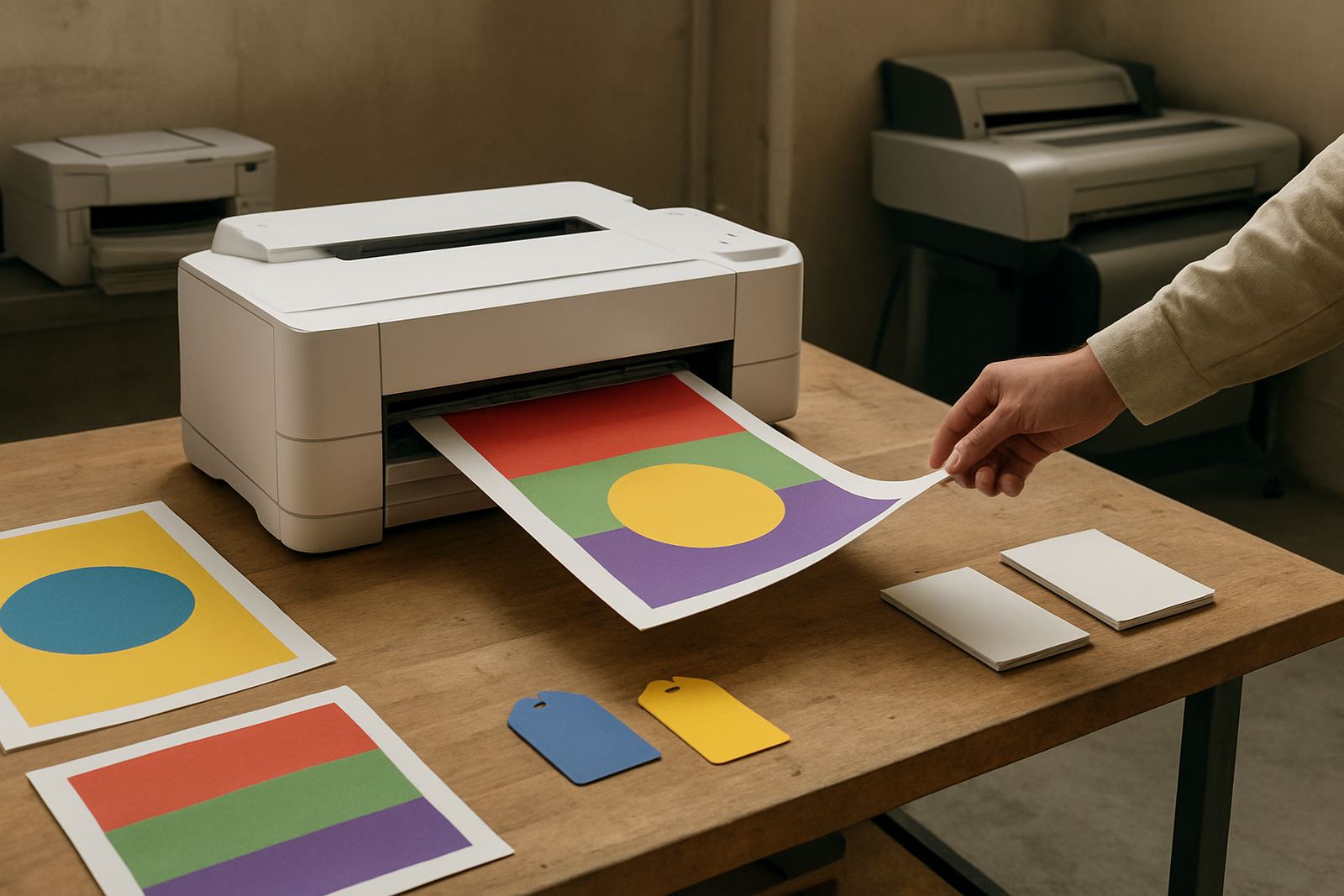
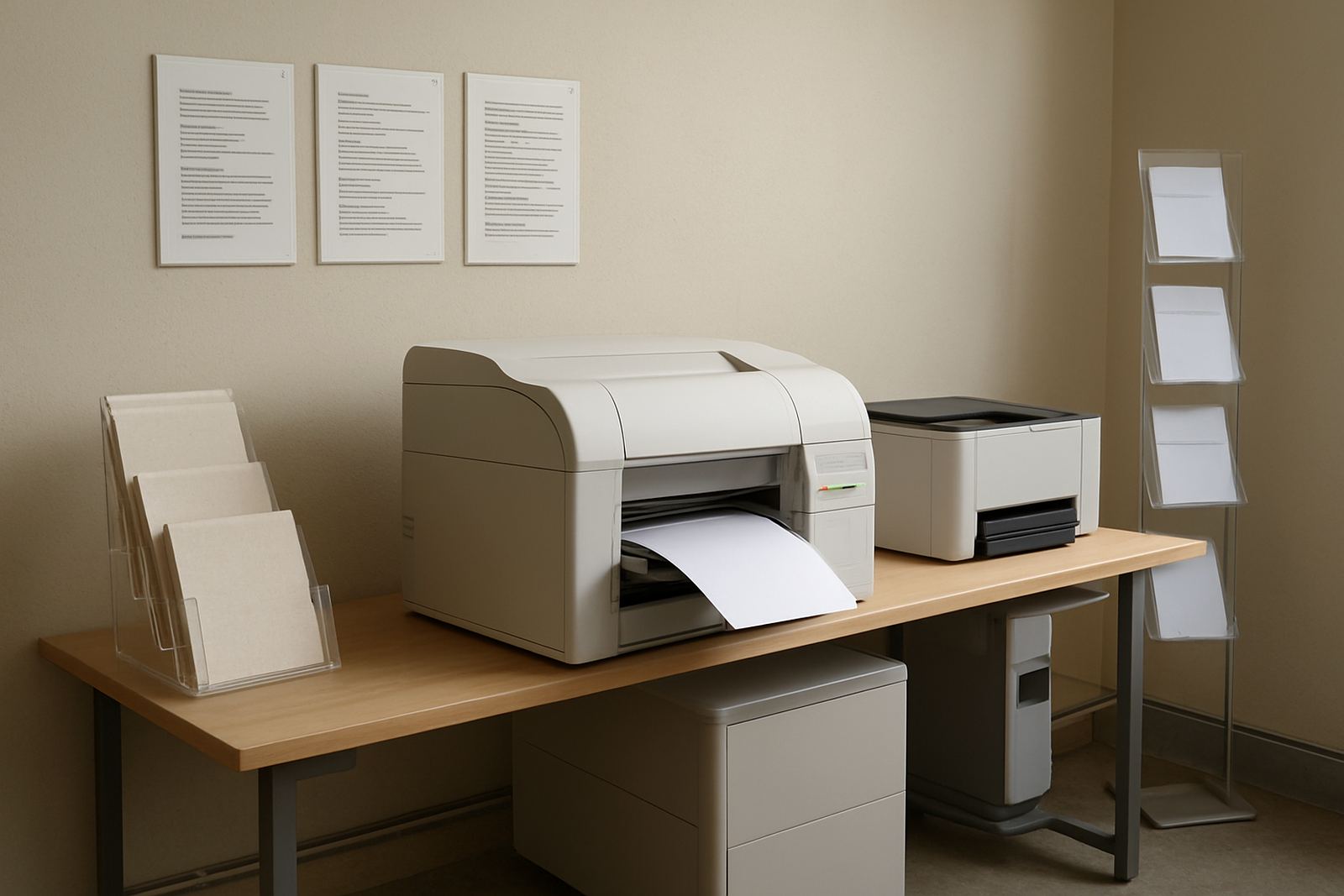
The Clinic Colour Printer is aimed at busy medical rooms, dental surgeries, physiotherapy practices and allied health offices that print in colour every day. It handles patient information sheets, appointment reminders, referral slips, directional signs and internal forms with clear text and steady colour balance.
This is not a heavy production machine, but it is well suited to the steady mix of short runs and occasional larger jobs that come up in a clinic. If your team prints a few pages at a time in reception, then a batch of notices for the waiting area, this type of printer keeps things simple and practical.
MyColour supplies the printer together with the matching inks and media advice, so the machine, paper and colour settings are chosen to work together from the start.
Size choices and print formats
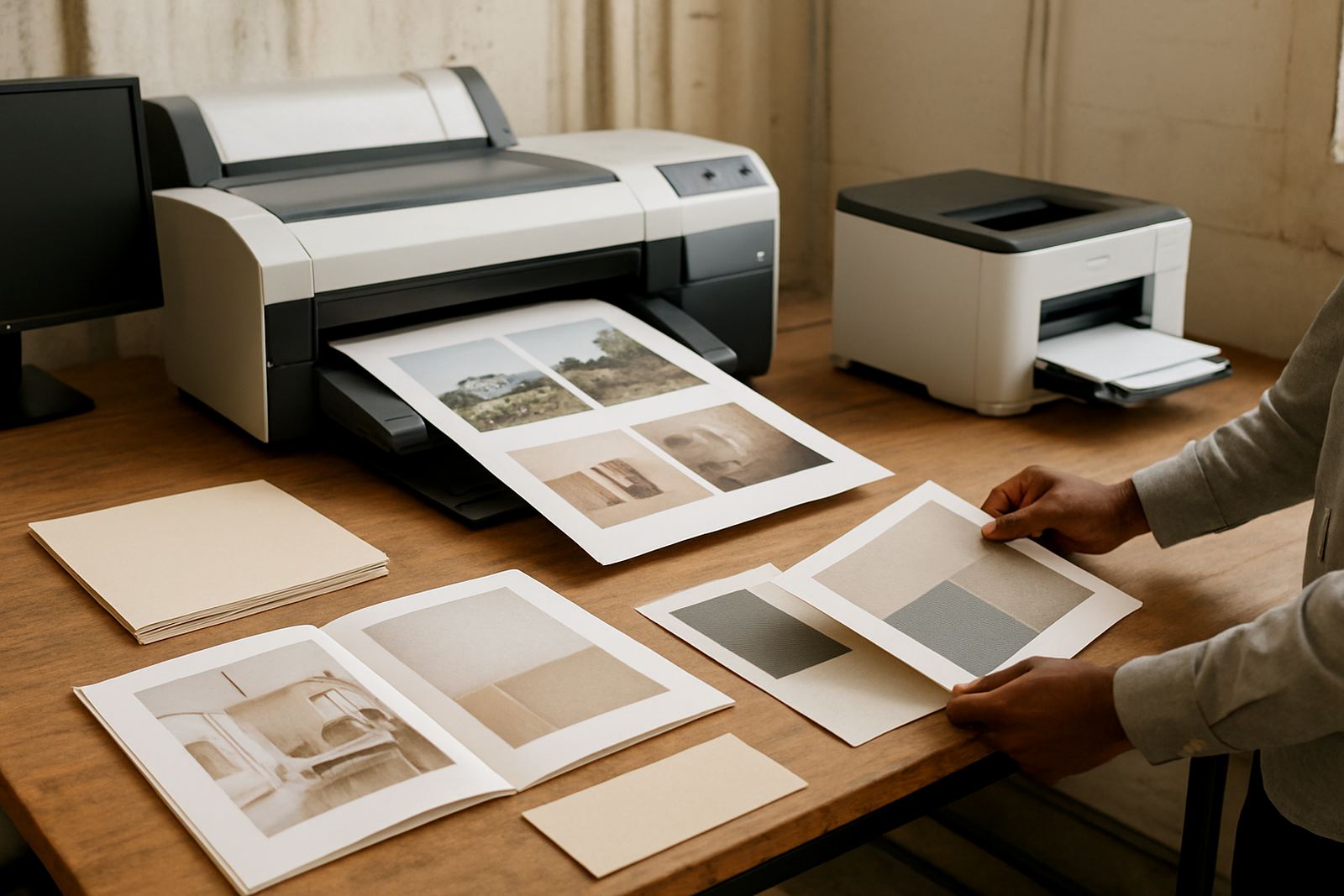
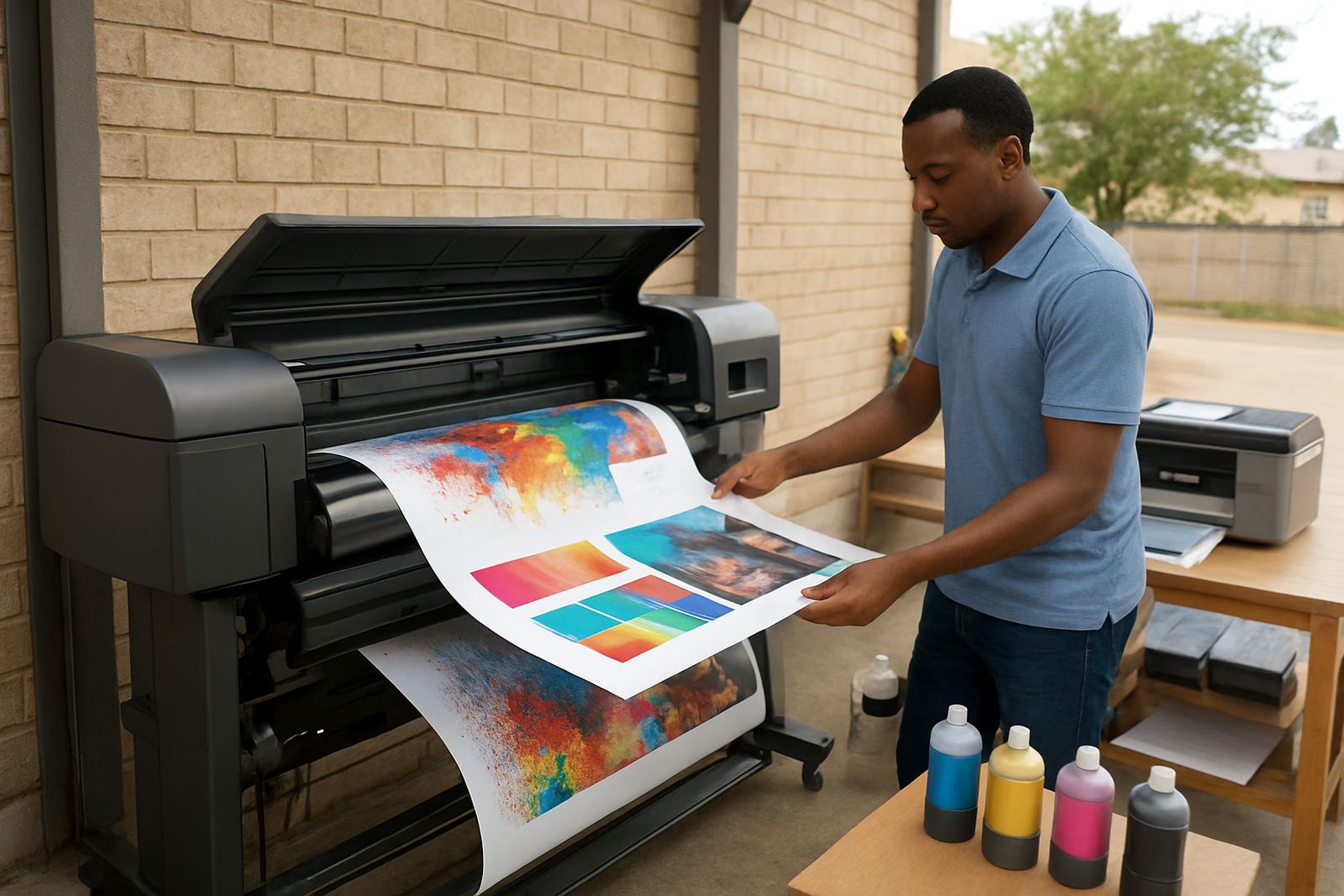
Clinic colour printers are usually chosen in desktop inkjet colour models or compact wide-format units depending on what the practice needs to print. Smaller models are ideal for A4 patient communication, while larger formats are better when you need posters, wall notices or layout sheets for multiple consulting rooms.
- Desktop colour printer for A4 forms, patient leaflets and office communication
- Wide-format colour machine for A3, poster work and larger signs
- Ink set matched to the paper and the expected print volume
- Optional paper tray or manual feed for specialty media and heavier stock
For most clinics, the right starting point is the smallest machine that still covers daily work. If the practice starts producing branded notices, treatment room posters or queue management signs more often, it may be worth stepping up to a wider format unit instead of forcing everything through an office printer.
Where it fits in a South African practice
In a Cape Town clinic, printing has to cope with load-shedding, shared work areas and a fair bit of foot traffic. This printer suits a reception or back-office area where staff need dependable colour output without needing a large print room.
It works well in Ndabeni, Montague Gardens, Woodstock, Claremont, Bellville and Somerset West, and we courier nationwide for teams outside the Western Cape. The machine is a solid match for rooms that want patient-facing notices to look tidy, even when power dips or the printer is switched on and off through the day.
Because clinics often need quick changes to forms and signage, the printer should be placed where staff can reach it easily and where the paper stays dry. Coastal humidity can affect paper stock, so keeping reams sealed until use helps with feeding and print consistency.
Installation, power and day one setup
Setup is straightforward, but the first few steps matter. The machine needs a stable table or trolley, enough space for paper access and a nearby plug point with clean power. A small ups unit can help during load-shedding if the practice needs to keep printing, though not every clinic will need one.
- Standard 230V mains power through a proper wall socket
- No gas connection required
- Level surface with room for paper loading and output
- Network or USB connection, depending on the office layout
- Basic colour calibration and test prints at handover
Our installation service includes printer setup, user handover and practical advice on where to keep the machine for best results. If the clinic shares one printer across reception and treatment admin, we can also help plan who prints what, and when, so queues stay short.
Care, servicing and print quality control
Colour printers in a clinic need regular use and simple care. Ink should be checked before it runs low, paper should be kept flat and dry, and test pages should be run often enough to stop nozzles from drying out. In a warmer room or one with aircon cycling on and off, a quick weekly check is usually enough to keep output neat.
We recommend preventive maintenance and print quality checks for practices that rely on clear patient communication. That includes checking alignment, colour density and line sharpness, as well as replacing consumables before they catch you out on a Friday afternoon.
- Keep spare inks on hand for busy weeks
- Run regular test prints to avoid blocked nozzles
- Store media away from direct sun and damp
- Book a service check if colour shifts or banding starts showing
For clinics printing important notices or medication guidance, small colour changes can matter. A clean, well maintained printer avoids reprints and saves time for staff who already have enough to manage.
What to verify before ordering a clinic printer
Before ordering, check the page sizes you use most, the number of prints you need per week and whether the work is mostly text based or image heavy. A clinic that only prints forms has different needs from one that produces posters, branded leaflets and room signage.
It also helps to know who will manage supplies. If one person is in charge of stock, we can set up consumable reordering and ink supply planning so there is less risk of running out mid-month. If you need collection coordination for maintenance or a remote help session, that can be arranged too.
Useful ordering points include the preferred media finish, whether you need A4 or wider output, and if the printer must fit into a small reception counter area. If you are upgrading from an old office colour machine, we can advise when it makes sense to move to wide-format and when the current setup is still enough.
A practical colour supply bench for clinics
MyColour keeps the focus on steady colour output, sensible advice and matching consumables. That matters in a clinic because the printer is not just for pictures, it is part of how the practice communicates with patients and staff every day.
With clear naming, direct support and nationwide courier supply, the Clinic Colour Printer can be set up for a small practice or a larger medical office that needs regular colour work. From installation to consumable reordering, the aim is to keep the machine ready when your team needs it most.
Key facts
| Print type | Colour inkjet for office and light production use |
|---|---|
| Common sizes | A4 models and compact wide-format options |
| Typical output | Patient leaflets, notices, forms, posters and internal signage |
| Connection | USB or network, depending on model |
| Power | 230V mains, with optional UPS support |
| Support | Installation, maintenance, media matching and consumable planning |