Built for presentation pages, not bulk office copies
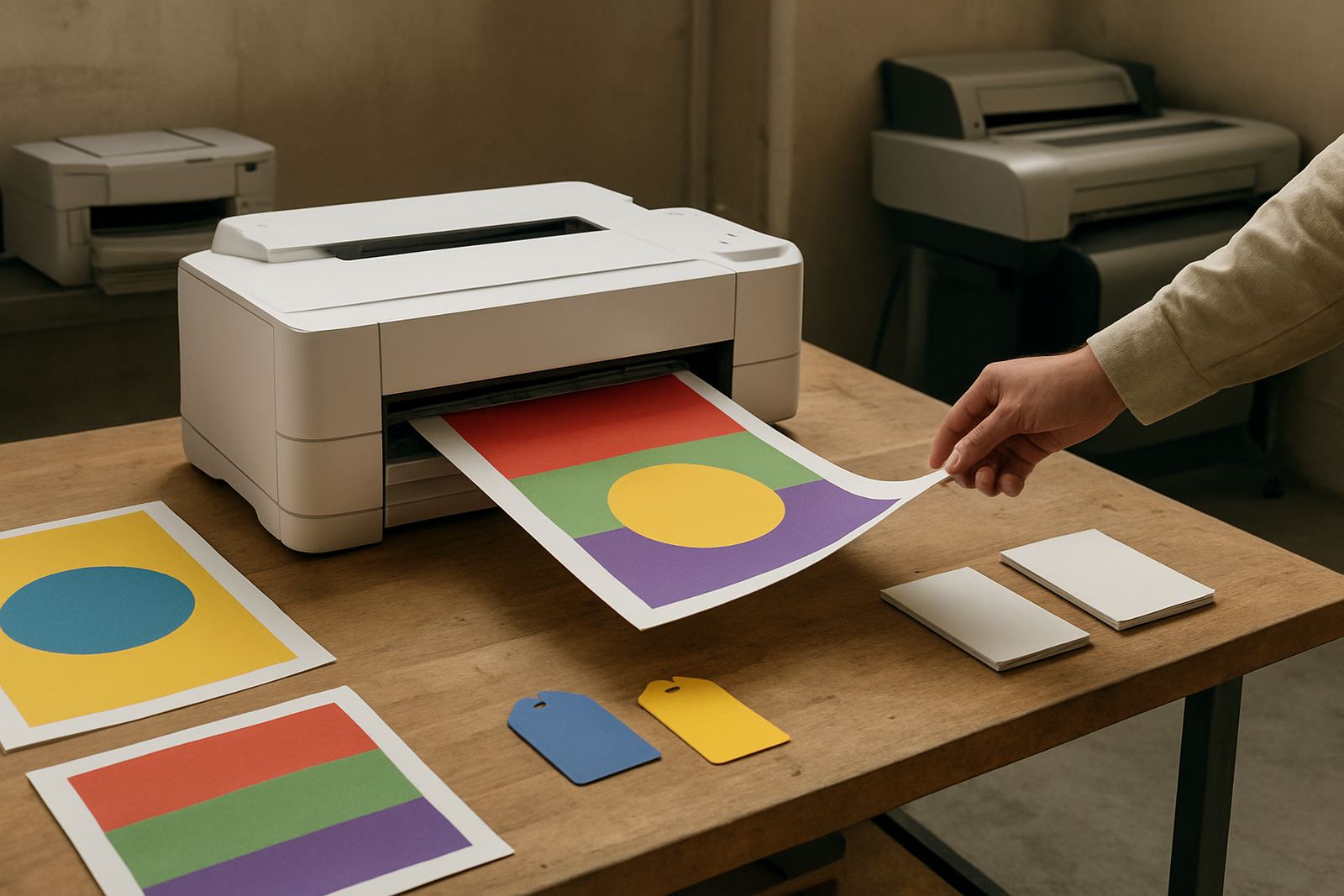
This type of colour printer is chosen when the finish matters as much as the information on the page. It gives you controlled colour for client portfolios, design boards, image-heavy reports and presentation packs where a washed-out office machine will not do the job. In a studio in Ndabeni or a practice in Claremont, that means better first impressions and fewer reprints.
Most buyers want a unit that can handle A4 and, on some models, A3 sized output for folded spreads, mood boards and technical sheets. Some teams use it only for final pages, while others run daily proofing, short-run presentation sets and internal colour approvals. The important point is stable ink delivery and consistent paper handling, especially when deadlines are tight and load-shedding has interrupted a previous run.
Options and sizes that suit different studios
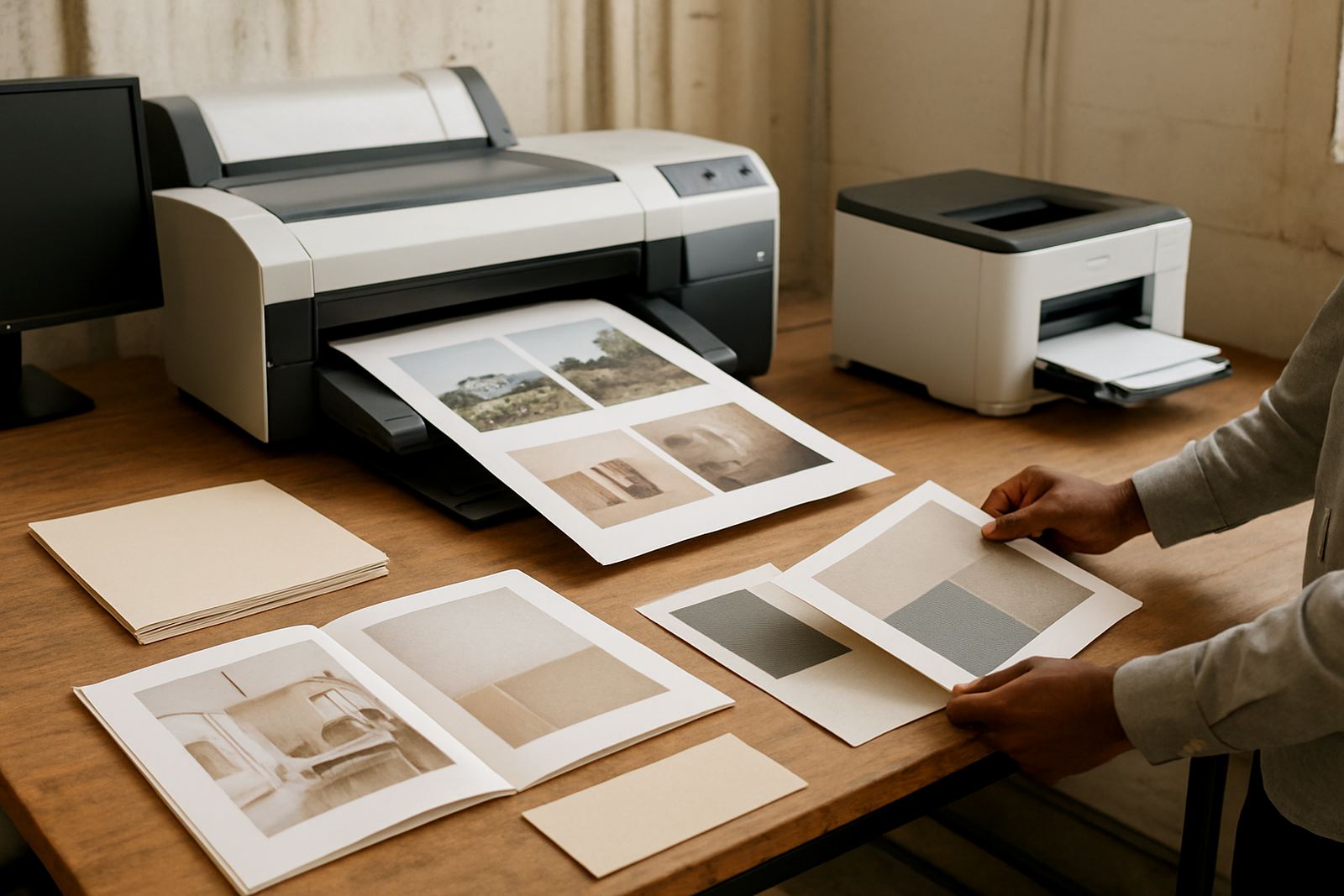
MyColour supplies desktop inkjet colour printers and larger-format colour machines, so you can match the printer to the size of the work. A smaller unit suits a compact office, while a wider machine makes sense if you regularly print posters, presentation boards or mounted layout sheets. For businesses in Montague Gardens, Woodstock or Bellville, that choice often comes down to how often A3 or wider pages leave the studio.
- Desktop colour printer for A4 and selected A3 work
- Wide-format colour printer for presentation boards and posters
- Matching inks and consumables supplied from one source
- Choice of pigment or dye ink, depending on the media and finish
Paper type matters too. Smooth coated stock gives cleaner lines for photo pages and renders, while heavier matte boards work better for presentations that must be pinned up, handled and filed. If a team is moving from office colour to wide-format, the stepping up point is usually print size, not just volume.
Where it fits and what it handles well
This printer is a strong fit for architecture firms, interior studios, sign and display teams, and busy offices that prepare external facing documents. It handles colour proofs, portfolio pages, concept boards, project updates and everyday admin work from one device. The goal is not only speed, but output that stays presentable when a client opens the pack in the meeting room.
- Architecture and planning presentations
- Interior boards and finish schedules
- Photography portfolios and image proofing
- Marketing packs and client handouts
- Short-run posters and notices for office or retail use
In Cape Town and the surrounding areas, humidity near the coast can affect paper storage, so keeping media sealed and flat helps prevent curl. If the printer is used in Somerset West or closer to the harbour side, it is worth checking the room conditions before loading premium stock. Good print quality starts with the paper staying clean, dry and properly stored.
Installation, power and site checks
Installation is practical and straightforward, but the machine still needs the right space and supply. Most units run from standard mains power and do not need gas. A dedicated socket is preferred, with surge protection recommended where power dips or outages are common. If you are in an office that already runs on backup supply, we can advise on the load the printer adds to the line.
Allow enough room for front access, paper loading and output trays, plus space to open covers for cleaning or service checks. Keep the machine on a level surface, away from direct sun and strong dust movement. For wide-format setups, a clear delivery path matters too, especially if the unit is going upstairs or into a tight studio in Woodstock or Claremont.
- Standard mains power, no gas required
- Surge protection recommended
- Level, vibration-free surface
- Dry room with moderate temperature
- Access space for paper, ink and maintenance
Ink care, servicing and print quality
Colour printers that sit idle can clog, so regular use is better than leaving them parked for days on end. A simple weekly print helps keep the heads moving and the colour balanced. In a design studio, that small habit can save a lot of time when a client suddenly wants a revised pack by lunchtime. If a machine is used heavily, planned maintenance becomes part of the cost of staying ready.
MyColour helps with preventive maintenance, print quality checks and consumable reordering so teams do not run out mid-job. Our service technician can check feed issues, streaking, banding and colour shifts before they turn into missed deadlines. For busy teams, remote help is often enough to solve a quick setup or driver question, while collection coordination is available if a unit needs workshop attention.
- Weekly test prints for idle machines
- Keep inks and media sealed until use
- Clean paper paths on schedule
- Check colour balance before client issue
- Reorder consumables before levels run low
What to confirm before you order
Before placing an order, check the page sizes you need most, the finish of the stock you use and whether you want A4 only or wider output. Also confirm the monthly print volume, as this helps decide between a compact unit and a higher-capacity machine. If your work includes presentation sheets with solid colour blocks, ink choice matters more than people think.
It also helps to know who will use the printer every day. A single designer may need a simple setup, while a shared office may need user handover, clearer media notes and a reordering plan that keeps stock under control. If the printer is going to be part of a larger colour workflow, ask for matching advice on media and inks at the same time so the setup is right from the start.
- Main paper sizes and board thickness
- Typical monthly print volume
- Ink type and media finish
- Room size and power access
- Need for installation and user training
From our base in Ndabeni, we support Cape Town businesses directly and courier nationwide. That includes teams in Montague Gardens, Woodstock, Claremont, Bellville and Somerset West, with practical advice on what to buy and how to keep it running.
Key facts
| Print type | Colour inkjet for portfolio, proof and presentation work |
|---|---|
| Common sizes | A4, with selected models handling A3 and larger formats |
| Ink options | Pigment or dye ink depending on media and finish needs |
| Use case | Architecture, interiors, photography, creative and office colour |
| Power | Standard mains power, surge protection advised |
| Support | Installation, setup, maintenance, remote help and consumable supply |