Compact Colour Label Printing for Everyday Use
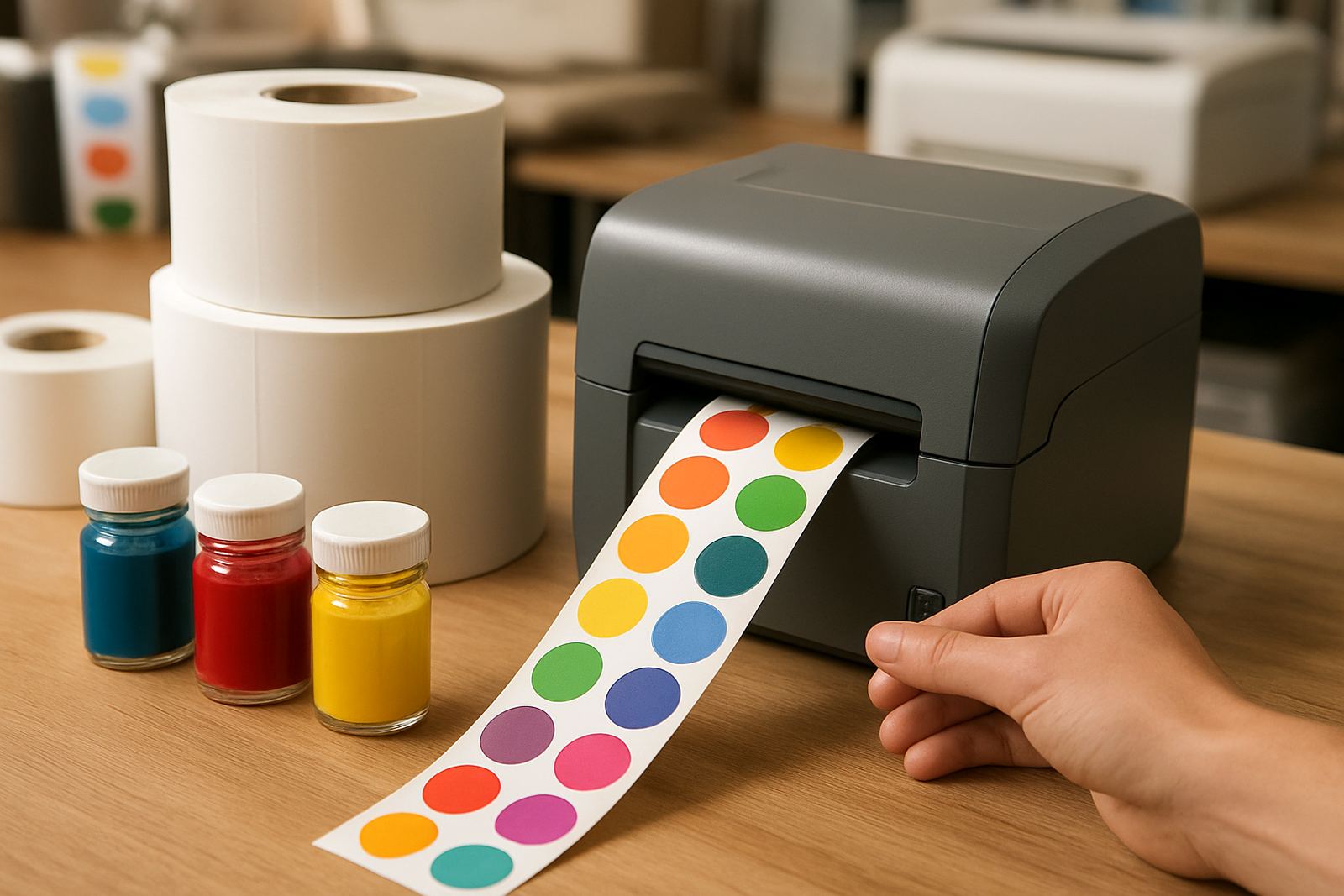
A label colour printer is built to put sharp colour onto adhesive stock, so you can produce product stickers, archive labels, shelf tags and small marketing runs in-house. For design studios, sign shops and busy offices, that means less waiting on outside printing and quicker changes when wording, pricing or artwork shifts.
The unit is best used where print jobs are frequent but not industrial in scale. If you are doing short batches for bottled goods, sample packs, cables, folders or file room identification, it gives you control over colour and timing without taking up much space. In Ndabeni and nearby business areas, many teams use this type of printer as a back-office workhorse alongside their main colour devices.
Sizes, Media and Print Output You Can Plan Around
This category is designed around narrow to medium-width label media, with output that suits desktop packaging and office identification. Typical media widths run from 25 mm up to about 216 mm, depending on the model and feed path. That gives you room for small product strips, 50 mm jar labels, 100 mm file labels and larger retail stickers.
Print resolution is usually the first thing to check. For clean text and logos, look for 1200 x 1200 dpi or similar high-resolution output. If you need smooth blocks of colour, make sure the printer uses matching inks and a media type that accepts ink properly. Gloss, matte and synthetic stocks each behave differently, so media choice matters just as much as the machine.
- Label widths from narrow file strips to wider product stickers
- Media options for matte, gloss and synthetic applications
- Suitable for short runs where layout changes often
- Colour output for logos, warnings, ingredients and barcode support
Where It Fits Best in a South African Workplace
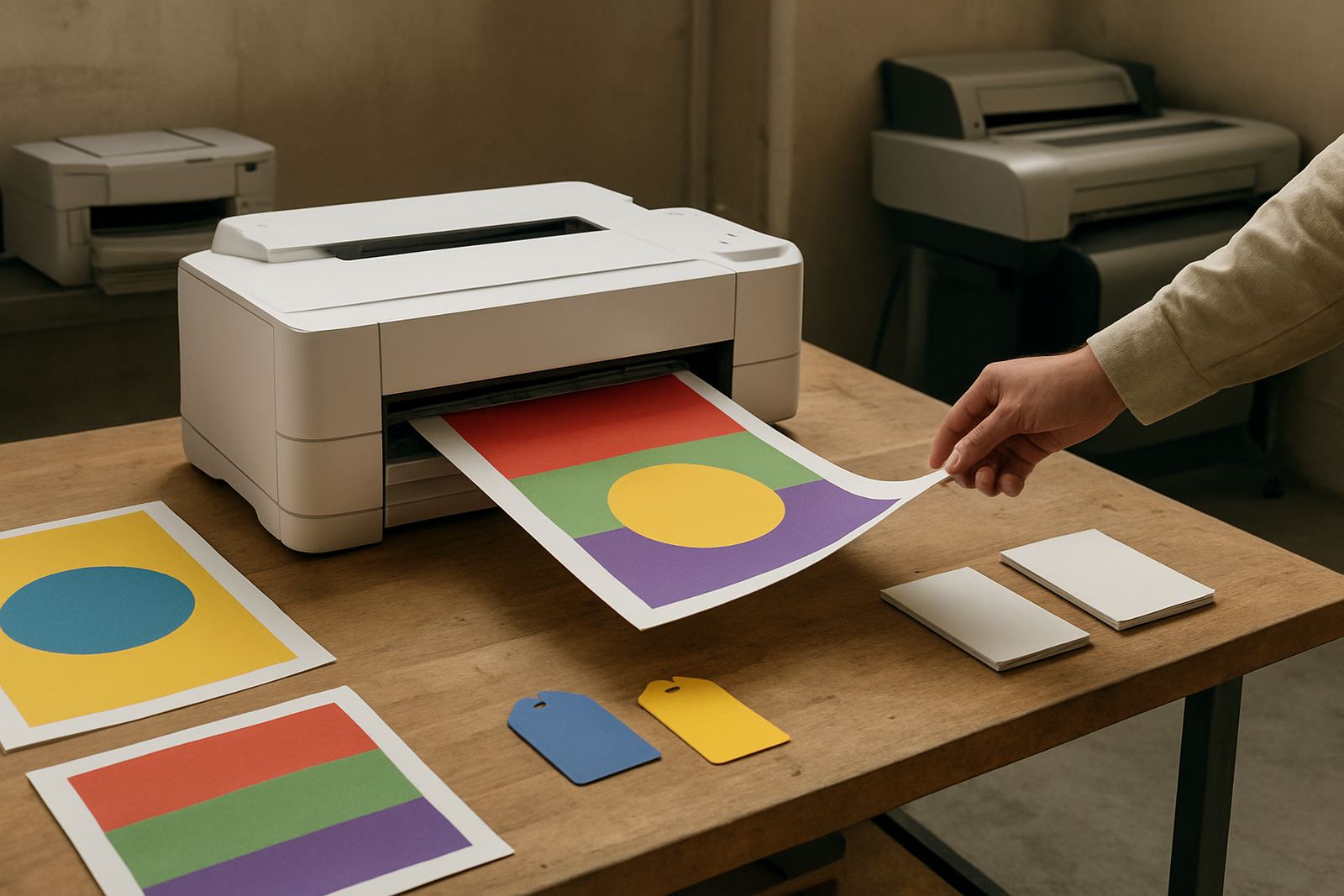
This printer makes most sense where labels are needed every week, but volumes stay moderate. Sign shops use it for proof labels and short client jobs. Design studios use it for mock-ups and packaging samples. Offices use it for asset labels, shelf identification and internal filing. Small manufacturers and food businesses can use it for product stickers, provided the label material and ink are suitable for the surface and handling needs.
In coastal areas like Cape Town, Somerset West and Woodstock, humidity can affect adhesive hold and drying times, so the right media is important. In hotter inland stores or workshops, keep consumables sealed and stored flat. If your team prints during load-shedding, ask about power backup for the printer, router and any connected computer so jobs do not fail mid-run.
- Design studios and sign shops
- Offices with regular file and asset labelling
- Small product makers needing short label runs
- Warehouses and storerooms with rotating stock labels
Installation, Power and Space Requirements
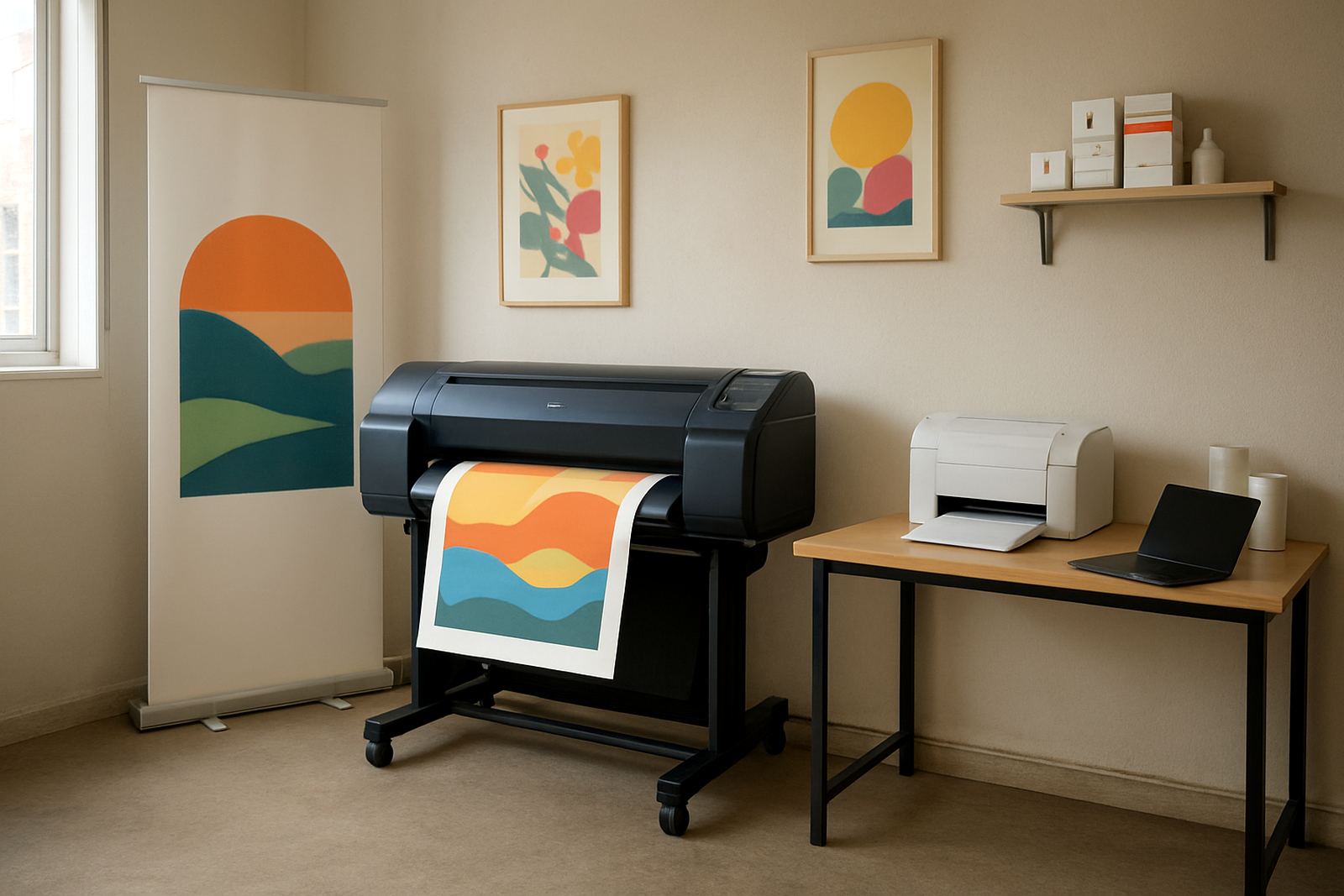
Installation is usually straightforward, but it still pays to plan the space. You need a stable table, enough room at the back for media handling and a dry area away from dust. A label printer should sit on a level surface, not on a wobbly trolley or near a doorway where paper and adhesive stock can pick up dirt.
Most desktop units run from standard 220V mains power and do not need special gas or compressed air connections. That said, if the printer sits near a laminator, cutter or compressor, keep the layout sensible so cables are tidy and maintenance access stays easy. Our team can help with printer installation, user handover and remote help if a setting needs adjusting after the first run.
- Standard 220V power supply
- No gas supply required
- Space for media feed and finished labels
- Dry, dust-controlled placement recommended
Ink, Media Matching and Print Quality Checks
Label printing is only as good as the pairing of ink and media. If the ink sits on top of the stock instead of curing or drying properly, you can get smudging, poor adhesion or dull colour. If the media is wrong for the surface, labels may lift at the edges or fail in humid conditions. That is why our advice stays practical and focused on the job at hand.
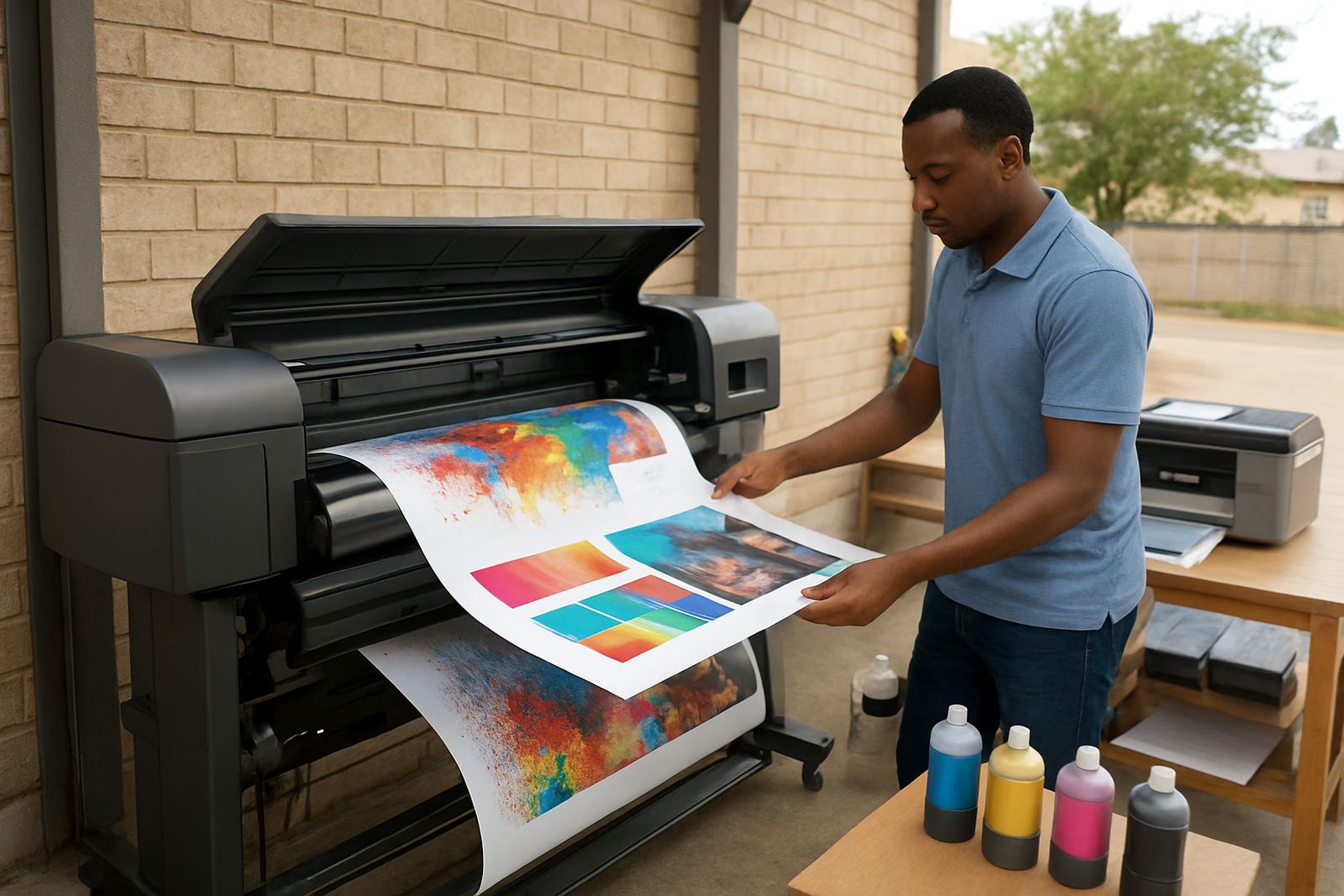
We assist with ink supply planning, media matching and print quality checks, especially where teams print on different label types through the month. A simple test strip can show whether blacks are solid, small text is legible and colour blocks hold together under handling. If your labels must survive courier use, cold storage or repeated handling, tell us up front so we can steer you to the right stock.
- Check ink and stock compatibility before ordering in volume
- Test small text, barcodes and solid colour areas
- Confirm label resistance for moisture, handling and storage
- Match adhesive strength to the application surface
Care, Servicing and Ongoing Supply Planning
Like any colour device, a label printer works best when it is used regularly and kept clean. Idle periods can lead to nozzle issues, stale ink paths or feed problems, especially in a busy office where the machine may sit through weekends or load-shedding periods. A short weekly test print is often enough to keep things moving.
Preventive maintenance helps avoid down time. That includes checking feed rollers, cleaning the print path, confirming settings after media changes and replacing consumables before they run too low. If a business runs several label jobs across departments, consumable reordering should be managed before stock gets tight. Our Cape Town base in Ndabeni supports collection coordination and courier supply nationwide, so teams outside the city can still keep running without long delays.
- Weekly test prints help reduce blocked nozzles and feed faults
- Keep spare inks and approved label stock on hand
- Clean rollers and the print path on a set schedule
- Plan reordering before a campaign or seasonal rush
What to Check Before You Order
Before you place an order, confirm the label size, the finish you want and the surface the labels will go onto. Ask whether you need permanent or removable adhesive, and whether the labels will face handling, moisture or sunlight. It also helps to know your expected monthly volume, because that changes the best choice of printer and consumables.
Send through the artwork size, the label width, and whether you need file labels, product stickers or short custom runs. If you are unsure whether a desktop unit is enough or whether you should step up to a wider machine, we can talk you through the job and the print volume. That saves money and avoids buying a printer that is either too small or more than you need.
- Label size and adhesive type
- Monthly print volume and peak periods
- Required colour accuracy and text size
- Need for courier use, cold storage or outdoor exposure
Key facts
| Product type | Compact colour label printer |
|---|---|
| Use case | Product stickers, file labels, short custom runs |
| Typical media width | Approx. 25 mm to 216 mm |
| Print resolution | Up to 1200 x 1200 dpi |
| Power | 220V mains supply |
| Support | Printer installation, media matching, servicing and consumable reordering |