What the Starter Wide Printer is for
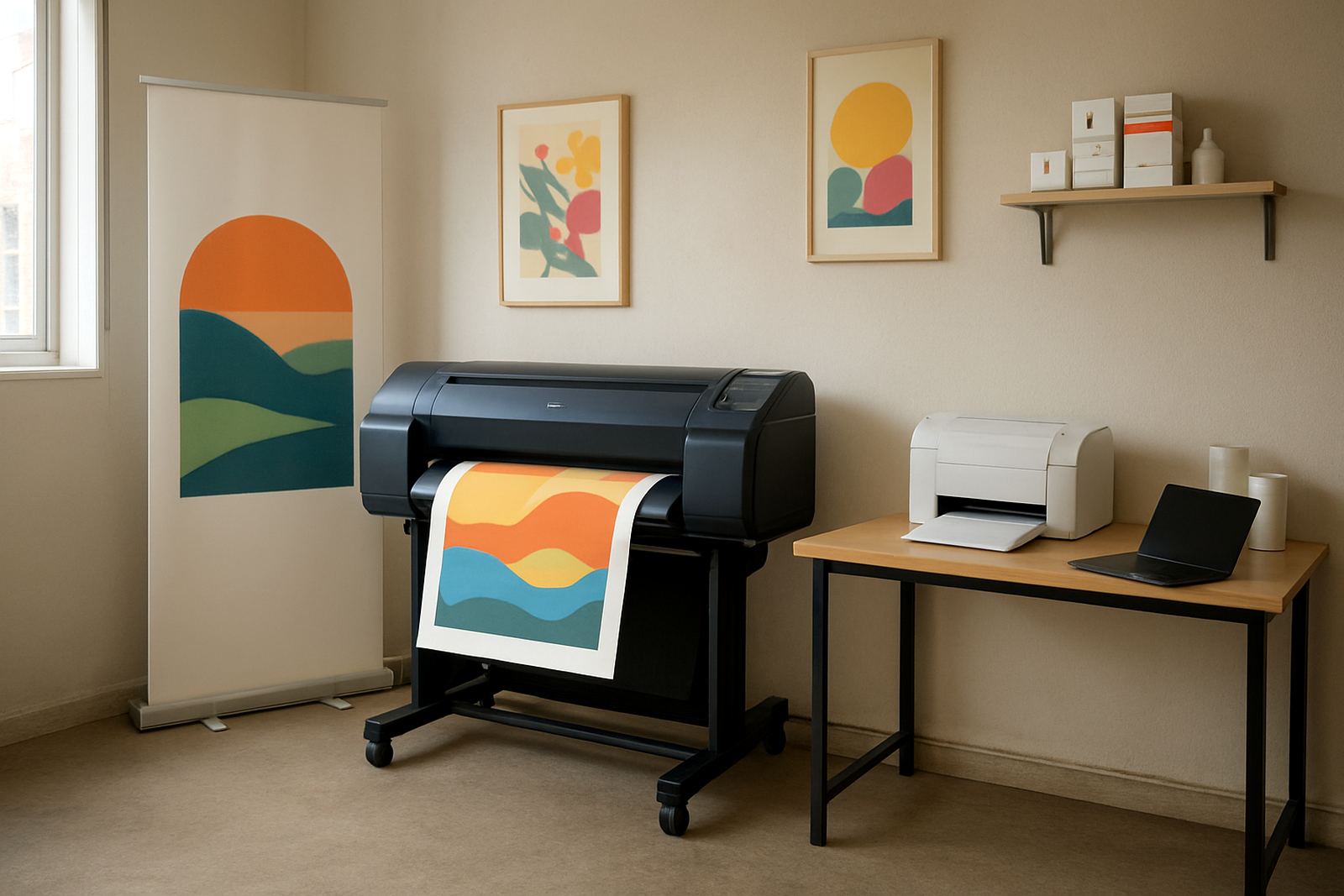
This is a first-step wide-format machine for teams that need more than standard office colour, but do not yet need a heavy production unit. It suits architects, design studios, estate agencies, schools and in-house marketing teams that print mock-ups, event graphics, point-of-sale pieces and short-run posters on a regular basis.
In day-to-day use it helps keep quick colour work in house instead of sending every job out. That matters when a client wants a change by 3pm, or when you need to check layout and colour before approving a larger print run.
- Best for offices moving beyond A3 colour output
- Useful for proofs, posters, internal displays and presentation boards
- Helps cut repeat courier delays on short-turnaround jobs
Sizes, media and output options
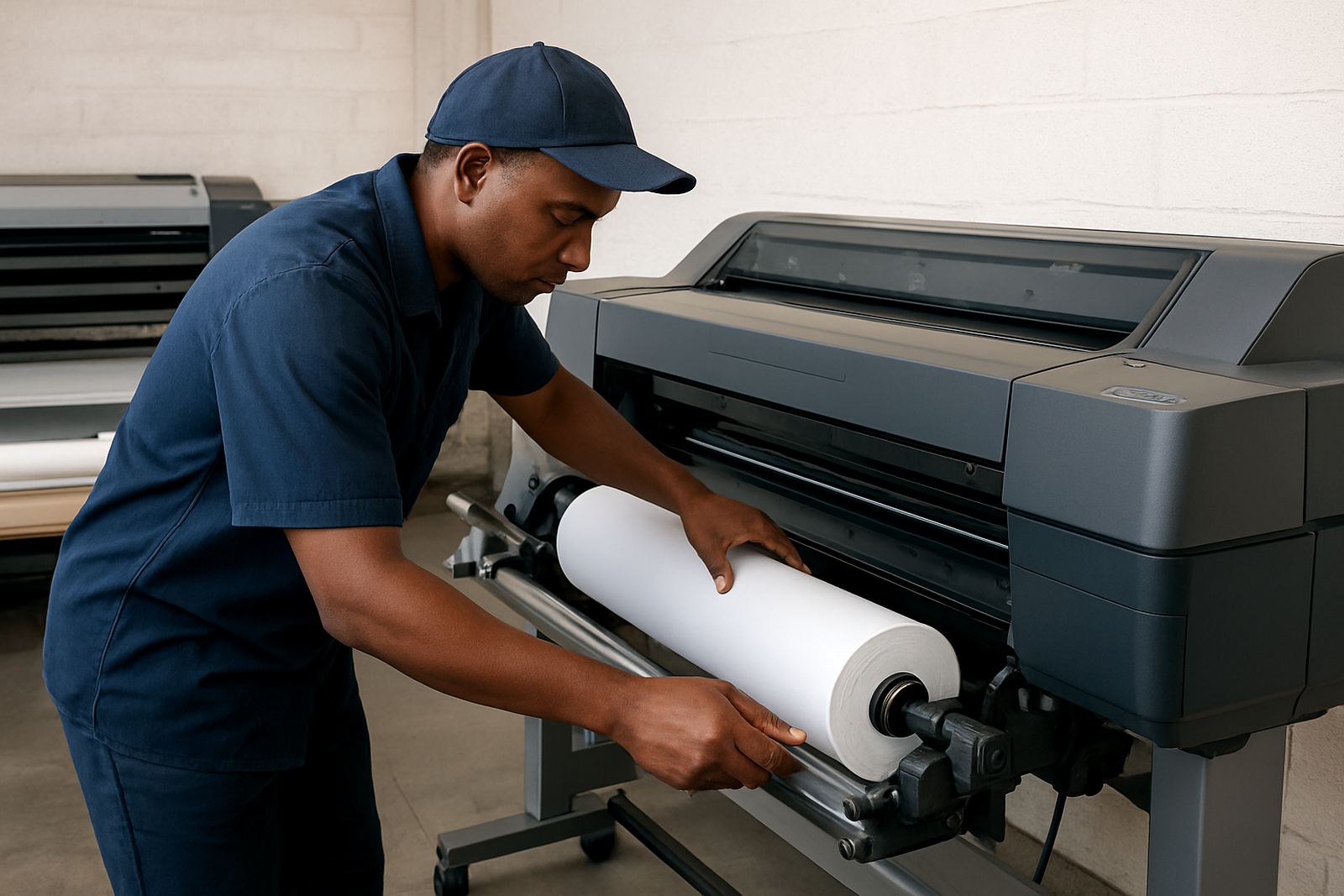
Starter wide machines are normally chosen in the 24 inch to 36 inch class, depending on the space on hand and the kind of work being printed. That covers common poster sizes, technical drawings, exhibition graphics and longer runs on roll media. Some setups also accept sheet feed for flat media, which is helpful when you need more control for proofs and small batches.
Media choice matters as much as the printer itself. Matt coated paper is often the starting point for proofs and posters, while heavier presentation stock gives a firmer finish for signage. For coastal use in Cape Town or Durban humidity, store media sealed and flat so it does not curl or pick up moisture.
- Typical width range: 24 inch, 36 inch or similar entry wide-format sizes
- Suitable media: coated paper, presentation stock and selected proofing papers
- Common uses: posters, mock-ups, plans, point-of-sale and display graphics
Where it fits in a busy office
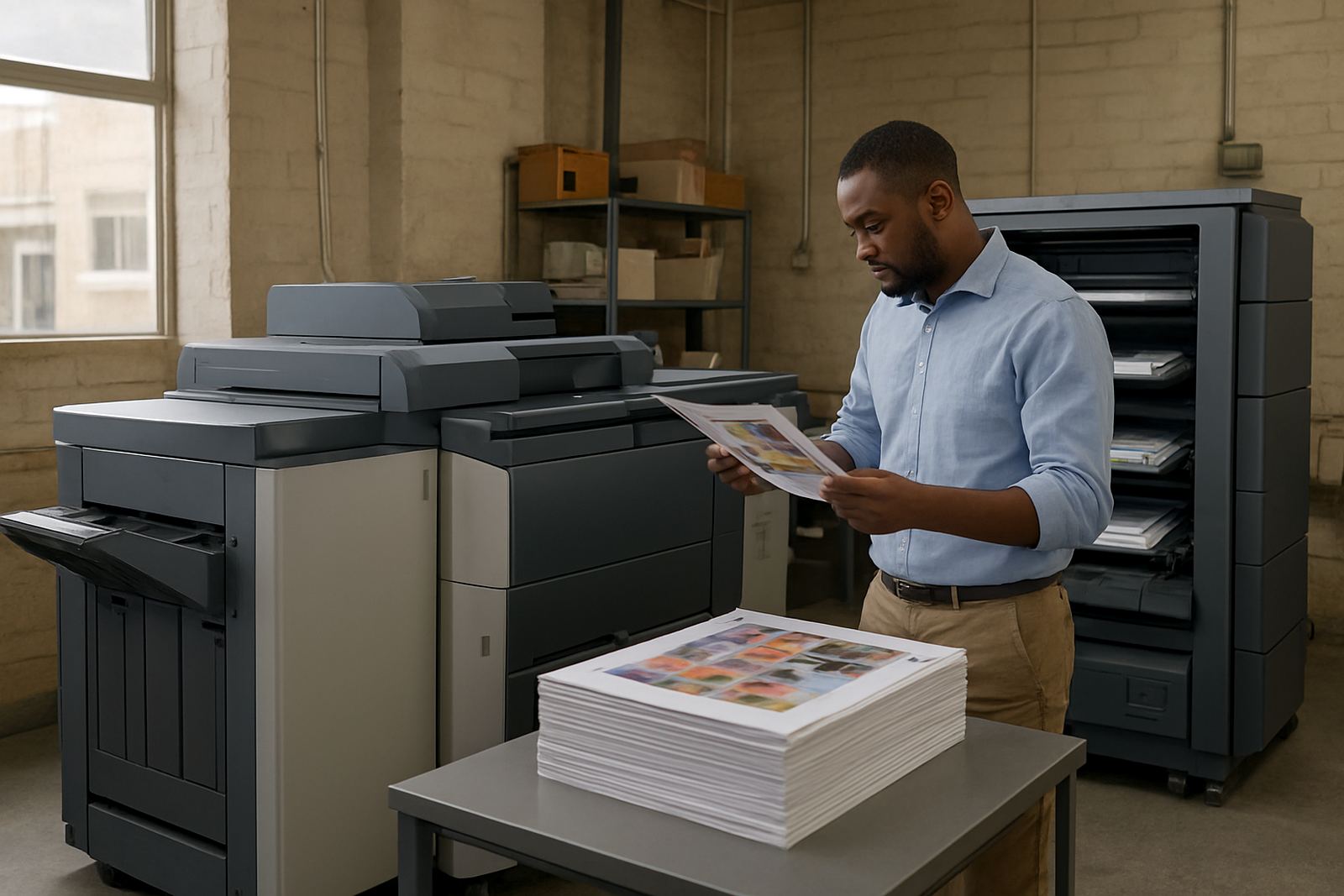
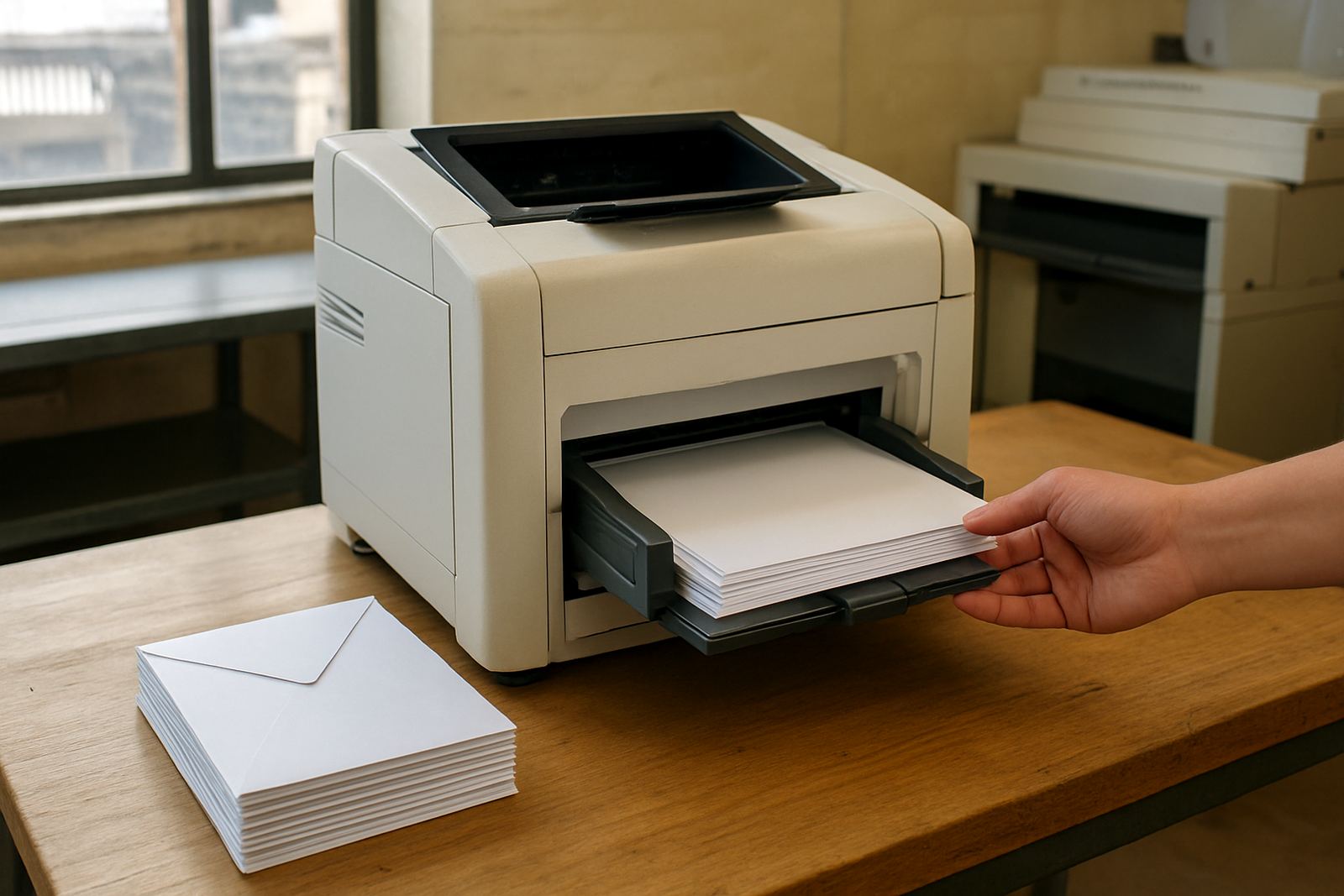
This machine works best where colour printing is regular but not yet high-volume all day. If a team is still using an office printer for A3 jobs and then outsourcing larger work, the Starter Wide Printer can bring those jobs in house with less fuss. It is also a sensible step for branches in places like Ndabeni, Montague Gardens, Bellville or Somerset West where staff need quick turnaround without sending files back and forth.
For sign shops, the unit is handy as a proofing printer or as a backup for lighter jobs when the main production machine is tied up. For offices, it gives a calmer print bench for everyday colour output, with less pressure on the standard copier and fewer ad hoc calls to outside suppliers.
- Good fit for 3 to 12 users who print colour regularly
- Works well for branch offices and small creative teams
- Ideal as a stepping stone before moving into larger production output
Installation, power and site needs
Basic installation is straightforward, but the printer still needs the right space and power point. Allow a level surface, easy access at the front and enough room to load roll media and collect prints without bending the paper. A 230V mains supply is normally enough, with a stable plug point and decent surge protection, especially where load-shedding or voltage dips are common.
No gas supply is needed. Ventilation should be ordinary office ventilation, though the unit should not sit right against a wall or in a dusty corner near a busy storeroom. If the machine is going into a shared workspace, plan for a little extra room for ink handling, media changes and user handover so staff are not crowding the printer every time a job lands.
- Needs a level surface and clear front access
- Uses standard electrical power, no gas required
- Surge protection is recommended for South African power conditions
Ink, servicing and colour care
Wide-format colour printing stays cleaner when the ink choice matches the media and the job type. The right inks help with colour consistency on proofs and marketing work, while also reducing wasted stock from poor coverage or dull output. If your work includes regular colour checks, ask for supply planning so cartridges or bottles are replaced before they run low, not after a deadline has already been missed.
Preventive maintenance matters too. Heads, lines and feed paths need routine care, especially in offices that print only a few times a week or leave the machine idle over a long weekend. Monthly checks, nozzle tests and a clean environment all help keep the printer ready. A little attention goes a long way, and it avoids the usual panic when a job is due and the machine has decided to act up.
- Use matching ink and media for better colour control
- Keep to a regular cleaning and nozzle check routine
- Plan reordering before stock reaches the last cartridge or bottle
What to check before you order
Before ordering, measure the floor space, check your power point and decide what widths you really need most often. If your work is mostly A1 and A0 plans or posters up to 24 inch, you may not need a larger frame. If you regularly print display panels or bigger presentation pieces, it may be worth stepping up now instead of replacing the machine too soon.
It also helps to think about who will use the printer. If several people need access, ask about user handover, remote help and collection coordination so service calls are not left hanging. MyColour can assist with installation, media matching, print quality checks and consumable reordering from Ndabeni with courier supply nationwide.
- Confirm the print width you need most often
- Check power, floor space and access for roll loading
- Plan for maintenance, ink supply and user training from day one
Key facts
| Product type | Entry-level wide-format colour printer |
|---|---|
| Typical width options | 24 inch to 36 inch class |
| Recommended use | Proofs, posters, plans and light production |
| Power requirement | Standard 230V mains supply |
| Supply format | Matching inks and media support |
| Support area | Ndabeni, Cape Town with courier supply nationwide |