Built for roll-fed colour work
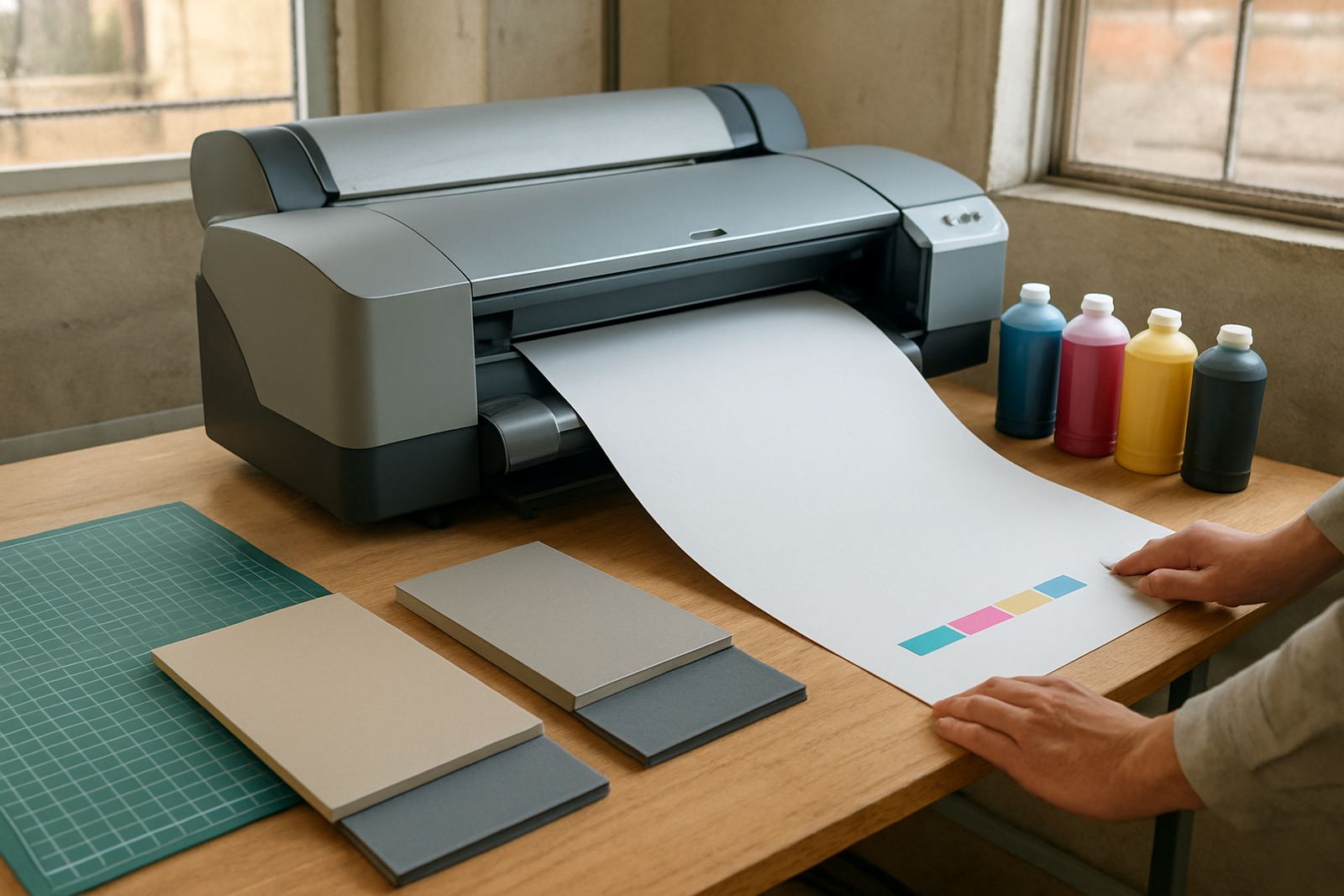
Roll media printers feed paper or coated media from a roll instead of sheet by sheet, which gives longer print runs with fewer stops. That makes them a practical choice for proofing, presentations, retail notices and indoor display work where colour must stay consistent from the first metre to the last.
Most units in this class use aqueous ink systems and a print width set for common studio and signage jobs. Depending on the model, you can handle A1 and A0 sized output, narrow proof rolls, or wider rolls for posters, technical colour work and mounted graphics. For teams running daily jobs in Cape Town or sending work nationwide, the value is in predictable output, simple media loading and fewer manual handling errors.
Sizes, roll widths and typical output
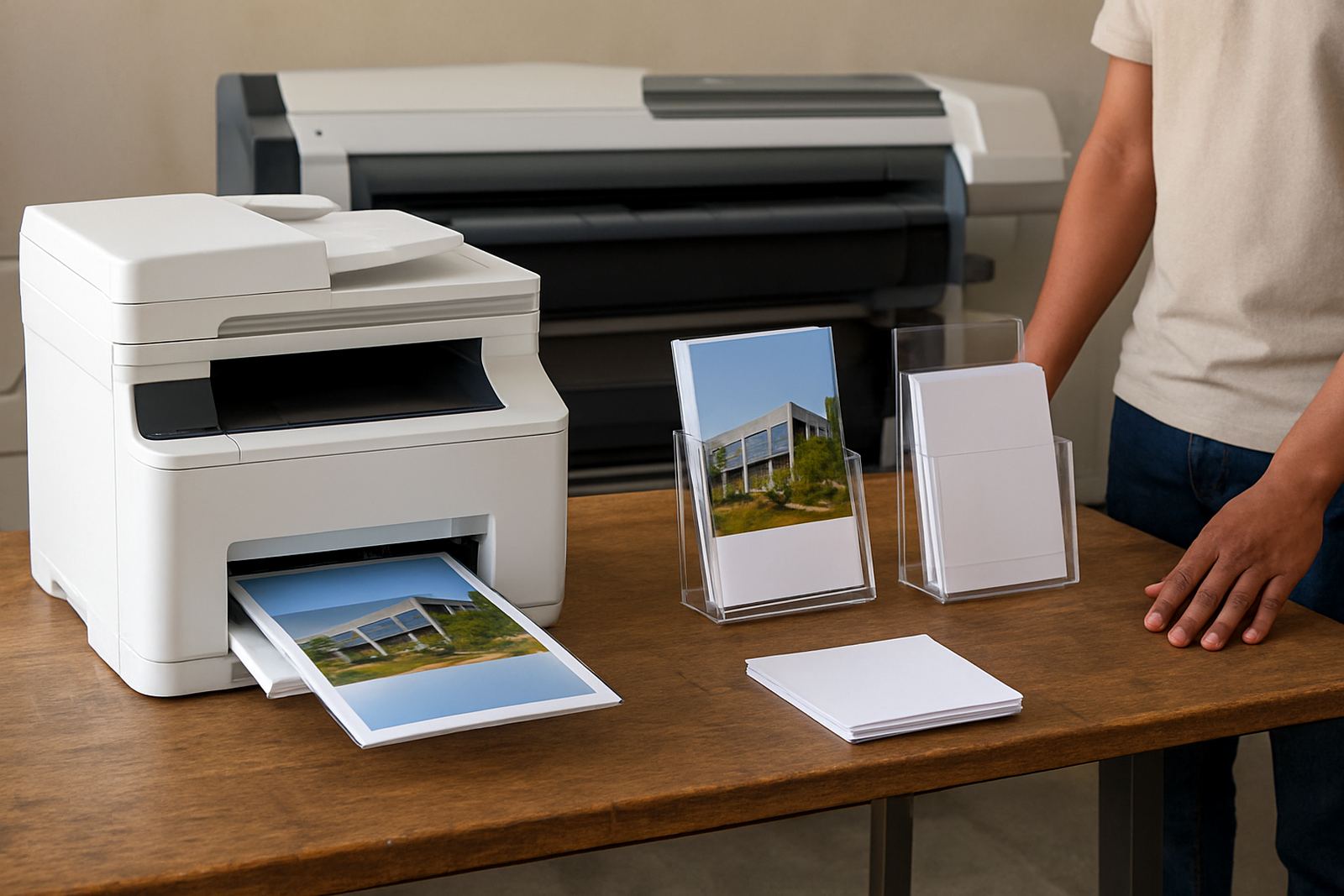
The right roll media printer depends on the largest finished size you produce, the width of the roll you want to load and the volume you expect each week. Smaller desktop colour units are fine for office proofs and light production, while wider machines are better for studios that print posters, retail graphics and presentation boards.
- Common print widths: 24 inch, 36 inch, 44 inch and 60 inch
- Typical roll diameters: 2 inch core or 3 inch core
- Media types: coated paper, presentation paper, proofing paper and compatible display stocks
- Output sizes: A1, A0, custom lengths and banner style runs where the media allows
If your jobs often move beyond office colour, it is usually better to step up early to a wider roll unit than to force sheets through a smaller printer. That saves time and gives cleaner edges on longer prints, especially when staff are working under load-shedding schedules or with a limited production window.
Where this printer suits best in South Africa
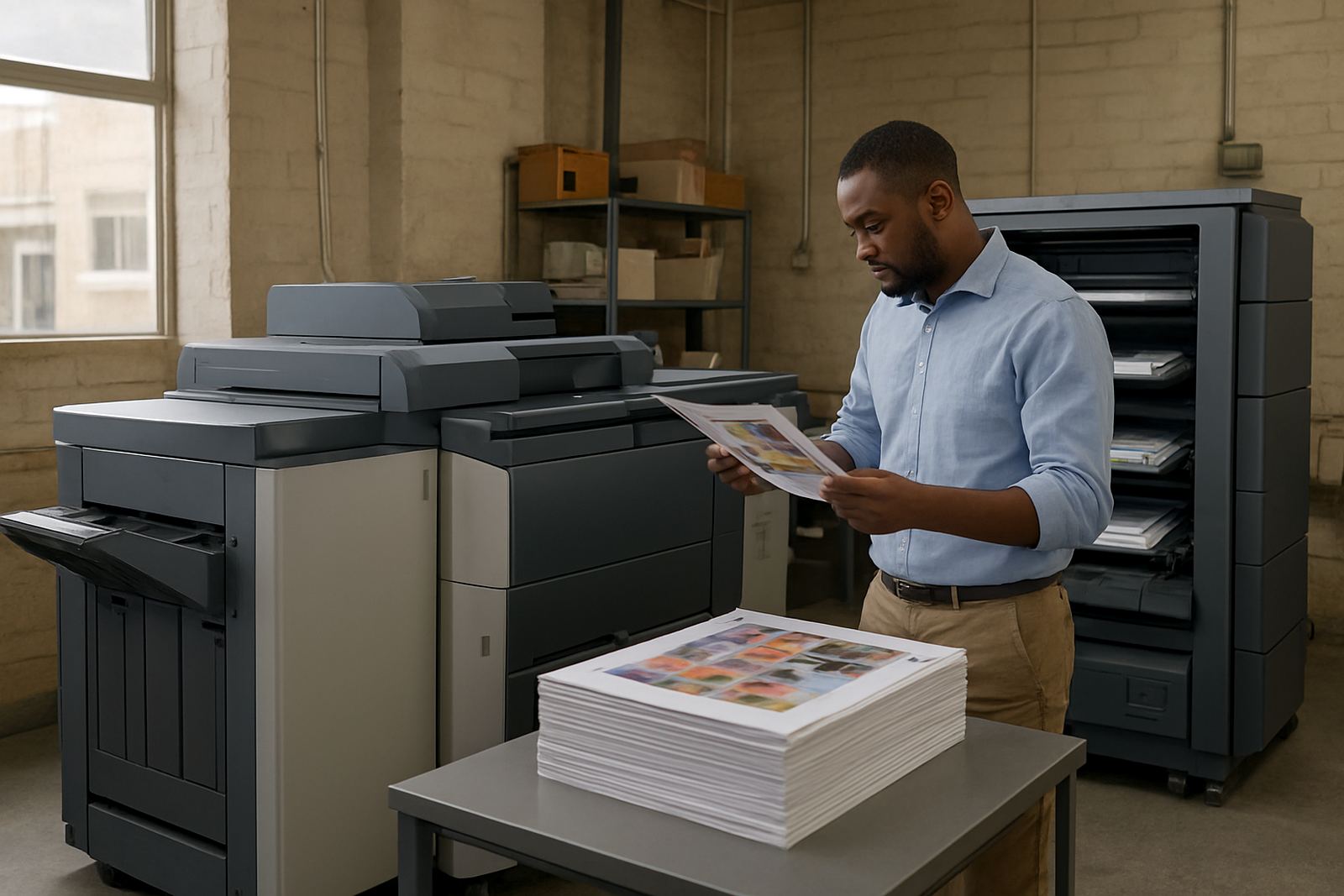
These printers suit design studios, sign shops, repro rooms, in-house marketing teams and offices that need dependable colour output without sending every job out. In coastal areas like Cape Town and Somerset West, media storage and ink handling matter because humidity can affect paper curl and finish. In warmer inland spaces, dust control and regular nozzle checks matter just as much.
They also work well for teams that must keep a clear line between everyday office print and production print. If you are in Ndabeni, Montague Gardens, Woodstock, Claremont or Bellville, a local supply point helps when a roll runs out mid-job and the client wants a reprint the same day. For courier supply nationwide, it helps to keep one known supplier for printers, inks and matched media rather than mixing fittings and consumables from different sources.
- Design studios producing proofs and client sign-offs
- Sign shops printing posters, point-of-sale and short-run display work
- Busy offices needing presentation graphics and colour proofs
- Teams that want one supplier for printer, ink and consumables
Installation, power and workspace needs
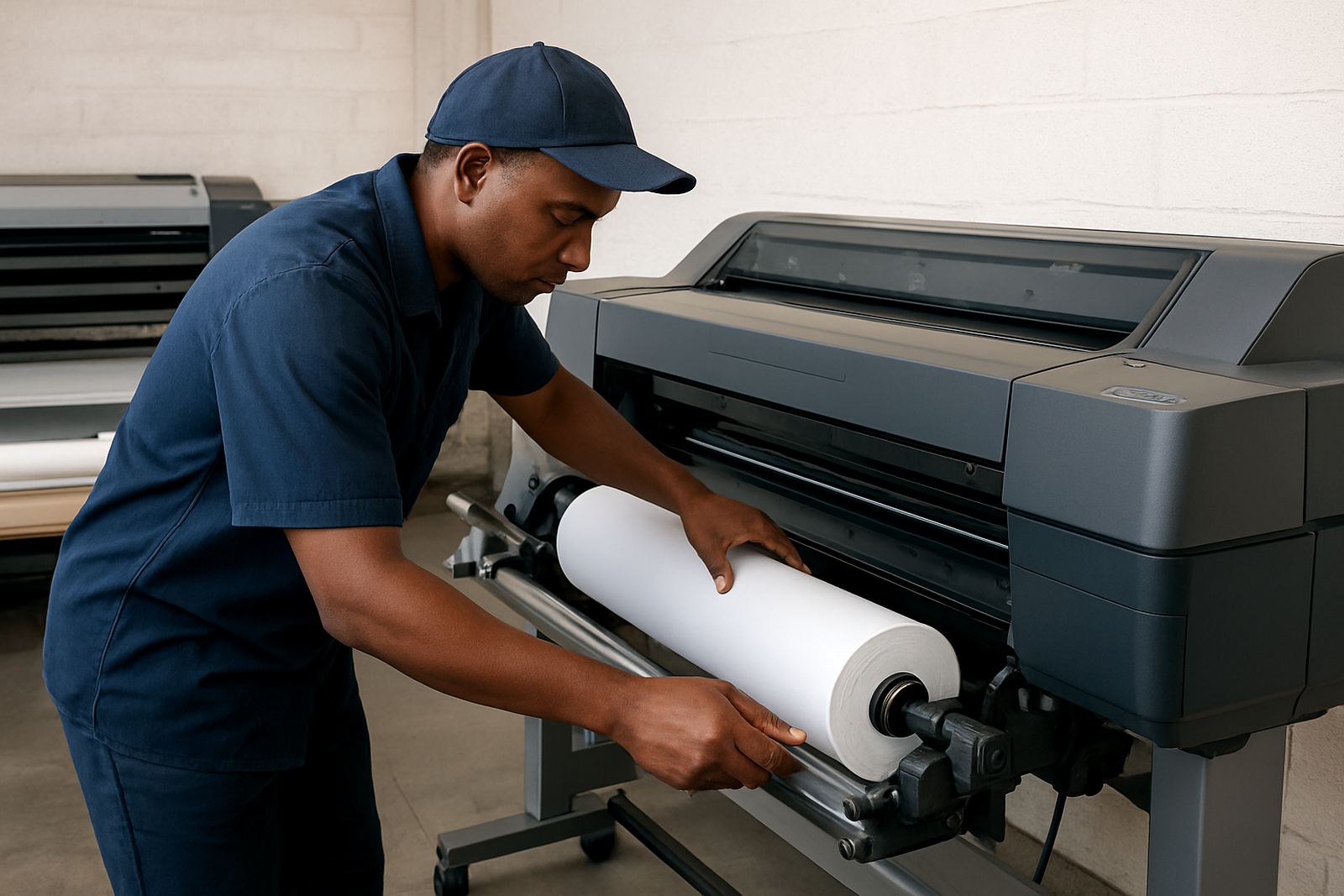
Installation normally includes positioning the unit, checking the stand or table, fitting the roll spindle, loading media and testing colour output on the first job. Most roll printers need a level surface, enough clear space at the back for roll feed and room at the front for the printed media to land flat. A clean, dry room is better than a store area with open windows and dust.
Power needs are usually straightforward, but the machine should be on stable mains power with surge protection where possible. For offices affected by load-shedding, an inverter or UPS may keep the printer and computer safe during short interruptions, though the actual print time will depend on the unit and the backup supply. No gas supply is needed. Allow for basic ventilation, especially where the printer runs for long periods or sits close to finishing equipment.
- Level, dust controlled workspace
- Stable power with surge protection
- Enough room for roll loading and print take-up
- Clear access for maintenance and service checks
Care, servicing and colour consistency
Roll media printers stay at their best when they are used often and maintained on a regular schedule. That includes nozzle checks, head cleaning when needed, keeping inks in date and storing media flat or sealed. In coastal humidity, paper can absorb moisture and print less cleanly, so stock control matters just as much as the printer itself.
Preventive maintenance helps avoid clogged heads, feed slips and banding on longer runs. It also supports colour consistency when you are matching previous jobs or replacing a client proof. A service technician should be involved if the machine begins missing lines, feeding skewed, or showing repeated colour shifts that do not clear after standard cleaning. Small faults become expensive when they waste a 10 metre roll, so regular checks are worth it.
Checks to make before ordering your A4 printer
Before ordering, confirm the maximum print width, the roll core size, the ink set, the media types you plan to use and whether you need stand, take-up system or scan features. If you print artwork, labels, posters and presentation work from one room, it also helps to know how often the printer will run and who will load media on a daily basis.
It is also wise to check delivery access, installation timing and consumable supply. If your team needs fewer interruptions, ask about ink supply planning and consumable reordering so you do not run out halfway through a run. MyColour can assist with printer installation, wide-format setup, media matching, print quality checks and user handover, with collection coordination where needed.
- Required print width and maximum roll size
- Ink type and cartridge or bottle format
- Media compatibility for proofs, posters and display work
- Space, power and access for delivery and setup
- Support for maintenance, reordering and remote help
Key facts
| Product type | Roll media colour printer for paper rolls and compatible display media |
|---|---|
| Print widths | 24 inch, 36 inch, 44 inch and 60 inch options depending on model |
| Media formats | Roll-fed coated paper, proofing paper, presentation paper and selected display stocks |
| Ink system | Aqueous colour ink system with matching consumables |
| Workspace needs | Level surface, front output space, dust control and stable power |
| Support services | Installation, setup, maintenance, media matching and consumable reordering |