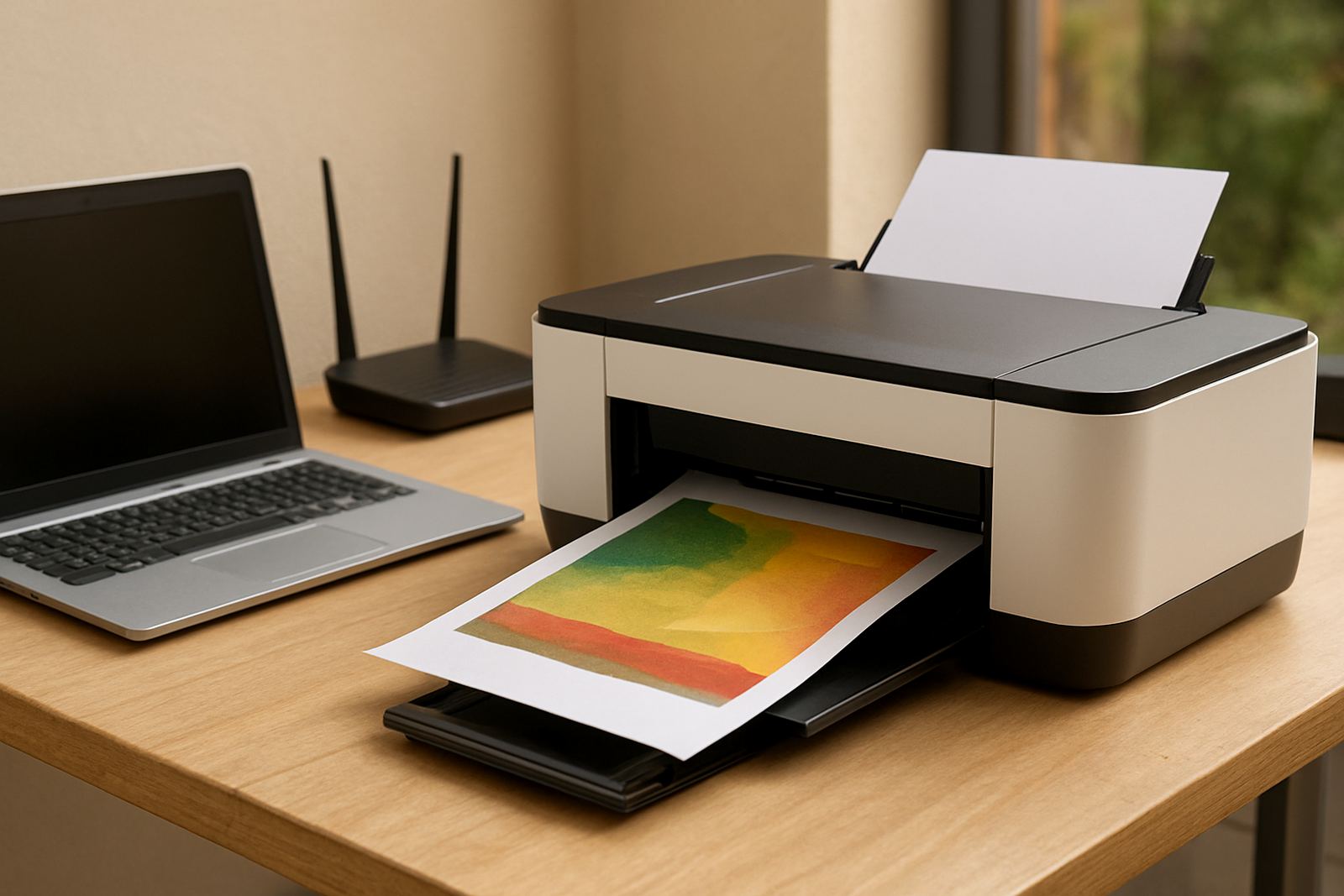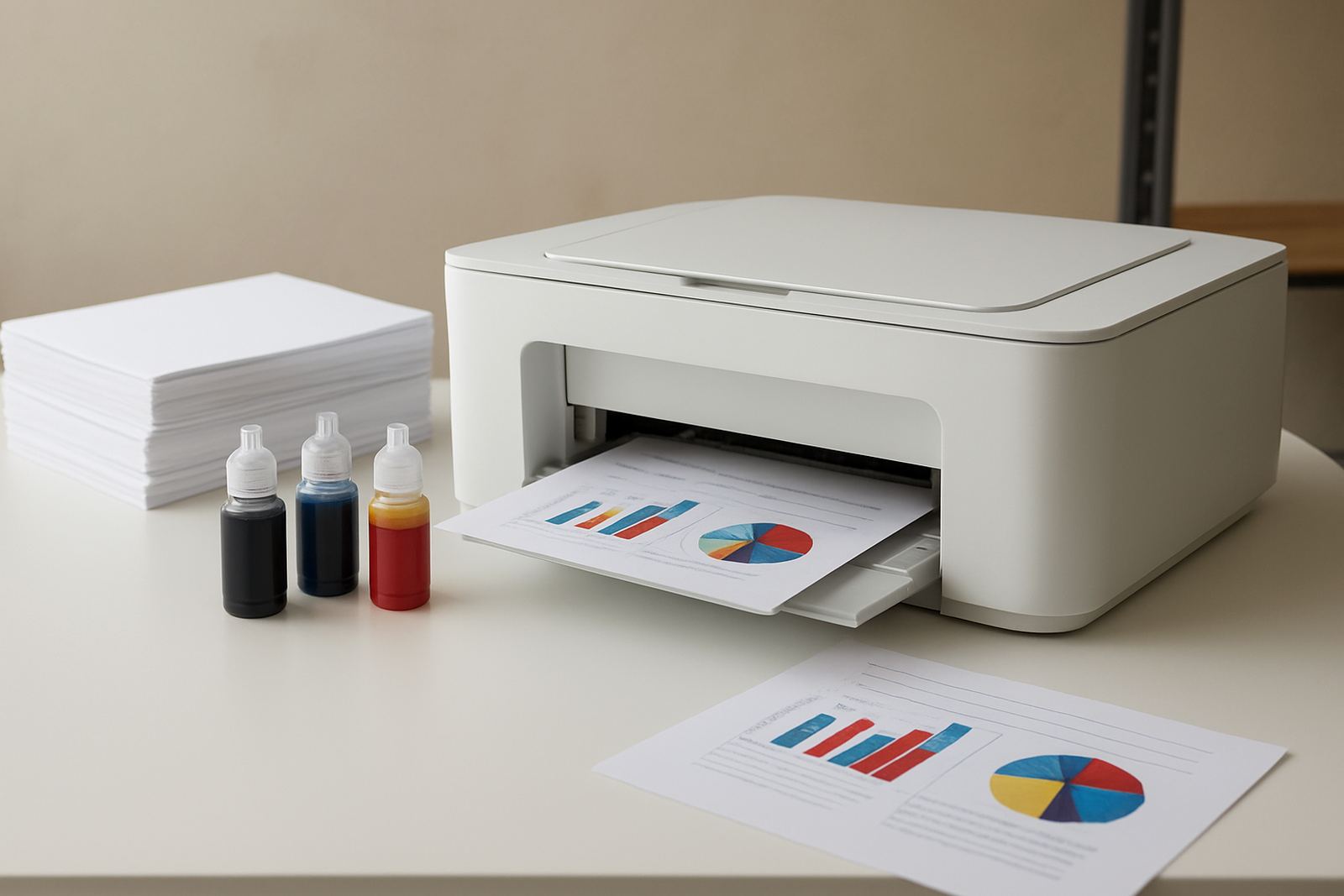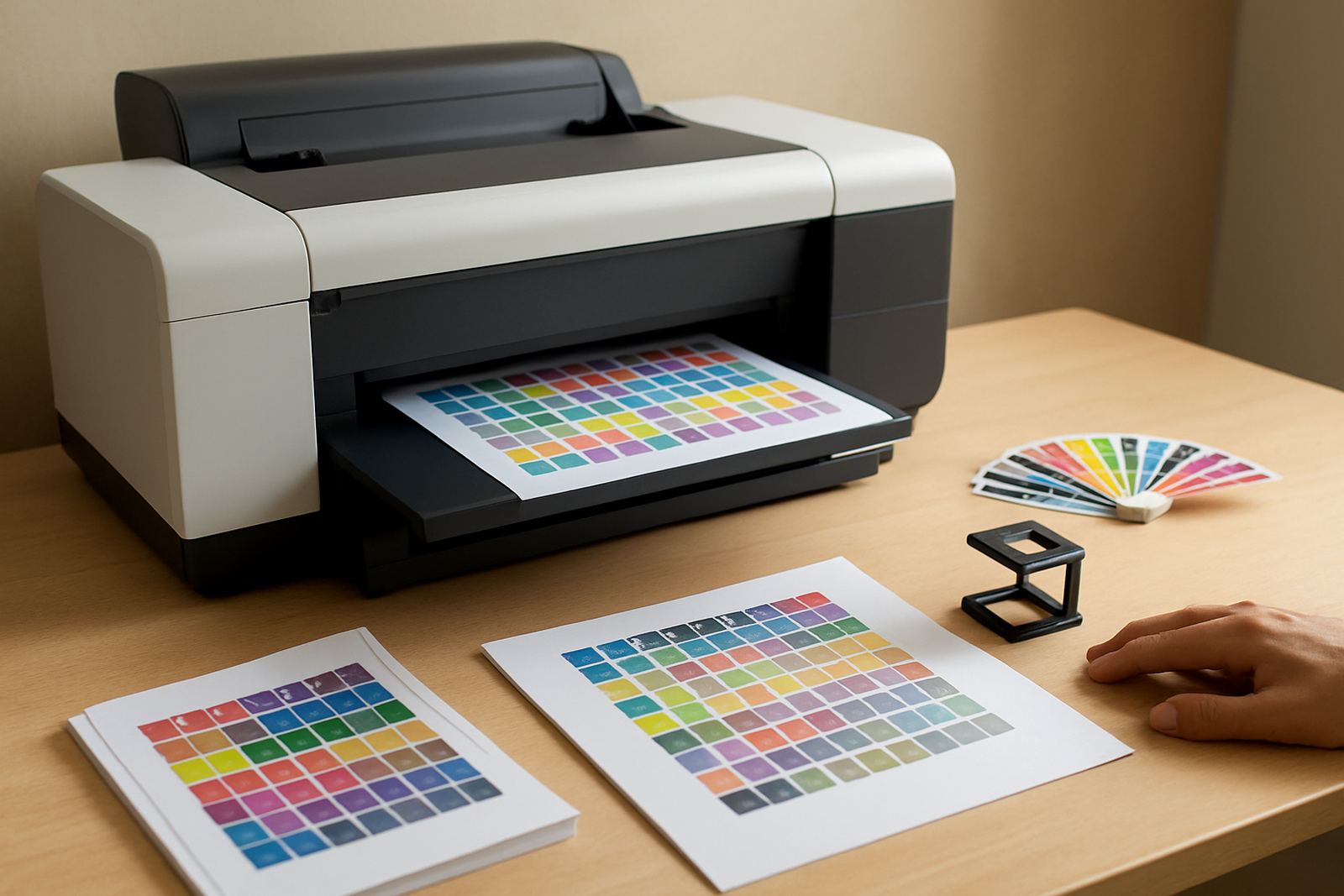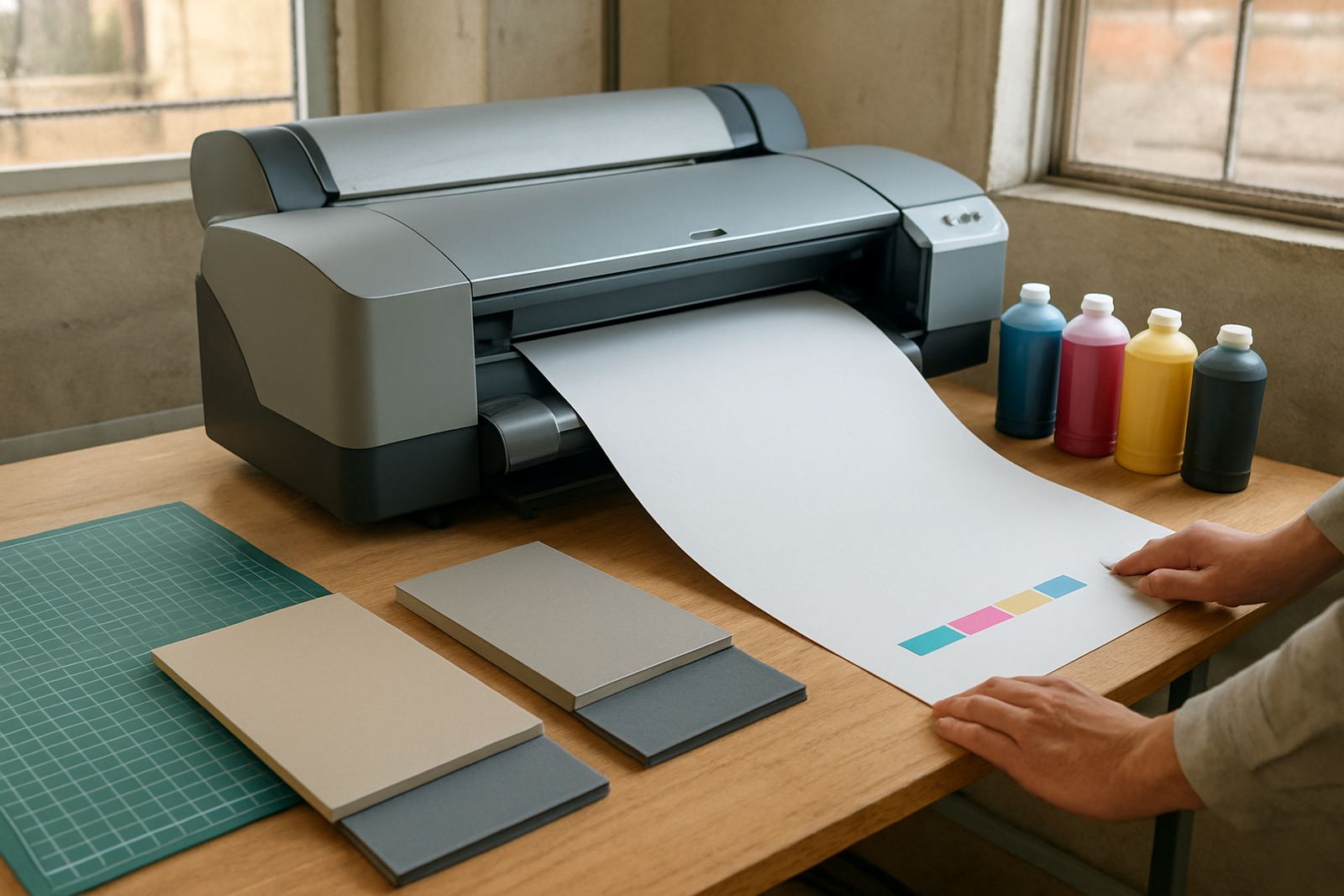
Built for presentation work that must look right first time
This board proof printer is made for teams that need strong colour on proof sheets, presentation boards and short-run display graphics. It suits design studios, sign shops, print rooms and office teams that prepare client approvals, internal displays or event material and cannot afford soft colour or patchy coverage.
The focus is on clean output, repeatable colour and a supply setup that is easy to manage. If your team needs to show a concept on paper first, then mount it to board for review or display, this printer sits in the right place between office colour and wider-format production. It is practical for Cape Town usage too, where dusty air, coastal humidity and load-shedding can interrupt ordinary print routines if the kit is not properly planned.
Sizes and options for different proofing jobs
The range covers desktop colour printers for compact proof sheets as well as large-format colour machines for bigger presentation work. Depending on the model, teams can print A4, A3, A3+ or wider sheet sizes for mounted boards and poster-style layouts. Some setups are better for day-to-day office colour, while others are better suited to artwork that needs a larger visual impact.
Typical options include standard ink sets, high-yield consumables and media support for coated paper, presentation board and printable display stock. For a studio in Woodstock or Bellville, the right choice often comes down to sheet size, daily volume and how much finishing is done after printing. A smaller office may only need proof sheets, while a sign shop in Montague Gardens may want broader media support and faster turnaround.
- A4 and A3 desktop colour output for smaller proof sets
- A3+ and wide-format options for board-mounted display graphics
- Ink choices matched to coated paper and presentation board
- Support for short-run client proofs and repeat office colour work
Where the board proof printer fits best
This type of printer suits businesses that need presentation sheets with real impact, but do not want every job sent out. It works well for design agencies, small production rooms, architectural presentations, estate agencies preparing display packs, and office teams making branded boards for meetings or expos. It is also useful where client sign-off depends on seeing colour properly before a final run is approved.
The machine is not only about looks. It helps teams manage proofing costs, reduce courier delays and keep urgent work under one roof. In Cape Town and the surrounds, that can make a proper difference when deadlines are tight and a courier from another suburb would waste half a morning. For nationwide supply, the same setup can be ordered and supported through courier delivery, which suits branch offices in Somerset West, Claremont and further afield.
- Design studios producing mock-ups and approval sheets
- Sign shops checking artwork before larger print runs
- Offices preparing board displays, reports and meeting packs
- Teams that want colour control without sending out every job
Installation, power and workspace checks
A smooth installation starts with proper site planning. The printer should sit on a level, dust-controlled surface with enough space for paper loading, front access and any output handling. For larger models, allow extra room for media movement and board trimming. It is worth checking the route from the packing area to the print room as well, because a tight staircase or narrow doorway can slow setup on day one.
Power needs depend on the model, but teams should plan for a stable supply and, where needed, backup power through an inverter or UPS so that outages do not interrupt print jobs mid-way. In coastal areas, condensation and humidity can affect media feed and ink behaviour, so keeping stock sealed until use is important. No gas connection is required. If the printer is used in an environment with regular load-shedding, we recommend a proper shutdown plan and a clean restart routine after every outage.
- Stable mains power or backup power for outage protection
- Level surface with enough room for loading and output
- Dry storage for media and inks, away from direct sun
- Ventilation and dust control for longer print life
Care, servicing and keeping colour consistent
Print quality depends on routine care. Nozzles, feed rollers and media paths should be checked before jobs that matter, especially if the printer has been idle for a few days. Regular maintenance keeps colour steadier and helps avoid banding, streaks or wasted board stock. For teams printing presentation material every week, a simple service schedule is worth far more than fixing a failed output on the morning of a client meeting.
MyColour supports preventive maintenance, print quality checks, remote help and collection coordination where needed. That matters for teams with busy calendars, since a small fault can hold up several people at once. Consumables should be reordered before they run dry, and the media choice should match the finish required. Glossy presentation board, coated paper and heavier display stock all behave differently, so a quick check before ordering saves a lot of reprints. Colour drift can also creep in over time, so a monthly check is sensible.
Checks to make before ordering your A4 printer
Before ordering, it helps to confirm exactly what the printer must do. The most common mistake is choosing a machine for office pages when the real need is board-mounted presentation output or wider graphics. Think through the largest sheet size, daily volume, preferred finish and whether the printer must match an existing setup. Also consider who will use it, because a busy office may need simpler controls than a studio with one trained operator.
It is also worth checking the consumable plan. Ink supply should be matched to expected usage, and the chosen media should suit the final display format. If the team needs fast proofing in one branch and larger display sheets in another, courier supply and reordering schedules should be set early. A little planning up front avoids panic later, and keeps the machine printing when the board work lands on your mat.
- Largest sheet size needed for proofs or board-mounted graphics
- Daily and weekly print volume
- Preferred media finish and board thickness
- Backup power plan for load-shedding
- Who will handle user training and reordering
Key facts
| Product type | Colour printer for board proofs and presentation graphics |
|---|---|
| Print sizes | A4, A3, A3+ and selected wide-format options |
| Media support | Coated paper, presentation board and display stock |
| Ink system | Matching colour ink consumables for proof and display work |
| Power needs | Standard mains power, with backup power recommended for outages |
| Support | Installation, setup, maintenance, quality checks and remote help |