Wireless colour printing for compact teams
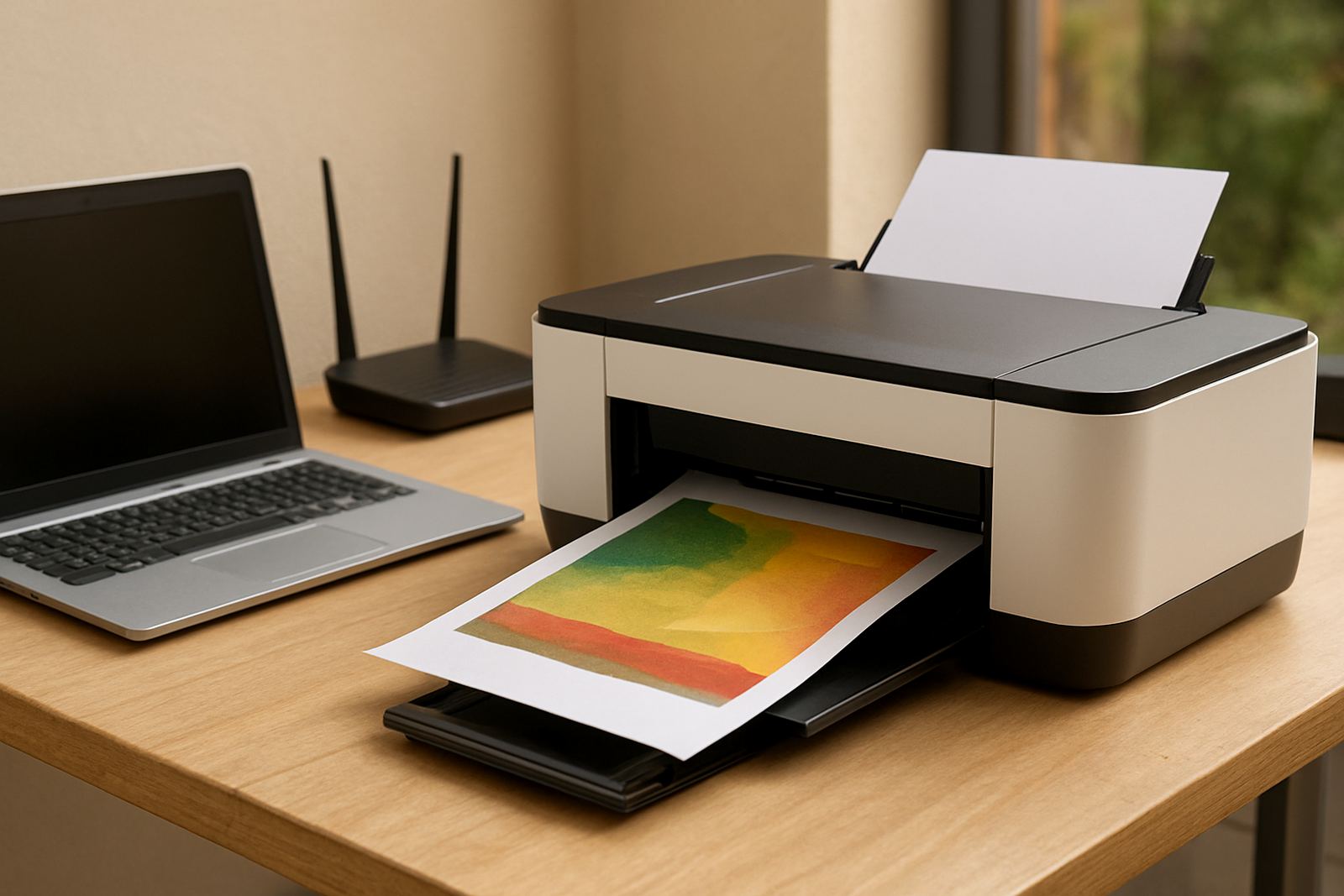
A WiFi colour printer is a colour printing unit that connects to your network without a direct USB cable at every workstation. It is a sensible fit for a studio with a few designers, a reception area, or a small office where people move between hot counters and meeting rooms. In practice, the wireless link lets staff send proofs, quotes and everyday colour pages from laptops, tablets or shared office PCs.
For South African businesses, the appeal is simple. You save on cable runs, keep the printer in a better position for access, and reduce the clutter around the machine. It also helps in offices where load-shedding has already forced a rethink of where equipment sits, because the printer can be placed near a power point and a UPS if needed, rather than at a fixed computer station.
Sizes and options that suit the way you print
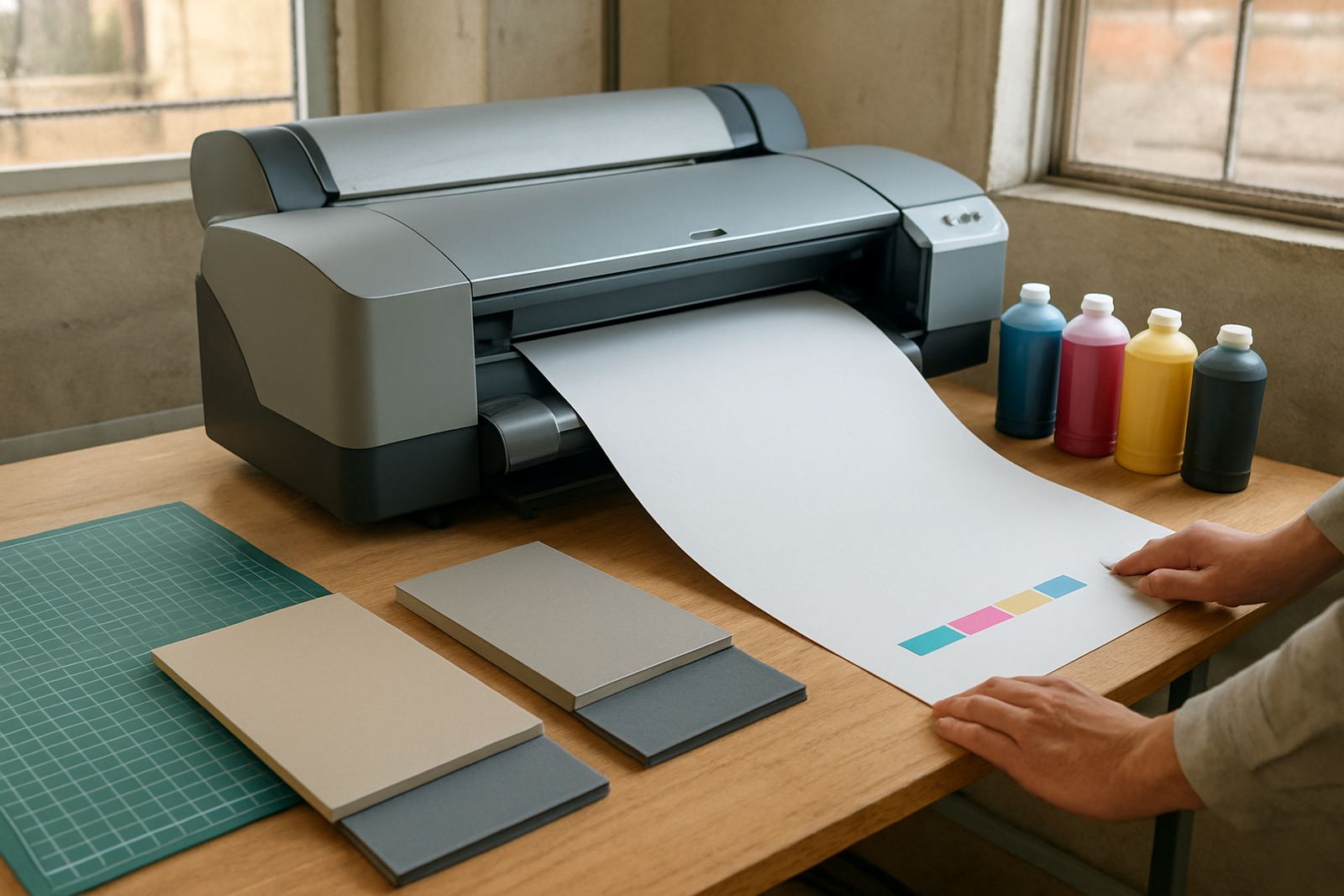
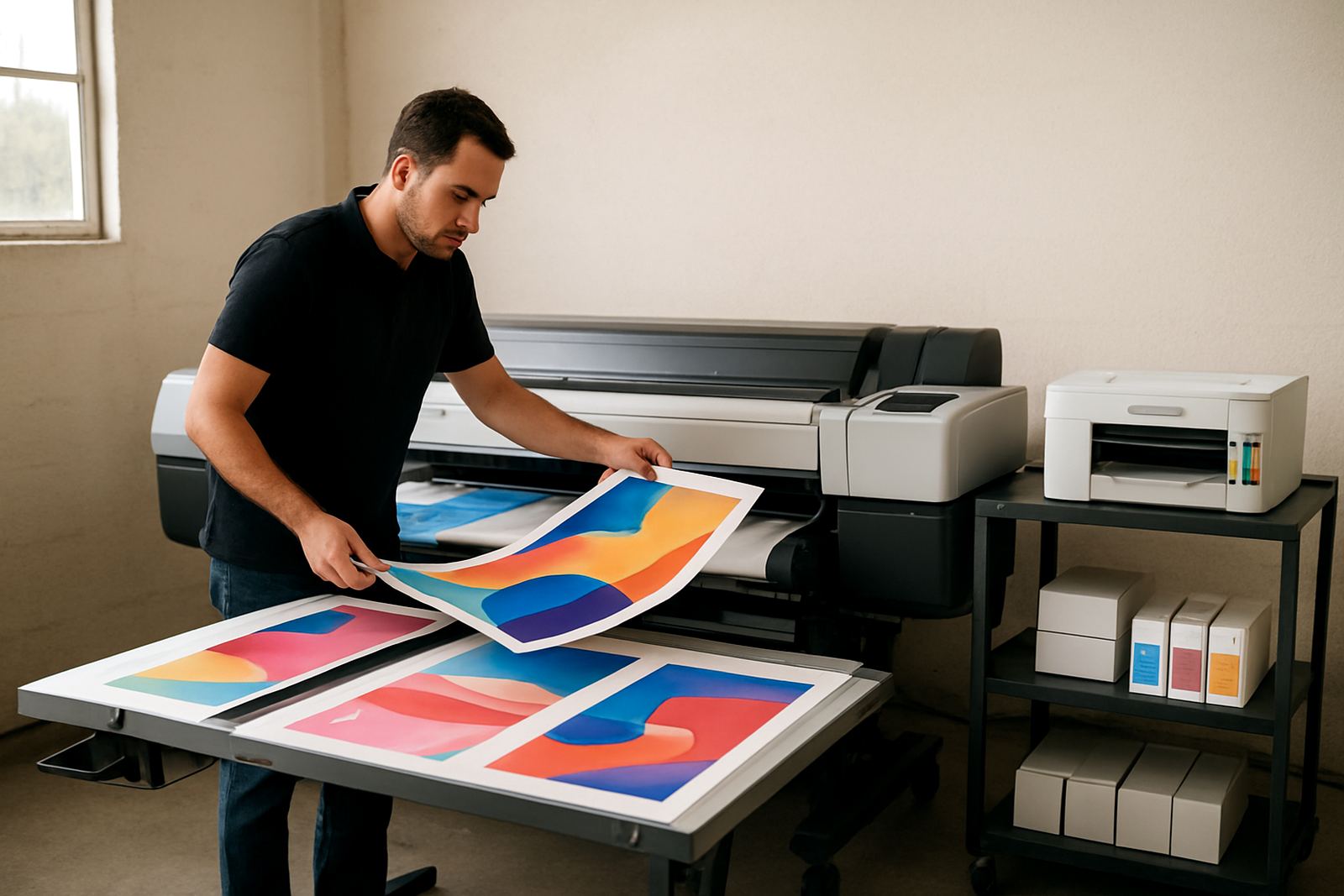
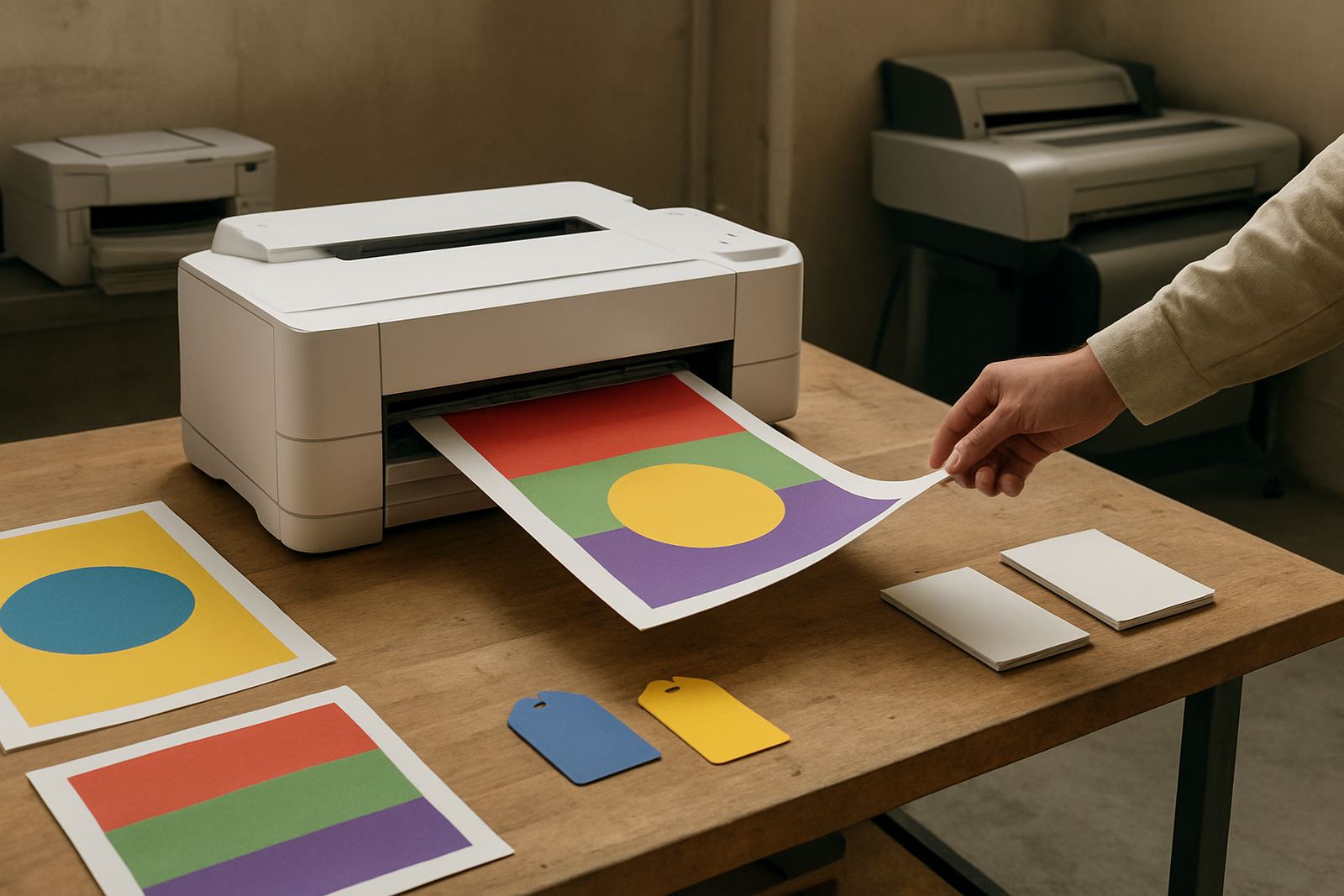
MyColour can supply desktop inkjet colour printers and larger colour machines, so the right choice depends on the type of work, page volume and media sizes you use. A compact desktop unit is usually enough for invoices, concept proofs and internal colour pages up to A4. When your team starts printing artwork, posters or longer proof runs, a wider machine with matching inks and media support becomes the better fit.
- Desktop colour printers for A4 office use and small studio jobs
- Large-format colour printers for posters, design proofs and signage samples
- Matching inks and consumables to keep output consistent
- Paper and coated media guidance for gloss, matte and presentation stock
For teams in Claremont, Woodstock or Bellville, the common mistake is buying too small and then trying to force a basic office printer to handle presentation work all week. That usually means slower output, more ink changes and more strain on the machine. Better to match the printer to the real monthly load, even if the first step feels modest.
Where a WiFi colour printer works best
This kind of printer is well suited to smaller offices, estate agencies, accounting firms, marketing teams and busy studios that need colour on demand. It is also practical for shared office spaces in Somerset West, Montague Gardens and Ndabeni where more than one person needs access without moving machines around. If your work includes quick turnaround flyers, mock-ups, labels or client proofs, wireless printing keeps the process moving.
It is less suitable when you need very high volume, strict colour matching across many jobs, or wide sheets every day. In those cases, MyColour will usually guide you towards a larger colour machine with the right ink set and media handling. The goal is to avoid under-specced kit that looks fine on day one but becomes a bottleneck by month three.
- Good for small offices and studio spaces
- Useful for shared network printing
- Handles proofs, everyday colour pages and lighter production work
- Best when placed close to power and the main router
Installation, power and site checks
Installation is straightforward, but a proper site check saves trouble later. The printer should sit on a stable surface with enough clearance for paper feed, lid access and ink changes. In Cape Town, offices near the coast should keep the unit away from open windows and damp sea air, because humidity can affect paper curl and print consistency. A dry room with steady air flow is better than a corner that gets salt-laden air or afternoon heat.
Power needs are modest for most desktop units and many smaller colour machines. A standard office outlet is usually fine, though a surge protector or UPS is wise where power interruptions are common. There is no gas requirement. If the printer will be shared by a team, make sure the WiFi signal is strong at the installation point and that the network name and password are easy to confirm on handover. We also check basic driver setup, paper path settings and test pages before sign-off.
- Stable surface with enough space around the unit
- Reliable power point and surge protection
- Strong WiFi signal at the printer position
- Dry, dust-controlled room for better colour results
Care, servicing and ink supply planning
Colour printers stay dependable when they are used regularly and kept on the right ink plan. A printer that sits idle for weeks can clog, especially in offices with air conditioning or dry winter conditions. Regular test prints, correct shutdowns and clean media handling make a real difference. MyColour supports preventive maintenance, print quality checks and consumable reordering so your team is not caught short before a deadline.
For studios and offices that print through the month, the important part is not only buying the printer, but matching the ink supply to the workload. We help with ink choices, media notes and reorder timing so you know when to keep a spare set on hand. If your pages are streaking, colours are drifting or paper is feeding poorly, it is better to address it early than wait for a full stoppage. A quick service call can usually sort simple issues before they spread.
Checks to make before ordering your A4 printer
Before ordering, it helps to be clear on how the machine will be used, who will print to it and what size work you expect. A printer for proofing brochures is not the same as one handling client posters or daily office packs. MyColour asks practical questions so the supply matches the job, not just the brochure.
- Do you need A4 only, or larger sheets as well?
- How many users will print to the machine each day?
- Will you use standard office paper, coated paper, or mixed media?
- Do you need colour matching for design proofs?
- Will the printer sit in Ndabeni, at a branch, or go courier nationwide?
- Do you need setup, user handover or remote help after delivery?
If you are unsure whether you should stay with a desktop colour printer or step up to wide-format, the safest approach is to talk through your monthly page count, typical page size and the type of work you send out. That keeps costs steadier and avoids buying a machine that is either too small or too much for the space.
Cape Town supply with nationwide courier support
MyColour is based in Ndabeni, Cape Town, and supports nearby business areas including Montague Gardens, Woodstock, Claremont, Bellville and Somerset West. That local base helps with installation planning, collection coordination and on-site support where needed. For teams elsewhere in South Africa, courier supply makes it possible to keep the same consumables moving whether the office is in the city, on the coast or inland.
Our team includes Danie Vosloo as Managing Director, with Zanele Mkhize on sales, Oarabile Xaba for wide-format needs, Pieter Smit on service, Boitumelo Shabalala for consumables and Jason Daniels handling dispatch. The focus is practical support: clear naming, correct inks, sensible media advice and a machine that keeps printing when the week gets busy.
Key facts
| Print type | Wireless colour printing for office and studio use |
|---|---|
| Connectivity | WiFi network connection, with common office driver setup |
| Typical sizes | A4 desktop options and larger wide-format options available |
| Media support | Plain paper, coated paper and selected presentation media |
| Power | Standard office outlet, surge protection or UPS recommended |
| Service support | Installation, user handover, remote help and preventive maintenance |