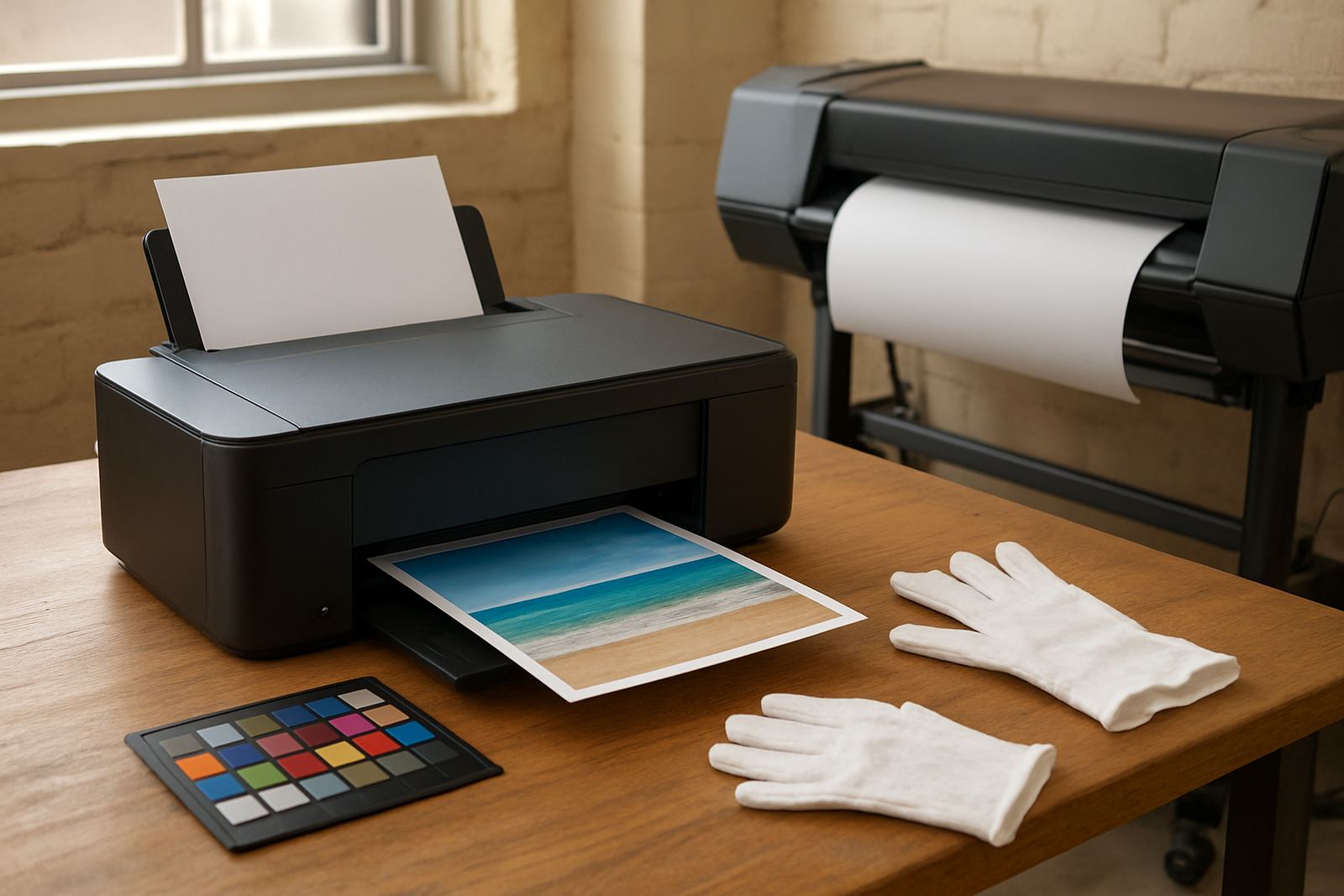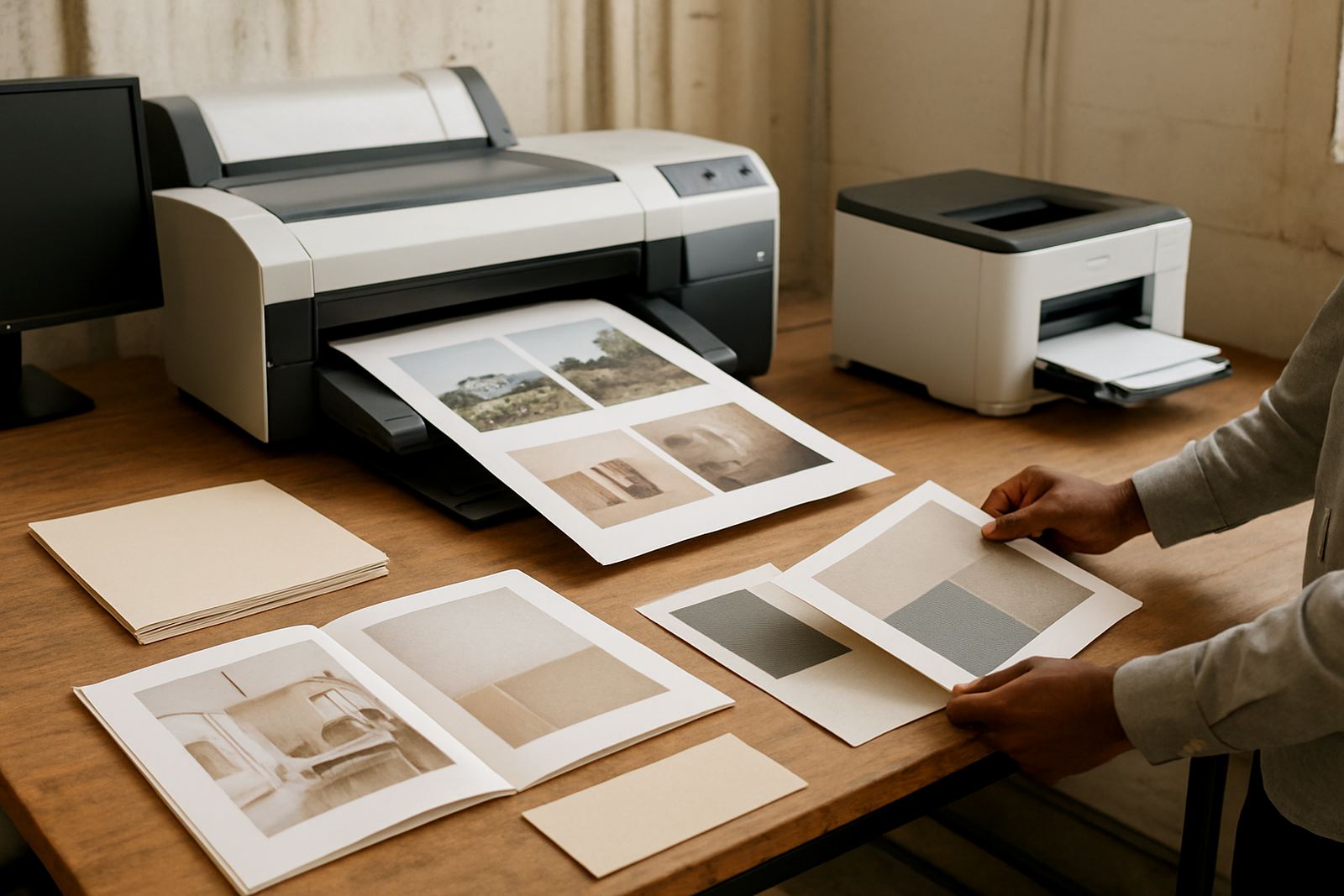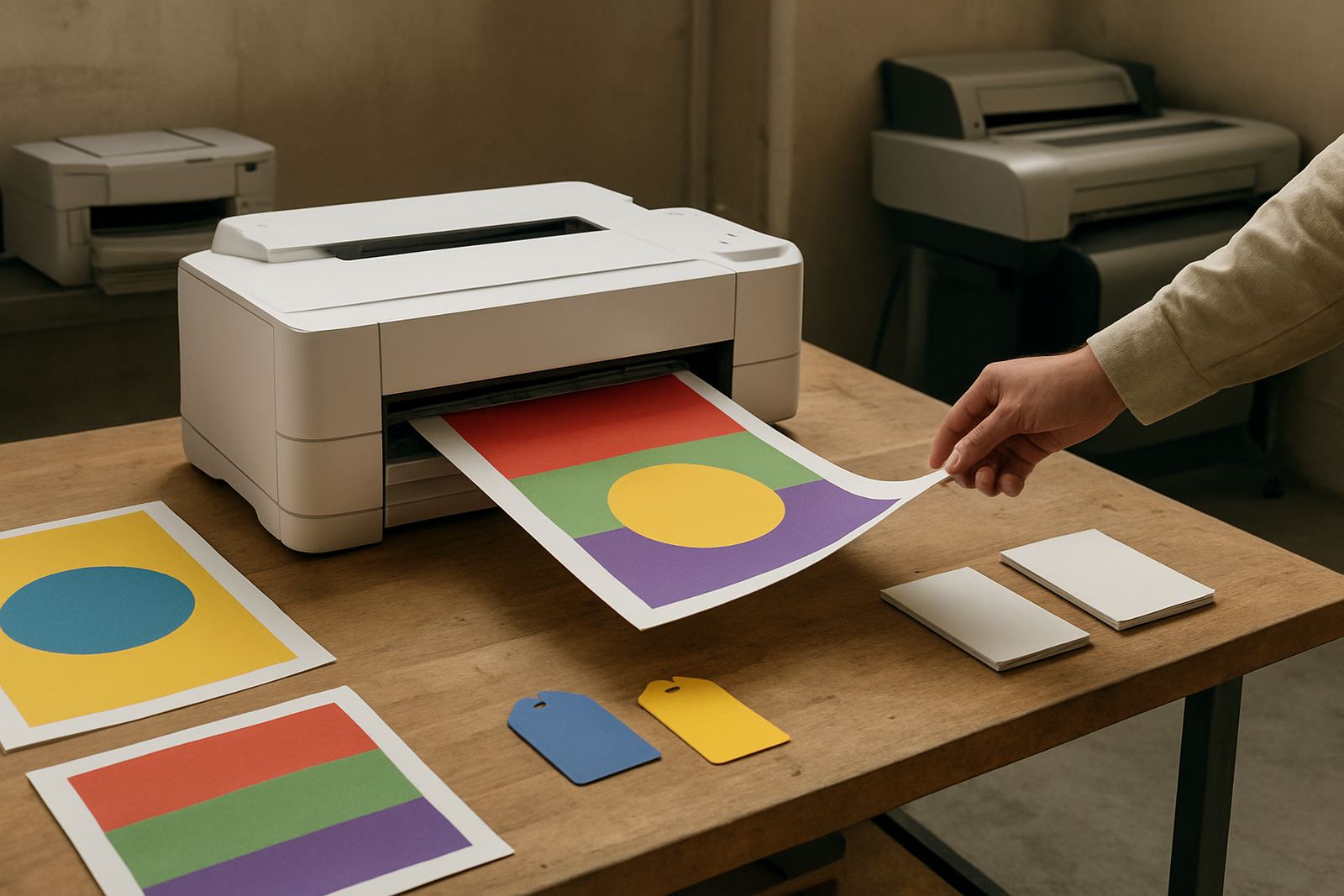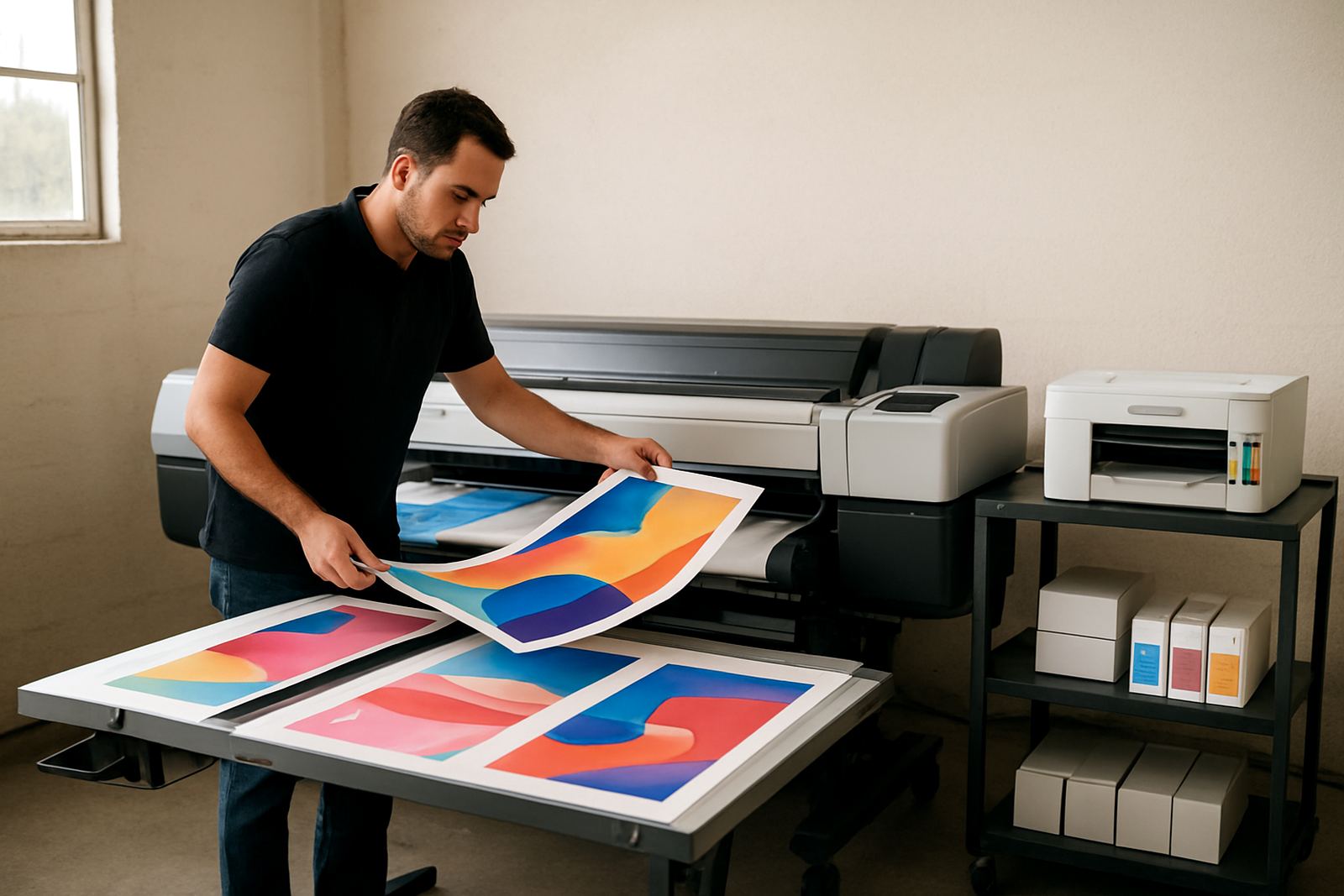
Built for daily poster and display output
This class of printer sits between a standard office colour printer and full-scale production equipment. It is for teams that need a wider print width, stronger media handling and better colour consistency when the queue does not stop. In a Cape Town sign shop, design studio or in-house marketing room, that usually means proofing, short-run posters, point of sale panels and display graphics that must leave the machine looking clean first time.
The big advantage is output control. Instead of farming out smaller colour work, you can keep urgent jobs in house and manage turnaround times when clients want changes at short notice. For businesses in Ndabeni, Montague Gardens or Bellville, that can make a real difference on same-day work, especially when staff are juggling load-shedding schedules and courier cut-offs.
MyColour keeps the range focused on clear use cases, so you are not guessing whether a machine is meant for office filing or sign production. If your main need is posters, banners, presentation graphics or retail display boards, this category gives you the width and throughput to handle that work properly.
Sizes and options that matter on the floor
Production wide printers are generally chosen by print width, ink system and media path. Common setups include 24 inch, 36 inch and 44 inch widths, with some sites needing even larger formats for display panels and exhibition work. The right choice depends on what you print most often, whether that is A1 posters, long runs of shelf talkers, or full-width artwork for shopfront graphics.
Typical option points to check include:
- Roll width and whether the machine takes one or more media rolls
- Ink configuration for colour consistency and darker blacks
- Automatic cutter or manual cut handling
- Take-up and drying support for longer prints
- Network connection for shared office use
- Front or rear media loading for thicker stock
For Durban humidity or coastal Cape Town conditions, media handling matters more than many buyers expect. Paper can curl, bond media can absorb moisture and some self-adhesive materials need careful acclimatisation before printing. A machine with stable feed and sensible media paths saves a lot of wasted stock.
If you are stepping up from desktop colour printers, think about the everyday sheet size you need, then add room for growth. Many buyers start by looking at A3 and A1 proofing, then quickly move into 36 inch output once poster work and retail graphics start increasing.
Where it suits in South African businesses
This printer suits design studios, sign shops, in-house marketing teams, real estate offices, schools with active print rooms and any business that produces colour materials on a weekly basis. It is especially useful where print volume is steady enough to justify a dedicated machine, but not so high that a full industrial line is needed.
It works well for:
- Posters for retail windows and in-store promotions
- Display graphics for exhibitions and events
- Short-run proofing for client sign-off
- Presentation boards and training material
- Colour proof sheets before final production
- Internal notices, maps and wayfinding panels
Shops in Woodstock or Claremont often use a machine like this to keep turnaround tight when clients need revised artwork on the same day. In Somerset West and Bellville, the same printer can handle multi-site office needs where several branches are sending print requests to one central room. The key is predictable colour output, not just speed.
Installation, power and site readiness
Wide-format printers need proper space, reliable power and a clean, dry site. Most units run from standard single-phase mains power, but you should confirm the exact electrical load before installation. A dedicated socket, surge protection and backup power planning are wise in South Africa, especially if the printer must stay ready during load-shedding or voltage dips.
There is no gas line requirement. What matters instead is ventilation, dust control and enough room for operator access, media roll changes and print collection. A flat floor and a stable surface are important, because poor levelling can affect feed accuracy and print quality over time.
Before delivery, check these basics:
- Door widths and access route to the print room
- Floor space for the machine and operator movement
- Electrical point position and backup supply plan
- Internet or network point if the unit will be shared
- Dry storage for ink and media away from direct sun
MyColour can assist with printer installation, wide-format setup and user handover, so your team knows how to load media, replace consumables and keep the unit running cleanly from day one.
Ink, media and colour control
A production printer is only as good as the ink and media pairing behind it. Matching the ink choice to the paper or film helps keep colours steady and reduces wasted test prints. If you are producing posters, soft signage or display pieces, it is worth testing the exact media before committing to a large order. A small change in coating can alter drying time, density and how blacks hold on the page.
Good print rooms keep a simple routine:
- Check the media type before each job batch
- Use the correct ink set for the intended output
- Store unopened consumables in a cool, dry place
- Use older media rolls first so stock does not sit too long
- Run quick colour checks before long production runs
For teams in coastal areas, humidity can affect paper feed and drying. In practical terms that means a room that felt fine in winter may cause curl or pick-up issues in summer. Keeping the work area neat, closed off from damp air and free of dust helps avoid repeat problems. MyColour also offers media matching and print quality checks when a job needs tighter control.
Servicing, upkeep and what to check before ordering
These machines need regular care, but not complicated care. Keep the print path clean, follow the recommended maintenance routine and do not let ink or dust build up around moving parts. Preventive maintenance is cheaper than emergency callouts, especially when the printer is part of a busy daily workflow.
Useful service habits include:
- Weekly nozzle and quality checks
- Scheduled cleaning of rollers and external surfaces
- Monitoring ink levels before big jobs
- Running test prints after idle periods
- Keeping a spare consumables plan for busy months
When ordering, confirm the actual work you do, not just the machine size. Ask whether you need proofing accuracy, faster poster output or more media flexibility. Check who will install it, who will train staff and how reordering will work when inks run low. It is also worth confirming courier timing if you are outside Cape Town, because remote sites do better when consumables are planned ahead.
MyColour supports consumable reordering, collection coordination and remote help, which is useful when a job is due and the nearest branch is not around the corner. For businesses in Ndabeni and surrounding areas, local supply keeps things simpler. For national customers, courier supply keeps the print room moving without unnecessary downtime.
Key facts
| Print class | Higher-output wide-format colour printer for production poster and display work |
|---|---|
| Typical widths | 24 inch, 36 inch and 44 inch options depending on job size |
| Ink system | Matching colour ink set for everyday production and proofing |
| Media handling | Roll-fed media support with options for heavier stocks and display materials |
| Power | Standard single-phase mains power, with surge protection recommended |
| Support | Printer installation, wide-format setup, maintenance, media matching and consumable reordering |