Fine-detail colour for samples that must look right
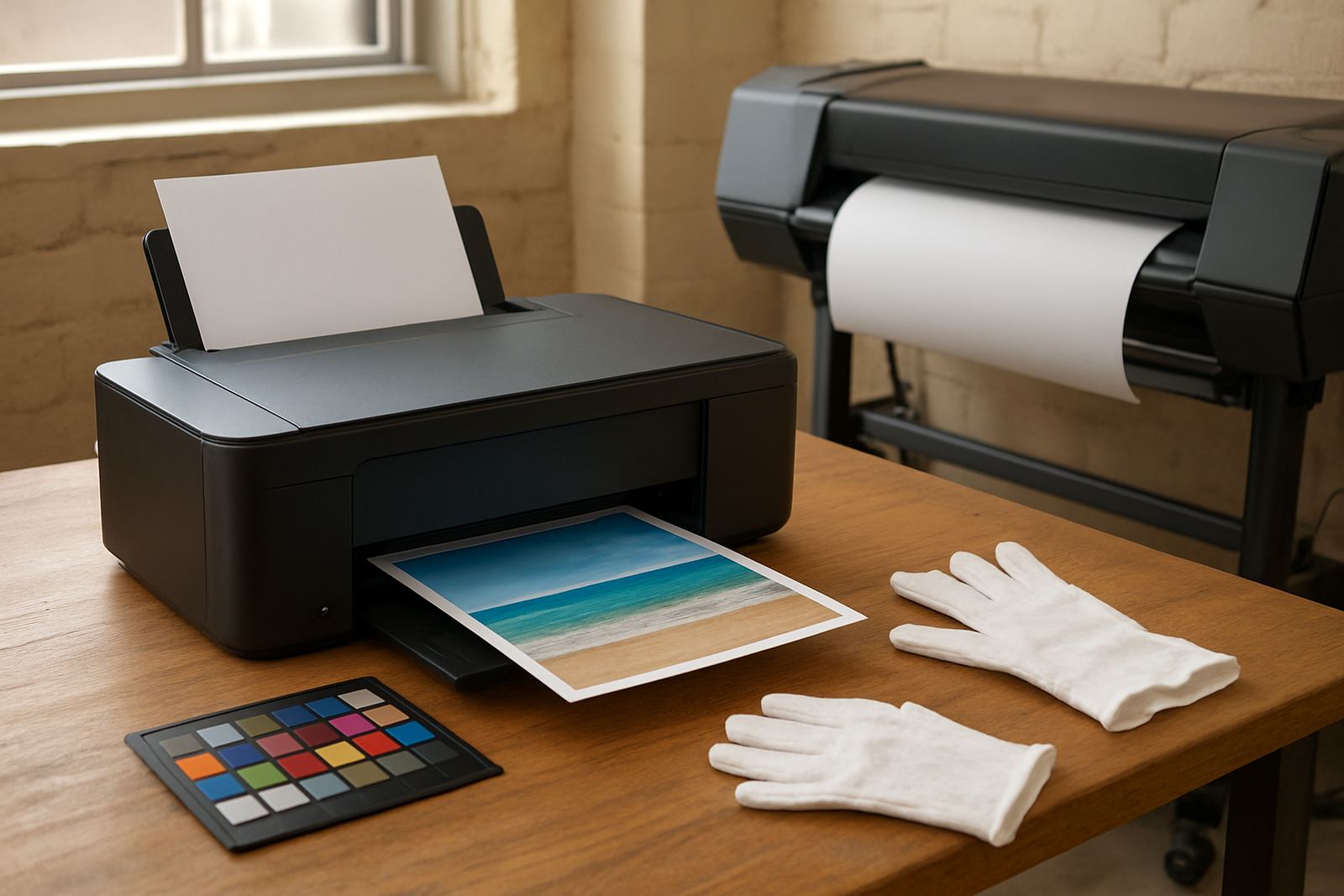
The Photo Sample Printer is built for work where colour judgement matters. It handles smooth gradients, small type, skin tones and product images with the control needed for client proofs, mock-ups and presentation pieces. For design studios, sign shops and busy offices, it fills the gap between an office colour printer and a wider machine for larger layouts.
This type of printer is not meant to push out bulk black-and-white reports. It is chosen for clean, repeatable colour output on the kinds of jobs that get shown to clients, checked against a brand guide, or used to approve a final run. If the work involves image-heavy pages, sample packs or short-run premium visuals, the printer gives a more dependable result than a general office unit.
- Fine text on proofs and layouts
- Consistent skin tones and bright brand colour
- Clear output for presentations and sample packs
- Suitable for repeated testing before full production
Sizes and setup options for different print rooms
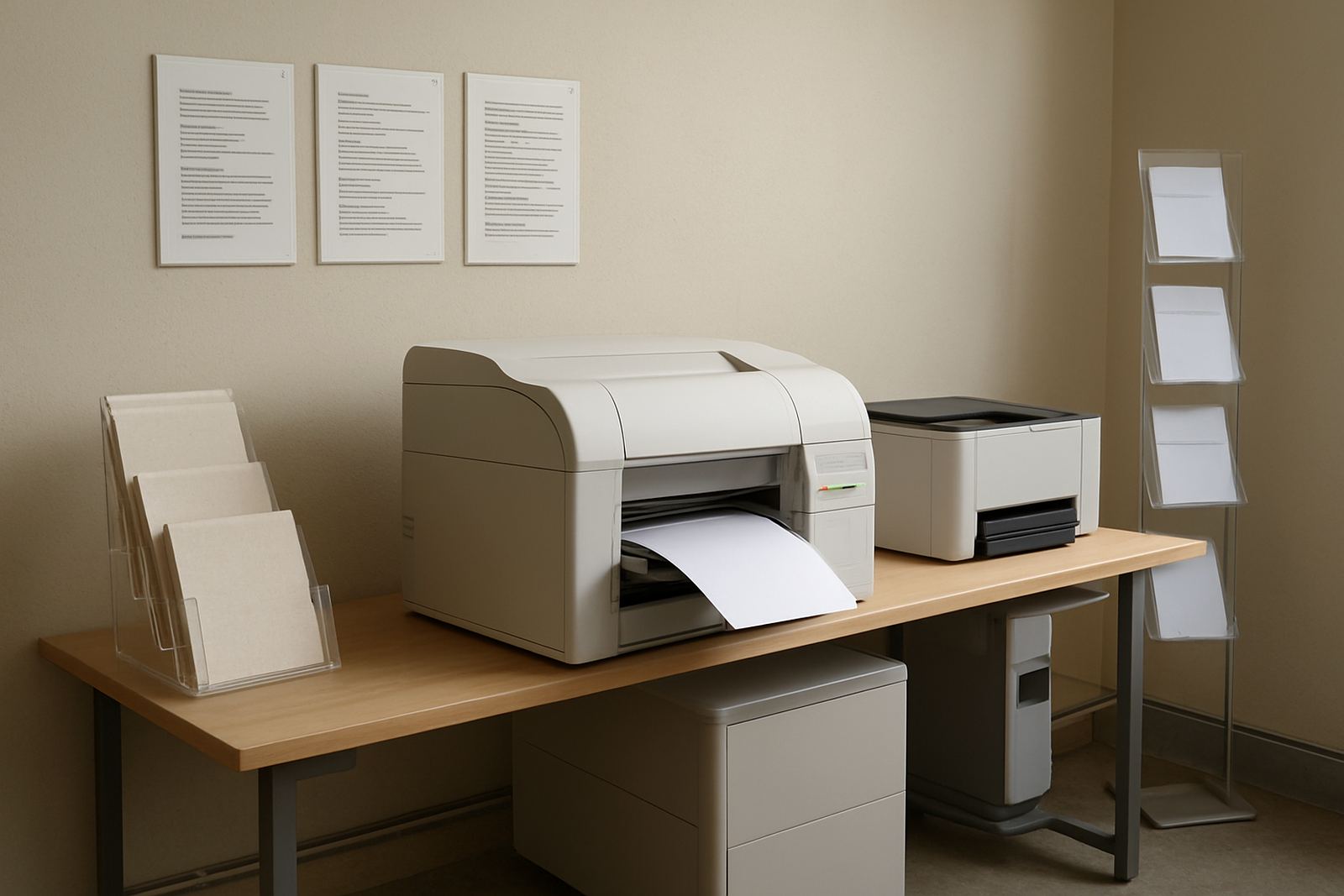
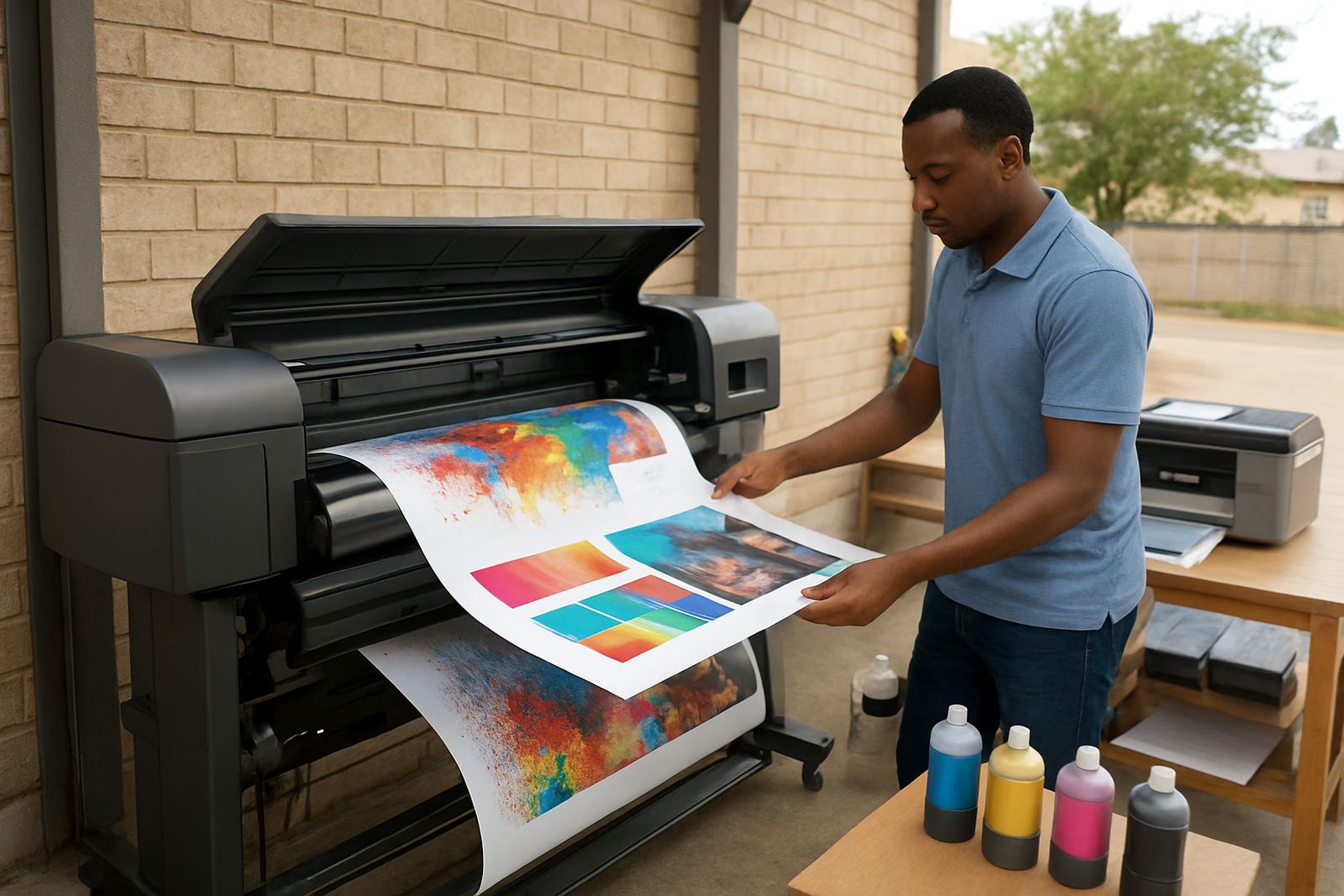
Photo sample printers are usually supplied as compact desktop units, with some larger models for teams that need bigger sheet sizes or heavier duty output. Common options include A4 and A3 desktop machines, while some setups step up to wider formats for layouts, displays and more generous margins. If your team is still producing samples on smaller paper sizes, a desktop model often makes the most sense. If posters, retail visuals or mounted boards are part of the work, wide-format is worth looking at.
MyColour helps match the printer to the work, the paper and the pace of the room. That means checking whether the team needs single-sheet proofing, a steady daily sample flow or a machine that can sit beside a cutter, finishing table or approval station. In Cape Town, where space can be tight in Ndabeni, Woodstock or Claremont, the footprint matters just as much as the print quality.
- Desktop inkjet colour printers for compact work areas
- Large-format colour machines for bigger visuals
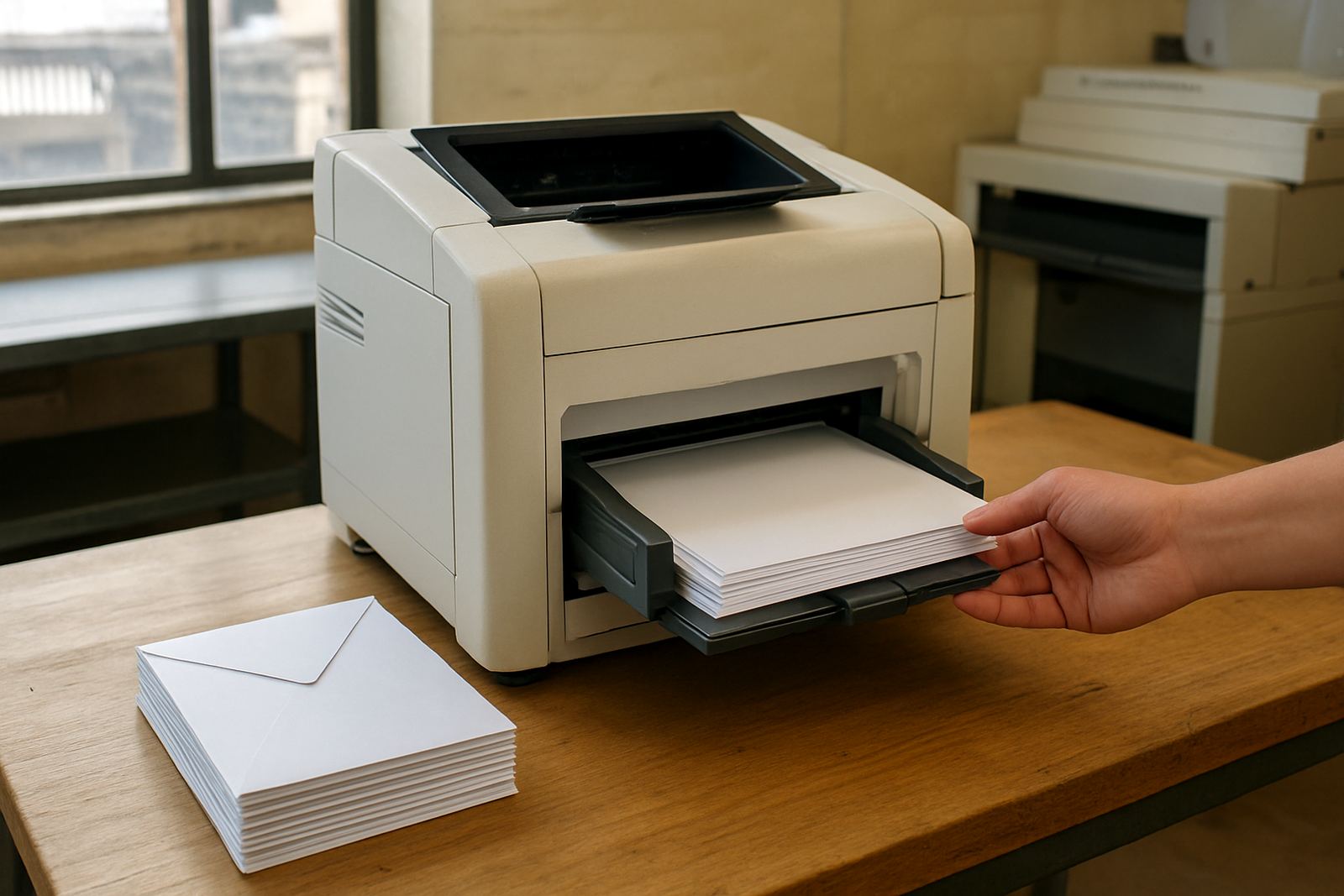
- Options for photo paper, coated stock and presentation media
- Choice of ink set based on finish and colour use
Where a photo sample printer earns its keep
This printer suits teams that need reliable visual output before a final job goes out. Design studios use it for comp proofs and colour checking. Sign shops use it to show artwork, placement and tonal balance before a banner or display is committed to production. Offices use it for presentations, client packs and marketing samples where the first impression matters.
It is also useful for businesses that have moved past basic office colour but do not yet need a full production room. If your team often asks for another proof, or if a client keeps asking to see the same artwork in a slightly different finish, a dedicated sample printer saves time and avoids waste. It can also help where load-shedding interrupts longer production runs, since a smaller machine is often easier to manage around power windows and generator plans.
- Design studios preparing proofs for client sign-off
- Sign shops checking artwork before wide-format output
- Sales and marketing teams printing presentation visuals
- Businesses that want better colour control than a standard office printer
Installation, power and site checks before the printer lands
Proper installation keeps colour output steady from the start. MyColour can arrange printer installation, wide-format setup and user handover so the machine is not left sitting on a counter with the wrong settings. The site should have a level surface, clean airflow and a safe place for ink and media. For larger units, allow enough room for paper loading, front access and output handling.
Power needs depend on the model, but most photo sample printers run on standard office supply and do not need gas or special utility connections. What matters is clean power, a protected plug point and a sensible plan for outages. In areas like Montague Gardens, Bellville and Somerset West, many teams keep a UPS or backup power plan ready so the printer can be shut down properly during interruptions. If the room is dusty, close to a finishing area or near an open loading bay, that should be considered during setup.
- Standard office power for most desktop and mid-size units
- No gas connection required
- UPS or backup power recommended for load-shedding areas
- Allow space for media loading and maintenance access
Ink choice, media matching and day-to-day care
Ink and media work together, and that is where many sample issues begin. The wrong paper can make a good image look flat, while the wrong ink choice can shift colour or reduce detail. MyColour gives practical advice on ink supply planning and media matching so the printer is used on paper that suits the job. That includes checking how fast the media dries, whether the finish is matt or glossy, and how the image will look under office lighting or shop light.
For day-to-day care, the machine should be used regularly so nozzles stay open and the colour remains stable. Print quality checks, preventive maintenance and consumable reordering help reduce surprises. In Cape Town coastal air, especially close to Woodstock or the city bowl, humidity and dust can affect paper handling, so keeping stock sealed and the area tidy is worth the effort.
- Use the correct media for the finish and colour target
- Print often enough to keep ink flow healthy
- Store paper and ink away from heat and damp air
- Book print quality checks before important jobs
What to check before you order
Before placing an order, it helps to be clear about the job type, the paper sizes and the volume you expect each month. A team printing a few proofs a week has different needs from a studio that outputs sample packs every day. Check whether the printer must handle photo paper only, or whether it also needs to work on coated stock and presentation board. If the machine must fit into a small room, measure the footprint and leave space for paper loading and service access.
It also helps to check what support is available around the printer. MyColour can assist with collection coordination, remote help, consumable reordering and maintenance planning from Ndabeni and the surrounding areas. That matters when deadlines are tight and a colour issue cannot wait until next week.
- Confirm the main paper sizes you need
- Check monthly print volume and peak use periods
- Match the printer to the media finish you prefer
- Ask about ink supply, service cover and future upgrades
Local supply from Ndabeni with nationwide courier delivery
MyColour is based in Ndabeni, Cape Town, and works with teams across Montague Gardens, Woodstock, Claremont, Bellville and Somerset West, as well as customers in other parts of South Africa. The focus is practical support for colour printers and consumables, not overcomplicated advice. You get help choosing the right printer, the right ink and the right media for the job at hand.
Whether the need is a first photo sample printer or a step up from an office colour unit, the aim is the same: clean colour, fewer reprints and a setup that fits the way the team works. For many businesses, that means one supplier for the printer, the ink and the follow-up support when the print room gets busy.
Key facts
| Product type | Fine-detail photo sample printer |
|---|---|
| Typical sizes | A4, A3 and selected wide-format options |
| Print use | Proofs, sample packs, presentation visuals and premium colour output |
| Ink compatibility | Matching colour inks supplied with media guidance |
| Power needs | Standard office power, no gas required |
| Support | Installation, setup, media matching, maintenance and consumable supply |