What a proofing printer does in daily print work
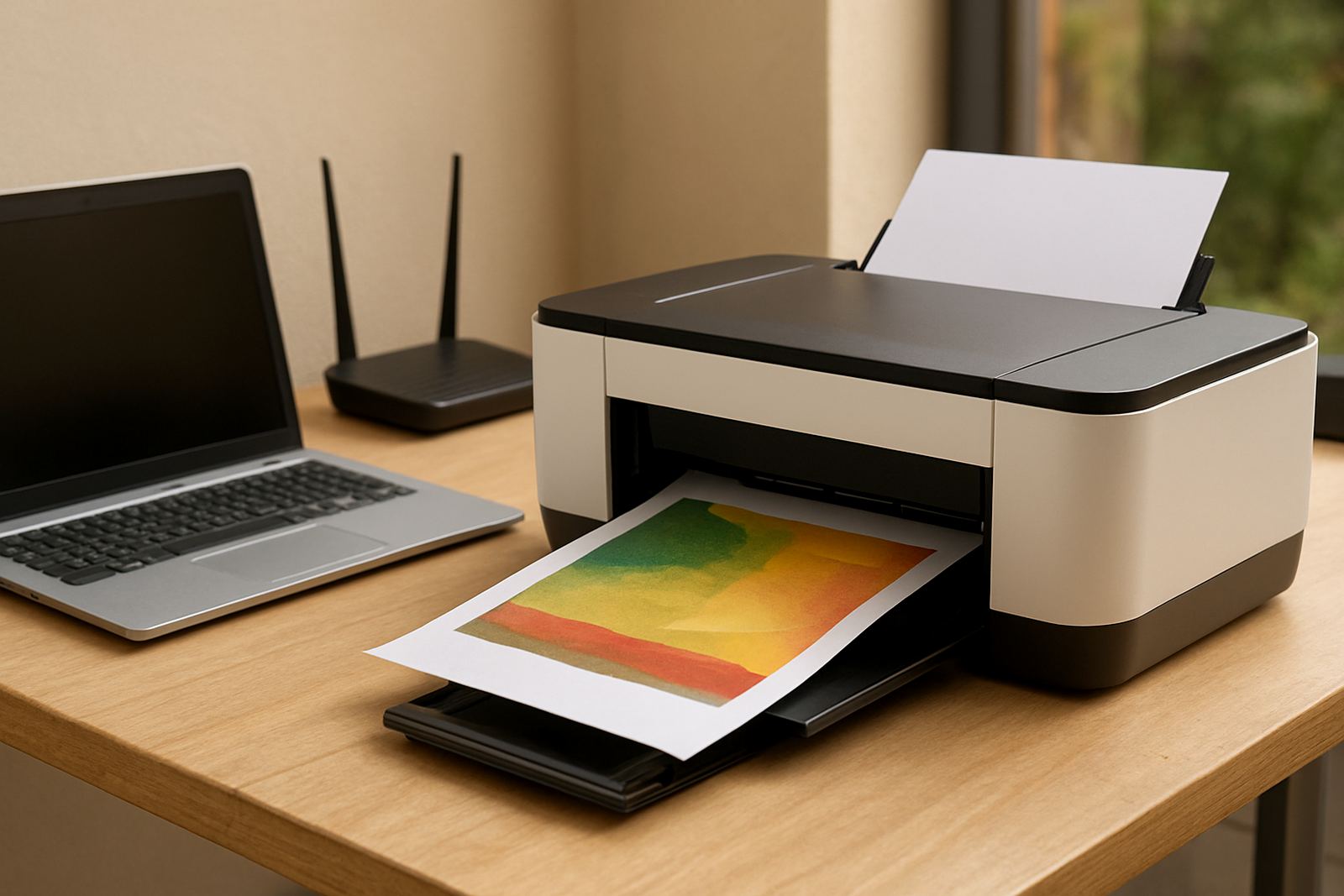
A proofing printer is built for colour accuracy rather than high volume general office use. It helps teams check layout, trim, image density and colour balance before artwork goes to a larger machine or out to a client. In a Cape Town studio or a Gauteng branch, that means fewer reprints, less wasted media and cleaner sign-off from customers who want to see what they are paying for.
MyColour supplies proofing printers and the inks that keep them matched for controlled colour output. The focus is practical: stable results on common proofing papers, poster stock and coated media, with advice on when a desktop unit is enough and when a wide-format option makes more sense. You get one supplier for printer, ink and consumables so the colour path stays easier to manage.
- Suitable for layout reviews and short client proof runs
- Helps check text, images, colour shifts and page fit
- Useful for design studios, in-house marketing teams and sign shops
- Works well where repeatable colour matters more than raw speed
Sizes and options for proofing, samples and short runs
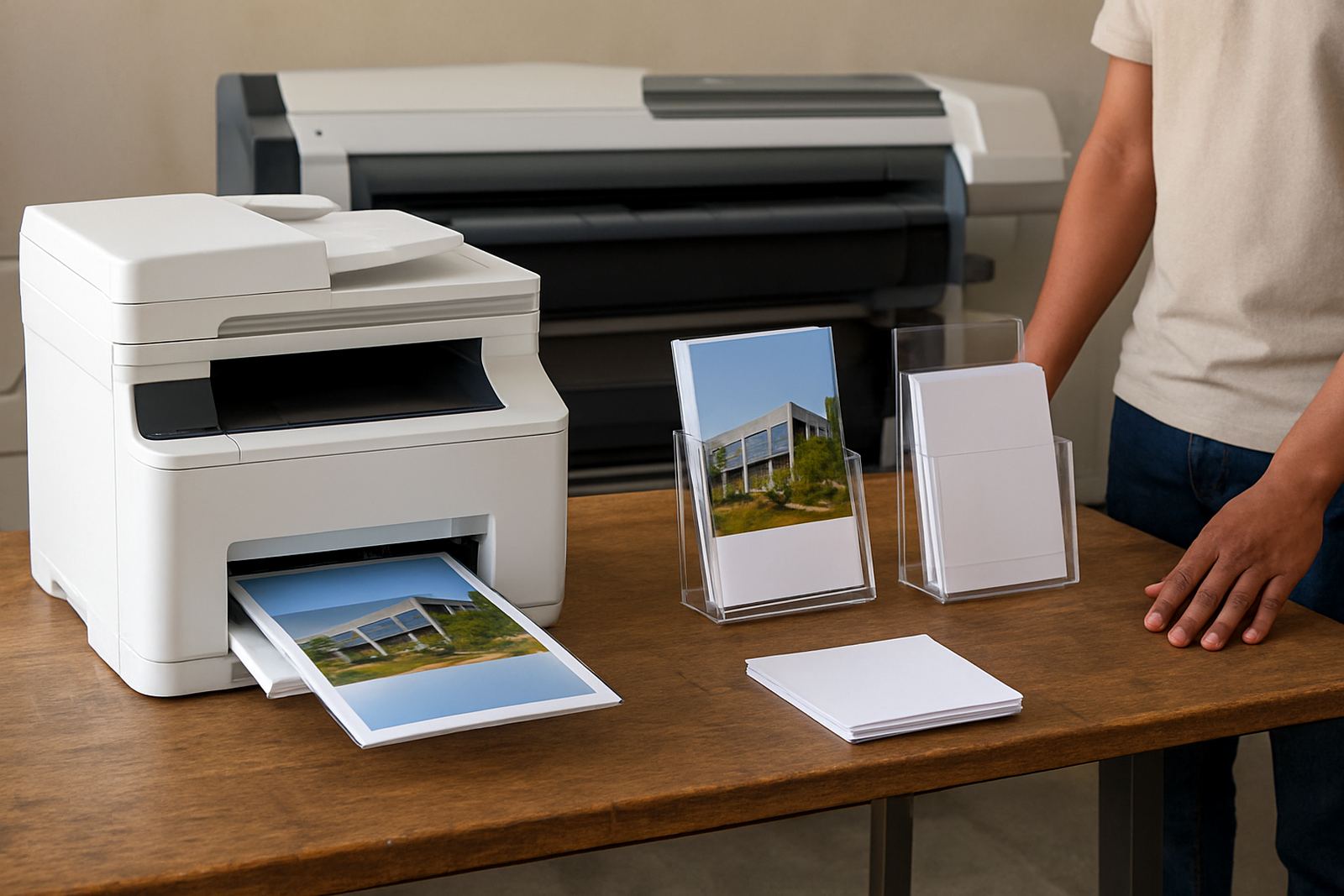
The right proofing printer depends on the kind of work you handle every week. Desktop inkjet colour printers suit smaller proofs, artwork checks and office colour jobs. Larger colour units handle wider media and bigger mockups, which is useful for signage, retail displays and poster work. If your team is still printing A4 proofs and small samples, a compact unit is often enough. If you are laying out banners, labels or exhibition panels, step up to wide-format sooner rather than later.
MyColour can help with media matching, so the printer and paper work together properly. That matters in humid coastal conditions around Cape Town and Somerset West, and also in air-conditioned offices where paper stock can curl or shift. A good match keeps ink laydown consistent and gives cleaner edges, proper density and more predictable drying times.
- Desktop colour printers for A4 and A3 proofing
- Wide-format colour machines for posters and larger samples
- Choice of dye or pigment inks, depending on media and finish
- Consumables planned around monthly usage, not guesswork
Where this printer suits best in South African offices
This product is a strong fit for design studios, print rooms, sign makers, architects, property marketers and busy admin teams that need colour on demand. It is also useful for branch offices in Bellville, Woodstock, Claremont and Montague Gardens where a local team must proof work quickly without sending jobs across town. For businesses in Ndabeni or nationwide courier supply, the point is the same: keep colour moving without waiting on outside turnaround.
It is especially handy where staff need to produce short runs for internal review, client meetings or municipal submissions. If your work includes time-sensitive tenders, presentation packs or retail graphics, a proofing printer helps you check the final look before print day. That can save a lot of Rand, especially when the first run has to be right and the job cannot wait till next week.
- Design studios and sign shops
- Marketing teams and brand departments
- Property, architectural and project offices
- Branches that need local colour output without outsourcing
Installation, power and site readiness
Installation is straightforward, but the room still needs the basics done properly. The printer should sit on a level surface with enough clearance for media feed, ventilation and service access. A stable power supply is important, and for South African conditions we recommend surge protection plus battery backup where load-shedding or voltage dips are common. No gas is required, only suitable mains power and a clean operating space.
For large-format proofing units, make sure there is enough room to load media and inspect output without crowding the machine. If the office is near the coast, keep paper and inks away from damp walls and open windows. Salt air and humidity can affect media flatness and print consistency. MyColour handles printer installation, wide-format setup and user handover so your team knows how to start, stop and check the machine with confidence.
- Level bench or stand with clear access around the machine
- Reliable mains power with surge protection
- Battery backup recommended during load-shedding
- Dry, dust-controlled area with decent airflow
Care, servicing and colour consistency
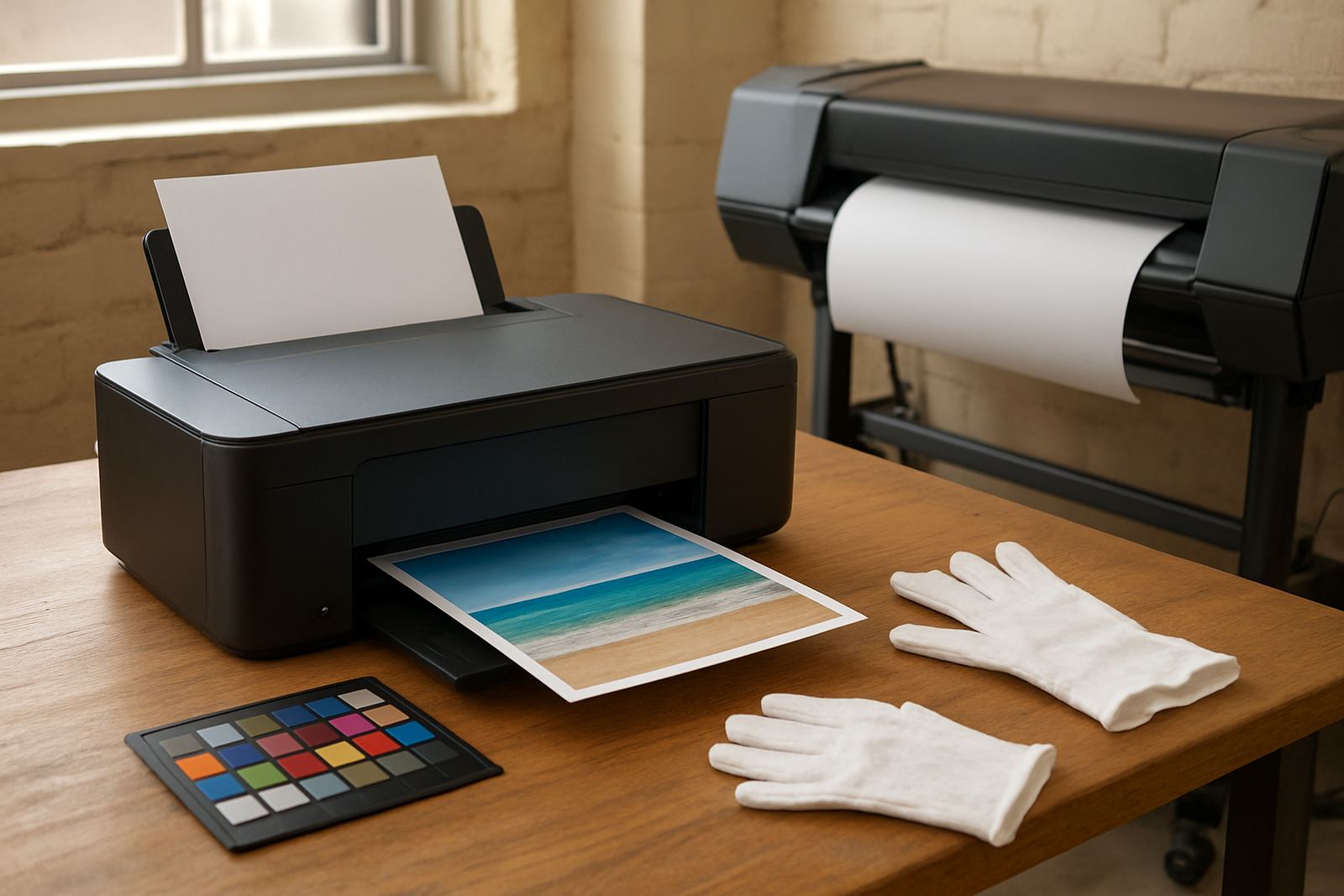
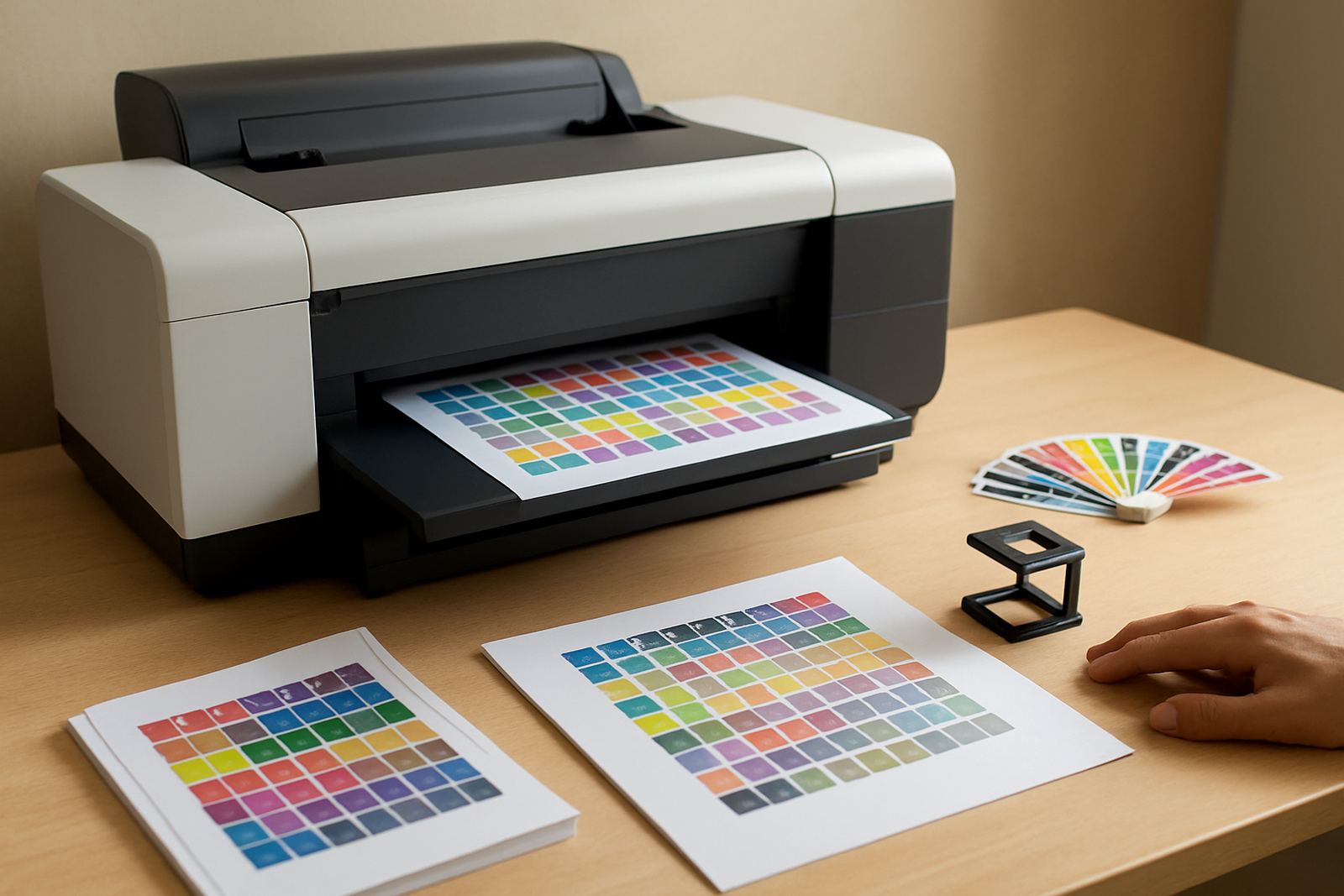
Proofing printers need regular attention if you want accurate output month after month. That means nozzle checks, test prints, head cleaning when needed and the right ink used every time. Preventive maintenance is the better option compared with waiting for a fault, because dried heads and blocked lines can cost more than the servicing itself. In busy print rooms, a simple weekly routine often keeps trouble down to a minimum.
MyColour offers preventive maintenance, print quality checks, remote help and consumable reordering. If a team member changes paper type or ink choice without checking the profile, output can drift fast, so it helps to have one person watching the basics. Pieter Smit handles service support and Boitumelo Shabalala keeps consumables moving, which is useful when a job is due same day and the office cannot afford a stoppage. A steady printer is usually the result of small habits done on time, not luck.
- Run regular nozzle and alignment checks
- Store ink and media in a cool dry place
- Keep spare cartridges or ink packs on hand
- Book servicing before colour starts to drift
Checks to make before ordering your A4 printer
Before you order, think about the media sizes, the number of proofs you run each week and the colour standard you need to hold. If you print mostly A4 proofs, a desktop machine may be enough. If you need posters, retail samples or presentation boards, ask about wide-format options and the matching inks. It is also wise to confirm whether you need pigment for durability or dye for certain paper finishes. If the printer will sit in a shared office, check noise, footprint and output speed as well.
It helps to know who will use the machine day to day. A simple user handover can prevent wasted ink and bad prints, especially when a few staff members share the same unit. MyColour can arrange collection coordination, remote help and replenishment planning so you do not end up stuck waiting on a missing cartridge or the wrong paper size.
- Required print size: A4, A3 or wide-format
- Monthly proof volume and expected peak demand
- Ink type and media compatibility
- Power access, space and backup during outages
- Support needed after delivery, including training and servicing
Key facts
| Printer type | Desktop inkjet colour or wide-format colour proofing unit |
|---|---|
| Typical sizes | A4, A3 and larger wide-format media options |
| Ink options | Matched dye or pigment ink depending on application |
| Use case | Layout reviews, client proofs, short sample runs and colour checks |
| Power needs | Standard mains power, surge protection recommended, no gas required |
| Support | Installation, media matching, maintenance, remote help and consumable supply |