What the Property Flyer Printer is built to do
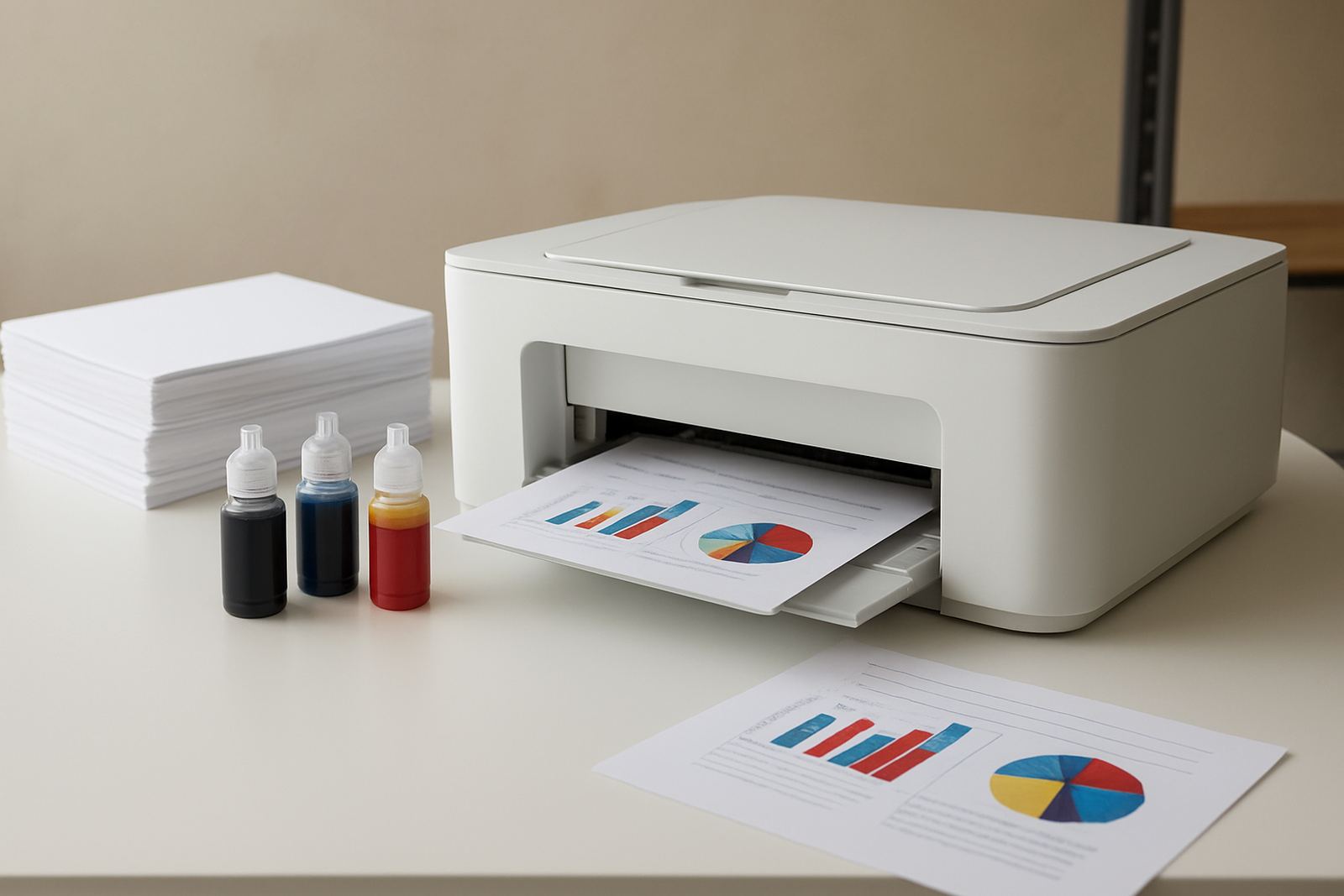
This printer is aimed at agents, design teams and in-house marketing counters that need fast colour output without sending every job out. It handles the kind of work that lands on a property counter each week, from one-page listing sheets and open-day handouts to short brochure runs and display cards for windows and reception counters.
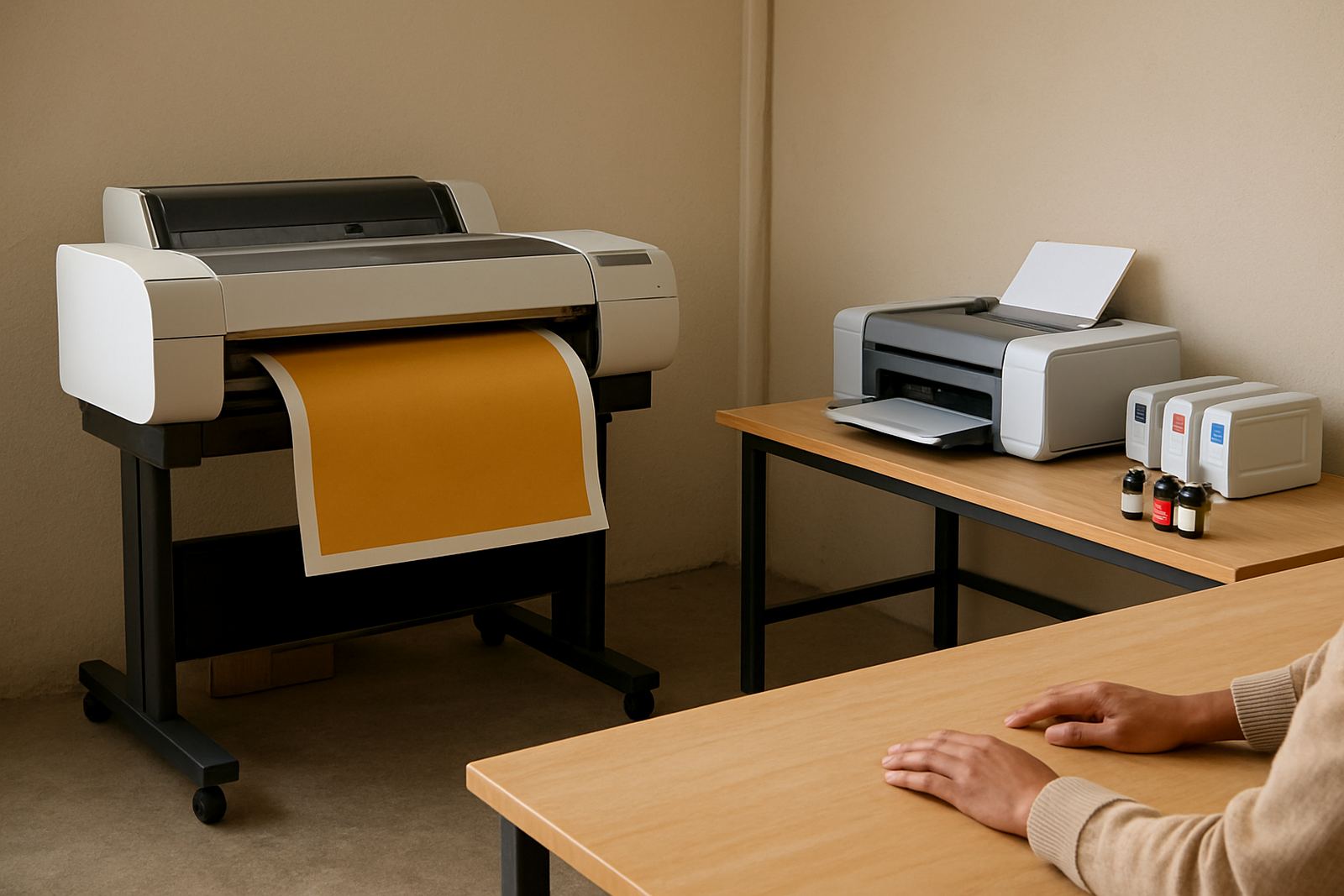
For many offices in Cape Town, Paarl, Somerset West and the northern suburbs, the main need is not huge volume but dependable colour on demand. That means clean text, accurate photos and paper handling that behaves properly on ordinary office stock and heavier presentation paper. If your team prints a few packs a day, this model makes sense. If the work is moving into larger poster sizes or repeated batch runs, it can be paired with a wider-format machine and matching consumables.
The focus is practical colour output, not unnecessary extras. You get a printer that is easy to place in an office, simple to load and suited to teams that want less waste when a listing changes at short notice.
Sizes, output options and everyday print use
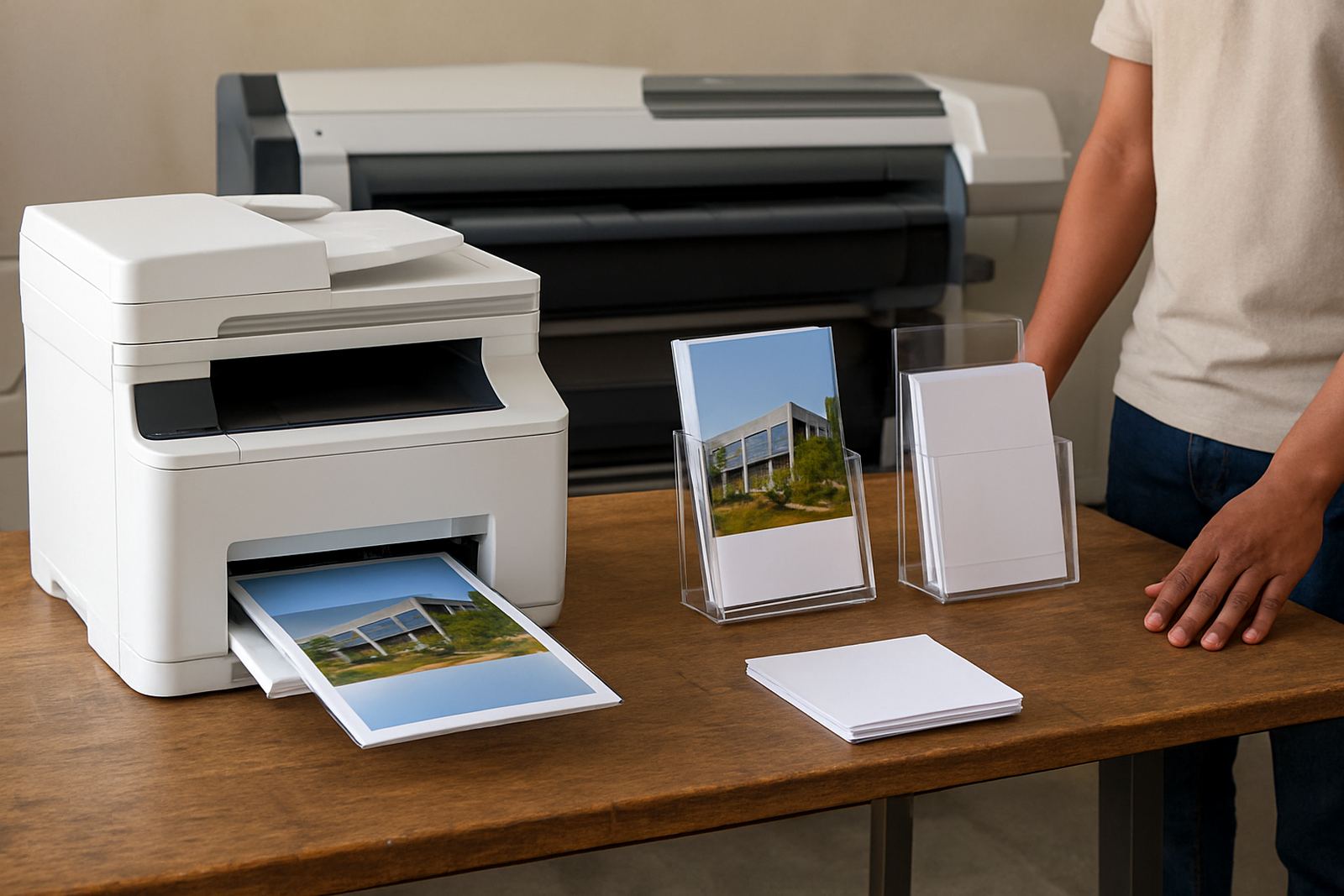
The Property Flyer Printer is typically used for A4 flyer sets, A5 handouts, letter-sized sheets and short-run colour packs. With the right media it can also produce thicker brochure inserts and small display cards for shop windows, reception counters and show-day tables. For teams that need a compact footprint, the desktop format works well on a side table or print station without taking over the room.
Where the printer earns its keep is in short, repeatable jobs. Instead of waiting for a third party to print a ten-page pack, the office can update a price, switch a photo, and print again in minutes. That matters when a listing changes after a viewing, a price drops on Friday afternoon or a new development needs fresh sheets before the weekend.
- A4 colour flyers and brochure packs
- A5 handouts for show days and open homes
- Window cards and counter display inserts
- Proof prints before larger marketing runs
Where it fits best in Cape Town offices and studios
This model suits property agencies, small design studios, sign shops with marketing work and busy offices that need frequent colour printing. In Ndabeni, Montague Gardens and Woodstock it is often used where space is tight and the print workload is mixed. A team may print a few colour listings in the morning, then switch to internal packs, forms or presentation sheets later in the day.
It also works for branches that need steady courier supply. If your office is in Claremont, Bellville or Somerset West, the printer can be supported with regular consumable deliveries so the team is not caught short during a busy week. For coastal areas, we also take humidity into account when advising on paper storage and ink choices, especially where paper curls or picks up moisture over summer.
The sweet spot is a team that wants control of print timing and quality. If the job is urgent, you print it. If the stock changes, you reprint it. If the office closes for load-shedding or a power dip, the print plan still makes sense because the consumables and media are kept on hand.
Installation, power and site readiness
Installation is straightforward, but it pays to prepare the space properly. The printer needs a stable surface, nearby power and enough room for paper loading and output trays. For offices that print often, a clean bench or print corner works better than a cramped shelf because it keeps the media flat and reduces handling mistakes.
Power needs are normal office requirements, though many teams in South Africa still ask about load-shedding. A basic surge-protected supply is a good idea, and where the office relies on back-up power the printer should be connected and tested before peak use. If your site has a shared printer room or a reception area with multiple devices, we check placement so cables, ventilation and access are all practical.
- Stable table or printer stand
- Single-phase mains power with surge protection
- Enough clearance for paper loading and venting
- Dry storage for paper and media
- Test print after setup to confirm colour and alignment
Care, servicing and keeping colour consistent
Colour printers stay useful when they are looked after regularly. That means using the correct ink, keeping the heads and rollers in good condition, and running print quality checks before a big batch leaves the office. In humid coastal areas, care matters even more because paper, ink and feeding paths all respond to moisture. A printer left idle for long periods may also need a quick clean and test cycle before it is put back into daily use.
We recommend preventive maintenance rather than waiting for a fault. Small checks save money and reduce down time, especially in offices that print listing packs every week. If the machine starts banding, colours drift or sheets feed unevenly, it is better to inspect it early than to spoil a full run of brochure packs.
For busy teams, service planning can include remote help, collection coordination and consumable reordering. That keeps the machine working without forcing staff to chase basics at the last minute.
What to verify before ordering a clinic printer
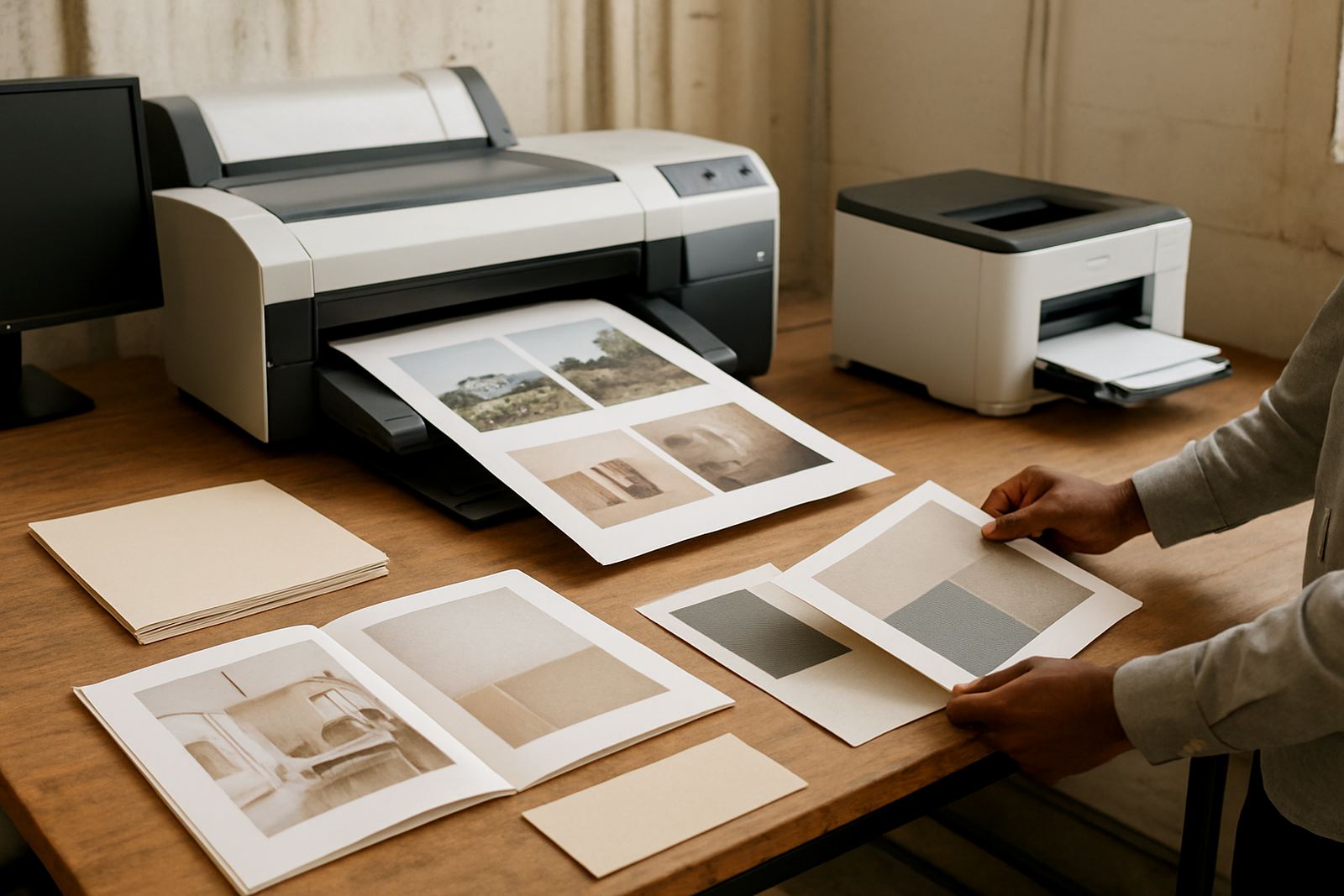
Before ordering, it helps to know exactly what your team prints and on what media. Some offices only need everyday colour sheets, while others want heavier brochure paper or display card stock. The right choice depends on the actual job mix, not just the printer size.
Please check these points before you order:
- Typical sheet size: A4, A5 or mixed sizes
- Monthly volume: low daily use or heavier repeated packs
- Paper weight: standard office paper or thicker presentation stock
- Colour quality needs: sharp photo reproduction or mainly text and graphics
- Where the printer will sit: office, reception, print room or studio bench
- Whether you need matching ink planning for regular reorders
If you are moving up from a basic office colour printer, we can help you decide when it makes sense to step into wider-format output instead. That avoids overspending on the wrong machine and keeps the print room practical.
Key facts
| Print type | Colour inkjet printer for flyers, brochure packs and display cards |
|---|---|
| Typical sizes | A4, A5 and selected thicker presentation media |
| Use case | Property listings, window cards, brochure packs and proof copies |
| Placement | Desktop or small print station in an office, studio or branch |
| Support | Printer installation, print quality checks and consumable planning |
| Supply area | Cape Town base with courier delivery nationwide |