What an A4 Colour Inkjet Printer does well
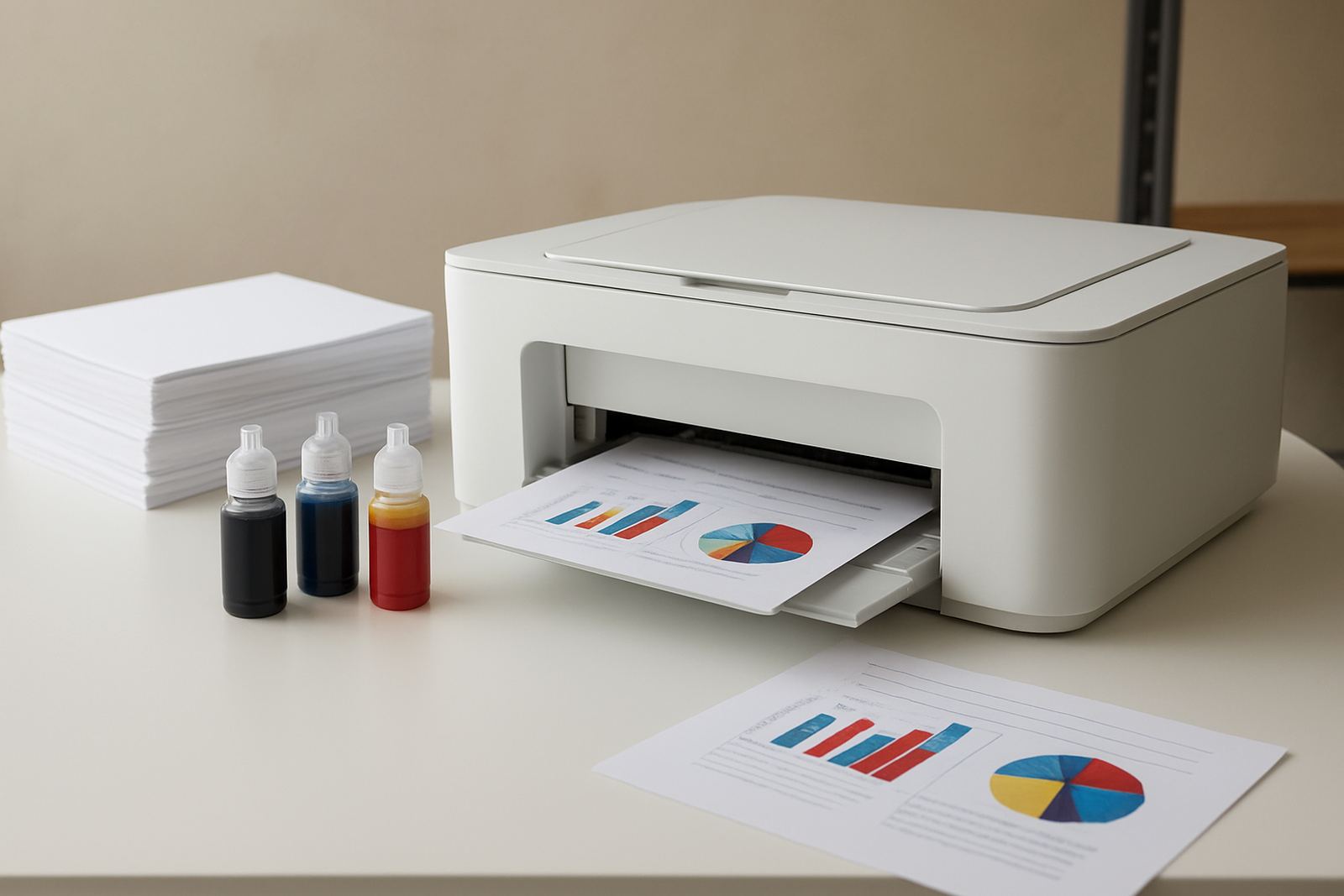
An A4 colour inkjet printer is built for everyday colour work where neat output matters more than heavy production speed. It handles letters, quotes, internal reports, marketing handouts and sample proofs without taking up much room. For design studios, sign shops and office teams, it gives a useful middle ground between a small mono printer and a larger wide-format machine.
These printers suit teams that need colour on demand and want to keep control of running costs. They are handy when staff print from mixed devices, need clear text and coloured graphics, and do not want to send every small job to an outside print shop. In Cape Town, we often recommend them for offices in Ndabeni, Montague Gardens and Woodstock where floor space is tight and jobs need to move quickly.
- Prints on A4 sheets for daily office and studio use
- Good for colour documents, charts, proofs and light presentation material
- Compact footprint for small counters, stores and back offices
- Works well as a shared printer for 3 to 10 users
Sizes, options and the right kind of output
Most A4 colour inkjet printers are compact desktop units designed for plain paper and coated office media. Some models include automatic duplex printing for two-sided documents, while others add a front feed for thicker stock. When choosing a machine, the key is not just print speed but the type of output your team needs day to day.
If you only need proposals, invoices with colour logos and a few proof pages, a standard A4 model is usually enough. If your work includes presentation packs, artwork checks or frequent image-heavy prints, look for better colour control, higher resolution and sensible ink tank capacity. MyColour helps you match the printer to the media, so you are not trying to force a light office machine into sign shop work.
- Desktop A4 inkjet printers for office documents and short colour runs
- Tank-based options for lower cost per page over time
- Duplex printing options for reports and manuals
- Resolution and colour handling suited to proofs and graphics
Where this printer fits in a South African workplace
This type of printer suits a wide range of local workplaces, from small firms in Claremont to branch offices in Bellville and Somerset West. It is a strong fit for environments where print volume is steady but not extreme, and where colour quality needs to stay consistent without constant operator attention. In many offices, one A4 colour printer handles the daily load while a separate wide-format unit covers posters and larger proof work.
Because South African workspaces deal with load-shedding, shared power points and irregular print peaks, it helps to choose a machine that is straightforward to restart and simple for staff to use. A compact colour printer also works well in reception areas, admin rooms and studio corners where noise and heat need to stay low. It does not need special ventilation or gas supply, just a stable electrical point and sensible placement.
- Ideal for admin offices, design teams and sales counters
- Useful where colour printing is needed but volume stays moderate
- Good support machine alongside a larger wide-format printer
- Suitable for branches and remote teams with couriered supplies
Installation, power and what the printer needs
Installation is usually straightforward, but good setup makes a big difference to reliability. The printer should sit on a flat, dry surface away from direct sun, strong dust and coastal damp where possible. In Cape Town and along the coast, humidity can affect paper and ink if the area is too open, so a clean indoor position is best.
Power needs are modest. A standard mains point is normally enough and no gas connection is required. For areas affected by power cuts, a small backup unit or surge protection is worth considering, especially if the printer is shared by several staff members. We also check paper paths, software installation and basic user access during handover so the team can print without confusion.
- Standard mains power point, with surge protection recommended
- No gas, compressed air or special plumbing needed
- Flat indoor position with good airflow and low dust
- Helpful in offices with backup power during load-shedding
Keeping the printer clean and the colour steady
Inkjet printers stay at their best when they are used often enough and serviced before problems build up. If a machine sits unused for long periods, nozzles can block and colours may shift. Regular test prints, correct shutdowns and prompt ink replacement help prevent downtime. For offices that print every day, a simple care routine is usually enough to keep the unit working well.
MyColour assists with preventive maintenance, print quality checks and consumable planning. That means checking colour balance, looking for banding or faint lines, and making sure the right ink is on hand before a busy week. On coastally exposed sites, a bit of extra care around paper storage helps too, because paper that picks up moisture can feed poorly or curl.
- Run periodic test pages to keep ink flowing
- Replace cartridges or tanks before they run dry
- Store paper in a dry cupboard, not on the floor
- Book a check if print quality drops or colour looks off
Checks to make before ordering your A4 printer
Before ordering, it helps to think about who will use the printer, what they print and how often. A compact office unit is a poor fit if the team needs heavy poster work every week, but it is an excellent choice for everyday A4 colour output. We also ask what paper weights you use, whether duplex printing is required and if the printer must connect by cable, wireless or both.
It is worth confirming ink type, monthly volume and whether you want shared supply planning or one-off cartridges. That helps avoid running out at the wrong time and keeps your running costs predictable. If you are not sure whether to stay with office colour or move toward wide-format, we can advise on the step up so you do not buy twice.
- Expected monthly print volume and peak days
- Paper sizes, paper weight and any coated media used
- Connectivity needs, including wireless or network printing
- Ink supply plan and reorder timing for your team
Key facts
| Product type | A4 colour inkjet printer |
|---|---|
| Print size | A4, with selected models supporting smaller media and envelopes |
| Use case | Office quotes, presentations, admin colour work and light proof checks |
| Connectivity | Typically USB, network and wireless options depending on model |
| Power | Standard mains power, no gas required |
| Support | Installation, consumables planning, user handover and print checks |