Colour output for maps, routes and client-facing graphics
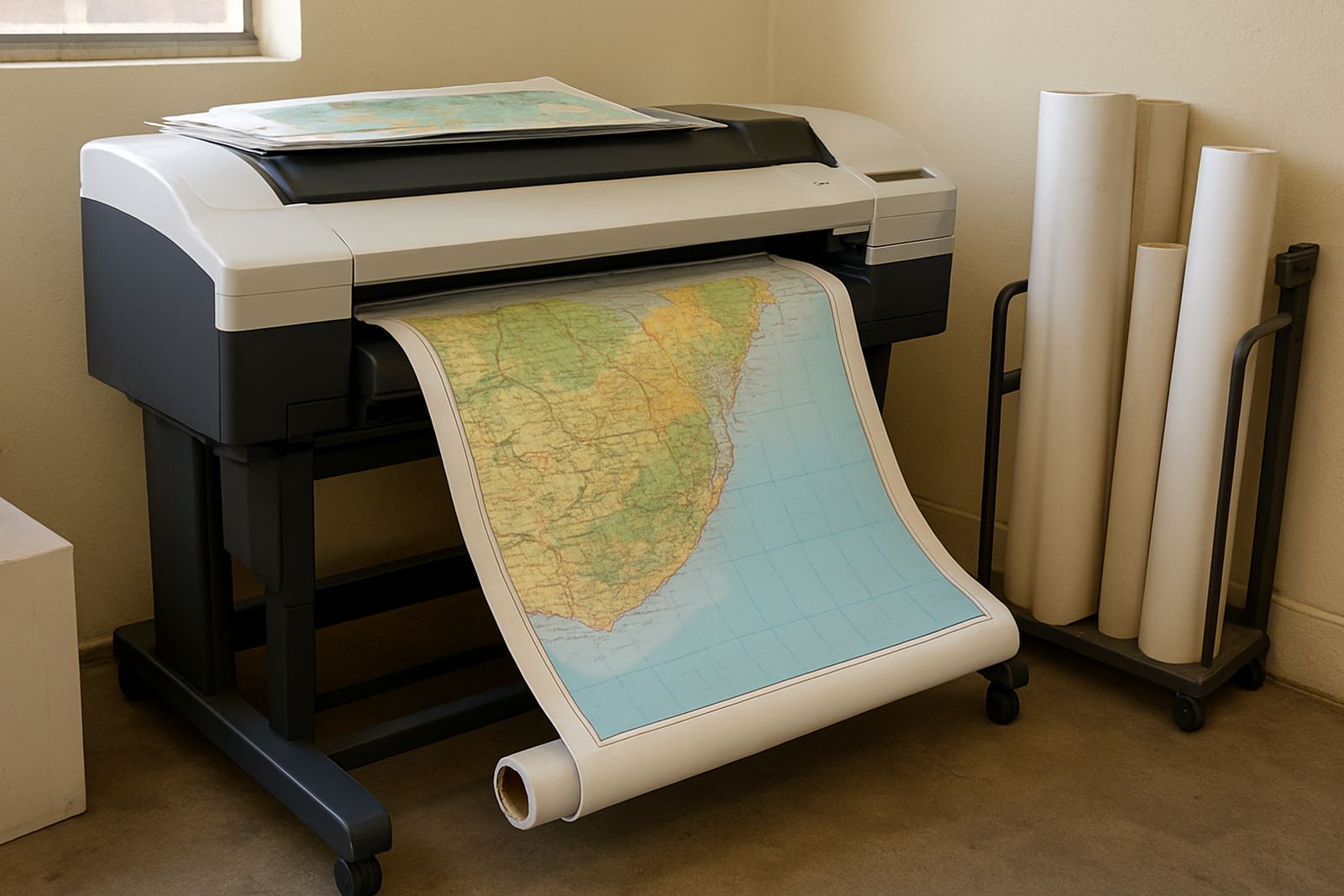
The Map Print Printer is a detailed colour printer for work where line clarity, small text and stable colour matter. It handles route sheets, area maps, annotated plans and presentation graphics for teams that print daily and do not want to keep swapping machines for different jobs. For a design studio or busy office, it fills the gap between everyday document printing and more specialised wide-format output.
In practical terms, it is suited to A4 and A3 colour output, with some setups extending to larger media sizes depending on the machine selected. If your team prints training packs, sales maps, municipal overlays or proof sheets for signage jobs, this kind of printer keeps the process simple. It is also a sensible choice when you need cleaner colour than a standard mono office printer can give, but do not yet need a full production device.
MyColour focuses on the printer plus the ink that keeps it running, so ordering is done with the full print path in mind. That matters in South Africa where one printer might be doing school route maps in the morning and presentation graphics by 3pm, then sitting through load-shedding after hours.
Sizes, output modes and paper choices
Most teams use this printer for A4 and A3 work, with some applications moving to wider sheet feeds depending on the model and media handling set-up. If you need wall maps, poster-style route boards or larger graphics for meetings, it helps to choose the machine with the right tray, feeder and ink set from the start.
- A4 colour sheets for everyday route notes and office packs
- A3 colour sheets for area maps, planning sheets and presentation boards
- Heavy paper for handouts and client meetings
- Matte stock for maps and technical graphics
- Coated media for sharper colour work and poster-style output
Paper choice changes the result more than many buyers expect. A map printed on light office paper can be quick and useful, but a client presentation on heavier matte stock will hold lines and colour better. In coastal areas like Cape Town, a paper that resists curling in humidity is worth the small extra cost, especially if the job sits in a vehicle or storeroom before delivery.
Where the Map Print Printer fits best
This printer suits design studios, sign shops, estate and property offices, schools, logistics teams and municipal or engineering departments that need reliable colour sheets without a large floor footprint. It is also a good fit for branches in Ndabeni, Montague Gardens, Woodstock, Claremont, Bellville and Somerset West where shared print use can mean steady traffic through one machine.
If your team prints a few maps a day, then a few dozen proofs and presentations in peak periods, this category makes more sense than a very small home office printer. It gives you better consistency and lets you keep matching inks on hand. For sign work, it is often used to check layouts before larger format output is approved. That saves media and time, which is the point.
- Route sheets and delivery maps
- Suburb plans and area overlays
- Sales presentations with colour charts
- Proofs before larger-format printing
- Internal planning sheets for field teams
It is not a one-size-fits-all machine, but for mixed colour paperwork it does the job cleanly.
Installation, power use and site readiness
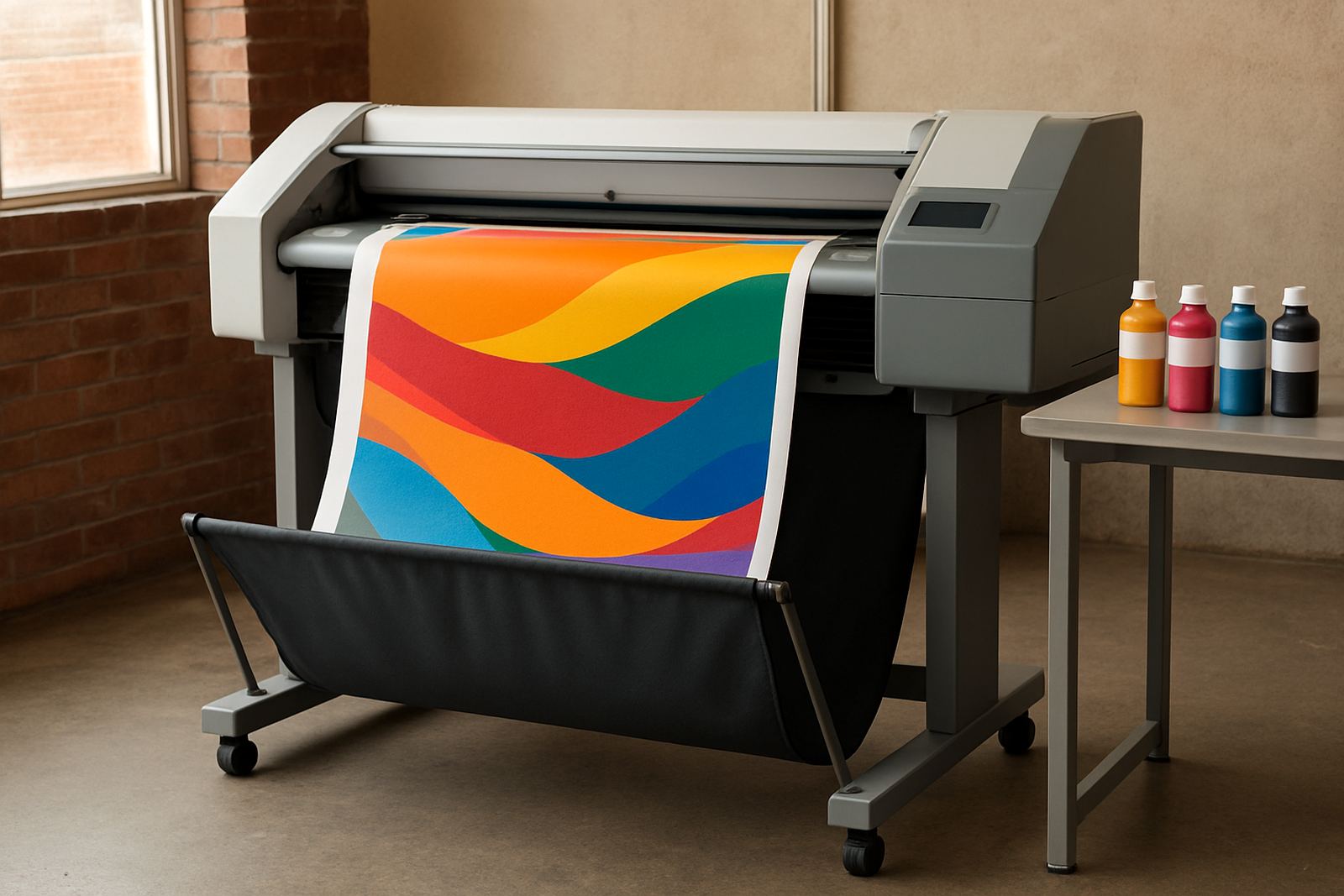
Printer installation is straightforward, but the room around it matters. The machine needs a stable table or stand, enough clearance for paper loading and easy access for ink changes and service. For larger colour printers or wide-format variants, allow extra space behind and beside the unit so staff are not forcing paper paths or knocking the feed tray.
Power needs are normally standard office mains power, with no gas requirement. If the site runs through load-shedding, ask about surge protection and whether the printer should be on a UPS or backed up with a small inverter for safe shut-down. That can protect ink systems and prevent file loss during busy print runs. We see many offices in Cape Town asking this after one bad power cut, and for good reason.
Installation work can include user handover, remote help and collection coordination where needed. If the printer is going into a shared office or production room, a quick walk-through on tray loading, media choice and basic cleaning helps staff avoid jams from day one.
Ink supply, servicing and print quality care
Colour printers only perform well when the ink supply stays steady and the heads are looked after. MyColour supports ink supply planning, consumable reordering and preventive maintenance so teams do not run the machine dry or leave it sitting unused for too long. That matters in offices where printing drops off over school holidays or during quieter months, then picks up again quickly.
For clean maps and graphics, the main checks are nozzle health, paper dust, correct ink choice and print alignment. If the output starts banding or colour shifts show up, a print quality check can catch the issue before the job goes to a client. Service technicians should also look at feed rollers, waste ink handling and whether the media path is clean. Coastal humidity can affect paper and some inks, so keeping stock in sealed packaging is a simple habit that pays off.
- Store spare ink upright in a cool dry place
- Run a test print after any long idle period
- Keep dust off the feed path and scanner area if fitted
- Use the right media profile for coated or matte stock
- Book preventive maintenance before busy print periods
What to verify before ordering the printer
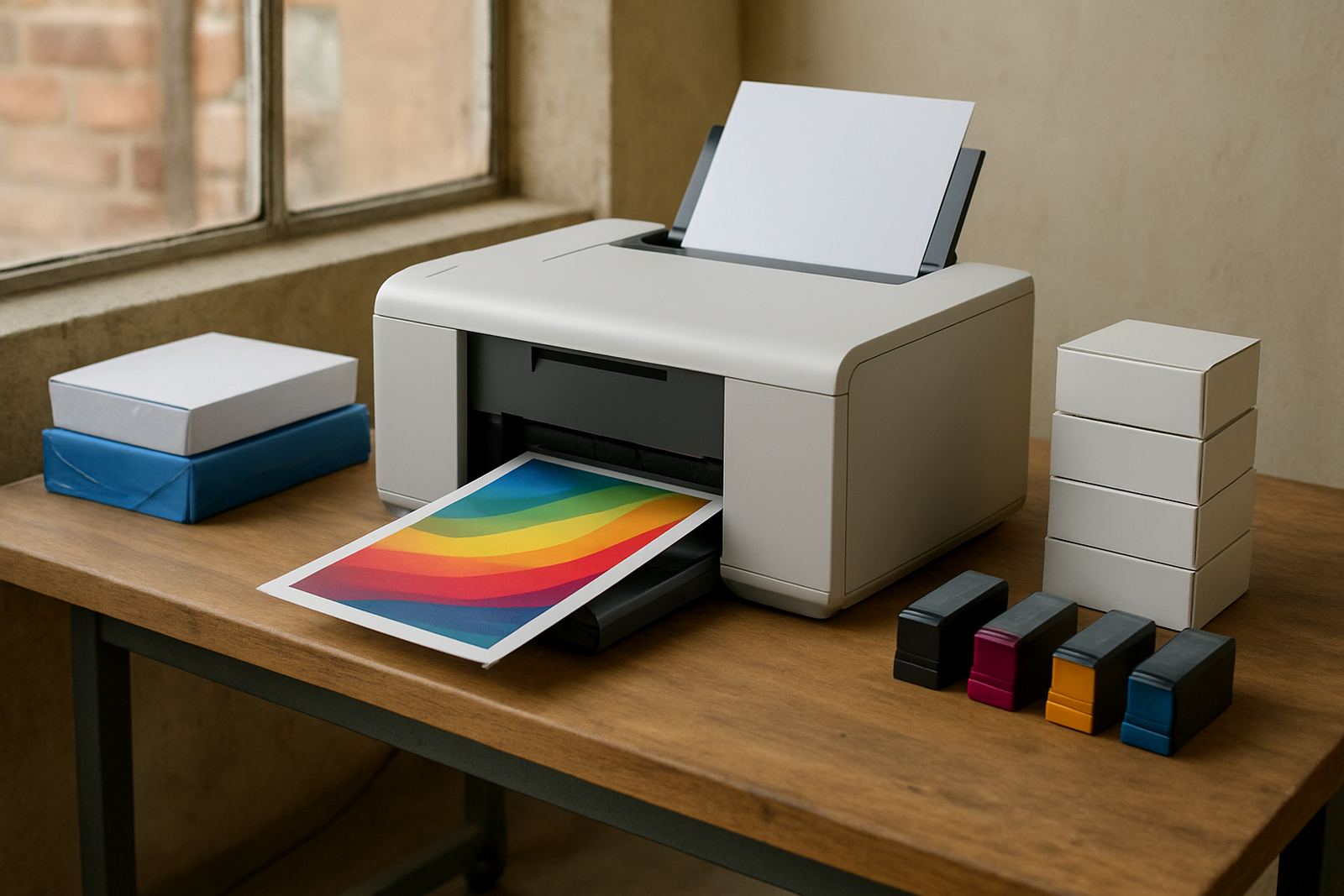
Before ordering, check the real output size your team needs, how often the printer will be used and whether the work is mainly maps, proofs or presentation graphics. That tells you whether a desktop inkjet colour printer is enough or if you should step up to a larger wide-format machine. It also helps to know if the printer must sit in a front office, back room or dispatch area, because that changes noise, footprint and paper handling needs.
You should also confirm the ink set, the expected monthly print volume and whether your staff need remote help after installation. If you are supplying multiple branches, ask about consumable reordering and collection coordination so no one runs out in the middle of a job. For companies handling municipal or client-facing work, clarity on file size, media matching and colour expectations is worth checking before the first installation date.
MyColour can advise on the practical side: what stock to use, when to move up from office colour to wide-format, and how to keep the printer productive without wasting inks. That advice is based on actual print rooms, not theory, which is what busy South African teams usually need.
MyColour support from Ndabeni to nationwide delivery
MyColour is based in Ndabeni, Cape Town, and supplies nationwide by courier for teams that need a dependable colour print source. The local team includes Danie Vosloo, Zanele Mkhize, Oarabile Xaba, Pieter Smit, Boitumelo Shabalala and Jason Daniels, with support spread across sales, wide-format setup, service, consumables and dispatch. That makes it easier to move from a quote to installation without delays.
For offices in Montague Gardens, Woodstock, Claremont, Bellville and Somerset West, the service is practical and local enough to keep things moving. If you need printer installation, wide-format setup, preventative maintenance or just a sensible read on media matching, the focus stays on keeping colour output reliable and available when your team needs it.
Key facts
| Product type | Detailed colour printer for maps, route sheets and presentation graphics |
|---|---|
| Typical sizes | A4 and A3 colour output, with larger media options on selected setups |
| Print use | Office colour, proofing, area maps, client handouts and signage previews |
| Ink system | Matching colour inks supplied with consumable reordering support |
| Power need | Standard office mains power, no gas required |
| Support | Installation, user handover, maintenance, remote help and collection coordination |