What an A3 colour inkjet does in day-to-day use
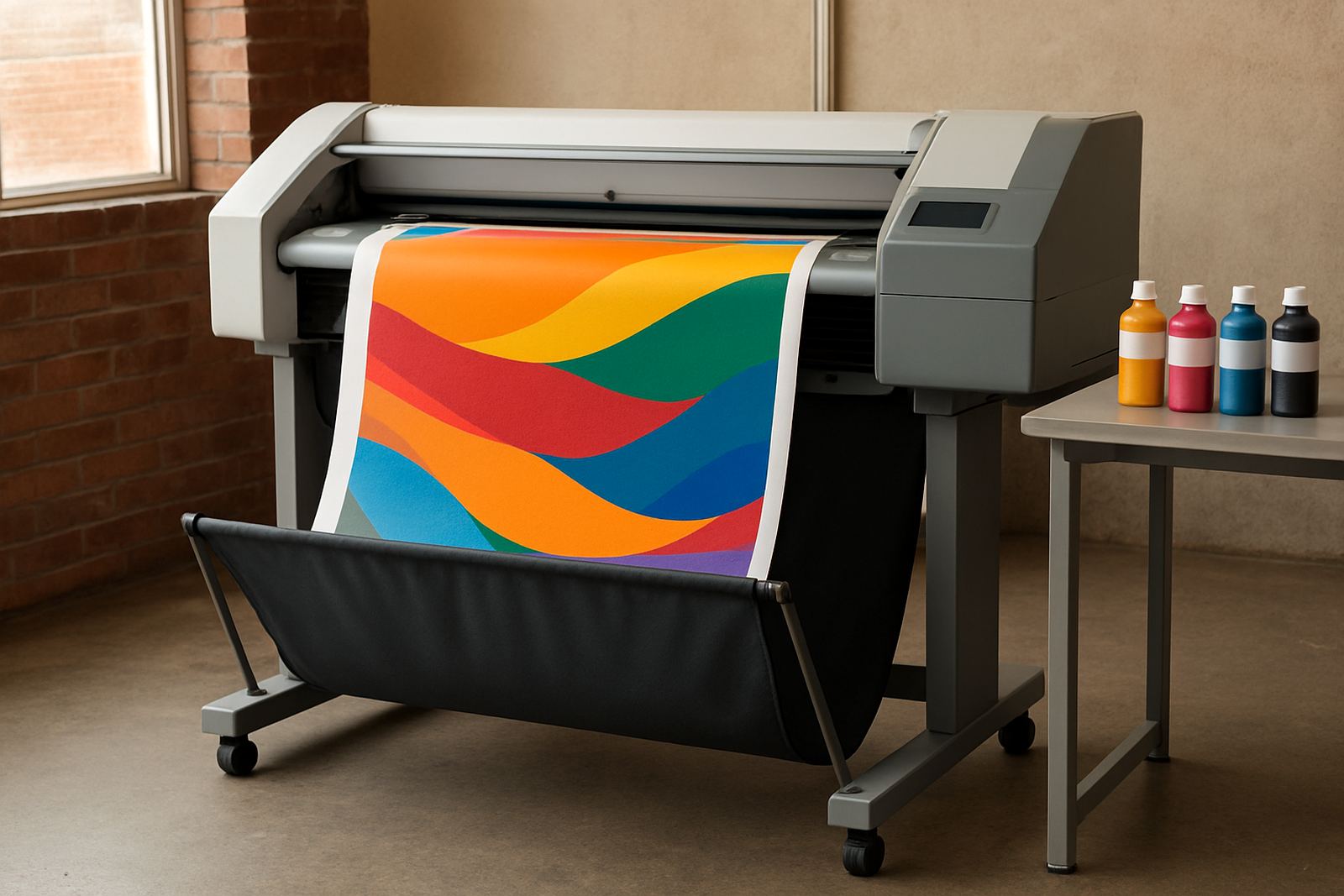
An A3 colour inkjet printer is a larger office printer made for work that A4 cannot handle comfortably. It gives you enough page area for internal posters, training sheets, project plans, presentation handouts and visual mock-ups, while still sitting in a normal office environment. For many teams in Cape Town, it is the step between a small office colour printer and a full production machine.
It is a practical fit for design studios in Woodstock, sign shops in Ndabeni, architects in Claremont and admin teams in Bellville that need better colour handling than standard mono printing. The value is not only size, but also how it keeps colour jobs in house and cuts down on rush print runs. If your work changes often and you need a few copies at a time, this class of printer can save a lot of time.
Most models in this category are made for steady office use, not constant high-volume production. That means predictable output, straightforward paper handling and better colour control for proofing, but still within a sensible operating cost. Used properly, it can cover everyday colour needs without tying up a bigger wide-format unit for smaller jobs.
Sizes, trays and finish options to look at
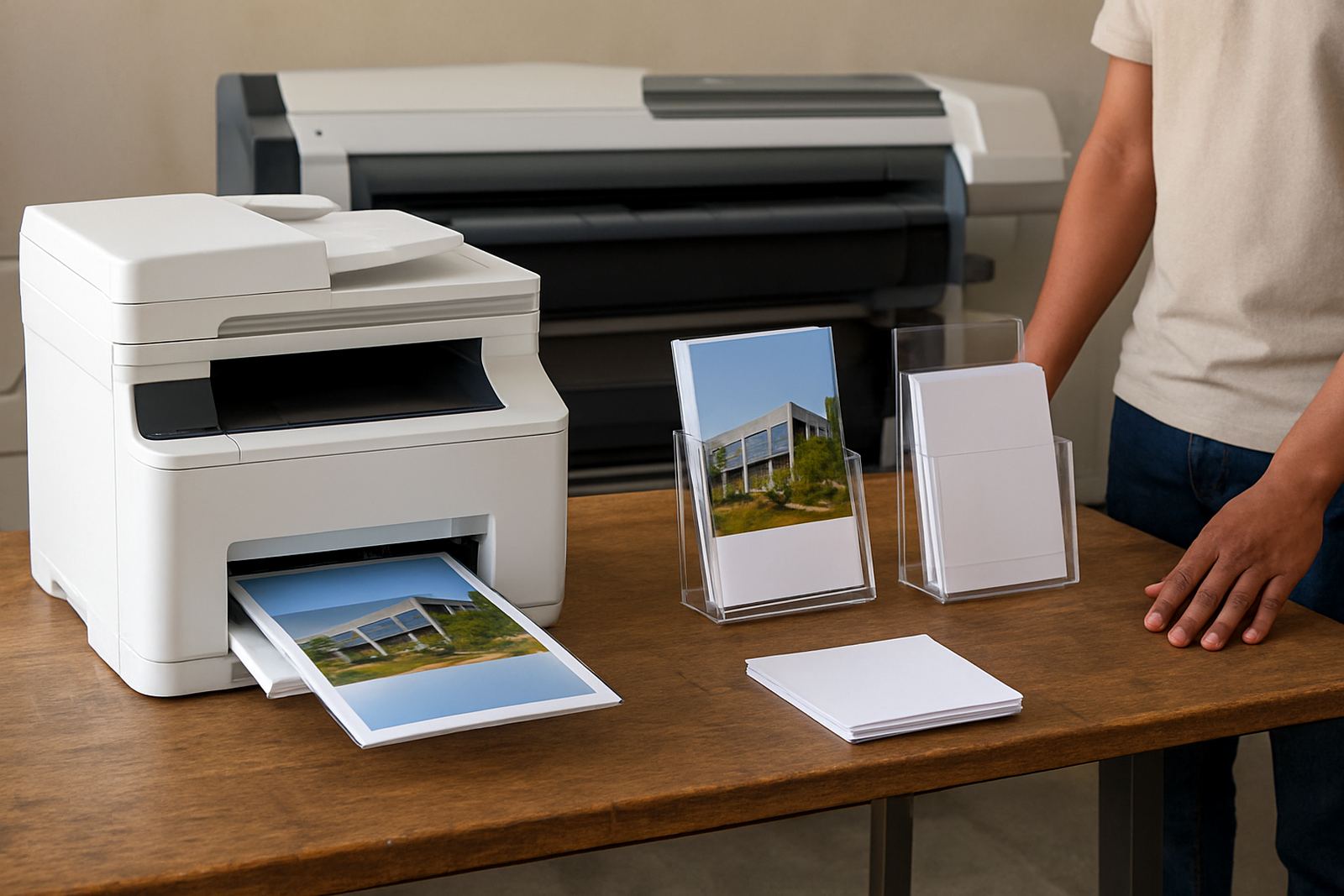
When choosing an A3 colour inkjet, the first question is not only print size but also how the printer feeds paper and what formats it accepts. Some units work neatly with A4, A3 and SRA3 sheets, while others are limited to A3 plus standard office sizes. If you print folded handouts or mock-ups, it helps to check the actual feed path before you order.
- A4 and A3 printing for reports, charts and internal presentation packs
- High-capacity trays for teams that print daily colour pages
- Bypass or manual feed for thicker media and short-run specials
- Duplex printing for booklets, forms and reduced paper use
- Network connection for shared use across a small office or studio
Paper weight support matters as much as paper size. A printer that handles plain office stock well may still struggle with heavier matte media, coated sheets or tabloid covers. If your team prints proof pages, menu drafts or display mock-ups, ask about the exact gsm range and whether the machine can feed heavier stock without curling or misfeeds. Small details like this save a lot of friction later, especially when deadlines are tight.
Where this format fits best
An A3 colour inkjet is a sensible choice where teams need larger colour output but do not want the footprint or running cost of a full large-format system. It suits firms that produce internal posters for noticeboards, plan mark-ups for client meetings, quick retail artwork, training material and presentation packs with strong visuals.
It is also useful for businesses that run mixed work. A sign shop may use it for proof sheets and admin pack inserts. A design studio may use it for comps and internal approval prints. An office in Somerset West or Montague Gardens may need to print colour reports one day and a site plan the next. If the work is varied, the printer should be easy to share, easy to refill and simple for staff to understand.
For teams that only need an occasional A3 page, the machine may be more printer than you need. But if colour output is regular, and people are waiting on proofs or internal posters, this size becomes a useful middle ground. It keeps the job on site and avoids sending every larger print out for no good reason.
Installation, space and power basics
These printers need a stable table or cabinet, enough side clearance for trays and access, and a location away from direct sun or damp walls. In Cape Town, coastal humidity can affect paper and ink behaviour, so it is better to keep the unit indoors in a steady room rather than near an open roller door. If the office has load-shedding, a small UPS or protected power point is worth considering for clean shut-downs.
This type of printer does not need any gas supply. The practical needs are power, data connection and sensible positioning. A proper setup should allow for easy paper loading, space for service access and room for finished sheets to land flat. In tighter offices, that can mean planning the printer area before delivery, not after.
- Standard 230V office power supply
- Network or USB connection depending on the workflow
- Level surface with enough room for trays and output
- Good ventilation and protection from dust
- UPS support recommended where outages are frequent
MyColour can help with printer installation, user handover and remote help after commissioning, so the team knows how to load media, replace cartridges and clear minor paper issues. That matters when a machine is shared by more than one person and someone new is likely to use it without asking first.
Ink supply and print quality control
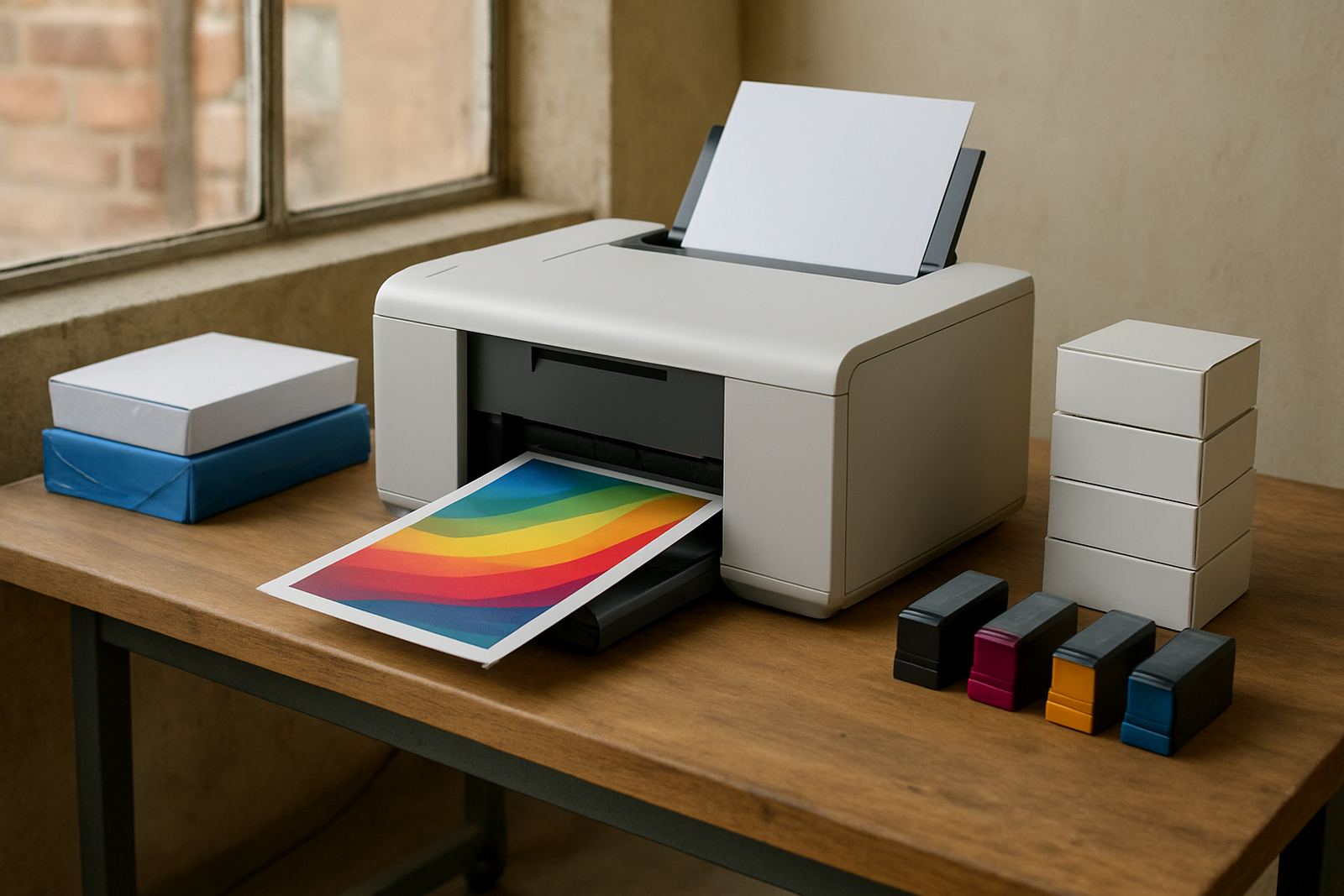
Colour inkjet work depends on the right consumables. Using the correct ink set, and replacing cartridges before they run dry, helps keep colour stable from one job to the next. If your team prints client-facing artwork or internal approval sheets, it is worth planning ink supply in advance rather than waiting for a low-ink warning at 4 pm on a Friday.
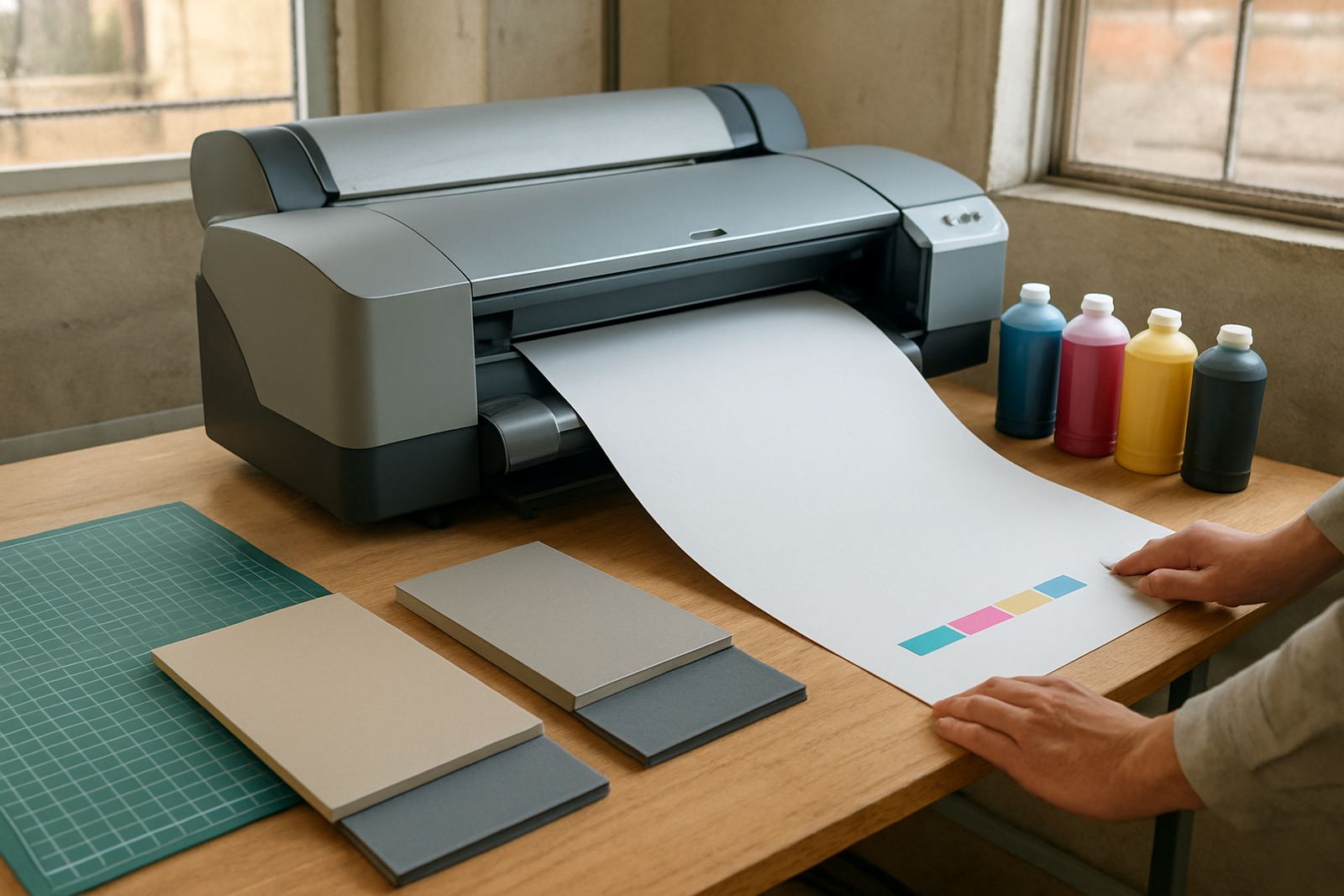
Print quality also depends on media matching. A sheet that works well for plain office reports may not be the best choice for a poster proof or a photo-heavy layout. MyColour supplies matching inks and can advise on which media gives the cleanest result for a given job. That includes helping you understand when a matte sheet is better than a coated one, or when a heavier stock will reduce bleed and curling.
For busy offices, consumable reordering and print quality checks should be part of the routine. A quick look at nozzle condition, colour balance and feed performance can catch problems early. That is especially useful where the printer sits in regular use and staff may not notice a gradual change in output until a batch of proofs already looks off.
Support from MyColour in Cape Town and nationwide
MyColour works from Ndabeni, Cape Town and supplies colour printers and inks nationwide by courier. The team supports printer installation, wide-format setup, ink supply planning, preventive maintenance, print quality checks, media matching, user handover, remote help, collection coordination and consumable reordering. That mix is helpful for offices that want one supplier for the machine and the running stock.
For customers in Montague Gardens, Woodstock, Claremont, Bellville and Somerset West, local collection or delivery can be arranged where needed. For sites further afield, courier supply keeps the machine and consumables moving without unnecessary delays. If you are replacing an older colour unit, or planning the next step from A4 to A3, the advice is kept practical and based on what the team actually prints.
MyColour is led by Danie Vosloo, with support from Zanele Mkhize, Oarabile Xaba, Pieter Smit, Boitumelo Shabalala and Jason Daniels. The focus is steady colour output, clear consumable planning and service that fits real office work, not a complicated sales pitch. If your A3 printer has to earn its keep every week, that kind of support makes the difference.
Key facts
| Print format | A4 to A3, depending on model |
|---|---|
| Print technology | Colour inkjet |
| Typical use | Internal posters, plans, mock-ups and admin colour work |
| Connectivity | USB and network options, model dependent |
| Power | Standard 230V office supply, UPS recommended during outages |
| Support | Installation, consumables, maintenance and remote help |