What a canvas colour printer does
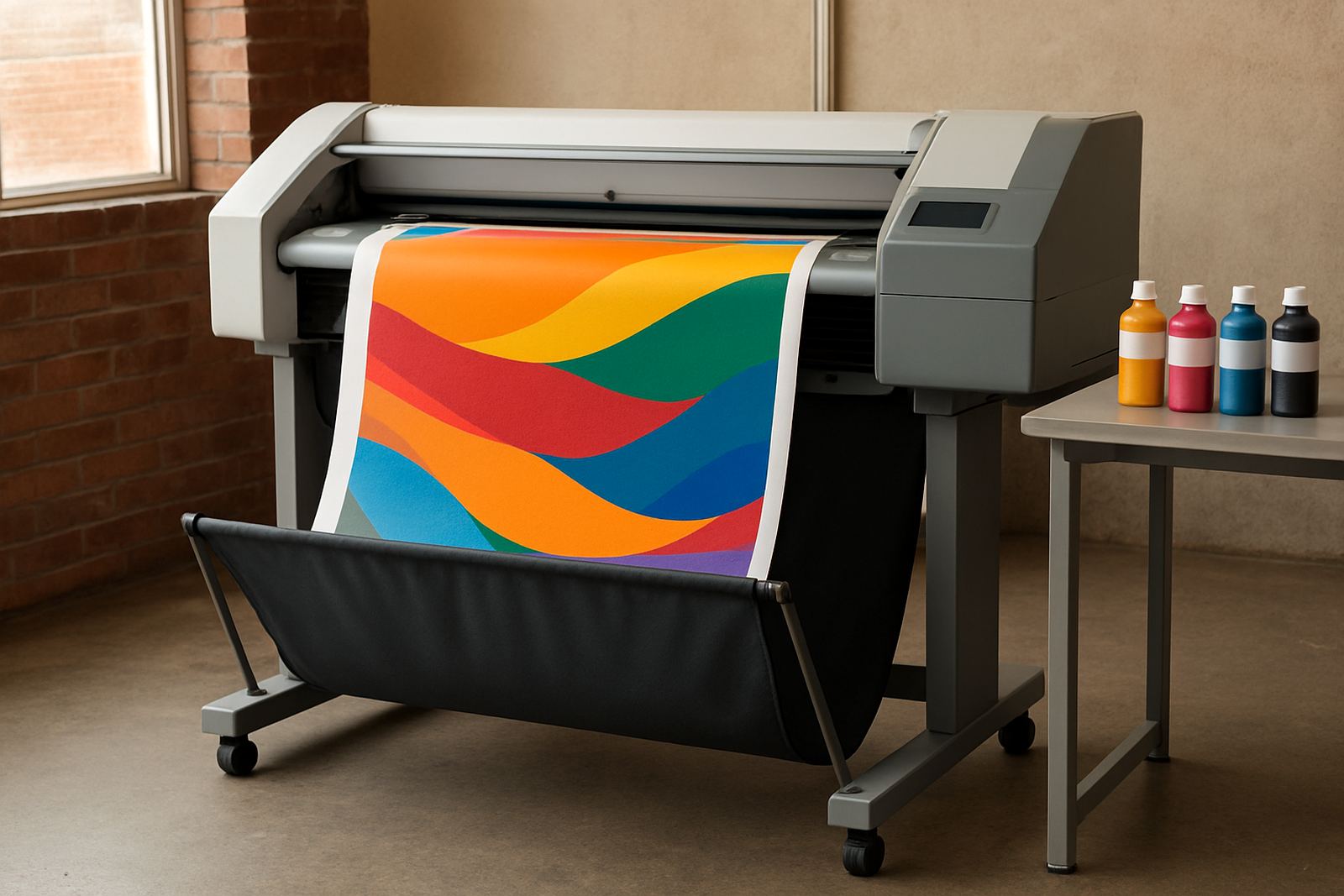
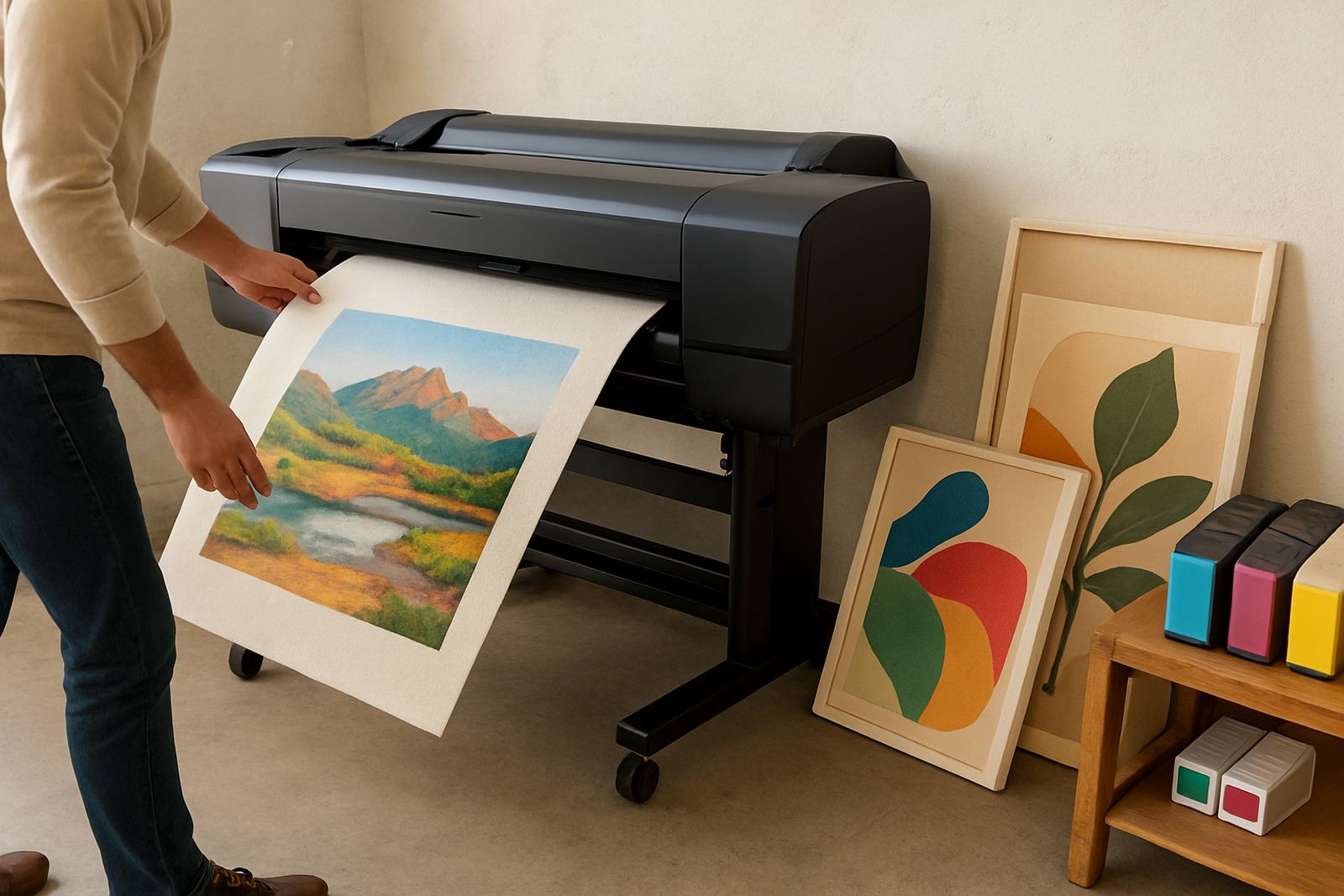
This type of wide-format colour printer is used when a team needs image quality, repeatable colour and a media path that can handle thicker stock such as canvas. It suits art studios, print rooms, décor businesses and signage teams that produce proof pieces, wall graphics, retail mock-ups and short-run décor panels. For day-to-day use, it gives you one machine for presentation work and production jobs that would be too heavy for a desktop inkjet printer.
The value is in control. You can match output to the job, choose the right ink set for the media and keep colour work in house instead of sending it out. That matters in Cape Town where quick turnarounds are common and teams often need to print, trim and pack the same day.
- Suitable for canvas, coated papers and display media
- Helpful for proofing, décor samples and short production runs
- Better control over colour and texture than standard office printing
Sizes, media widths and output options
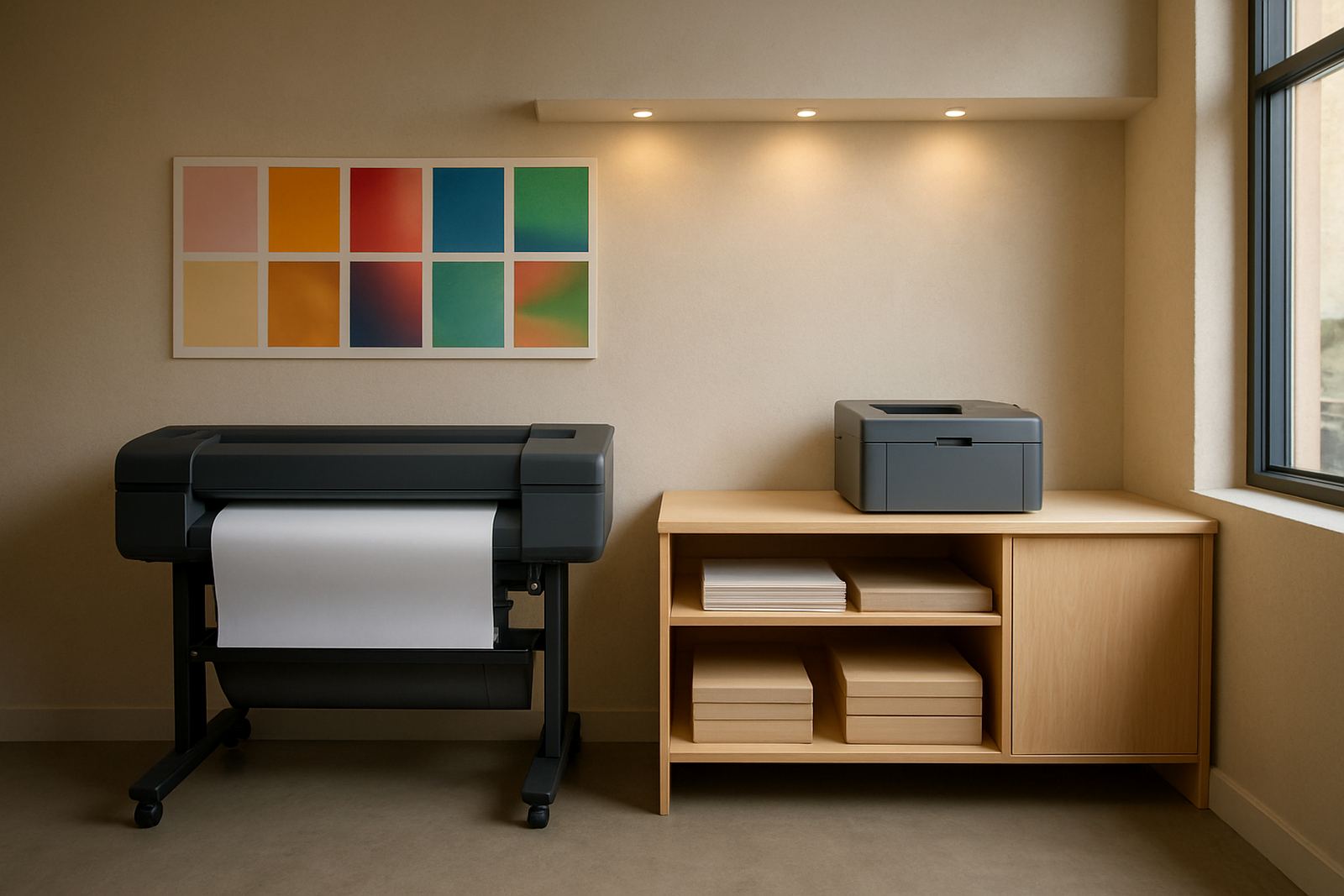
MyColour can supply canvas colour printers in different carriage widths, from smaller workshop units to larger systems for busy production spaces. The right size depends on your sheet width, the roll stock you use and how much floor space you have in Ndabeni, Montague Gardens or Bellville. A compact unit may be enough for sample work, while a wider machine is better for posters, stretched canvas and repeat production.
Media choice matters as much as printer size. Canvas stock comes in different weaves, coatings and thicknesses, and the ink set must suit the surface. Some teams only need matte presentation canvas, while others need a stronger texture for fine art reproductions or décor pieces. MyColour gives practical guidance on what will feed cleanly and what will need special handling.
- Desktop and small production sizes for compact print rooms
- Wide-format models for larger artwork and décor panels
- Roll-fed options for continuous output and easier batching
- Matching ink and media advice for cleaner feed and better colour
Where this printer suits best
This is a good fit for businesses that sell visual work, not just print it. Design studios use it for artist proofs and presentation boards. Sign shops use it for display pieces, textured samples and customer sign-off prints. Offices with strong marketing demands use it for in-house posters and internal campaigns. It also suits teams that need dependable colour in coastal areas where humidity can affect stock if the room is not managed properly.
If your current office printer is handling coated stock, proofing and repeated colour jobs every week, you may be ready to step up. A canvas colour printer reduces wasted time on reprints and gives you more control when clients are checking tone, skin shades or brand colours under shop light and office lighting.
- Design studios and creative agencies
- Sign shops and print rooms
- Retail and property marketing teams
- Décor sample producers and art reproduction work
Installation, power and site readiness
Installation needs a level surface, enough room for media handling and a clean area where dust will not settle on the print path. For larger units, allow space at the front and back for loading, take-up and trimming. The printer should sit near a stable power point, with proper earthing and no overloaded extension leads. Gas is not required. For most sites, the focus is on electrical supply, airflow and keeping the room dry enough for consistent media handling.
In Cape Town warehouses, especially where load-shedding is part of the week, teams often plan around UPS support or a dedicated power backup for the computer and printer controller. If the machine will be moved between branches in Claremont, Somerset West or Woodstock, it is worth checking lift access, doorway widths and vehicle loading before delivery. MyColour can coordinate installation and handover so the team starts on the right settings from day one.
- Level floor space and clean media handling area
- Stable power point and suitable backup planning
- Room for loading, output and maintenance access
- No gas connection needed
Care, servicing and colour control
Canvas printers work best when they are used regularly and maintained properly. Ink lines, heads and media sensors need attention, particularly if the machine sits idle over a long weekend or through a holiday shutdown. Dust, heat and humidity can all affect output, so a simple daily check saves time later. MyColour provides preventive maintenance, print quality checks and remote help when a team needs quick support without waiting for a full site visit.
It also helps to keep a clear consumable plan. If the printer uses a specific ink set or if the canvas stock is sourced in batches, reordering should happen before the last pack is opened. That keeps colour output consistent and avoids delays on urgent jobs. Pieter Smit can support service calls, while Boitumelo Shabalala handles consumable planning so jobs do not stall because of an empty cartridge or roll.
- Run the printer often enough to keep the heads active
- Store canvas and inks away from heat and damp
- Schedule quality checks before important client work
- Keep spare ink and media on hand for urgent runs
What to check before you order
Before ordering, confirm the widest media you need to print, the monthly volume and whether your work leans more toward proofs or production. Check if the printer must handle textured canvas, coated papers or mixed media. Ask how the ink system behaves on your chosen stock, what maintenance it needs and whether colour management can be matched to your current workflow. A small typo on a spec sheet can turn into a costly mismatch later, so it is worth checking the details carefully.
Also think about the people using the machine. If different staff members will load media, process files and hand over finished work, the setup should be simple enough for training and daily use. MyColour covers user handover, collection coordination and consumable reordering for Cape Town and nationwide courier supply, so the process stays practical after installation.
- Confirm media width, thickness and surface type
- Check monthly print volume and turnaround needs
- Match ink choice to canvas and coated stock
- Plan for training, maintenance and future supply
Key facts
| Product type | Wide-format canvas colour printer |
|---|---|
| Typical use | Art reproductions, décor samples, textured proof output |
| Media support | Canvas, coated papers and select display stocks |
| Format range | Desktop to large-format options |
| Installation | On-site setup, user handover and remote help available |
| Supply area | Ndabeni, Cape Town with courier delivery nationwide |