What the Showroom Demo Printer is used for
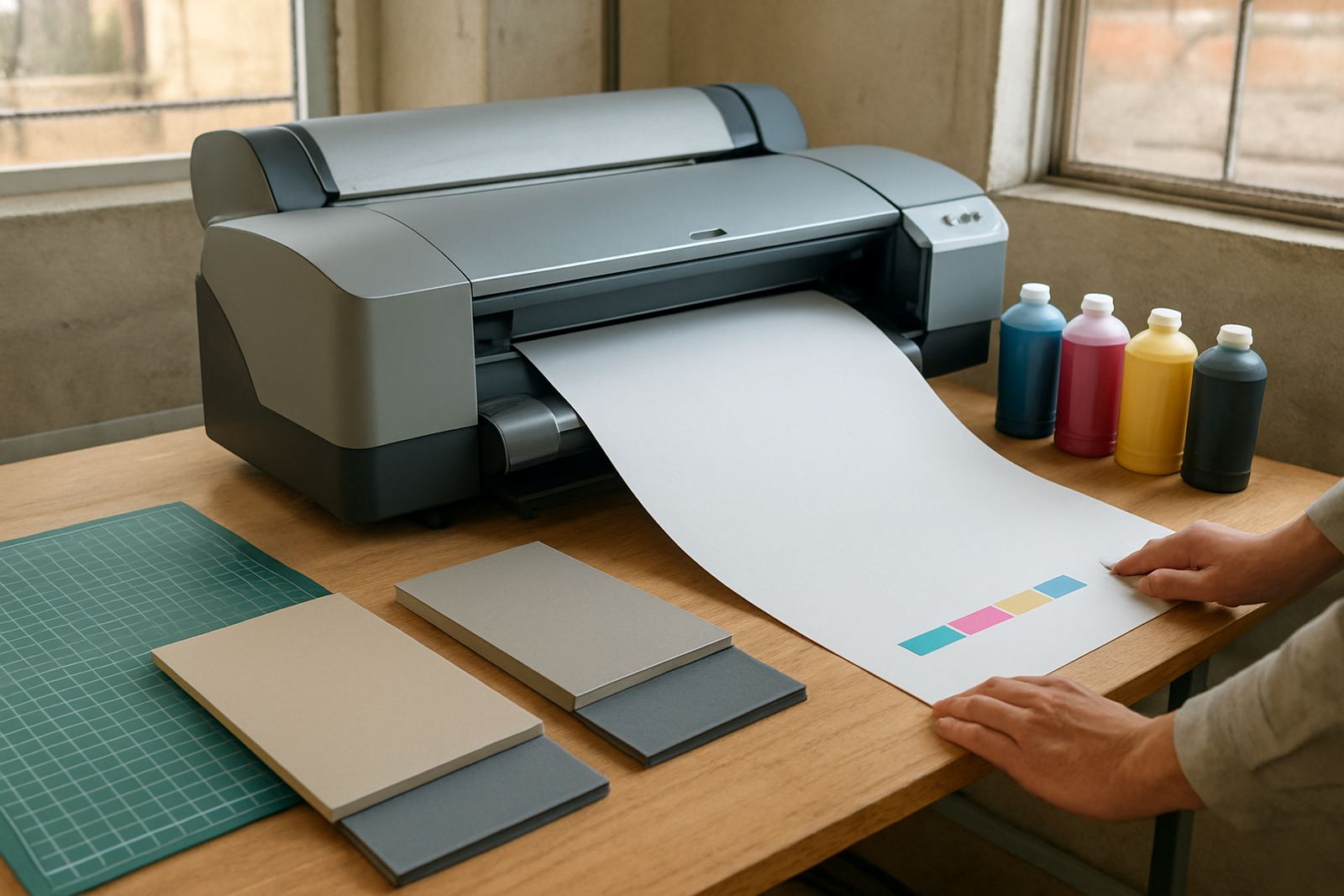
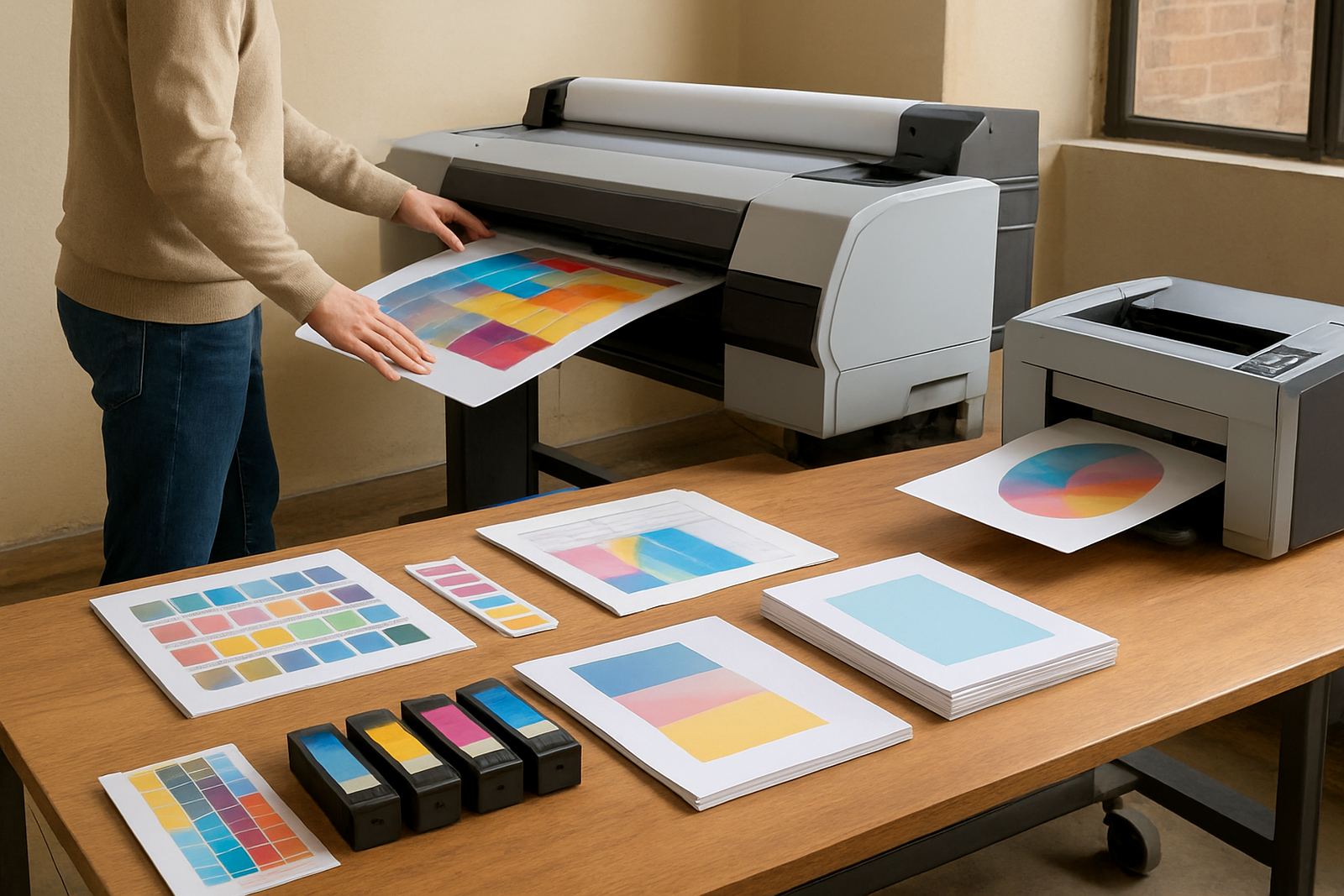
This product refers to a demonstration printer kept for walk-in reviews and practical testing. It is there so you can bring artwork, office files or sample media and check how the machine handles lines, fills, gradients and text before you commit. For teams printing proofs, internal reports, posters or short-run colour work, that hands-on check saves time and avoids guesswork.
In Cape Town, many buyers also want to compare how a printer copes with different paper stocks and local conditions. Coastal humidity, air conditioned offices and warm sign shops can all change the way media behaves, so seeing the unit in action is useful. The focus is not only on output quality but also on feeding, tray access, ink access and day to day handling by staff.
Sizes and options available for review
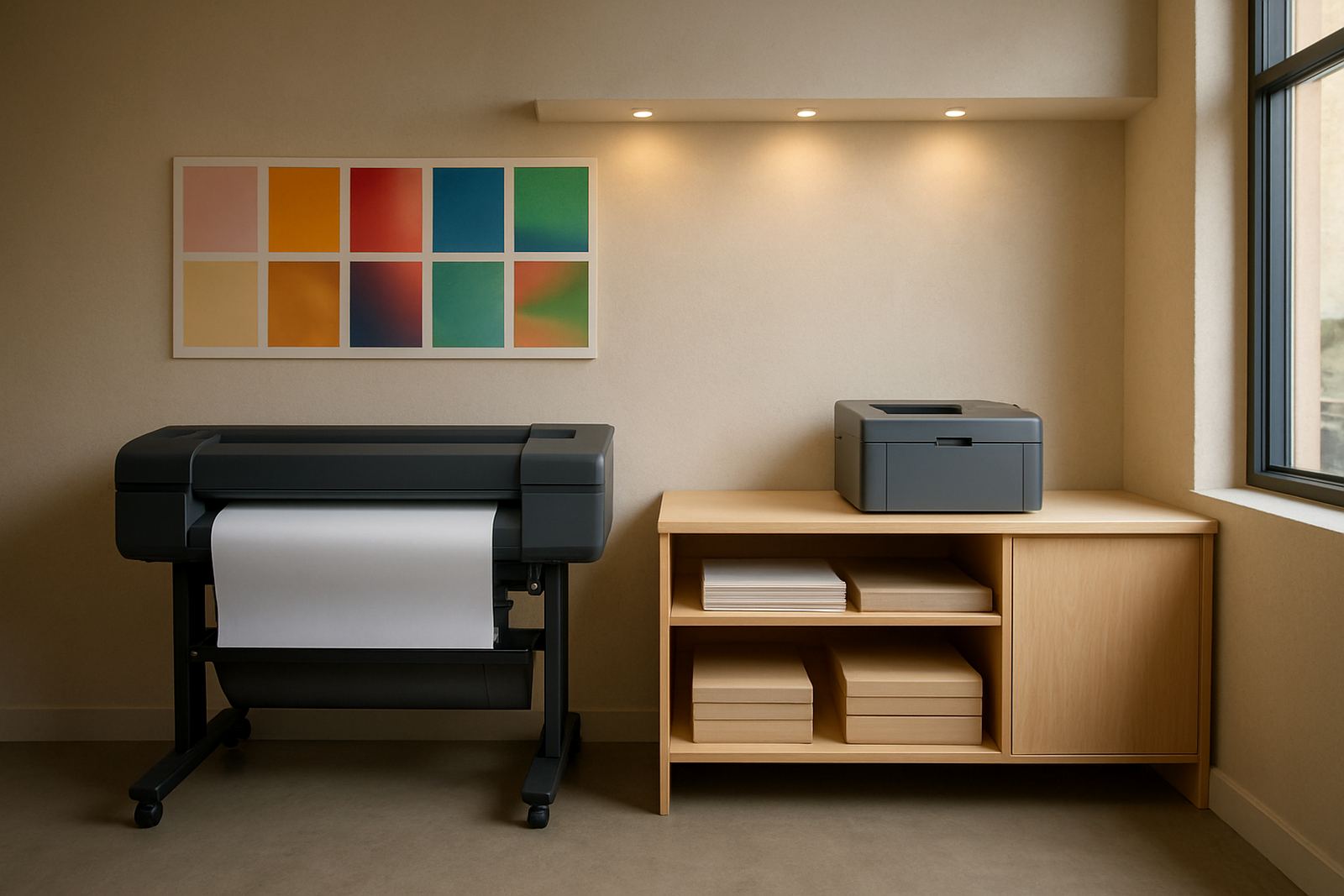
The showroom demo unit may represent desktop inkjet colour printers, larger office colour machines, and wide-format colour machines used for posters and presentation prints. Depending on what you need to check, we can talk through a compact A4 or A3 model, or step up to a larger-format machine for banner, poster and plan work. If your team is moving from office colour to wider output, this is the place to compare the differences properly.
- Desktop colour printers for A4 and A3 office use
- Wide-format machines for posters, proofs and sign shop work
- Single and multi-ink setups for different colour demands
- Optional matching consumables for the exact output you plan to run
Not every business needs the same print path. A small studio in Woodstock may want a compact footprint and neat everyday colour, while a production team in Montague Gardens may need more width, stronger media handling and faster turnaround. We help you compare the options side by side so the choice is based on real use, not brochure language.
Where it suits best in South African workplaces
This printer suits design studios, print rooms, sign makers, small agencies and busy offices that want to see output quality in person. It also works well for buyers who must justify a purchase to more than one person, because the whole team can review the same printed sample and ask practical questions about running costs and maintenance. In many cases the right decision becomes obvious after one test print.
It is especially helpful where colour consistency matters. If you need proofs for clients, marketing material for branches, or regular internal colour work, you want a machine that gives repeatable results. For coastal branches in Somerset West or central Cape Town, we also consider dust, humidity and normal service access, which can affect both media and ink performance.
- Design studios checking proof quality
- Sign shops comparing wide-format output
- Offices replacing a basic colour printer
- Teams that need print samples for approval
Installation, power needs and practical setup
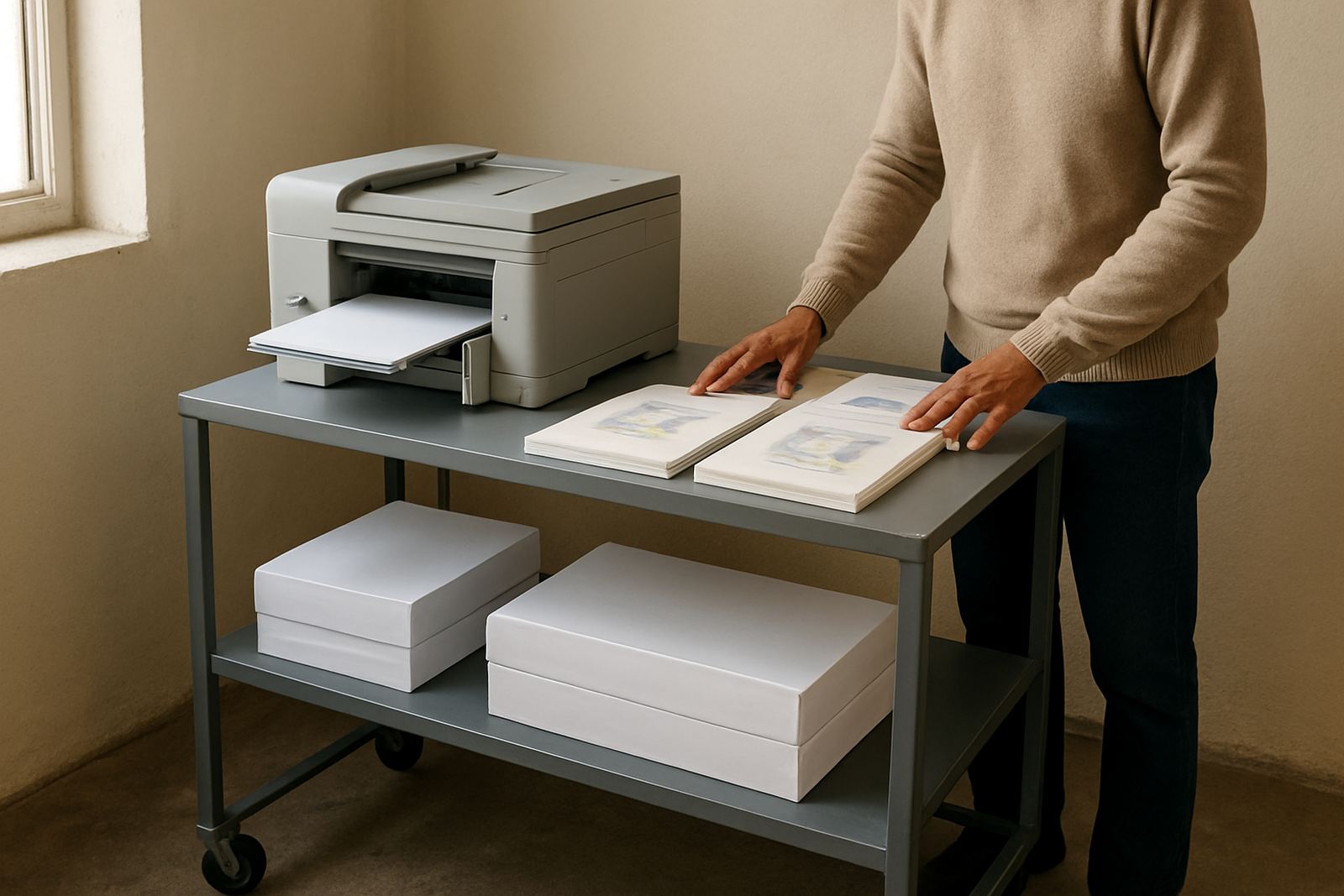
A demo printer is usually placed for easy viewing and quick access, but the setup still needs the right space, power and workflow. For desktop units, a stable bench and standard mains power are normally enough. Larger colour machines or wide-format printers need more room for media loading, output clearance and safe movement around the unit. If the machine will sit in a shared office or print room, we also look at ventilation, cable routing and access for staff.
Power protection matters in South Africa, especially where load-shedding or voltage swings can interrupt a print run. A reliable surge protector or suitable backup power arrangement helps protect the electronics and keeps jobs from failing mid-page. There is no gas requirement for this equipment, only clean electrical supply and sensible placement. If you are unsure about the room layout, we can help with printer installation and wide-format setup before the unit goes into daily use.
Care, servicing and keeping output steady
Like any colour printer, a demo unit still needs care if you want accurate results. That includes regular nozzle checks, correct ink use, clean media handling and sensible storage of paper or film. If the printer is used only for review work, it still needs to be powered and checked often enough to stop ink from drying in the heads. That small habit prevents avoidable delays and keeps colour closer to what you expect.
For active users, preventive maintenance and print quality checks are worth scheduling. We also help with consumable reordering so you do not run out of the matching inks at the wrong time. If a machine is being used in a busy environment, a quick handover for the team can cut down mistakes and reduce wasted media. A little care goes a long way, especially when a printer is expected to deliver clean colour every week.
- Use the correct ink set for the printer model
- Keep paper sealed and dry, especially near the coast
- Run periodic checks if the printer is not used daily
- Book servicing early if colours drift or lines break
What to check before placing an order
Before you order, it helps to confirm the print size, media type, colour expectations and monthly volume. If you mainly print proofs and short-run office work, a compact colour printer may be enough. If you need posters, plans or sign work, step up to wide-format and make sure the machine suits the media you use most often. It is also worth checking how much space you have for loading, output and storage of ink and paper.
Ask for the spec that matches your work, not the biggest model available. Some buyers need sharper text and quiet operation. Others need stronger coverage and wider media support. We can also assist with media matching, ink supply planning and collection coordination where needed, so the machine arrives with the right consumables and a clear plan for day to day use.
- Print size required: A4, A3 or wide-format
- Typical media: bond, coated paper, proofing stock or poster material
- Colour duty: occasional, regular or high-volume
- Installation space and power access
- Consumable plan for the first few months
Cape Town support and nationwide supply from Ndabeni
MyColour is based in Ndabeni, Cape Town, and supports customers in Montague Gardens, Woodstock, Claremont, Bellville and Somerset West, with courier supply nationwide. That makes it straightforward to review a printer in person and then order the consumables or related equipment you need afterward. For teams that want direct contact, the practical route is often best: test the output, confirm the media, then place the order with confidence.
Our team includes Danie Vosloo, Zanele Mkhize, Oarabile Xaba, Pieter Smit, Boitumelo Shabalala and Jason Daniels, each focused on a specific part of the print supply chain. If you want help with printer installation, remote help, collection coordination or consumable reordering, we keep the process simple and focused on getting colour out the door. Send a message through our contact form for a proper discussion of the right demo printer for your work.
Key facts
| Product type | Showroom demonstration colour printer |
|---|---|
| Use case | Walk-in review of output quality, handling and media performance |
| Formats | Desktop A4/A3 and selected wide-format options |
| Power | Standard mains electrical supply, with surge protection recommended |
| Service support | Installation, maintenance, quality checks and remote help |
| Supply area | Ndabeni, Cape Town and nationwide courier delivery |