Shared colour printing for lessons, packs and handouts
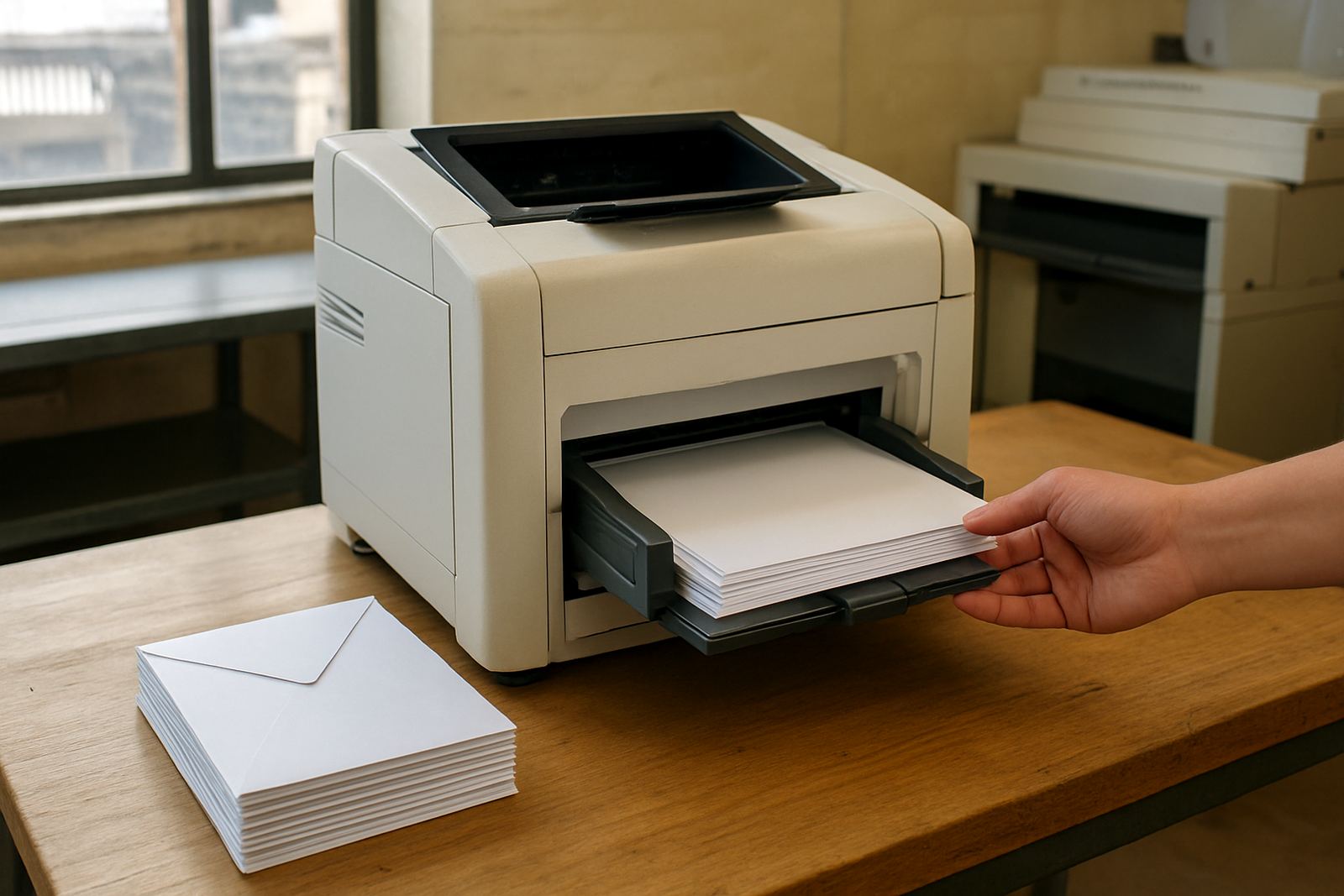
The Training Room Printer range suits classrooms, staff training spaces and short course venues that need clear text and decent colour for diagrams, slides and worksheets. It is a practical shared printer, not a decorative extra, so the focus stays on dependable output, easy loading and consumables that are simple to keep on hand.
For many sites in Ndabeni, Bellville and Somerset West, one printer is enough for all day use if the group sizes are modest and the print jobs are mostly notes, agendas and colour sheets. If you run longer programmes or print heavier packs, a larger paper tray and higher ink yield will save time at the copier room door.
Sizes and options that match the room
Available choices typically start with desktop inkjet colour printers for compact rooms and move up to wider machines for poster-style visuals, tabloid handouts and stronger monthly volumes. The right size depends on the room count, the number of trainers and whether the machine sits on a side table or in a shared print corner.
- Desktop colour printer for small training rooms and low to medium volume
- Large-format colour machine for A3, posters and wide diagrams
- Automatic duplexing for two-sided notes and lower paper use
- Network connection for shared use across laptops and office PCs
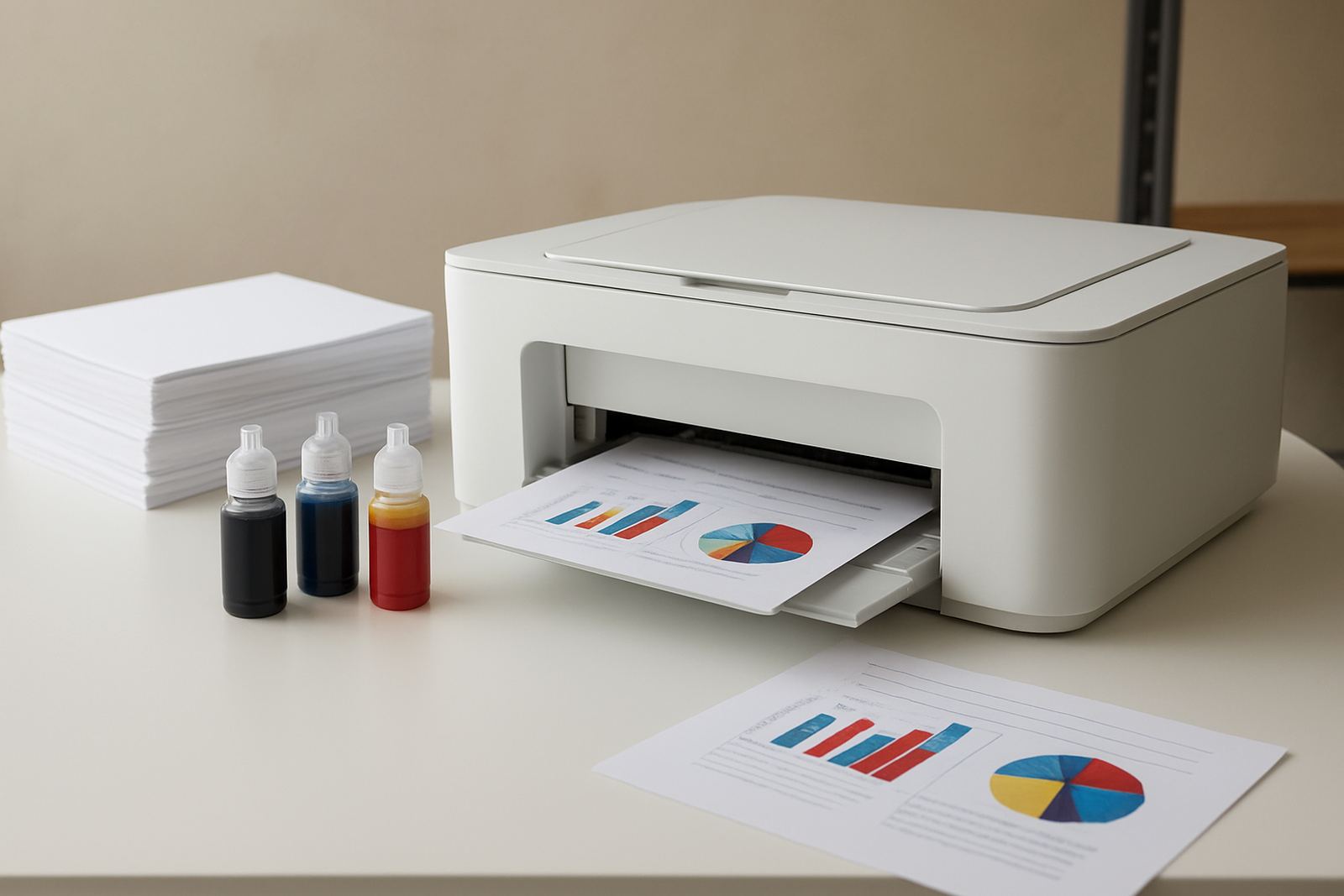
- Optional high-yield ink sets for busy venues
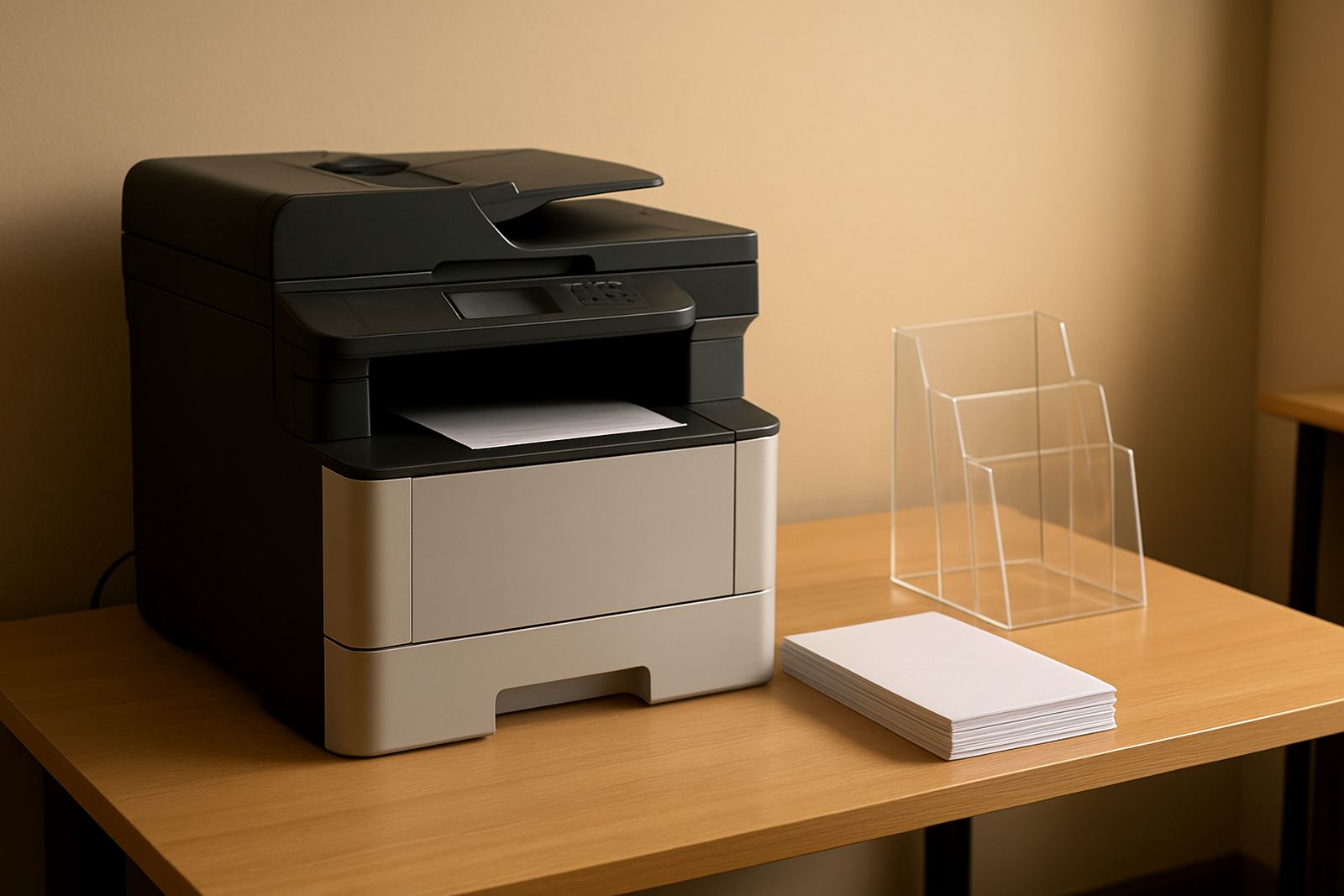
For mixed use, we often suggest a compact office printer with strong colour handling when the job list is mostly handouts. When you need banners, layouts or oversize teaching charts, step up to wide-format so the room does not feel cramped.
Where this printer fits best in Cape Town and beyond
These printers suit training centres, design studios, sign shops, municipal offices and company learning rooms where colour matters but the work still needs to move quickly. They are especially useful where trainers print the morning pack, then add a few extra pages through the day as attendance changes.
In Cape Town coastal areas, humidity can affect paper storage and some inks can show smudging if stock sits open too long. Keep paper sealed, away from windows and not too close to aircon vents. In winter, when load-shedding and damp conditions both show up, a printer with proper power protection and a dry storage spot makes life easier.
- Training rooms with 5 to 30 users
- Busy office learning areas that print weekly packs
- Short course venues needing quick colour handouts
- Studios that want proof prints before final output
Installation, power and site requirements
Installation is straightforward, but the room should be prepared properly before the printer lands. The machine needs a level surface, enough breathing room at the back and side, a nearby power point and access to the network if it will be shared. No gas supply is needed, just stable mains power and a sensible place to keep paper and ink.
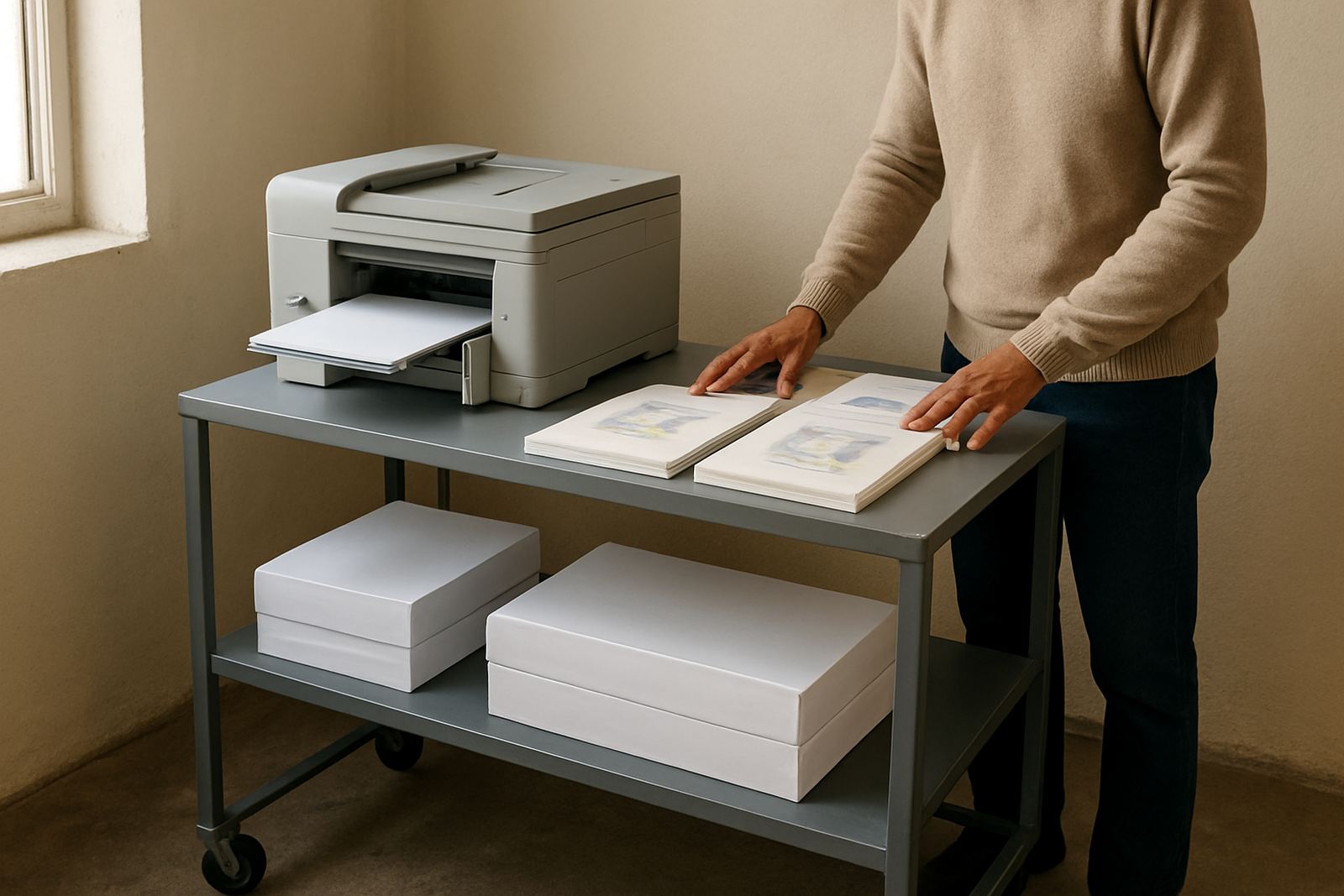
For shared rooms, we also look at cable routing, printer height and whether the staff can reach the tray without squeezing past chairs. In older buildings around Woodstock or Claremont, it helps to check plug points before delivery so the setup does not stall at the door.
- Standard 230V mains power
- Single plug point close to the machine
- Level table or cabinet with enough load capacity
- Network cable or Wi-Fi access for shared printing
- Dry storage for paper and spare consumables
Ink, paper and print quality upkeep
The best way to keep a training room printer running is to match ink and media to the job. For plain notes and attendance sheets, standard office paper is fine. For colour diagrams, use a smoother sheet so the lines stay sharp and the fills do not feather. If you print workshop packs every week, keep one spare set of inks and a backup ream close by.
MyColour helps with media matching and ink supply planning so the printer keeps producing clean pages instead of wasting time on retries. That matters when the course starts at 08:00 and the first group wants their pack by 07:45, not ten minutes later.
- Use sealed paper packs to reduce moisture issues
- Run a test page before each training block
- Keep nozzles clear with regular use
- Store spare ink upright in a cool cupboard
- Check colour alignment after transport or heavy use
What to check before you order
Before placing an order, count the number of users, the usual page volume and whether you need A4 only or A3 as well. Also check if the room needs quiet operation, wireless sharing, or support for heavier stock. If the printer will be moved between rooms, make sure the weight and size suit the carts, stairs and lift access available.
It is worth confirming the running costs too. A cheaper machine with poor yield can become expensive fast, especially where colour pages are used daily. We can help compare ink use, tray size and monthly duty so the printer matches the room instead of fighting it.
Key facts
| Printer type | Shared colour inkjet printer for training rooms and office learning spaces |
|---|---|
| Print sizes | A4 standard, selected models with A3 and wide-format options |
| Functions | Print only or print with network sharing and duplexing |
| Connectivity | USB, Ethernet and Wi-Fi depending on model |
| Power | 230V mains power, no gas required |
| Best use | Class notes, diagrams, workshop packs, posters and proofs |