Practical office colour for controlled monthly spend
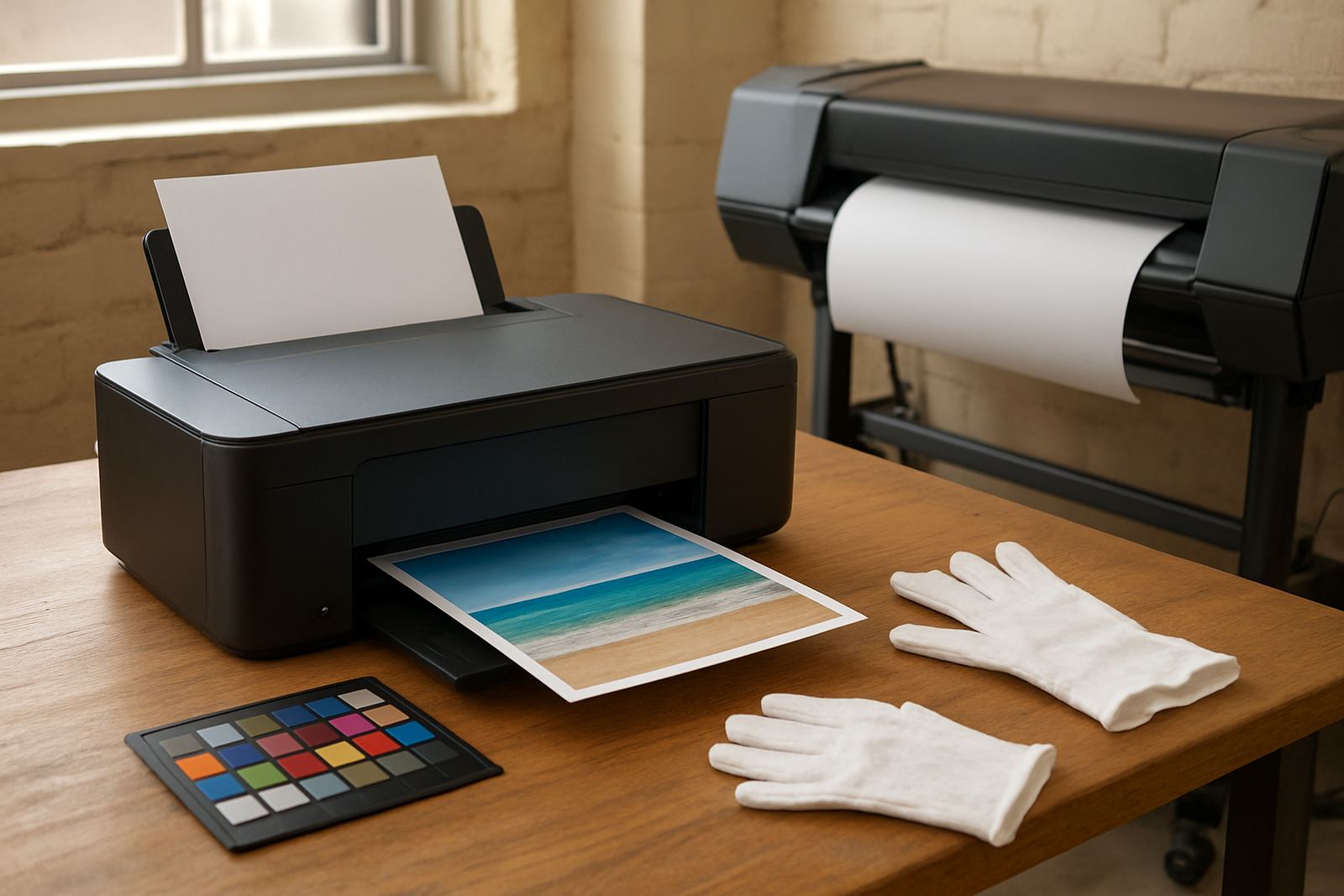
The Economy Colour Printer is aimed at teams that print letters, quotes, charts, internal reports and the odd presentation pack, but do not need a heavy production machine. It gives you colour on demand, with a footprint that fits a small office, reception area or shared admin space. For many South African businesses, the main win is not only the machine price, but the ability to keep colour output predictable from month to month.
It is a sensible fit for design studios, professional practices, small sales offices and branch teams that need colour without overbuying on size or speed. If your work is mostly A4 and you print in bursts rather than all day, this type of printer can cover the job without taking up much floor space. In Ndabeni and Montague Gardens we often see these used alongside black-only printers, which helps keep costs under control.
- Good for everyday office colour and short runs
- Compact enough for shared work areas
- Better control of spend than a large machine that is underused
Sizes, formats and options that match real office use
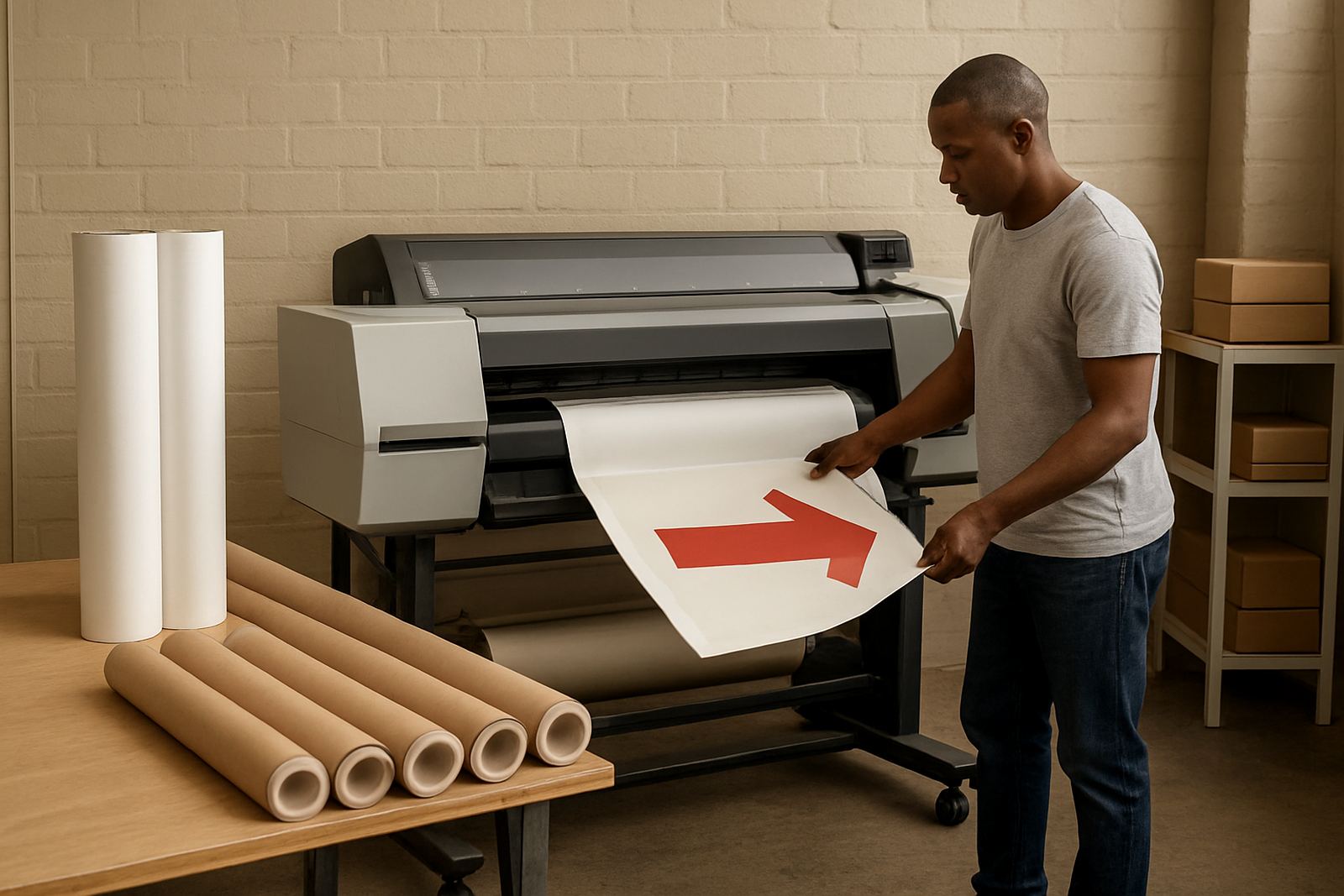
Economy colour printers are usually supplied in desktop inkjet format, with some models offering A4 only and others handling slightly heavier media for presentation work. The most common choice is a compact unit for A4 documents, but some offices prefer a wider paper path for thicker stock, labels or coated sheets used for proofs. If you need posters, signage or full bleed artwork, this is where you would step up to a large-format colour machine instead.
Options can include Wi-Fi, USB, network printing and automatic double-sided printing. For offices with several users, network connection is usually the better choice because it keeps printing central and easier to manage. For branch offices, courier supply of inks and paper keeps the machine running even if your main office is in Cape Town and the users are elsewhere.
- A4 desktop colour models for everyday office work
- Network-ready options for shared use
- Some models support thicker paper and coated sheets
Where this printer fits best in South African offices
This product suits businesses that watch every Rand and still need colour when it matters. It works well in legal, property, finance, education support and service offices where printed colour is not constant, but must still look clean and professional. If you are in Woodstock, Claremont or Bellville, the machine is also practical for compact premises where space is limited and power points are already busy.
It is also useful where load-shedding planning matters. A smaller colour printer is easier to place on a UPS or power backup circuit than a larger wide-format unit. That means fewer interruptions during short outages and a better chance of finishing a quote pack or proof before staff head out. Coastal humidity in Somerset West and other nearby areas also makes it worth choosing the right ink and keeping the unit in a clean indoor space, not near open windows or air-con drip lines.
Installation, power needs and day-one setup
Most installations are fairly simple, but the site details still count. The printer should sit on a level surface with enough room for paper feeding, front access and ventilation. Most economy colour printers run from standard office power, so no special electrical work is needed, though it is wise to place the unit on a surge-protected circuit. If the office sees frequent power dips, a backup supply can protect both the printer and the work in progress.
We recommend checking network access, paper settings and driver setup before the first big print job. A proper handover should cover print quality checks, ink handling and how to clear a paper feed issue without creating more damage. In busy offices, a small mistake at setup can lead to wasted ink and a frustrated team, so the first hour really counts.
- Allow space for front paper access and cartridge changes
- Use surge protection or a small UPS where power is unstable
- Set paper types correctly from day one
Ink care, servicing and print quality checks
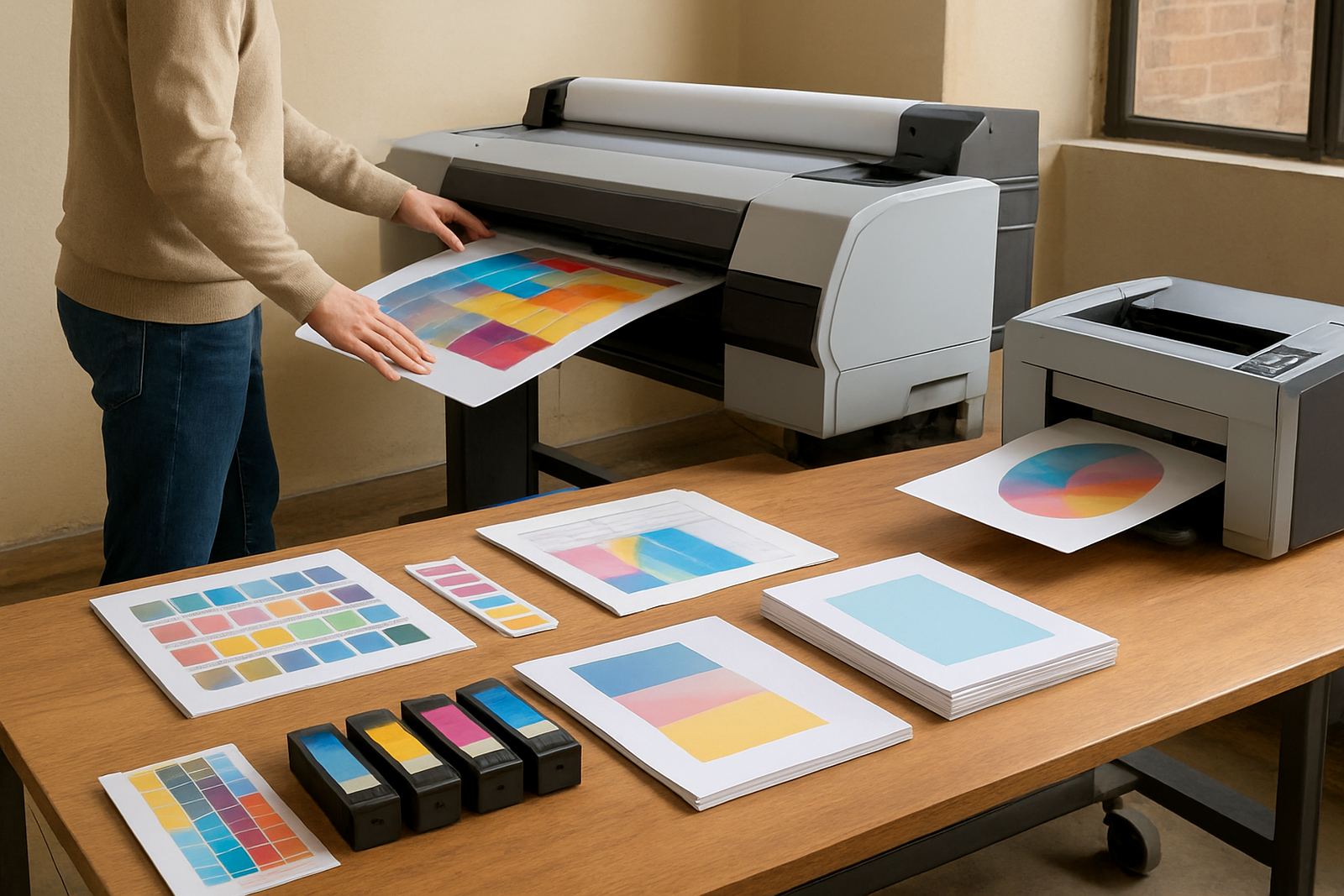
The running cost of any economy colour printer depends on ink use, page coverage and how well the machine is cared for. Matching the right ink to the right workload matters. If you print mostly internal documents, you will want a different approach from a studio that needs colour-critical proofs or short-run client pages. Media choice matters too, because the wrong paper can waste ink and give soft colour or slow drying.
Regular use is better than leaving the machine idle for weeks. Small printers can suffer from blocked nozzles if they sit too long, especially in warmer or dustier spaces. A simple monthly print check, and a cleaning routine when needed, will save time later. Pieter and the service side normally look at feed rollers, print alignment and test patterns to keep output clean. Little checks, done early, prevent bigger faults later on.
- Print at least once a week to keep ink flowing
- Store spare ink upright in a cool indoor space
- Use the correct paper for better colour and drying
What to check before you order
Before ordering, work through the real usage pattern rather than only the machine price. Ask how many colour pages the office prints in a normal week, what paper sizes are required, and whether users need network printing, wireless access or simple USB use. If the team expects heavier design output, a desktop model may not be enough and a larger machine should be considered instead.
It also helps to check consumable availability, monthly print limits and who will handle reordering. In our experience, a printer that runs out of ink at the wrong time costs more in lost time than in cartridge price. For offices in Cape Town and nationwide, courier supply makes it easier to keep a steady stock of inks, especially when projects come in at month-end. A calm supply bench beats a rush order every time.
- Expected monthly colour volume
- Paper sizes and media types needed
- Connection method and user access
Support from Ndabeni to nationwide delivery
MyColour is based in Ndabeni, Cape Town and supports offices across the Western Cape and the rest of South Africa. The team can assist with printer installation, consumable reordering, remote help, collection coordination and practical advice on when to move from office colour to wide-format. For businesses in Montague Gardens, Woodstock, Claremont, Bellville and Somerset West, local support is close at hand; for other regions, courier supply keeps the service moving.
That matters when your printer is part of daily work, not a side item. Danie Vosloo and the team keep the focus on useful advice, not fancy talk, so you know what to buy, how to run it and when it is time to step up. If you need help matching a printer to your office or planning inks around real usage, the route is simple and practical.
- Local support from Ndabeni, Cape Town
- Courier supply nationwide
- Advice on printer choice, setup and consumables
Key facts
| Product type | Economy desktop colour printer |
|---|---|
| Primary use | Everyday office colour, proofs and short-run documents |
| Typical format | A4, with selected media support depending on model |
| Connection options | USB, network and wireless options where specified |
| Power requirement | Standard office mains power with surge protection recommended |
| Consumables | Matching colour inks and compatible paper types |