What an Event Signage Printer Does on Site
An event signage printer is a wide-format colour printer made for short-run graphics that need clear text, consistent colour and quick turnaround. It suits conference venues, exhibition builders, activation teams, event agencies and print rooms handling last-minute changes for indoor events, pop-ups and roadshows. You can use it for posters, sponsor boards, floor graphics, directional signs and temporary branded panels.
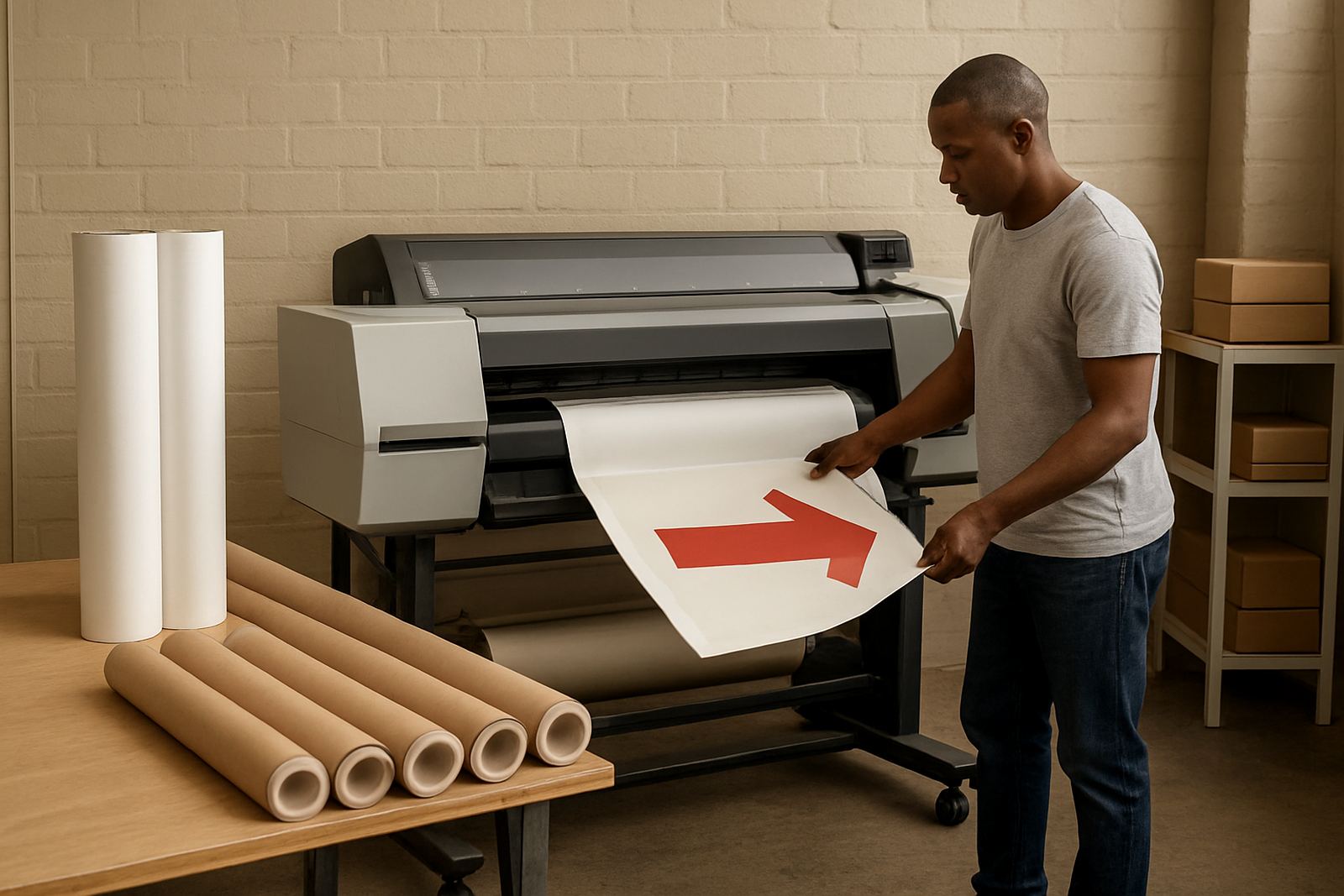
For many teams the real value is control. When event details change on a Wednesday and the handover is on Friday, having an in-house printer means you can reprint a direction arrow, change a speaker panel or correct a sponsor logo without waiting on a third party. That matters in Cape Town, Johannesburg or Durban where collections, traffic and weather can all affect the schedule.
Sizes, Media and Output Options
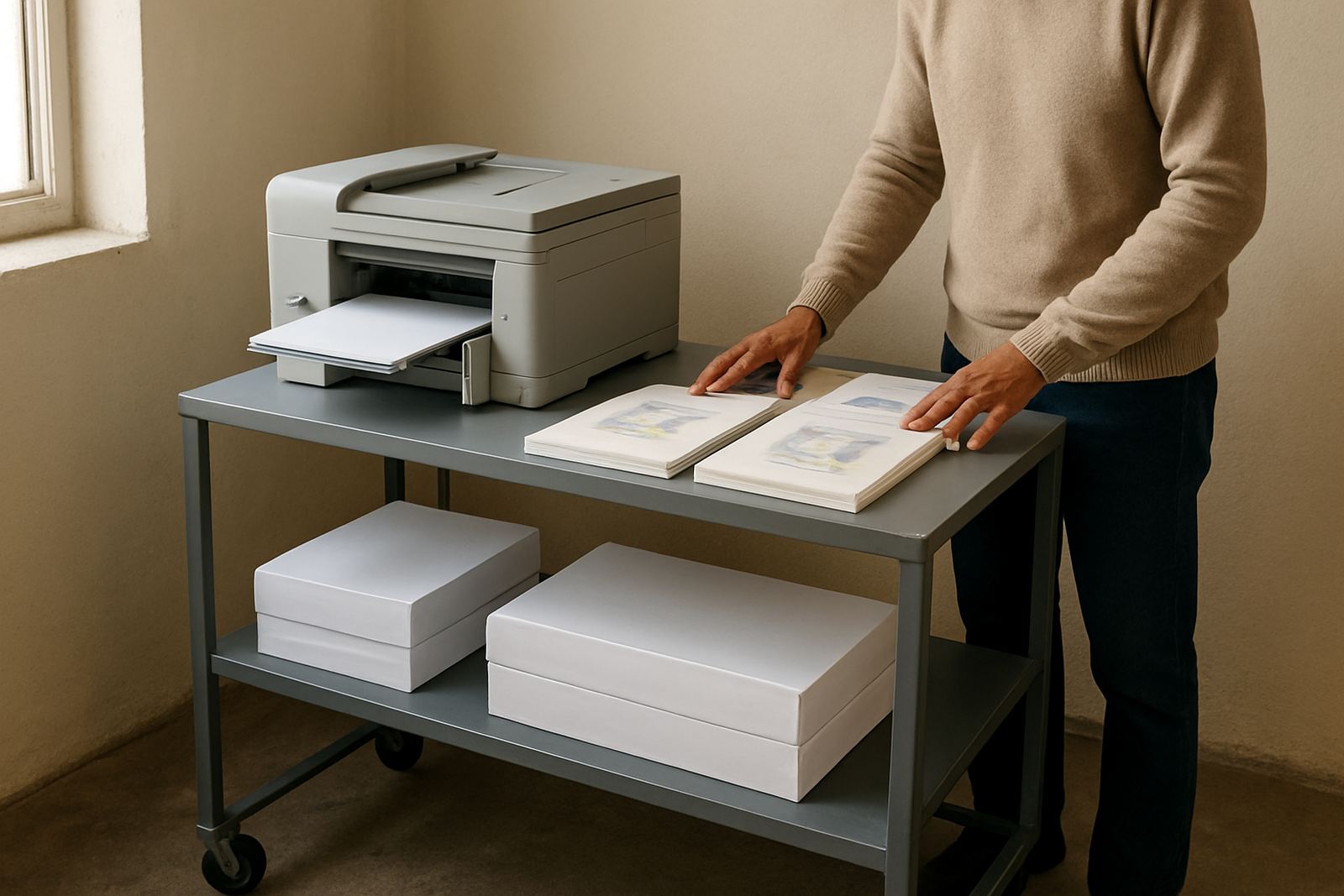
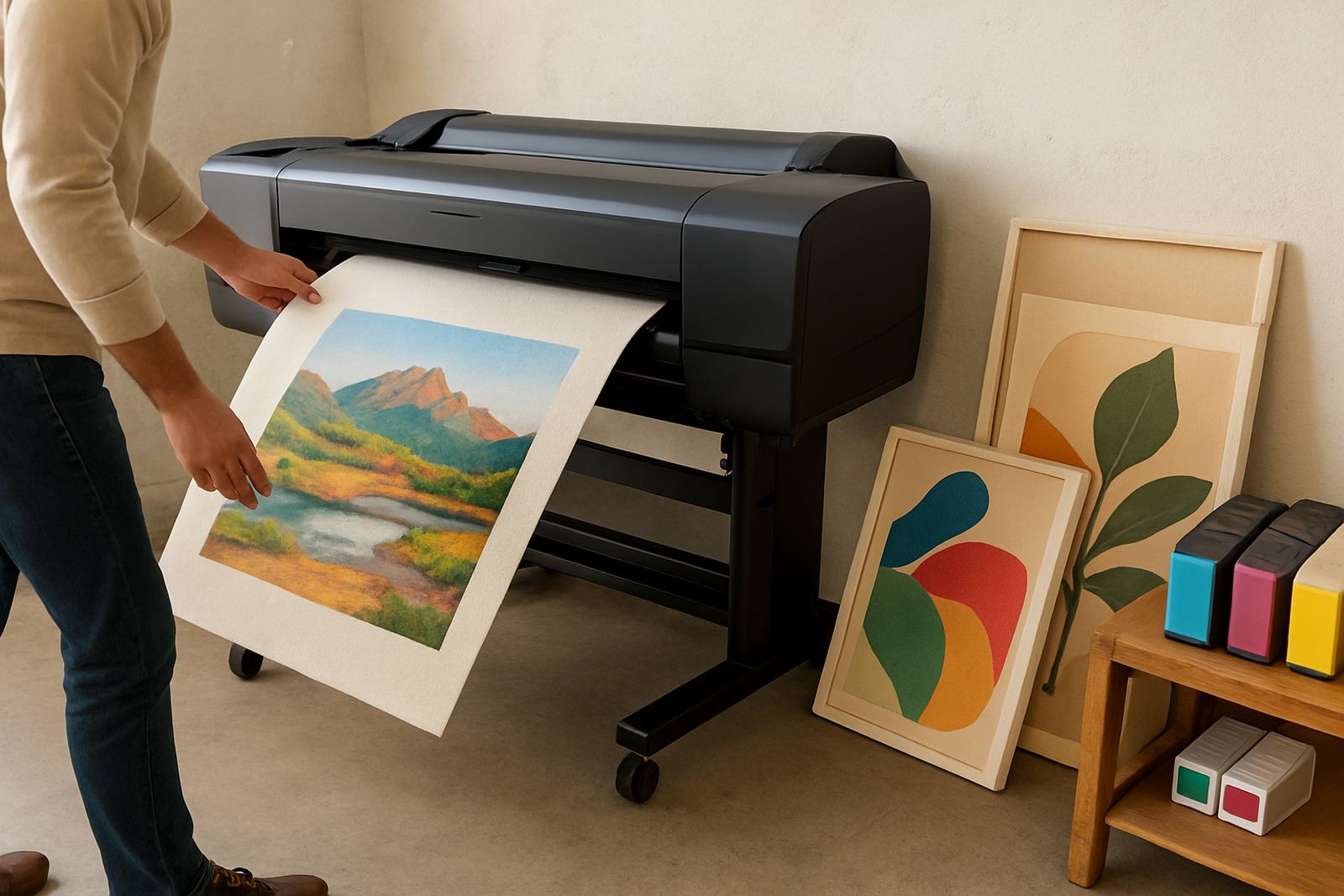
These printers are usually chosen by print width and the type of media they can handle. A smaller model may suit A3, A2 and A1 posters plus narrow rolls, while larger wide-format units handle 24 inch, 36 inch or 44 inch media for full event boards and longer banner runs. The best fit depends on whether you mainly print foam board mounts, self-adhesive vinyl, coated paper or lightweight presentation stock.
- Common output sizes: A3, A2, A1, A0 and roll-fed widths up to 44 inch
- Typical uses: posters, directional graphics, stage signage and temporary sponsor boards
- Media choices: coated paper, matte poster stock, proof media and compatible sign materials
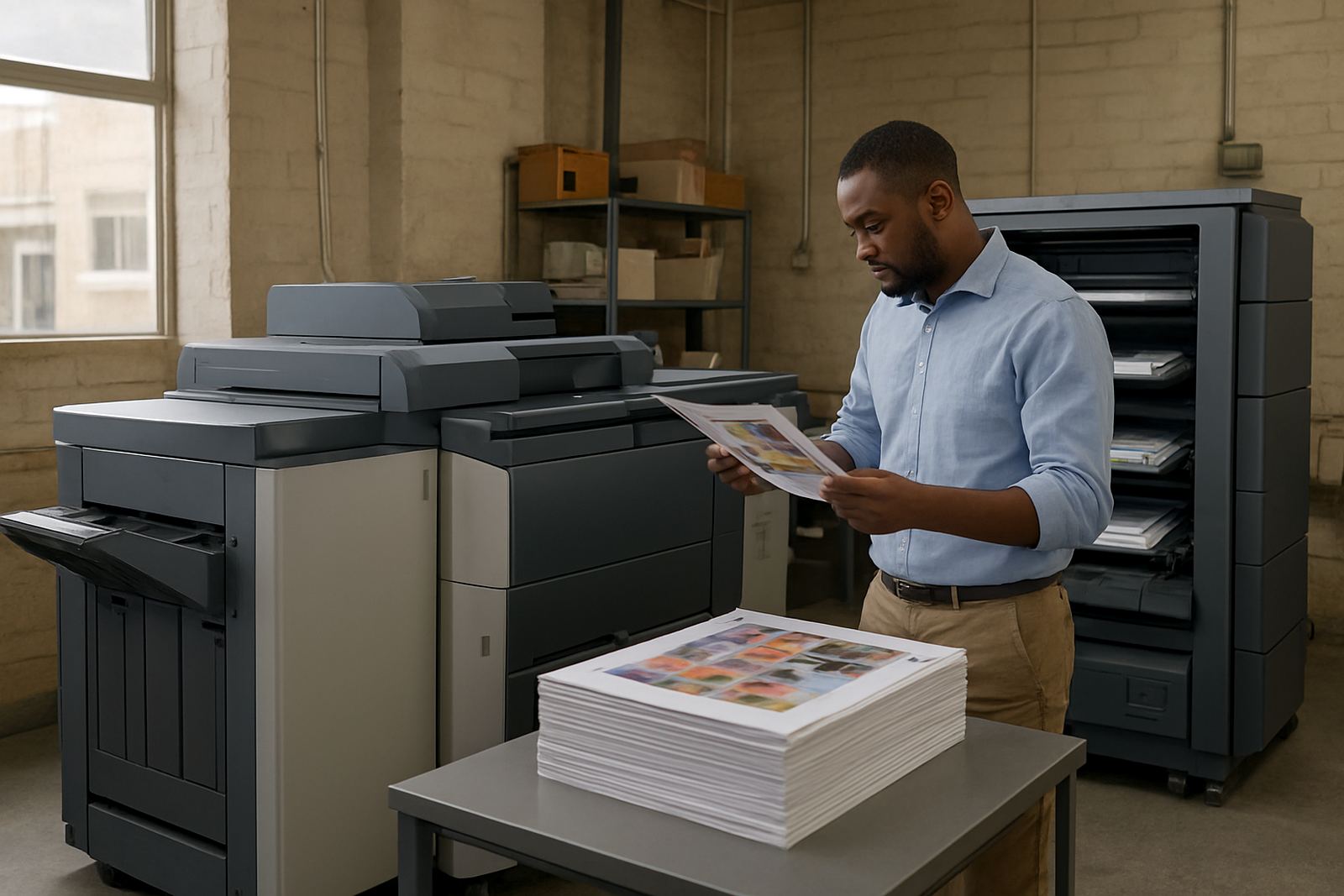
If your work includes colour proofs and final signage from one device, ask about ink sets and media handling together. That keeps colour closer from proof to final output, and cuts the risk of redoing a full event run because one board reads warmer than the rest.
Where It Fits Best in the Event Workflow
This type of printer suits teams that need flexible colour output without sending every job to an outside shop. It works well for conference centres in the city bowl, sign rooms in Montague Gardens, design studios in Woodstock and production teams serving venues in Bellville, Claremont and Somerset West. It also helps where event files come in late, because you can print, check and adjust before dispatch.
- Conference and exhibition signage
- Temporary retail activations and mall promotions
- Wayfinding for halls, churches and municipal events
- On-demand posters for seminars, launches and sponsor updates
In coastal areas, especially around Cape Town and the West Coast, humidity can affect paper storage and some media finishes. Keeping rolls sealed and stored flat helps avoid waviness, curling and feeding problems.
Installation, Power and Space Requirements
Installation is normally straightforward, but the machine needs the right space, power and workflow around it. Most wide-format printers need a stable surface or stand, enough room for roll loading and front or rear output clearance. A clean, dust-controlled area is best, particularly where paper is handled daily. There is no gas requirement, only suitable mains power and a sensible circuit plan.
For power, check that the supply matches the model selected and that the socket is on a protected circuit. In buildings with load-shedding or older wiring, a surge protector and proper shut down routine are worth having. If the printer will be shared by several people, set the workflow clearly so one person loads media, another checks files and a third handles collection. That saves time and avoids mistakes.
Care, Servicing and Ink Planning
Event work is often seasonal, so the printer may sit idle for short periods then run hard for a week. Regular maintenance keeps output dependable. Head checks, nozzle checks and simple cleaning routines should be built into the weekly schedule, with more careful servicing before a major event period. Inks should be tracked as part of stock planning, not only reordered once they are nearly empty.
- Keep inks in a cool, dry store away from direct sun
- Run test prints before important deadlines
- Replace worn media rollers and cleaning parts on schedule
- Book preventive maintenance before peak event months
MyColour supports consumable reordering and remote help, which is useful when a team in Cape Town needs quick advice but the event site is in another province. A small issue caught early is far cheaper than losing a print day on a busy Friday.
What to Check Before You Order
Before ordering, check the largest piece you need to print, the finish you want and how many people will use the machine. If your work is mostly posters and temporary indoor graphics, a smaller wide-format printer may be enough. If you need long panels, multiple versions and faster throughput, look at a larger model with stronger media handling and better ink economy. Also check whether you need matting, mounting or trimming support around the printer.
It helps to have the usual file sizes ready, plus samples of the paper or vinyl you use most often. If your team needs help comparing options, MyColour can talk through media matching, user handover and collection coordination so the machine suits the way you actually work, not just the spec sheet.
Key facts
| Product type | Wide-format colour printer for event signage |
|---|---|
| Typical media widths | 24 inch, 36 inch or 44 inch depending on model |
| Common output sizes | A3, A2, A1 and A0 |
| Media support | Coated paper, poster stock, proof media and compatible sign materials |
| Power requirement | Mains electricity only, with surge protection recommended |
| Support options | Printer installation, wide-format setup, maintenance, remote help and consumable planning |