What a CAD colour printer is used for
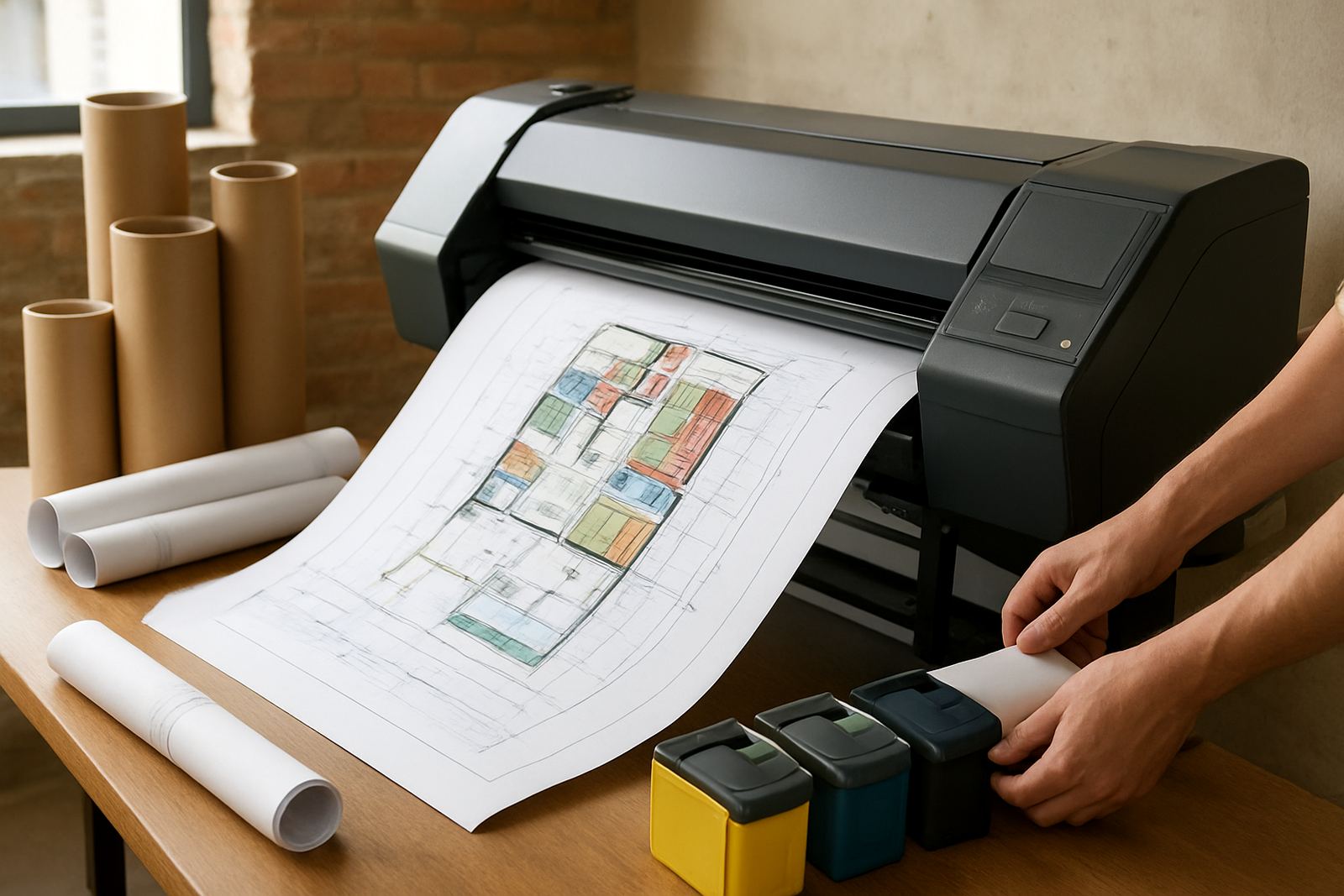
A CAD colour printer is made for technical drawings that need clean lines, readable labels and controlled colour. It handles plans, elevation mark-ups, engineering layouts, tender packs and client presentation sheets without the fuzzy edges that can happen on an ordinary office device when drawings are scaled up.
For Cape Town offices and production teams, the key advantage is consistency. A printer set up for CAD work can repeat the same line weight, colour shading and sheet size from one print run to the next, which helps when several people are checking the same job. It also makes it easier to keep one supplier for both the printer and the inks, so there is less mix-up when deadlines get tight.
- For black line drawings with colour annotations
- For site presentation sheets and concept boards
- For mark-ups, revisions and issue sets
- For small studios that need office to wide-format output
Sizes and options for different drawing volumes
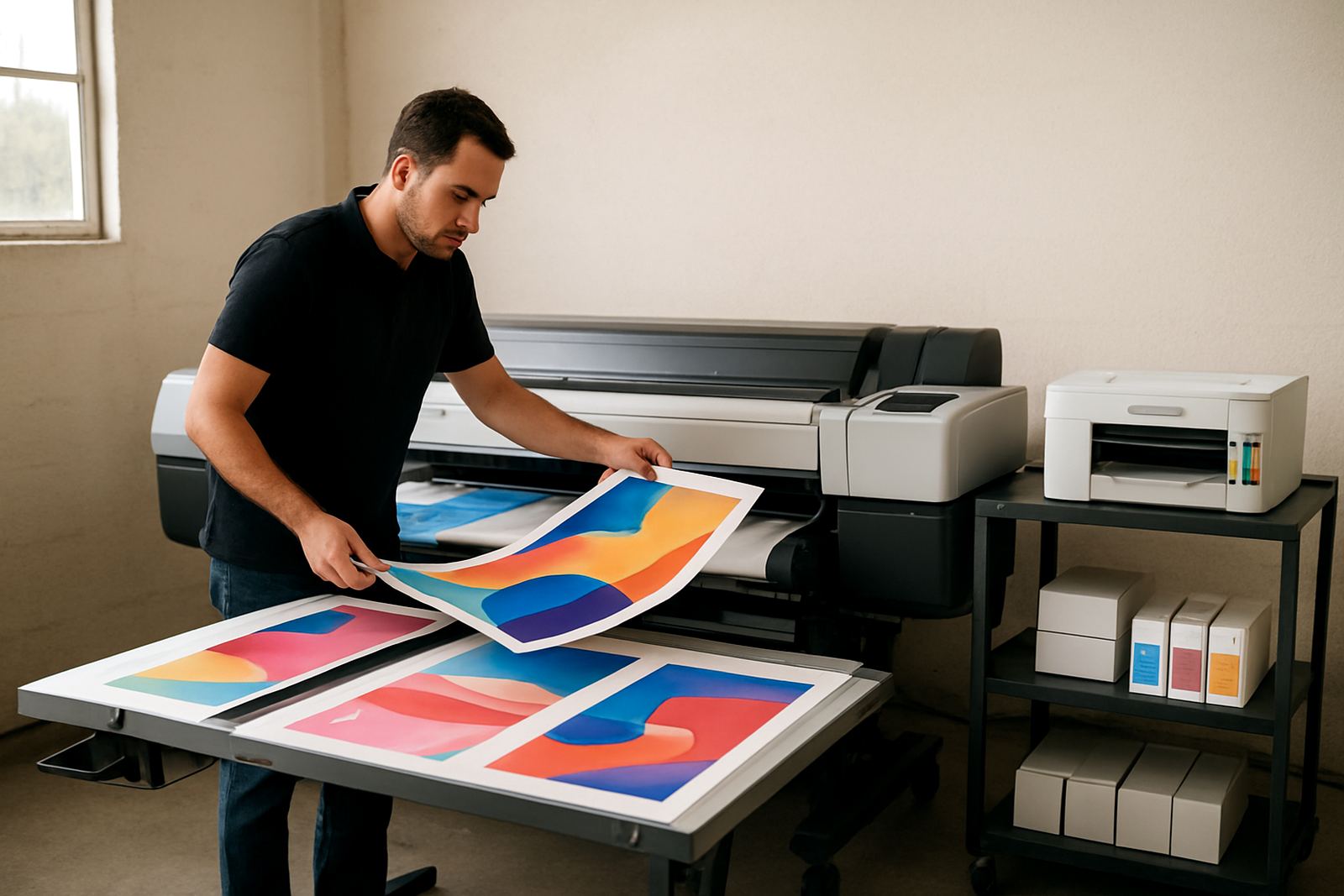
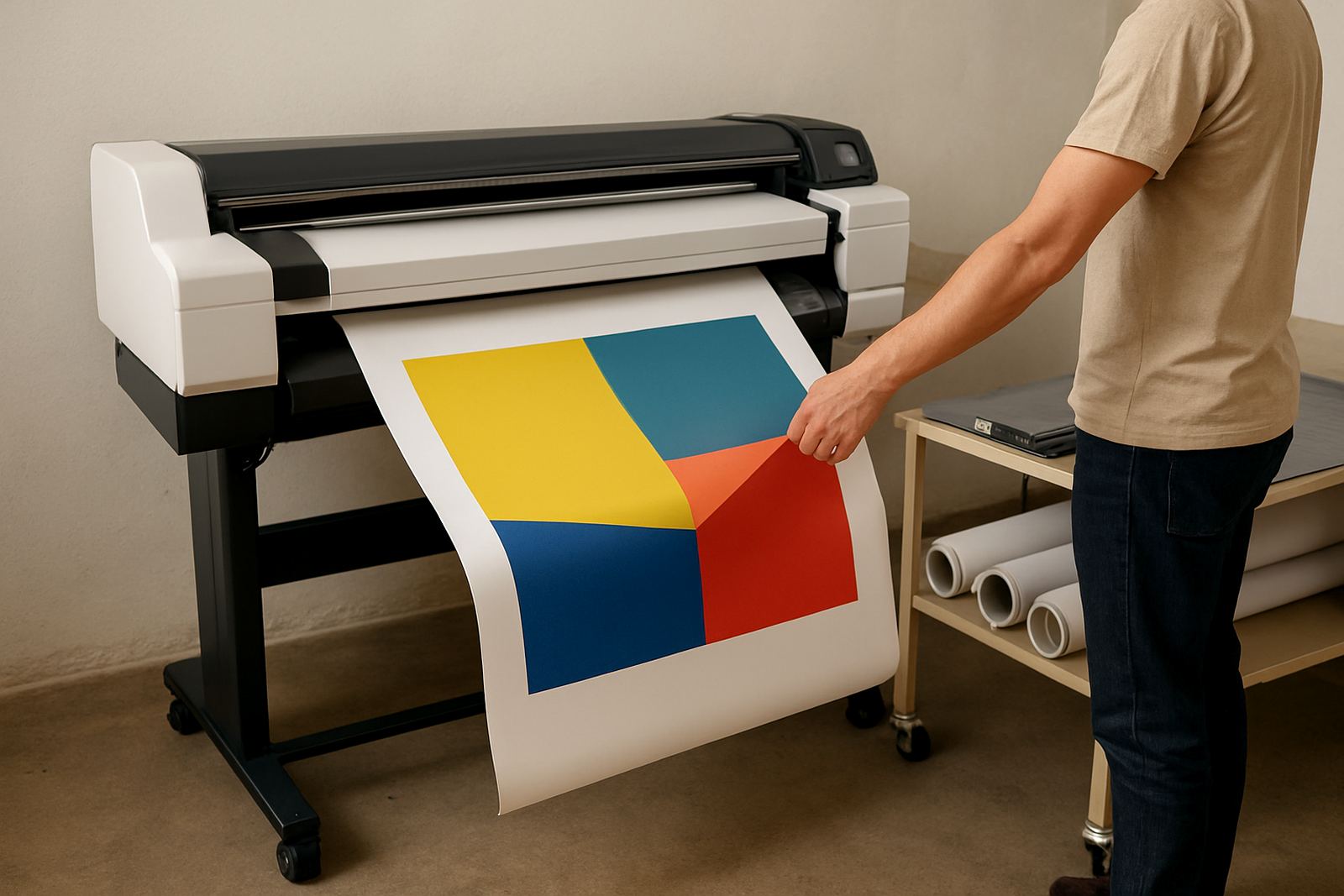
CAD colour printers are usually chosen by print width and output speed. Smaller desktop inkjet models suit compact offices that work mostly on A4 and A3, while wide-format units are better for A1, A0 and longer sheets. If your team prints a few drawings a day, a smaller machine can be enough. If drawings go out to contractors, municipalities or clients daily, a wider model with larger ink capacity is easier to keep moving.
Options can include one or more paper drawers, manual feed for heavier stock, roll feed for continuous output, and scanner or copier functions on some units. The right set-up depends on whether the machine will live in a design studio, a print room or a shared office where people need simple walk-up printing.
- Desktop colour printers for compact workspaces
- 24 inch, 36 inch and 44 inch wide-format choices
- Single-sheet or roll-fed media handling
- Built-in network printing for shared teams
Where this printer suits best in Cape Town
This product suits architecture practices, interior design studios, civil and electrical consultants, sign and display teams, and property or facilities departments that need drawings plus presentation output. It also works well for businesses that must print in-house because turnaround times from outside suppliers are too slow or because site teams need changed plans on short notice.
In Ndabeni, Montague Gardens, Woodstock, Claremont, Bellville and Somerset West, many teams deal with mixed output every week: line drawings one hour, colour visuals the next. A CAD colour printer fits that pattern because it can handle both without constant switching between different machines. In coastal areas, closed paper storage and regular nozzle checks matter since humidity can affect media and print quality over time.
- Architecture and drafting offices
- Sign shops needing colour proofs and layout sheets
- Project managers printing marked-up plans on demand
- Teams working across branches or remote sites
Installation, power and working space
Most CAD colour printers need a stable indoor position, a level surface and a dedicated power point. Wide-format units should have enough clearance at the front and back so rolls, trays and finished sheets can move freely. For larger machines, a 220 to 240 volt supply is standard, and it is wise to use surge protection in areas affected by load-shedding and power spikes. No gas connection is needed.
MyColour handles installation, wide-format setup and user handover so the team knows how to load media, change inks and clear simple errors. If the printer is going into a shared room, it helps to plan cable runs, paper storage and drying space before delivery. That saves time on the day and reduces the chance of damage from a rushed fit-out.
- Level floor space with room for output
- Stable mains power with surge protection
- Network connection for office sharing
- Dry storage for paper and ink cartridges
Care, servicing and colour consistency
Like any precision printer, a CAD colour printer needs regular use and basic care. Heads should be kept clean, inks should be matched to the machine, and test prints should be run often enough to stop clogging. If a unit stands idle for weeks, the first job after downtime can waste paper and ink while the nozzles recover, so planning matters.
MyColour supports preventive maintenance, print quality checks and remote help when a team needs quick direction. For offices that print every day, a service routine is worth setting up before problems start. It keeps line work sharp and helps avoid colour drift on presentation sheets. In busy months, that small bit of attention can save a surprising amount of time and material.
- Regular nozzle checks and head cleaning
- Approved inks for stable colour output
- Scheduled servicing for busy print rooms
- Storage checks for humidity and dust
What to check before you order
Before ordering, check the sheet sizes you print most often, how many pages leave the machine each week, and whether you need folded sets, rolls or single sheets. Also confirm if the printer must handle only CAD drawings or if it will also print posters, renderings and proof sheets. That choice affects ink set, media path and running cost.
It is also worth checking file types, network access, and who will manage consumable reordering. If several people print from the same machine, a clear handover helps prevent wrong media being loaded. MyColour can assist with ink supply planning, media matching and collection coordination where needed, which makes it easier to keep jobs moving without last-minute trips across town.
- Typical sheet size: A3, A1 or A0
- Expected daily or weekly print volume
- Need for roll feed or cut-sheet loading
- Who will handle ink, paper and maintenance
Key facts
| Print type | Technical drawing and colour presentation printing |
|---|---|
| Common sizes | A3, A1 and A0, depending on model |
| Output formats | Line drawings, mark-ups, plans, posters and proofs |
| Connectivity | USB and network printing, model dependent |
| Power needs | 220 to 240 volt mains power with surge protection |
| Support | Installation, maintenance, ink supply planning and remote help |