What a 24 inch poster printer does in daily production
MyColour helps match the printer to the way the team actually prints. Some users need tighter line work for plans and technical drawings, while others want richer colour for retail posters and event graphics. The printer type, ink set and media choice all affect the result, so the recommendation should be based on the job mix, not just the width.
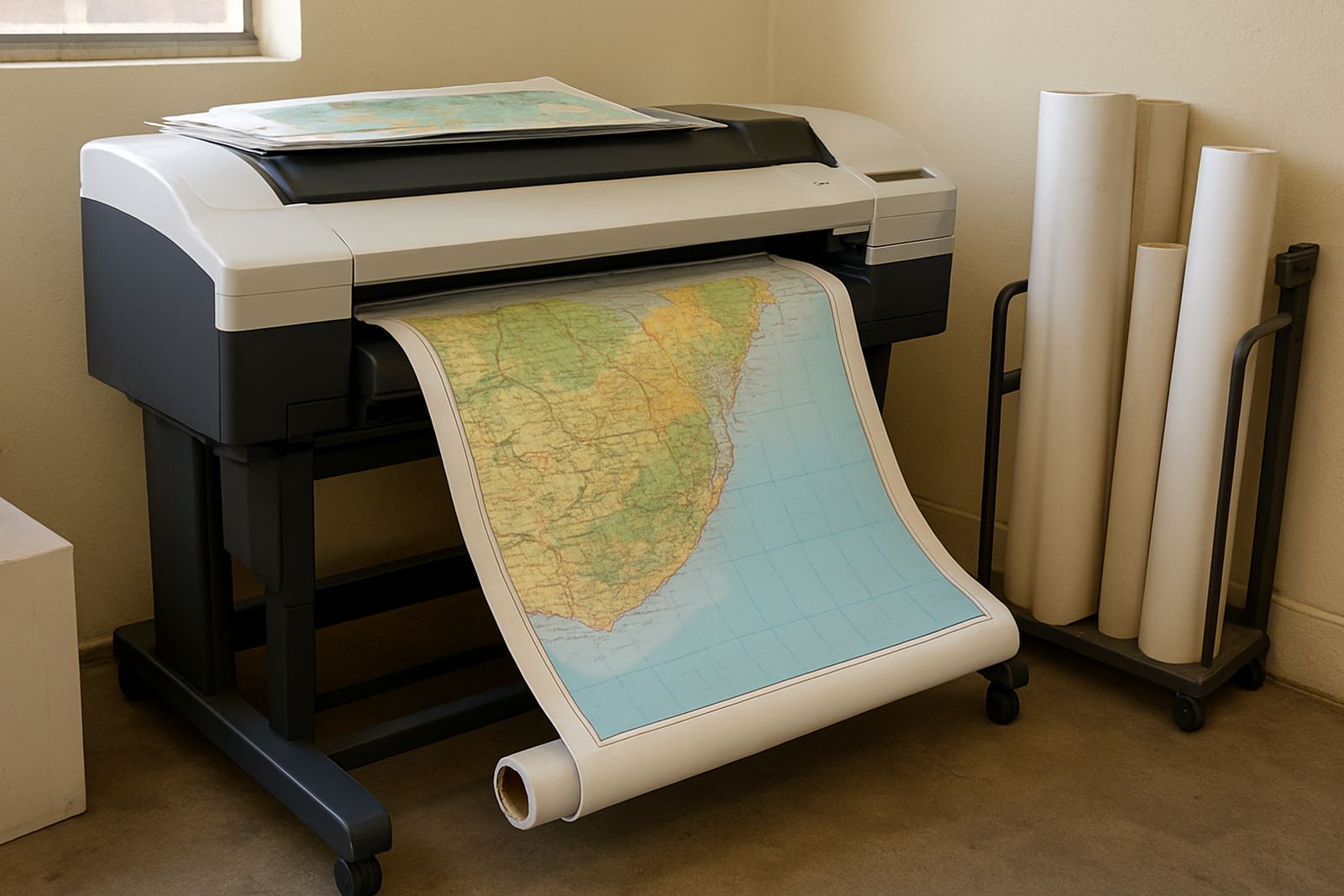
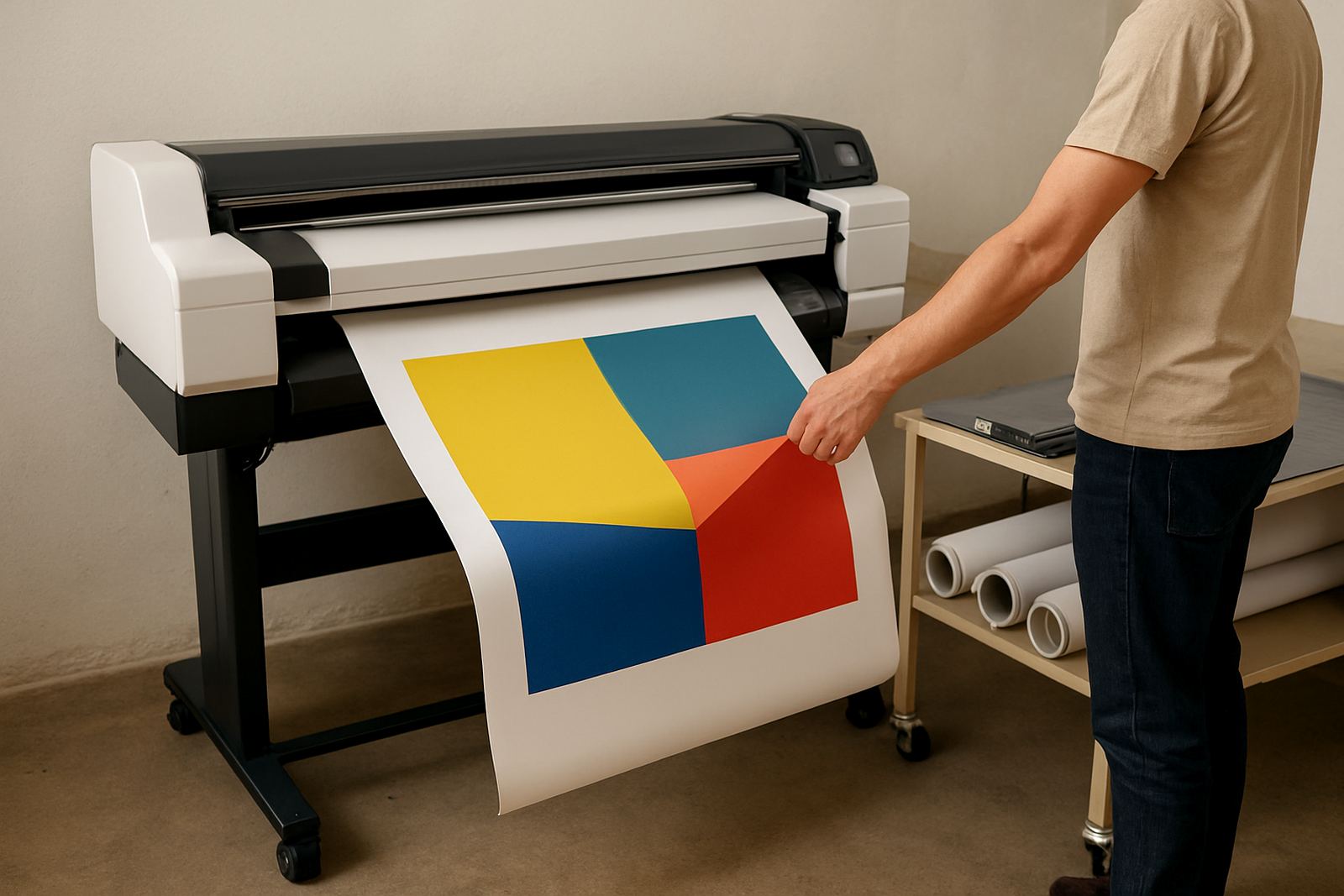
There are different ways to configure a 24 inch machine. Entry models suit light studio use and proofing. Higher-spec units give better speed, wider media support and stronger colour consistency when you are doing repeated runs. If the work is mainly posters for internal promotions, a simpler setup may be enough. If the printer will sit alongside a sign workflow, it may need more accurate media handling and stronger durability. A careful match saves on ink and reduces wasted stock.
- Good for mixed use: posters, concept boards, POS graphics and plan sets
- Typical media widths: 297 mm, 420 mm, 594 mm and full 610 mm rolls
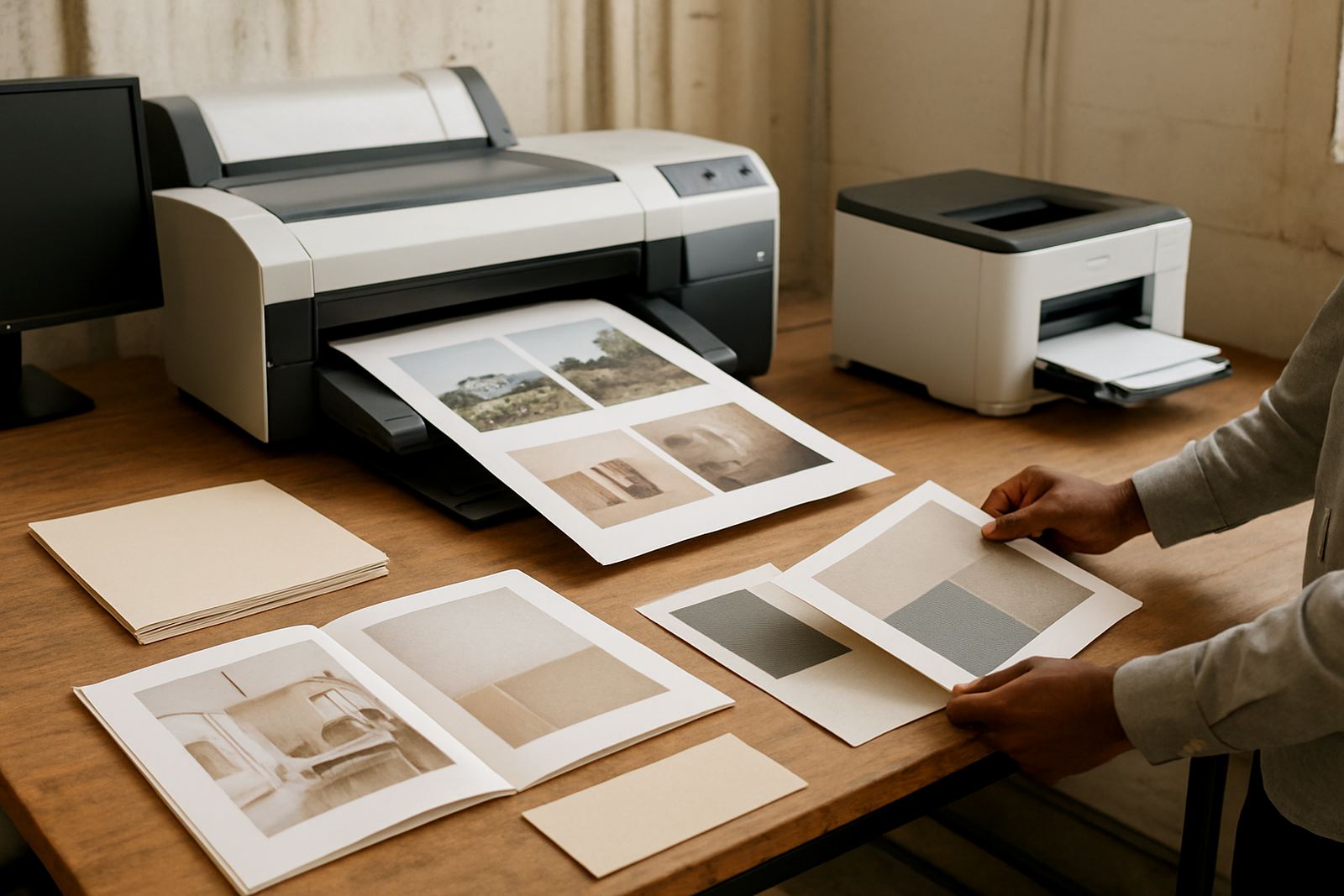
- Can be paired with matte paper, coated rolls or presentation stock
Installation, space and power needs in the Cape Town workshop
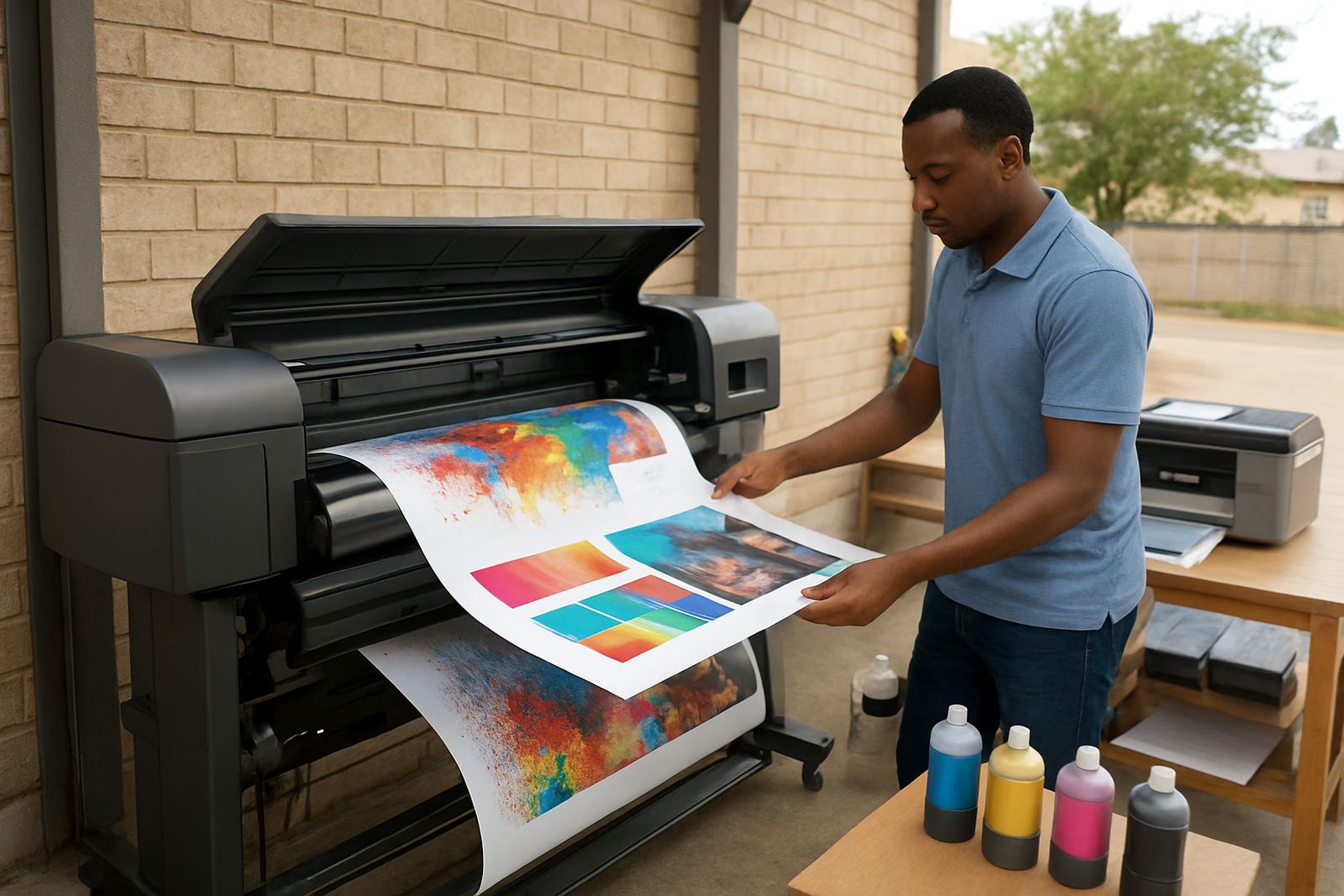
Ink choice matters just as much as the printer itself. For posters and presentation work, the right ink and paper combination helps with black density, smooth gradients and colour consistency from one job to the next. If the output is mostly indoor posters, the focus is usually on clean colour and good detail. If the output needs handling by hand or short-term display in brighter light, the consumable plan may need to change.
MyColour supports consumable reordering so the team does not run the machine dry in the middle of a run. That is especially helpful for offices that print in bursts, or where different people send jobs through the week. Keeping spare cartridges or ink packs on hand, together with the correct media widths, makes the printer easier to live with and less likely to stop at a bad moment. It seems small, but it matters when a client is waiting.
- Match ink to paper type for stronger colour and cleaner blacks
- Keep a minimum stock of the most used inks and roll sizes
- Store media in closed packaging to protect against damp and dust
Care, servicing and print quality over time
When ordering a 24 inch poster printer, the best results come from confirming the real work you need it to do. A machine chosen only on price can be too slow, too limited on media or too expensive to run. MyColour asks the practical questions up front so the supply, setup and training all line up with the way your team prints.
Before placing the order, check whether the printer must handle plan prints, posters or both, and whether the team needs simple user handover or more detailed media matching. It also helps to know if the machine must move between branches, stay in one office or support courier supply to other sites. For businesses in Ndabeni, Montague Gardens, Claremont or further afield, clear ordering notes reduce back-and-forth and keep delivery on track.
- Confirm the main print sizes and average monthly volume
- List the media types you use most often
- Check power availability and where the machine will stand
- Ask for installation, user handover and consumable planning if needed
Key facts
| Print width | Up to 24 inch / 610 mm |
|---|---|
| Typical media | Roll paper, coated paper, poster stock |
| Main uses | Posters, plans, short-run studio graphics |
| Power | 230 V mains, model dependent |
| Setup support | Installation, user handover, remote help |
| Supply area | Ndabeni Cape Town with courier supply nationwide |