What a 36 inch poster printer is used for
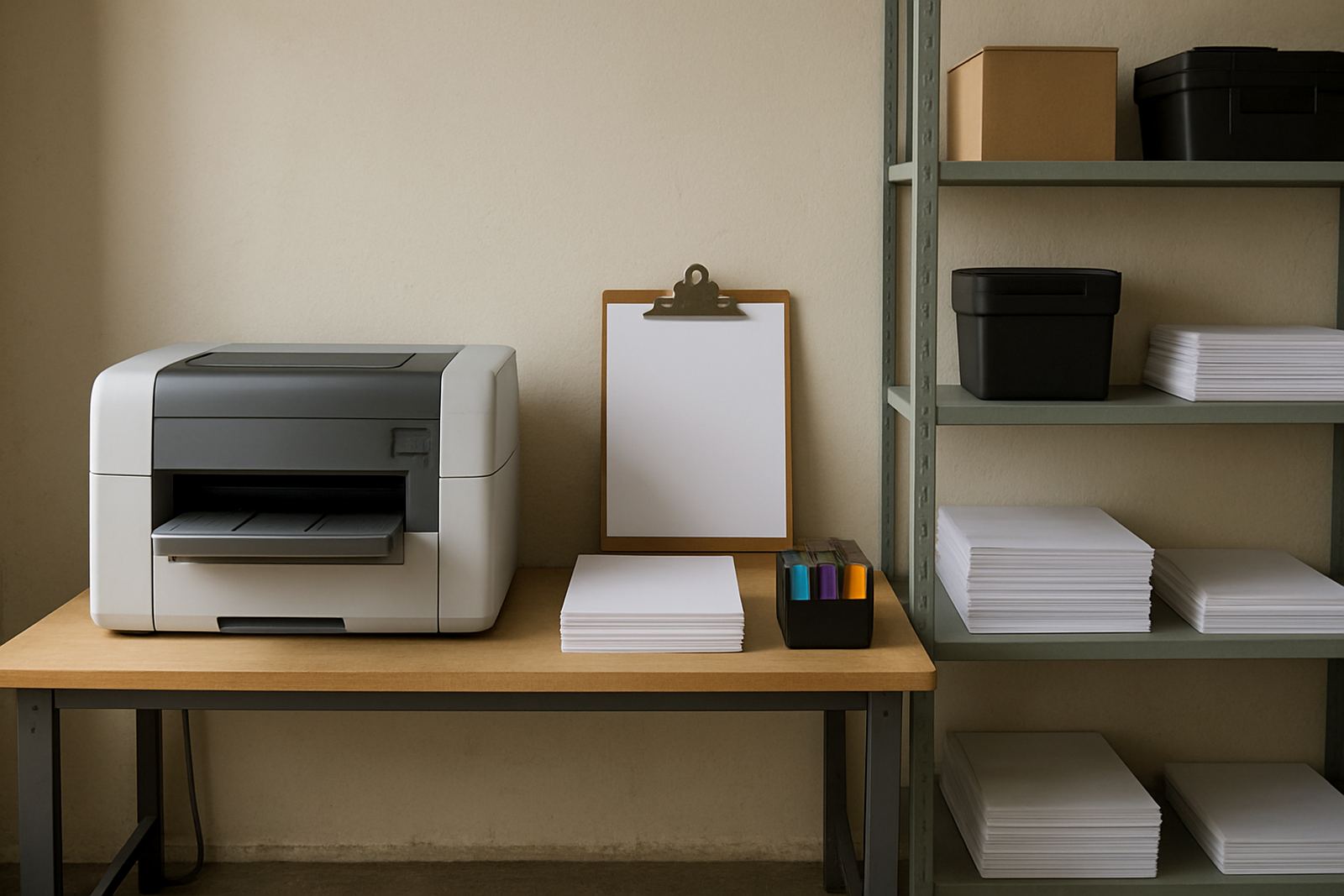
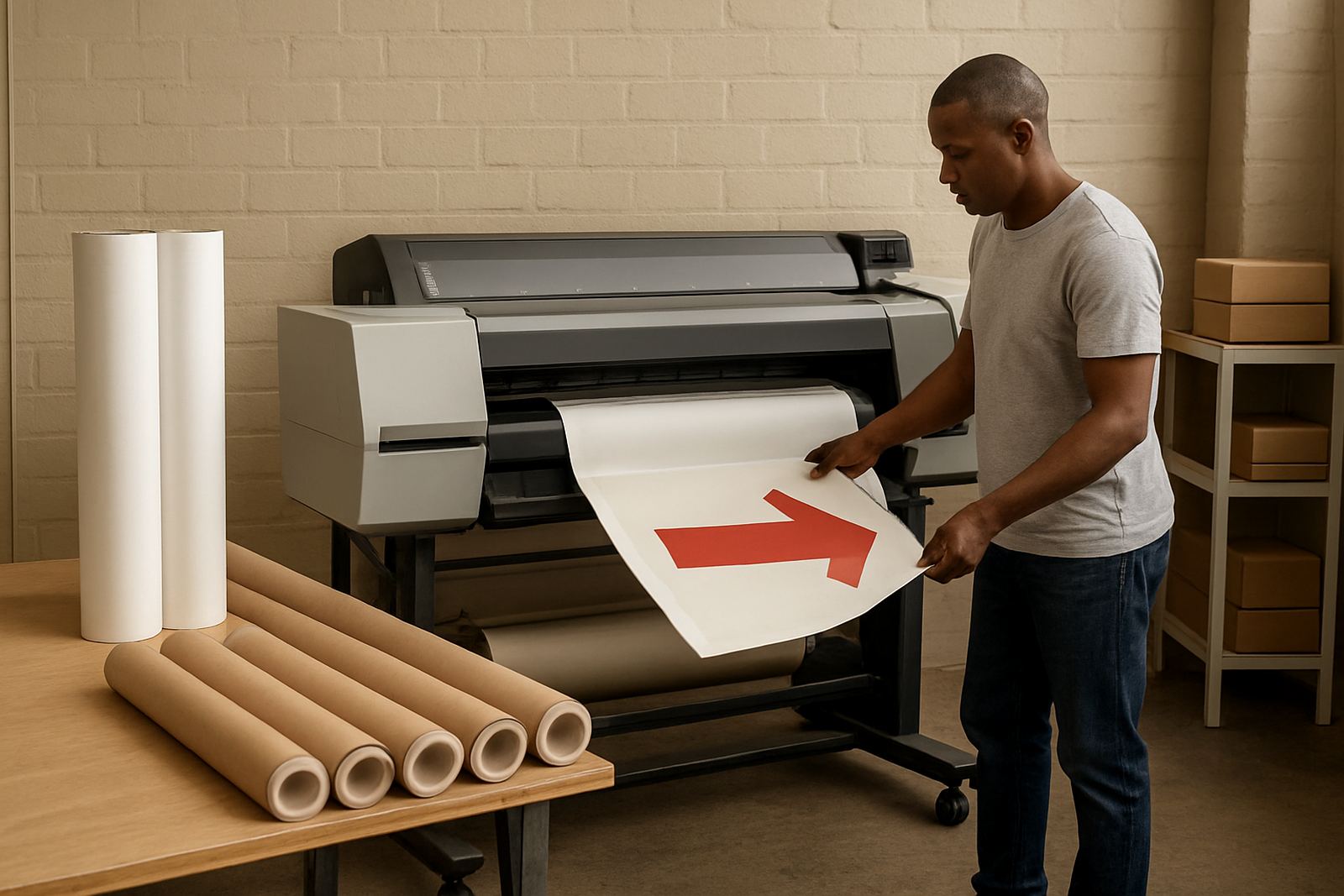
A 36 inch poster printer is a wide-format colour machine built for work that is too large for a standard office printer but not always big enough to justify a full production plotter. It handles retail posters, presentation boards, internal signage, exhibition graphics and CAD colour prints with a working width of about 914 mm, so teams can move from A3 proofs to much larger output without changing suppliers.
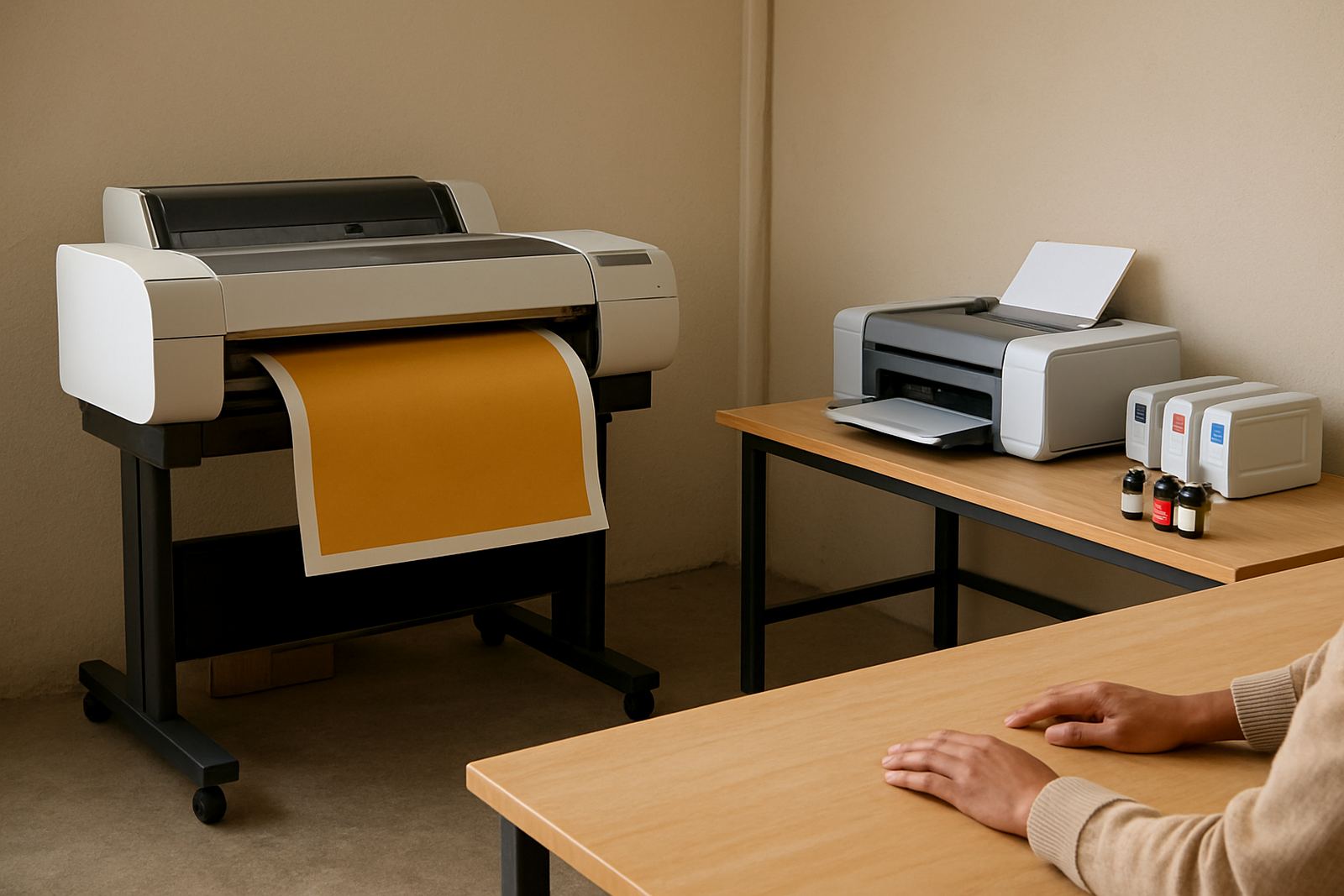
For Cape Town studios and print rooms, this size is popular because it fits into a smaller footprint while still giving good flexibility. You can print a single shop poster, a run of training boards or technical drawings with colour layers. It suits businesses that need clean, repeatable output and dont want to send every job out for everyday colour work.
MyColour focuses on matching the printer to the actual workload, media and ink use rather than overselling size. That matters when you are balancing short deadlines, tight stock control and load-shedding schedules.
Sizes, media and output options to consider
The 36 inch format gives you room for common sheet sizes as well as roll media. In practice, that means A1, A0 and custom lengths for posters or board layouts, depending on the machine and the software driving it. Most users choose between pigment-based and dye-based ink sets, depending on whether colour accuracy, indoor poster use or quick drying is the priority.
- Roll width up to 36 inches, with sheet feeding on supported models
- Poster paper, presentation paper, matte stock and coated media
- CAD and GIS colour output for plans, markups and site drawings
- Proofing work where consistent colour matters across reprints
- Retail graphics for windows, shelves and in-store promotions
It is worth checking whether you need a machine that accepts a rear roll feed, front output tray or integrated stand. Those details affect daily handling more than many buyers expect. A small typo in media choice can mean wasted paper and ink, so media matching matters.
Where this printer fits best in day-to-day work
This product suits retail chains, architects, engineers, design studios, schools and sign shops that need dependable colour output on demand. It is especially useful where teams want to print proofs before sending final artwork to a larger production unit, or where the office needs to handle local posters and presentation boards without waiting on an external supplier.
In humid coastal areas like Cape Town, Somerset West and the western suburbs, keeping the machine on the right paper and ink combination helps reduce cockling, slow drying and banding. In hotter storerooms or offices with dust, regular cleaning and covered media storage also make a difference.
- Retail and point-of-sale posters
- Business presentations and boardroom graphics
- CAD colour drawings and annotated plans
- Short-run internal signage
- Proof prints before final production
If your team prints mostly A4 office documents, this size may be more machine than you need. If you are already splitting work between office printers and an external wide-format supplier, stepping up can save time and reduce reprints.
Installation, power and workspace requirements
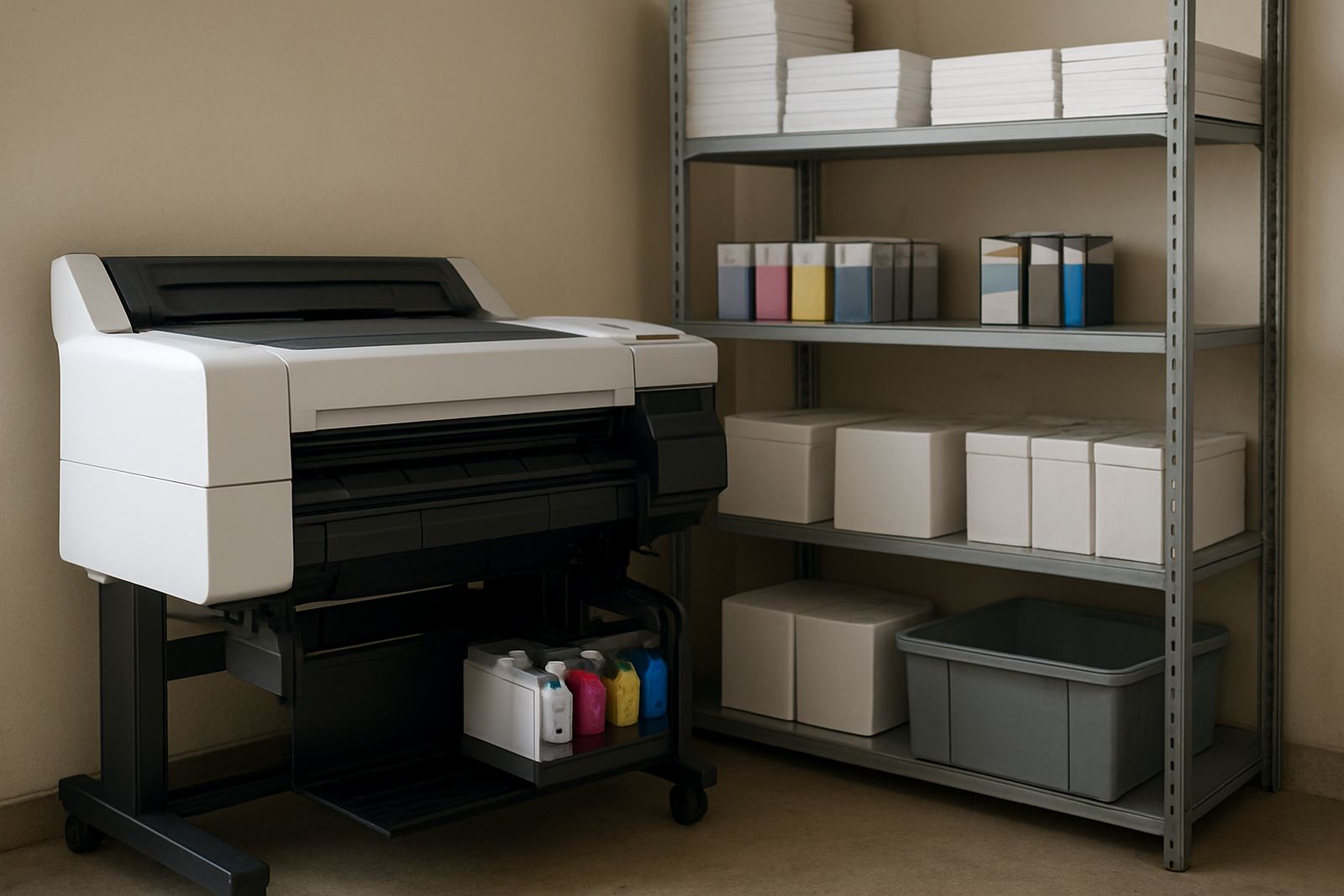
A 36 inch poster printer needs a stable surface or the correct stand, enough room for roll loading and output handling, and easy access for ink and maintenance tasks. Most sites need a dedicated corner with clear space at the front and back so operators can change media and collect prints without bending rolls or damaging finished work.
Power requirements vary by model, but a standard office power point is usually needed, with proper surge protection recommended. In South Africa, that means planning for load-shedding and voltage dips with a suitable backup supply where continuity matters. If the printer is shared by several users, a small UPS can help it ride through short interruptions and protect jobs in progress.
There is no gas requirement for this kind of machine, only stable electrical supply and sensible ventilation. Keep it away from open windows, direct sun and damp floors, especially in coastal stores where corrosion can creep in over time.
- Allow enough floor space for the stand and roll handling
- Provide stable power with surge protection
- Plan for UPS support if print continuity is important
- Keep media sealed and stored flat or upright as recommended
- Avoid high dust areas and wet cleaning near the unit
Care, servicing and keeping colour consistent
Wide-format printers perform best when they are used regularly and kept clean. Nozzles can block if the machine sits idle for too long, and poor media storage can affect colour, drying time and head performance. For busy offices and sign teams, a simple weekly check is often enough to catch issues before they become expensive.
MyColour supports preventive maintenance, print quality checks and remote help where suitable. That includes checking ink levels, reviewing colour output, confirming media settings and guiding users through basic cleaning cycles. When a printer starts showing stripes, colour shifts or repeated paper feed issues, it is usually better to sort it early than wait until a deadline is missed.
In our experience, teams that keep a small stock of the right inks and the correct media get fewer interruptions. It also helps to assign one person to consumables reordering so there is no gap when a cartridge runs low or a roll is nearly finished.
What to check before you order
Before placing an order, it helps to confirm the exact job mix, monthly volume and media types you will use. That tells you whether the printer should lean toward poster work, CAD work or mixed colour use. It also helps to avoid overspending on features you will never use, or underbuying and then outgrowing the machine too quickly.
- Expected print width and the largest sheet or roll size you need
- Type of work: posters, boards, drawings or mixed office colour
- Ink type needed for indoor display or technical output
- Available floor space, power supply and network connection
- Whether you need installation, user handover and remote help
- Consumable supply plan for inks, paper and replacement parts
If you are based in Ndabeni, Montague Gardens, Woodstock, Claremont or Bellville, we can assist directly from Cape Town. Nationwide courier supply is also available, so teams outside the Western Cape can keep a steady supply line without chasing stock from different sources.
Key facts
| Print width | 36 inch / 914 mm |
|---|---|
| Typical use | Posters, presentation boards, CAD colour work |
| Media support | Roll and selected sheet media, model dependent |
| Ink system | Colour ink set with matching consumables |
| Power needs | Standard mains power with surge protection recommended |
| Supply area | Ndabeni, Cape Town with courier delivery nationwide |