What a tabloid colour printer does in daily use
A tabloid colour printer handles larger office colour jobs without moving straight into full wide-format kit. Tabloid, also called 11 x 17 inch or A3+, gives you more room for diagrams, signage proofs, training sheets and menu layouts that must be read from a distance. For teams in design studios, schools, estates and busy offices, it is a useful middle ground between standard office printing and heavy production output.
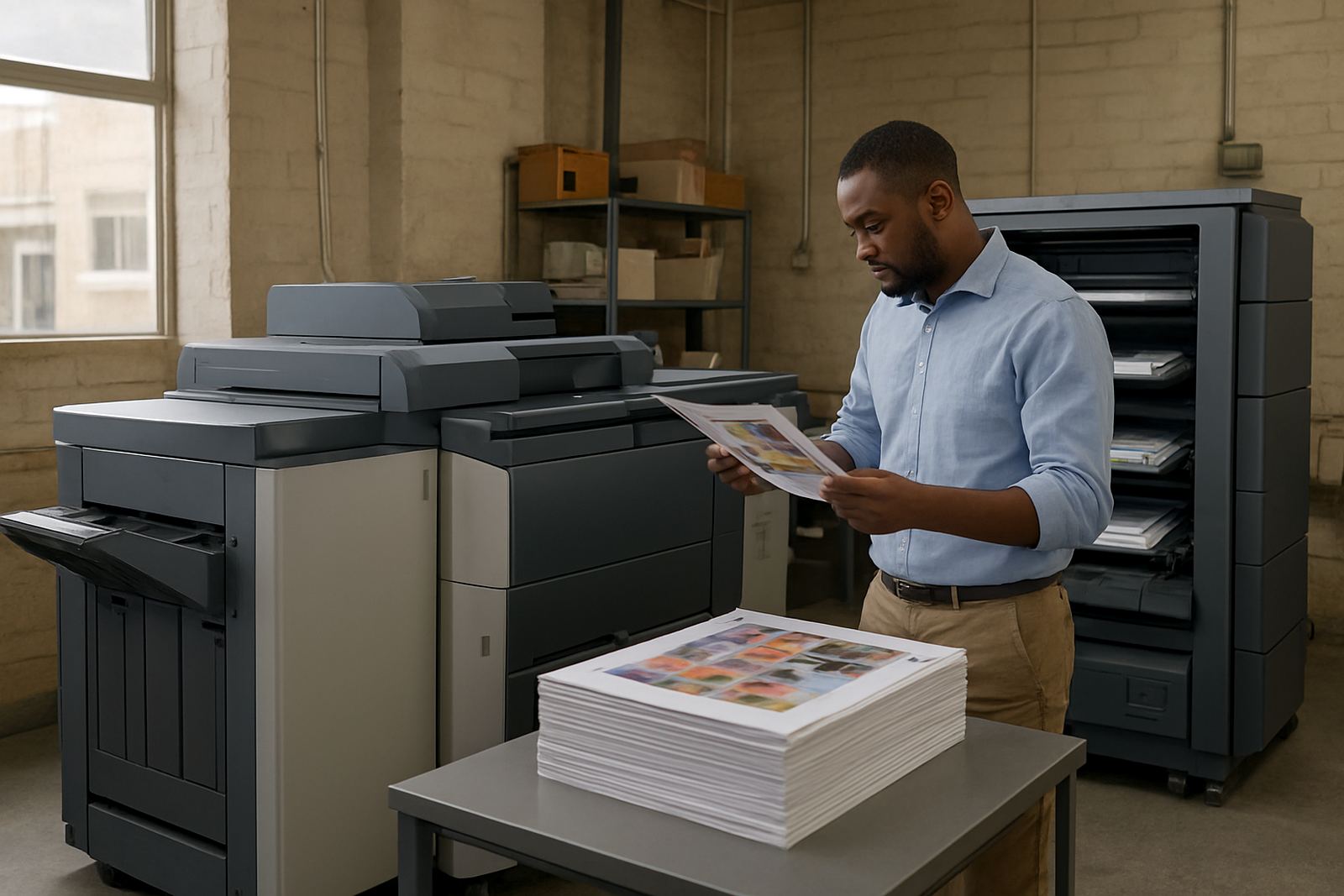
These machines are built for repeated colour work where speed and clarity matter. You can print two-up proofs, short-run posters, folded leaflets and in-house notices, then keep the same machine for everyday colour pages too. That saves time at reception, in the studio, and at branch level where outside printing can delay urgent jobs.
Sizes and features to check before you buy
Most tabloid colour printers support A4, A3 and 11 x 17 inch paper, with some models also handling custom lengths for banners or larger foldouts. When you compare options, check whether the printer feeds from a cassette tray, rear slot or manual bypass, because this affects board thickness, coated stock and how easily you can move between jobs.
- Standard office paper for letters, quotes and internal notices
- Heavier matt stock for menus and presentation sheets
- Light card for folded displays or handouts
- Borderless printing where trim-free presentation is needed
- Duplex printing for booklets, notices and admin packs
If your team works with many file types, ask about colour management and whether the printer supports easy driver settings for different paper weights. That small detail makes a big difference when one person prints artwork and another prints invoices, because the settings stay predictable.
Where it fits best in Cape Town and across South Africa
In Cape Town, tabloid colour printers suit offices in Ndabeni, Montague Gardens, Woodstock, Claremont, Bellville and Somerset West where regular colour output is part of the week. They are also a sensible fit for sign support rooms, real estate teams, architects, churches and hospitality operators who need colour sheets quickly without sending every job out.
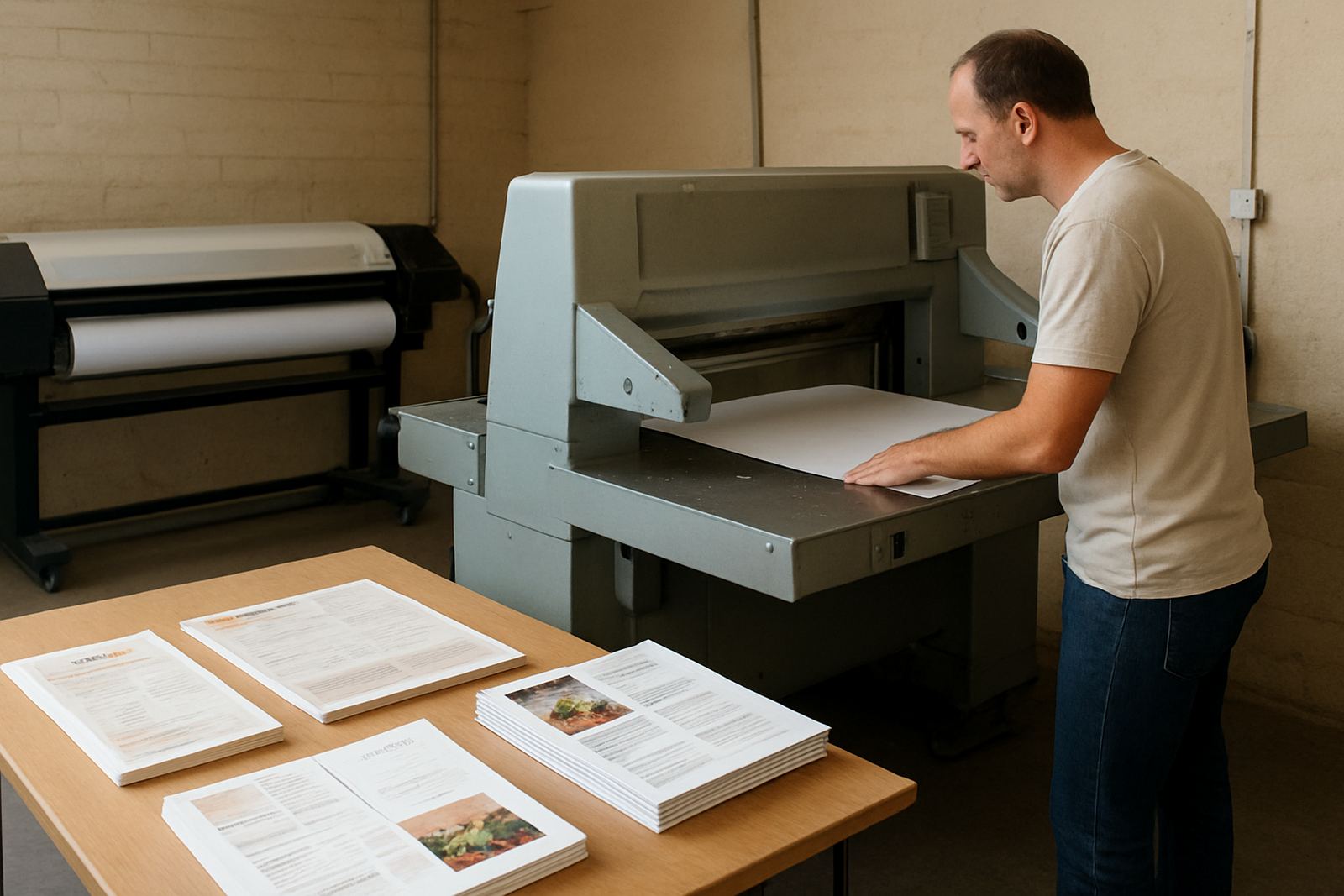
They work well for menus, table talkers, internal posters, estate notices, promotion sheets and meeting packs. If your print volume is mostly A4 but you still need the occasional larger piece, tabloid is usually the neatest choice. If you are printing heavy poster runs or very long sheets, then wide-format may be the better move.
Installation, power and room to work
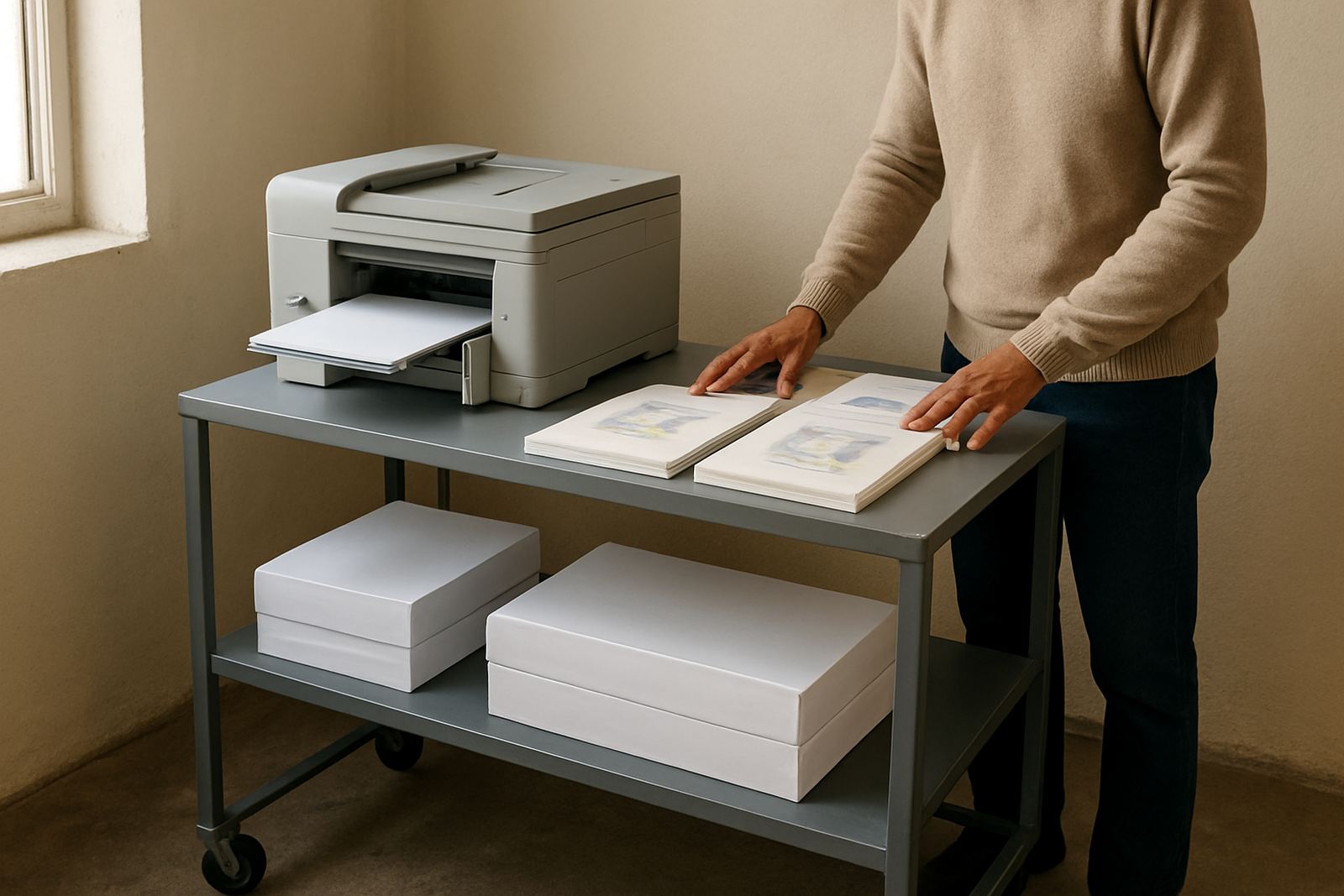
Installation starts with a proper site check. You need stable power, enough bench space and easy access for paper loading and maintenance. Most office units run from standard mains power and do not need special electrical work, but they do prefer a clean supply on a surge protector, especially in load-shedding areas where power returns can be uneven. In dusty rooms or coastal humidity, keep the printer off the floor and away from open windows.
Allow for space behind the unit for cable access and airflow, and make sure the operator can open trays without hitting a wall. If the printer will stand in a shared office, place it where toner or ink changes can be done without disturbing everyone else. A sensible location helps with upkeep and keeps the machine easier to use day to day.
- Stable mains power with surge protection
- Level surface with room for trays and covers
- Dry area away from direct sun and sea air
- Access for paper loading and service checks
- Shared use setup with clear user instructions
Ink, paper and colour care that keep output steady
Colour output depends on the right pairing of printer, ink and paper. For crisp text and office graphics, standard office paper is fine. For menus, photos or client-facing sheets, a better coated or presentation stock often gives cleaner colour and less soak-in. MyColour helps match the media to the job so you are not wasting ink on the wrong surface.
Ink supply planning matters too. If you print daily, keep a buffer of the colours you use most, especially black, cyan, magenta and yellow. In busy months, waiting until a cartridge is empty can stop work for hours. For teams managing multiple sites, planned reordering keeps the machine running and reduces last-minute courier pressure.
- Store ink and paper in a dry room with stable temperature
- Seal opened media properly to limit moisture absorption
- Run regular nozzle or quality checks on colour devices
- Use the correct print mode for draft, proof or final output
- Replace consumables before quality drops on urgent work
What MyColour checks when you order
Before placing an order, check the sheet sizes you use most, the monthly page volume and whether your team needs simple office colour or more frequent proof printing. It is also worth noting if you need duplex printing, scanning, wireless use or stronger media handling for heavier stock. Those details help match the printer to the real workload instead of guessing from a brochure.
Also think about service access, because a printer that is easy to maintain saves money over time. MyColour can arrange printer installation, wide-format setup when needed, user handover, remote help, collection coordination and consumable reordering. That support is useful when your team is in Ndabeni, or when courier supply has to reach a branch in another province without delay.
- Typical sheet sizes: A4, A3 and 11 x 17 inch
- Expected monthly volume and peak periods
- Paper weights and coated media you plan to use
- Need for duplex, wireless or shared network printing
- Consumable access and replacement lead times
Care, servicing and when to step up to wide-format
Like any colour printer, a tabloid unit works best with regular use and basic care. Leave it unused for too long and ink systems can dry out, especially in winter or in air-conditioned rooms. Simple preventive maintenance, print quality checks and correct shutdown routines help avoid wasted stock and poor colour on urgent jobs. Pieter Smit and the service side can help when a unit starts drifting off colour or feeding badly.
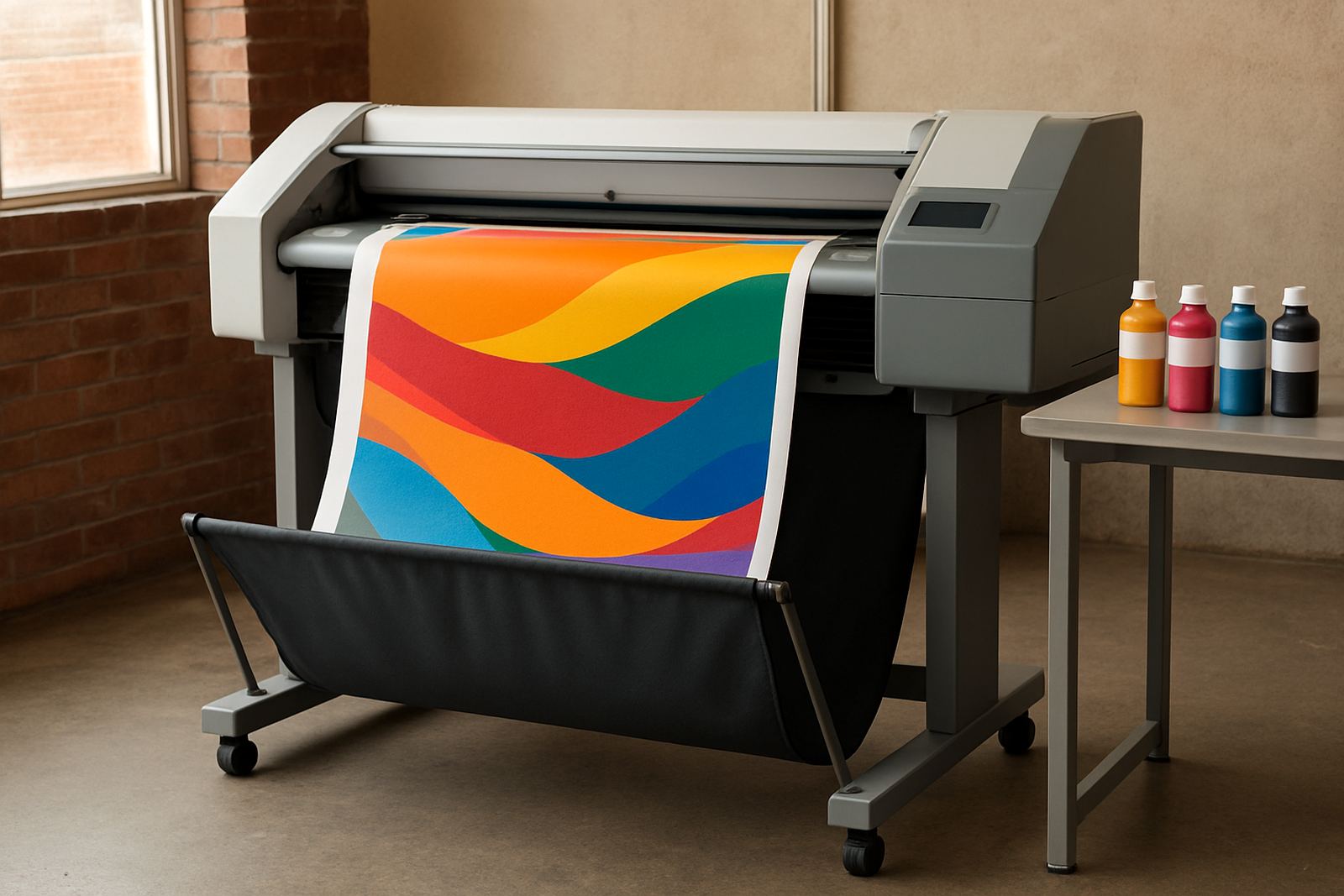
If your work starts needing larger posters, window graphics or long display strips, then it may be time to step up to wide-format. The sign is usually not one huge order, but a pattern of jobs that keep growing. A tabloid printer is the right fit for many offices yet once the layout starts demanding bigger sheets or more specialised media, a wider machine gives better control and less cutting afterwards.
Key facts
| Format | Tabloid, A3 and A4 colour printing |
|---|---|
| Typical use | Menus, internal posters, proofs and folded display sheets |
| Paper handling | Standard paper, presentation stock and selected light card |
| Power | Standard mains supply with surge protection recommended |
| Support | Installation, media matching, remote help and consumable planning |
| Supply area | Cape Town local support with nationwide courier supply |