When the office needs colour every day, not just now and then
A busy office usually starts with mixed print demand. One team needs board packs, another needs visitor notices, someone else needs sales inserts or a colour chart for a client meeting. If the printer sits idle for long stretches and then gets hammered on month end, the wrong machine quickly becomes a problem. Ink dries in the wrong places, paper curls in humid weather and staff waste time reprinting pages that looked fine on screen but not on paper.
MyColour works with offices that want colour available without turning print into a side project. That means setting up the right printer for the duty cycle, matching ink to the work and making sure the team understands the simple rules that keep output steady. In Cape Town, especially in areas like Ndabeni, Montague Gardens and Woodstock, many offices also need a practical answer to load-shedding and courier delays, so the print plan must be simple enough to live with every week.
Typical equipment for office colour work
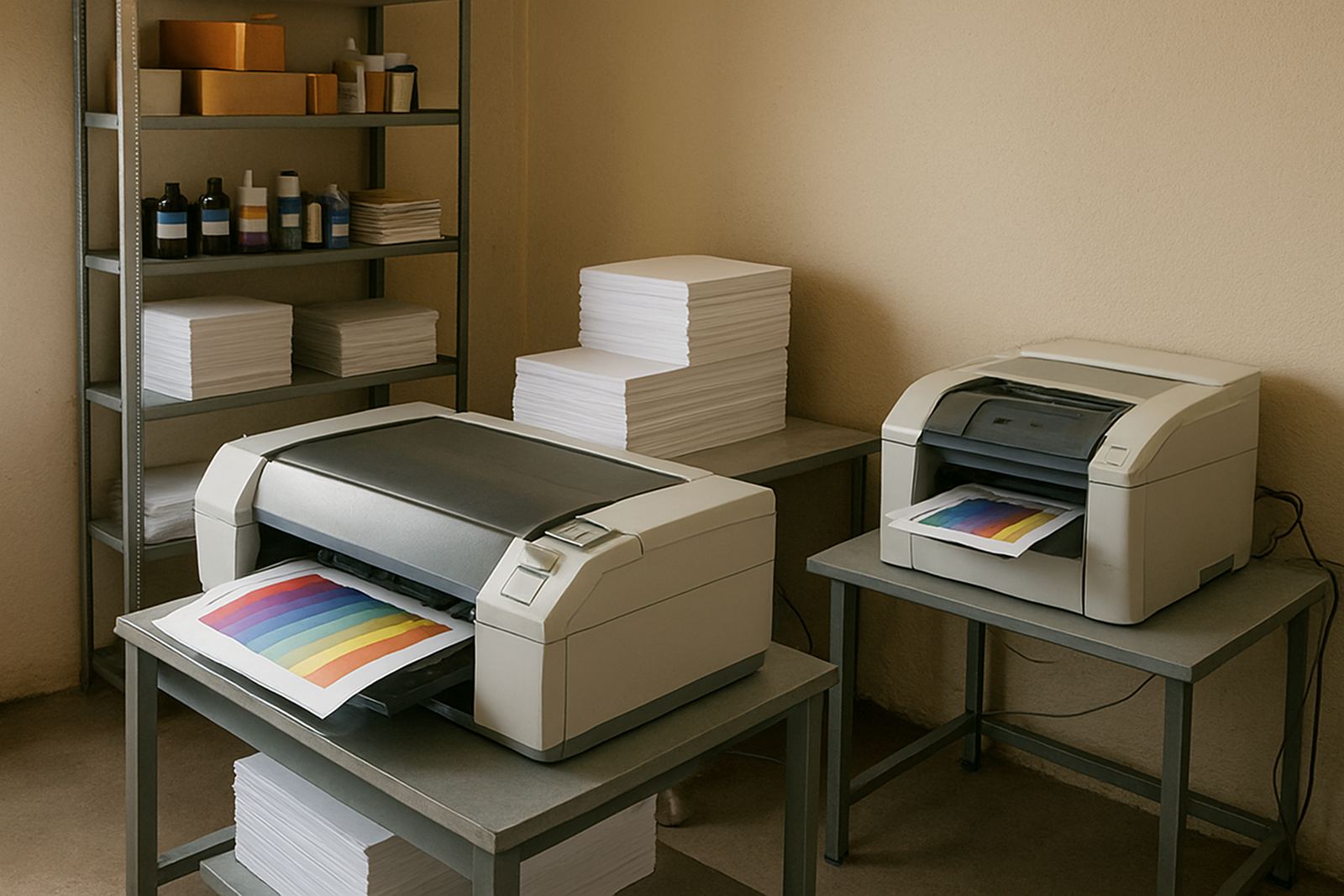
Most offices do best with a mix of desktop inkjet colour printers and, where volume is higher, a larger-format colour machine for posters, wall notices and internal campaigns. The right mix depends on page size, monthly volume and how often the office prints in full colour. A small team may only need a compact colour printer with reliable networking and affordable cartridges. A larger office, or one with an in-house marketing or compliance function, may need a wide-format device that can handle A2 or larger sheets, proof prints and signage-style output.
- Compact colour printer for letters, invoices, meeting packs and notices
- Large-format colour machine for posters, training graphics and reception displays
- Matching ink set so the machine prints cleanly without constant swapping
- Paper and media suited to the job, from plain office stock to heavier coated sheets
- Basic power protection for areas affected by load-shedding or unstable supply
For offices in Somerset West, Bellville and Claremont, the real question is often not whether colour printing is needed, but how much of it belongs in-house. The answer usually sits between convenience and cost. If the team prints colour every day, the machine should be ready for that pace. If not, the setup should still support occasional higher-volume weeks without causing a panic.
Layout and planning that stop printing from holding up the floor
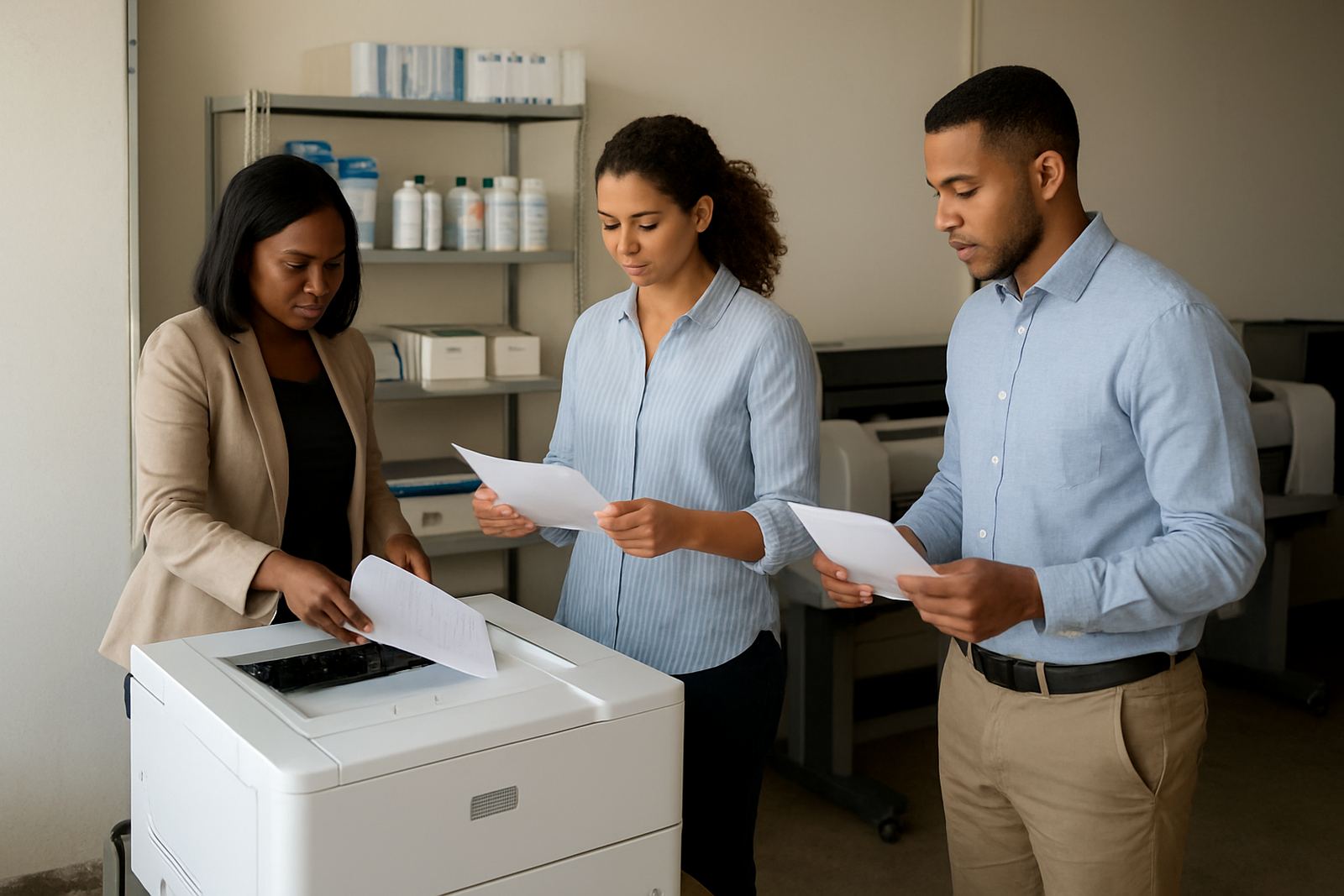
A good print corner is one that staff can use without asking for help every time. Keep the printer close enough to the people who need it, but not so close that traffic, glare or dust becomes an issue. In open offices, the printer should sit where paper is easy to load and where finished pages can dry properly before being stacked. Offices near the coast also need to think about humidity, because damp air can make paper feed less consistent and can affect certain media choices.
Before installation, it helps to answer a few simple questions: who prints, what they print, how many pages a week, and whether the output needs to look client-ready or just tidy and legible. If the office often prints reports with charts and photos, colour accuracy matters more than speed alone. If the job is mostly notices and internal updates, speed and running cost may matter more. MyColour gives practical advice on media matching, ink choice and when a desktop colour printer has reached its limit.
- Place the printer on a stable surface with enough room for paper feed and output trays
- Allow space for boxes of paper and spare ink so reordering is not a daily scramble
- Keep the machine away from direct sun, wet areas and strong dust exposure
- Plan power backup for the main printer if month-end deadlines cannot wait
Common mistakes that waste money and time
One of the biggest mistakes is buying a printer for the lowest sticker price and only later finding out the inks are expensive or the machine struggles with the kind of paper the office uses. Another common issue is trying to force one printer to do everything. A small desktop unit may be fine for internal notices, but not for repeated poster runs or heavy proofing. On the other hand, a wide-format machine is unnecessary if the office only needs a few colour pages a day.
Staff habits also matter. People often mix media types, leave paper open in humid conditions, or print high coverage files on the wrong stock. That is when colour can look dull, edges start to feather, or pages curl and sit badly in a file. In offices with many users, it is worth setting a simple print rule sheet so everyone knows which tray, which paper and which file type is meant for which job. It saves money, and it stops the same question being asked ten times a week.
Another problem is skipping maintenance until a machine starts missing lines or feeding badly. Preventive maintenance is usually cheaper than emergency fixes, especially when the office needs the printer before a client meeting or a site visit. MyColour can help with print quality checks and user handover so the team knows what normal output should look like.
Budget ranges for office colour printing in Rand
Budgets vary with volume, size and whether the office wants a simple print solution or a fuller colour setup. For a small office that mainly needs letters, notices and occasional internal marketing sheets, a practical colour printer setup can start from around R4 000 to R12 000, depending on print speed and ink system. Running costs then depend on how often the office prints and whether staff use standard office paper or heavier stock for presentation pages.
For a medium office with steady colour demand, budget a little more for a better-duty printer and a sensible stock of consumables. A more capable setup may sit between R12 000 and R35 000, while larger-format office colour machines can go higher depending on sheet size and output volume. When printing posters, large notices or proof sheets becomes part of the weekly routine, it is usually better to budget for the right machine upfront than to patch together a cheap solution that gets replaced within a year.
Consumables planning should also be part of the budget, not an afterthought. Ink supply planning helps avoid rush orders, especially in December, during stock pressure or when couriers are delayed. A calm reorder pattern usually costs less than emergency buying and lost production time.
How MyColour supports office teams after installation
Once the machine is in place, the job is not over. Offices need practical support that keeps the printer useful, not just installed. MyColour handles printer installation, remote help, collection coordination and consumable reordering, which matters when an office has several users and nobody wants to be the designated printer person. For teams in Ndabeni, Woodstock or further out in Bellville and Somerset West, courier supply keeps ink and media moving without unnecessary trips across town.
MyColour also helps with user handover so reception, admin and marketing staff know how to load paper, check settings and avoid basic print errors. For offices that want a cleaner workflow, we can map which jobs should stay on the desktop printer and which should move to wide-format or to a different paper type. That kind of planning makes a real difference when deadlines land at once and the printer becomes one more thing that must simply work.
For office colour that stays dependable, the best approach is steady supply, the right machine mix and clear habits. That is what keeps reports, notices and internal marketing material looking sharp without turning printing into a daily headache.