When a shared copy room makes sense
A shared copy room works best when more than one team needs colour output every day, but no one wants a printer in every office. In Cape Town we see this with design studios, sign shops, marketing teams, schools and busy admin spaces where print jobs arrive in bursts and need to come out clean the first time. A shared room helps with control, lower waste and better tracking of ink use.
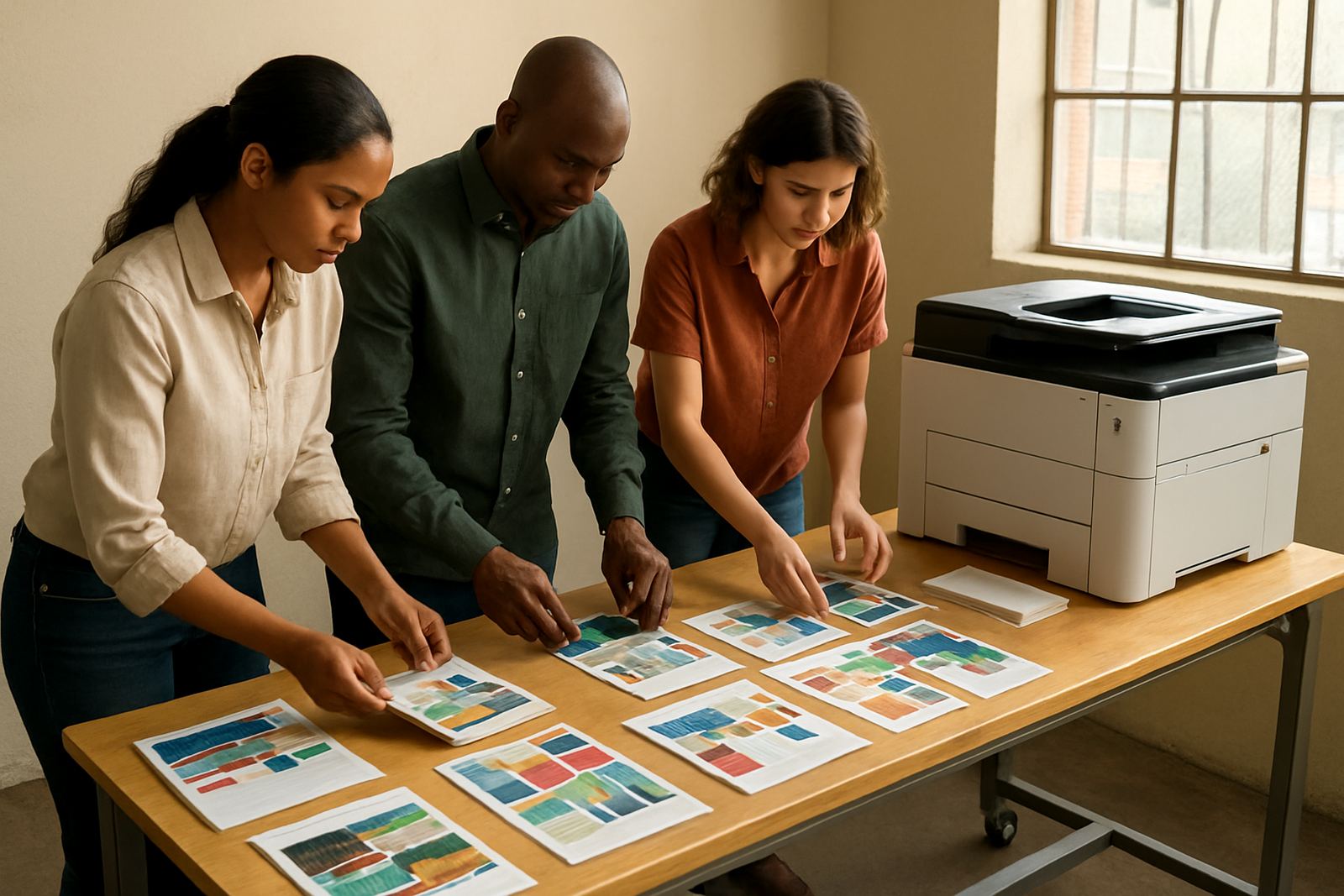
The client situation is usually familiar: one person needs A3 proofs in the morning, another team wants presentation packs after lunch, and someone else is printing flyers or labels before courier collections. Instead of each department buying its own machine, the right room setup gives everyone one reliable point of use. That also makes maintenance easier, which matters when coastal humidity, dust from open doors and load-shedding can all affect print quality.
MyColour handles these rooms with practical advice, not guesswork. The aim is to match the printer to the number of users, the paper sizes needed and the kind of colour work being done, then keep consumables flowing without last-minute panic.
Typical equipment for a colour copy room
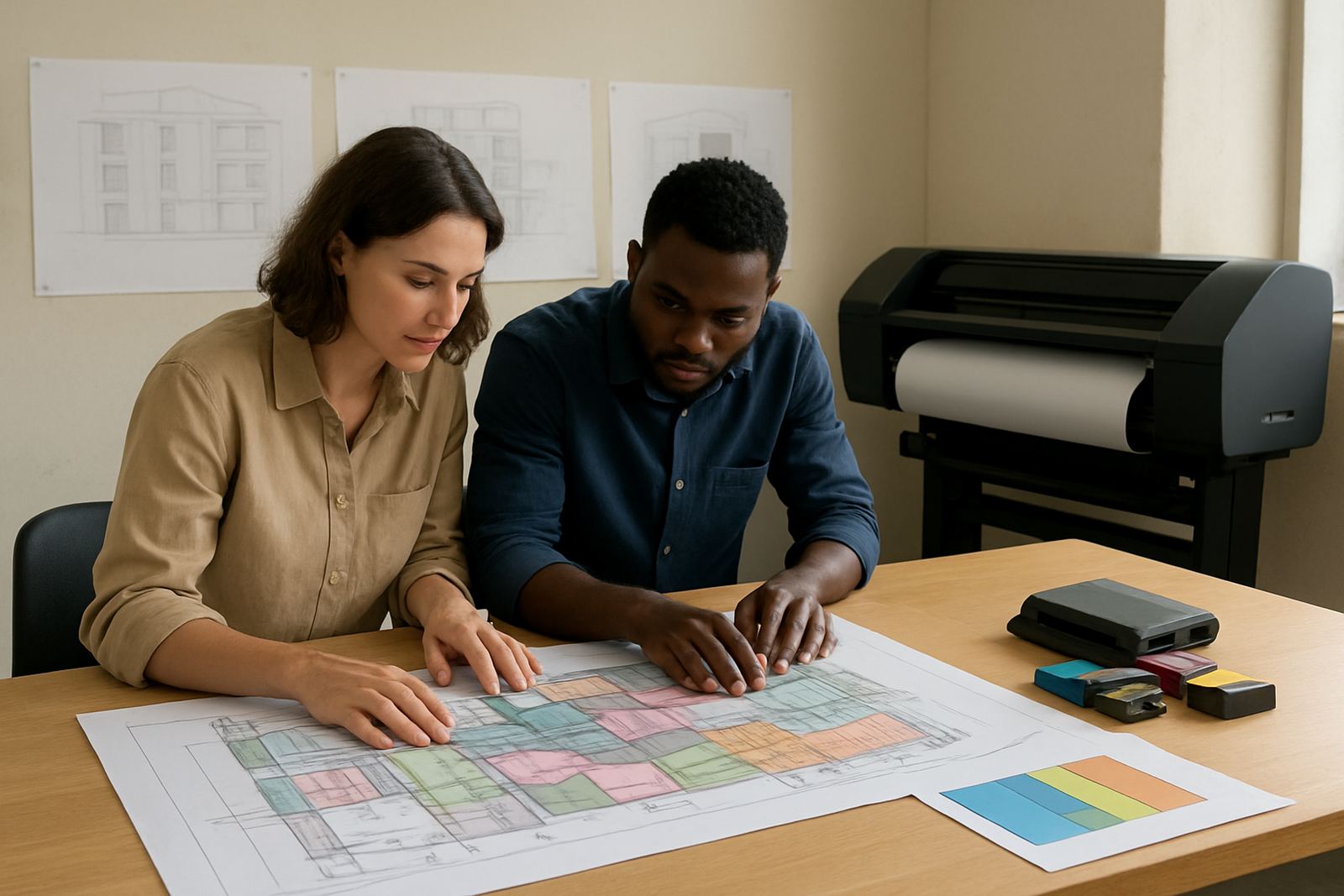
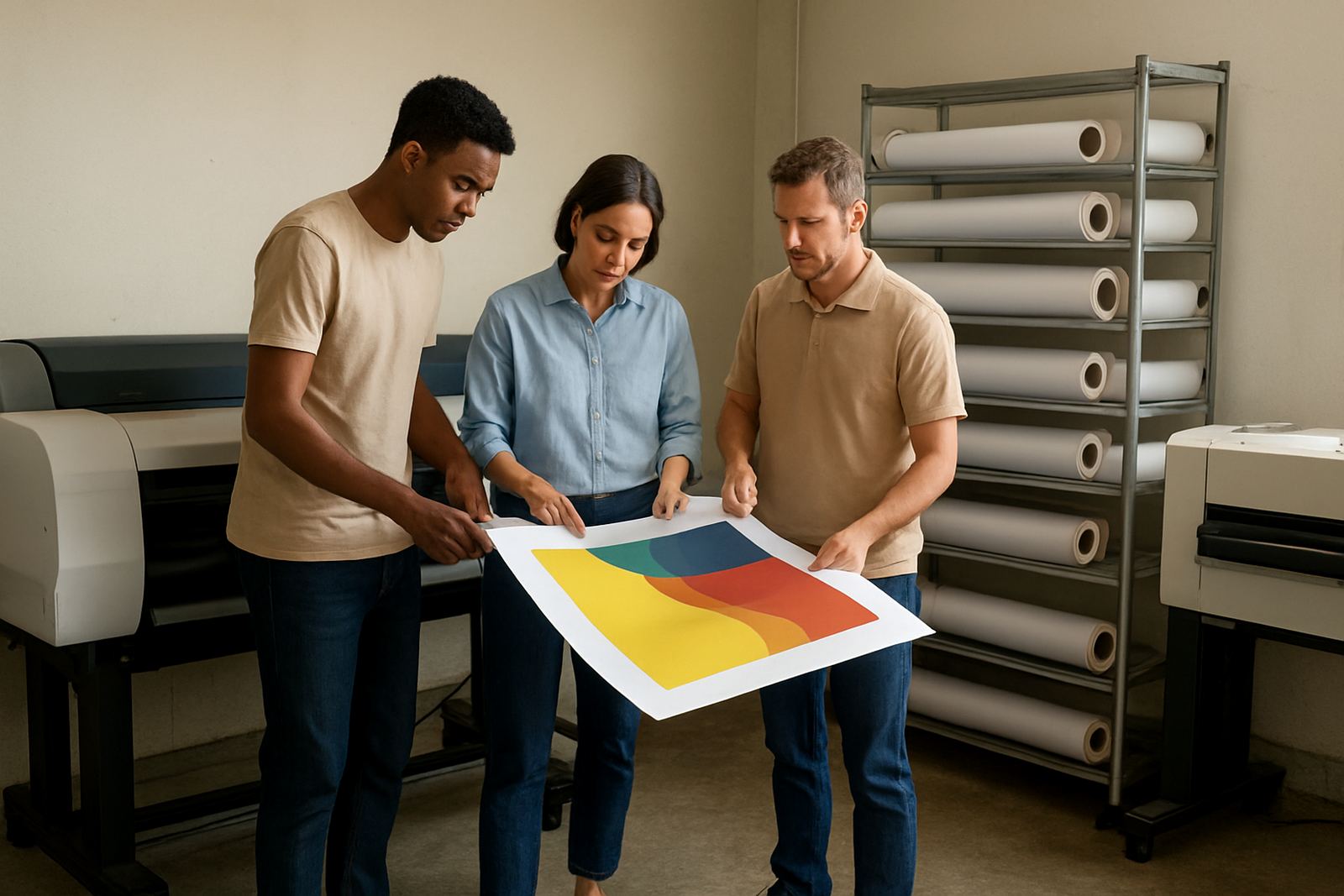
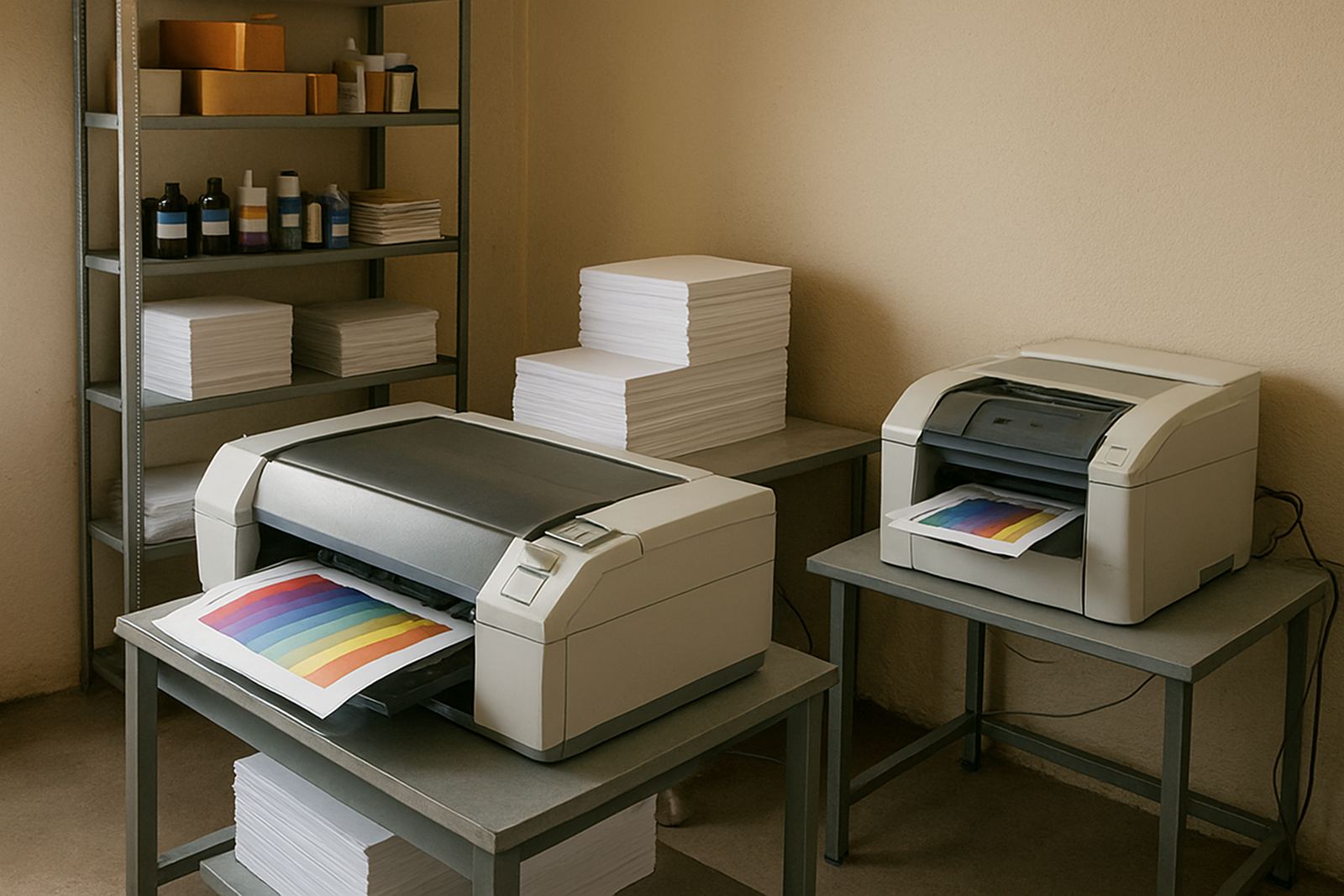
Most copy rooms start with a desktop colour inkjet for everyday office work, then move up to a larger colour machine when A3 proofs, posters or heavier monthly volumes become part of the routine. For teams producing signage, proof sheets or marketing material, a wide-format unit can save time and cut down on outsourced printing. The right mix depends on the average job size and whether the room is serving one office or several branches.
- Desktop colour printer for memos, handouts and routine office colour
- Large-format colour machine for posters, proofs and presentation graphics
- Matching inks or cartridges sized to the monthly print volume
- Paper stock for everyday use, heavier proof paper and coated media
- Basic cleaning kit and spare consumables for busy periods
We also look at whether the team needs simplex only, duplex printing or regular scanning and copying functions. Some rooms need a simple colour output point, while others need a fuller shared service station. In either case, the machine should be easy to use, easy to refill and simple for staff to understand after handover.
Layout and planning that keeps the room usable
A copy room should be easy to reach, easy to restock and not tucked into a corner where heat builds up. The printer needs space around it for paper loading, maintenance access and safe handling of printed sheets. For coastal areas like Claremont, Somerset West and parts of Cape Town near the harbour, we also consider airflow and storage so inks and paper are not exposed to damp conditions.
Think about the path from printer to user. If people are walking across a noisy office with stacks of paper in their hands, the room is in the wrong place. Good planning keeps the printer near the teams using it, but not in the middle of traffic. For shared rooms, a small table for finishing, a shelf for paper reordering and clear labelling for colour or paper types can save a lot of confusion.
Load-shedding planning is another practical part of the layout. If the room supports deadlines, it may need backup power for short interruptions, plus a restart routine that staff can follow without calling service every time. A clean room with stable power and controlled access will usually give better colour consistency and fewer service calls.
Common mistakes that drive costs up
The biggest mistake is under-sizing the machine and hoping it will cope because the room is shared. That often leads to slow printing, tired users and rushed replacements. Another common issue is buying ink or paper without checking usage patterns, then discovering the team needs a different yield or a heavier media type for proofing and presentation work.
We also see rooms where everyone prints to one device but no one owns the process. Without a simple reordering plan, consumables run low at the worst time. Shared rooms need one person or one clear process for stock checks, empty cartridge collection and scheduled maintenance. That does not need to be complicated, just consistent.
- Buying too small a printer for the actual monthly load
- Using the wrong paper for colour proofs or client packs
- Letting dust, heat or damp affect stored supplies
- Skipping maintenance until print quality drops
- No clear responsibility for reordering inks and media
Budget ranges for shared colour printing
For a straightforward copy room with a desktop colour printer and basic consumables, budgets often start around R8 000 to R20 000 depending on capacity and features. A more capable office room with higher ink yield and stronger paper handling can sit in the R20 000 to R45 000 range. If the room needs a large-format colour machine for posters, proofs or design work, budgets can move from about R35 000 up to R120 000 or more depending on size and output needs.
Monthly running costs matter just as much as the purchase price. Teams should allow for inks, paper, cleaning supplies and occasional service work. A busy room may need a stock buffer so that a courier delay or public holiday does not stop production. MyColour can help with ink supply planning and consumable reordering so the room stays stocked without overbuying.
For Cape Town businesses and nationwide courier supply, the goal is a room that keeps working without drama. That means matching the machine to the volume, the media to the job and the supply plan to the way your team actually prints.