Start With The End Use, Not The Printer
The easiest mistake is choosing a printer first and only then deciding what it must handle. A4 suits most office work, internal proofing, invoices, forms and handouts that need to fit into lever arch files, ring binders or scan trays. A3 comes into play when the document needs breathing room: layouts, technical plans, sales presentations, training sheets and posters that people must read from across a room.
If your work travels between staff, clients and filing cabinets, ask a simple question: will it be handled like paperwork or like a presentation piece? In a Cape Town design studio or a busy office in Bellville, that answer often settles the A4 or A3 choice before anyone looks at machine specs. It also helps avoid paying for a larger device than the team really uses.
- A4 is better for everyday admin, client correspondence and standard filing.
- A3 is better when diagrams, layouts or visual detail matter.
- If both are needed, check how often the larger size is actually used.
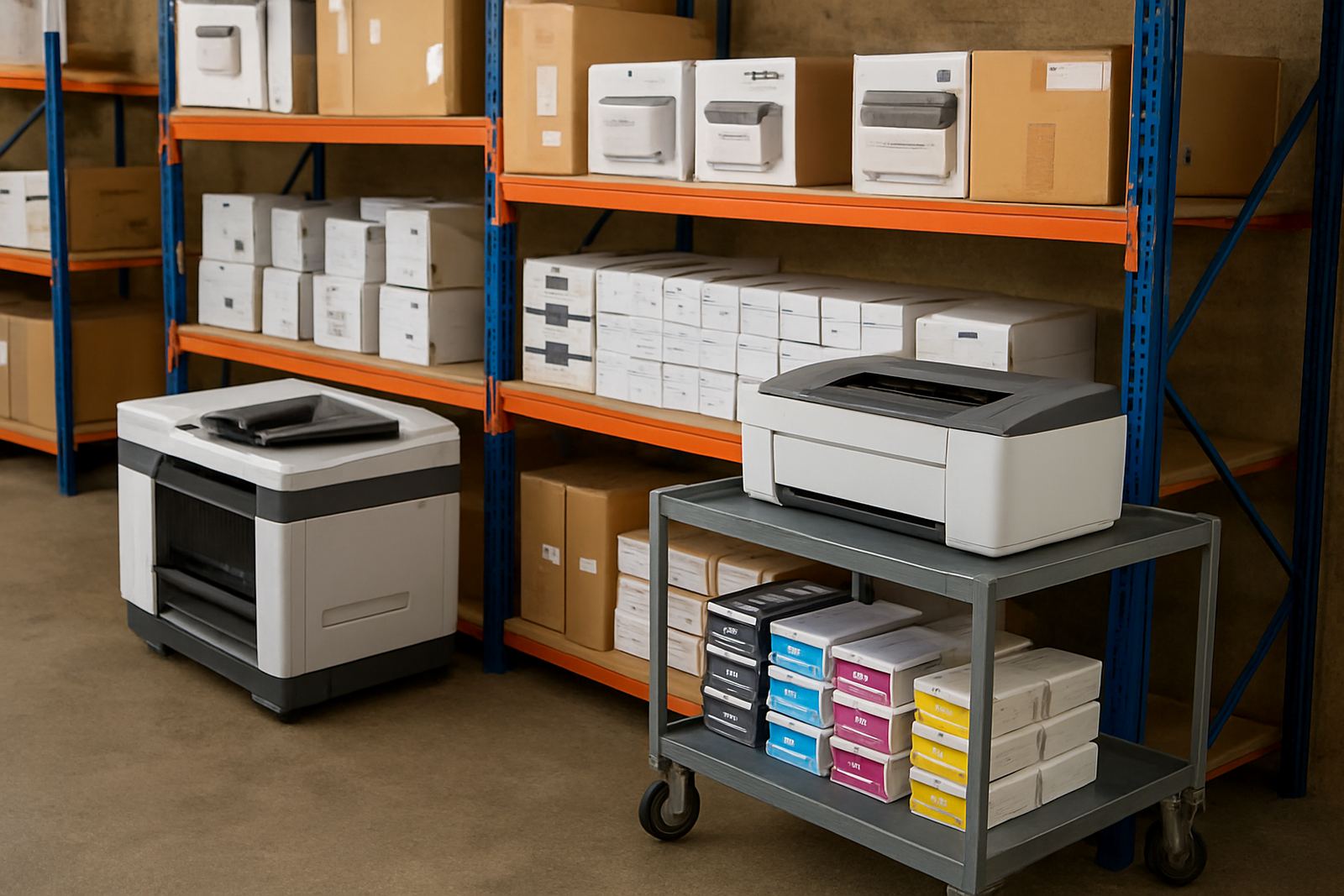
- Think about storage space for paper, finished prints and spare consumables.
A4 Keeps The Workflow Tight And The Filing Simple
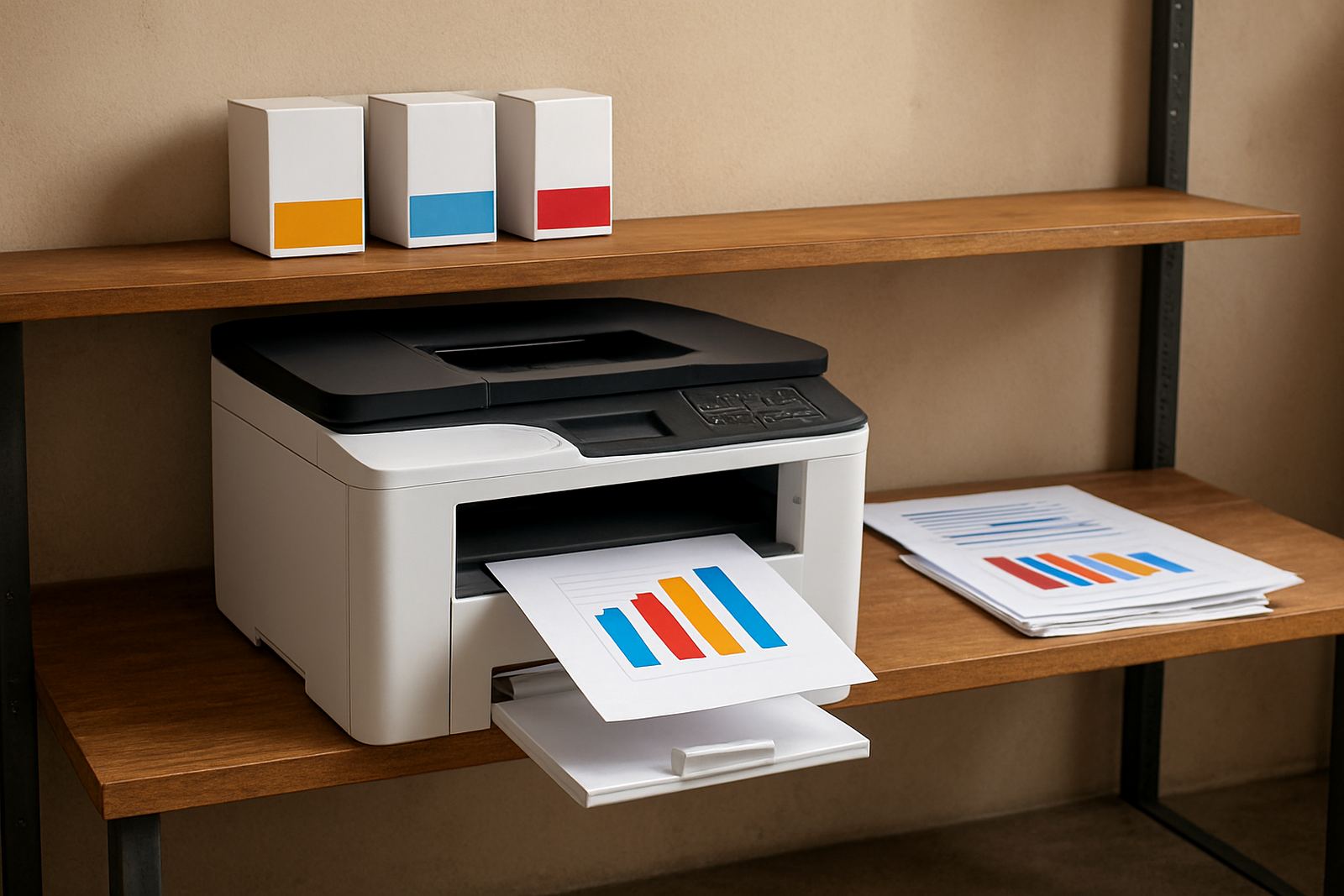
Most South African offices still live on A4 because it is practical. It prints quickly, uses less paper and fits the filing systems already in place. For teams that print hundreds of pages a week, A4 can keep running costs manageable, especially when colour output is needed for charts, marked-up documents or client copies.
A4 also suits load-shedding routines better in many workplaces because smaller jobs finish faster. That matters when staff are trying to get a batch of reports out before the inverter reaches its limit or before the afternoon queue builds up at reception. For businesses in places like Claremont or Somerset West, where office space is tight, the smaller paper size also makes storage easier.
- Standard reports and invoices
- Internal memos and training notes
- Client letters and packs for filing
- Colour proofs that do not need poster scale
If the page is likely to be scanned back into a system, A4 usually gives the cleanest workflow. It is easier for staff to copy, sort and file without folding or trimming. For many companies, that alone makes the decision.
A3 Pays Off When Detail Or Presentation Matters
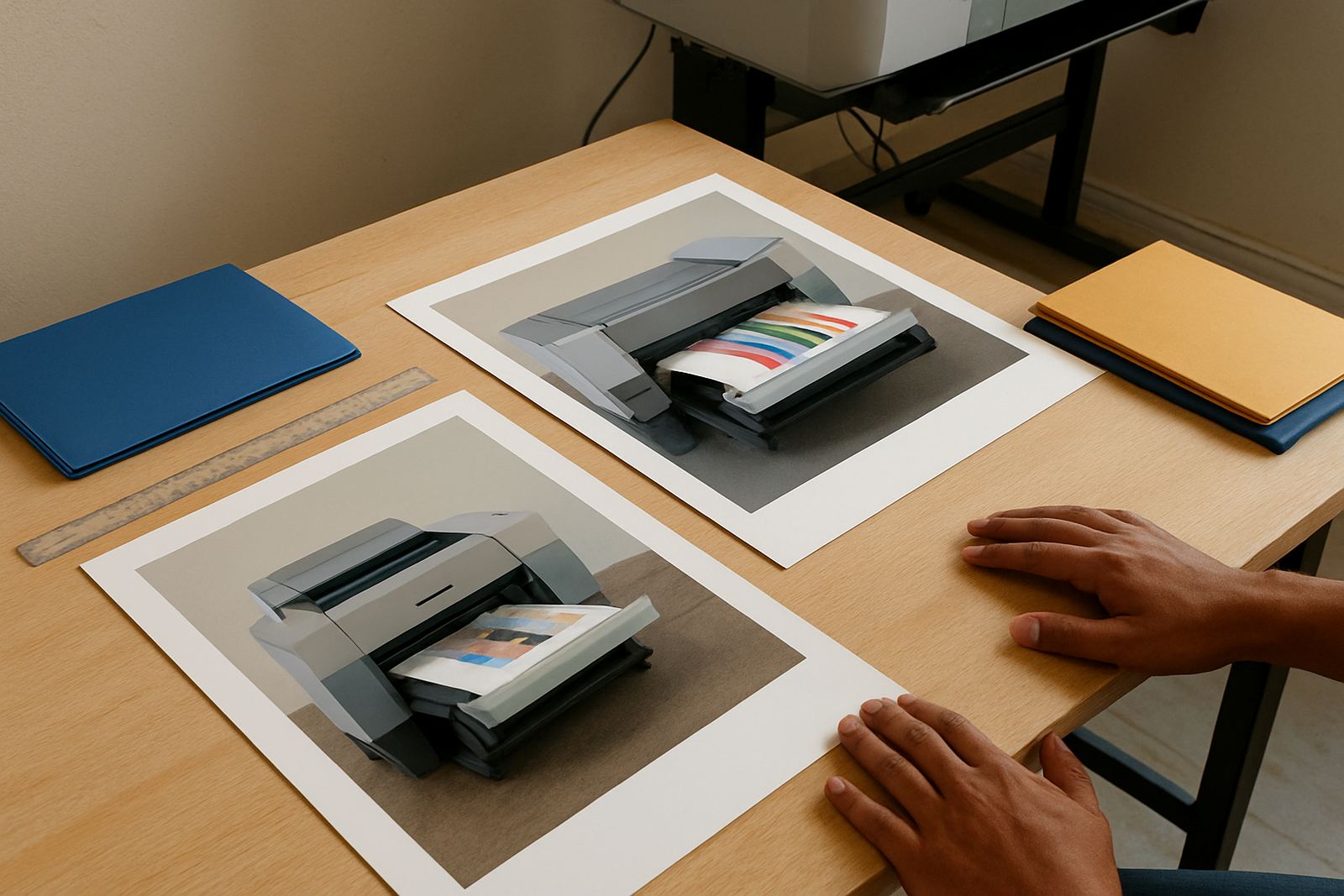
A3 is not just about being bigger. It gives you room to show detail properly. Designers use it for layouts and proofs. Sign shops use it for mock-ups, approval copies and promo sheets. Engineering and architectural teams use it for drawings that need clearer reading on site. Even a sales team can benefit from A3 when presenting a pricing sheet or product range to a client who needs to compare options at a glance.
There is a cost difference, of course. A3 uses more paper and often calls for a printer that handles the size cleanly without warping, banding or feeding errors. If your team only prints the odd A3 page once a month, it may be better to keep A4 as the main device and route larger jobs elsewhere. But if A3 appears every week, the time saved can justify the move.
- Layouts, mock-ups and proofs
- Posters, menus and point of sale sheets
- Training charts and wall notices
- Drawings that need extra reading space
In a Ndabeni print room, for example, a team might run A4 for quotes and accounts, then switch to A3 for client sign-off boards and showroom sheets. That split keeps the workflow neat and avoids forcing one machine to do everything badly.
Match Paper Size To Your Printer And Consumables
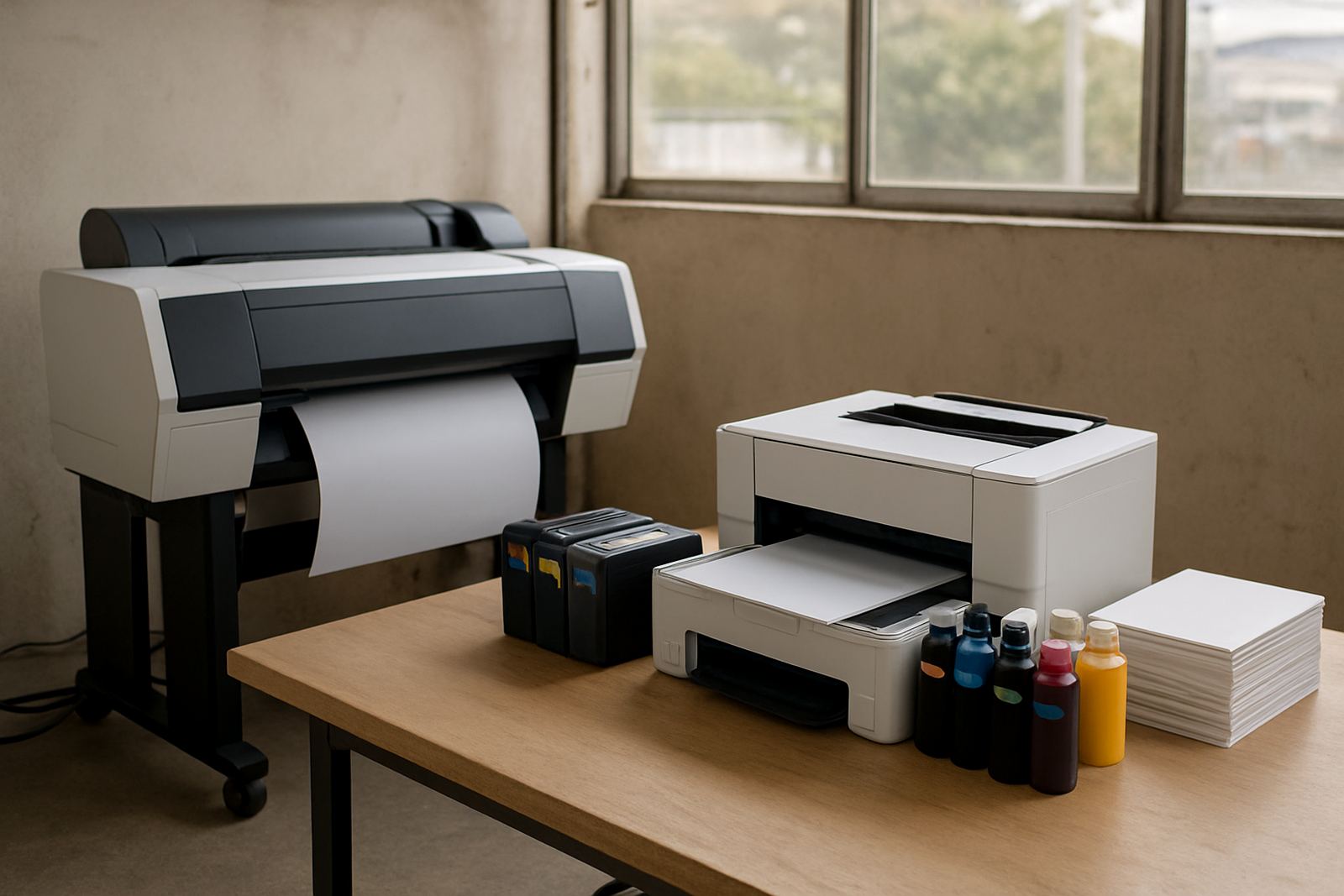
Paper size is only part of the story. You also need a printer that can feed the stock you use, handle the ink load and keep colour stable across the day. For A4 office colour, compact inkjet machines often work well when the focus is reports, proof sheets and internal colour documents. For A3 and wider work, the feeding path, ink set and media support become more important.
Media matters too. A glossy sheet for a presentation is not the same as bond paper for notes or a heavier stock for posters. The wrong match can lead to slow drying, curling or dull colour. In humid coastal conditions around Cape Town, paper storage should be dry and sealed, because moisture can affect feeding and finish more than many teams expect.
- Check the largest paper size the machine handles properly, not just in theory
- Confirm drying time on coated and uncoated media
- Keep spare ink and paper matched to actual usage, not guesswork
- Store media away from windows, damp floors and open loading doors
When A4 Is Enough And When To Step Up To A3
A4 is enough when the document is mainly read at arm’s length, filed after use or shared digitally soon after printing. If the team prints standard office colour and the presentation value is secondary, A4 usually gives the best balance of cost and speed. Once the work needs stronger visual impact, larger tables or easier reading in a meeting room, A3 starts to make more sense.
A useful rule is to count the bigger pages honestly over a two week period. If A3 is only used for the odd image proof, the upgrade may not pay back. If it is used for every proposal, every client board or every campaign review, then the larger size is doing real work. That kind of decision is common in Woodstock agencies and Montague Gardens production rooms where output changes fast through the week.
The practical step is to separate essential large-format needs from nice-to-have ones. Once you know which pages are non-negotiable, choosing the printer and consumables becomes much easier.
A Practical Cape Town Example From File Room To Client Meeting
A small design studio in Ndabeni might start the week with A4 quotes, job cards and colour proofs. By Wednesday, the same team could be preparing A3 mock-ups for a retailer in Bellville and a presentation board for a client in Claremont. That mix is common, and it shows why output habits matter more than page size on its own.
If the team prints everything on A4, the proofs may feel cramped and the client meeting can become harder to follow. If they move too quickly to A3 for every page, paper use and ink spend climb for no good reason. The better setup is usually the one that fits the real pattern of use, with a sensible split between office colour and larger presentation work.
For businesses that courier to branches or print for multiple sites, having the right size also helps keep reprints down. Fewer wrong-size pages means fewer delays, fewer returns and less time spent redoing work after a final check.
Make The Size Choice Before The Spending Starts
Choosing between A4 and A3 should begin with daily habits, not a sales pitch. Look at how often you print, who reads the pages, where they are filed and whether the colour needs to persuade a client or simply inform staff. That quick audit can save a lot of money and frustration later.
For many teams, the answer is not either or. A4 handles the bulk of office work, while A3 is reserved for items that need more space and presence. Once that balance is clear, printer installation, ink planning and media matching all become easier to manage. And when consumables are reordered on time, there is less chance of running out mid job.
If your work shifts between proofing, filing and presentation, keep the question practical: what size makes it easier to use after it leaves the printer? That answer is usually the right one.