Why office colour starts to fall short
Most office colour printers do a fair job on letters, reports and simple handouts. The trouble starts when a design studio, sign shop or in-house marketing team asks for colour that must match a sample, carry fine detail or hold up on heavier media. At that point the limits show up fast: banding in flat colour, weak blacks, slow output on coated stock and repeat jobs that shift from one batch to the next.
If your team is printing proofs for clients, short-run posters, point-of-sale pieces or presentation boards, the machine has to do more than print. It must produce steady output, handle the right media thickness and keep colour behaviour predictable from one day to the next. In Cape Town, that matters even more in summer when humidity changes paper feed and coastal air can affect how stock sits in storage.
Before you step up, make a list of what is failing now. Is it colour drift, poor paper handling, ink costs or simply the time lost reprinting? That answer will tell you whether you need better office colour or a proper move into wide-format proofing. Small offices often keep trying to force one machine to do all the work and that ends up costing more, not less.
Check the work you actually print each week
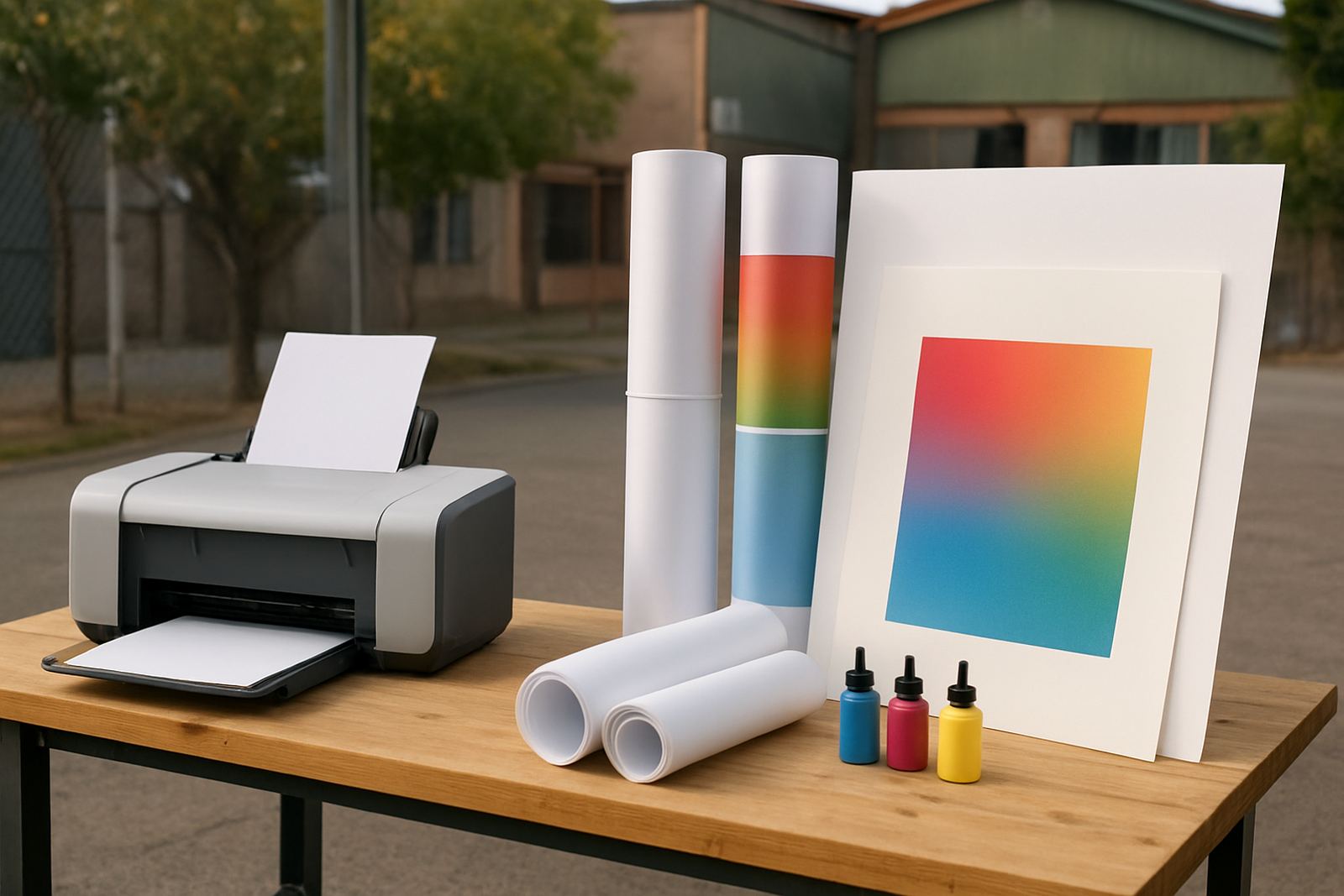
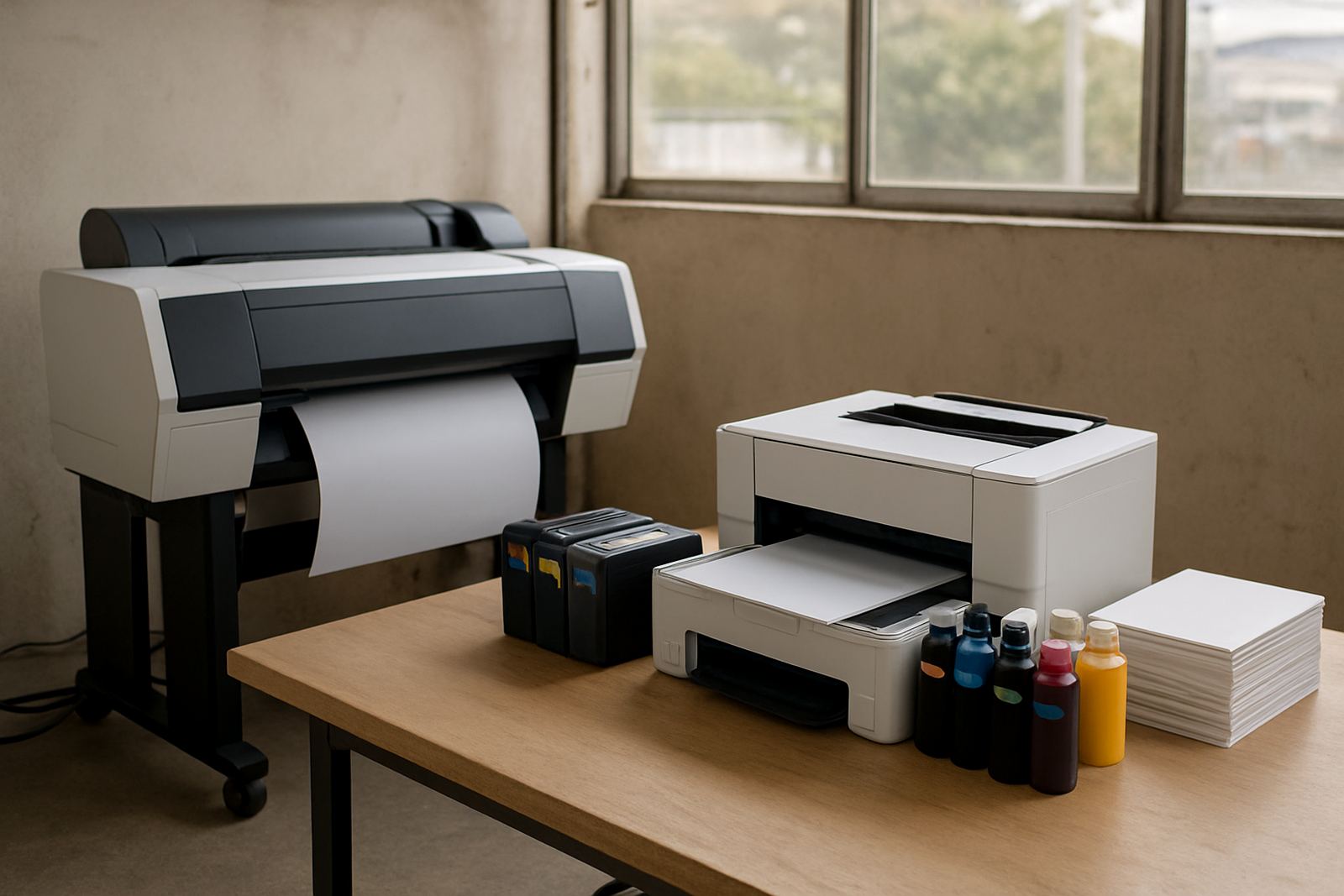
The cleanest way to decide is to look at your weekly print mix. A studio proofing setup should match the jobs that come through the door, not the jobs you think you might get one day. If your team prints A3 mockups, multi-page colour packs and the odd proof sheet, an upgraded desktop colour machine may still be enough. If you are printing posters, swatches, layouts for review or longer sheets for sign-off, you should be looking at a larger-format machine.
- Paper sizes: A4, A3, long sheet or roll output
- Stock types: plain paper, matt coated, glossy, synthetic or heavier presentation media
- Daily volume: a few proofs or a constant queue of short jobs
- Colour sensitivity: marketing material, brand work, packaging checks or internal print
- Turnaround pressure: same-day client approval or relaxed office use
Once you know the mix, the rest is easier. A sign shop in Montague Gardens may need larger sheets and faster changeovers, while a design office in Claremont may want reliable proof prints with strong colour accuracy and simple user handover. The right answer is rarely the same for both.
Media and ink matter more than many buyers expect
Many print frustrations are blamed on the printer when the real issue is media choice. Office paper can hide a lot of faults, but studio proofing exposes everything. If you run the wrong stock through the machine, the colour may look muddy, the surface may cockle, or the feed may struggle on heavier sheets. The same applies to ink. Some inks sit well on coated media, others are better for fast office output, and some are designed for a broader range of proofing work.
Before upgrading, ask what media you need to support. If your work includes art prints, product mockups or colour-critical proofs, then matching ink and media is not optional. It is part of the print process. This is where practical advice helps. A good supplier will talk you through sheet weight, drying time, image sharpness and how a stock behaves in warm rooms or during load-shedding when jobs may sit on trays a bit longer than planned.
- Use media that matches the print finish, not just the size
- Check whether the printer supports thicker stock without jams
- Allow for drying time on coated and glossy sheets
- Store paper flat in a dry area away from open windows
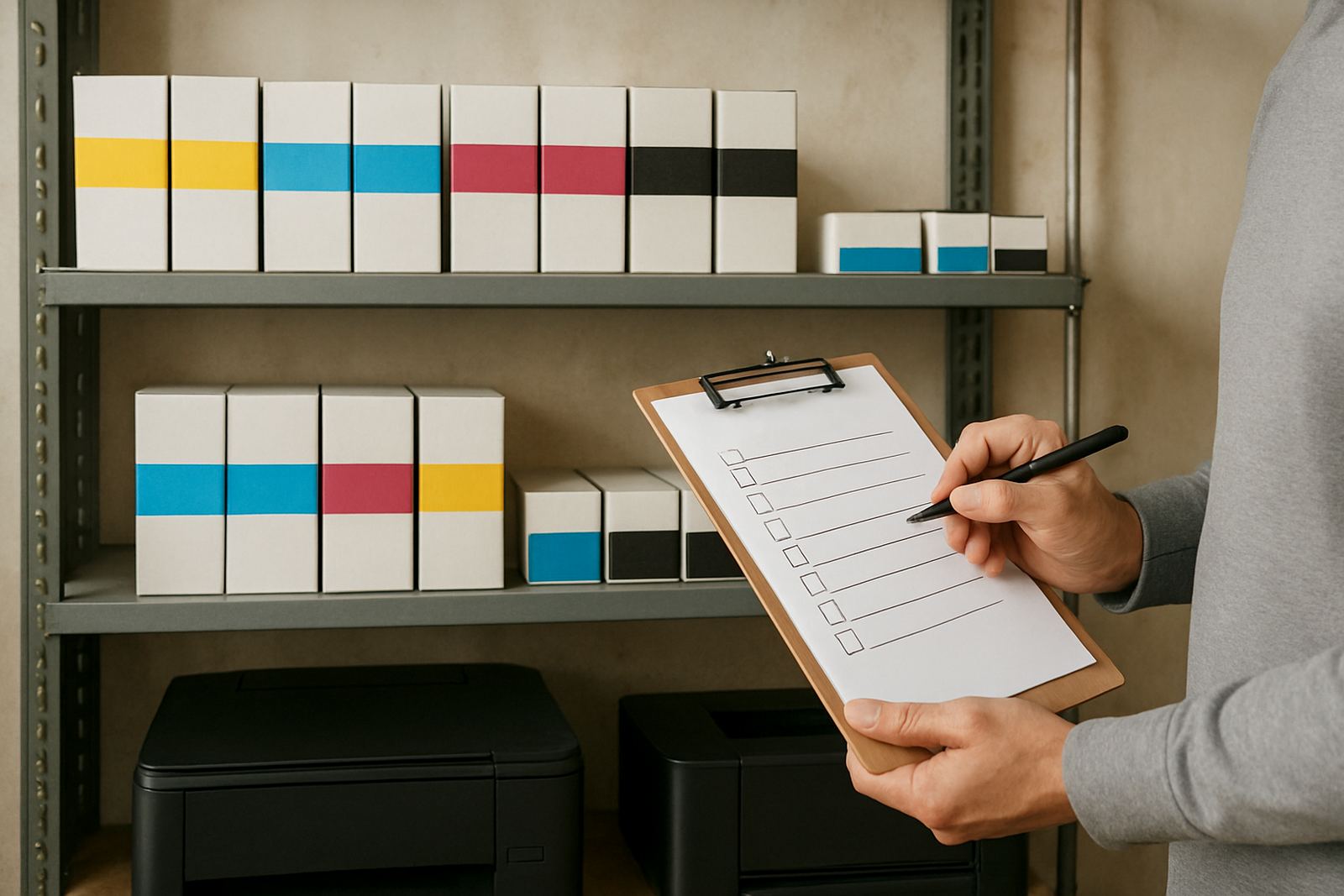
- Keep spare ink on hand for repeat jobs and urgent reprints
Colour consistency is the real upgrade
The jump from office colour to studio proofing is really a jump in control. You are no longer printing for convenience alone. You need repeatable output that your team can trust. That means checking how the machine handles colour settings, profiles, calibration and daily maintenance. It also means making sure more than one person can run the machine without changing the result every time they touch it.
In practical terms, colour consistency saves money. It cuts down on wasted sheets, avoids client disputes and reduces those late afternoon rushes where someone prints the same file three times trying to get it right. A proper check should cover how the machine behaves after idle time, whether blacks hold detail, and how close the proof stays when you print the same file on different days. If you are comparing an old office printer with a studio unit, print the same file on both and look at skin tones, shadow detail and solid fills.
This is also where user handover matters. A good install should leave your team with simple steps for loading media, replacing consumables and checking print quality before a job goes out the door. Without that, the machine becomes harder to trust, even if it has the right specification on paper.
Local operating conditions can change the decision
Cape Town businesses deal with a few conditions that matter to print equipment. Coastal humidity can affect paper storage, especially in areas closer to the water or in buildings with open loading bays. Power interruptions also interrupt print runs and can leave machines sitting idle between jobs. If you are in Ndabeni, Woodstock or Montague Gardens, your setup needs to suit the pace of your dispatch and the space you have for stock and maintenance.
For teams in Bellville, Claremont, Somerset West and surrounding areas, courier support can make it practical to keep consumables on schedule without over-ordering. The point is to plan for real operating conditions, not just brochure features. Think about where paper will be stored, who will monitor ink levels, and how quickly the team can restart after a power cut or a failed feed.
A studio proofing move should also fit your building. A busy office may have limited floor space, shared power points or restricted access for deliveries. If the printer is too large for the room, or if the media rack sits too close to a damp wall, your print results will show it.
A simple step-up plan for teams that are ready
The safest upgrade path is usually gradual. Start by matching the machine to current demand, then add better media and ink planning, then tighten maintenance and reordering. That avoids a big spend on equipment that is larger than your actual workload. It also helps your team settle into the new process without slowing down day-to-day work.
- Review your current jobs over a full month
- Check which files need proof quality and which are just office output
- Choose the media you will use most often
- Set ink reorder points before levels run too low
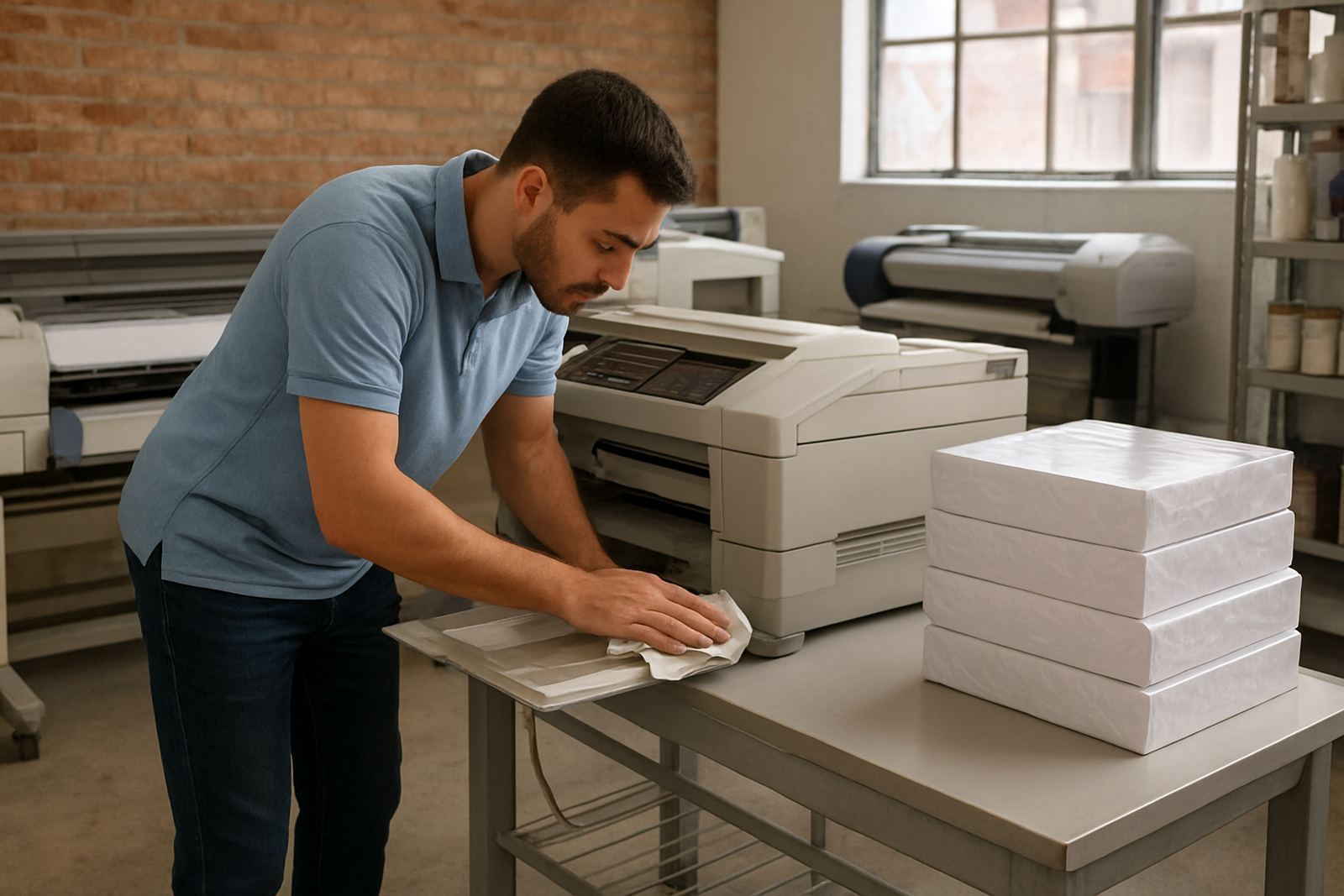
- Plan a short service routine for nozzles, feeds and cleaning
- Make one person responsible for sign-off and one for stock control
At MyColour, the practical side matters just as much as the machine choice. Our Cape Town team in Ndabeni works with design studios, sign shops and office teams across the city and nationwide, helping them judge when to move from general colour printing to wider-format proofing. That includes printer installation, media matching, preventive maintenance, print quality checks, collection coordination and consumable reordering, all handled with steady support rather than guesswork. Danie Vosloo and the team know that the best setup is the one that keeps printing on a normal Tuesday morning, not just on demo day.