Start each morning with a 2 minute visual check
Before the first job goes in, take a slow look at the printer area. Check that the machine is on a steady surface, the paper tray is loaded correctly and the surrounding table is clear of offcuts, clips and packing tape. In many offices the first faults of the day come from something simple like a curled sheet or a loose lid that was not closed properly after the last print run.
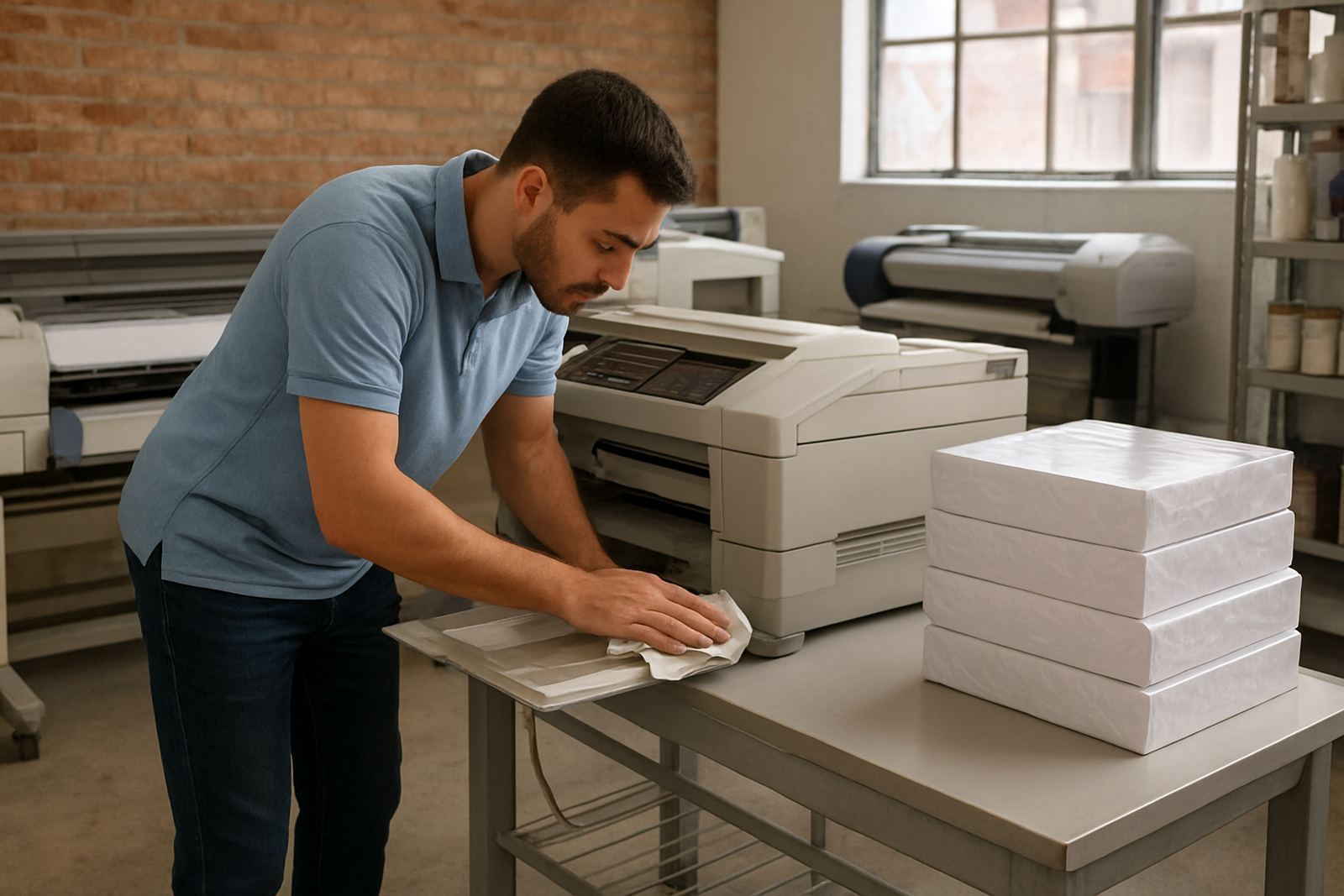
In Cape Town, especially in areas such as Ndabeni and Montague Gardens, dust can build up faster than people expect. If a printer sits near an open shutter door or a cutting table, wipe the outer covers with a dry microfibre cloth. Do not use household spray directly on the machine. A light clean at the start of the day keeps paper path issues down and makes it easier to spot an ink leak or a jam before the queue starts.
For teams that print proofs for clients, it helps to do one quick test page each morning. It shows if any colour has shifted overnight and gives you a chance to catch a weak nozzle before a full run is started.
Handle paper and media the same way every time
Paper is often the first thing people blame, but most feed problems come from poor storage or inconsistent loading. Keep paper flat in its wrapper until needed, and if you use coated media or presentation stock, store it away from windows and damp areas. Coastal humidity in places like Somerset West can affect sheet shape, while dry air from aircon can make lighter paper curl at the edges.
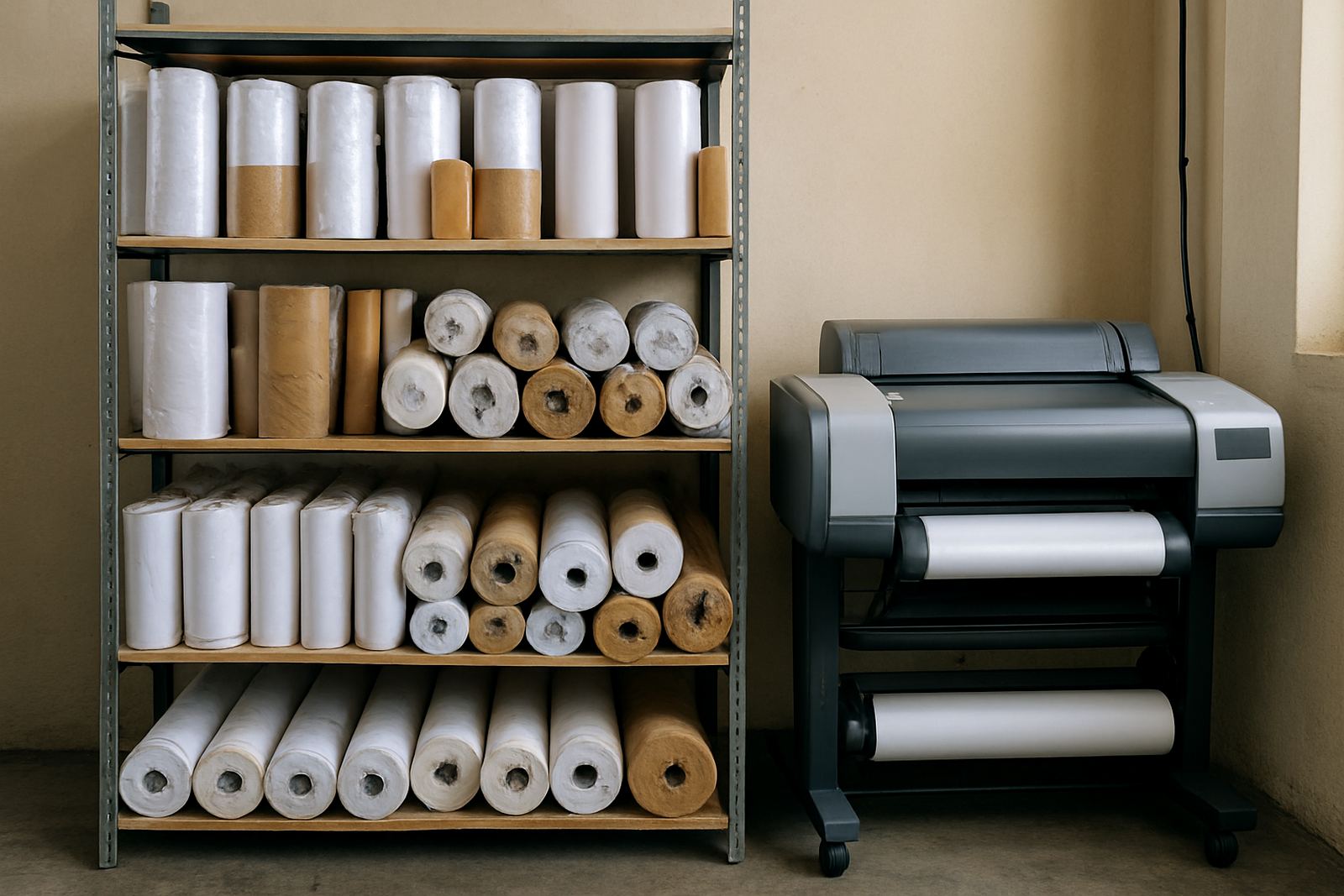
Match the media to the job, then keep that choice consistent across the team. A poster on matte stock needs different settings from a proof on photo paper, and a sign shop using large format media should separate roll stock by width and finish. If everyone loads paper their own way, you get different results from the same machine, which wastes ink and time.
- Keep the open ream inside a cupboard or sealed box when not in use.
- Fan the sheets lightly before loading them into the tray.
- Do not mix old paper with new paper in the same stack.
- Label roll media by size, finish and job type.
One small habit saves a lot of trouble: load the paper square and check the guides once more before sending the first print.
Protect the ink system from avoidable downtime
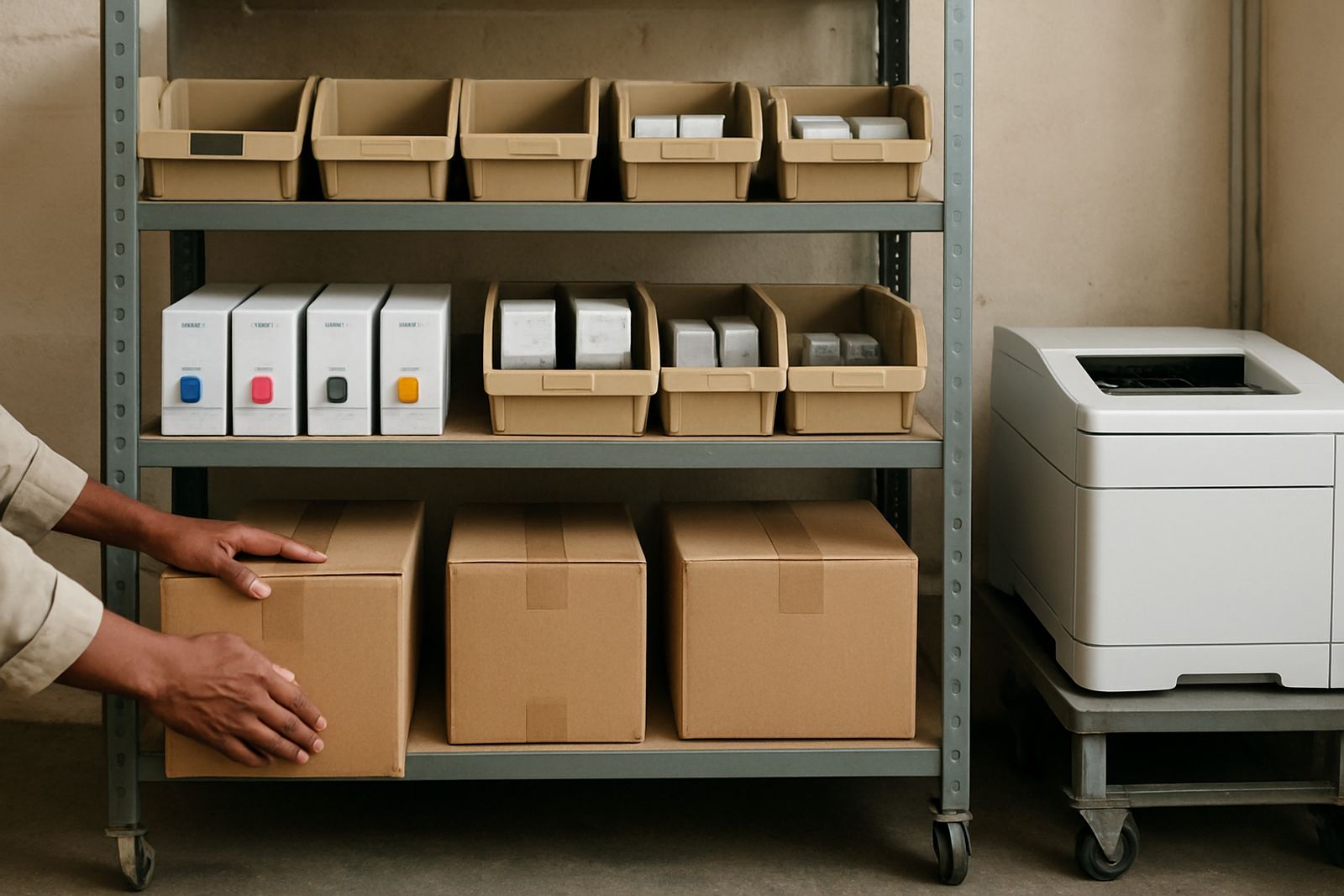
Ink is not something to manage only when a cartridge runs low. A reliable print room needs a simple reorder point so teams know when to restock, especially if couriers are bringing supplies across the country. When ink runs too close to empty, some printers stop and others begin pulling air into the system, which can lead to cleaning cycles and wasted consumables.
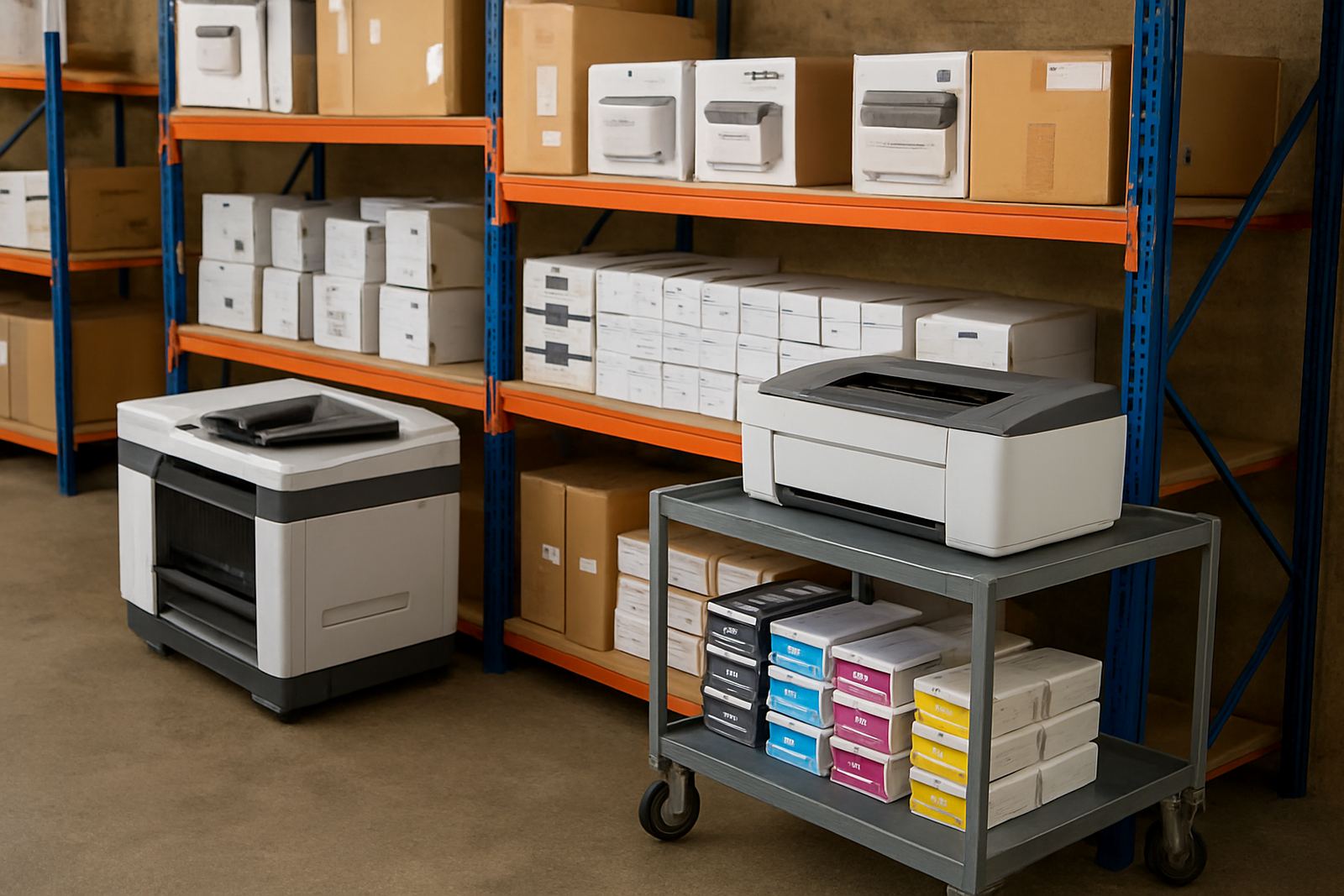
Use the right ink for the right machine and keep spare sets in a cool indoor space. Avoid leaving consumables in a hot car or on a windowsill. In summer, heat can shorten shelf life and in winter, cold deliveries may need time to settle before use. If your office prints only a few colour pages a day, do not let the machine sit idle for long stretches. A short test print every few days helps keep nozzles open and colour ready.
- Check ink levels before the last half of the week, not after the warning light appears.
- Keep one spare set on hand for busy months or tender deadlines.
- Note the install date on each cartridge or bottle.
- Keep cleaning cloths nearby for any accidental spills.
Run a short quality check before jobs leave the room
Print quality issues are easier to fix at the machine than after the courier has left or the client has arrived. A simple daily check should include line sharpness, colour balance and whether any banding shows on solid areas. This does not need a full technical test every time. It just needs a steady eye and a repeatable routine.
For design studios, proof work can change from one client to the next, so it helps to keep a standard sample file ready. For offices, a common logo page or branded letterhead can show if the colour has drifted. If the print looks dull, streaky or shifted, note which tray, media type and setting were used. That record makes it easier for a technician to identify whether the issue is with the printer, the media or the file itself.
In busy areas such as Woodstock and Bellville, many teams print under time pressure and then package the work quickly. A 30 second check before stapling, trimming or rolling the job can save an hour of reprints later.
Keep the print area clean enough for real work
A colour printer does not need a spotless lab, but it does need a tidy working area. Dust, loose fibres and trimmed vinyl bits can all move into the paper path or sit on sensors. That causes the sort of fault that interrupts a run just when a deadline is close. Keep a small cleaning routine in place at the end of each day so the morning starts clean.
Wipe the outside surfaces, clear the tray area and empty the waste bin if your setup uses one. Make sure drink cups stay away from the printer because one spill can be more expensive than a service call. If a machine is in a shared office, appoint one person to check it at close of business, otherwise everyone assumes someone else did it.
For larger colour machines, allow enough space around the unit for the service door, the paper path and the operator. A cramped corner makes daily care difficult and often leads to missed maintenance steps. If a machine is in a room with load shedding backups or battery units, keep cables neat and off the floor so nobody tugs the printer out of position.
Make maintenance part of the weekly rhythm
Daily care keeps a printer stable, but weekly attention stops small problems from becoming costly repairs. Use one fixed day to review print history, check for warning messages and inspect rollers, trays and covers. If the machine is used heavily, clean more often. If it is a wide-format unit, look at the media path and take note of any marks or slippage on the roll.
Teams in Claremont or Somerset West that share one printer between several users should keep a simple logbook. Note paper jams, low ink alerts and any changes in output quality. Over time, that log shows patterns. Maybe the machine struggles after long idle periods, or a specific media stock feeds poorly. Once you know the pattern, you can plan service before a deadline is affected.
Simple rules keep the week under control:
- Set one person to check the printer each morning.
- Review consumables once a week.
- Record faults as soon as they happen.
- Keep a backup plan for urgent print jobs.
If a team stays consistent, the printer becomes part of the workflow instead of a constant interruption.
When to call for support before the job slips
Some problems can wait until the next maintenance slot, but repeated jams, colour drift, unusual noise or frequent cleaning cycles should be looked at sooner. The same applies if a printer is being moved between rooms or if a new media type is causing trouble. A quick setup review can prevent long downtime, especially when a studio depends on same day proofs or a sign shop has collection times to meet.
For offices and print rooms in Ndabeni, Montague Gardens and across Cape Town, it helps to get advice before a machine is pushed beyond what it was intended to do. A desktop colour printer may handle internal use very well, while a wide-format machine is better for larger sheets, posters and presentation work. Knowing that line helps teams avoid overworking smaller units and keeps colour output more predictable.
Daily printer care is really about reducing surprises. When the paper is stored properly, the ink is kept in good condition and the print area stays clean, the machine can keep up with the pace of a normal South African work week without constant fuss.