Start with what the team prints every week
Before comparing machines, count the jobs that actually happen in the office. A small accounting team in Bellville may only need a few hundred colour pages a month for charts, invoices and presentations. A design studio in Woodstock could print proof sheets daily, with colour accuracy mattering more than raw speed. The wrong choice is usually a printer that is too small for the workload, or too large for a team that only uses colour now and again.
Think in simple groups: low volume office colour, steady daily colour, and heavier proofing or poster work. Once you know where you sit, the rest gets easier. You can match paper sizes, ink type and tray capacity to the real output instead of guessing. That saves money from day one, especially when load-shedding already eats into working hours.
Inkjet colour and office work: where each fits
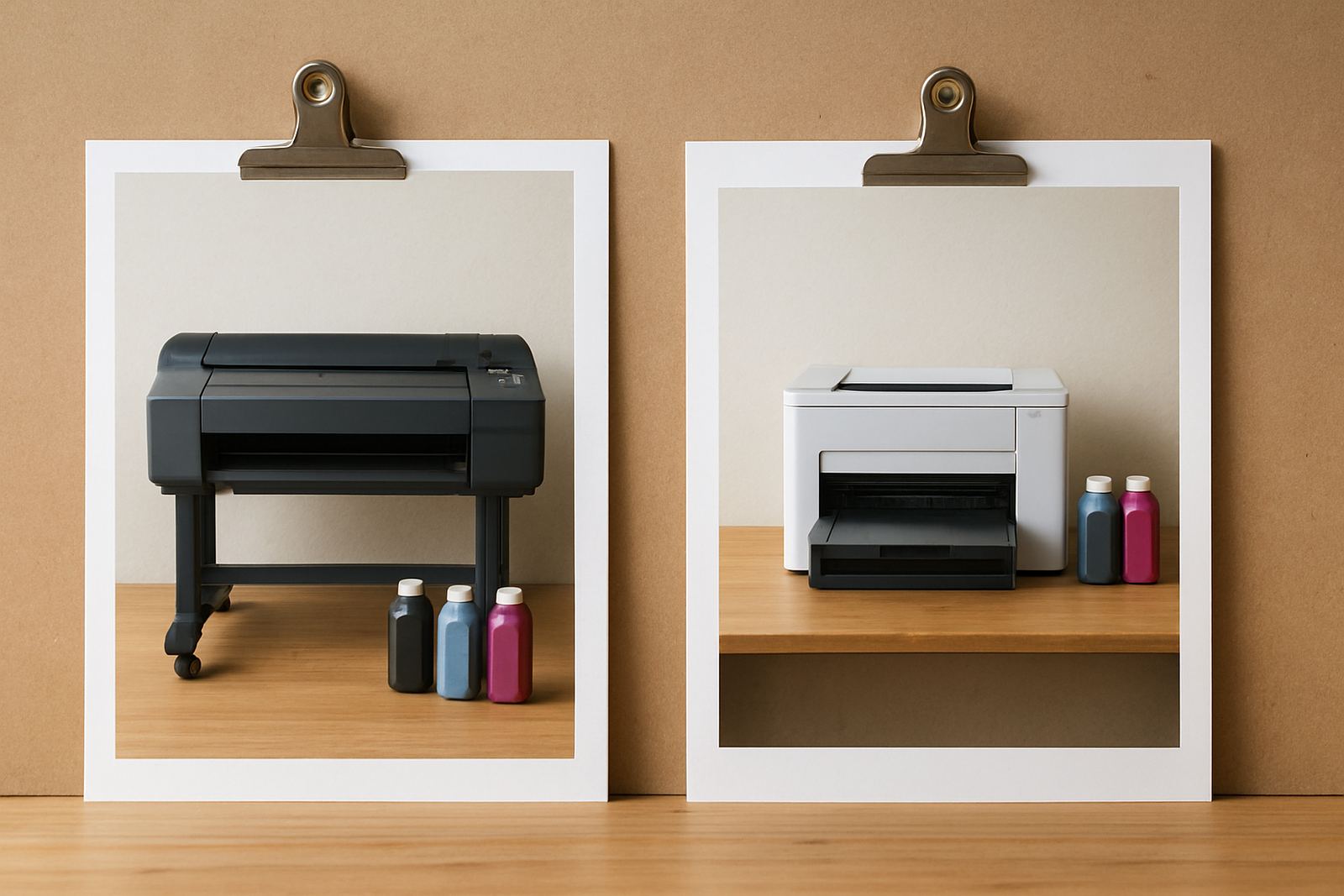
Most everyday office colour printing comes down to desktop inkjet printers and larger colour machines. Desktop units suit smaller teams, home offices and satellite branches in places like Claremont or Somerset West where the print load stays modest. They are compact, simpler to place, and usually fine for letters, reports and some colour graphics.
Large-format colour machines come in when the work moves into posters, drawings, signage proofs or wide presentation layouts. These units handle bigger media widths and can keep a sign shop or marketing team moving without splitting jobs across different suppliers. If your team often asks for A2, banners or long proof runs, that is usually the point where a wide-format step makes sense.
Here is the practical split:
- Desktop inkjet for letters, reports, small marketing packs and occasional colour use
- Large-format colour for posters, drawings, proofing and wide layout work
- Shared office printer with good tray capacity for teams that print daily from several workstations
Match the machine to South African working conditions
Cape Town conditions affect print rooms more than many teams realise. Cape Town offices deal with dry indoor air in winter, coastal humidity in some areas, and power interruptions that can upset print queues and shut machines down at the wrong moment. A printer that works well in a cool office can still struggle if it sits near a sunny window or in a cramped store room with poor airflow.
Ask where the printer will stand, who will use it and how often it must be ready after an outage. If you are in Ndabeni or Montague Gardens, there may be more than one team sharing the same device, so tray size and network setup become important. For offices with frequent rush work, a machine with easy access to consumables and simple maintenance is worth more than a flashy spec sheet.
Dust, paper storage and humidity also affect colour output. Keep paper sealed, avoid damp corners and plan for regular cleaning. That small bit of care can prevent streaks, clogged nozzles and the kind of wasted reprints that push costs up fast.
Inks, coverage and the real cost per page
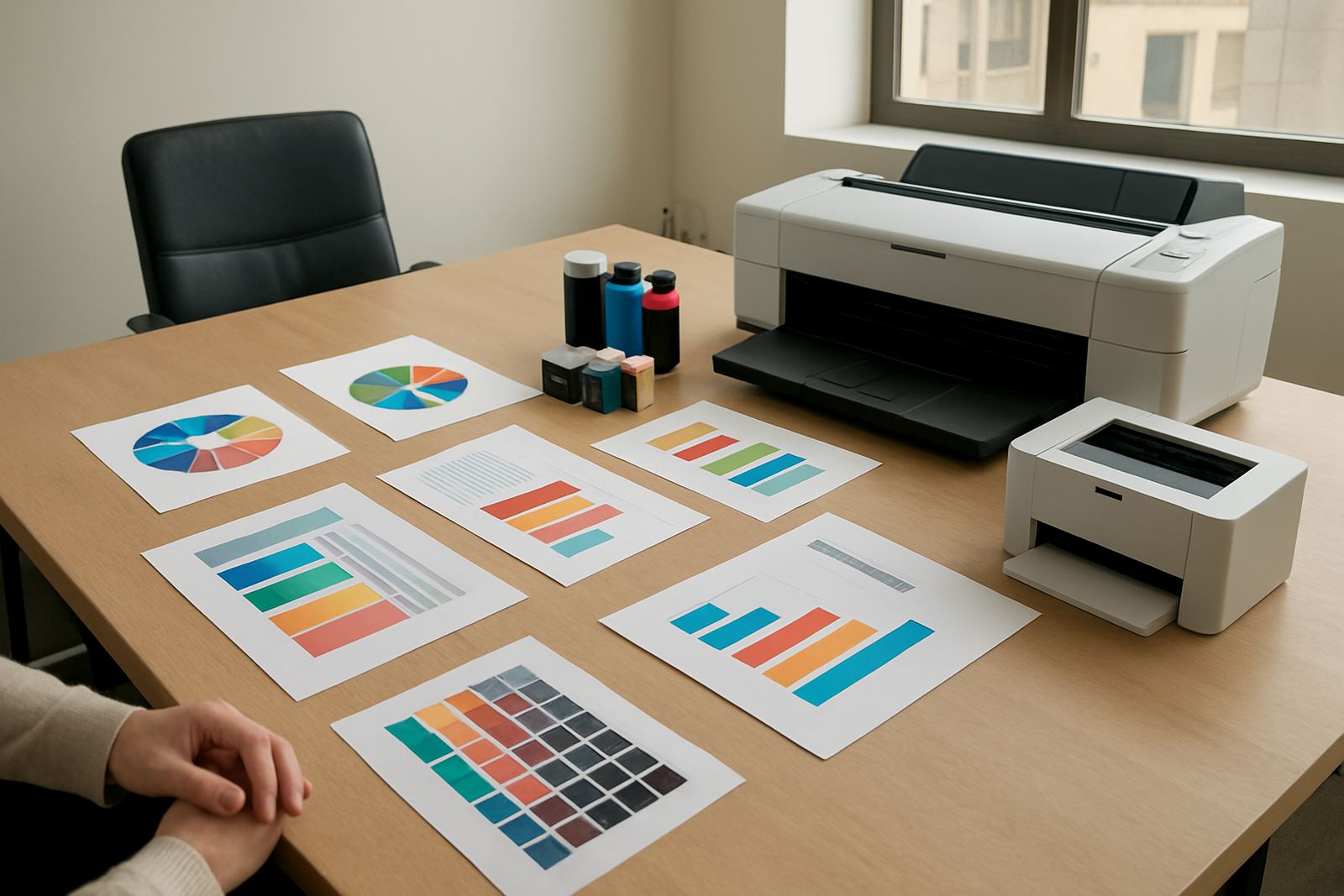
Colour printing looks cheap until the first ink bill arrives. The trick is not just the printer price, but how much each page really costs once you factor in coverage, media and maintenance. A page with a logo in the corner uses far less ink than a full-bleed flyer or rich photo proof. So a printer that seems affordable can become expensive if your team uses it for heavy colour work.
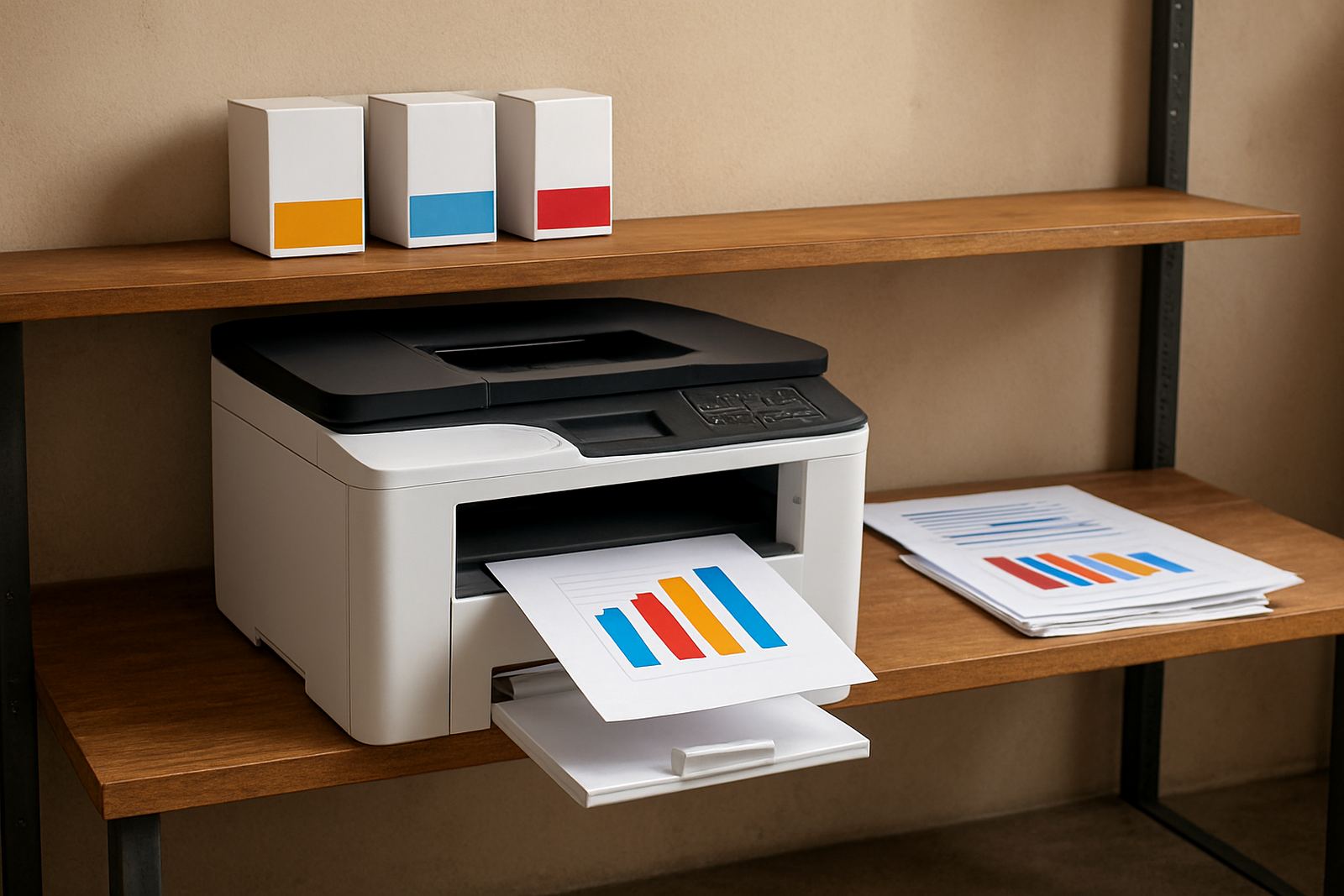
When planning ink supply, ask what the monthly output looks like in pages and in colour coverage. A calm print-supply bench should be able to suggest ink choices that suit your volumes and your paper types. For a busy office, it often pays to keep spare inks on hand rather than waiting until a cartridge is empty on a Monday morning. That avoids downtime and keeps the handover between staff simple.
- Estimate monthly pages, then add a buffer for busy weeks
- Check whether the work is light colour or heavy coverage
- Keep a spare set of inks for critical offices and deadline periods
- Match paper type to the job, not just the cheapest ream on the shelf
Media choice affects colour more than people think
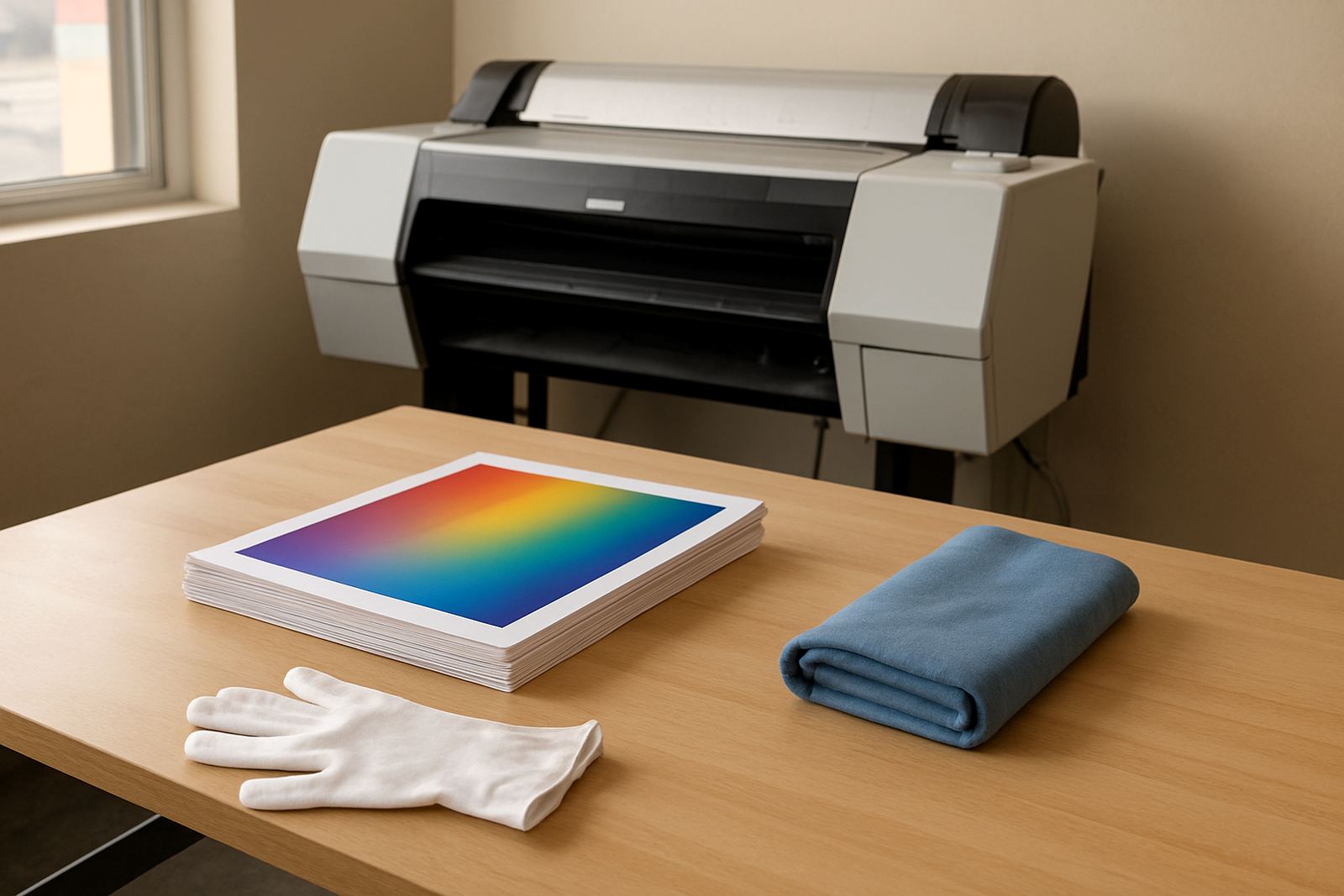
Paper changes the result almost as much as the printer does. A smooth coated sheet gives cleaner colour for proofs and marketing pages, while standard office paper works well for internal reports and everyday admin. If you print on the wrong stock, even a good machine can look dull or muddy. That is why media matching matters before you blame the printer.
For local businesses, it helps to keep a short media list by job type: plain paper for general office use, heavier matt stock for proposals, and suitable media for proofing or signage tests. If your team in Claremont is printing client presentations, the finish needs to look neat and consistent. For a sign shop near the industrial areas, the choice may be about how the sheet feeds and whether the ink dries cleanly before the next step.
Once the paper and printer work together, colour becomes more predictable and less of a guessing game.
Installation, handover and keeping colour steady
Even a good printer can disappoint if it is set up badly. Installation should include the basics: placement, network connection, driver setup, ink priming, print quality checks and a proper user handover. If several people will use the machine, they should know how to load media, replace inks and clear simple paper issues without calling for help every time.
For offices with more than one site, remote help and collection coordination can keep the supply chain moving. If a machine needs attention, the technician should know whether the issue is an ink line, a feed problem or a quality fault. Preventive maintenance is often the difference between a printer that lasts and one that becomes a monthly headache.
- Do a print quality check after setup and after any service work
- Keep a short user guide near the machine for quick reference
- Schedule maintenance before the printer starts dropping quality
- Use one person to track consumables and reorder before stock runs low
A local example from Ndabeni to Somerset West
Picture a small creative office in Ndabeni serving clients across Cape Town. The team prints concepts, costings and the occasional poster mock-up. They do not need a giant machine, but they do need colour that stays consistent from Monday to Friday, even when staff rotate and deadlines shift. A sensible setup might be a compact colour printer for everyday pages, plus a larger unit only if wide-format work becomes regular.
That is the point of practical advice: buy for the work you have, with some room for growth. Not every business needs wide-format on day one, but many offices need better planning around ink, paper and uptime. MyColour keeps that part straightforward with printer installation, wide-format setup, ink supply planning, media matching and consumable reordering across Cape Town and nationwide. If the right printer is matched to the right job, the office spends less time fixing problems and more time getting colour work out on time.