Start With The Job, Not The Printer
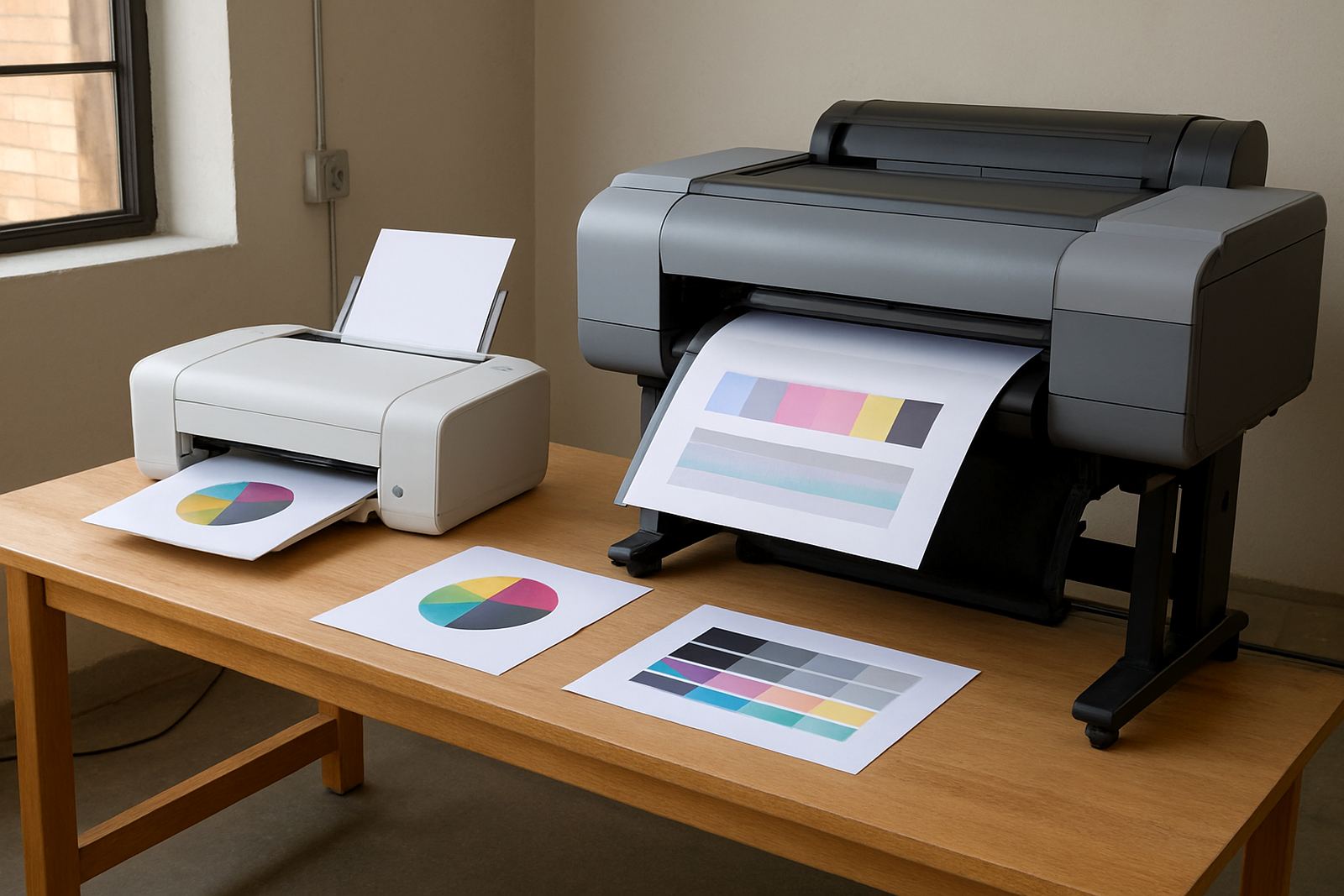
Not every presentation needs the same print setup. A 12-page board pack for a finance meeting, a sales proposal with charts, and a large poster for a client pitch all ask for different paper, colour handling and output size. If the pages will be passed around a room, printed notes should favour crisp text and low glare paper. If the sheets go into a binder or a presentation folder, consistency matters more than speed alone.
In practice, the right choice often comes down to volume and format. A small office in Claremont may get by with a compact colour inkjet printer for weekly handouts, while a sign studio in Ndabeni handling mock-ups and point-of-sale sheets will need a larger format machine that can take wider media. Get this wrong and the result is wasted ink, curled sheets and a lot of reprints.
- Use desktop colour printing for short runs and small A4 packs.
- Step up to wide-format when you need posters, display sheets or oversize charts.
- Match the machine to the monthly volume, not only the one busy week before a pitch.
Choose Paper That Reads Cleanly Under Boardroom Lights
Paper finish makes a bigger difference than many teams expect. Glossy stock can look sharp on a screen proof, but under fluorescent boardroom lights it may reflect too much. A smooth matte or satin sheet usually gives better legibility for bullet points, graphs and mixed text blocks. For handouts that must be scribbled on during the meeting, a slightly heavier matte stock is often the better pick.
South African offices also deal with practical issues like humidity near the coast and temperature changes from air-conditioned rooms to hot loading areas. In Cape Town, paper stored too close to a window or left open in a storeroom can curl before it even reaches the tray. Keep reams sealed until use, and let paper settle in the room for a short while before printing. That small step helps prevent feeding issues and gives more even results.
- For text-heavy handouts, use a matte finish around 100 to 120 gsm.
- For covers or client packs, move up to a heavier sheet for better feel and less show-through.
- Keep paper dry and flat, especially in coastal areas.
Set Colour So Charts Stay Honest
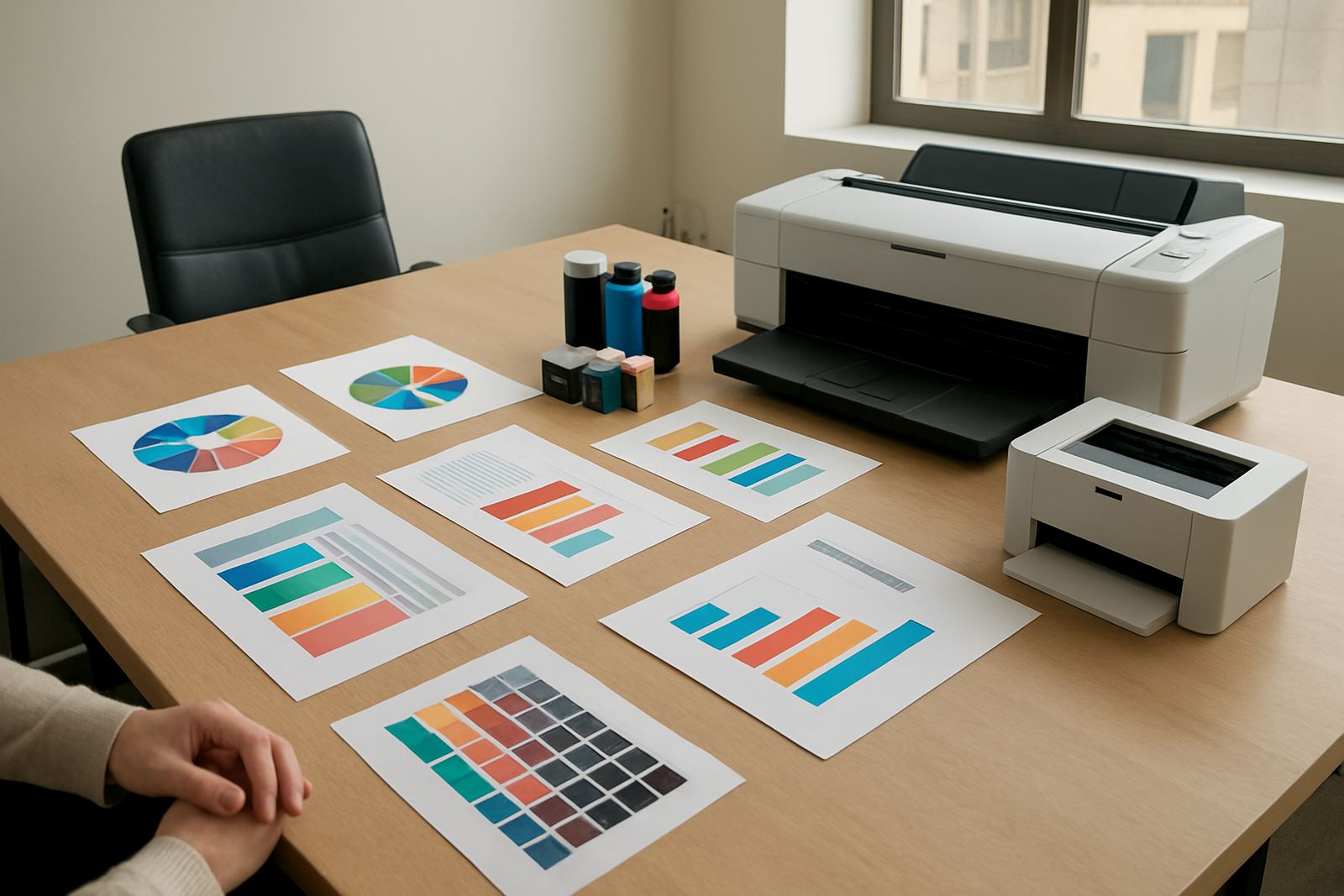
Presentation printing is not only about making pages look bright. It is about making the colour on the page match the meaning of the data. A red bar that turns orange, or a blue chart that prints too dark, can change how a room reads a slide before anyone has even spoken. For boardroom handouts, colour needs to support the message not fight it.
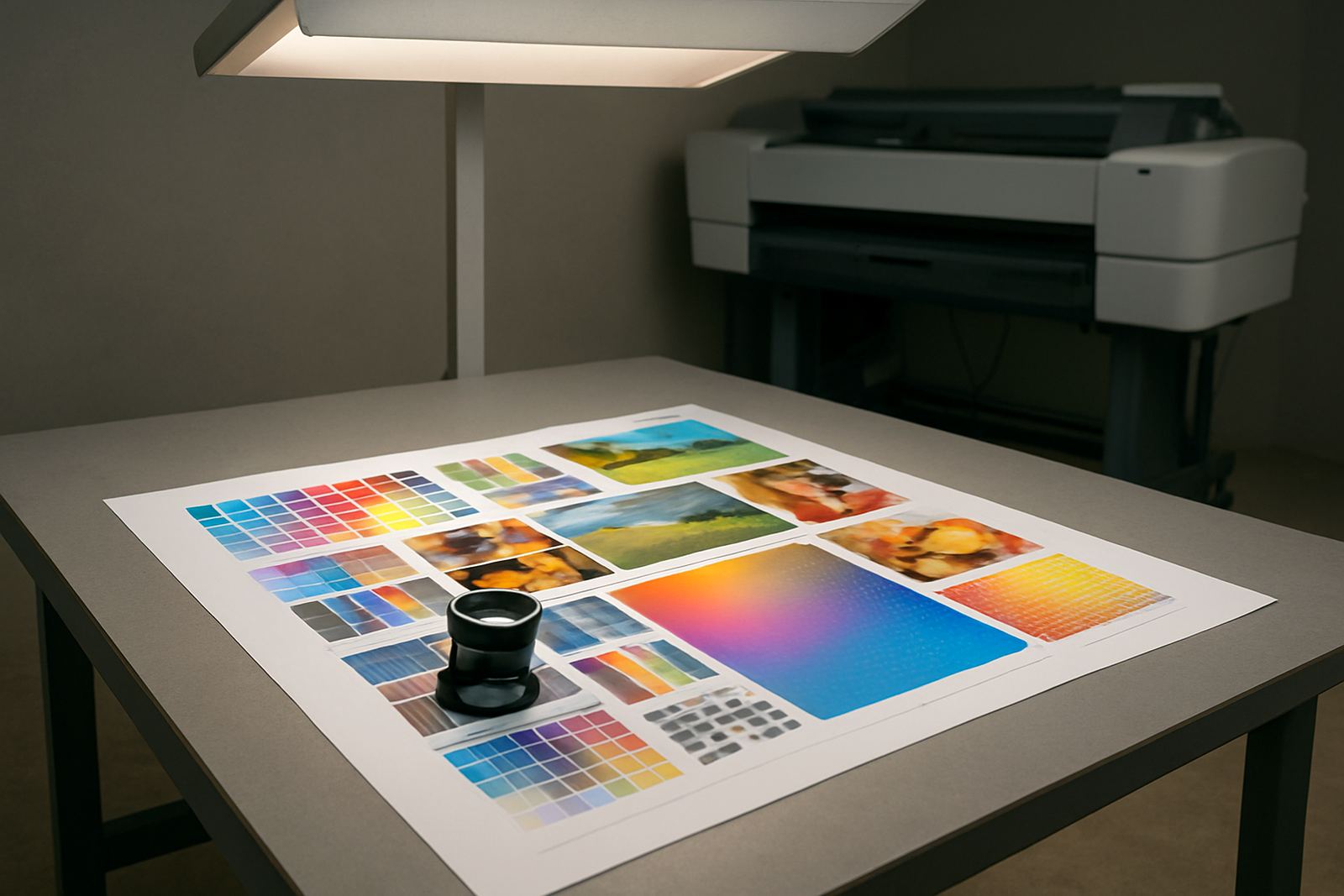
That is why print settings should be checked before the main run. Proof one or two pages first, then compare the print with the screen under the same light that will be used in the meeting room. If your charts use multiple shades of the same colour, ask whether the printer can separate them cleanly on your chosen paper. When teams in Montague Gardens or Bellville print client packs regularly, they usually save time by standardising one setup for headings, another for graphs and a third for full-colour images. It keeps things predictable, and less faffing around too.
- Use a proof sheet for graphs, logos and skin tones before the full batch.
- Turn down overly saturated settings if fine detail is disappearing.
- Keep one named colour profile or print preset for repeat jobs.
Know When A Desktop Printer Is No Longer Enough
A desktop colour printer is often ideal for everyday office sheets, training notes and short proposal packs. But once the work includes A3 spreads, client posters, mounted presentation boards or multiple sets for a roadshow, the limits start to show. Slow output, frequent cartridge changes and paper size restrictions can hold a team back at exactly the wrong time.
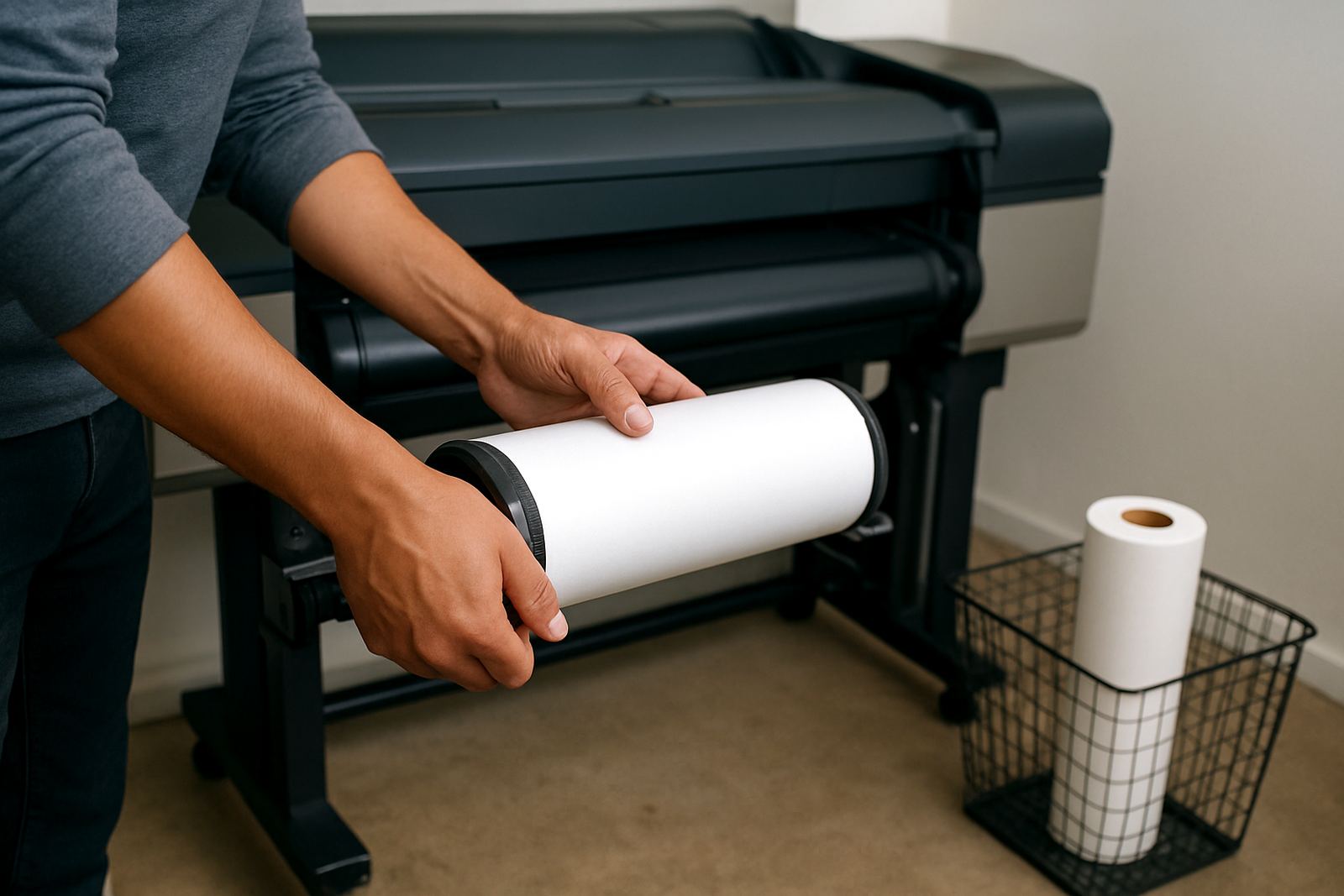
That is when wide-format printing becomes practical. A marketing team in Somerset West preparing a launch board may need larger sheets for visual impact, while a sign shop in Woodstock may want proofs that show layout and colour before final production. Wide-format setup is not only about size. It is about getting the correct feed, media handling and ink choice in place so the print comes out the way it was planned. For larger runs, a machine that is properly installed and maintained will save more money than a cheaper one that keeps stopping.
- Use desktop inkjet for A4 and occasional A3 handouts.
- Choose wide-format when presentation sheets must go beyond office size.
- Plan for ink use, paper cost and turnaround time before the deadline arrives.
Keep Inks, Media And Maintenance In Step
Clear presentation printing depends on the whole system, not only the machine. The paper must suit the ink, the ink must suit the job and the printer must be kept in good order. If one piece slips, the result is banding, poor colour balance or blocked nozzles. In busy offices, this usually shows up after a printer sits idle for a week, or after someone loads the wrong paper type and expects the same result.
Regular checks prevent a lot of avoidable stress. Clean heads, check alignment and confirm that the feed path is free of dust. In Cape Town's drier office spaces and coastal humidity, a printer can behave well one month and then start missing detail the next if it has not been used properly. A simple print-quality check before a large board pack can catch the issue early. That is the kind of quiet routine that keeps meetings on time.
- Keep a small stock of the inks and paper sizes you use most often.
- Run a print-quality check before important presentations.
- Schedule preventive maintenance before year-end or launch season, not after a fault.
Make The Handout Easy To Use In The Room
Good presentation pages should work in the room, not only on the printer tray. Leave enough white space so notes can be added by hand. Keep headings large enough to scan in a quick glance. If the pack is for a meeting where people will swap pages, page numbers and simple section markers make it much easier to follow. Small details like these save time when the chair is moving through the agenda quickly.
A local example: a design studio in Ndabeni preparing a client review pack for a Monday morning meeting may print one set for the boardroom table and another for the client to take away. The table set can use a lighter stock for fast flipping, while the takeaway set uses a slightly heavier sheet with cleaner colour. That kind of split keeps the working copy practical and the client copy neat. That split keeps the pack useful in the room and presentable in the client's hands.
- Use clear page numbers and section tabs for longer packs.
- Leave room for notes, signatures or comments if the sheet will be discussed live.
- Print an extra set for the room, since someone always needs another copy.
Get Local Support For Setups, Checks And Reordering
For teams that print often, support should be close enough to be useful and practical enough to keep work moving. MyColour in Ndabeni supplies colour printers, inks and wide-format consumables nationwide, with support that includes printer installation, wide-format setup, ink supply planning, preventive maintenance and print quality checks. That makes it easier to keep one source for the machine, the media and the consumables that keep the work running.
Whether your office is in Claremont, Woodstock, Bellville, Somerset West or Montague Gardens, the same rules apply: keep the output clear, match the media to the job and plan ink before it runs short. For presentation printing, that planning avoids last-minute courier rushes and awkward reprints on the morning of the meeting. If you need help choosing between office colour and wide-format, it helps to speak to someone who deals with those jobs every day.