What changes when A3 is no longer enough
A3 printers suit day-to-day office colour, short reports, handouts and small proofs. Once a team starts printing posters, retail notices, site plans or presentation boards, the job shifts into a different class of production. You are no longer just asking for colour, you are asking for width, feed stability and repeatable output on heavier media.
In a Cape Town studio or sign shop, that change usually shows up first when the same job has to go out on Monday morning and again on Wednesday afternoon. The printer must hold alignment over longer runs, manage larger sheets without skew, and cope with inks and media that behave differently from plain office stock. At that point, the question is not only whether the image fits. It is whether the machine can print it cleanly, every time.
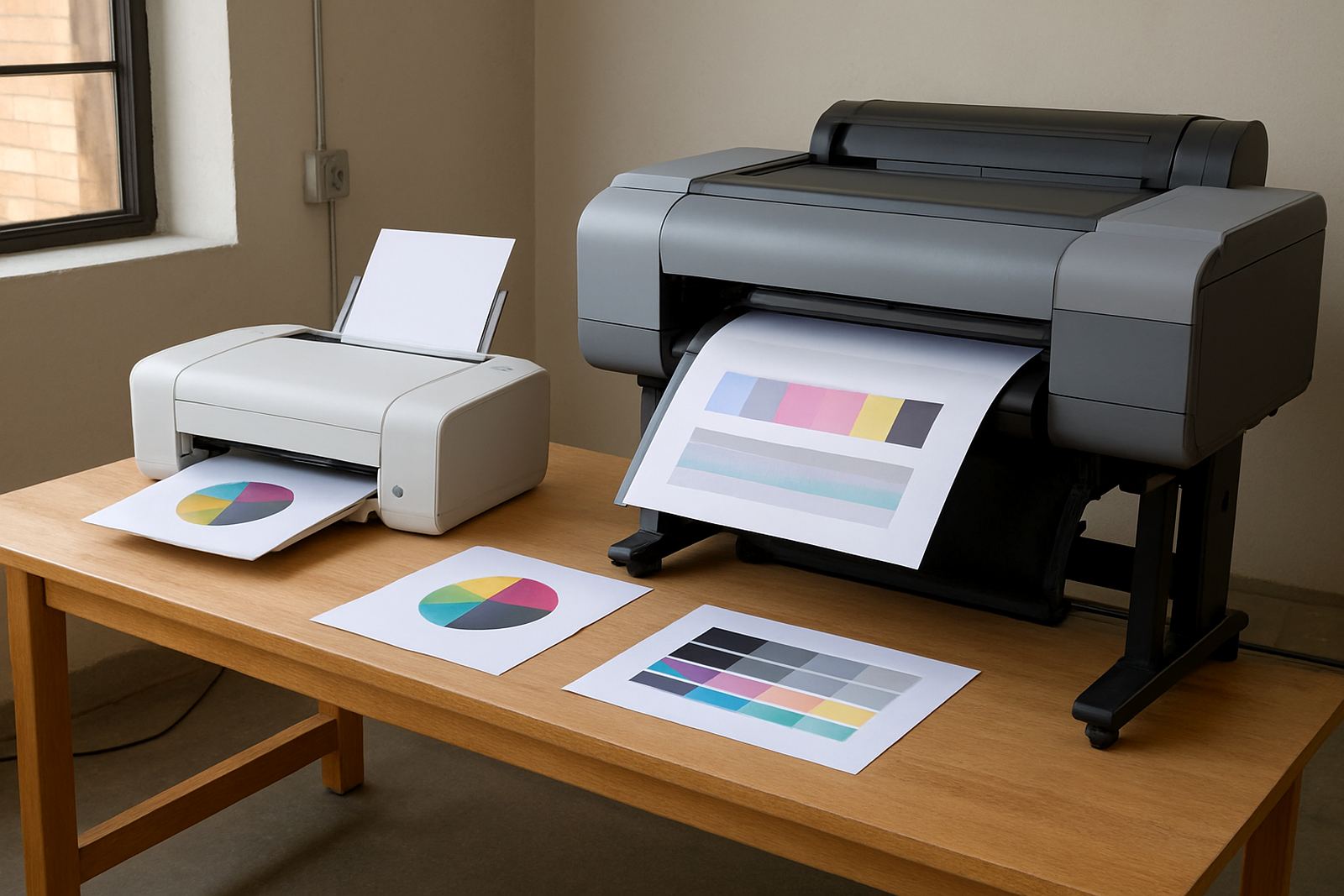
A practical way to read the difference is this: A3 is for pages, wide-format is for presentation surfaces. That difference affects how you quote work, how you store media, and how much downtime you can afford if a cartridge runs low or a head check fails before dispatch.
The first wide-format decision is the job size you print most
Teams often look at the biggest poster they might ever need, but the better starting point is the size you print week after week. For some businesses that is 594 mm roll media for posters and displays. For others it is 914 mm or 1 067 mm for sign work, technical drawings, pop-up graphics or retail artwork.
If your work is mostly proofs and short-run notices, a smaller wide-format machine can be enough. If you regularly print window graphics, event boards or multi-panel artwork, you need more width, better media handling and enough ink capacity to avoid constant refill interruptions.
- Measure your common finished sizes, not just your occasional emergency job.
- Check whether the machine handles roll media, cut sheets, or both.
- Ask how quickly it can dry on your preferred media before handling.
- Confirm whether your team needs borderless output or can trim after printing.
That is where practical advice matters. A machine that looks economical on paper can become expensive if it cannot match the way your studio or office really works.
Ink choices matter more at poster width
Once you move into wide-format, ink choice affects colour stability, running cost and how prints stand up to daily handling. Different ink sets behave differently on coated paper, matte poster stock and synthetic media. In a humid coastal office, that matters because paper can curl, slow drying or shift slightly before finishing.
For proofing and indoor posters, teams usually want crisp text and solid colour blocks with predictable drying. For longer display life, you may need stronger resistance to fading or moisture. The right answer depends on whether the job lives on a wall for a week or in a shop front for months.
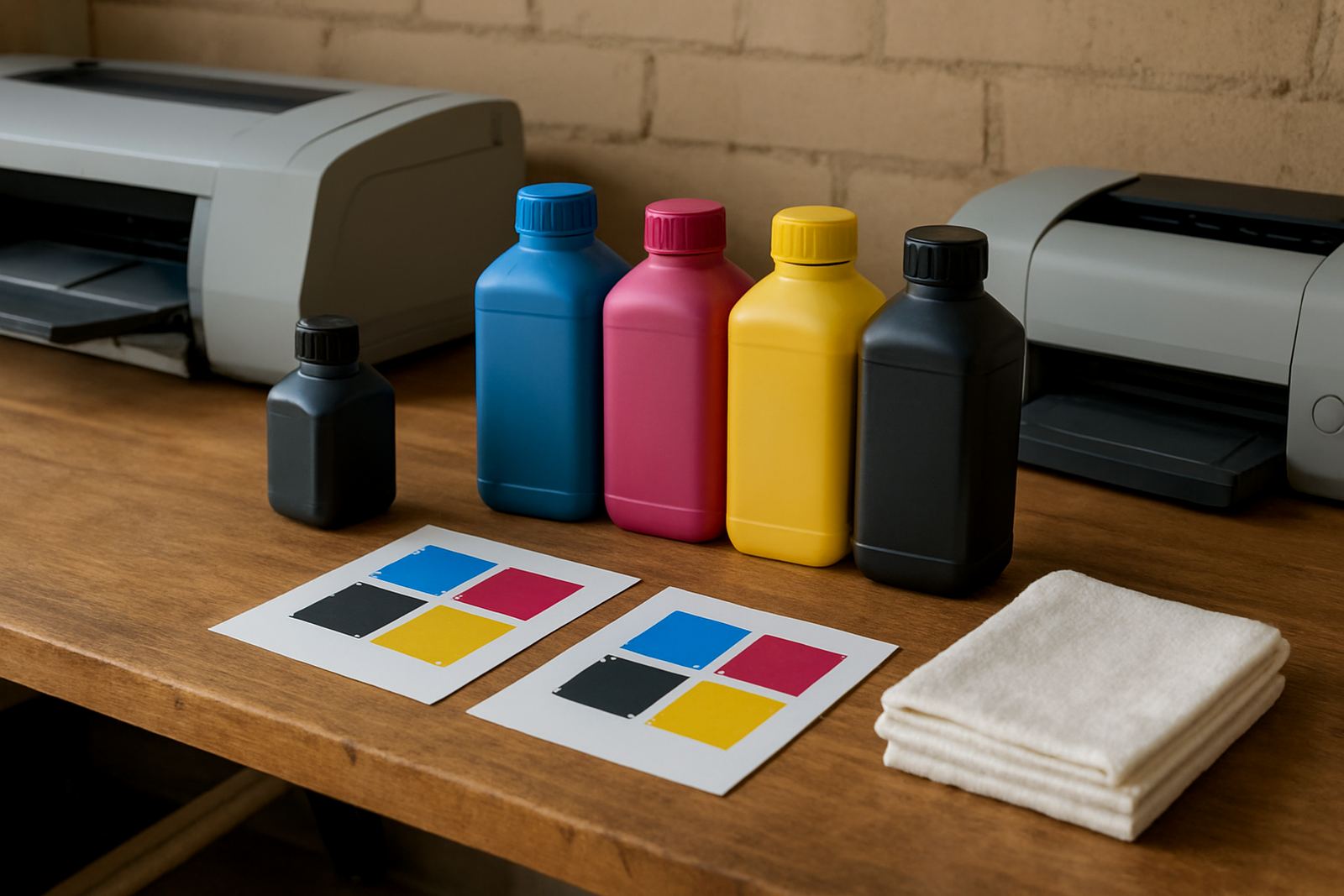
It also pays to plan consumables as a set, not as separate parts. Ink cartridges, maintenance items, waste handling and media rolls should all be checked together. If one item runs out mid-job, the whole print queue stops. That is frustrating when the client collection is booked and the van is already loaded.
Keep a record of which ink works best on which stock, because the same artwork can look different on two media types and the difference is often bigger than people expect.
Media matching is where good prints are won
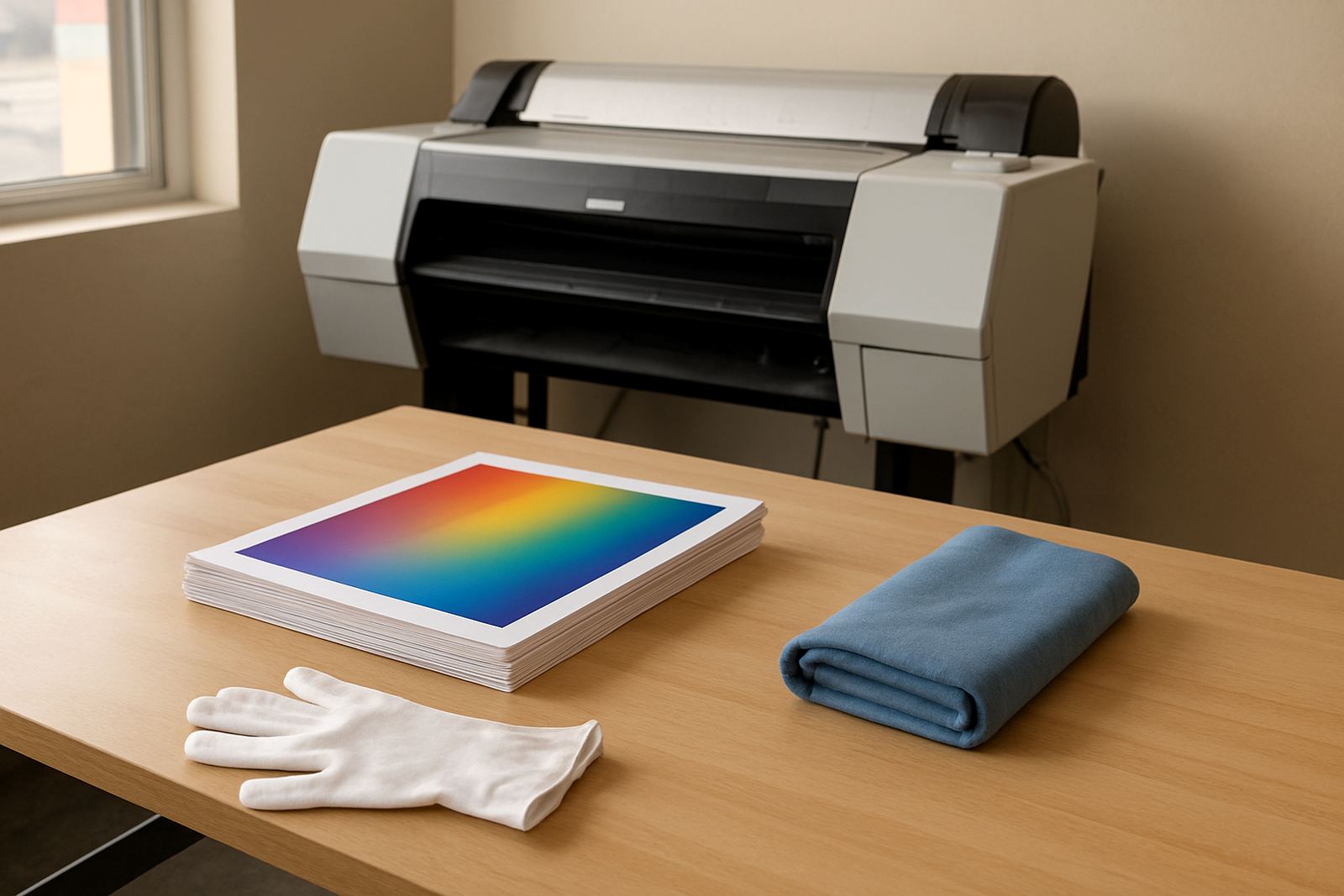
Wide-format output is only as good as the media under it. A clean file can still print badly if the paper coating, thickness or surface finish does not suit the machine and ink set. That is why media matching should be part of the buying decision, not an afterthought once the printer is already in place.
For indoor posters you may want a bright white coated sheet with fast drying. For exhibition boards you may need a heavier stock that lies flat after printing. For signage in mixed light, a different surface sheen can improve readability. The best match is the one that gives you consistent colour, clean edges and practical handling in your own space.
- Store rolls and sheets flat or upright as recommended, away from direct sun.
- Allow media to acclimatise in the room before loading it.
- Match the stock to the final use, not just the cheapest purchase price.
- Test a small run first if the job has strict colour or drying needs.
At the coast, even a short delay between printing and finishing can change how a job behaves. That is why a calm, repeatable media setup saves time later.
Service and maintenance become part of production
An A3 printer can often be kept going with basic care and the odd cartridge change. Wide-format machines ask for more discipline. Print heads, feed paths, rollers and cleaning cycles all matter, especially if the unit stands in a busy office where doors open all day and dust gets in. Load-shedding adds another layer because interrupted power can affect maintenance routines and queue memory.
Planned maintenance also protects colour consistency and day-to-day output. It keeps colour stable, reduces wasted ink and protects the machine during heavy production periods. A quick print quality check before a rush job can save hours later when a solid blue panel starts banding or a line drawing shifts off true.
Useful habits for any wide-format team include:
- Run nozzle and alignment checks on a set schedule.
- Keep the machine powered safely so sudden outages do not interrupt critical jobs.
- Clear dust, paper fibres and offcut waste from the work area.
- Train at least two people on loading, basic checks and safe shutdowns.
When the printer sits in Ndabeni, Montague Gardens or Bellville and the work has to move quickly, these small routines make the difference between a smooth run and an anxious afternoon.
A local example from poster work in Cape Town
Imagine a design studio in Woodstock that started with A3 colour proofs and office notices. As the client list grew, so did the requests for 600 mm event posters, retail artwork and short-run display boards. The team could still print most admin work on the office machine, but the bigger jobs were being outsourced and every extra handoff added time, transport and another point of failure.
By moving to a suitable wide-format setup, the studio could keep the proofing in-house and print the poster-width jobs when needed. The real gain was not only speed. It was control. Files could be checked, corrected and reprinted without waiting for a courier or a busy external queue. The print room also became easier to manage because stock levels, ink use and finishing steps were all under one roof.
For businesses in Claremont, Somerset West or the northern suburbs, the same logic applies. If you print enough large colour work to justify the machine, the savings often show up in fewer delays, better colour consistency and less scrambling when a client changes artwork at short notice.
What to ask before you step up to wide-format
The right machine is not only about width. It is about how your team works from first proof to final handover. Before you move up, ask practical questions about workflow, service and consumable supply so the printer fits the business rather than forcing the business to change around it.
Good questions to cover include:
- What media widths and stock types do we use most often?
- How much colour work must stay in-house each month?
- Who will load media, clear errors and handle basic maintenance?
- How quickly can we get inks and consumables when the stock runs low?
- Will remote help and collection coordination be available if the machine needs attention?
When those answers are clear, the move from A3 to poster-width printing becomes manageable. You get better control over proofs, posters and everyday colour work, and your team spends less time guessing. That is the point where wide-format stops being a leap and starts being a practical next step.