Ink choice starts with the job, not the machine
The first question is not whether the printer can put colour on paper. It is what you need that colour to do. A design studio sending proofs to clients, a sign shop printing short-run posters, and an office handling internal charts all need different things from their ink. One ink type may give a good image, but another may dry faster, hold better on coated stock, or cope more safely with humid coastal conditions.
In practical terms, ink selection should follow the way your team works. If you print every day in small volumes, you want stable colour and low waste. If you produce posters, labels or presentation boards, you need good coverage and media compatibility. If your office only prints colour occasionally, then running habits matter just as much as the ink itself, because idle nozzles and long gaps between jobs can affect output very quickly.
- Choose ink based on usage, not just printer size.
- Match the ink to the paper, board or film you use most often.
- Factor in cleaning cycles, warm-up time and storage conditions.
What colour consistency really depends on
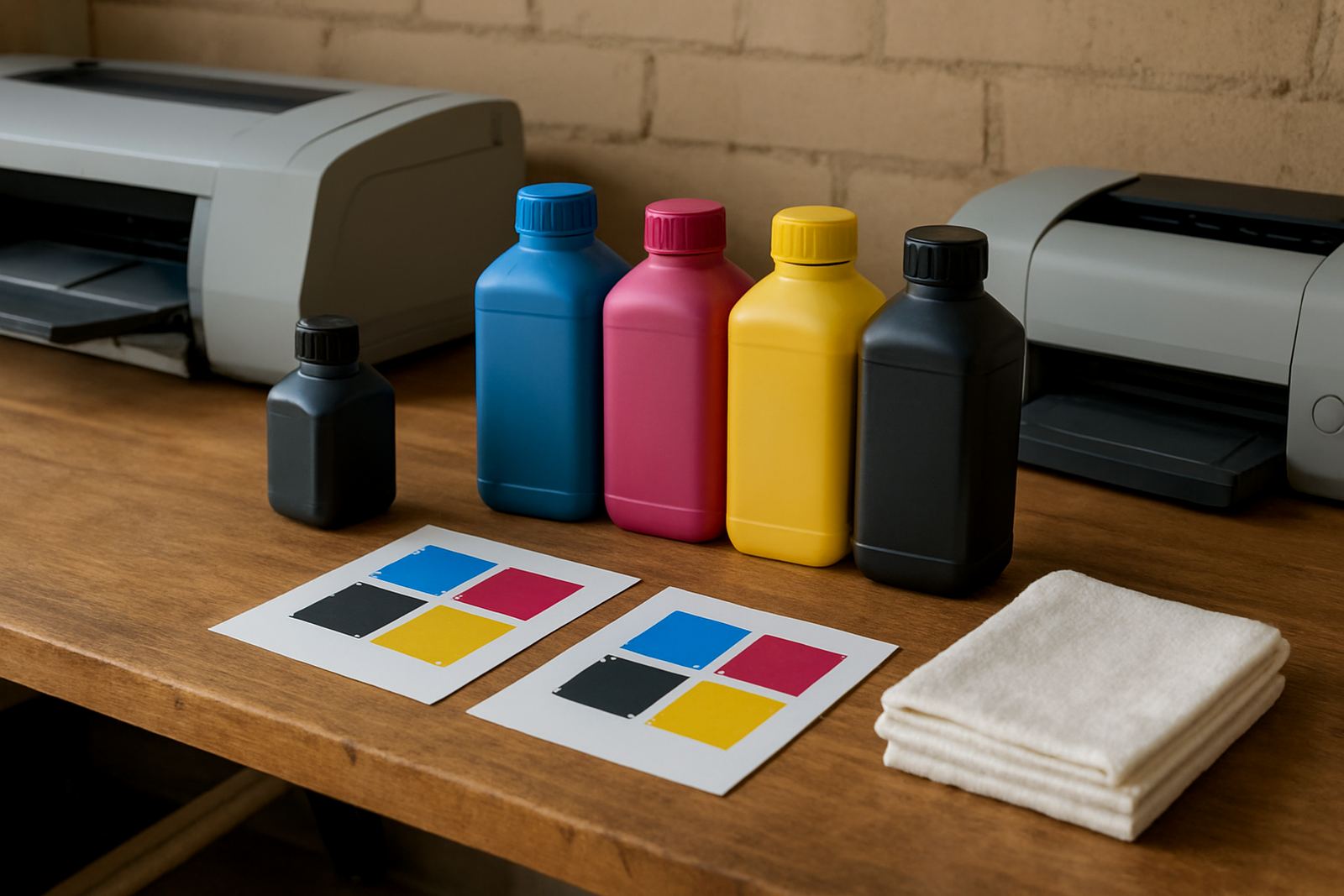
Consistent colour comes from the whole chain, not only the cartridge or tank. Ink formulation, media surface, printer settings and room conditions all play a part. If you move from a matte proofing paper to a gloss poster stock, the same magenta can look slightly different. That is normal. The goal is to keep the change predictable, not to chase a perfect match on every surface.
For many South African businesses, the biggest challenge is temperature and humidity. Cape Town coastal moisture can slow drying on some media, while a dry inland office may see different behaviour again. If a printer sits near a doorway, aircon vent or window, the results can vary through the day. A good ink choice helps, but so does a steady setup and a simple print routine.
- Keep media in sealed packaging until use.
- Store inks upright in a cool, dry area.
- Use the same print settings for repeat jobs where possible.
Desktop colour inks suit different work than wide-format sets
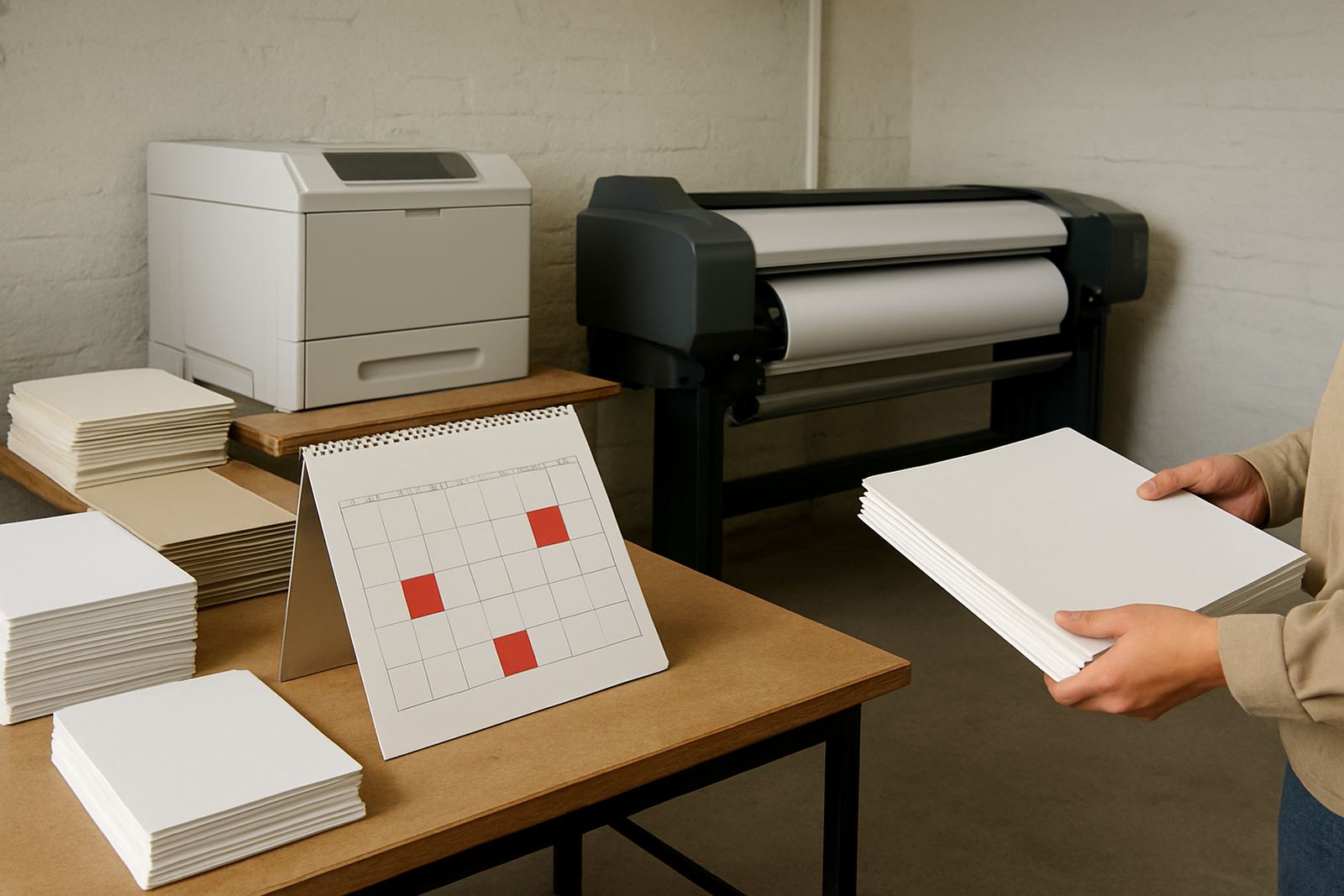
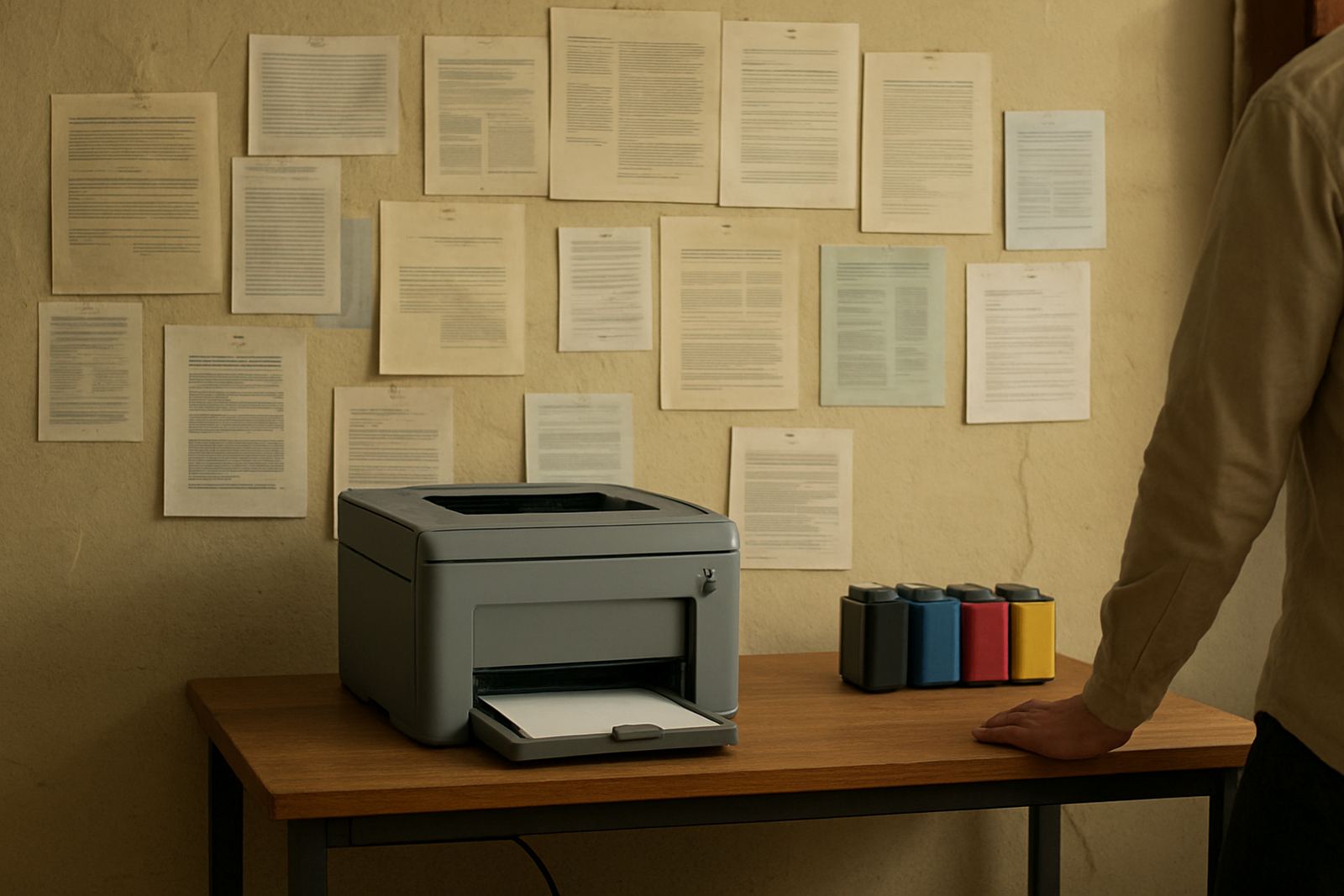
Desktop inkjet colour printers are ideal for everyday office work, proofs and small graphics. They are usually the better fit when you need quick colour documents, training packs or client mock-ups. Their inks are designed for smaller-format sheets and tighter office workflows. They are easier to manage, but they still need sensible use and regular printing so the heads do not dry out.
Wide-format colour machines are built for larger outputs such as posters, banners, plans and retail graphics. Their inks are chosen for broader media choices and larger coverage. If your team is moving from A4 and A3 proofs into shop graphics or long runs, the ink decision shifts with it. You are no longer only thinking about page count, you are thinking about durability, drying time and how the image behaves on the final surface.
That step-up matters in a place like Ndabeni, where a design studio may start with proof sheets in the morning and send poster sets to a client in Montague Gardens by the afternoon. The right ink keeps the workflow moving without constant reprints.
Why media matching saves ink and reduces mistakes
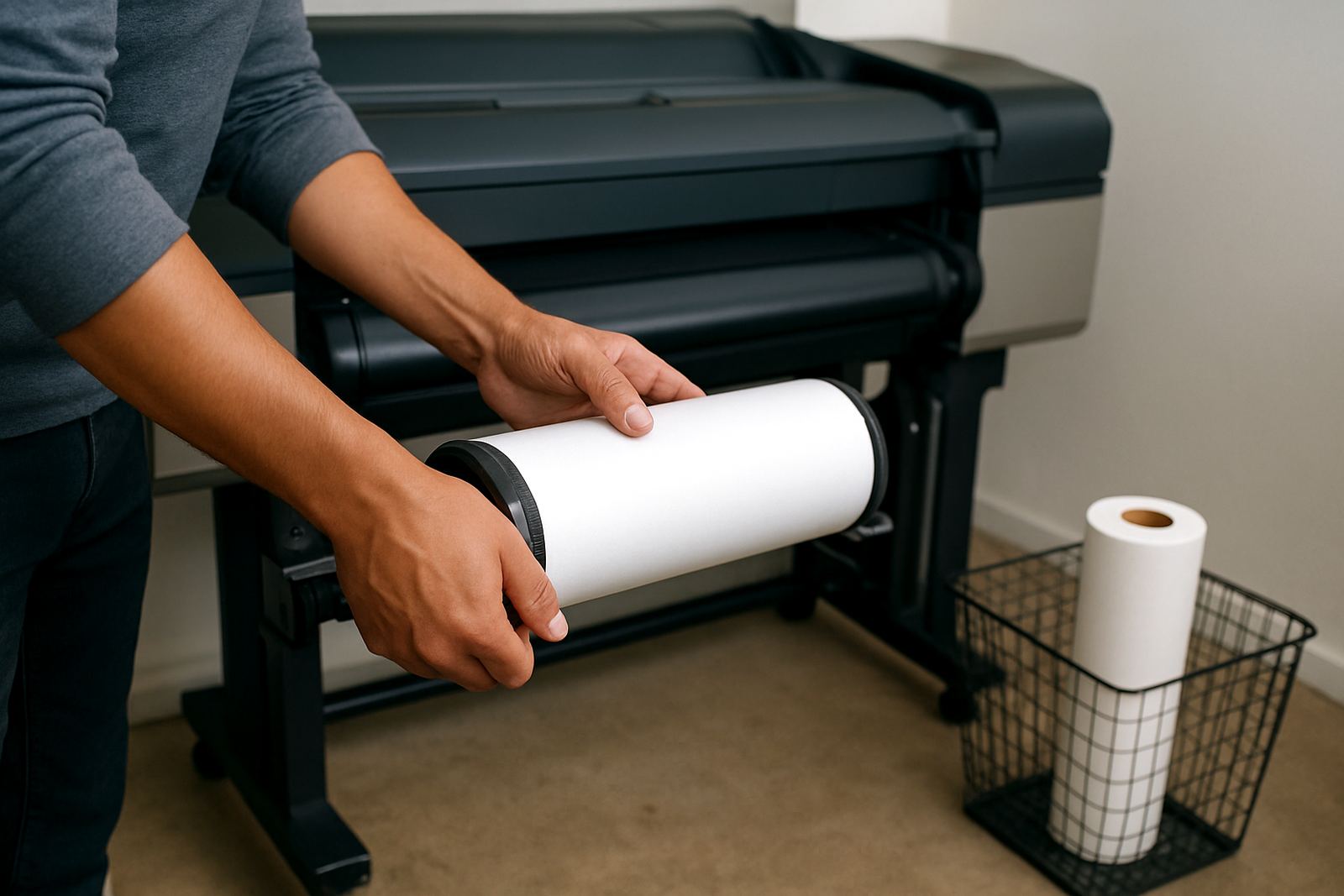
The surface you print on can waste good ink if it is the wrong match. Coated paper, synthetic media, photographic stock and banner material all absorb or hold colour differently. If the media is not suited to the ink, you may see feathering, slow drying or dull colour. That means more reprints and more consumables used than planned.
Media matching is one of the most practical parts of any ink plan. It is not about fancy settings. It is about making sure the printhead lays down colour in a way the surface can accept. Once that is correct, teams tend to get cleaner proofs, fewer smudges and less operator frustration.
- Use gloss or satin media only where the ink dries properly.
- Test new stock before committing to a full run.
- Keep notes on which media works best for each colour job.
Running habits affect ink costs more than many teams expect
Ink use is shaped by routine. A printer that sits untouched for days can end up using more ink on cleaning than on actual output. Frequent stop-start use also affects consistency. If your office prints colour reports only once or twice a week, it may need a different maintenance rhythm than a sign shop running daily proofs.
Good running habits are simple. Print something at least often enough to keep the heads active. Keep an eye on low-ink warnings before a busy morning. Do not ignore slight banding or colour shift, because small issues become expensive quickly. On a busy day in Somerset West or Bellville, the last thing a team wants is a queue of jobs waiting while someone hunts for a replacement cartridge or checks a clogged nozzle.
When teams plan consumption properly, they often find that the real saving is not the ink price alone. It is the time not lost to repeats, cleaning and emergency collections.
Ask the supplier for the practical details before you commit
The best ink conversations are direct. What media will you use most often? How many colour pages do you print in a normal month? Do you need proof quality, presentation quality or production quality? These answers shape the right choice far better than a general product list.
At MyColour in Ndabeni, the conversation usually starts with the job and the room it will live in. A studio in Woodstock may need dependable proofing and steady colour for client sign-off. A branch in Claremont may want office colour that is easy to manage across several users. A print room in Bellville may need a wider plan, with consumables set out in advance so there are no surprises. That practical planning saves time and keeps teams moving.
- Ask which inks suit your most common media.
- Check whether your print volumes justify a higher-capacity supply plan.
- Set reordering thresholds before stock gets too low.
Simple ink planning keeps colour output steadier
Choosing ink types is really about control. The right supply makes colour more predictable, helps staff work with the right media and cuts down on avoidable interruptions. It also makes support easier because everyone knows what to use, when to replace it and what to expect from the output.
If your team is still guessing, start with one printer, one common media type and one clear usage pattern. Build from there. In many offices, that one step changes the day far more than a bigger machine would. Good colour work depends on a calm supply bench, clear notes and ink that suits the task at hand.