When poster requests stop being occasional
Most offices start with the odd notice, event sign or meeting-room graphic. Then the requests come more often, usually from marketing, HR, operations or the branch manager who needs something by this afternoon. Once that happens a colour printer at the office can still help, but it needs to match the real workload rather than the hopeful one.
As a rule, if you are printing A4 and A3 colour pieces only a few times a week, a good desktop inkjet colour printer can be enough. If posters are being produced weekly, or in batches for multiple branches, the conversation changes. At that point it is worth looking at larger media handling, better ink control and the cost per print instead of only the purchase price.
- How many posters do you print in a normal month?
- Are they for internal use, client facing spaces or retail windows?
- Do you need quick proofs first, then larger final output?
- Is anyone checking colour consistency across repeats?
A practical split between proofing and final output
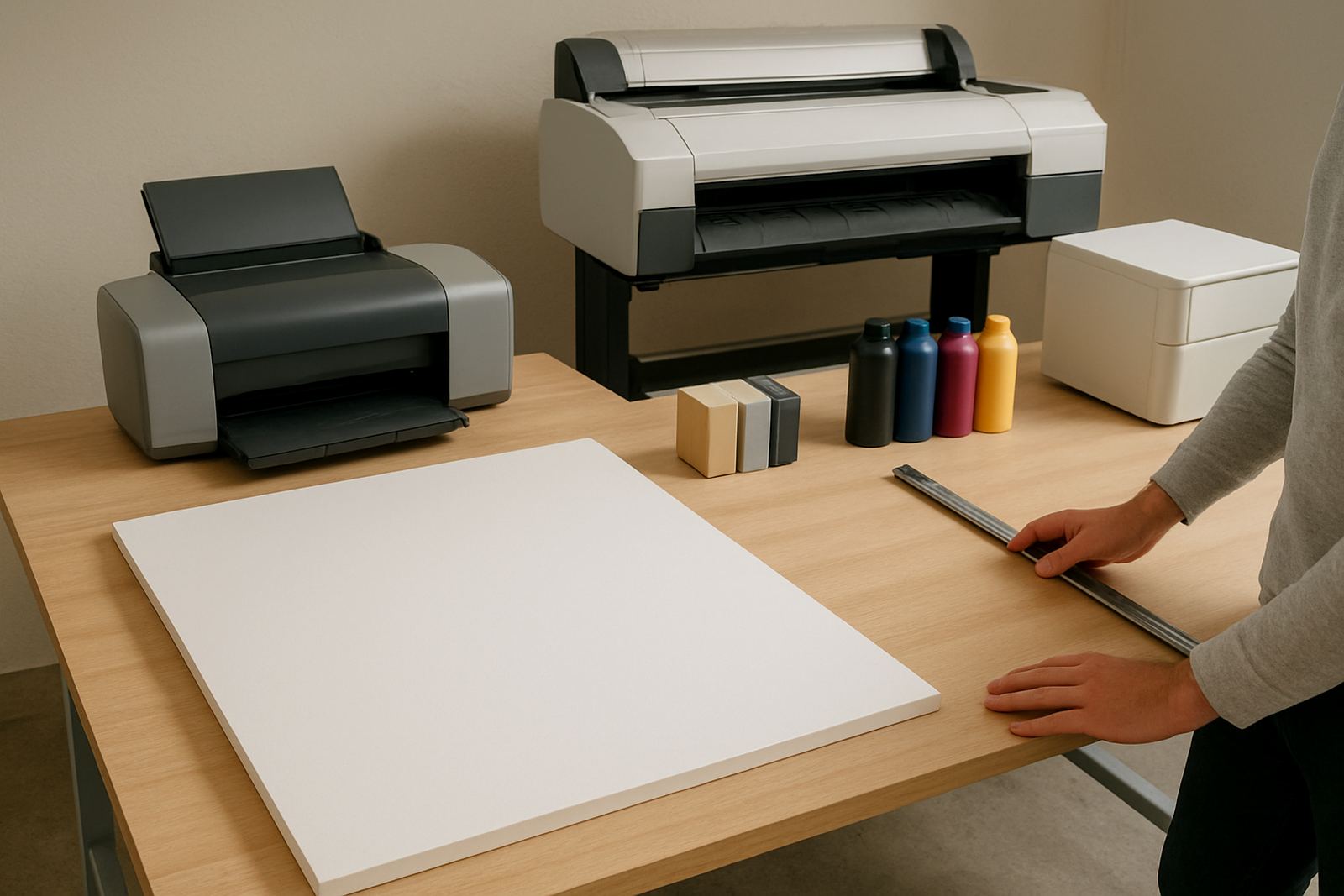
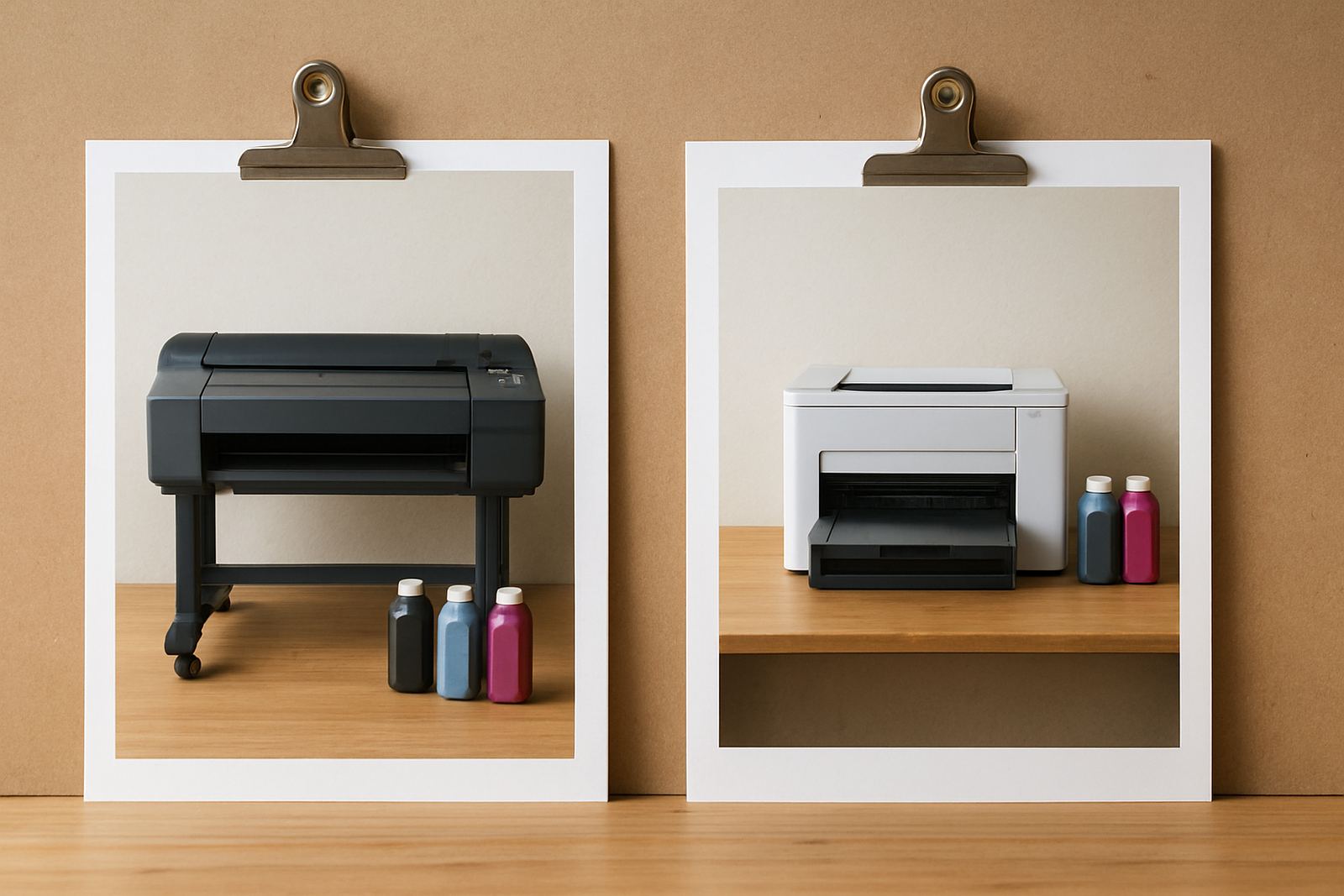
Many South African offices do not need one machine to do everything. A smaller colour printer is often best for proof sheets, drafts, presentations and short-run notices. A wide-format machine becomes useful when the office wants A2, A1 or longer posters without sending jobs out every time.
This split matters because posters are not just bigger pages. They use different media, different ink coverage and often different expectations around finishing. A proof for a client can be printed on ordinary office stock, while a reception poster for a Cape Town branch may need heavier media that handles daylight, humidity and regular handling better.
If you are in Ndabeni, Montague Gardens or Bellville and your team keeps asking for poster reprints, the real issue may be repeatability. One printer for quick office colour and another setup for larger output can save time, reduce waste and keep jobs moving when somebody needs something before a meeting in 20 minutes.
Ink choice and media matter more than people expect
Posters fail quietly when the wrong combination is used. A bright file can look flat if the ink is not suited to the media, or if the paper is too light for the amount of coverage. For offices, that usually means thinking in terms of use rather than just colour.
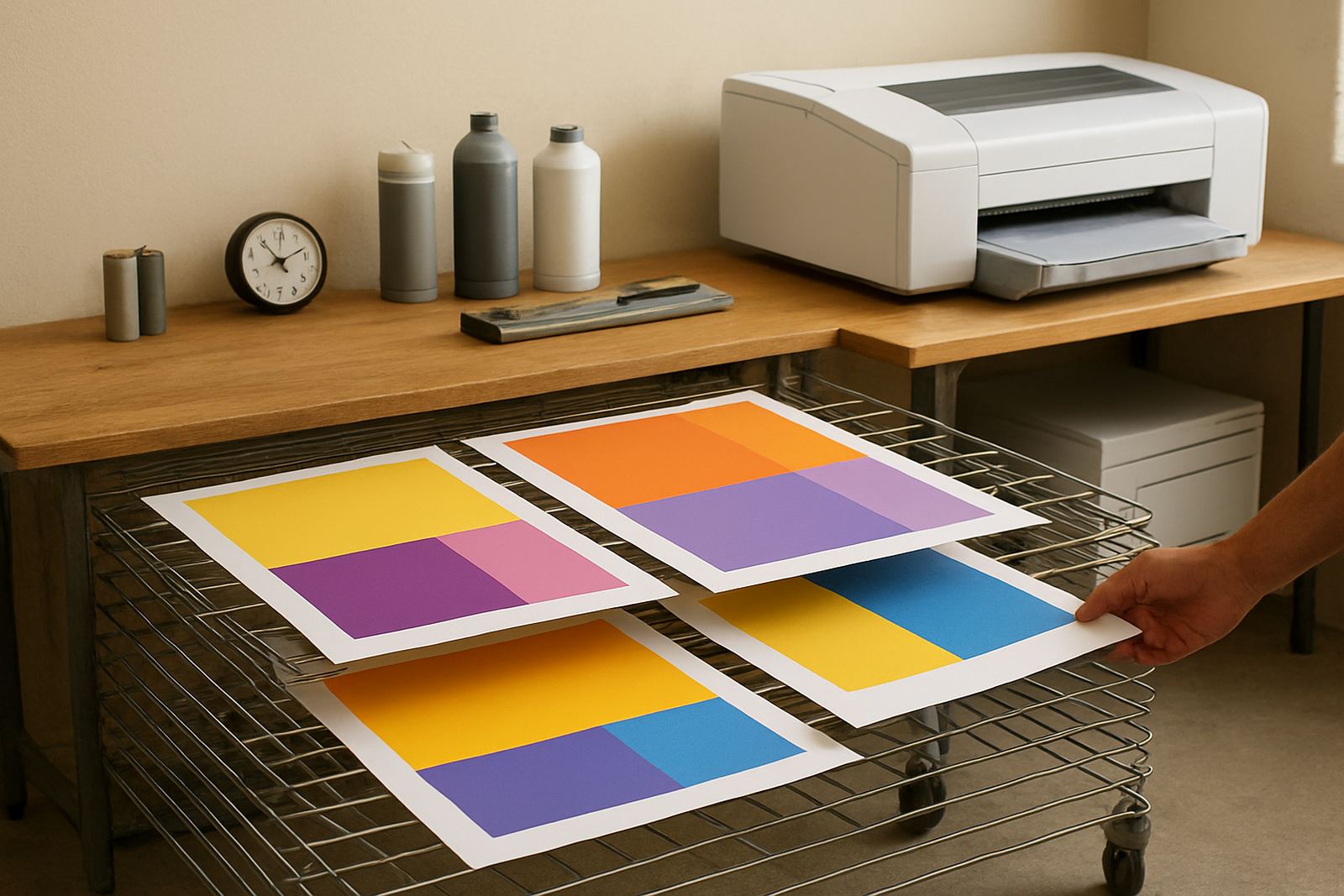
Gloss stock gives a sharper look for visual-heavy posters, while matte stock is often easier to read under office lighting. In a humid coastal area like Cape Town, storage also matters. Paper left open near a window or an aircon outlet can curl, and that leads to feeding problems or uneven output. It is a small detail but it affects day-to-day print quality.
- Match heavier graphics to media that can take the ink load.
- Keep spare stock sealed until needed.
- Use the same media for repeat jobs where possible.
- Store consumables away from heat and direct sunlight.
What in-house printing should handle, and what it should not
In-house poster output makes sense when speed matters and the job is clear. It works well for internal notices, event posters, directional signs, limited client proofs and short promotional runs. It also helps when a team needs to make changes without waiting for an external print queue.
It is less suited to very large runs, special finishes or jobs where colour matching must be exact every time across different sites. If the same brand artwork is going to Somerset West, Claremont and Woodstock, you need a process for keeping output close enough between locations. That means good setup, sensible user training and regular print checks, not just a machine on a counter.
A useful test is simple: if the poster is needed once, outsourcing may still be cheaper. If it is needed often and the content changes regularly, in-house usually starts to pay for itself.
A Cape Town office example that comes up often
Picture a design studio in Ndabeni that started with occasional A4 proofs and the odd meeting poster. Within a year, HR needed induction notices, the sales team wanted client boards, and operations wanted clear warehouse signs. Suddenly the office was printing every week and the old colour machine was spending more time cooling down than printing.
That is usually the point where sensible advice helps. A quick site check can show whether the office needs printer installation, a better ink plan or a move to wide-format. It can also show if the real issue is user habits such as sending large files to the wrong device, or leaving media loaded in a hot room.
For many teams, the answer is not a dramatic overhaul. It is a practical setup, a few training notes and a service plan that keeps print quality steady through load-shedding, busy Mondays and the odd late-afternoon rush.
Keeping the poster workflow calm after the first rush
The best poster systems are the ones that keep working without drama. That means planned consumable reordering, basic preventive maintenance and someone checking print quality before the urgent job goes out. It also means making sure the people who use the printer know which file type, media and settings to choose.
At MyColour in Ndabeni, the focus is on keeping the colour bench practical. The team can help with printer installation, wide-format setup, ink supply planning, media matching, remote help and collection coordination where needed. For businesses in Cape Town and nationwide courier supply, that sort of support is often what keeps an office from slipping back to outside printing every time work gets busy.
- Set reorder points for inks and media before stock gets tight.
- Schedule basic maintenance before print quality drops.
- Keep one person responsible for poster files and settings.
- Review output every few months, especially if volumes grow.