Set one clear rule: shared printers are for planned work
In a busy office, the quickest way to waste colour ink is to let the printer become everyone’s emergency option. Shared printers need a clear purpose. They are there for proofs, client copies, labels, internal packs and the day to day colour work that really needs a printed copy.
When people know what belongs on the shared machine, they stop sending one-off pages that could have stayed on screen. That saves paper, keeps trays tidy and prevents the printer from sitting half used up with odd jobs. A printed rule sheet beside the machine helps, but it must be short and easy to follow.
- Use the shared printer for work-related jobs only
- Send large colour runs to the right machine, not the nearest one
- Check the file before printing so repeats are rare
- Keep personal printing to a separate office arrangement
Choose the right machine for the right kind of job
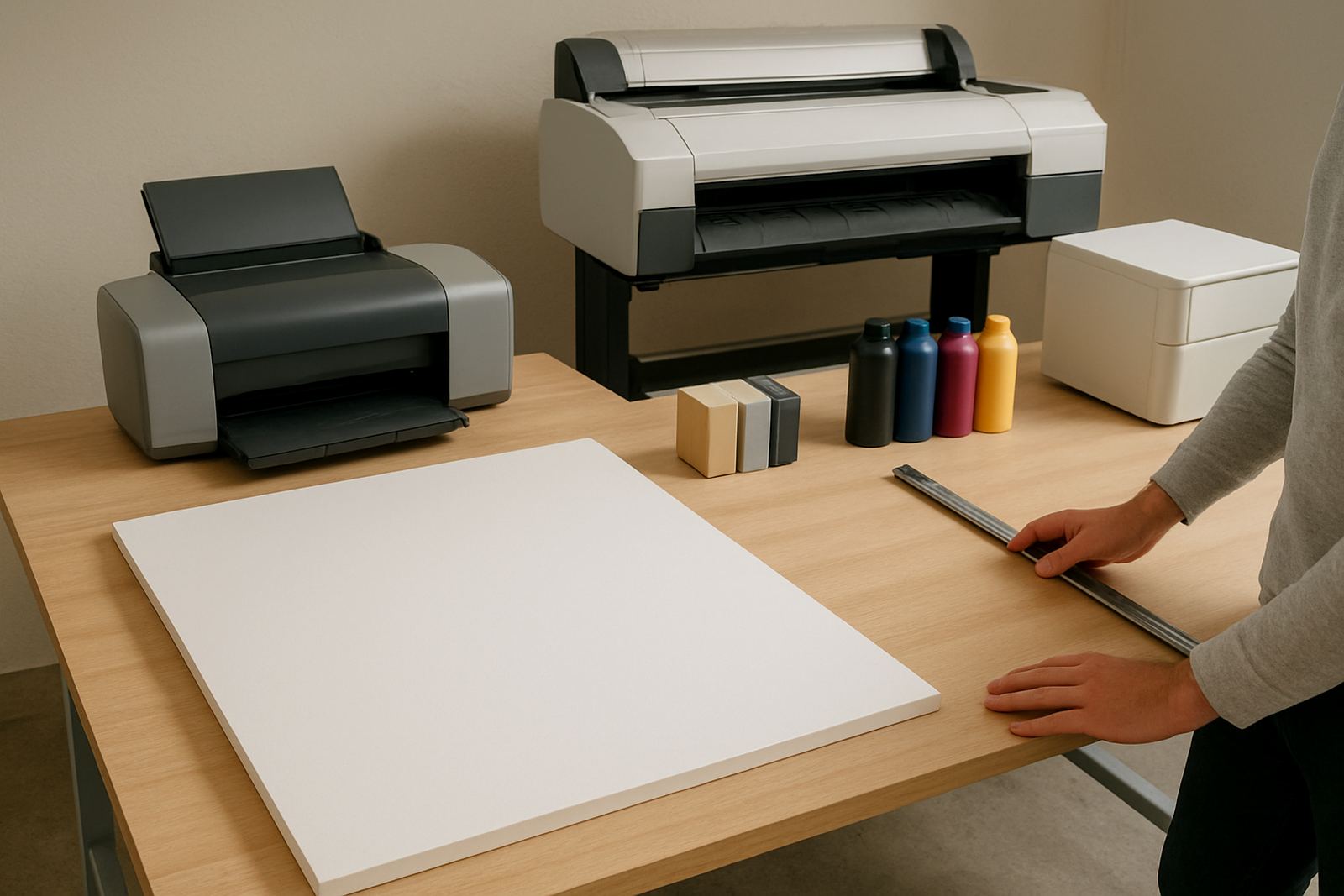
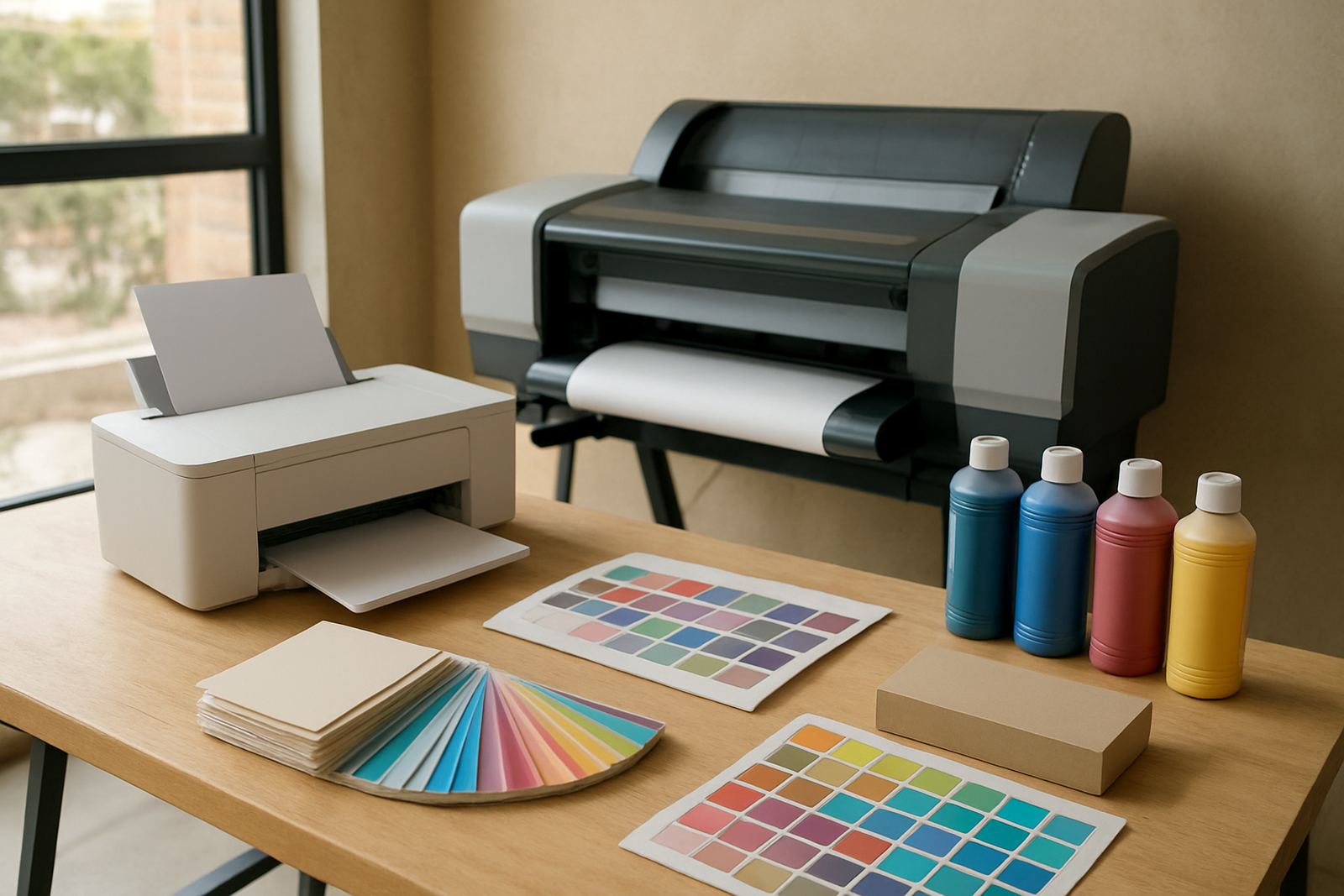
Not every colour printer should carry every task. A desktop inkjet colour printer suits proofs, short reports and small office jobs. A large-format colour machine suits posters, drawings, signs and media that comes in metres, not A4 sheets. If everyone understands that difference, the office avoids jams and the service team gets fewer calls about a machine that was never meant for that load.
At a shared site in Ndabeni, for example, the front office might use one compact colour printer for client packs while the studio sends poster proofs to the wide-format unit. That split keeps the queue moving and means the right ink and paper are used for each job. It also helps when load-shedding interrupts work, because staff can restart at the correct machine instead of trying to force everything through one device.
- Desktop colour for short office runs and proofs
- Wide-format for posters, artwork and technical output
- Match the machine to the paper size and ink type
- Keep heavy jobs away from the reception printer
Keep paper, media and ink stored where the printer can trust them
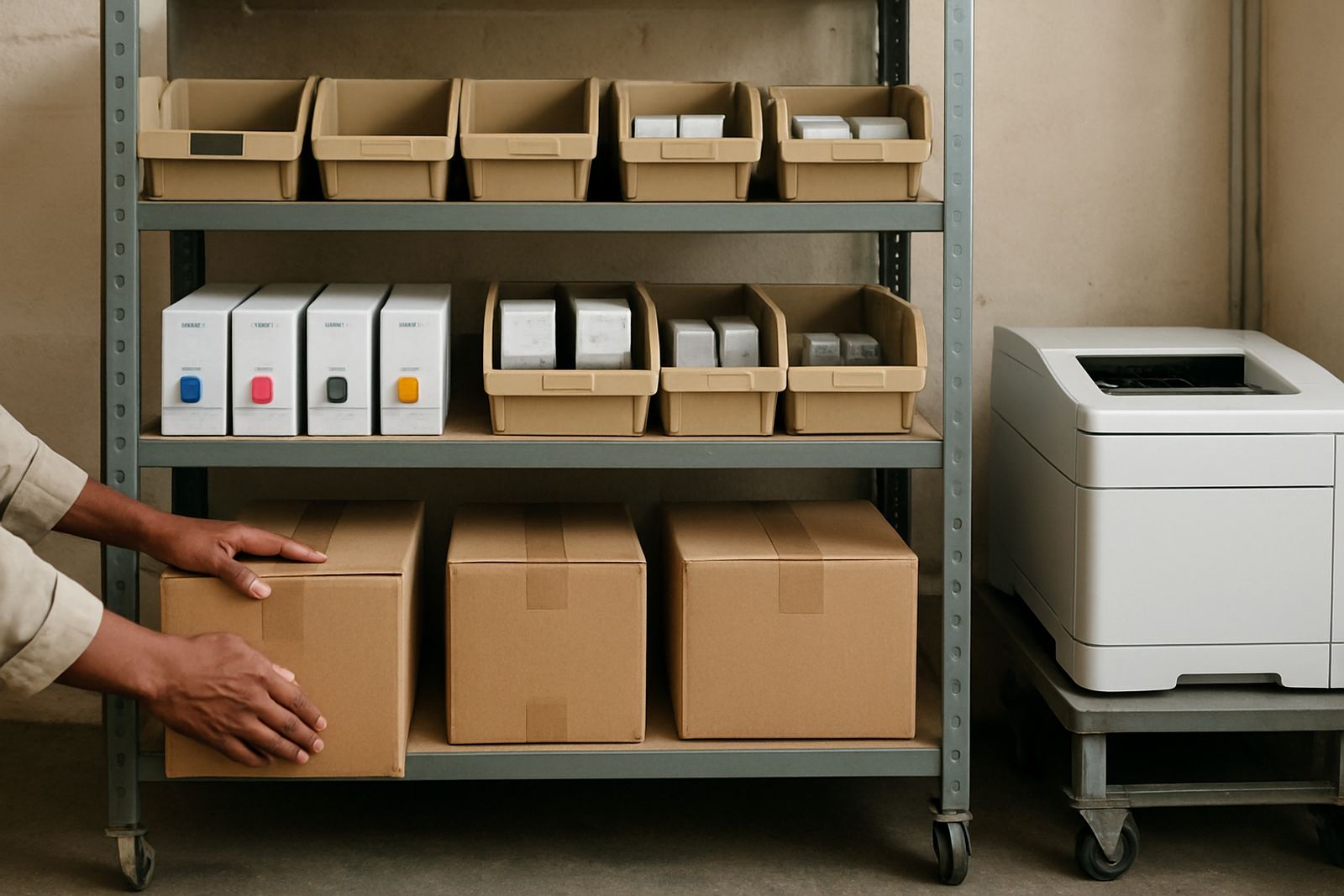
Colour printers are only as good as the supplies feeding them. Paper that curls in humidity, media stored on the floor, or ink left open near a window can all affect the result. In Cape Town coastal air, this matters more than people think. Even inside a neat office, a damp ream can cause feed problems and poor colour consistency.
Shared rules should cover where paper lives, who opens new packs, and when consumables get replaced. If the wrong gloss sheet or coated media goes into the tray, teams spend time checking whether the file is at fault when the real issue is the stock. Simple storage discipline saves money and avoids unnecessary calls for help.
- Store media flat and off the floor
- Keep ink or cartridges sealed until needed
- Label each paper type clearly
- Do not mix old and new stock in the same tray
Make the print queue visible to everyone who uses it
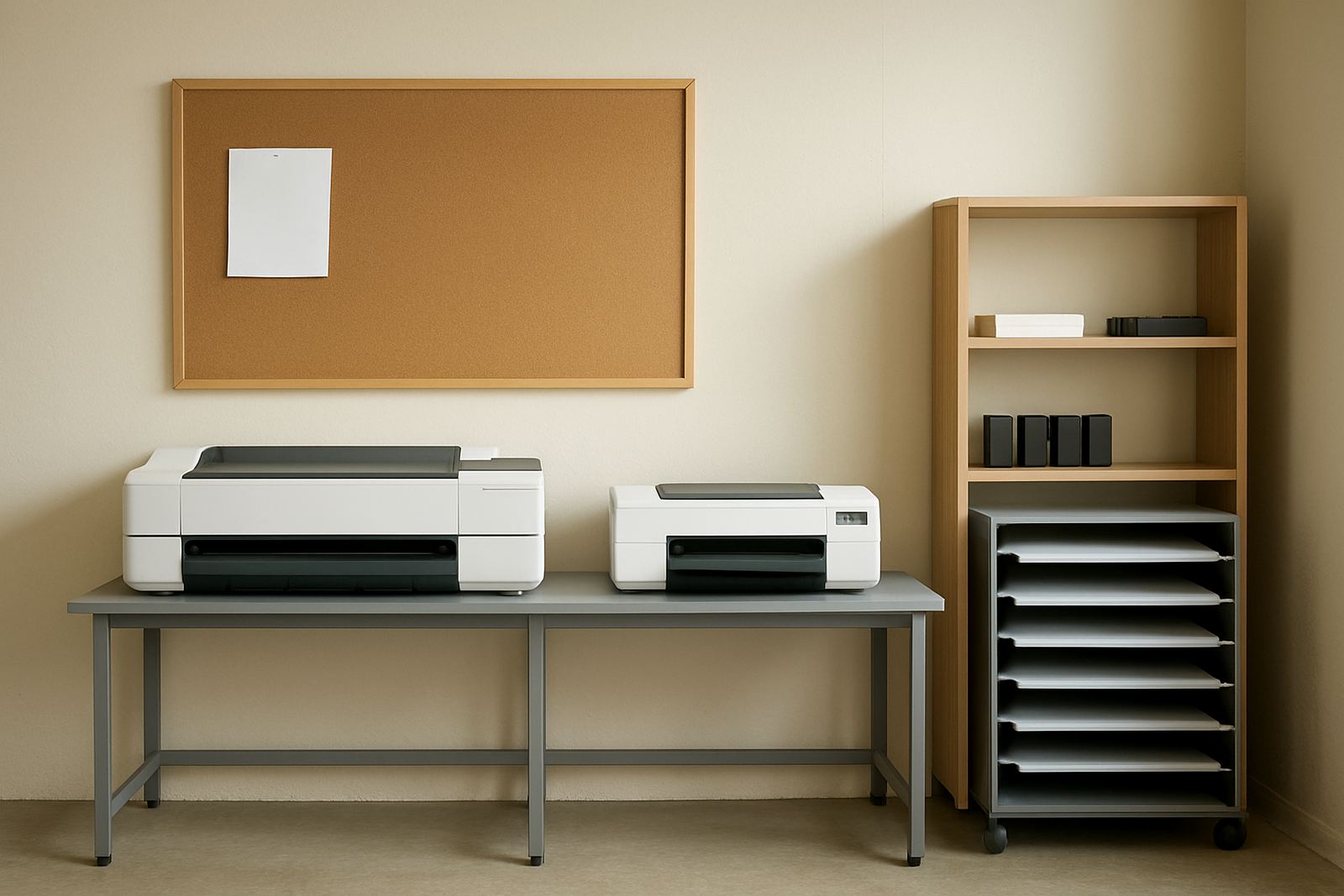
Shared printers work better when the queue is visible and the steps are the same each day. Staff should know who checks the job list, who releases colour work, and what happens when a file is stuck. A simple sign next to the machine can prevent a lot of confusion. It also helps when a printer is in a common area where people assume someone else is already managing it.
Queue rules should include who may print oversized jobs, who may override a paper warning, and who is allowed to restart after an error. This is especially useful in offices where different teams, from sales to creative, use the same printer. Without it, the machine becomes everybody’s problem and nobody’s responsibility.
Useful queue rules can include:
- Print jobs must be sent with a clear file name
- Large colour runs need approval before printing
- Only trained users may clear jams or open covers
- Uncollected prints are removed after a set time
Use a simple handover rule for jams, errors and maintenance
Most shared printer damage starts with a rushed fix. Someone sees a paper jam, pulls the sheet too hard, then leaves a torn piece inside. Or a user notices a streak and keeps printing anyway. Shared use needs a handover rule so problems are reported fast and the machine is not passed from one person to the next with the fault still live.
A practical office rule is this: if a user cannot clear the issue in a minute or two, they log it and step back. The next person should not have to guess what went wrong. This saves time for the service technician and protects the print heads, rollers and feed path from avoidable wear. It also means maintenance can be planned before the printer stops completely.
- Report jams, streaks and colour shifts immediately
- Do not force paper out if it resists
- Record the error message or blinking light
- Keep a short note of what was printed before the fault
Set fair rules for toner, ink and cost control
Shared printer rules should protect the budget as much as the machine. Colour pages cost more than black and white, so staff need to know when colour is necessary and when a draft will do. Offices that track spend usually notice that a few habits make the biggest difference: printing two-sided where possible, using draft mode for internal copies and avoiding full-colour artwork for routine notes.
For print teams in Montague Gardens or Bellville, a basic consumable plan helps prevent panic ordering. Keep a buffer of ink or toner, note which machine uses which set, and reorder before the last unit is empty. That way the office does not lose a day waiting for a courier, especially when a deadline lands just before a public holiday or over a long weekend.
Practical cost rules:
- Use colour only where it adds value
- Print internal copies in draft mode if suitable
- Track high-use users or departments
- Reorder consumables before they run out
Make the rules work in real Cape Town offices
The best printer rules are the ones people can follow without effort. In a Claremont agency or a Somerset West branch office, that may mean one person checks the queue, another handles consumables, and a service contact is kept for when the machine needs attention. In a shared setup, clarity matters more than strictness.
MyColour sees the same pattern across design studios, sign shops and office floors: when the printer is treated as a shared tool with clear limits, it lasts longer and the output stays cleaner. That is true whether the machine sits in Ndabeni, serves a Woodstock creative team, or supports remote staff who collect prints later in the day. A calm routine beats a last-minute scramble every time.
Keep the rules simple enough for new staff to follow, then review them when the team changes or the print volume grows. If the machine is spending more time in error than in use, the rules are probably too loose or too complicated.