Start With The Job, Not The Printer
Most print problems begin with a simple mismatch: a job that needs crisp text gets sent to a heavy coated sheet, or a quick indoor poster is printed on material meant for short outdoor use. The smarter approach is to start with the outcome. Ask what the print must do, how long it must last, and where it will be seen. A one-day price list on a counter does not need the same material as a training poster in a reception area, and a sign for a window in Sea Point has different needs to a proof set for a design studio in Ndabeni.
For everyday colour work, plain office paper still has a place. It is cost-effective for internal drafts, invoices with logos, and short reference sheets. But once colour accuracy, image density or presentation quality matters, a better coated sheet or poster stock can save reprints. The trick is to choose only as much material as the job needs, not the most expensive option on the shelf.
Paper Choices For Office Colour And Proofs
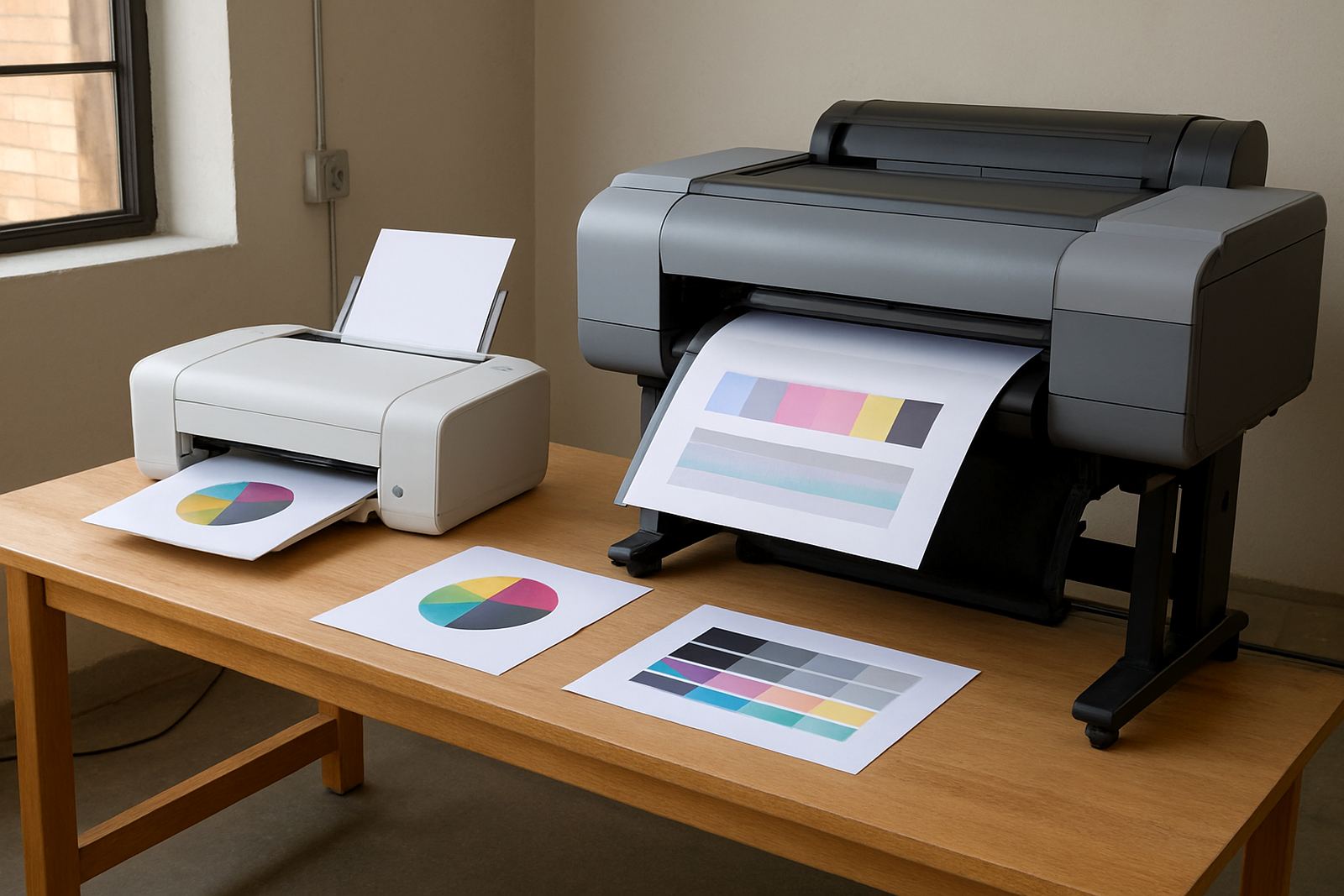
Desktop colour printers do their best work when the paper suits the ink set and the finish you want. A smoother sheet gives sharper text and better photo detail. A light coating can help colour sit on the surface instead of soaking in, which keeps blues, reds and skin tones closer to what you see on screen. In a busy office, that can mean fewer arguments over print quality and fewer wasted sheets.
- Plain office paper: good for drafts, internal notices and low-cost copies.
- Presentation paper: useful for reports, quotations and client packs where colour must look clean.
- Light coated paper: better for images, logos and proof work.
- Heavier card: suitable for covers, appointment cards and short-run handouts.
If a sheet feels too rough, the ink can feather. If it is too slick for the machine, feeding issues can start, especially in humid areas near the coast. In Cape Town some teams keep a sealed ream near the printer and leave the rest boxed, because damp paper can curl overnight and cause misfeeds the next morning.
Poster Material For Indoor Jobs
Poster work is where many teams overthink the media. For indoor promotional prints, training boards and point-of-sale material, you usually want a clean, flat surface that handles colour well and stays presentable under office lighting. You do not need outdoor vinyl for a reception notice, and you do not need a fragile office sheet for a wall poster that must last a month.
When choosing poster material, think about viewing distance and handling. A poster meant to be read from two metres can use a simpler stock than one meant for close inspection at a counter. If the job will be mounted, choose material that trims neatly and does not cockle too much with ink coverage. For laminated or framed pieces, a stable sheet is often more important than a glossy finish.
- Short-term indoor posters: coated poster paper or similar flat stock.
- Longer indoor display work: heavier poster media with better stiffness.
- Mounted notices: media that cuts cleanly and holds edges well.
- High-coverage graphics: stock that accepts ink without heavy ripple.
Wide-Format Work Needs A Different Conversation
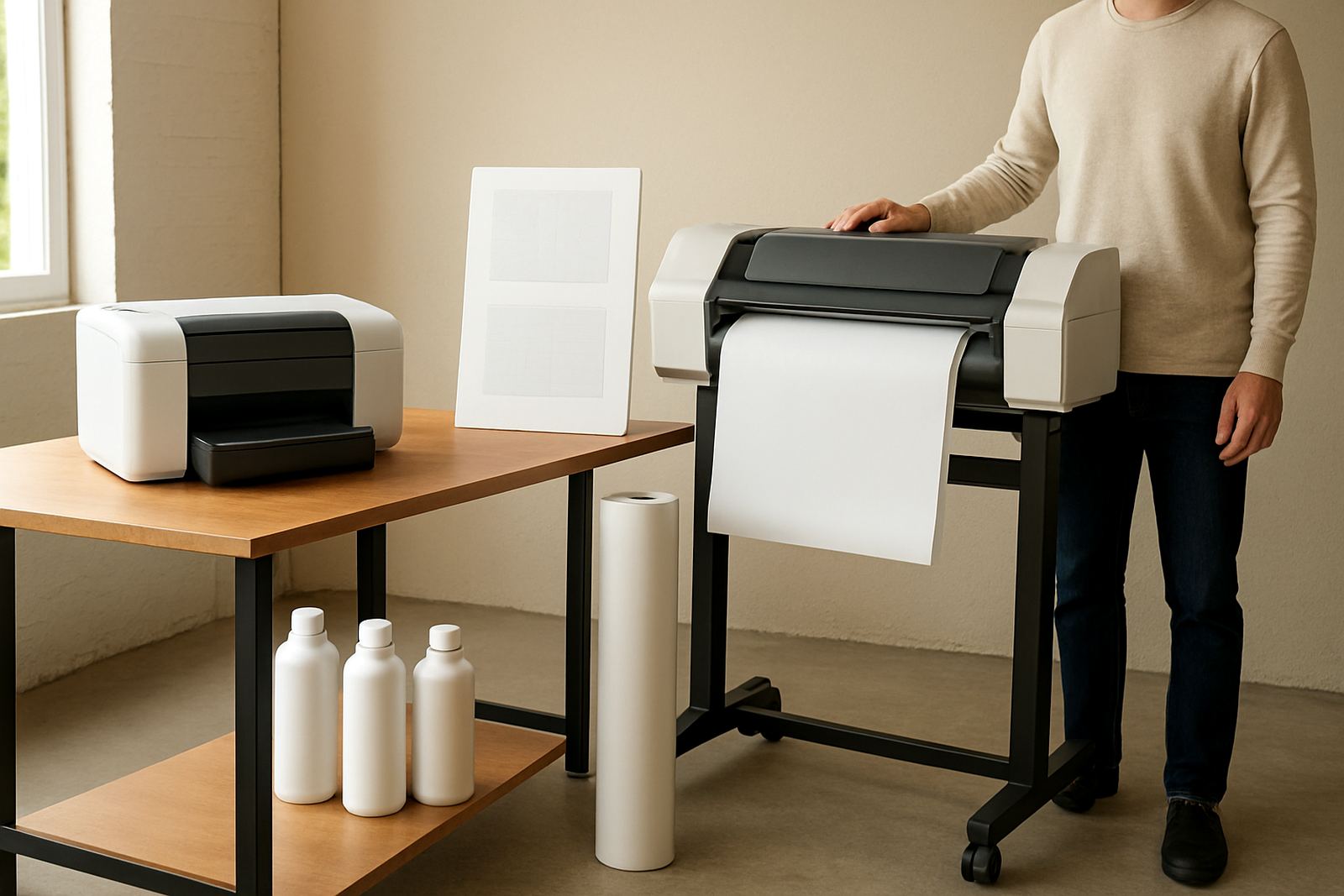
Once a job moves from A4 and A3 into larger prints, the conversation changes. Wide-format printers handle posters, drawings, signage layouts and presentation graphics on rolls or large sheets, but the media has to match the machine and the ink. A sign shop in Montague Gardens may need smooth coated stock for indoor retail graphics on Monday, then a different material for event boards on Wednesday. That is why media planning matters as much as the printer itself.
Large-format work often fails when the wrong roll width, coating or weight is used. Too light and the media can wave or buckle. Too thick and the feed path may struggle. For teams printing proofs and posters from one supplier, keeping a clear list of common sizes helps. Common widths, core sizes and roll lengths should be checked before urgent jobs arrive, not after the courier is already on the road.
A Simple Media Checklist Before You Print
Good matching starts with a few practical checks. These can save ink, time and a fair bit of frustration, especially when several people use the same device across a week. It also helps prevent the common problem where one person buys the cheapest sheet and another wonders why the output looks dull or the paper curls.
- Confirm the job purpose: proof, internal use, client presentation or display.
- Check the viewing distance: close-up reading needs better detail.
- Match the finish: matte for text-heavy work, smoother stock for images.
- Confirm the printer type: desktop inkjet and wide-format units do not like the same media.
- Watch humidity and storage: keep media boxed and dry, especially in summer.
- Allow for trimming or mounting if the final piece will be framed or laminated.
These small checks matter in offices from Bellville to Somerset West where staff may print between meetings and expect the result to work first time. One wrong sheet might only waste a page or two, but repeated mismatches waste ink as well and that gets costly fast.
Local Example: A Ndabeni Studio Printing For Client Reviews
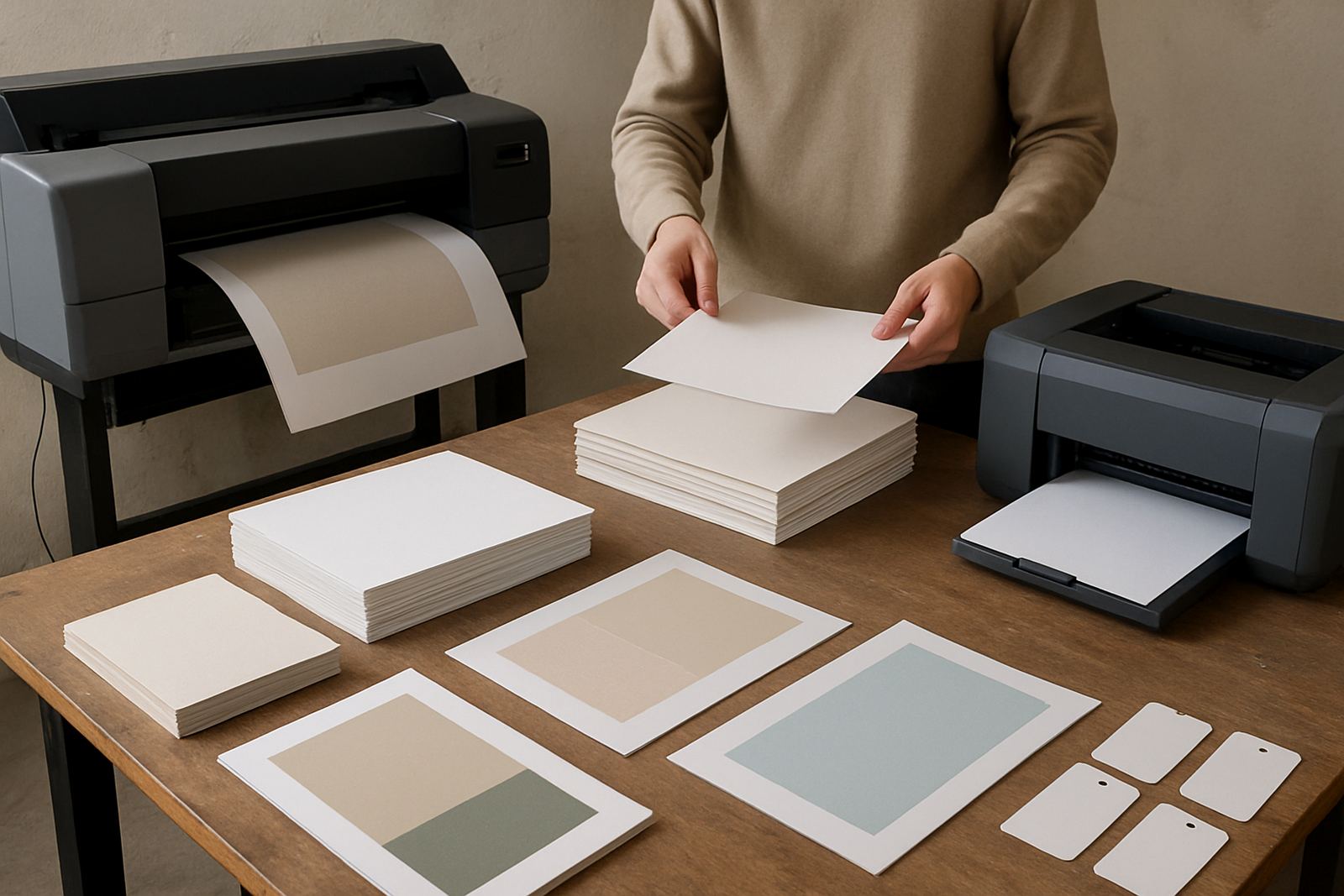
A design studio in Ndabeni often needs two very different outputs in the same morning: quick proof sheets for a client review, and a few colour posters for an in-house presentation. The proof sheets can go on good presentation paper so colours read cleanly and notes can be written in the margin. The posters, however, need a sturdier coated stock so they stay flat on the wall and survive handling during the day.
In that setting, the best result came from keeping the proof paper separate from the poster material, and from storing both away from moisture near the loading bay. The team could then print, review and reprint without changing the whole workflow. It sounds basic, but basic print discipline is what keeps colour work moving when deadlines are tight and couriers are collecting parcels before lunch.
Keep Consumables In Step With The Workload
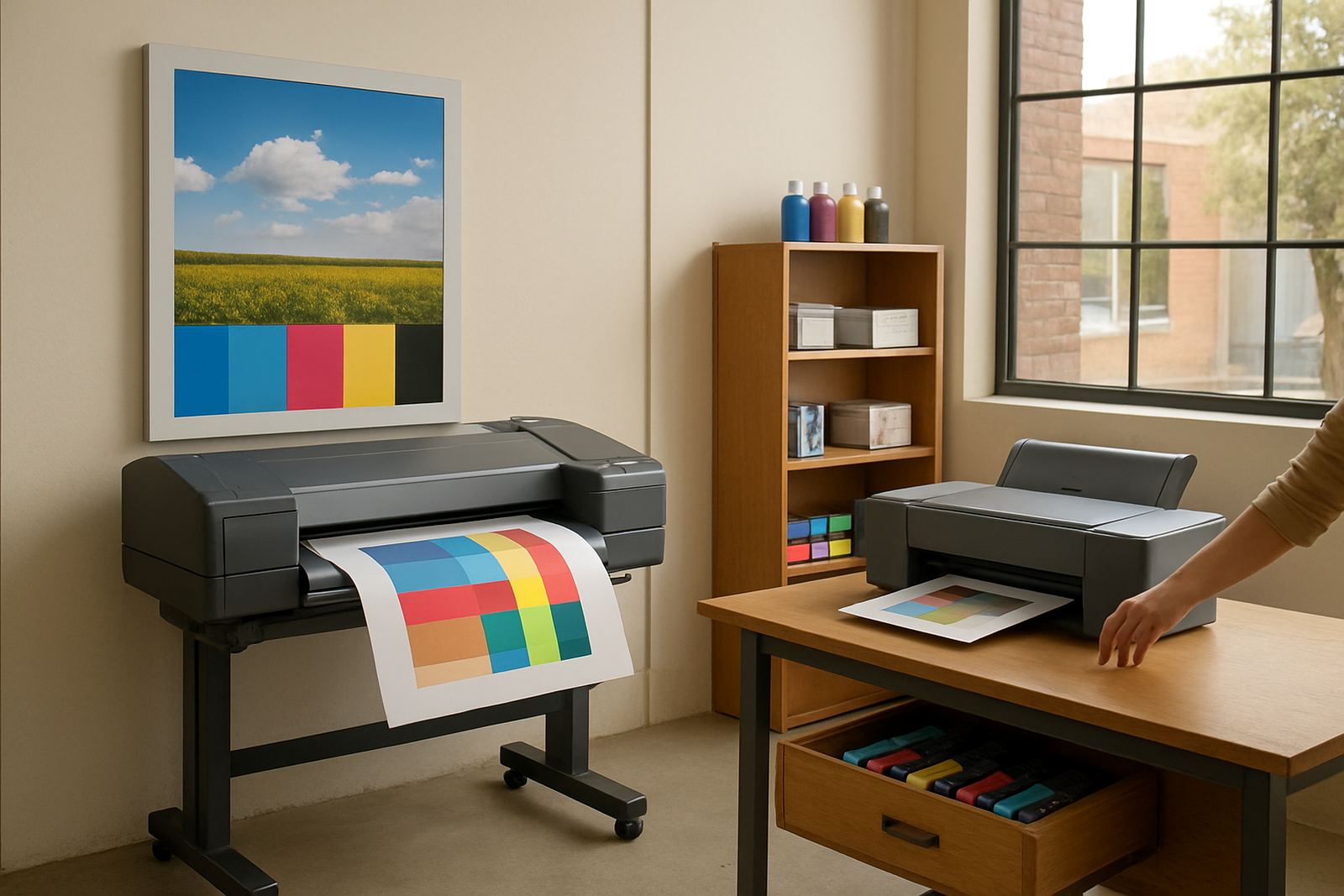
Matching media is not only about the sheet itself. The ink, printer settings and maintenance schedule need to suit the workload too. If a business prints colour every day, the stock on hand should reflect real demand, not guesswork. That means enough paper and poster media for the week, plus spare consumables for the jobs that come in suddenly. Load-shedding can interrupt a run, and if the machine sits half-finished the media choice becomes even more important when printing resumes.
For offices and sign teams alike, a practical supply plan keeps printing steady:
- Keep common office paper in regular rotation.
- Hold a small stock of presentation and poster media for urgent colour jobs.
- Store rolls and reams flat or upright as recommended, not loose in a corner.
- Review usage every month so popular sizes do not run out unexpectedly.
- Book a quick print quality check if colours start to shift or edges look rough.
When the media matches the job, printers work better and staff spend less time rescuing bad output. That is the real saving, and it shows up in fewer reprints, cleaner colour and calmer mornings.