Start with the work, not the machine
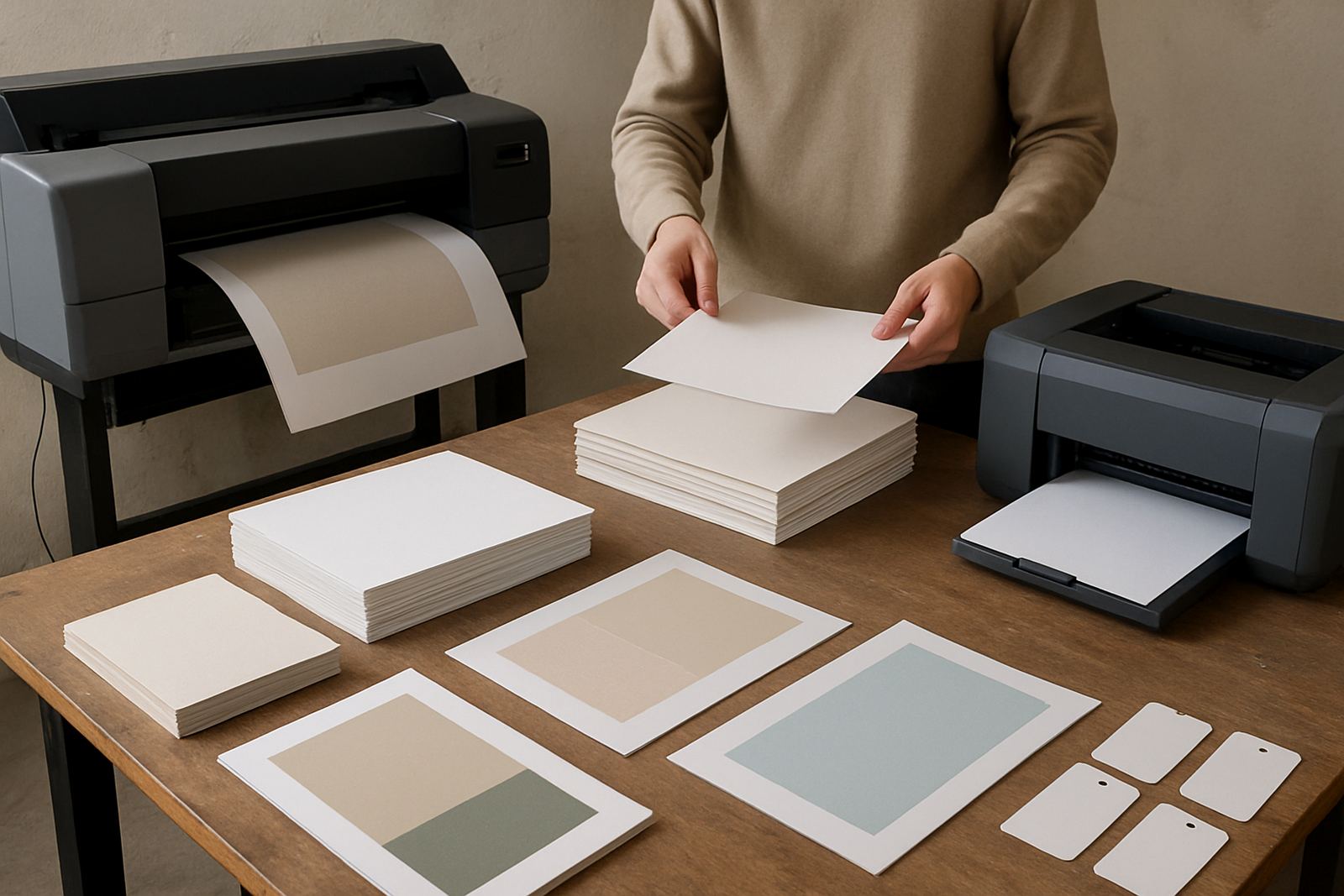
Before you look at specs, write down the actual posters you need to print. Are they A2 price posters for a Claremont retail floor, short run exhibition boards for Woodstock, or site notices that need to travel to Somerset West and Bellville without smudging? A first wide-format machine should match the real job list, not the biggest size someone in the office thinks sounds useful.
Think about volume too. A design studio that prints four proof posters a week has very different needs from a sign shop turning out daily specials, event graphics and school notices. If the printer will sit next to ordinary office colour work, ask whether staff need fast switching between everyday sheets and wide-format media, or whether a seperate poster workflow makes more sense.
- What size do you print most often: A1, A0, 610 mm or 914 mm?
- How many posters leave the office each week?
- Do you need proof quality, display quality, or both?
- Will the machine be used by one operator or several staff members?
Choose output size with room to grow
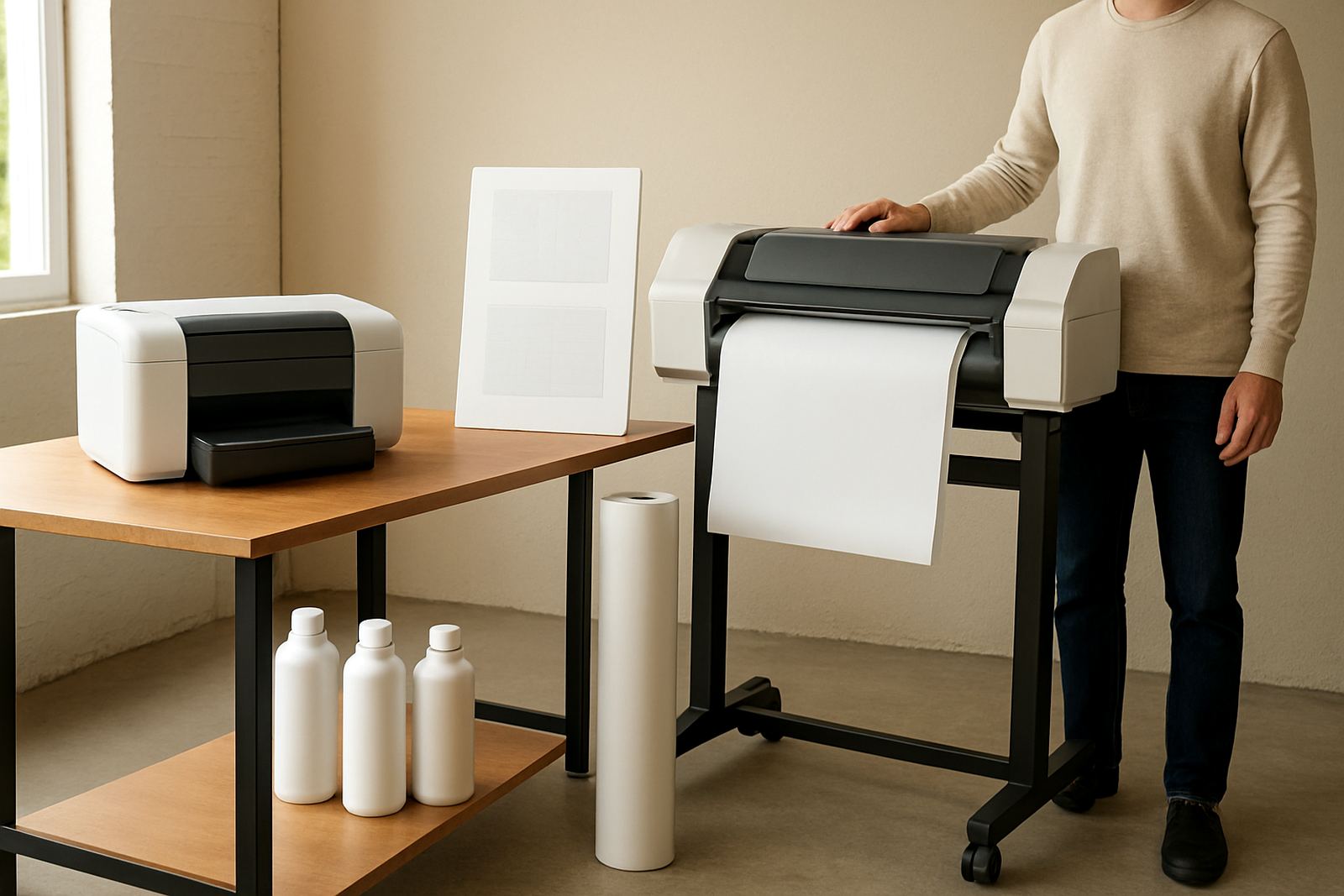
Many first-time buyers focus on the smallest machine that can do the job today. That can work, but only if your next 12 months are certain. If you already get requests for event boards, retail promotions or architectural posters, a wider carriage can make sense even if the printer is not running at full width on every job.
In Cape Town, many teams start with poster work and then pick up more signage or point-of-sale orders when clients see they can turn work around quickly. A narrow machine can become the bottleneck. On the other hand, buying a very wide printer when your real work is mostly A2 wastes floor space, ink and money. Measure the room, the drying area and the path for moving rolls or flat sheets before you decide.
- Check the printer width against your largest common sheet, not just the occasional oversized job.
- Allow space for loading media, catching finished prints and trimming.
- Make sure doors, lifts and corridors can handle the machine on delivery day.
Ask what ink system suits your posters
The ink choice matters as much as the printer itself. Posters for indoor use, short-term promotions and school displays usually need a different balance from prints that must survive bright windows, frequent handling or higher humidity near the coast. In Ndabeni and along the western side of Cape Town, offices often deal with cool mornings, damp air and summer heat in the same week, so stable colour and sensible drying time matter more than a flashy spec sheet.
Ask how often the machine will print. Some printers are happy when used daily. Others need more regular work to keep the nozzles healthy. If your team prints in bursts, you need a plan for maintenance, test prints and cleaning cycles so the printer does not sit unused for too long. Ink cost per millilitre is only part of the picture; wastage from blocked heads and repeated reprints can become expensive fast.
- Will the posters be for indoor display, short-term outdoor use, or transportable presentation boards?
- How sensitive is your work to colour shift between runs?
- Can the printer handle your expected duty cycle without constant attention?
- Do you have a plan for storage of inks in a cool, dry place?
Media choice changes everything
A first poster printer only performs well when the paper or film is matched properly. Plain coated poster paper is fine for many indoor jobs, but it is not the answer for every brief. If a client wants richer blacks, stronger saturation or better scuff resistance, the media choice becomes part of the selling price. That is where practical advice from a supplier helps, because the wrong paper can make a good printer look average.
Before buying, test the media you expect to use most. Ask for proof samples on matt paper, satin stock and any special material you see often in your area. Sign shops around Montague Gardens may want stronger, more durable stock for shopfront specials, while a studio in Claremont might care more about smooth gradients and clean skin tones. If you get the media wrong, print quality suffers even when the machine is functioning well.
- Match media to the job: proofing, presentation, retail poster or display.
- Check drying time if prints must be handled or cut soon after output.
- Confirm whether the machine feeds rolls, cut sheets or both.
Plan for colour control and proofing
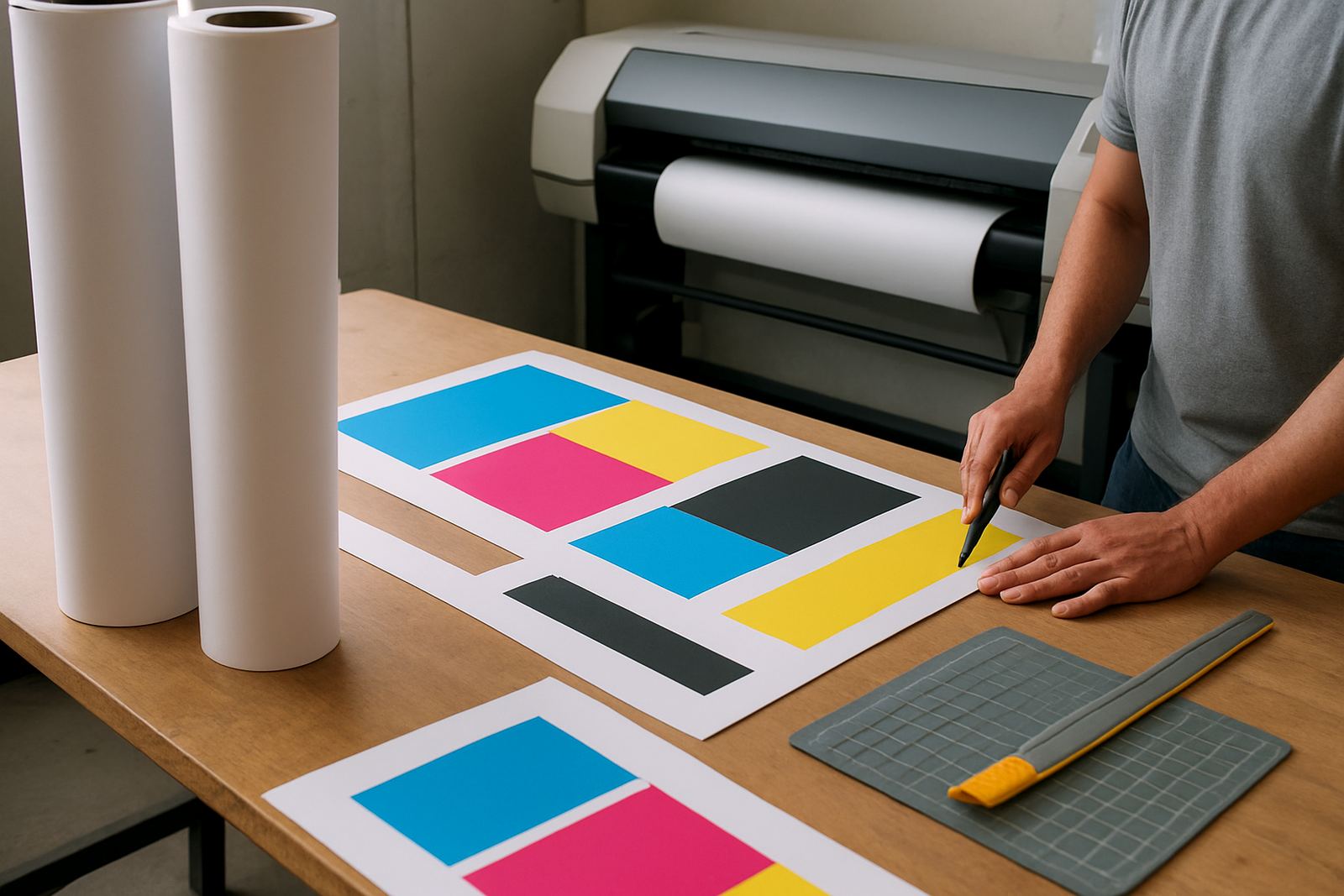
First poster buyers often underestimate the time spent checking colour. A poster printer is not just about making a big image, it is about making that image look right when it comes off the machine. If your team sends work to clients for approval, or prints brand colours that must stay consistent, you need a repeatable proofing process. That means good files, the right profiles and a printer that holds colour predictably from one run to the next.
Ask who will check prints, who will approve them and what happens if a job needs correction. If one person handles artwork and another handles output, the handover must be clear. A simple colour slip can lead to reprints, late delivery and wasted materials. For busy offices, this is where remote help and a proper user handover save time. The printer may be in the office, but the know-how has to stay with the team.
- Set a standard proof process before the first order arrives.
- Keep a sample file of common jobs for repeat testing.
- Agree on who signs off the final poster before delivery.
Think past purchase price to running support
The cheapest machine on the quote is not always the least expensive over a year. Add in inks, media, cleaning cycles, replacement parts and the time spent keeping the printer ready. A first wide-format printer should come with a practical support plan, especially if you are working near load-shedding interruptions or a small team cannot afford long downtime. If a printer goes out of action on a Thursday afternoon, the real cost is often the missed delivery, not the repair bill alone.
For Cape Town buyers, local support matters. A business in Ndabeni may need on-site support, while a Somerset West office may prefer couriered consumables and clear guidance by phone. Look for preventative maintenance, consumable reordering and collection coordination so your team is not scrambling for ink at month end. If the printer will be used for client work, ask about regular quality checks and when it makes sense to step up to a more suitable machine instead of forcing a small unit to do big work.
- Include service, ink and media in the total budget.
- Ask how quickly support can respond if the printer stops mid-job.
- Check whether consumables can be supplied consistently nationwide.
- Make sure there is a clear escalation path for faults and questions.