Start with the pages you actually print
The first step is simple: count the kind of colour work your team prints in a normal month. A design studio in Claremont will not spend the same as a sign shop in Montague Gardens, because one may print proofs and mockups while the other runs posters, decals and longer production jobs.
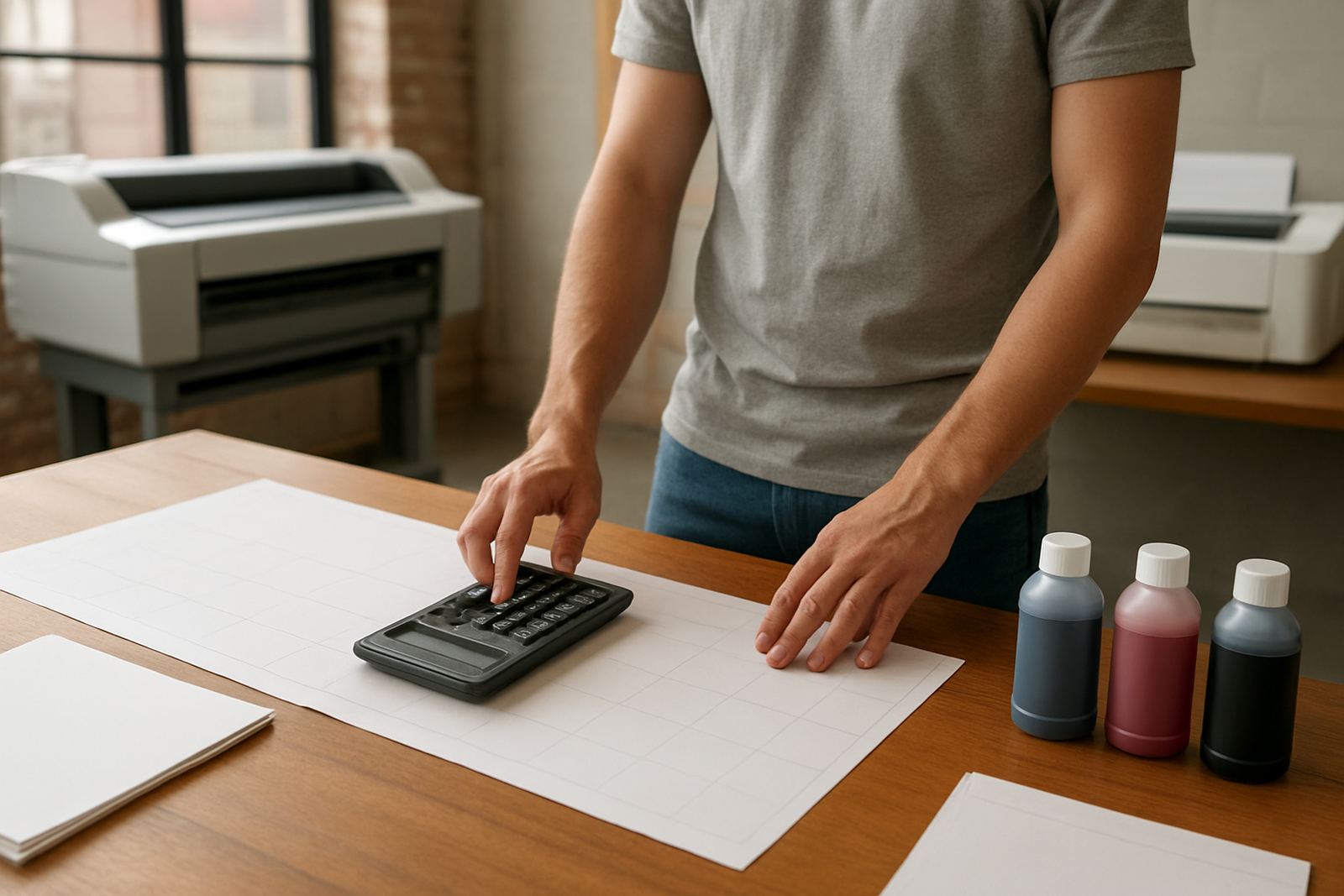
Running cost is usually driven more by volume and coverage than by the printer itself. A page with a small logo and a few lines of text uses far less ink than a full A3 visual with heavy colour blocks. If you know how many sheets are going out, and how much of each sheet is covered, you can estimate costs more accurately. That makes budgeting much easier, especially when a month gets busy before a launch or tender close date.
- Count average pages per day and per month
- Separate proof work from final production work
- Note which jobs use heavy colour coverage
- Track A4, A3 and wide-format separately
Ink use changes with coverage, not just printer size
Ink is the biggest moving part in most colour running costs. A desktop inkjet printer may look cheaper to run at first, but if it is being used for dense graphics every day, cartridge changes can become frequent. Wide-format machines can also be economical on the right media, yet the cost rises quickly when artwork is full bleed and the job needs high saturation.
The key is to match the printer to the job. For office colour, a standard desktop unit may be enough for invoices, reports and internal visuals. For proofs, posters and signage mockups, a larger machine with the right consumables can lower cost per sheet if it is being used properly. In our climate, particularly in Cape Town where coastal humidity can affect storage, ink and media need to be kept sealed and handled neatly or you can waste material fast.
- Use draft settings only for internal reference prints
- Choose the right ink set for the media type
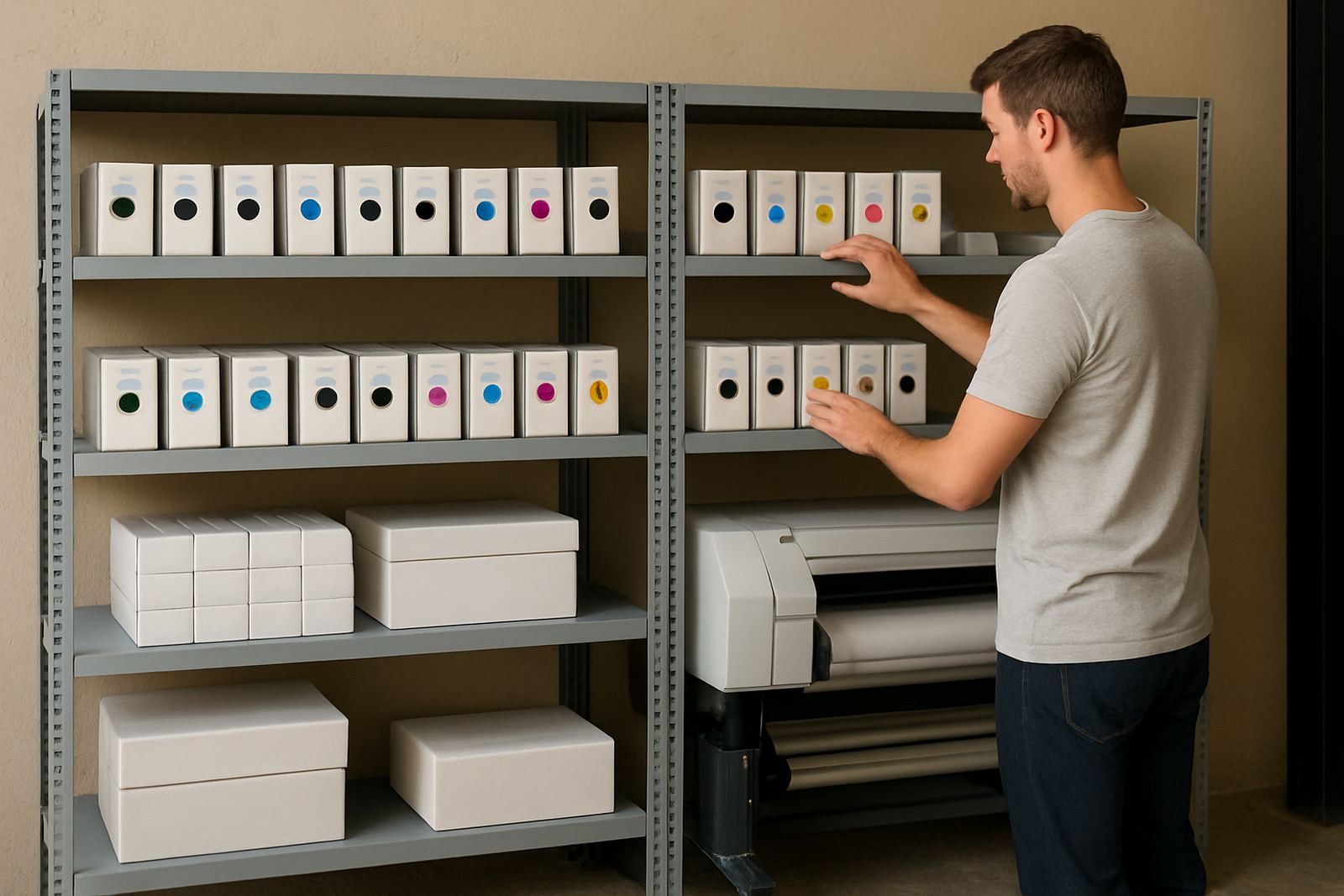
- Keep cartridges and bottles stored away from heat and dust
- Let the team know when colour density is higher than needed
Media choice can lift or lower the monthly bill
Paper, vinyl, coated stock and poster media all cost different amounts, and each one behaves differently. If a job is printed on the wrong surface, the result can be dull, slow to dry or simply wasted. That means the real running cost includes the media itself plus reprints, which is where many offices lose money without noticing.
Matching media to the print purpose matters just as much as choosing the printer. A presentation board for a Somerset West client may need a coated sheet for clean colour, while a temporary internal poster could use a lighter stock. MyColour often sees teams overspend because they use one standard stock for everything, then wonder why output varies. A short media check before ordering usually saves more than a last minute rush, it really does.
- Use coated stock for colour accuracy where needed
- Keep sign media for sign work, not office handouts
- Ask whether the print must be handled indoors or outdoors
- Factor in drying time and waste when planning jobs
Maintenance keeps costs from creeping up
Preventive maintenance is one of the simplest ways to protect your monthly spend. Clogged heads, dirty rollers and poor alignment all lead to wasted ink and spoiled sheets. A printer that needs repeated cleaning is not only using more consumables, it is also tying up staff time that should be going into actual production.
In a busy office or print room, small checks make a real difference. Clean storage, regular nozzle checks and proper shutdowns help keep output steady. If a machine is used in a coastal area or close to an open loading bay, dust and moisture can shorten the life of consumables. That means a little upkeep now, can avoid a lot of waste later.
- Schedule head checks before problems grow
- Keep rollers and paper paths clean
- Use the printer often enough to stop ink settling
- Replace worn components before they lead to repeat breakdowns
Power cuts and idle time also have a cost
In South Africa, load-shedding can interrupt production and increase waste if jobs are left half done or re-started from scratch. If a machine loses power mid run, the result may be a ruined sheet or a colour shift that is hard to fix. That does not only cost ink, it also burns through media and time. For teams in Bellville, Woodstock or Ndabeni, a planned print schedule can reduce that risk.
It helps to batch jobs before outages, keep essential settings saved and let staff know which prints are urgent. A small UPS may protect some desktop equipment, but wider production machines often need a stronger process plan rather than a quick fix. The goal is not to print around every outage, but to avoid wasting material when power returns and the queue gets rushed.
- Batch important jobs before scheduled interruptions
- Keep print files ready so work resumes quickly
- Store spare media in a dry place for backup runs
- Tell staff which jobs can wait and which cannot
A Cape Town example of month-end print spend
Take a small Cape Town design studio near Ndabeni with three staff members. They print client proofs, a few internal reports and around six A2 presentation sheets a week. If those proofs are reprinted because colour was not checked, costs rise straight away. The same happens if the team uses premium media for every page, even when a basic stock would do.
Now compare that with a sign shop producing posters and promotional panels for nearby suburbs like Claremont, Montague Gardens and Somerset West. The larger jobs need stronger colour control, and the monthly bill will reflect that. What keeps the cost manageable is planning: choosing the right machine, holding the right inks in stock and ordering media before it runs low. That way the team avoids urgent buys, lost time and off spec prints.
At MyColour, the practical approach is to look at your actual mix of work, then match the printer and consumables to it. Once that is clear, the month to month spend becomes easier to predict and the team can print without second guessing every sheet.