Start with your real monthly print pattern
The right stock level starts with actual usage, not guesswork. A design studio in Ndabeni will use ink differently from a municipal office in Bellville or a sign shop in Montague Gardens. Count what you print in a normal month, then separate everyday colour jobs from heavier proofing, posters, photos and wide-format runs. That gives you a practical baseline instead of a hopeful estimate.
Look at the last three months if you can. If print volume changes by season, use the busiest normal month as your guide. Cape Town teams often see spikes before trade shows, school terms or holiday campaigns, while smaller offices may have end of month reporting peaks. The point is simple: stock for your busy week, not your quiet one.
- Track cartridges, ink bottles and maintenance items separately
- Note which machine does the most work
- Record whether pages are full colour, light colour or proof quality
- Keep a note of large-format media use where relevant
Set minimum stock by printer role, not by one rule for everything
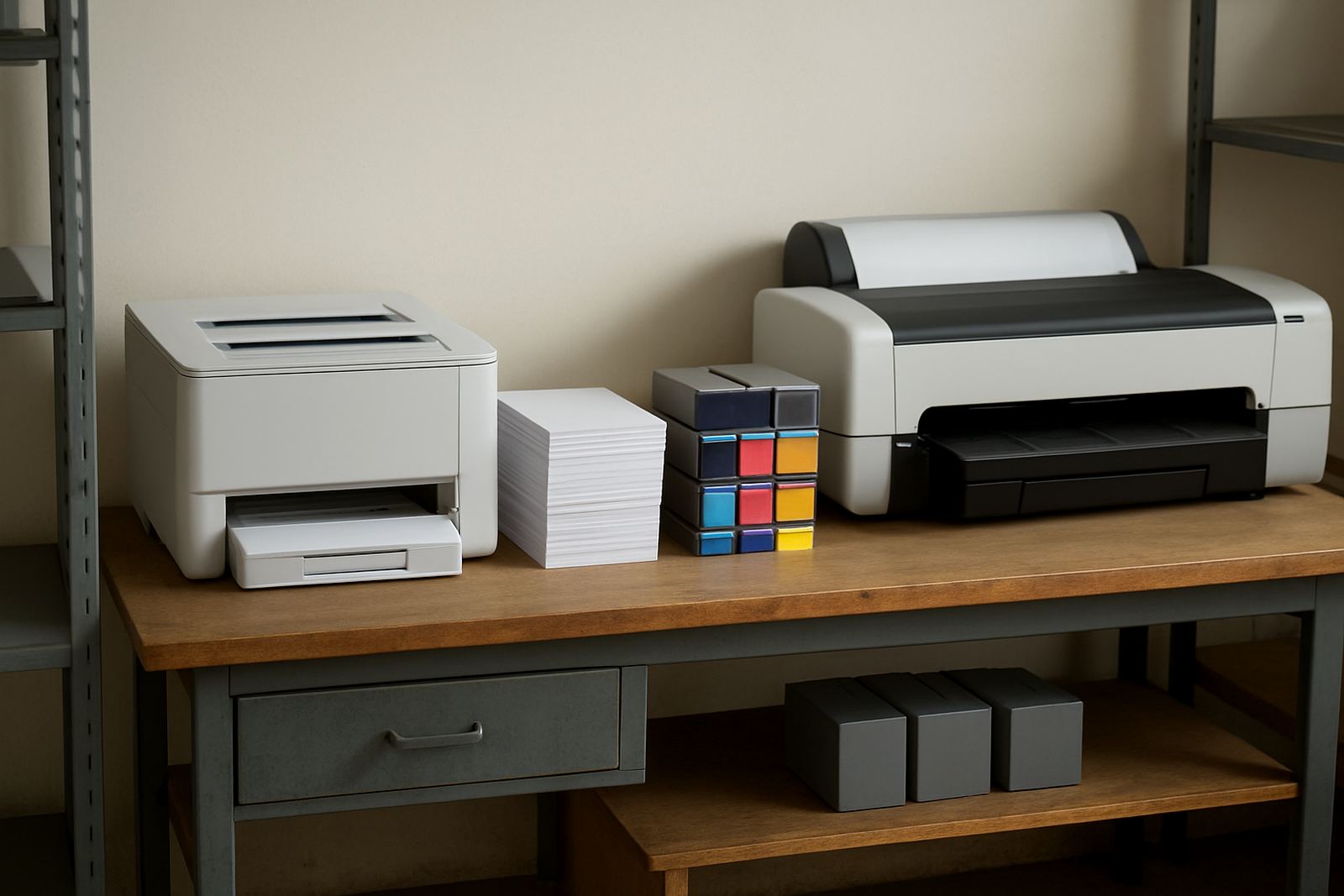
Not every printer needs the same buffer. A desktop inkjet used for internal colour memos may only need a small safety level, while a wide-format machine that supports client proofs needs a much deeper reserve. If one printer stops, can another unit cover the work? If not, the minimum should be higher.
A practical rule is to hold enough ink for the next expected cycle plus a safety margin. For busy offices that may be one extra month. For graphics teams, it is often two to three weeks of known production, especially if the machine is doing matched proofs on coated stock. Keep the reserve higher for colours that go first. In many environments black lasts longer, but cyan, magenta and yellow can disappear faster when marketing work picks up.
- Office colour printer: 2 to 4 weeks of cover
- Design studio proof printer: 3 to 6 weeks of cover
- Wide-format production unit: 1 to 2 production cycles of cover
- Keep spare maintenance kits where the machine is running daily
Build a buffer for load-shedding, humidity and courier delays
South African print rooms have their own pressures. Load-shedding can interrupt long print runs, while coastal humidity in Cape Town can affect media handling and increase spoilage if supplies are stored badly. Courier delays also happen, especially when a team waits until stock is already finished before ordering. A good minimum level absorbs those disruptions.
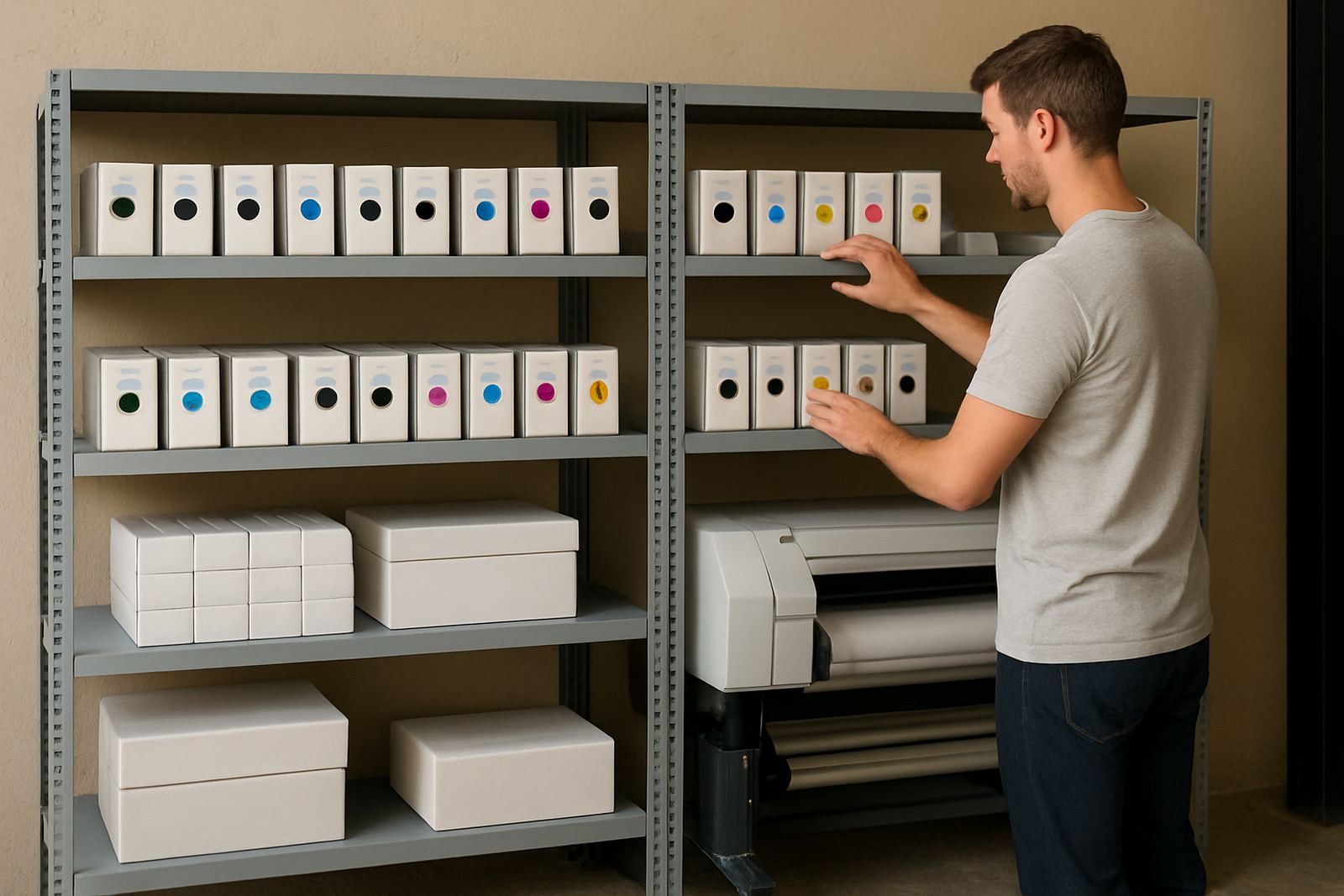
Store ink in a cool, dry room away from direct sun and heavy temperature swings. Do not keep cartons on the floor where damp can creep in. If your office is in Woodstock or Claremont and you have limited space, use a labelled shelf system by printer model and colour. That makes reordering quicker and reduces the risk of issuing the wrong item when the phone is ringing and work is due the next morning.
- Rotate older stock forward so it is used first
- Keep sealed items in original packaging until needed
- Separate inks for desktop and wide-format machines
- Check expiry dates during every monthly stock count
Match stock levels to service promises and turnaround times
If your team promises same-day proofs or next-day posters, your stock policy has to back that up. It is no use selling urgency if one empty slot in the cupboard stops the machine. For businesses that offer client-facing print work, the minimum stock level should reflect the turnaround you advertise, plus a buffer for reprints and colour checks.
This matters for teams serving nearby areas like Somerset West, Bellville and the wider Cape Town metro. A courier can move stock quickly enough most of the time, but if a special colour runs out on a Friday afternoon, the weekend becomes a problem. Set reorder points before the last pack is opened, not after the shelf is bare.
For planning, use a simple trigger system:
- Reorder when stock drops below 50 percent of the minimum level
- Flag urgent buying when one week of cover remains
- Keep a separate alert for high-use colours or media grades
- Review the trigger after any big campaign or machine change
Use one stock sheet for inks, media and service items
Ink does not work alone. A printer may still be down because a maintenance part, waste unit or media type is missing. The best stock control sheet lists consumables, not just ink, so the team can see what is likely to stop production. That gives a clearer picture of true stock risk.
For example, a sign shop in Montague Gardens might have enough ink but no correct media for the next vehicle wrap test, or no cleaning item for a printer that has been idle over a long weekend. When stock is linked to jobs, it becomes easier to spot gaps early. It also helps the person doing dispatch or reordering know what must be collected, what can go by courier and what needs a service call.
- List each printer model with its matching consumables
- Add media types by width, finish and common use
- Keep service items on the same sheet
- Mark who approves reordering and who receives deliveries
A Cape Town example: one studio, two print speeds
Consider a small creative team in Ndabeni that uses a desktop colour printer for internal layouts and a wide-format machine for client proofs and presentation boards. The office printer may only need a modest reserve, but the wide-format unit cannot afford to sit idle when a client is waiting. The team sets different minimum levels for each machine, then reviews them every month. That one change stops last-minute buying and keeps the production rhythm steady.
They also keep one person responsible for checking the cupboard every Friday. It takes ten minutes and catches issues early, before the weekend or a public holiday. If stock is low, the reorder goes out while there is still time to compare options and arrange delivery. That is far cheaper than paying for rushed transport on Monday morning when the queue is already building.
In practice, sensible stock levels mean the team can keep working through small delays, weather changes and unexpected client edits without panic.
Keep the reorder point simple enough to follow every month
The best system is the one your team actually uses. A complicated model with too many exceptions usually fails when someone is busy or away. Use a clear minimum, one named person to monitor it, and a short monthly check. If a printer is consuming more than expected, adjust the level before the cupboard runs empty.
Good stock planning is really about continuity. It protects colour accuracy, keeps promises to clients and gives the office room to handle the ordinary disruptions of South African working life. Once the minimums are set properly, ordering becomes routine instead of reactive and the whole print area runs calmer.
When to review your ink stock plan
Review stock levels after a new printer install, after a move, after a change in staff, or when the team starts printing more client work than before. A remote work pattern can also change consumption, because fewer people in the office often means less casual printing but more concentrated production when everyone is in. If you notice repeated emergency orders, the minimum is probably too low.
For businesses in Cape Town and beyond, the safest plan is one that matches real output, storage space and delivery lead times. Keep it practical, keep it visible, and make sure the person ordering knows what each item supports.