When internal signage needs to work first time
Internal signage is usually printed under pressure. A notice changes, a department moves, a safety route needs updating or a meeting room needs a fresh label by lunch. For that kind of work, you need colour output that is readable at a glance, with clean lines, strong blacks and repeatable results from one run to the next.
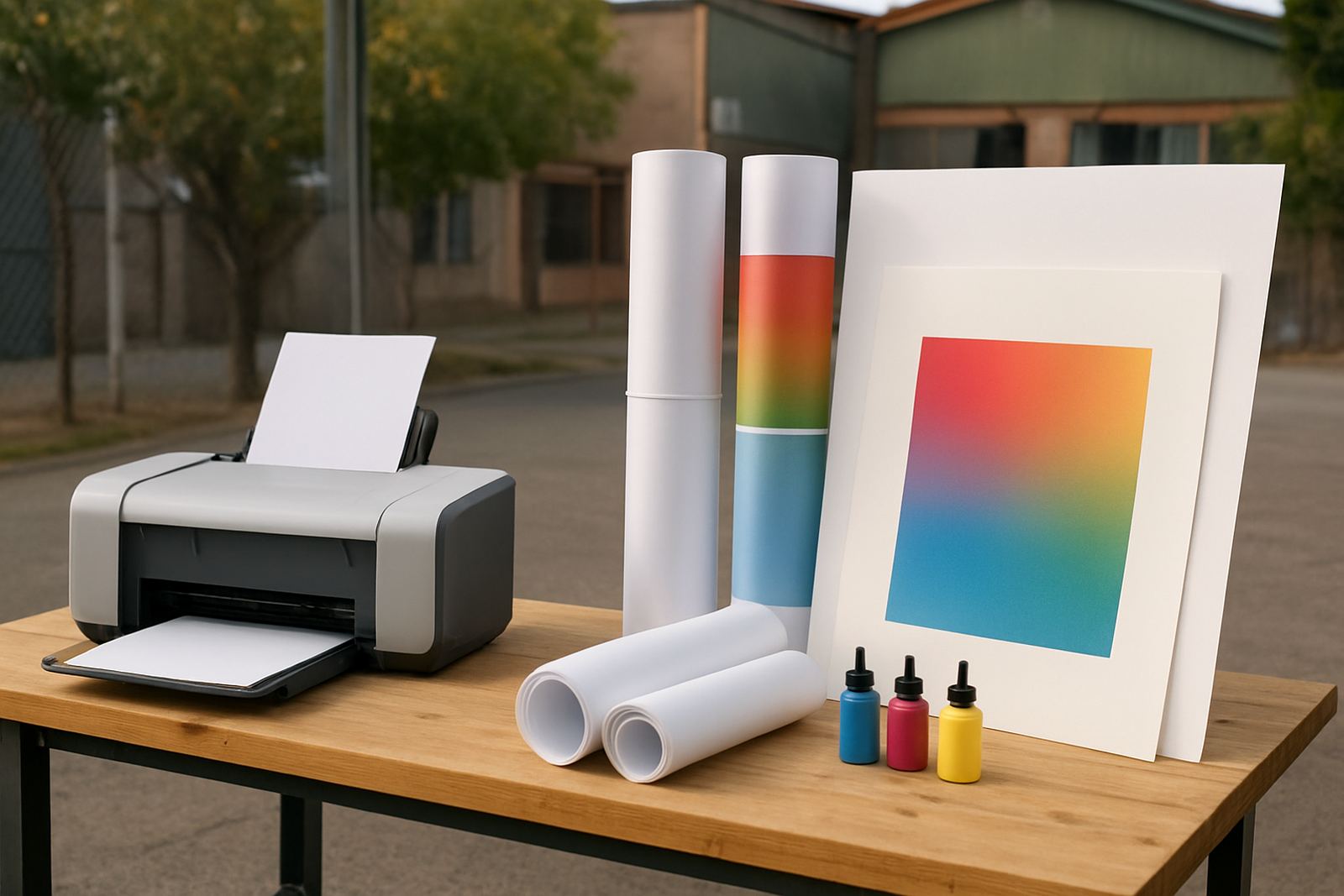
MyColour supplies colour printers and inks for offices, design studios and sign shops that print their own notices, wayfinding, floor labels and temporary workplace signs. The aim is practical, not fancy. If the sign is going to sit in a corridor, on a reception counter or near a loading bay, it must hold up to fingerprints, humidity and regular handling. In Cape Town and along the coast, that matters even more because paper can curl and some inks can take longer to settle if the room is damp.
- Short term notices for offices and shared spaces
- Directional signs for visitors, staff and contractors
- Temporary safety and access notices during maintenance
- Meeting room, department and facility labels
Choosing the right printer for the size of sign
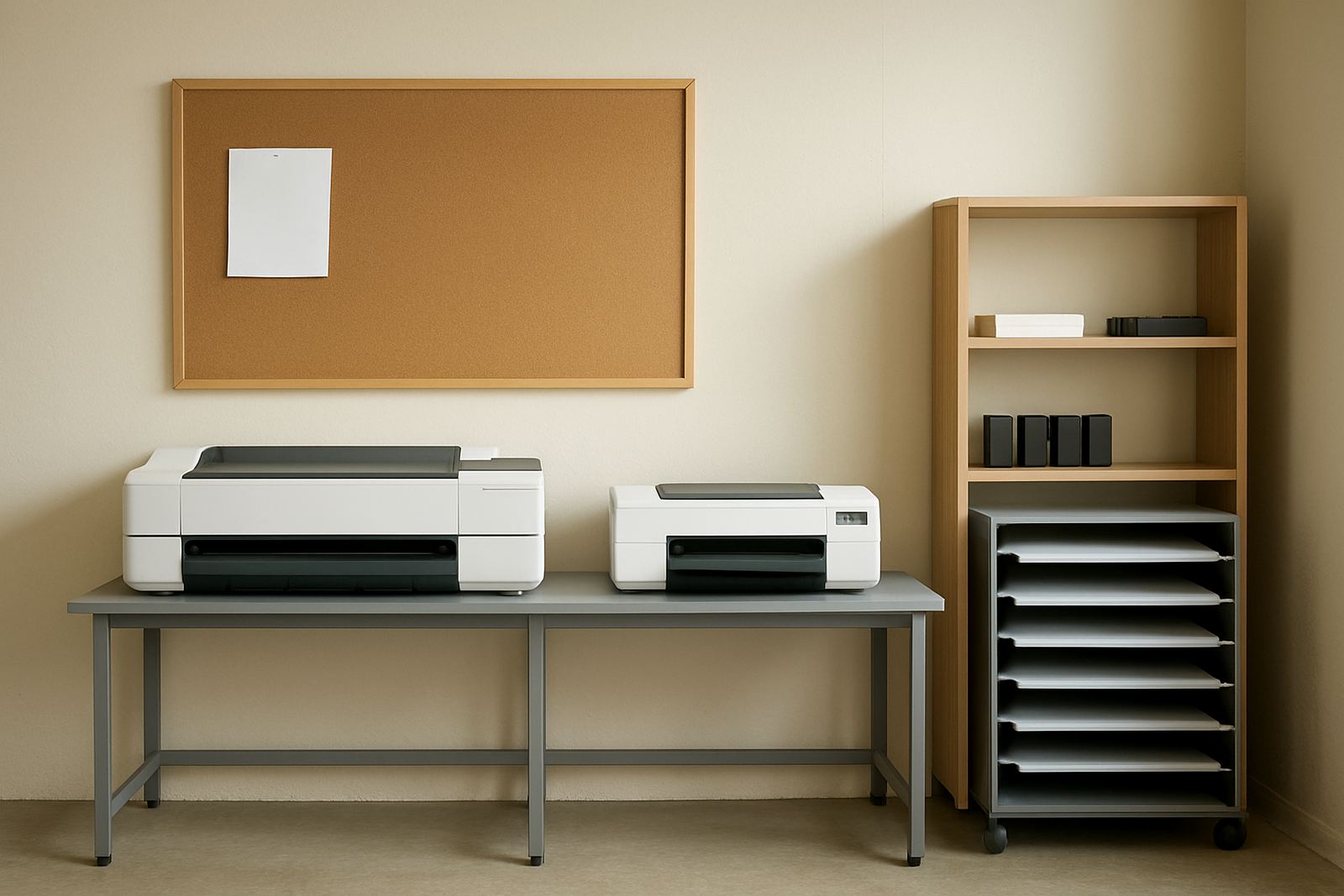
The first decision is usually size. Small notices and A4 to A3 signs can be handled by a desktop inkjet colour printer, especially where the team prints often but only in modest quantities. These printers suit reception areas, HR teams and smaller offices that need colour without a large footprint.
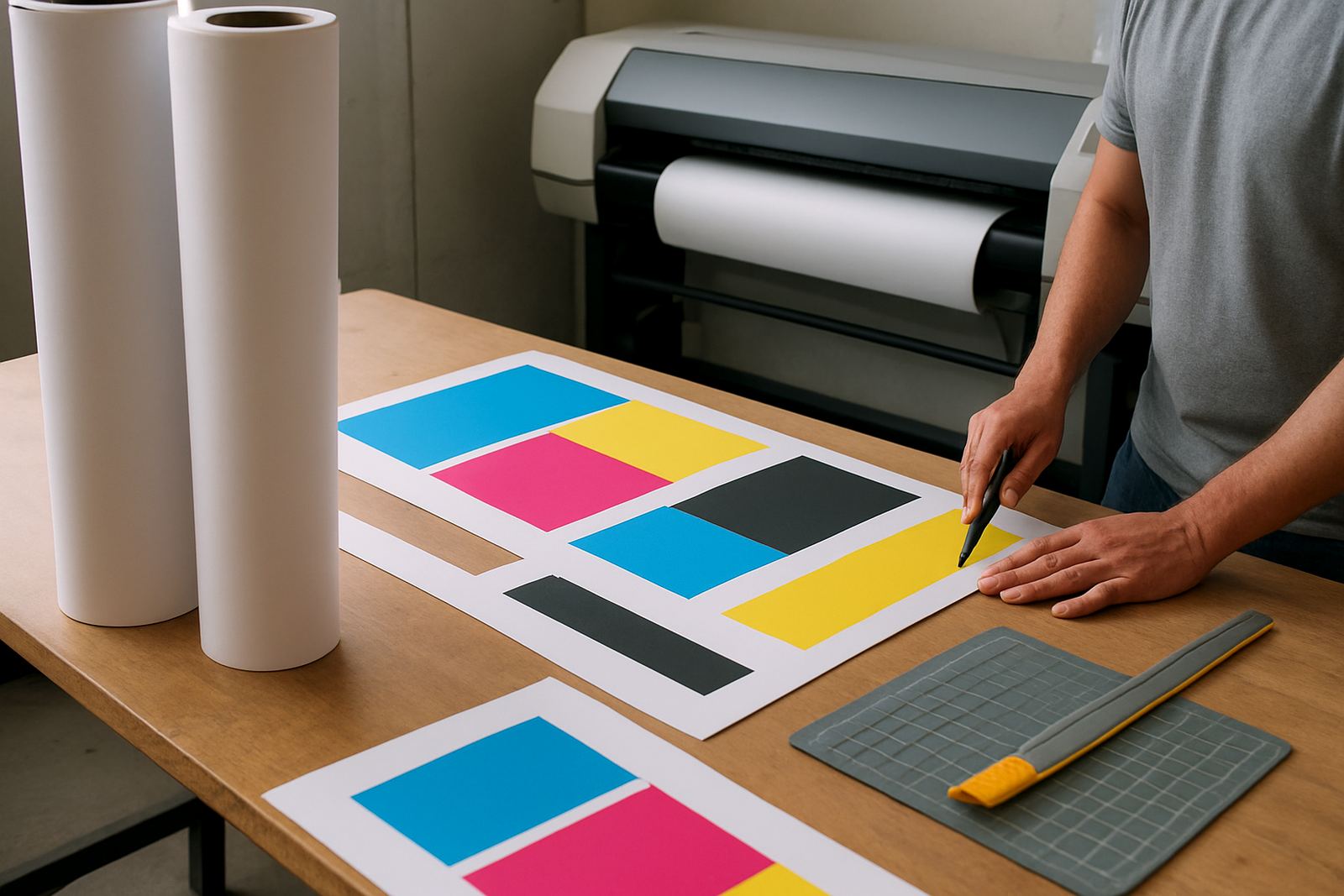
Once signage moves into posters, detailed maps, entrance boards or repeated production across several floors, a large-format colour machine makes more sense. It gives you the room to print bigger wayfinding pieces and artwork without拼cing panels together. That saves time and avoids joins that can lift at the edges.
For businesses in Ndabeni, Montague Gardens or Bellville, the choice often comes down to daily volume and where the signs are used. A workshop can get by with simple A3 notices, but a multi-storey office, school or clinic often needs larger print sizes for visibility down a passage or across a foyer.
- Use desktop colour printing for A4, A3 and short-run notice work
- Use wide-format printing for posters, maps and larger directional signs
- Match print size to viewing distance, not just available paper
- Keep one setup for everyday admin and another for production signs where needed
Ink and media choices that keep signs legible
Good internal signage starts with the right pairing of ink and media. For office notices, plain coated stock or presentation paper may be enough. For longer life, switch to heavier matt stock, synthetic media or self-adhesive sheets depending on how the sign will be mounted. If it is going near a plant room, kitchen or entrance, moisture resistance becomes a practical issue.
Ink choice matters too. Colour ink that looks rich on a proof can still turn muddy if the printer and paper are not matched properly. MyColour gives advice on ink choices and media notes so teams do not waste sheets on pale reds, weak blues or text that disappears under bright indoor lighting. In many workplaces, the best sign is the one that remains readable under fluorescent lights at 7am and still looks tidy at 7pm.
For temporary internal signs, especially when notices change weekly, it is often better to use materials that can be reprinted quickly and replaced without damage. That keeps the system simple and reduces the pile of out of date signs in the drawer.
- Matt media reduces glare in corridors and reception areas
- Synthetic sheets handle more handling and occasional moisture
- Self adhesive options suit doors, cabinets and panels
- Colour contrast must stay strong for clear reading at a distance
Keeping wayfinding simple for staff and visitors
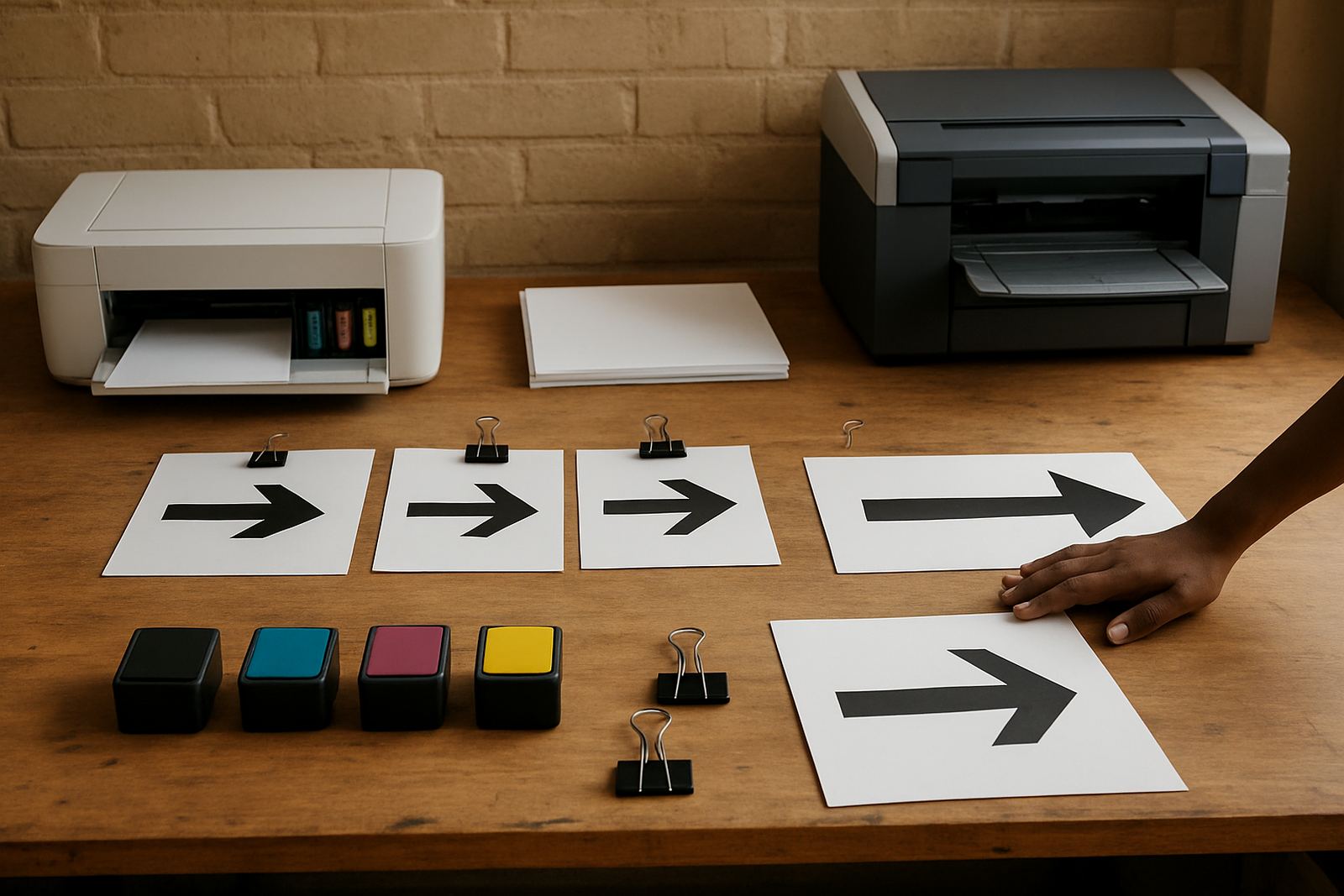
Internal wayfinding works best when it is consistent. If one floor uses green arrows, another uses blue circles and a third uses handwritten labels, visitors get lost and staff end up answering the same question all day. Clear signage systems use one style, one colour logic and one set of sizes across the building.
That is where practical print supply helps. MyColour supports print quality checks, media matching and user handover so teams can keep signs consistent after the first installation. For offices with changing layouts, the ability to reprint a room sign or route marker quickly is worth more than decorative detail.
A local example is a busy office in Woodstock with shared meeting rooms and a storage area near the back entrance. The team needed bilingual signs, floor-level arrows and temporary notices for a maintenance shutdown. By using a settled printer and the same media across all signs, they kept the style neat, the text easy to read and the replacements simple to manage.
- Keep arrows, room names and icons consistent across all floors
- Use short wording so people can read signs while walking
- Allow for bilingual or multi-department labels where required
- Print replacements from the same setup to avoid colour shifts
Temporary workplace signs during changes and maintenance
Temporary signage is part of normal business life. A corridor is closed for cleaning, a lift is out of service, a fire door is being repaired or a contractor needs access instructions. These signs do not have to be permanent, but they do need to be clear and visible enough to prevent confusion.
In South African offices, temporary signs often have to cope with load-shedding as well. When a printer is switched off and on repeatedly, or a team returns after a power interruption, the print process must still give clean results. That is why a proper installation, maintenance plan and consumable plan are important. The printer should be ready when the notice has to go up now, not after a long recovery process.
MyColour also helps with collection coordination and remote help when a team needs support without losing a workday. For businesses in Somerset West, Claremont or further afield, courier supply means the right inks and media can still arrive on time when the local shelf is empty.
- Plan for quick reprints when access routes change
- Keep spare ink and media on hand for urgent notices
- Use durable mounting methods for signs that move between areas
- Check legibility after printing, before the sign goes up
Keeping print output steady in a real workplace
Internal signage fails when colour slips, text smudges or one batch looks different from the last. That is why preventive maintenance and regular checks are worth doing, even on smaller printers. A print head that is not cleaned, a feed path that is dusty or ink that has sat too long can all affect the final sign.
MyColour’s service technician and consumables team help workplaces keep the system steady. That includes printer installation, wide-format setup, consumable reordering and print quality checks. For sign shops and office teams, this means less guesswork and fewer emergency runs to buy the wrong cartridge or paper on the same morning a sign is due.
A practical print room should also have a simple handover. If the person who normally prints is away, someone else should know which tray to use, which stock is suitable and when to replace the ink. That keeps the process moving, especially in busy periods.
- Schedule regular nozzle checks and cleaning cycles
- Store media flat and dry, away from direct sun
- Keep a short note beside the printer for tray and stock use
- Reorder before the last set of consumables is gone
A sign system that saves time across the building
Good internal signage does more than direct people. It reduces interruptions, supports safety and keeps the workplace looking organised. When the printer, ink and media are chosen properly, the team can produce signs on demand instead of waiting for outside support every time a department changes or a notice is updated.
MyColour works from Ndabeni, Cape Town with courier supply nationwide, so teams in local business nodes and beyond can keep colour printing moving. Whether the need is a one-off sign, a set of directional labels or regular workplace notices, the practical aim is the same: make the message readable, durable enough and ready when needed.
For internal signage, that usually means less drama and better timing. The right system lets your staff print what they need, replace it quickly and keep the building clear for everyone who walks through it.