Start with volume, not brochure promises
The first mistake smaller teams make is buying on the strength of a speed figure or a glossy sample page. A colour printer for a 4 to 10 person office in Cape Town should be chosen by how many pages you print each week, what size those pages are, and whether the printer will sit in a shared office or a back room near a storeroom and delivery point. If you print 50 to 300 pages a month, a compact inkjet colour printer may suit you. If you print proofs, charts, labels and short runs every day, you need to look harder at duty cycle, ink cost per page and paper handling.
In Ndabeni and nearby areas like Montague Gardens and Woodstock, we often see small firms buy too small for the way they work. Then the printer spends its life paused, refilled and restarted, which is never good for output or for the team. Think in practical terms: who prints, how often, and whether the printer must cope with A4 only or also A3 for posters, price lists and presentations.
- Count your average monthly colour pages for the last 3 months.
- Check if you need single pages only or short run batches.
- Confirm whether A4 is enough or if A3 will save time later.
- Ask where the printer will sit and who will maintain it.
Ink choice affects every page after the first
The printer is only part of the cost. Ink choices decide whether colour work stays affordable or becomes a headache. Smaller offices should ask about genuine refill size, coverage estimates and how the machine behaves when left unused for a week or two. In Cape Town, where offices can run warm in summer and cooler in winter, and where load-shedding can interrupt normal routines, ink systems that recover quickly matter more than fancy extras.
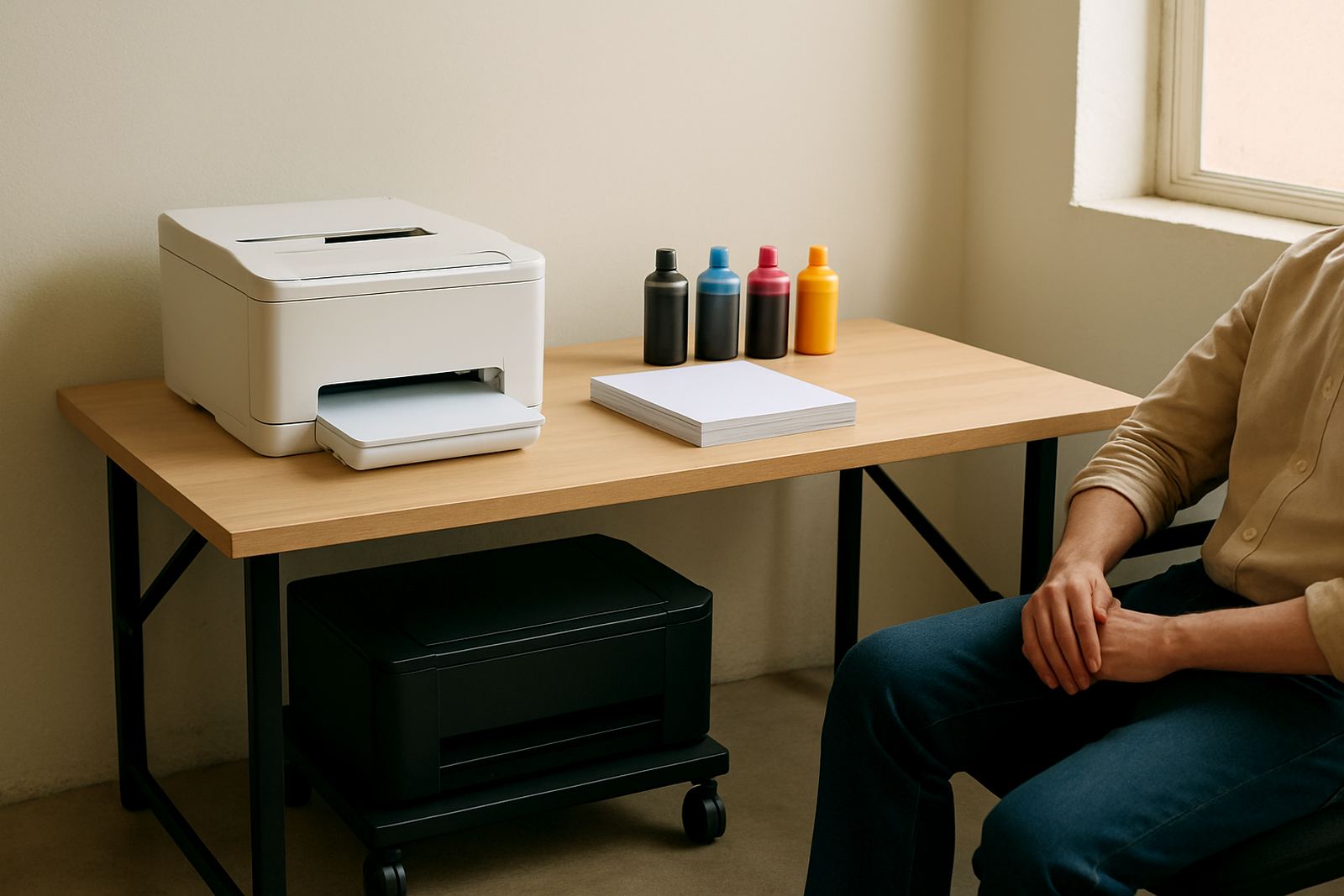
For basic office use, a printer that uses separate colour cartridges or individual ink tanks can make sense because you only replace the colour that runs out. That is useful when one person prints reports and another prints occasional flyers. If your work includes full colour mock ups, then the real question is not just cost, but whether the colours stay consistent from one batch to the next. That matters for client proofs, tender documents and internal presentations.
- Choose consumables that are easy to reorder before they run empty.
- Ask how the printer behaves after a power cut or long idle period.
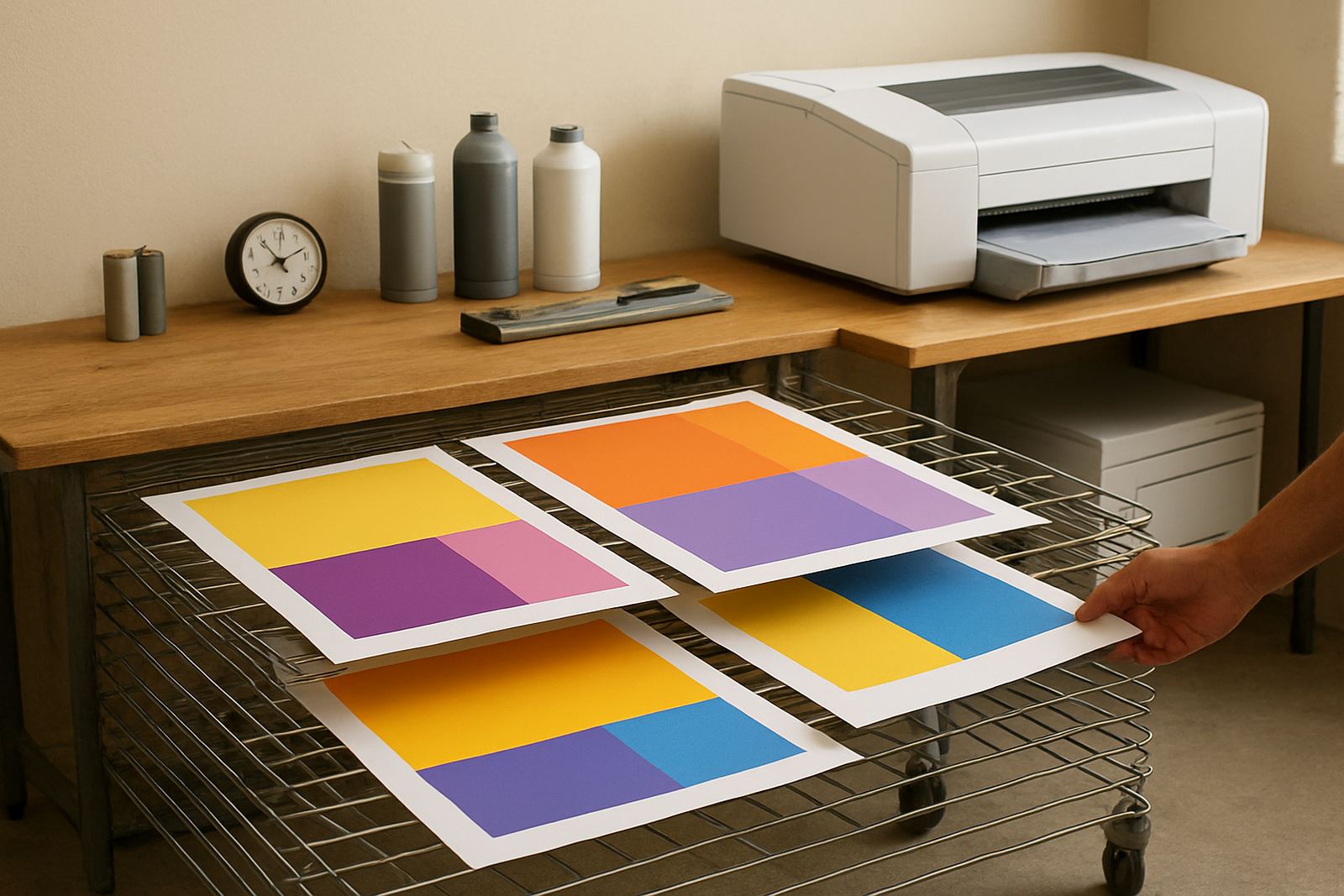
- Check whether ink drying time suits your paper and print speed.
- Keep a small buffer stock if colour output is time sensitive.
Paper and media decide whether colour looks professional
Many small teams blame the printer when the paper is the real problem. The finish, weight and coating of the media change how ink sits on the sheet. A matte presentation paper can make charts easy to read, while a heavier coated sheet gives sharper photos and brighter solid colour. For a growing office, this is the stage where practical advice saves money. You do not need ten paper types, but you do need the right one for the job.
A sign shop in Bellville will have different needs from an accounting office in Claremont. The sign shop may print proofs and client samples that must match a wider production run. The office may need clean handouts and occasional colour letters. In both cases, media matching matters. If the printer feeds poorly on thin paper, or if the colour bleeds on the wrong stock, then the team wastes time reprinting. A short test on your own paper is worth more than guesswork.
- Match paper weight to the printer’s feed range.
- Test the exact media you plan to buy in bulk.
- Keep proof paper separate from everyday copy stock.
- Store paper flat and dry to avoid curl in coastal humidity.
When small offices should step up to wide format
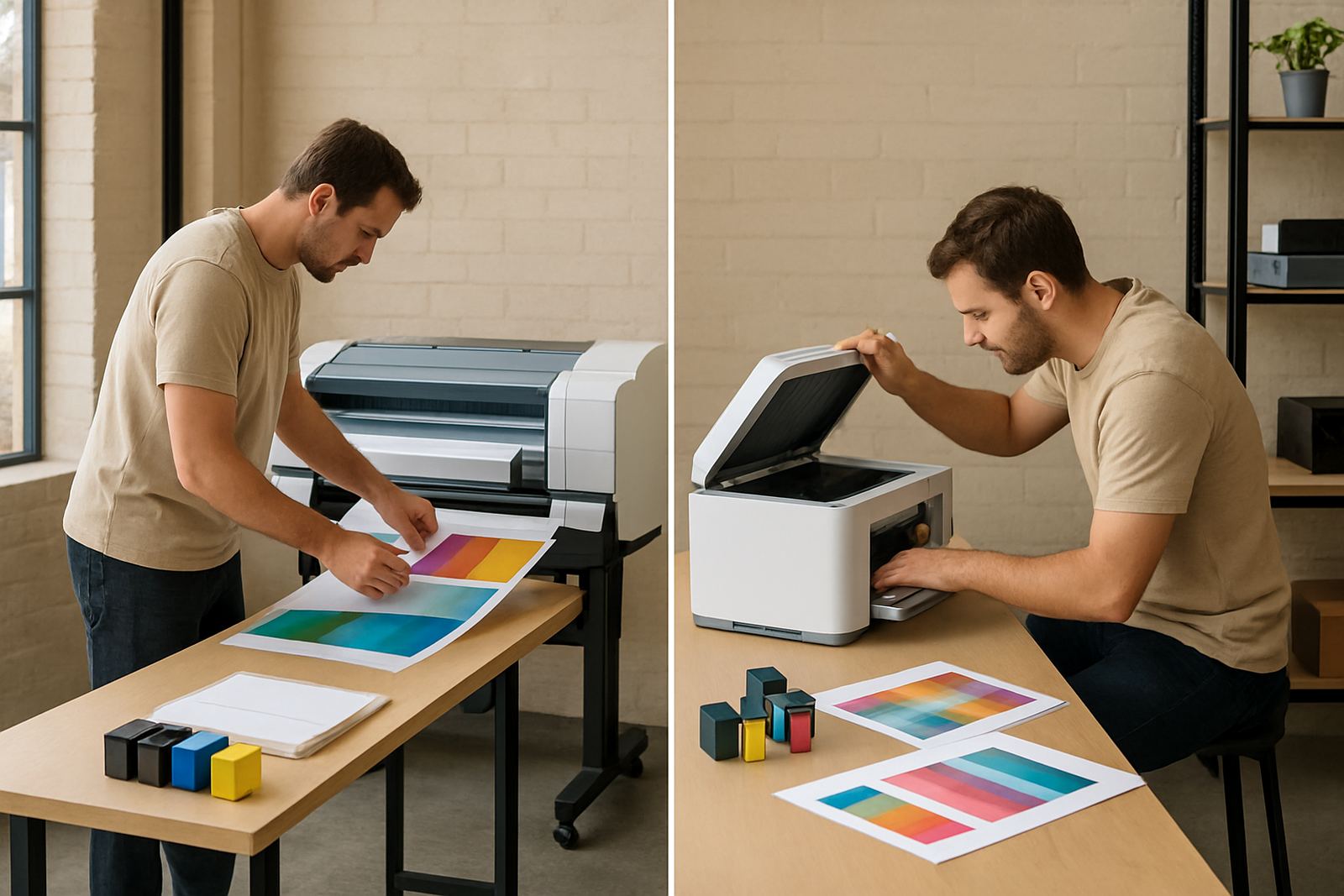
Some teams start with a compact colour printer and outgrow it within months. That is normal. The point is to recognise the shift early. If your staff are taping A4 sheets together for posters, printing repeated mock ups, or sending jobs out because the office printer cannot handle the size, then a wide-format machine may already be justified. It saves time and keeps colour control in one place.
For a Cape Town design studio or property office, wide-format setup also helps with turnaround. A single in-house printer can handle posters, plans, boards and mounted presentation work more quickly than using several devices and a print shop. The monthly volume may still be modest, but the range of work is wider. That is often the clue. You are not just printing more, you are printing differently.
A practical rule: if the same team is asking for A3 every week, or if clients expect proofs on larger sheets, it may be worth moving up sooner rather than later. Waiting until the old machine fails usually costs more in rush fees and downtime.
Maintenance is cheaper than emergency repairs
Small offices often treat maintenance as optional until the first paper jam or blocked nozzle. Then the printer becomes the most important machine in the room. Preventive maintenance keeps things calmer. Nozzles need checking, rollers need cleaning and firmware or settings may need a reset after a power interruption. This matters in load-shedding areas because repeated shut downs can expose weak print habits very quickly.
A service technician can spot trouble before it turns into lost work. The usual signs are faded bands, slow feed, streaks on one side of the page, or a printer that starts cleaning itself too often. Those are all warning signs that the office should not ignore. If your team relies on colour for client-facing work, schedule checks before the machine is under pressure, not after the deadline has passed.
- Run a test page every week even when printing is light.
- Keep the printer on a stable surface away from dust and direct sun.
- Switch it off properly after outages if the maker recommends it.
- Book checks before peak periods such as month end or campaign launches.
A Cape Town example from first enquiry to steady supply
A small marketing team in Somerset West may start with one compact colour printer for office work, then realise it is handling pitch boards and client proofs as well. At that point the needs change. The team needs installation, a sensible ink plan, guidance on paper, and someone who can explain what is worth printing in-house and what is not. That is where local supply makes life easier. A supplier in Ndabeni can advise on the right setup, arrange courier supply nationwide and help keep reordering simple when stocks run low.
For smaller teams, the best buying decision is rarely the cheapest one. It is the machine that keeps up without drama, uses consumables you can source quickly, and matches the work your office actually produces. If the printer is easy to teach, easy to refill and easy to maintain, staff will use it properly. That alone can save a surprising amount over a year.
Good colour printing in a small office should feel ordinary, not complicated. That is the real test.