Start With The Work You Actually Print
Before you compare machines, list the jobs that come through your studio or office in a normal month. A team in Cape Town may need architectural proofs in the morning, poster runs after lunch, and colour notices for a branch in Bellville or Somerset West by the next day. The right printer should cover that mix without constant reprinting or expensive trial runs.
For a first wide-format purchase, think about size, speed and how often the machine will be used. A 24 inch unit suits many first-time buyers because it handles posters, proof sheets and small signage without taking over the room. If you regularly print larger display work, step up to a wider carriage so you are not forced to tile every job. Ask yourself how often you need one-off prints versus repeat runs, and whether the printer will sit in a design studio, a back office or a production corner near packing and dispatch.
It also helps to be honest about who will run the machine. If several people must use it, simple loading and clear ink status matter more than fancy extras. A first machine should reduce friction, not create another piece of equipment that only one person understands.
Choose A Machine Size That Fits The Room And The Load
Wide-format equipment needs more than floor space. You need room for rolls, drying, trimming and a clean path for finished work. In humid coastal areas around Cape Town, leave enough space for stock to acclimatise and for prints to dry flat before they are packed. In smaller premises such as Ndabeni or Woodstock, a compact setup can be the difference between orderly output and constant shuffling.
Check power, ventilation and access before installation. If your office already struggles during load shedding, ask how the machine behaves when power drops and what safe shutdown steps are needed. A good setup should also account for courier collections, because a printer that works well but sits in the wrong place can slow down every dispatch.
- Measure the room width, depth and doorway clearance
- Allow space for roll changes and media storage
- Check power points and backup power for short outages
- Keep the machine away from dust, direct sun and damp walls
- Plan a clean exit path for finished posters and proofs
Match Ink, Media And Finish Before You Buy
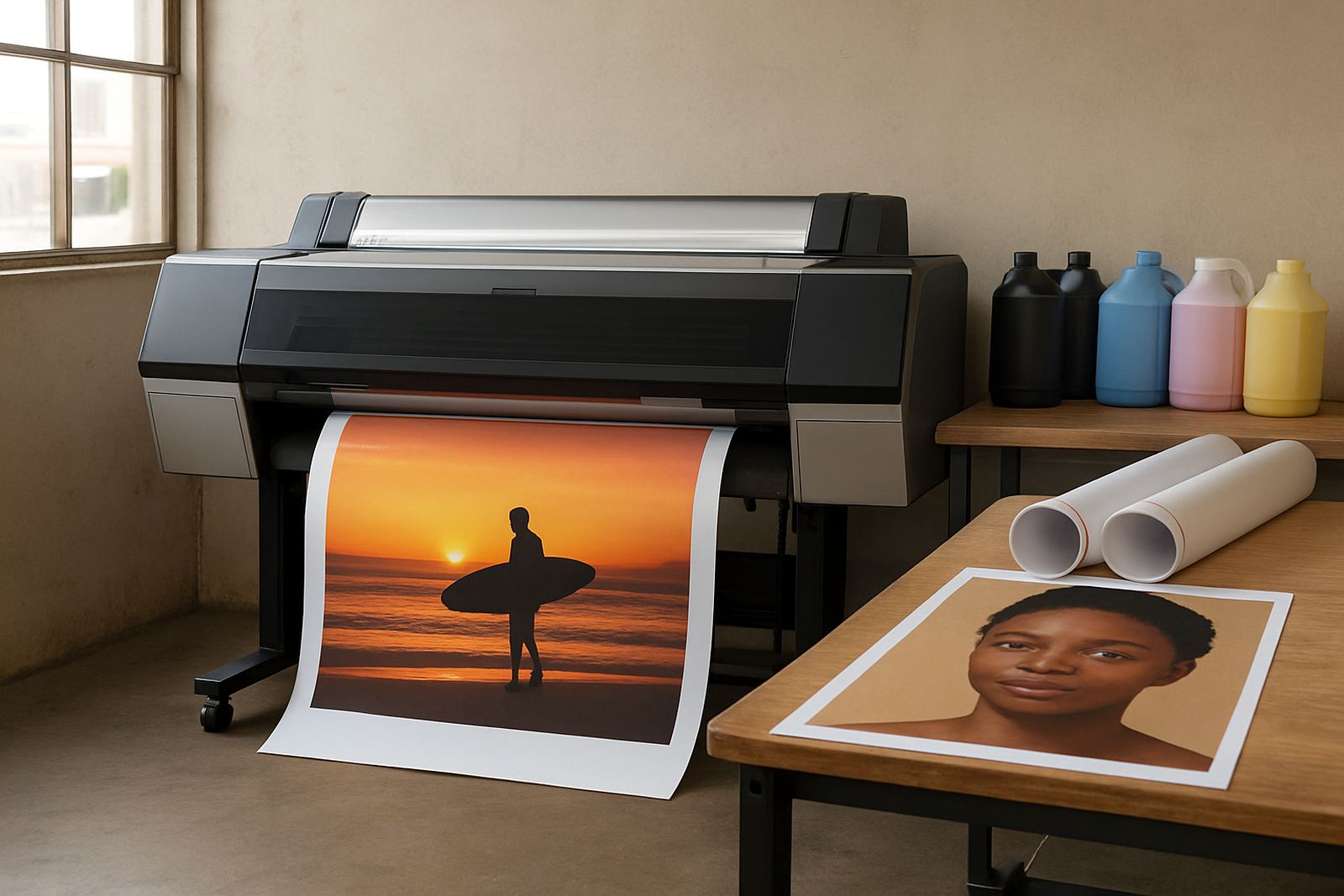
Wide-format printing only works well when the ink and media are matched properly. Glossy poster stock, matte proofing paper, vinyl and banner material all behave differently. If the wrong combination is used, colours can shift, edges may feather and drying can take too long. For first-time buyers, the safest route is to test the exact media you plan to use most often.
Ask for practical media notes, not just a sales line. You want to know which paper accepts rich colour without cockling, which stock gives sharp text, and what finish is best for indoor posters versus short-term outdoor use. If your work includes signs for retail windows or event displays, make sure the machine can handle those materials consistently.
Keep a small record of what works. Note the media name, ink set, print mode and whether the result was used for a proof, client presentation or final output. That habit saves money quickly because it cuts down on repeat testing and keeps staff from guessing.
- Test the most common paper or film before buying in bulk
- Check drying time on warm and humid days
- Confirm whether the finish should be matte, satin or gloss
- Ask about colour shift on coated and uncoated stocks
Build A Consumable Plan Before The First Roll Runs Out
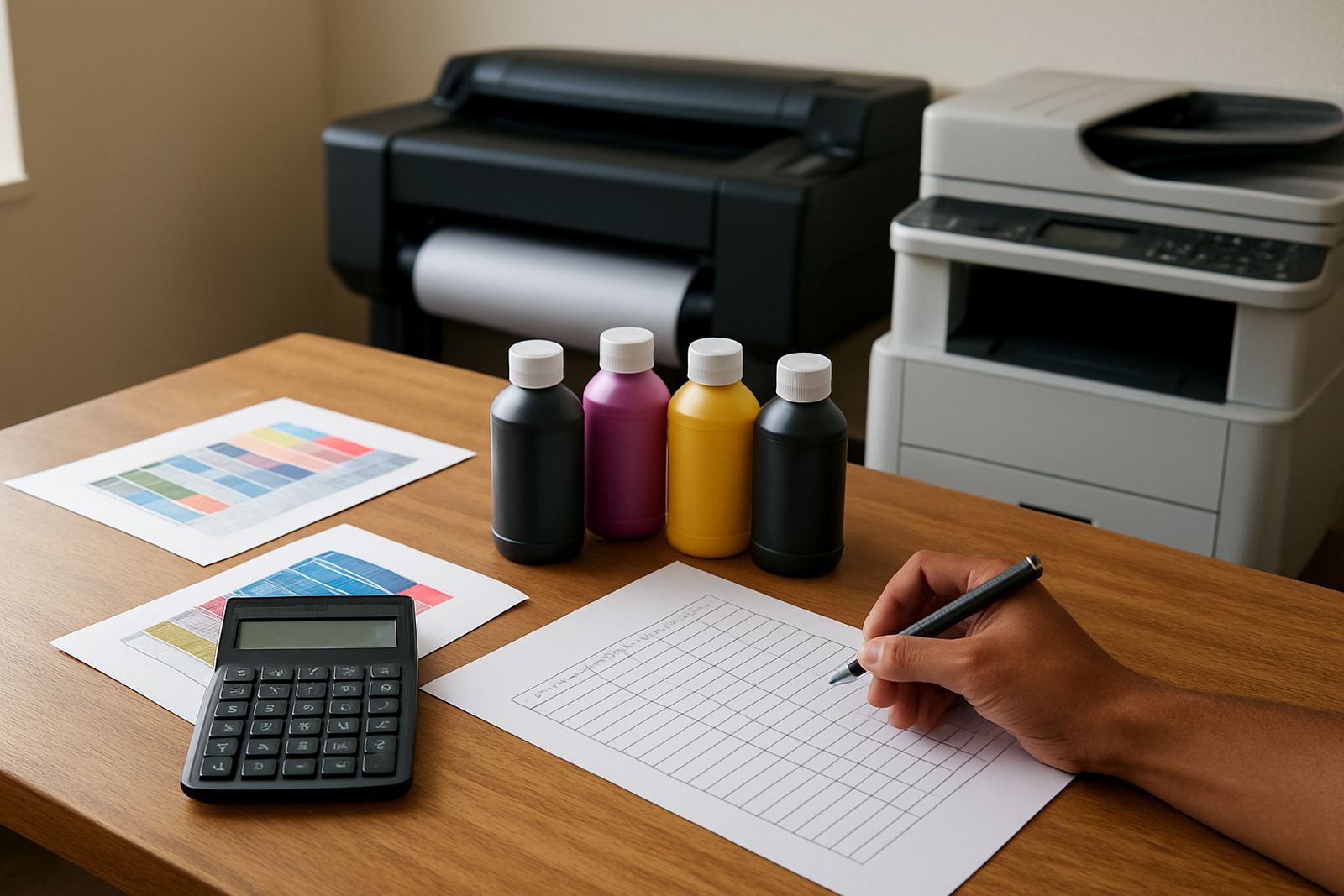
A wide-format printer can stall a busy team if ink and media are ordered only when the warning light appears. The better plan is to estimate weekly usage and keep a buffer for busy months. Design studios often run into trouble when proofing increases just as poster jobs pick up for retail or events. Offices with branch support face the same problem when one print queue suddenly has to serve several sites.
Set a reorder point for each colour and for the media you use most. If you keep a clear consumable list, you can avoid emergency collections and courier delays. In practice, that means knowing what is on hand, what is open, and what is already reserved for the next job. It sounds simple, but it keeps production steady when deadlines tighten.
The same logic applies to cleaning supplies and maintenance parts. Even a reliable machine will need scheduled care, and it is easier to do that before the first nozzle issue shows up. A small stock of the right consumables makes the difference between same day output and an unhappy client waiting for a reprint.
Installation And Handover Should Be Part Of The Purchase
A first wide-format machine should not arrive as a mystery box. Proper installation sets the base for colour accuracy, media handling and repeatable results. The setup should include levelling, initial calibration, test prints and a look at how rolls load and unload. If the machine is going into a shared office or production room, the handover should show every user the basics clearly.
Make sure the team knows how to check ink levels, load media correctly, clear simple errors and store partially used rolls. If there is a service technician available, ask for a demonstration of preventive maintenance and the signs that call for a callout. This keeps small faults from turning into missed deadlines.
- Confirm the printer is level and stable before the first run
- Print a colour test and a line test after setup
- Train users on loading, cleaning and safe shutdown
- Record who to call for support, ink and collection coordination
For teams with more than one branch, a proper handover should also explain how remote help works. A quick phone call can often solve a setting issue before anyone packs the machine for collection.
Keep Output Consistent After The First Month
The first month after installation tells you a lot. If the machine is used often, you should see stable colour, predictable drying and fewer wasted sheets. If outputs begin to drift, do not wait for a major fault. Run quality checks on the same sample file, compare results and note changes in density or alignment. That makes it easier to spot when a head clean, media adjustment or service visit is due.
Preventive maintenance is especially useful in South African conditions. Dust, coastal humidity and irregular power all affect print reliability. A machine that is looked after every few weeks will usually give better day-to-day results than one that is left until something fails. Keep the area clean, store media properly and avoid leaving opened supplies near heat or moisture. Small habits protect expensive print work.
When your team starts outgrowing office colour, do not wait for every job to become urgent. If posters, proofs and short-run signage are becoming regular, wide-format should be planned as part of operations, not as an afterthought. That way the printer supports the business instead of slowing it down.
Quick Buyer Checklist For First-Time Teams
Use this short checklist before you commit. It keeps the purchase grounded in actual work, not just machine specifications.
- What print sizes do we need now, and what may grow in the next 12 months?
- Which media will we use most often?
- Do we have space for loading, drying and storage?
- Who will operate the printer every week?
- What backup plan do we have for power cuts or urgent reprints?
- How will we reorder ink and media before stock runs low?
- Who handles maintenance, handover and support?
If you can answer those points clearly, you are much closer to the right choice. A first wide-format machine should feel like part of your workflow from day one, not a side project that needs constant fixing.